 ProMapRanker
Best Intuitive Accounting Automation Software in 2026


Most US small businesses · Pricing starts at: $38 per month
Key takeaways
- QuickBooks Online is our pick for most US small businesses, because accountants know it and it automates bank feeds, invoicing, and sales tax.
- Zoho Books and Wave offer genuinely useful free tiers, with Zoho Books best under its revenue limit and Wave best without one.
- FreshBooks suits service businesses that bill time, while Xero suits teams that want unlimited users and clean reconciliation.
- Sage Accounting, FreeAgent, and Kashoo cover simpler, calmer bookkeeping for owners who want fewer screens and fewer choices.
Quick comparison
| Pick | Great for | Pricing starts at | Free tier | |
|---|---|---|---|---|
| QuickBooks Online | Most US small businesses | $38 per month | Free trial | Visit |
 Xero | Teams and accountant collaboration | See website | Free trial | Visit |
 FreshBooks | Service billing and time | $23 per month | Free trial | Visit |
 Zoho Books | Free or low-cost automation | Free | Yes | Visit |
 Wave | Free invoicing and bookkeeping | Free | Yes | Visit |
 Sage Accounting | Simple small business books | See website | Free trial | Visit |
 FreeAgent | Freelancers and small firms | See website | Free trial | Visit |
 Kashoo | Simple books without clutter | See website | Free trial | Visit |
The best intuitive accounting automation software
Intuitive here means a non-accountant can run daily books without a manual. We compared official pricing and feature pages, focusing on bank feeds, invoice automation, expense capture, and reporting. This is general information only, not tax or financial advice.

QuickBooks Online leads this list because it removes the most common bookkeeping friction for a US business. Connect a bank account, and transactions flow in for review, with rules that sort repeat items the same way each month. Invoices, payment reminders, expense capture, and sales tax sit in the same workflow, so a sale does not need three separate tools to reach the books.
The downside is that breadth can feel busy, and costs grow as you add payroll, users, or higher tiers. A solo freelancer may find FreshBooks or Wave calmer. For a growing business that will hand books to an accountant, hire staff, or seek a loan, QuickBooks Online is the safest default, because the next professional you work with probably already uses it.
- Bank feeds and rules automate categorization
- Strong invoicing and sales tax tools
- Accountants widely know it
- Price rises with tiers and add-ons
- Interface can feel busy for very small businesses
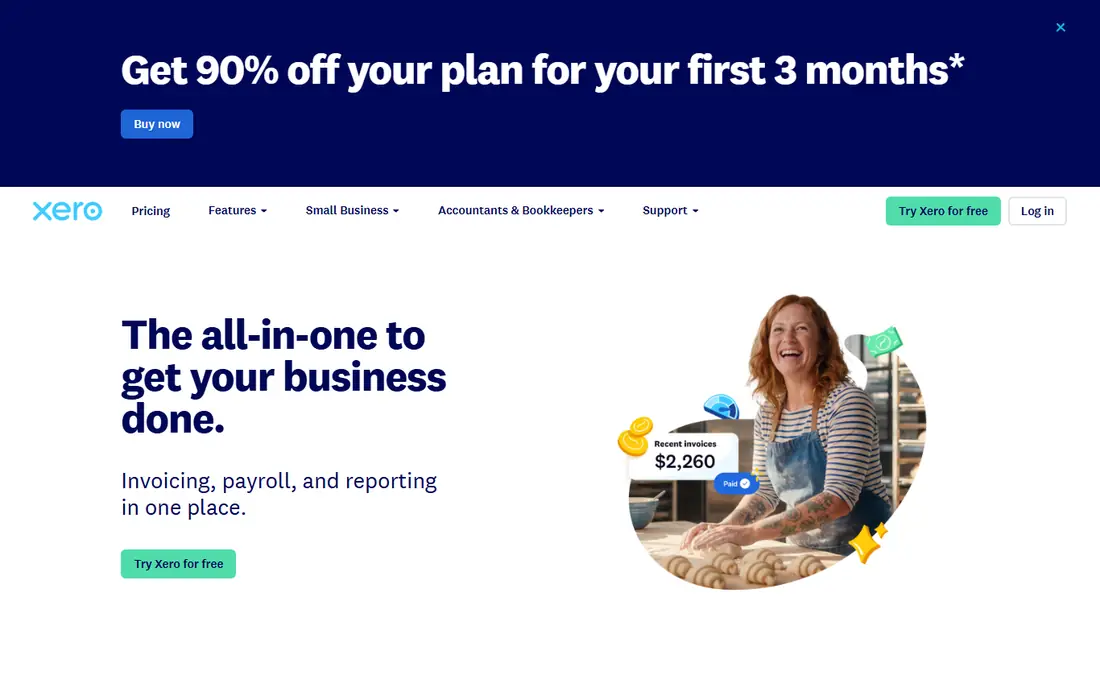
Xero appeals to owners who want tidy books without counting seats. Its reconciliation screen is clear, its dashboard shows cash, invoices, and bills at a glance, and unlimited users mean an accountant, a bookkeeper, and staff can work without per-seat math. That openness makes it a favorite for firms that collaborate closely with outside accountants.
The US trade is that payroll and some local integrations sit outside core Xero or require a partner app. Pricing also varies by plan and region, so we wrote See website rather than publish a figure that may not match your market. For a team-led business with an accountant in the loop, Xero is a calm, capable alternative to QuickBooks.
- Clean bank reconciliation
- Unlimited users on plans
- Strong accountant access and app ecosystem
- US payroll and some local features need add-ons
- Pricing varies by region and plan
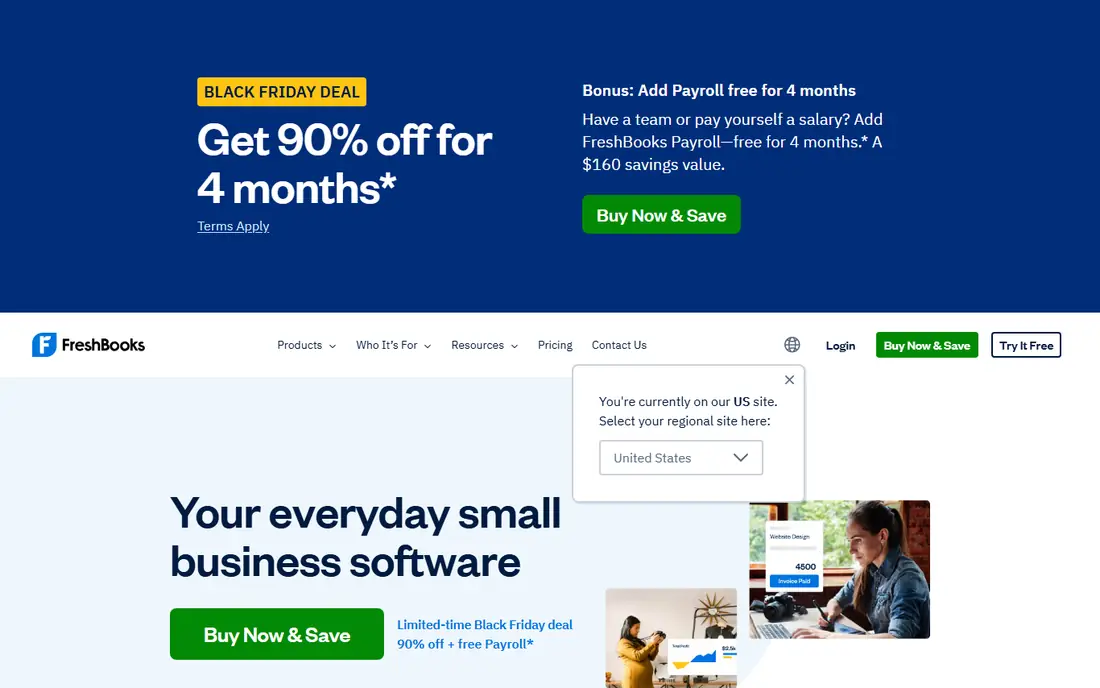
FreshBooks is built around the service business workflow, and that focus is its strength. Track time on a project, turn those hours into an invoice, send it, and set reminders, all without leaving the client record. Expenses, estimates, and payments follow the same client-first logic, so a consultant or agency spends less time translating work into billing.
The limit is scale and accounting depth. Lower tiers cap the number of clients, and a business with inventory, complex payroll, or heavy reporting needs may outgrow FreshBooks. For a service firm whose revenue starts with hours and projects, FreshBooks is the most intuitive billing-to-books route on this list.
- Time tracking converts to invoices easily
- Clean client billing
- Automatic payment reminders
- Client limits on lower tiers
- Less full accounting depth than QuickBooks at the top end
Zoho Books is the best value pick for a small business that wants real automation at little or no cost. Its free plan, for businesses with annual revenue under $50,000, covers invoicing, expenses, and core accounting, while paid plans add workflows, approvals, and deeper automation. If you already use Zoho CRM, Inventory, or Mail, the shared data saves duplicate entry.
The main caution is the revenue ceiling on the free plan, which pushes a growing business to a paid tier. Zoho Books also rewards users who adopt more of the Zoho suite, so a business that uses no other Zoho tool gets less of the integration benefit. On price and automation alone, though, it is hard to beat for a new or small business.
- Free plan for businesses under $50,000 revenue
- Automated workflows and reminders
- Strong Zoho integrations
- Free plan revenue limit
- Interface depth grows with Zoho ecosystem use
Wave is the simplest free start on this list. Its Starter plan is free, with unlimited invoices and bookkeeping records, and it does not impose the revenue cap that Zoho Books applies to its free tier. A freelancer or side business can invoice, track income and expenses, and keep books current without a monthly subscription eating into early revenue.
Wave makes money on payment processing and paid add-ons, so receipt scanning and payroll sit behind Pro or separate fees. It also offers less depth than QuickBooks for inventory or complex reporting. For a pre-revenue or solo business that needs clean, free books, Wave is the easiest place to begin.
- Free Starter plan with unlimited invoices
- Simple bookkeeping
- No revenue cap on the free tier
- Paid Pro adds receipt scanning and other features
- Payroll and payments are paid add-ons
Sage Accounting suits an owner who wants dependable books without learning a large platform. It covers invoicing, expenses, bank feeds, and cash flow in a layout that favors routine tasks over advanced configuration. Businesses that already use Sage for payroll or other functions may also benefit from keeping finance data in one vendor family.
The trade is that Sage pricing and feature tiers vary by market, so we wrote See website for the starting price. It also lacks the client-and-time focus that makes FreshBooks shine for service firms. For a straightforward product or service business that values a calm ledger, Sage Accounting is a solid, low-drama choice.
- Straightforward invoicing and bank reconciliation
- Cash flow views
- Established vendor support
- Pricing and tier details vary
- Less service-billing focus than FreshBooks
FreeAgent is designed for freelancers and small firms that want to see tax, cash flow, and profit without digging through reports. It connects bank feeds, tracks invoices and expenses, and presents a clear view of what is owed and what is coming in. Accountants get a dashboard to review client books, which helps a solo owner who outsources year-end work.
Its main limit in the US is ecosystem. FreeAgent is stronger in the UK market, and US buyers should confirm pricing, currency, and local tax handling on the vendor site before committing. For a freelancer who values clarity over breadth, and whose accountant supports FreeAgent, it is a pleasant, uncluttered tool.
- Clear tax and cash flow views
- Simple invoicing and expenses
- Accountant dashboard
- Pricing in pounds on some pages, so US buyers should confirm
- Smaller US ecosystem than QuickBooks
Kashoo is the pick for an owner who has tried bigger accounting tools and bounced off their complexity. Setup is quick, the core screens cover income, expenses, invoicing, and reports without a maze of menus, and a new user can usually send a first invoice on day one. That simplicity is a feature, not a missing piece, for a business with straightforward books.
The cost of simplicity is depth. Kashoo offers fewer advanced workflows, integrations, and automation rules than QuickBooks, Xero, or Zoho Books. A business that grows into inventory, multi-entity books, or heavy payroll will likely move on. For a small owner who wants books done, not a system to manage, Kashoo earns its place.
- Very simple onboarding
- Clear income and expense tracking
- Easy invoicing
- Fewer advanced automation features
- Smaller app ecosystem than larger rivals
How we picked these
We compared official pricing and feature pages, and we favored tools a non-accountant can run daily. We checked bank feed automation, invoicing, expense capture, and reporting, and we wrote See website where pricing varied by region or plan. We did not claim hands-on testing, and we did not treat a free tier as free forever, since revenue limits and paid add-ons change the real cost.
What to check before you pay
Start with your bank and payment setup, since a tool that cannot connect cleanly to your accounts will create manual work every week. Test invoicing from a real job, including time, expenses, taxes, and a payment reminder, and check how the tool handles a late payment. Also confirm if your accountant uses the tool, because that single factor often saves more time than any feature list.
Finally, read the limits on free plans before you rely on them. Zoho Books caps free use by revenue, FreshBooks caps clients on lower tiers, and Wave charges for payments and Pro features. A tool that fits today should also fit at twice your current invoice volume, or the switch cost will arrive sooner than you expect.
Frequently asked questions
What is the best intuitive accounting automation software?
QuickBooks Online is our pick for most US small businesses, thanks to automated bank feeds, invoicing, sales tax, and wide accountant support. Zoho Books and Wave are better free starting points, while FreshBooks suits service firms that bill time.
Is there really free accounting software?
Yes, with limits. Wave offers a free Starter plan without a revenue cap, and Zoho Books offers a free plan for businesses under $50,000 in annual revenue. Payment processing, payroll, and advanced features usually cost extra, so check the full price before you rely on a free tier.
Does accounting software replace an accountant?
No, for most businesses. Accounting software automates data entry, invoicing, and reports, but an accountant still helps with tax planning, year-end close, and complex transactions. This guide is general information only, not tax advice, and a qualified professional should review tax decisions.
Which tool is best for freelancers?
FreshBooks suits freelancers who bill time, Wave suits freelancers who want free invoicing, and Zoho Books suits freelancers who want free automation under the revenue limit. QuickBooks Online suits freelancers who expect to grow into a larger business or work closely with a US accountant.
Can I switch accounting tools later?
Yes, but switching takes effort. Export invoices, expenses, bank history, and customer data before you move, and check import tools on the new platform. Starting with a tool your accountant already supports reduces the chance of a painful switch later.
Sources
See where you really rank - block by block
ProMapRanker scans Google Maps across a grid of your service area. Simple monthly plans from $19, white-label on every plan.
Start freeKeep reading
 worlds best local seo company
8 Worlds Best Local SEO Companies for Map Pack Growth in 2026
Compare the worlds best local seo company options for Google Business Profile work, citations, reviews, and multi-location rankings and reporting in 2026.
Read → world's best web hosting company
World's Best Web Hosting Company in 2026
Searching for the world's best web hosting company? We compared 10 hosts on price, renewal rates, speed, and support to help you choose well today in 2026.
Read → who's got the best nanny tax services
Who's Got the Best Nanny Tax Services in 2026
We answer who's got the best nanny tax services, comparing full filing, back taxes, software, and pricing so families can handle nanny taxes correctly.
Read →