 ProMapRanker
Best Intranet Software for Small Business in 2026

Key takeaways
- Small businesses do best with an intranet that staff will actually open, so simple news, documents and people search beat a long feature list.
- Google Workspace and Microsoft based options suit teams already using those suites, while standalone intranets suit teams that want a dedicated home page.
- Jostle publishes per user pricing that small teams can model, while many rivals are quote based and need a sales conversation.
- Check mobile access, search quality and permission controls before launch, since those three features decide daily use.
- Start with a few pages that solve real problems, such as policies, forms and team news, rather than launching a large site nobody maintains.
Quick comparison
| Pick | Great for | Pricing starts at | Free tier | |
|---|---|---|---|---|
 Happeo | Google Workspace teams | See website | Free trial | Visit |
 Igloo | Flexible digital workplaces | $599 per month | No | Visit |
 Jostle | Simple team intranets | See website | Free trial | Visit |
 ThoughtFarmer | Easy content and people search | See website | Free trial | Visit |
 MangoApps | All in one team hub | See website | Free trial | Visit |
 Connecteam | Frontline and deskless teams | See website | Yes | Visit |
 Simpplr | Employee experience at scale | See website | Free trial | Visit |
 SharePoint | Microsoft 365 teams | See website | Free trial | Visit |
 Blink | Mobile first frontline intranets | See website | Free trial | Visit |
The best intranet software for small business
We compared setup effort, content tools, people directories, search, mobile apps, permissions and pricing transparency. The best pick for a small business is usually the simplest tool that covers news, documents, people and forms well.
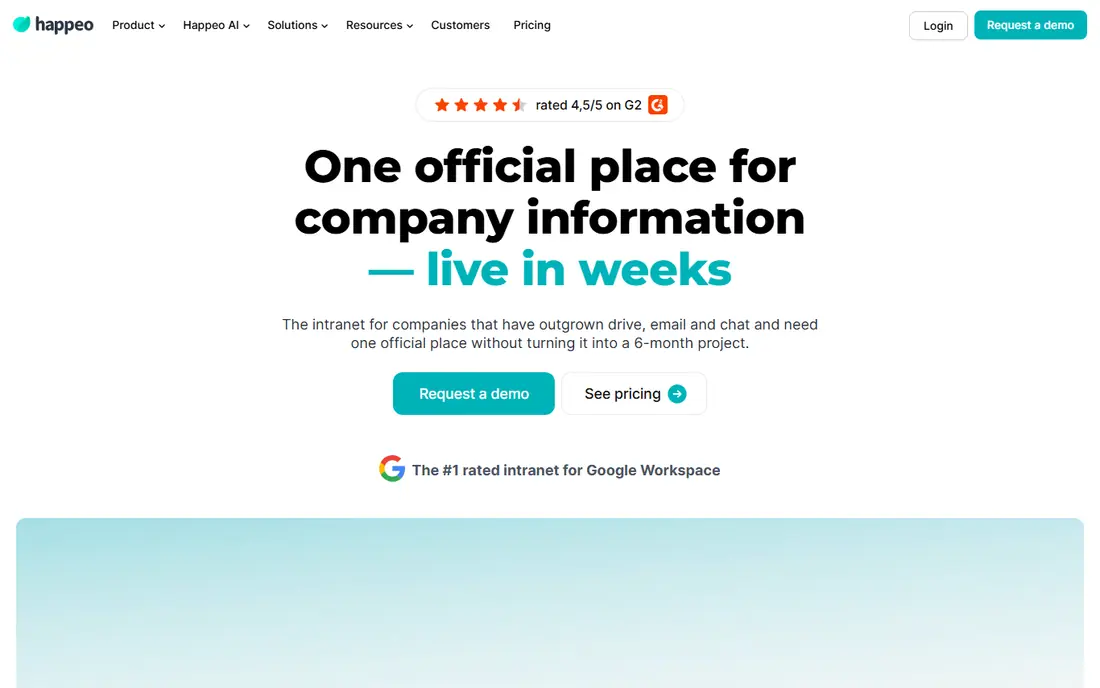
Happeo is a strong pick for small businesses already using Google Workspace. It builds intranet pages and channels around Google Drive, Docs and Calendar, so staff do not need to learn a separate document system. News channels, team pages and a people directory give a small company a clear home page for announcements, policies and contacts, and search covers both intranet content and connected Google files. That integration reduces duplicate storage, which is a common problem when an intranet sits beside a file system.
Pricing is quote based, so a small business must request a quote to model cost, and teams using Microsoft 365 will get less value from the Google integration. Happeo suits a Google first team that wants a polished intranet without rebuilding its document habits. Teams outside Google should shortlist a more neutral option such as ThoughtFarmer or MangoApps.
- Deep Google Workspace integration
- Clean channels and pages
- Strong people directory
- Pricing is quote based
- Less suited to teams outside Google Workspace
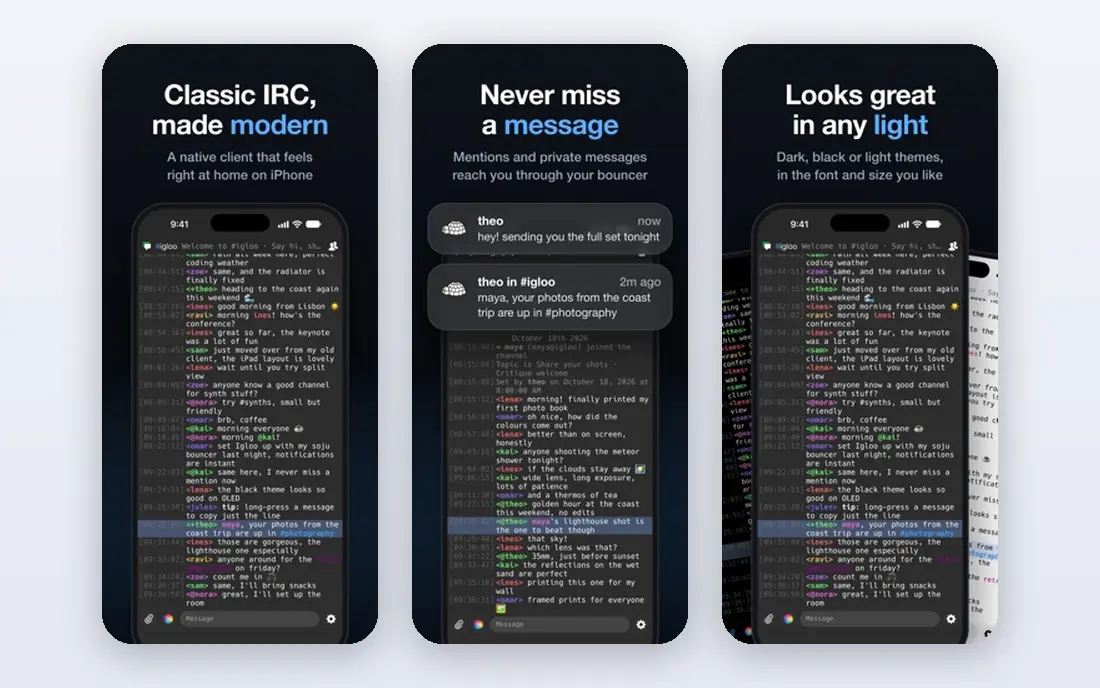
Igloo is a flexible intranet and digital workplace platform that suits small businesses with several teams or locations. Pages, spaces, blogs, forums, calendars and document libraries can be shaped around departments, projects or company wide news. Integration with Microsoft 365 helps teams that already use Outlook, Teams and SharePoint files, and mobile apps give field staff access to news and documents. For a business that has outgrown a shared drive and a group chat, Igloo provides structure without forcing a single rigid layout.
Cost is the main barrier for the smallest teams. Pricing is listed from $599 per month in third party comparisons, and the platform rewards planning, since a large set of empty spaces will confuse staff. Igloo is best for a small business with at least a few dozen staff, or with clear department needs, that wants a flexible workplace it can grow into.
- Flexible pages and spaces
- Microsoft 365 integration
- Blogs, forums and calendars included
- Starting price is high for very small teams
- Setup takes planning
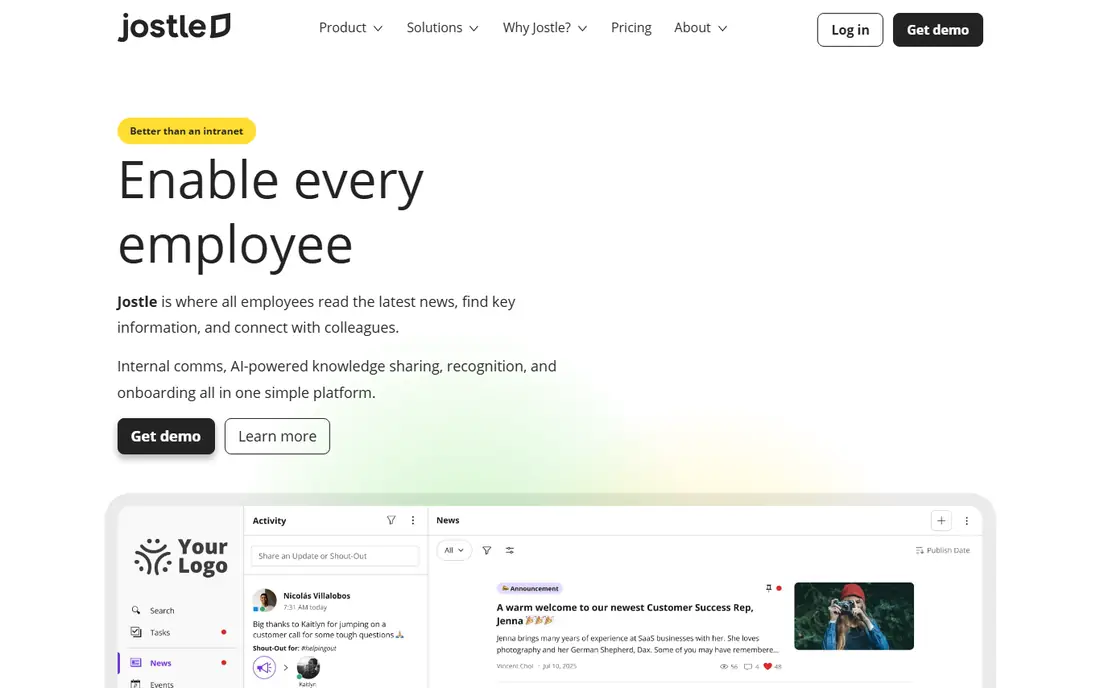
Jostle is one of the easiest intranets for a small business to understand and price. Its intranet covers company news, a document library, a people directory, discussion and team pages in a clean layout that non technical admins can maintain. Published pricing is tiered by team size, which helps a small business model cost without a long sales process, and a free trial lets a team test the layout with real content before paying. For a business that wants a tidy, simple intranet, Jostle is a practical pick.
The pricing model has a quirk. Very small teams pay more per user than larger teams on the same tier structure, so a ten person business should check the total monthly cost, not just the headline per user figure. Campaign and frontline messaging tools are also lighter than specialist employee communication platforms. Jostle suits office based small teams that need news, documents and people in one simple place.
- Published per user pricing
- Simple news and library tools
- Easy for non technical admins
- Per user cost is higher for very small teams
- Campaign tools are lighter than rivals
ThoughtFarmer focuses on the two tasks staff use most in an intranet: finding a document or policy, and finding a colleague. Its page editor is clean, search is strong across pages, files and people, and the people directory with org chart tools helps new starters learn who does what. Forms, news and team spaces cover the rest of a small business intranet, without a long list of specialist modules that need separate training. Admins can publish and update content without developer help.
Pricing is quote based, which makes early budgeting harder than with Jostle, and the integration range is smaller than Google or Microsoft suite options. ThoughtFarmer suits small businesses that value search quality and simple publishing over a large app marketplace. If your staff often ask where a policy lives or who owns a process, ThoughtFarmer addresses that pain directly.
- Clean page editing
- Strong search
- People directory and org chart tools
- Pricing is quote based
- Smaller integration range than suite based rivals
MangoApps combines an intranet with team chat, tasks, projects and basic learning tools, so a small business can replace several separate apps with one hub. News, pages, document libraries and a people directory sit beside messaging and task lists, which helps teams that currently split announcements, files and work tracking across email, chat and a shared drive. Mobile apps keep deskless and remote staff in the same hub, and team spaces let departments shape their own pages.
Breadth is also the risk. A small team that only needs news and documents may find chat, tasks and learning tools add clutter, and admins need to decide which modules to switch on at launch. Pricing is quote based, so cost modelling needs a sales conversation. MangoApps suits a small business that wants one hub for communication and light work tracking, and that will use more than just pages and news.
- Intranet plus chat, tasks and learning tools
- Mobile apps
- Flexible team spaces
- Broad feature set can feel busy
- Pricing is quote based
Connecteam is built for teams with frontline, field or deskless staff, and it works well as a small business intranet for that audience. Its mobile app puts news, documents, forms, scheduling and chat in one place, so staff without a desk computer can still read announcements, complete a form and check a schedule. A free plan covers small teams with basic features, and paid plans add automation, more users and advanced tools. For a retail, hospitality, care or trades business, that mobile first approach matters more than a desktop intranet design.
Intranet depth is lighter than ThoughtFarmer or Igloo. Page design, document libraries and search are functional but not as rich, and larger knowledge bases may feel constrained. Connecteam is best for a small business whose staff are mostly mobile, and whose intranet needs centre on news, forms, schedules and quick communication rather than a large document library.
- Free plan for small teams
- Mobile first design
- Scheduling, forms and chat included
- Intranet depth is lighter than dedicated intranets
- Advanced features need paid plans
Simpplr is an employee experience platform that many larger companies use as their intranet, and it can suit a small business that plans to grow quickly. Its design is modern, with personalised news feeds, team sites, search and analytics that show which content staff actually read. Governance controls help admins manage permissions and content ownership, which becomes important as a company adds departments. For a business that wants a polished, consumer style intranet, Simpplr sets a high bar for design.
The fit for a very small team is less clear. Pricing is quote based and aimed at larger organisations, and the platform offers more governance and analytics than a ten person business usually needs. Simpplr suits a small business with growth plans, multiple locations or a strong focus on employee experience, and that can justify a quote based platform. Tiny teams will usually get better value from Jostle or Connecteam.
- Modern employee experience design
- Strong analytics
- Good governance controls
- Quote based pricing aimed at larger teams
- May be more than a tiny business needs
SharePoint is the default intranet choice for small businesses already paying for Microsoft 365. It is included with many business plans, so the extra software cost can be zero, and it offers deep document libraries, version control, permissions and search across Microsoft files. Team sites and communication sites can serve as department pages and company news hubs, and integration with Teams, OneDrive and Outlook keeps documents in one ecosystem. For a Microsoft first business, SharePoint avoids paying for a separate intranet platform.
Skill is the catch. Building a clean, simple intranet in SharePoint takes planning, and without governance, sites and libraries can grow messy quickly. Design is less polished out of the box than Happeo or Simpplr, and small teams may need help to set up navigation and permissions well. SharePoint suits a Microsoft 365 business that has, or will get, basic admin skill, and that wants document control more than a ready made intranet design.
- Included with many Microsoft 365 plans
- Deep document control
- Strong permissions
- Setup and design need skill
- Simple intranets can become messy without governance
Blink is a mobile first employee app that works as an intranet for frontline and deskless teams. Its hub puts company news, documents, forms, surveys and a people directory in a simple mobile feed, so staff can catch up in a few minutes between shifts. Admins can target news by location or team, and track who has read important updates, which helps with safety notices and policy changes. For a business with shops, sites or field teams, that read tracking is a practical advantage.
Desktop intranet depth is lighter than Igloo or ThoughtFarmer, and page design options are simpler. Pricing is quote based for larger teams, although a trial lets a business test the mobile experience first. Blink suits a small business whose staff rarely sit at desks, and whose intranet must work first on a phone. Office based teams with large document libraries will find a dedicated intranet a better fit.
- Mobile first news and hub
- Simple for deskless staff
- Forms and surveys included
- Desktop intranet depth is lighter
- Pricing is quote based for larger teams
How we picked these
We compared official product pages, pricing information and feature guides for intranet tools that a small business can realistically run today. We favoured tools with clear news, document, people and search features, mobile access and permission controls, and we noted where pricing is published versus quote based. Where a third party price differed from the vendor page, we wrote See website rather than presenting an unverified figure as current.
How to choose an intranet for a small business
Start with where your staff already work. A Google Workspace team should shortlist Happeo, a Microsoft 365 team should shortlist SharePoint, and a frontline team should shortlist Connecteam or Blink. A neutral team should shortlist Jostle, ThoughtFarmer and MangoApps, and compare them on ease of publishing, search and mobile access. Do not buy a platform for features your team will not use in the first three months, since an intranet that launches half empty loses trust quickly.
Next, plan launch content before you pay. List the ten pages staff ask for most, such as holiday policy, expenses, safety procedures, key contacts and current news, and assign an owner and a review date to each. Test the intranet with a small group, check that search finds those pages, and confirm that permissions hide sensitive pages correctly. Launch to the whole company only when those core pages are live and searchable. An intranet succeeds when staff find answers faster than by asking a colleague, so measure that outcome in the first month.
Mistakes small businesses often make
The most common mistake is launching too many empty spaces at once, which makes the intranet look unfinished. Another is giving no one clear ownership, so pages go stale and staff stop trusting the content. A third is ignoring mobile access, which excludes frontline staff entirely. Avoid all three by starting small, naming owners, setting review dates and testing on phones as well as desktops.
Frequently asked questions
What is the best intranet platform for small business?
There is no single winner. Happeo suits Google Workspace teams, SharePoint suits Microsoft 365 teams, Jostle suits simple office intranets, and Connecteam or Blink suit frontline teams. The best pick follows your existing tools, your staff work pattern and how much admin time you can give the intranet each week.
How much does intranet software cost for a small business?
Costs range from free or low cost plans for very small teams, such as Connecteam free plan and SharePoint included with Microsoft 365, to several hundred dollars per month for flexible platforms such as Igloo. Many rivals are quote based, so request a quote at your actual user count and compare total monthly cost, including implementation help if you need it.
Can a small business use SharePoint as an intranet?
Yes, and many do, especially when they already pay for Microsoft 365. SharePoint offers team sites, communication sites, document libraries and search in the same subscription. It needs planning and basic admin skill to stay clean, but it avoids the cost of a separate intranet platform.
What features matter most in a small business intranet?
News, searchable documents, a people directory, forms and mobile access matter most for daily use. Permission controls matter for sensitive policies and HR pages. Analytics help you see which pages staff use, so you can improve content rather than guessing. Fancy modules matter less than fast, accurate answers to common questions.
How do I get staff to actually use an intranet?
Launch with useful content, not empty spaces, and make the intranet the single place for policies, forms and news. Ask managers to point staff to intranet pages instead of resending documents by email, and review pages regularly so content stays current. Mobile access and good search are essential, since staff will not use a tool that is hard to open or search.
Sources
See where you really rank - block by block
ProMapRanker scans Google Maps across a grid of your service area. Simple monthly plans from $19, white-label on every plan.
Start freeKeep reading
 zscaler alternatives
Best Zscaler Alternatives in 2026
Looking for zscaler alternatives? We compare 9 SASE and zero trust platforms on architecture, data protection, pricing, and fit for your network and team.
Read → zapier alternatives free
Best Zapier Alternatives Free in 2026
Nine automation tools for zapier alternatives free in 2026, all with genuinely free tiers, plus free plan limits, starting prices and upgrade paths explained.
Read → which platform is best for online reputation
Which Platform Is Best for Online Reputation in 2026
Wondering which platform is best for online reputation? We compare 8 review, listing, and response tools for small and multi-location businesses and agencies.
Read →