 ProMapRanker
Best Internet Mail Services in 2026

Key takeaways
- The best mail service depends on whether you value search, privacy, price, or a full office suite most.
- Free plans work well for personal mail, but a custom domain usually needs a paid business plan.
- Encrypted mail protects content better, but search and third-party app support can be thinner.
- Check storage, spam filtering, and mobile apps together, since a cheap inbox that misses mail is not a bargain.
Quick comparison
| Pick | Great for | Pricing starts at | Free tier | |
|---|---|---|---|---|
 Gmail | Search and Google apps | Free | Yes | Visit |
 Outlook | Microsoft 365 users | Free | Yes | Visit |
 Proton Mail | Private encrypted mail | Free | Yes | Visit |
 Zoho Mail | Low-cost business mail | Free | Yes | Visit |
 Fastmail | Fast private mail without ads | $5 per month | No | Visit |
 Yahoo Mail | Large free storage | Free | Yes | Visit |
 iCloud Mail | Apple device users | Free | Yes | Visit |
 Tuta | Low-cost encrypted mail | Free | Yes | Visit |
 AOL Mail | Simple free mail | Free | Yes | Visit |
The best internet mail services
Internet mail services, often called email providers, give you an inbox, storage, spam filtering, and apps for sending and reading mail. We compared official feature pages, pricing pages, app store listings, privacy policies, and public reviews for services live in October 2026. Our pick for most people is a service with strong spam filtering, a good mobile app, and clear storage limits, not just a low price.
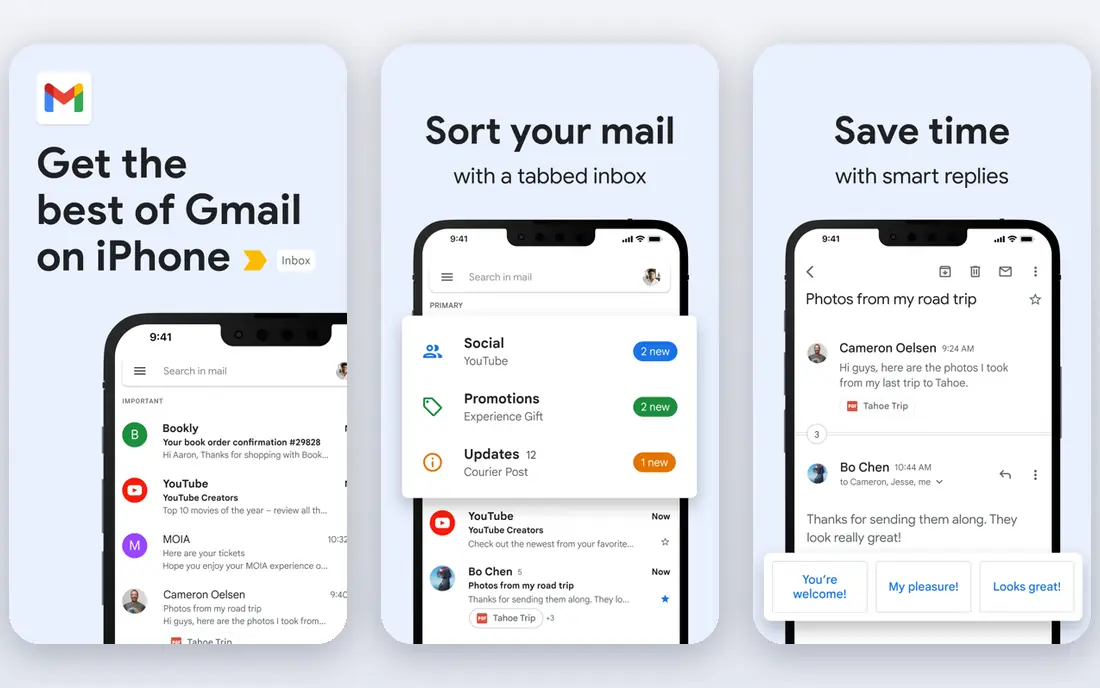
Gmail remains the default for many people because search finds old messages fast and spam filtering is consistently strong. The free inbox pairs with Drive, Calendar, and Meet, and the mobile app handles multiple accounts well. For personal use, the 15 GB shared storage covers mail plus Drive files for most users, though heavy photo backup fills it faster.
The weakness is privacy perception and business cost. The free plan is ad-supported, and businesses that want mail on their own domain must pay for Google Workspace. Users who want a private inbox or a cheap custom domain should look at Proton Mail or Zoho Mail instead.
- Best-in-class search and spam filtering
- 15 GB free shared across Google services
- Strong mobile apps and integrations
- Free plan shows ads
- Custom domain mail needs a paid Google Workspace plan
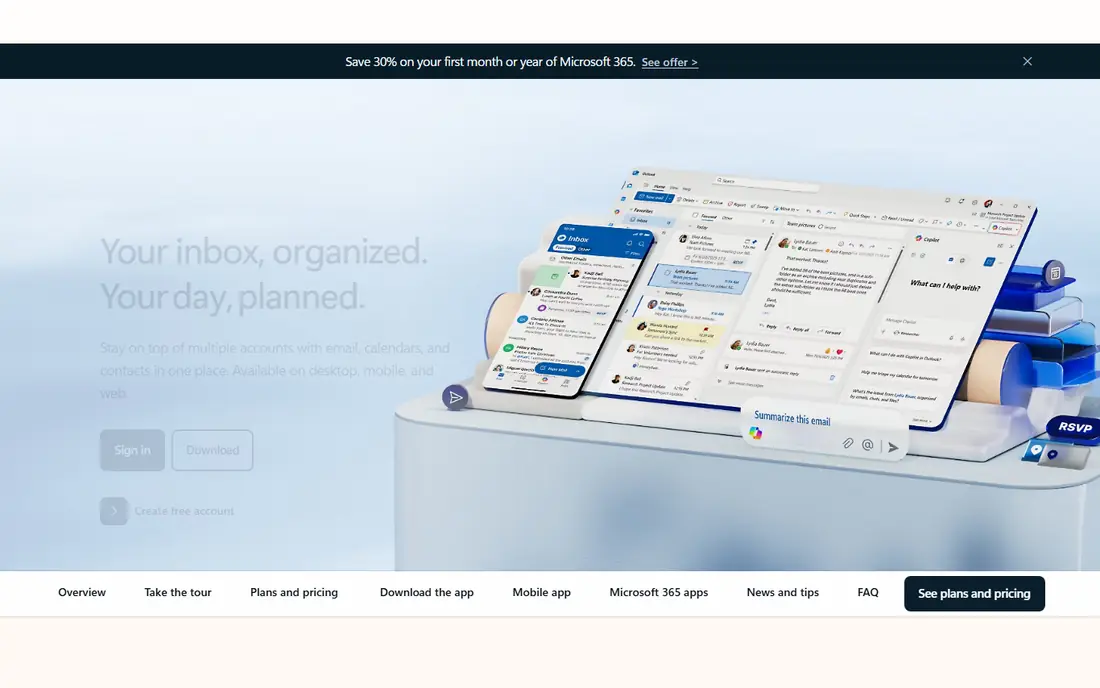
Outlook, from Microsoft, fits people and offices already using Word, Excel, and Teams. Mail, calendar, and contacts work together, and Focused Inbox separates important mail from newsletters. The desktop Outlook app remains a favorite for heavy mail users who manage many folders and rules.
The catch is plan clarity. Free Outlook.com mail is ad-supported, while the full Microsoft 365 experience, with more storage and desktop apps, is paid. Check whether you need the free web inbox alone or the full Office bundle before comparing prices.
- Strong calendar and Office integration
- Focused Inbox for priority mail
- Good desktop and mobile apps
- Free plan shows ads
- Plan structure can be confusing
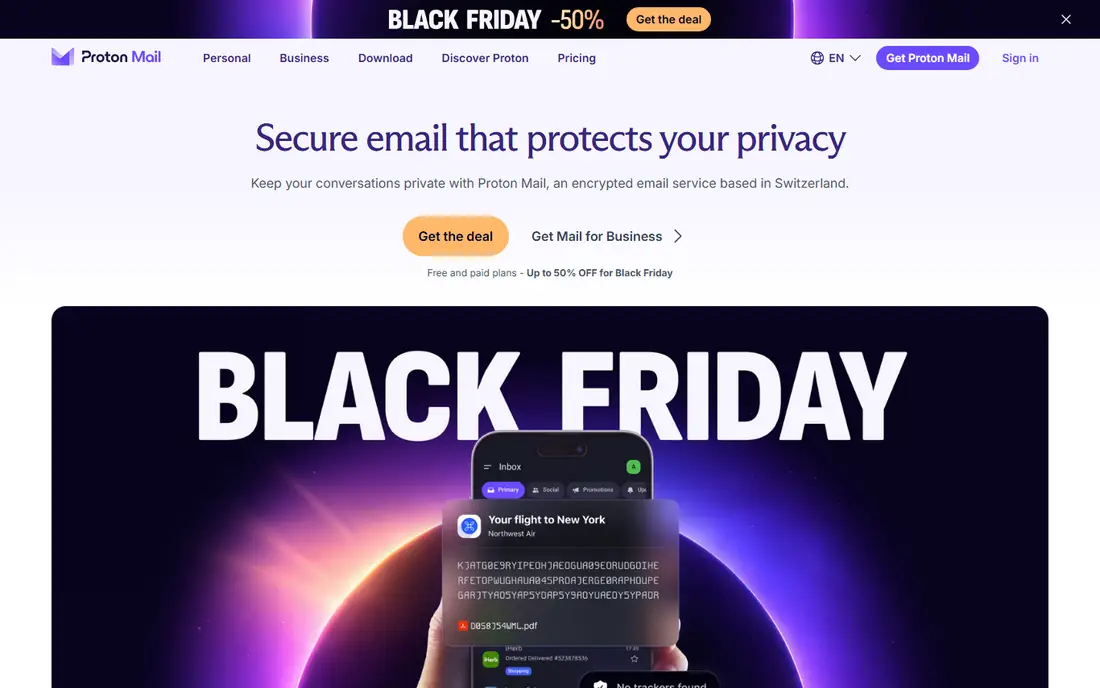
Proton Mail suits people who handle sensitive mail and want encryption built in, not added later. Mail between Proton Mail users is end-to-end encrypted, and the service presents a no-tracking, no-ad approach to the inbox. Paid plans add storage, custom domains, and more addresses, plus access to the wider Proton suite on higher tiers.
The honest weakness is convenience. Encrypted search is slower than Gmail search, free storage is only 1 GB in current descriptions, and some third-party mail tools work less smoothly. Users who search huge archives daily may prefer Gmail, while privacy-first users will accept the trade.
- End-to-end encryption for mail between Proton users
- Swiss privacy jurisdiction in vendor descriptions
- No ad tracking on mail
- Free storage is small
- Search is slower for encrypted mail
- Some integrations are limited by design
Zoho Mail is a strong pick for a small business that needs professional addresses on its own domain without a large per-user bill. The service is ad-free, includes admin controls, and links to Zoho CRM and other Zoho apps. A free tier for a small number of users helps a new business start with a proper domain address.
The limit is polish. Search, mobile apps, and third-party integrations are good but not quite at Gmail or Outlook level. For a team that mainly needs reliable, low-cost business mail, that gap rarely matters.
- Ad-free mail even on low tiers
- Paid business mail from $1 per user per month in vendor comparisons
- Admin controls for small teams
- Search and interface feel less polished than Gmail
- Smaller third-party ecosystem
Fastmail appeals to mail power users who want speed, privacy from ads, and full control over domains and aliases. The inbox is fast on web and mobile, supports standard mail protocols for third-party apps, and lets users create many aliases for signups and projects. Support is often praised in public reviews for being responsive and human.
The weakness is that there is no free tier, so users must pay from the start, and encryption is transport-level rather than end-to-end by default. People who need end-to-end encryption should choose Proton Mail or Tuta, while people who want a fast, ad-free inbox will like Fastmail.
- Fast, clean inbox with no ads
- Custom domains and aliases
- Strong standards support for mail apps
- No free plan
- No end-to-end encryption by default
Yahoo Mail remains a practical free option for people who want a large inbox without paying. Storage is generous, the app includes tools to unsubscribe from newsletters, and setup is simple for a second or backup address. Long-time users often keep Yahoo Mail for personal mail and newsletters.
The catch is trust and ads. The free plan is ad-supported, and Yahoo has faced public scrutiny over past data breaches, which matters to privacy-conscious users. For sensitive mail, a paid or encrypted service is a better fit, while Yahoo works well for low-risk personal mail.
- Very large free storage in vendor descriptions
- Unsubscribe and organization tools
- Simple mobile app
- Free plan shows ads
- Privacy and breach history concern some users
iCloud Mail fits people who live on Apple devices, since mail, calendar, and contacts sync across iPhone, iPad, and Mac without extra setup. The Mail app is clean, spam filtering is solid for most users, and paid iCloud plans add Hide My Email aliases for signups. For personal Apple users, it is often the simplest choice.
The limit is ecosystem and storage. The free 5 GB is shared across iCloud backups and photos, so it fills fast, and Windows or Android users get a thinner experience. Apple households should check total iCloud storage before relying on the free tier for mail.
- Clean integration with iPhone, iPad, and Mac
- Hide My Email aliases on paid iCloud plans
- No ads in the mail experience
- Best only inside the Apple ecosystem
- Free shared storage is 5 GB
- Attachment limits are lower than some rivals
Tuta, formerly Tutanota, suits users who want encrypted mail at a low price. Mail and calendar are encrypted, the free plan covers basic use, and paid plans add storage, aliases, and custom domains at a lower cost than many rivals. The service is popular with privacy-focused users in Europe and beyond.
The weakness is scale and convenience. Free storage is small, search and third-party support are thinner than in Gmail, and business features are more basic than in Proton Mail business plans. For a single user who values encryption and low cost, Tuta is a strong fit.
- End-to-end encryption for mail and calendar
- Low-cost paid plans
- Open-source clients in vendor descriptions
- Free storage is 1 GB
- Smaller ecosystem and fewer integrations than Gmail
AOL Mail still works as a simple free inbox for people who want a second address or a familiar interface. Setup is quick, storage is generous for personal mail, and the web inbox covers the basics without a learning curve. It suits users who mainly read newsletters, family mail, and account notices.
The honest limit is modern depth. Features, mobile polish, and integrations lag behind Gmail and Outlook, and the free plan is ad-supported. It is a fine backup inbox, but most users will prefer a more current service as their main address.
- Simple, familiar inbox
- Generous free storage in vendor descriptions
- Easy setup for a second address
- Free plan shows ads
- Fewer modern features than Gmail or Outlook
How we picked these
We compared official feature pages, pricing pages, app store listings, privacy policies, and public reviews for mail services live in October 2026. We favored services with reliable delivery, strong spam filtering, usable mobile apps, and clear storage limits. We used the published free or entry price where available, and we left out services that no longer operate or that do not offer a general inbox.
How to choose a mail service
Start with your main use. Personal users should weigh search, spam filtering, and storage, while businesses should weigh custom domains, admin controls, and support. If you already pay for Google Workspace, Microsoft 365, or iCloud, staying in that suite usually saves time, since mail, calendar, and storage share one login. Privacy-first users should accept slower search in exchange for encryption, and check whether contacts and calendar are encrypted too.
Before switching, test delivery and migration. Import a sample of old mail, check that important senders are not flagged as spam, and set up two-factor authentication and recovery options. Keep the old inbox active for a few weeks, so password resets and missed messages still reach you during the move.
Frequently asked questions
What is the best free email service?
Gmail is the best free choice for most people, thanks to search, spam filtering, and 15 GB of shared storage. Outlook.com is a close second for Microsoft users, while Yahoo Mail offers large free storage. Privacy-first users should start with the free tiers of Proton Mail or Tuta instead.
Which email service is best for privacy?
Proton Mail and Tuta lead on privacy, with end-to-end encryption and a no-ad approach. Fastmail is also private in the sense of no ads and no data selling, but it does not offer end-to-end encryption by default. Read the privacy policy for each service, since privacy claims vary in scope.
Can I use my own domain for email?
Yes, with a paid business plan on most services, including Google Workspace, Microsoft 365, Proton Mail, Zoho Mail, and Fastmail. Zoho Mail and Proton Mail offer some of the lowest-cost domain options. Check how many addresses and aliases each plan includes before buying.
How much storage do I need for email?
Most personal users manage with 15 GB for several years if they do not back up large photos to the same account. Heavy users, businesses, and people who keep every attachment should look for 30 GB or more per user. Archive old mail yearly to keep search fast and storage under control.
Is it safe to switch email providers?
Yes, if you migrate carefully and keep the old account active for a transition period. Update password resets, bank and account mail addresses, and newsletter subscriptions gradually. Turn on two-factor authentication on the new account before moving sensitive mail.
What is the difference between webmail and a mail app?
Webmail runs in a browser, while a mail app such as Outlook, Apple Mail, or Thunderbird runs on your device and can work offline. Most services offer both, and many support standard protocols so you can use the app you prefer. Check protocol support if you want a third-party app.
Sources
See where you really rank - block by block
ProMapRanker scans Google Maps across a grid of your service area. Simple monthly plans from $19, white-label on every plan.
Start freeKeep reading
 worlds best local seo company
8 Worlds Best Local SEO Companies for Map Pack Growth in 2026
Compare the worlds best local seo company options for Google Business Profile work, citations, reviews, and multi-location rankings and reporting in 2026.
Read → world's best web hosting company
World's Best Web Hosting Company in 2026
Searching for the world's best web hosting company? We compared 10 hosts on price, renewal rates, speed, and support to help you choose well today in 2026.
Read → who's got the best nanny tax services
Who's Got the Best Nanny Tax Services in 2026
We answer who's got the best nanny tax services, comparing full filing, back taxes, software, and pricing so families can handle nanny taxes correctly.
Read →