 ProMapRanker
Best Internal Tool Builders in 2026


Engineering teams building internal apps at scale · Pricing starts at: $10 per builder per month
Key takeaways
- Pricing models differ sharply, with per builder, per user, and flat workspace plans that are hard to compare directly.
- Open source and self hosting suit teams with engineering time, while cloud plans suit teams that want a managed service.
- The best builder depends on who builds, whether engineers, operations staff, or a mix of both.
- Governance, SSO, and audit logs sit on higher tiers for most builders, so check those needs early.
Quick comparison
| Pick | Great for | Pricing starts at | Free tier | |
|---|---|---|---|---|
| Retool | Engineering teams building internal apps at scale | $10 per builder per month | Yes | Visit |
 Appsmith | Open source internal tools on a budget | $15 per user per month | Yes | Visit |
 Budibase | Self hosted apps from internal data | $19 per month | Yes | Visit |
 ToolJet | Open source apps with per builder pricing | See website | Yes | Visit |
 Glide | Internal apps from spreadsheets and databases | $25 per month | Yes | Visit |
 Superblocks | Governed internal apps for engineering teams | $100 per month | Yes | Visit |
 DronaHQ | Mobile internal apps and AI agents | See website | Yes | Visit |
 UI Bakery | Polished internal UIs for small teams | $10 per developer per month | Yes | Visit |
 Jet Admin | Non technical teams building on databases | See website | Yes | Visit |
The best internal tool builders
These builders cover engineering, operations, and non technical teams, and our pick for most teams is Retool for depth, with Appsmith or Budibase for open source work.
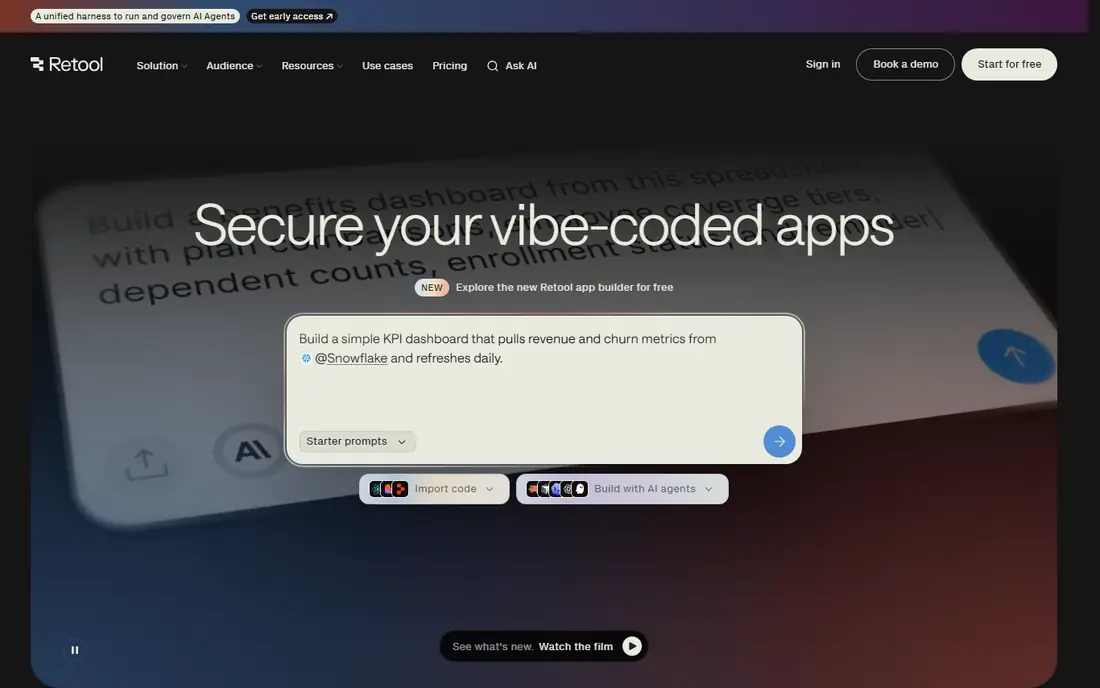
Retool is the most complete internal tool builder for engineering teams, with drag and drop components, code access, and connectors for databases, APIs, and common business tools. Admin panels, dashboards, and approval workflows can be built fast, and workflows automate multi step jobs behind the interface. The free plan covers up to 5 users, which is enough for a small pilot.
Pricing is the part to model carefully, since Team starts at $10 per builder plus $5 per internal user per month on annual billing, and Business jumps to $50 per builder plus $15 per internal user. A team with many builders or many internal users should price the same headcount across rivals before choosing.
- Deep database and API connectors
- Strong workflow tools
- Free plan up to 5 users
- Cost grows with builders and internal users
- SSO and audit logs need higher tiers
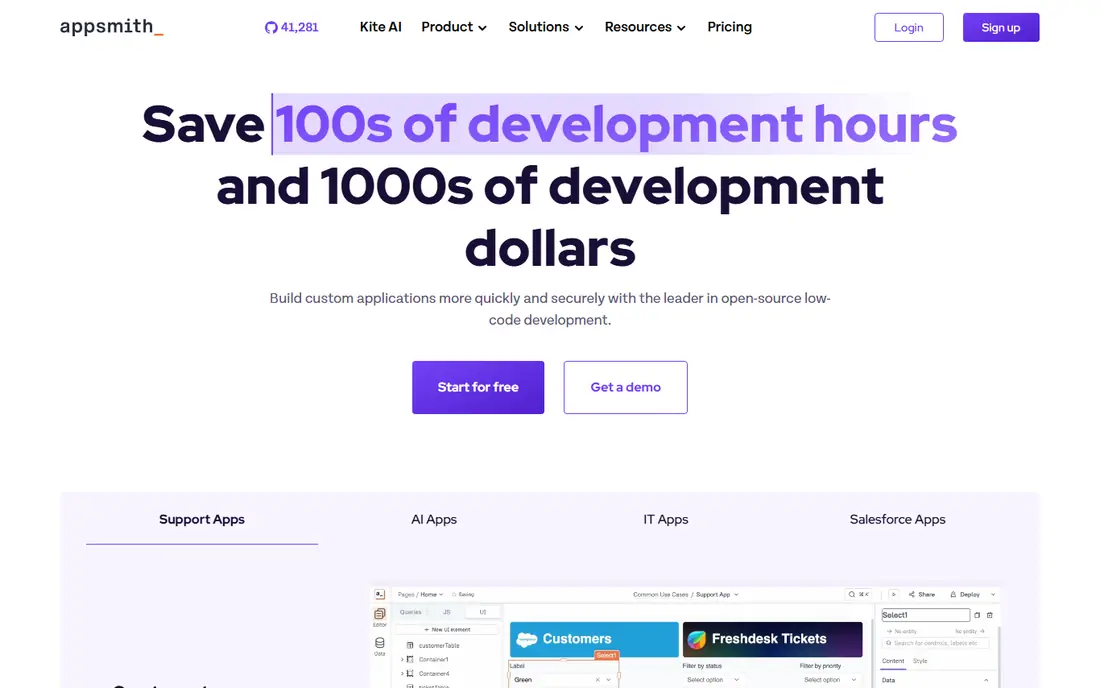
Appsmith suits a team that wants an open source builder and is comfortable writing JavaScript for logic and data binding. Connect a database, drag widgets onto a canvas, and build dashboards and admin panels that read and update records. Self hosting gives control over data and deployment, while the cloud plan gives a managed start.
The free cloud plan covers up to 5 users, and Business costs $15 per user per month, with no separate viewer price. That means a team with many viewers can pay more than on a builder that separates builders from viewers, so count viewers before committing.
- Open source and self hostable
- Free cloud plan up to 5 users
- JavaScript logic for custom work
- Feels more code heavy than low code rivals
- Builders and viewers are billed the same on paid plans
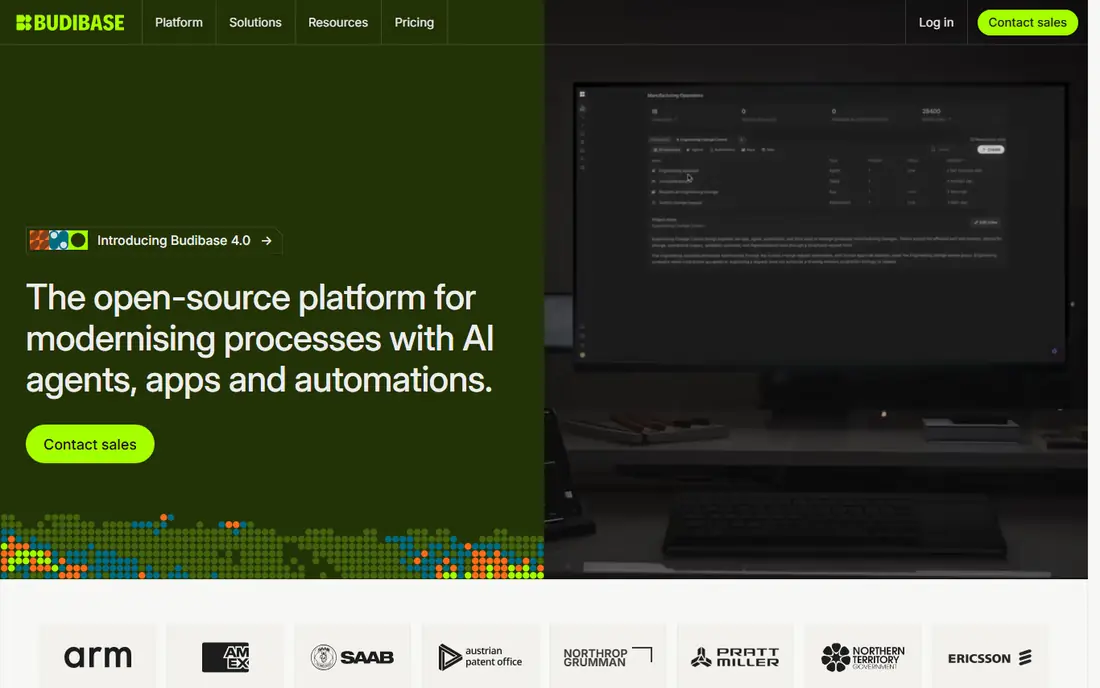
Budibase is a good pick for a team that wants to build data apps fast and keep the option to self host. Forms, tables, and workflows can be built from a database or from Budibase tables, and automations handle approvals and notifications. The cloud Pro plan at $19 per month gives a low cost managed start.
The open source self hosted edition is free, but a team must host, patch, and maintain it, which costs engineering time. Cloud Business and creator fees also add cost as a team grows, so check the current pricing page for creator and end user fees before a large rollout.
- Open source self hosted edition
- Cloud Pro from $19 per month
- Quick CRUD apps and automations
- Self hosted free edition needs maintenance
- Higher tiers and creator fees add cost
ToolJet suits a team that wants an open source builder with AI help and a clear end user allowance. The free plan includes 2 builders and 50 end users, which is generous for a pilot, and paid plans add more builders, AI models, and governance features. Multi page apps can be generated from a prompt, then refined in the visual editor.
Paid pricing has varied across sources in 2026, with Basic, Pro, and Team tiers at different per builder rates, so check the vendor pricing page for the current figure. Teams with many builders should model cost carefully, since ToolJet scales with builder count rather than total headcount.
- Open source community edition
- AI app generation
- End user allowances on paid plans
- Per builder price is high on Pro and Team
- Pricing tiers changed across 2026
Glide is the easiest builder on this list for an operations team that already keeps data in a spreadsheet or a simple database. Turn rows into a searchable app with forms, lists, and actions, and share it with a team on mobile or desktop. That speed makes it ideal for field checklists, inventory trackers, and simple approval apps.
It is not the best pick for a complex engineering app with custom code, heavy queries, or strict governance. The Basic plan at $25 per month covers a small team, while Plus and Pro add users and features, so check team member allowances before rolling out to a large group.
- Fast app creation from Sheets and databases
- Mobile friendly
- Good for operations teams
- Less depth for complex engineering apps
- Team member allowances limit larger rollouts
Superblocks suits an engineering team that needs central governance, security controls, and code level building for internal apps. AI generation, a visual editor, and an open code framework give different builders a way to work in the same system, while SSO, SCIM, RBAC, and audit logging support regulated work. Hybrid deployment balances cloud speed with on premise control.
The starting price of $100 per month for Teams on annual billing is high for a small team, and full governance still needs careful plan selection. It fits best when security and audit needs justify the cost, rather than when a simple tracker is the main job.
- Strong governance with SSO, RBAC, and audit logs
- AI, visual, and code building modes
- Hybrid deployment
- High starting price for small teams
- Governance features need higher tiers for full control
DronaHQ suits a mature team that needs mobile internal apps, not just web dashboards, plus AI agents and automations. Field teams, warehouse staff, and operations managers can use a mobile app built from the same data as a web admin panel. Starter plans in recent reports start around $100 per month on annual billing with unlimited users and metered tasks.
Task metering is the catch, since heavy automation use can add cost beyond the base plan. Check the current pricing page for task allowances and overage rates, and estimate monthly tasks from real workflows before committing to a large rollout.
- Mobile app building plus web apps
- AI agents and automations
- Unlimited users on some plans
- Task based pricing can be hard to predict at scale
- Paid pricing varies by plan
UI Bakery suits a small team that wants a polished internal app without a large budget or a steep learning curve. The visual builder, workflow tools, and scheduled jobs cover admin panels, dashboards, and approval apps, and the free plan supports up to 5 users with unlimited apps. Paid Standard starts at $10 per developer per month on annual billing, with end users at a lower rate.
Enterprise features such as custom SSO, Git sync, and custom domains need a custom plan, which limits larger teams. For a small team that values a clean interface and predictable pricing, UI Bakery is a strong alternative to Retool.
- Clean interface and workflows
- Free plan up to 5 users
- Scheduled jobs and webhooks included
- SSO, Git sync, and custom domains need Enterprise
- Smaller ecosystem than Retool
Jet Admin suits a non technical team that needs an admin panel on an existing database without writing much code. Connect a database, get a generated interface for tables and records, and customize views, forms, and permissions for different roles. That speed helps operations teams that need to edit data safely without asking engineering for every change.
Engineering teams that need deep custom logic, complex workflows, or code level control will find Jet Admin lighter than Retool or Superblocks. Check the vendor pricing page for the current per user plan, since pricing has varied by team size and features in recent reports.
- Auto generated admin interfaces
- Simple for operations staff
- Works with common databases
- Less code depth than Retool or Superblocks
- Pricing varies by plan and team size
How we picked these
We compared official pricing pages and recent pricing reports from October 2026, and we kept builders that are live and cover different buyers, from engineering teams to operations staff. We included open source, self hosted, and cloud options, plus per builder, per user, and flat pricing models, so readers can compare total cost for the same team. Where pricing varied by billing cycle or tier, we wrote See website so readers confirm the current figure on the vendor page.
How to choose an internal tool builder
Start with who will build and who will use the app. If engineers build and many staff only view, a builder that separates builders from viewers will be cheaper. If operations staff build, a simpler tool such as Glide or Jet Admin will be faster, even if it has less code depth. If security and audit logs are required, shortlist Superblocks and Retool Business first, since those features sit on higher tiers elsewhere.
Run a pilot with one real app, such as an approval panel or a data editor, and measure build time, data sync, permissions, and user feedback. Price the same team on each shortlisted builder, including builders, viewers, and any task or credit fees, and check export and self hosting options before a large rollout. A builder that is hard to leave can cost more later than a slightly higher monthly fee today.
Frequently asked questions
What is the best internal tool builder for a small team?
Retool free up to 5 users, Appsmith free up to 5 users, and Budibase cloud Pro at $19 per month are good small team starts. Glide suits operations teams that build from spreadsheets, while UI Bakery suits small teams that want a polished interface. Pick by who builds and how many viewers need access.
What are the best internal tool builders for engineering teams?
Retool and Superblocks suit engineering teams, with deep connectors, code access, workflows, and governance. Appsmith and ToolJet suit teams that want open source and self hosting. Choose Retool for breadth, Superblocks for governance, and an open source builder for control over deployment.
Is an open source internal tool builder better?
Open source suits teams with engineering time to host, patch, and maintain the platform, and it gives control over data and code. Cloud builders suit teams that want a managed service, faster setup, and vendor support. The better pick depends on engineering capacity, not on price alone.
How much does an internal tool builder cost?
Costs vary by model, from free for up to 5 users on Retool and Appsmith to $10 per builder per month for Retool Team, $15 per user per month for Appsmith Business, and $100 per month for Superblocks Teams. Price the same team on each builder, since per builder, per user, and flat plans give very different totals.
Can non technical staff build internal tools?
Yes, Glide, Jet Admin, and Budibase are designed for operations staff to build simple apps from data without deep coding. Complex logic, custom integrations, and governance still need engineering help. Start with a simple app, such as a tracker or approval form, and add complexity only when the team is comfortable.
What should I check before buying an internal tool builder?
Check connectors for your databases and APIs, permissions and SSO, audit logs, self hosting or export options, and total pricing for builders plus viewers. Test a real app with real data, and ask how long onboarding takes. A pilot with one app reveals limits faster than a feature checklist.
Sources
See where you really rank - block by block
ProMapRanker scans Google Maps across a grid of your service area. Simple monthly plans from $19, white-label on every plan.
Start freeKeep reading
 zscaler alternatives
Best Zscaler Alternatives in 2026
Looking for zscaler alternatives? We compare 9 SASE and zero trust platforms on architecture, data protection, pricing, and fit for your network and team.
Read → zapier alternatives free
Best Zapier Alternatives Free in 2026
Nine automation tools for zapier alternatives free in 2026, all with genuinely free tiers, plus free plan limits, starting prices and upgrade paths explained.
Read → which platform is best for online reputation
Which Platform Is Best for Online Reputation in 2026
Wondering which platform is best for online reputation? We compare 8 review, listing, and response tools for small and multi-location businesses and agencies.
Read →