 ProMapRanker
The 6 Best Internal Developer Platforms to Shortlist in 2026


Service catalogs with cloud cost visibility · Pricing starts at: See website
Key takeaways
- Configure8 sits first on this list: service catalogs with cloud cost visibility.
- What to know about Roadie first: costs money for open-source software.
- For Configure8, Roadie, Port and others, you have to request a quote because no starting price is shown.
- Only Backstage offers a free plan among these 6 tools.
- Cortex is the one to check for driving engineering standards with scorecards.
Direct answer
If you need service catalogs with cloud cost visibility, Configure8 is the first tool to look at here. Look at Roadie for Backstage without the operational burden, and at Port for no-code developer portals with self-service actions. Details, prices and limits for the rest of the 6 tools are below.
Quick comparison
| Pick | Great for | Pricing starts at | Free tier | |
|---|---|---|---|---|
| Configure8 | Service catalogs with cloud cost visibility | See website | Free trial | Visit |
 Roadie | Backstage without the operational burden | See website | Free trial | Visit |
 Port | No-code developer portals with self-service actions | See website | Free trial | Visit |
 Backstage | Teams that want the open-source portal standard | Free, open source | Yes | Visit |
 Mia-Platform | Full product engineering with low-code | See website | Free trial | Visit |
 Cortex | Driving engineering standards with scorecards | See website | Free trial | Visit |
The 6 tools in detail
This ProMapRanker guide covers 6 internal developer platforms. Each profile lists a starting price, free plan details, strengths and drawbacks, so you can drop poor fits quickly.
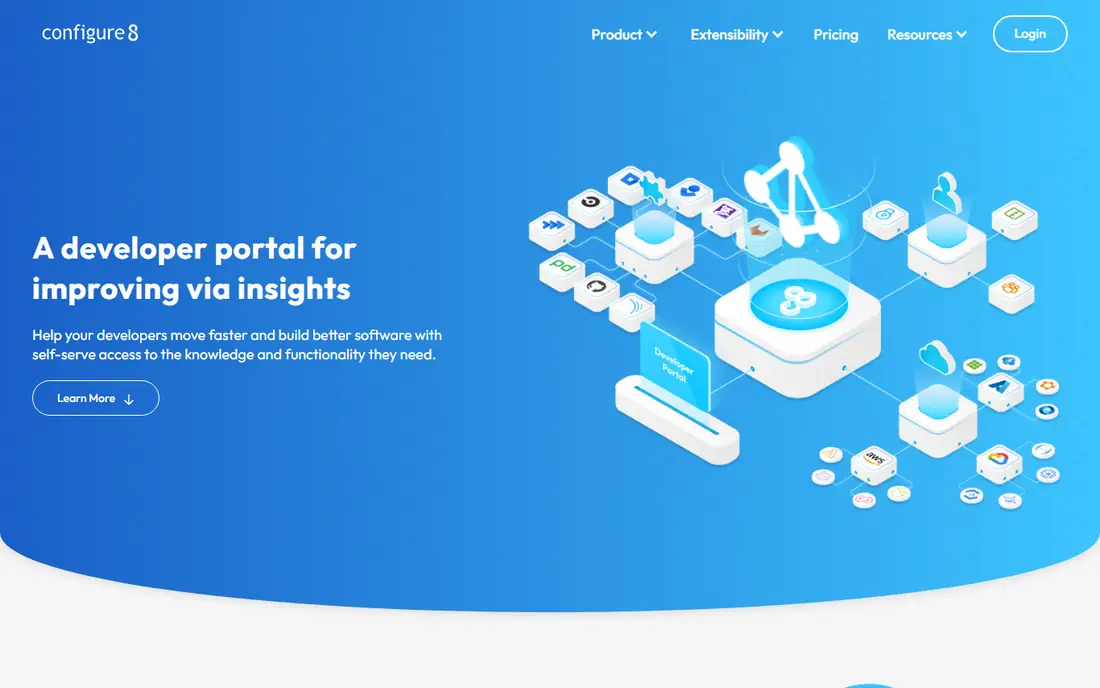
Where Configure8 fits: service catalogs with cloud cost visibility. The cost data also strengthens the product team's budget conversations with finance. As for the details, Configure8 pairs the service catalog with cloud cost visibility: see what each service costs alongside its health and ownership.
More specifically, chargeback conversations become data-driven: every team sees exactly what their services cost. When the system can display its own cost efficiency, funding the next phase gets simpler. FinOps teams get service-level cost attribution without separate tooling. Configure8 does not show a starting price in this comparison, so check the vendor site for current pricing. As for free access: Free trial.
Limits to weigh: Newer product.
Best features of Configure8: Decent integrations.
- Developer-friendly
- Cloud cost insights
- Feature depth less

Choose Roadie for Backstage without the operational burden. You pay at no cost software, which rankles some teams.
Migration from self-hosted is straightforward: export your catalog and plugins, and Roadie takes care of the rest. Your Backstage customizations carry over, so the managed version feels like yours. Roadie shows no starting price here, so confirm the cost on the vendor site. Trial and free access: Free trial.
Watch-outs: Less customization.
- Less ops burden
- Decent support
- Costs money for open-source software
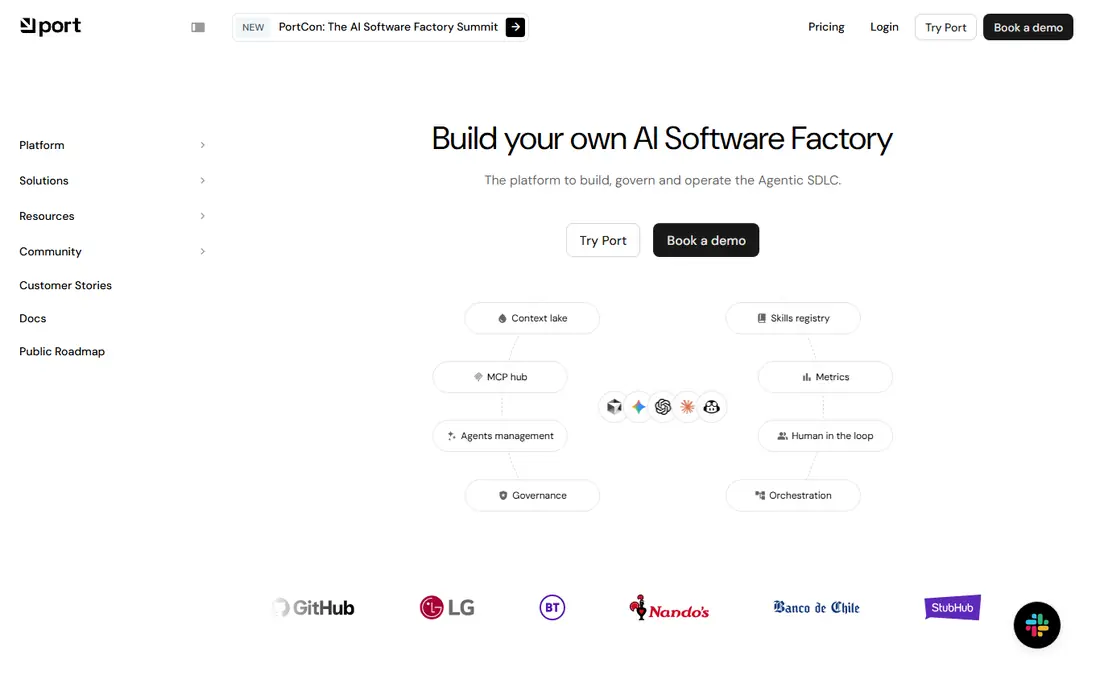
Choose Port for no-code developer portals with self-service actions. Port lets system teams build developer portals without code: define the software catalog data model, build self-service actions for provisioning, and build scorecards for standards. Beyond that, pricing needs a sales conversation.
But for teams that want a feature-rich portal without building one, Port's no-code model accelerates adoption dramatically. The no-code approach means product engineers, not frontend developers, build the portal. This adaptability means the portal grows beyond the service catalog into a true operational hub. This comparison lists no price for Port; ask the vendor. As for free access: Free trial.
Upsides: Rich software catalog. Where it falls short: Can get complicated.
- No-code portal builder
- Decent integrations
- Newer company
Backstage targets teams that want the open-source portal standard. The CNCF governance also means the project outlives any single vendor.
In practice, adopting Backstage is a bet on a community, not a company, which de-risks the long-term investment. It is free and proven at massive scale. Backstage pricing: Free, open source. Backstage has a free plan.
Where it shines: Open source and CNCF.
What to check first: Significant setup effort.
- Free forever
- Huge plugin ecosystem
- Plugin quality varies
Choose Mia-Platform for full product engineering with low-code. The marketplace of templates and plugins extends the product without custom development. In practice, procurement, security review, and support all flow through a single relationship.
Also, typical microservice patterns, API gateway configs, and deployment pipelines are available off the shelf. Also, the breadth brings complexity. But for organizations going all-in on product engineering with microservices, Mia-Platform's comprehensiveness cuts tool sprawl. The low-code approach accelerates microservice creation. Pricing for Mia-Platform is not stated here, so ask the vendor for current figures. Free access: Free trial.
Points against: Pricing not public.
- Low-code builders
- A decent match for microservices
- Smaller community
Cortex is aimed squarely at driving engineering standards with scorecards. Integrations pull data from the tools teams already use. For everyday use, public scoreboards tap into engineering pride, which motivates more effectively than mandates.
From a buyer's view, custom rules let you encode your organization's specific standards, not just generic best practices. The visibility drives improvement without mandates, and the catalog keeps ownership clear. PCI compliance checks, internal security policies, and documentation requirements all become automatic scorecard criteria. But for the organization whose problem is inconsistent engineering practices, Cortex's scorecards build accountability that sticks. Cortex shows no starting price here, so confirm the cost on the vendor site. Free plan details: Free trial.
What users get: Very good scorecards. What to check first: Concentrated on standards.
- Service catalog
- Decent integrations
- Pricing not public
More on internal developer platforms
Internal developer products provide engineering teams self-service superpowers: provision infrastructure, scaffold services, and find every service's owner, docs, and health in one portal. In practice, new engineers take weeks to learn where things live; incidents drag whereas responders hunt for service owners.
Selection criteria
ProMapRanker looked at what each vendor publishes: pricing, plan limits, feature coverage for internal developer platforms and stated drawbacks. No hands-on testing is claimed. Plan names, prices and limits change often. Treat the figures here as a starting point and verify them with the vendor. We ordered the tools by general fit, then by how clearly pricing is shown, then by free access. A buyer with unusual needs may reorder them.
Things to verify first
- Confirm the entry price on the vendor page. For Configure8, Roadie, Port and others that means a quote rather than a fixed price.
- Look at the free plan from Backstage closely: its caps decide whether it is usable for real work.
- Take the trial from Configure8, Roadie, Port and others and push a live task through it before you pay.
- Before choosing Configure8, weigh its main limit: smaller company.
- Before you load data into Configure8, check what an export looks like and who can run it.
- Get the contract term, renewal terms and any onboarding fees from Port in writing.
Frequently asked questions
Can I try these options before paying?
Often, yes. Backstage has a free plan and Configure8, Roadie, Port and others offer a free trial. Use your own data and a real task during the test, and check what the free tier or trial limits before you rely on it.
Do these tools publish their prices?
Not all of them. Configure8, Roadie, Port and others publish no starting price, so expect a quote request for those. The rest, Backstage included, show a starting price, though seats and billing terms still change the final cost.
How are the tools for internal developer platforms ordered?
Configure8 sits first and Cortex last because the order follows typical fit for internal developer platforms, then price clarity and free access. It is a judgement call, so read each profile for fit and limits.
Is Configure8 the right pick for everyone comparing internal developer platforms?
No single tool suits every team. Configure8 comes first because it fits service catalogs with cloud cost visibility, while Roadie suits Backstage without the operational burden and Port suits no-code developer portals with self-service actions. Match the tool to your own size, budget and workflow before deciding.
Sources
See where you really rank - block by block
ProMapRanker scans Google Maps across a grid of your service area. Simple monthly plans from $19, white-label on every plan.
Start freeKeep reading
 zscaler alternatives
Best Zscaler Alternatives in 2026
Looking for zscaler alternatives? We compare 9 SASE and zero trust platforms on architecture, data protection, pricing, and fit for your network and team.
Read → zapier alternatives free
Best Zapier Alternatives Free in 2026
Nine automation tools for zapier alternatives free in 2026, all with genuinely free tiers, plus free plan limits, starting prices and upgrade paths explained.
Read → which platform is best for online reputation
Which Platform Is Best for Online Reputation in 2026
Wondering which platform is best for online reputation? We compare 8 review, listing, and response tools for small and multi-location businesses and agencies.
Read →