 ProMapRanker
7 Best Interior Design Project Management Software Options for 2026


Designers who require client onboarding, contracts, and invoicing automation · Pricing starts at: $35/month (Starter; Premier $55/month)
Key takeaways
- Dubsado sits first on this list: designers who need client onboarding, contracts, and invoicing automation.
- Free plans exist at 2 of 7 tools (DesignFiles, Houzz Pro).
- Starting prices begin at $35/month with Dubsado.
- Houzz Pro suits designers and remodelers who also want Houzz marketplace leads.
- What to know about Mydoma Studio first: a one-time onboarding fee of $450 applies on top of subscriptions.
Direct answer
Our first pick is Dubsado, best for designers who require client onboarding, contracts, and invoicing automation. Mydoma Studio is better for boutique businesses and solo designers who keep their books in QuickBooks, and DesignFiles is better for solo designers and small businesses wanting design, sourcing, and billing in one product.
Quick comparison
| Pick | Great for | Pricing starts at | Free tier | |
|---|---|---|---|---|
| Dubsado | Designers who require client onboarding, contracts, and invoicing automation | $35/month (Starter; Premier $55/month) | Free trial (21 days) | Visit |
 Mydoma Studio | Boutique businesses and solo designers who keep their books in QuickBooks | $58/user/month (billed yearly; $64 per month) | Free trial (15 days) | Visit |
 DesignFiles | Solo designers and small businesses wanting design, sourcing, and billing in one product | $55/month (e-Design; Full Service $75/month) | Yes | Visit |
 Programa | Studios whose work centers on FF&E schedules and procurement | $47-$59/user/month (annual vs per month billing) | Free trial (7 days) | Visit |
 Ivy | Design businesses wanting procurement, billing, and time tracking in one place | See website (not published) | Free trial | Visit |
 Studio Designer | Established businesses needing real accounting inside the project tool | $69/user/month (billed annually; $79 monthly) | No | Visit |
 Houzz Pro | Designers and remodelers who also want Houzz marketplace leads | $99/month (Design, 1 user; Pro $199/month) | Yes | Visit |
Tool-by-tool breakdown
ProMapRanker compared 7 tools for interior design project management software. The goal is a practical shortlist: published prices, free plan facts, best-fit use cases and honest limits for every entry.
Dubsado
Great for: Designers who require client onboarding, contracts, and invoicing automation
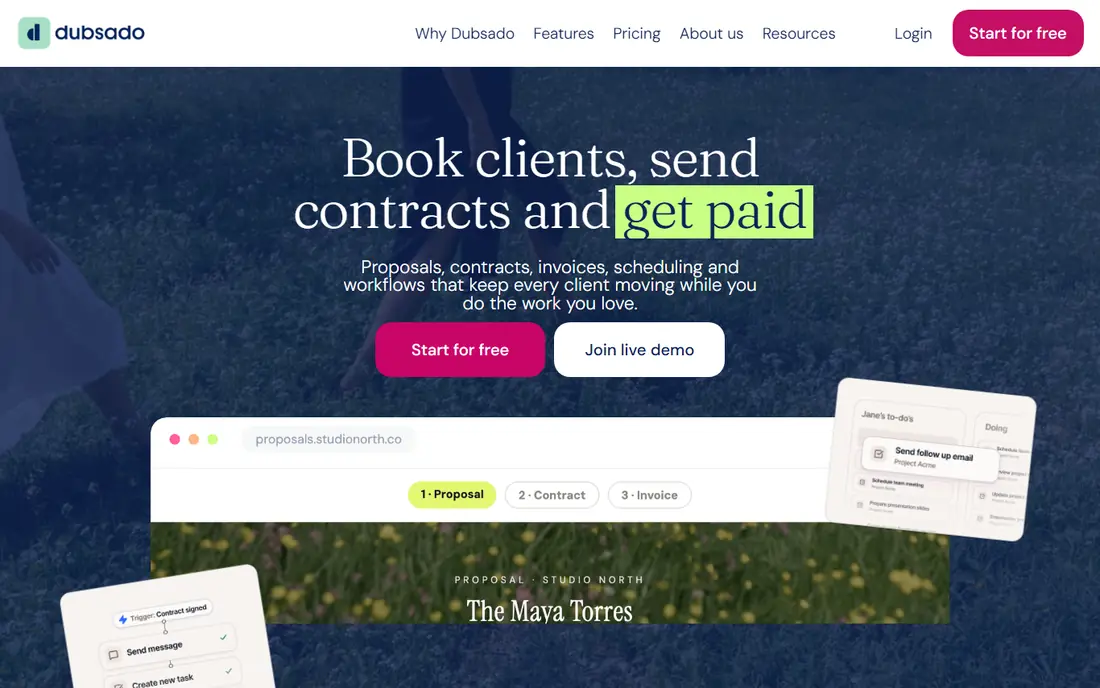
Dubsado was built for designers who require client onboarding, contracts, and invoicing automation. Dubsado is not interior-design software at all, which is exactly why some designers prefer it. It is a client-relationship and workflow system: branded lead capture forms, automatic follow-ups, scheduling, proposals, contracts with e-sign, invoices, payment plans, and a client portal.
Points against: No specification, mood board, or procurement tools, so it handles the business side but not the design side.
Also, the tradeoff is scope. For designers whose primary pain is admin overhead instead of specification management, Dubsado alone may be enough. Dubsado cost at the entry level: $35/month. Free access: Free trial (21 days).
- Scheduling in one flow
- 21-day free trial with no credit card required
- Setup takes real work to map your process into its automations
Mydoma Studio
Great for: Boutique businesses and solo designers who keep their books in QuickBooks
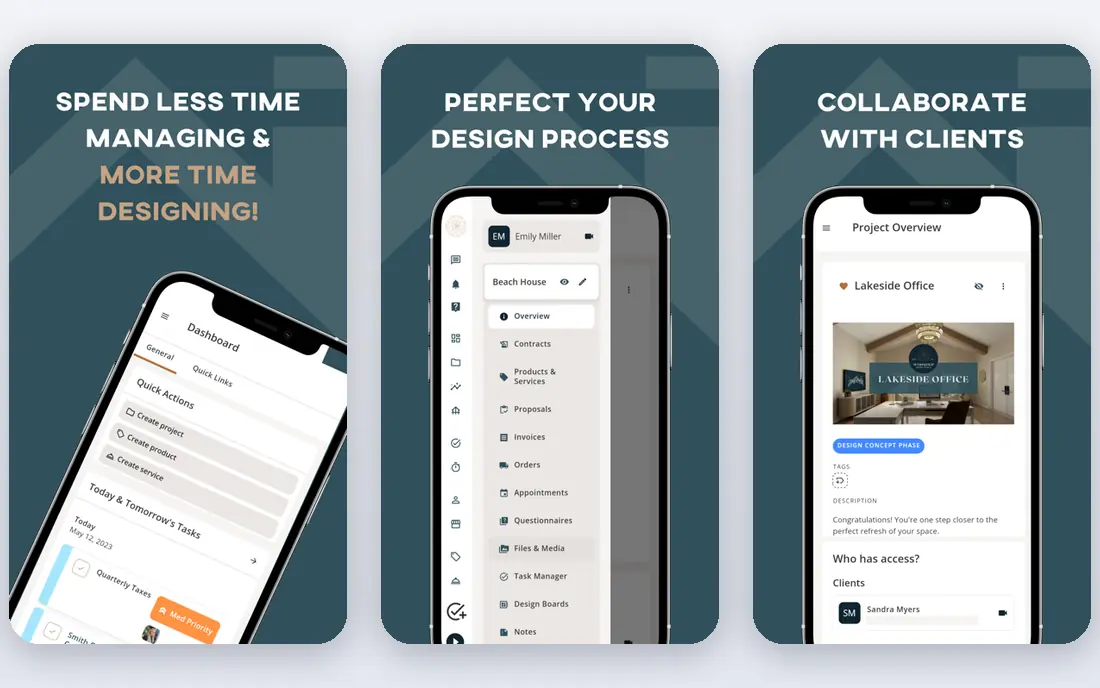
For boutique businesses and solo designers who keep their books in QuickBooks, Mydoma Studio is a natural candidate. Mydoma Studio is the more straightforward sibling in the Studio Designer family, aimed at designers who run their books in QuickBooks. In daily use, the positioning is the pitch.
Where it shines: Project management, sourcing, proposals.
Worth adding: if your books are straightforward and your projects are not, this is the right size. In practice, pricing sits at $58 per user a month billed yearly, or $64 monthly, with a 15-day free trial and a $450 one-time onboarding fee. Mydoma Studio starts at: $58/user/month. Free plan details: Free trial (15 days). Drawbacks to consider: A one-time onboarding fee of $450 applies on top of subscriptions.
- 15-day free trial to evaluate before paying
- Time tracking without forcing you off QuickBooks
- Designers wanting built-in accounting should look at Studio Designer or Design Manager instead
DesignFiles
Great for: Solo designers and small businesses wanting design, sourcing, and billing in one product
Where DesignFiles fits: solo designers and small firms wanting design, sourcing, and billing in one product. The platform handles the full client arc: concept presentations, product sourcing, proposals, contracts, invoices, and payments. Also, for solo designers and small studios whose biggest problem is presenting work and getting premium, it spans the essentials at a fair price.
In daily use, recent pricing from the company's own blog puts the e-Design plan at $55 a month and Full Service at $75, with additional users at $30 per user a month, plus a free account level and a 90-day money-back guarantee that makes trying it low-risk. It also keeps pricing off a standard pricing page, which is unusual for a tool this size. The starting price for DesignFiles: $55/month. DesignFiles includes a free tier.
Honest limits: Reporting and accounting depth trail tools like Studio Designer and Design Manager. Upsides: 90-day money-back guarantee lowers the risk of switching.
- Invoicing in one subscription
- Plans scale from e-design to full service, with extra seats at a modest fee
- Pricing is not published on a standard pricing page, so you have to read the blog or book a call for current numbers
Programa
Great for: Studios whose work centers on FF&E schedules and procurement
In short, Programa is for studios whose work centers on FF&E schedules and procurement. Programa is the specification-first product: schedules, spec sheets, and procurement tracking that update in live.
Where it falls short: Procurement and accounting depth are lighter than Studio Designer or Design Manager.
Worth adding: client dashboards provide clients one branded link for live specs, mood boards, comments, and date-stamped approvals, whereas invoicing and payments run inside the same system. Starting cost for Programa: $47-$59/user/month. Free plan details: Free trial (7 days).
- Specification schedules
- Live schedules shared with clients, contractors
- Per-user pricing of $47 to $59 brings up quick for teams of ten or more
Ivy
Great for: Design businesses wanting procurement, billing, and time tracking in one place
Ivy targets Design businesses wanting procurement, billing, and time tracking in one place. Ivy, now part of Houzz, is the business-management layer plenty of design businesses adopted before Houzz Pro existed.
Worth adding: Houzz acquired Ivy in 2018, and Houzz Pro is now the system Houzz actively develops and prices transparently. The product handles the commercial side of design practice: branded proposals and invoices, product sourcing with a clipper, room boards for client presentations, project tracking, time and expense billing, online payments, and QuickBooks Online sync. Pricing for Ivy is not stated here, so ask the vendor for current figures. On free options: Free trial.
Where it is weaker: No published pricing, so costs only emerge through the sales process.
Where Ivy stands out: room boards; now backed by Houzz since its 2018 acquisition.
- Purpose-built for designers with proposals
- Product sourcing
- Product development pace is unclear, with the Houzz Pro system now being Houzz's central software focus
Studio Designer
Great for: Established businesses needing real accounting inside the project tool
Studio Designer works best for established businesses needing real accounting inside the project tool. Studio Designer has been the default back office for established US design businesses for two decades, and it presents in the accounting depth. On top of that, the cost and the setup effort are the real barriers: this is overkill for a solo designer and priced accordingly.
But for businesses with staff, inventory, and real financial complexity, the alternative is running QuickBooks plus a separate project tool and reconciling them by hand. In daily use, time tracking and billing, purchasing, proposals, client portals, and custom financial reports all run from one database, which means margin reporting reflects actual costs rather than guesses. On cost, Studio Designer starts like this: $69/user/month. Studio Designer does not include a free plan.
Downsides: Setup and migration demand real effort.
- Item-based project management that tracks hundreds of details per project
- Client portal for approvals and payments
- The priciest per-seat choice on this list once the monthly rate and onboarding fees apply
Houzz Pro works best for designers and remodelers who also want Houzz marketplace leads. The pricing page is refreshingly transparent. Pro at $199 layers on takeoffs, bid management, change orders, budget management, and contracts.
What users get: bid management; budget management.
As for the details, the Design plan at $99 a month per user handles 3D floor plans, selections, the product clipper, estimates, proposals, invoices, and online payments. From a buyer's view, the marketplace connection cuts both ways. As for the details, if your leads already come from Houzz, running your projects on the same system is convenient. In practice, teams plans start at $399 with unlimited users, and a free plan spans the 3D floor planner, estimates, and invoicing. Houzz Pro pricing: $99/month. Free access exists with Houzz Pro.
Drawbacks to consider: The product is made for the Houzz ecosystem, so designers who avoid the marketplace pay for reach they do not use.
- Published
- Pro brings takeoffs
- Extra users cost $50 per user a month on the lower levels, which layers on up for teams
How these tools were picked
Selection started from tools commonly considered for interior design project management software, then narrowed to 7 that have clear pricing information or a clear quote process. Treat prices as a snapshot: vendors change plans often, so check the vendor site for the figure that applies today. The ranking is editorial: typical fit first, then clear pricing, then free access. If your needs are unusual, read the profiles rather than relying on position.
A buyer's checklist
- Get a written quote from Ivy; the list shows no starting price for them.
- Check what the free option really includes: DesignFiles and Houzz Pro offer a free plan, and usage caps differ.
- Run a trial of Dubsado, Mydoma Studio, Programa and Ivy with real work before paying for a year; your own workflow is the best test.
- Read the limits listed for Dubsado first: no specification, mood board, or procurement tools, so it includes the business side but not the design side.
- Involve the people who will use Ivy daily; a short pilot beats a long feature checklist.
- Ask Studio Designer how an export works before you move any records in; an easy exit lowers the risk.
Frequently asked questions
Do these tools publish their prices?
Not all of them. Ivy publishes no starting price, so expect a quote request for it. The rest, Dubsado included, show a starting price, though seats and billing terms still change the final cost.
Can I try these options before paying?
Often, yes. DesignFiles and Houzz Pro have a free plan and Dubsado, Mydoma Studio, Programa and Ivy offer a free trial. Use your own data and a real task during the test, and check what the free tier or trial limits before you rely on it.
Is Houzz Pro well suited to interior designers?
Houzz Pro is a solid all-in-one for designers and remodelers, with transparent pricing ($99-$199/month), a free plan, and deep project, estimating, and invoicing tools. Designers who do not use Houzz for leads may prefer a design-specific tool like DesignFiles or Programa.
Which options for interior design project management software have a free plan?
On this list, DesignFiles and Houzz Pro include a free plan. Caps on seats, usage or features are common, so test the free plan against your real workload. Several others offer a trial instead.
What is the best project management software for interior designers?
Dubsado is the pick this page puts first, mainly for designers who require client onboarding, contracts, and invoicing automation. If your situation differs, Mydoma Studio suits boutique businesses and solo designers who keep their books in QuickBooks, and DesignFiles suits solo designers and small businesses wanting design, sourcing, and billing in one platform. Compare price and limits before you decide.
How are the tools for interior design project management software ordered?
The order follows typical fit for interior design project management software, with Dubsado first and Houzz Pro last, then price clarity and free access. It is editorial judgement, not a score, so another team could rank the tools differently.
Sources
See where you really rank - block by block
ProMapRanker scans Google Maps across a grid of your service area. Simple monthly plans from $19, white-label on every plan.
Start freeKeep reading
 zscaler alternatives
Best Zscaler Alternatives in 2026
Looking for zscaler alternatives? We compare 9 SASE and zero trust platforms on architecture, data protection, pricing, and fit for your network and team.
Read → zapier alternatives free
Best Zapier Alternatives Free in 2026
Nine automation tools for zapier alternatives free in 2026, all with genuinely free tiers, plus free plan limits, starting prices and upgrade paths explained.
Read → which platform is best for online reputation
Which Platform Is Best for Online Reputation in 2026
Wondering which platform is best for online reputation? We compare 8 review, listing, and response tools for small and multi-location businesses and agencies.
Read →