 ProMapRanker
Best Interface Design Tools in 2026


Product teams designing together · Pricing starts at: $16 per editor per month
Key takeaways
- Figma is the best overall interface design tool for product teams, with real-time collaboration, strong components, and developer handoff in a browser.
- Sketch suits Mac-based designers who want a fast native app with offline work and a lower per-editor price than Figma.
- Framer is the best pick when the design output should become a live website, with publishing built into the tool.
- Penpot is the best open-source option, with free self-hosting and a paid cloud plan that stays affordable for small teams.
- Axure RP, UXPin, and ProtoPie suit teams that need logic-driven or highly realistic prototypes, while Balsamiq and Lunacy cover wireframes and free desktop design.
Quick comparison
| Pick | Great for | Pricing starts at | Free tier | |
|---|---|---|---|---|
| Figma | Product teams designing together | $16 per editor per month | Yes | Visit |
 Sketch | Mac-based native design | $12 per editor per month | Free trial | Visit |
 Framer | Design that becomes a live site | $10 per site per month | Yes | Visit |
 Penpot | Open-source team design | Free | Yes | Visit |
 Axure RP | Logic-driven prototypes | $29 per user per month | Free trial | Visit |
 Balsamiq | Fast low-fidelity wireframes | $9 per month | Free trial | Visit |
 Lunacy | Free desktop design | Free | Yes | Visit |
 UXPin | Code-based prototypes | See website | Yes | Visit |
 ProtoPie | Realistic interactive prototypes | See website | Yes | Visit |
The best interface design tools
These tools cover the full range from low-fidelity wireframes to high-fidelity product design and developer handoff. Prices are per editor or per site where noted, and billed annually unless stated otherwise.
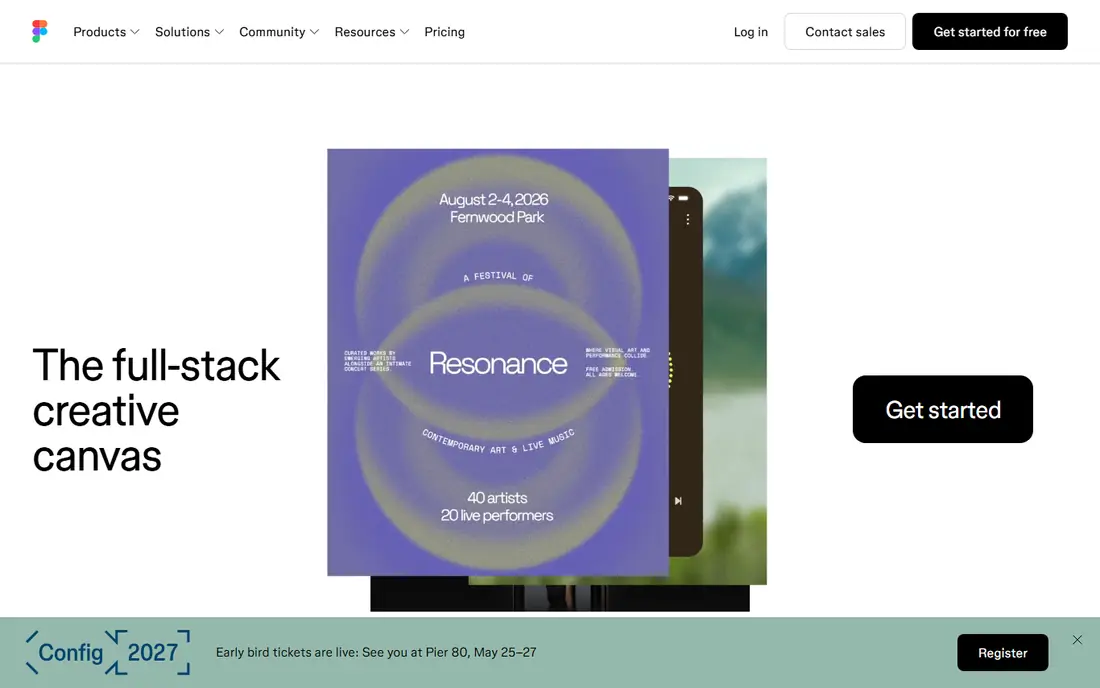
Figma is the default for most product teams because it removes the friction of files and versions. Designers edit together in a browser, stakeholders comment in the same file, and developers inspect specs and copy code from Dev Mode without a separate handoff tool. Components, variables, and libraries make it practical to run a design system across many screens and products.
The cost is per editor, at $16 per editor per month on Professional billed annually, with a free Starter plan limited to a few design files. Viewers can inspect for free in many cases, but anyone who edits needs a paid seat, which adds up on larger teams. Figma also needs an internet connection for full collaboration, so teams that need offline work should test that limit first.
- Real-time multiplayer editing in a browser
- Strong components, variables, and design systems
- Dev Mode for developer handoff
- Full features need paid seats for editors
- Offline work is limited compared with native apps
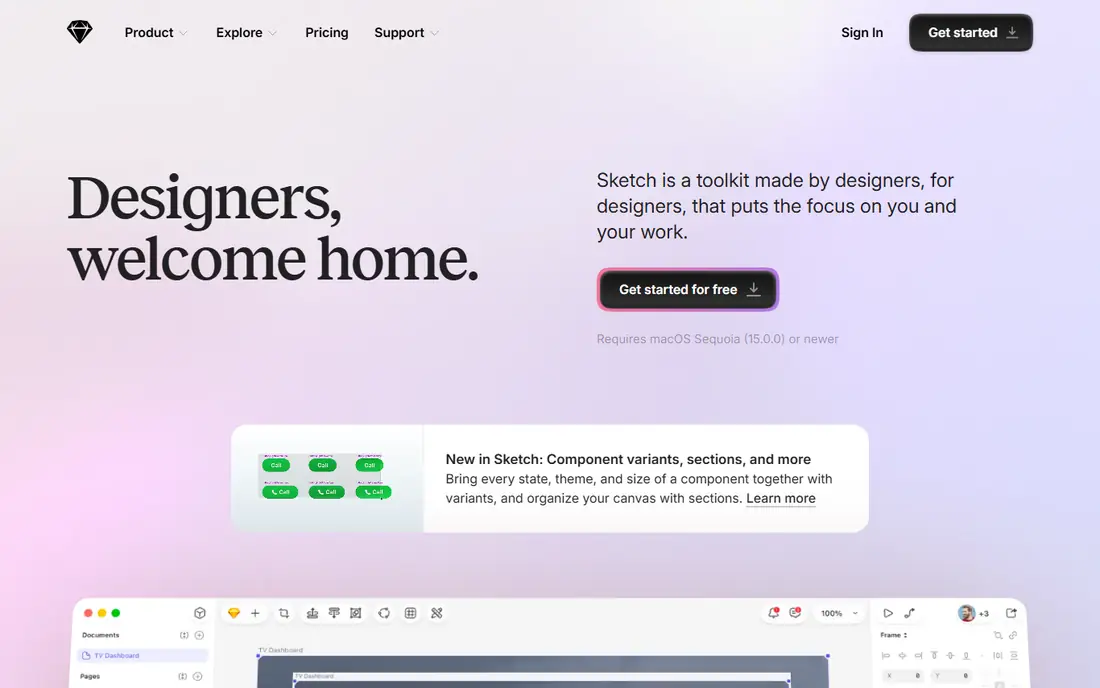
Sketch remains a strong choice for Mac-based designers who prefer a native app over a browser tool. It is fast, works offline, and offers symbols, shared libraries, and a large plugin ecosystem for design systems and handoff. Developers can inspect designs, copy styles, and download assets without a paid editor seat in many cases, which helps keep team costs down.
The main limit is platform. Sketch runs on Mac only, so mixed-platform teams will need Figma, Penpot, or Lunacy for Windows and Linux members. Collaboration is also less real-time than Figma, with more reliance on shared documents and cloud workspaces. For a Mac-only team that values speed and offline work, Sketch at $12 per editor per month billed annually is good value.
- Fast native Mac app with offline work
- Strong symbols, libraries, and plugin ecosystem
- Developers can inspect for free
- Mac only, so Windows and Linux teams need another tool
- Real-time collaboration is less central than in Figma
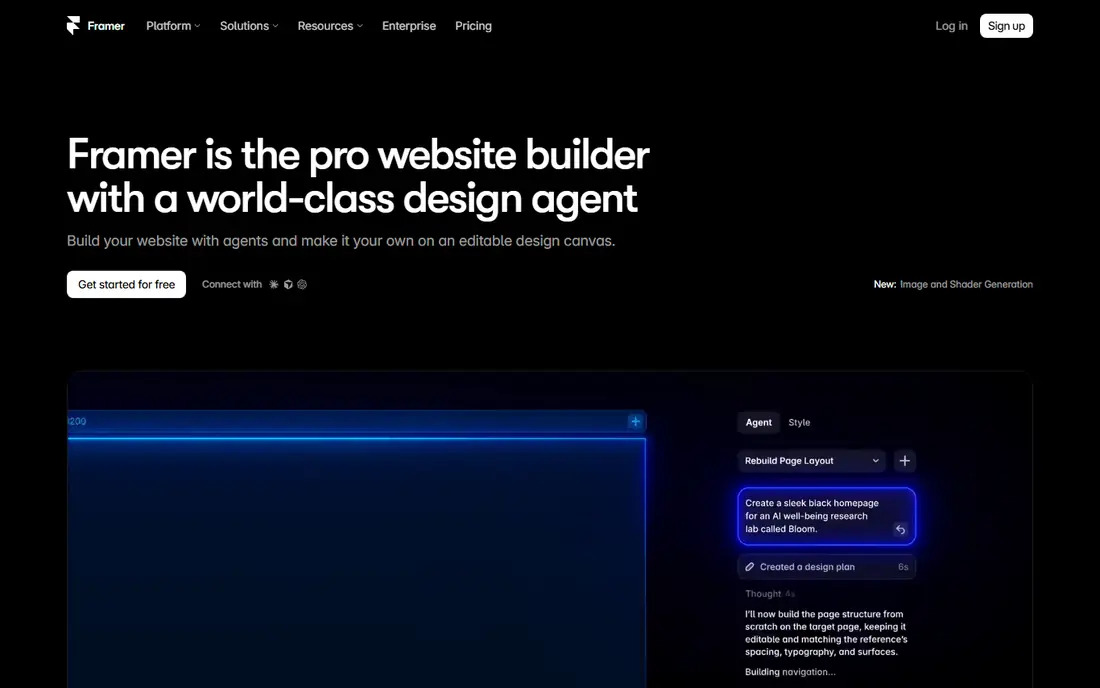
Framer suits teams whose end product is a website, not just a mockup. You design pages, add interactions and animations, and publish a live site from the same tool, with hosting and content management included on paid plans. That direct path from design to live site saves handoff time for marketing sites, portfolios, and landing pages.
The pricing model is per site, starting at $10 per site per month billed annually, so a team with many sites needs to budget per project. Framer is also less focused on native mobile app design systems than Figma or Sketch. If your output is a website, Framer is the most direct tool here; if your output is a mobile app, start with Figma or Sketch instead.
- Designs publish as real websites with no separate build step
- Strong animation and interaction tools
- Free tier for design work
- Pricing is per site, so many sites add up
- Less suited to native mobile app design systems than Figma
Penpot is the best open-source interface design tool, and it is the pick for teams that want to own their files and infrastructure. It runs in a browser, supports components, prototyping, and developer inspect mode, and its file format is open, so you are not locked into one vendor. Self-hosting is free, and the paid cloud Unlimited plan starts at $7 per user per month, with a free Professional cloud plan for small teams.
The trade-off is ecosystem size. Penpot has fewer plugins and templates than Figma, and some features are newer, so teams coming from Figma may miss a favorite plugin. For startups, nonprofits, schools, and teams with privacy or hosting requirements, Penpot offers professional design at a fraction of the cost, with full control over where files live.
- Open-source design tool with no vendor lock-in
- Self-hosting is free
- Paid cloud plan is affordable for small teams
- Plugin and community ecosystem is smaller than Figma
- Some advanced features are newer than in established rivals
Axure RP is the tool for prototypes that need to behave like real software, not just look like it. You can build conditional logic, variables, dynamic panels, and data-driven lists, so a prototype can test complex flows such as forms, filters, and multi-step checkout. Documentation and specification features also help enterprise teams hand a detailed design to developers.
That power comes with cost and complexity. At $29 per user per month billed annually, Axure RP is pricier than Figma or Sketch, and new users need time to learn its logic system. Visual design is functional rather than beautiful, so many teams design screens in Figma and build logic prototypes in Axure RP. For complex enterprise flows, it remains the specialist pick.
- Conditional logic, variables, and dynamic panels for complex flows
- Detailed specifications and documentation
- Strong for enterprise UX teams
- Higher price and steeper learning curve
- Visual design feels less modern than Figma or Sketch
Balsamiq is built for the earliest stage of design, when the question is structure, not color or typography. Its sketch-like wireframes keep meetings focused on layout, flow, and content, rather than on visual polish that is not ready yet. Product managers, founders, and UX teams use it to test ideas fast, before investing time in high-fidelity screens.
The limits are clear. Balsamiq is not a visual design tool, so you will move to Figma, Sketch, or Framer for final screens. Pricing starts at $9 per month for a small project plan, with unlimited users on that project, which makes it cheap for a team that shares wireframes. For fast, low-fidelity thinking, Balsamiq is still one of the quickest tools available.
- Very fast low-fidelity wireframes that focus discussion on structure
- Simple drag-and-drop interface
- Pricing per project with unlimited users
- Not suited to high-fidelity visual design
- No real-time multiplayer editing like Figma
Lunacy is the best free desktop interface design app, especially for freelancers, students, and Windows or Linux users who cannot use Sketch. It offers vector design, prototyping, and a built-in library of icons, photos, and illustrations, and it opens Sketch files, which helps when you receive files from Mac-based designers. The core app is free for personal and commercial use.
Collaboration is the gap. Lunacy does not offer the same real-time multiplayer editing as Figma, so teams that design together live will prefer a browser tool. A Pro plan adds extra features for some users, but the free version covers most solo design work. If you want a capable desktop tool at no cost, Lunacy is the pick.
- Free desktop app for Windows, Mac, and Linux
- Opens Sketch files with good fidelity
- Built-in icons, photos, and graphics
- Collaboration features are thinner than Figma
- Pro features need a paid plan for some teams
UXPin suits design systems teams that want prototypes built from real code components, not just pictures of components. You can import components from a code library, keep design and code in sync, and test interactions that behave like the final product. That accuracy helps when handoff gaps between design and engineering cause rework.
The trade-off is complexity and pricing variation. Code-based workflows need setup, and plan prices have changed over time, so check the current UXPin pricing page before you budget. For teams with a mature design system and engineering support, UXPin can reduce the gap between prototype and product. For smaller teams, Figma or Penpot will be simpler.
- Prototypes built with real code components
- Strong design system features
- Good for teams that want production-accurate prototypes
- Pricing and plan details vary, so check the current page
- Learning curve for code-based workflows
ProtoPie is the prototype specialist for interactions that are hard to show in a static mockup. You can build prototypes that respond to device sensors, voice, gestures, and multiple screens, without writing code, which makes it valuable for mobile apps, wearables, and connected devices. Designers often create screens in Figma or Sketch, then bring them into ProtoPie for interaction work.
ProtoPie is not a replacement for a visual design tool, and its pricing varies by plan, so check the current page. A free tier lets you test basic prototypes, while paid plans open fuller collaboration and device testing. If your prototype needs to feel like a real product in a user test, ProtoPie is the strongest tool on this list for that job.
- Highly realistic prototypes with sensors, voice, and multi-device interactions
- No-code interaction building
- Good for mobile and IoT concepts
- Not a full visual design tool, so screens often come from Figma or Sketch
- Pricing varies by plan
How we picked these
We compared official feature pages, pricing pages, and public documentation for tools that design user interfaces, not just graphics or diagrams. We kept only tools that exist and work in October 2026, that support interface design, prototyping, or handoff, and that suit product teams, freelancers, or enterprise UX teams. We left out discontinued tools and general graphic editors with no interface workflow.
How to choose the right tool
Start with your team and your output. Browser-based teams should start with Figma or Penpot, Mac-only teams with Sketch, website teams with Framer, and logic-heavy enterprise teams with Axure RP. Solo designers on a budget should test Lunacy and Penpot first, since both offer strong free options, while wireframe-only work belongs in Balsamiq.
Test handoff, not just design
A beautiful mockup that developers cannot use is a failed tool choice. Test how developers inspect specs, copy code, download assets, and work with design tokens in your shortlisted tool. Check whether viewers need paid seats, whether files export cleanly, and whether your design system components survive handoff. Run a small real project through the tool before you move a full product team.
Keep the stack simple
Most teams need one main design tool, one prototyping specialist only if interactions demand it, and one handoff workflow. Adding too many tools creates version confusion and extra cost. Start with Figma, Sketch, or Penpot as your main tool, add ProtoPie or Axure RP only for complex prototypes, and use Framer only when the output is a live website. Review seats each quarter and remove editors who only view files.
Frequently asked questions
What are the best interface design tools for beginners?
Figma and Penpot are the best starting points for beginners, with free tiers, browser access, and large tutorial communities. Lunacy is also good for free desktop learning, while Balsamiq suits beginners who want to start with wireframes. Try the free tier of Figma or Penpot first, and learn components and prototyping before you pay for a team plan.
What is the best software interface design tool for product teams?
Figma is the best overall tool for product teams, thanks to real-time collaboration, components, and developer handoff in one browser tool. Sketch suits Mac-only teams, and Penpot suits teams that want open-source hosting and lower costs. Choose based on your platforms, team size, and whether you need real-time collaboration every day.
What are the best tools for interface design without a subscription?
Penpot offers free self-hosting and a free cloud plan for small teams, while Lunacy offers a free desktop app for personal and commercial use. Balsamiq and Sketch use subscriptions or per-project pricing, though Sketch offers a one-time option in some plans. For a fully free workflow, combine Penpot or Lunacy with free handoff tools.
What is the best app interface design tool for mobile apps?
Figma and Sketch are the strongest tools for mobile app interface design, with components, prototyping, and developer handoff for iOS and Android. ProtoPie adds realistic mobile interactions for user testing, while Framer is better for websites than native apps. Start with Figma for mobile, and add ProtoPie only when you need sensor or multi-device prototypes.
How much do interface design tools cost?
Costs vary by seat type. Figma Professional costs $16 per editor per month billed annually, Sketch costs $12 per editor per month billed annually, Framer starts at $10 per site per month billed annually, and Penpot cloud starts at $7 per user per month. Lunacy core is free, Balsamiq starts at $9 per month, and Axure RP costs $29 per user per month billed annually. Check current vendor pricing, since seat types and annual discounts change.
Sources
See where you really rank - block by block
ProMapRanker scans Google Maps across a grid of your service area. Simple monthly plans from $19, white-label on every plan.
Start freeKeep reading
 zscaler alternatives
Best Zscaler Alternatives in 2026
Looking for zscaler alternatives? We compare 9 SASE and zero trust platforms on architecture, data protection, pricing, and fit for your network and team.
Read → zapier alternatives free
Best Zapier Alternatives Free in 2026
Nine automation tools for zapier alternatives free in 2026, all with genuinely free tiers, plus free plan limits, starting prices and upgrade paths explained.
Read → which platform is best for online reputation
Which Platform Is Best for Online Reputation in 2026
Wondering which platform is best for online reputation? We compare 8 review, listing, and response tools for small and multi-location businesses and agencies.
Read →