 ProMapRanker
Best Interactive Presentation Tool in 2026


Polished live polls and quizzes · Pricing starts at: $11.99 per month
Key takeaways
- Mentimeter is our pick for most presenters because it pairs polished slides with polls, word clouds, quizzes, and Q and A in one deck.
- AhaSlides is the best value alternative, with a similar slide library and lower paid pricing for small teams and classrooms.
- Slido is the strongest choice when live Q and A and moderation matter more than slide design, especially for town halls and large meetings.
- Nearpod and Pear Deck are built for teaching, with lesson content, student-paced modes, and classroom controls that business tools do not offer.
- Check participant limits before you pay, since free plans cap live audience size and paid tiers often price by presenter, not by viewer.
Quick comparison
| Pick | Great for | Pricing starts at | Free tier | |
|---|---|---|---|---|
| Mentimeter | Polished live polls and quizzes | $11.99 per month | Yes | Visit |
 Slido Slido | Live Q and A and town halls | See website | Yes | Visit |
 AhaSlides AhaSlides | Budget interactive decks | $7.95 per month | Yes | Visit |
 Poll Everywhere Poll Everywhere | Polls inside PowerPoint and Slides | $10 per month | Yes | Visit |
 Genially Genially | Visual interactive content | See website | Yes | Visit |
 Prezi Prezi | Non-linear visual presentations | See website | Yes | Visit |
 Nearpod Nearpod | Interactive classroom lessons | See website | Yes | Visit |
 Pear Deck Pear Deck | Interactive Google Slides lessons | See website | Yes | Visit |
The best interactive presentation tools
An interactive presentation tool does more than show slides. It lets the audience answer polls, ask questions, join a quiz, or click through content on their own phones, while the presenter sees results live. The best choice depends on whether you present to a class, a company meeting, or a conference, and on how much slide design you want to do inside the tool itself.
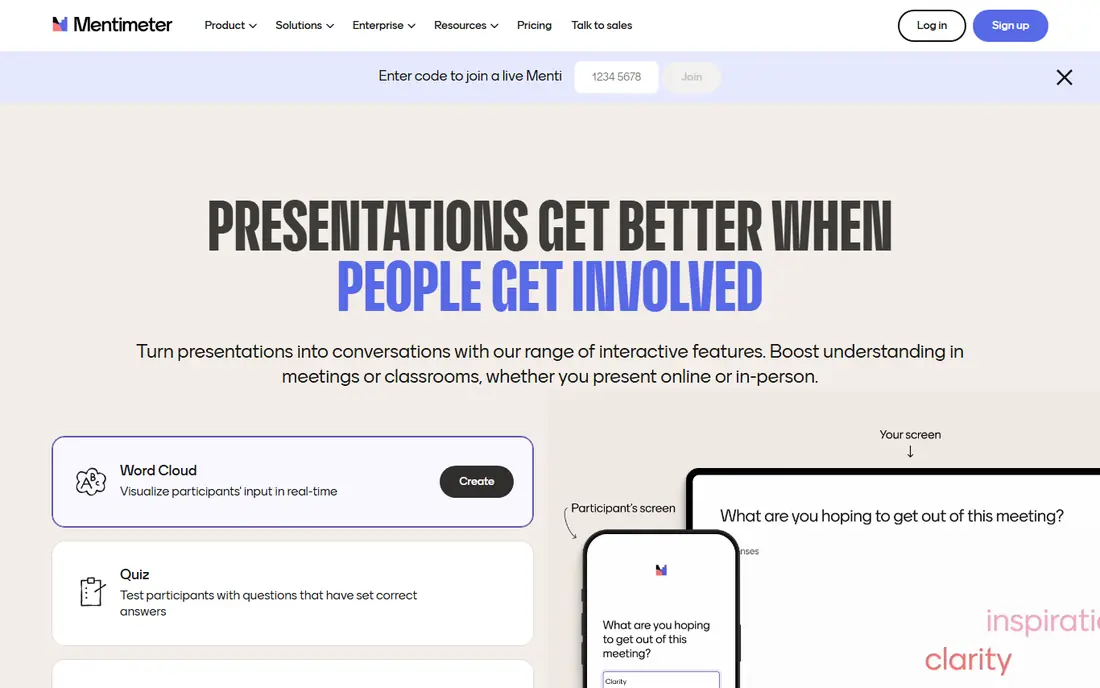
Mentimeter turns a slide deck into a live session with a join code, so the audience does not need to install an app. You can add multiple choice polls, word clouds, scales, ranking questions, open responses, and quizzes, then show results as votes come in. That mix works for icebreakers, training checks, and conference sessions where you want quick feedback without stopping the talk.
The free plan is useful for trying the format, but its monthly participant cap means a single large class or meeting can use it up. Paid plans remove that pressure and add unlimited participants on higher tiers, plus exports and branding. If you present often and want slides that look finished without much design work, Mentimeter is the most complete starting point.
- Wide slide and question types
- Clean audience view on any phone
- Templates for meetings, classes, and workshops
- Free plan caps participants per month
- Paid plans are billed annually on most tiers
- Advanced branding needs higher tiers
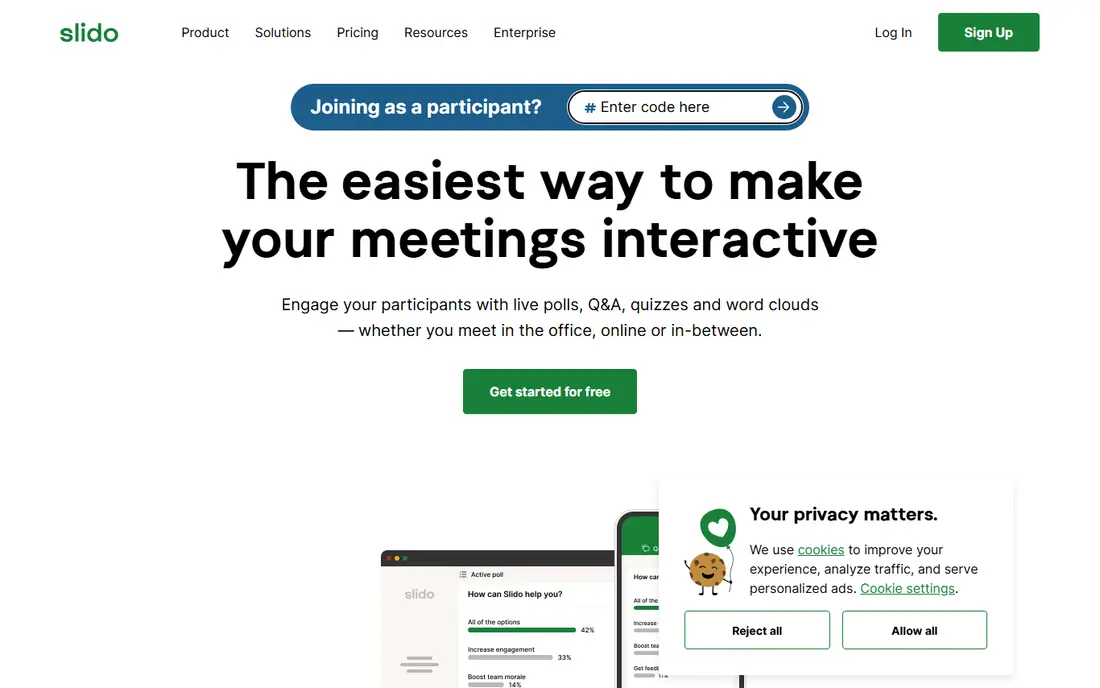
Slido is built around the questions an audience actually asks, rather than the slides a presenter builds. Attendees can submit questions, upvote the ones they care about, and see moderators highlight or archive items in real time. Polls, word clouds, quizzes, and surveys sit alongside Q and A, so a town hall can move from a poll to open questions without switching tools.
That focus makes Slido less appealing if you want a full presentation builder. Many teams use it inside PowerPoint, Google Slides, or a video meeting tool, and treat it as an engagement layer rather than a deck. For large meetings where unanswered questions are the main risk, that layer is exactly what you need, and moderation keeps the session usable.
- Strong Q and A with upvoting and moderation
- Polls and surveys for large events
- Integrations with Webex, Teams, and PowerPoint
- Slide design is limited compared with Mentimeter
- Pricing is annual on many plans
- Best features sit on paid tiers
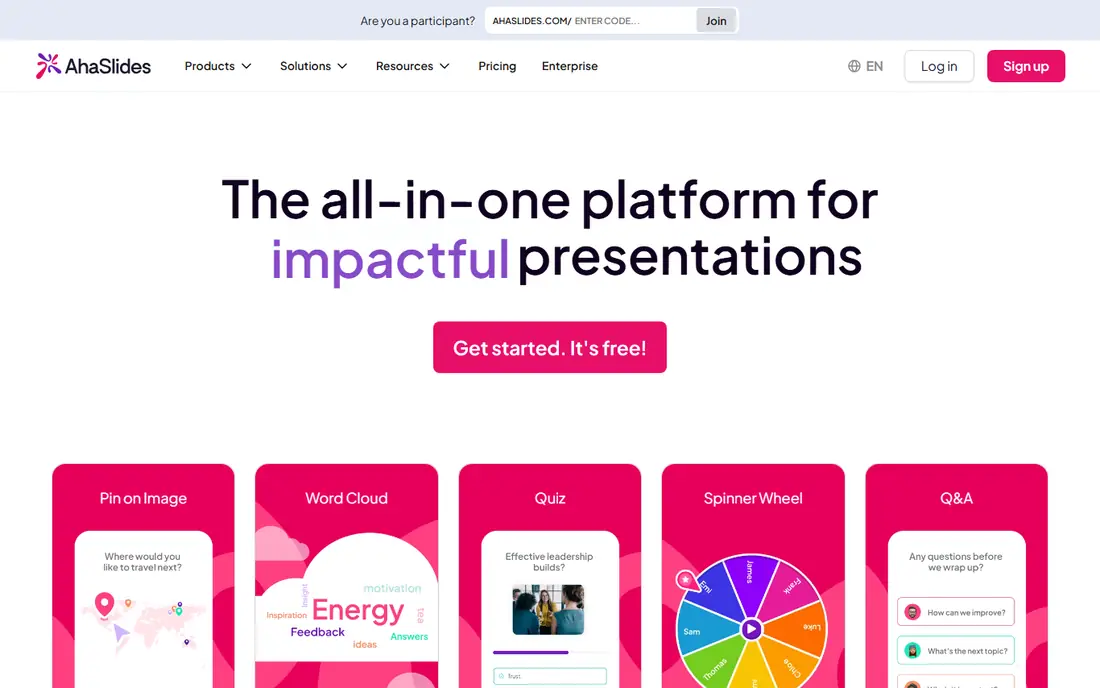
AhaSlides is the closest low-cost match to Mentimeter in everyday use. It offers live polls, quizzes, word clouds, Q and A, rating scales, and playful formats such as spinner wheels and team play, all from a browser-based deck. Presenters can also import slides, use templates, and add AI help for drafting questions, which shortens setup for a weekly meeting or class.
The main trade-off is finish. Templates and result screens look good, but they are less refined than the market leader, and some reporting features need a higher plan. For schools, small teams, and solo trainers who run regular sessions and watch the budget, the lower entry price and monthly billing option make AhaSlides an easy first paid step.
- Many interactive slide types at a lower price
- Quizzes, polls, word clouds, and spinner wheels
- Monthly billing available on some plans
- Design polish trails Mentimeter
- Reporting is thinner on lower tiers
- Participant limits apply on entry paid plans
Poll Everywhere suits presenters who already have slides and do not want to rebuild them. You insert a poll activity into PowerPoint or Google Slides, share a response link or code, and results appear inside the slide as people answer. That workflow keeps your existing deck, branding, and notes intact, which matters for trainers and lecturers with large slide libraries.
The limit is scope. Poll Everywhere does not try to replace a presentation designer, so you will not get Genially-style interactive pages or Prezi-style movement. It does polling, Q and A, and surveys well, with moderation and reporting that suit classes and corporate training. If your deck already exists, this is often the fastest route to interaction.
- Polls embed directly in PowerPoint, Keynote, and Google Slides
- Audience answers by web, text, or app
- Strong for higher education and training
- It is a polling tool, not a full deck builder
- Participant caps on lower tiers
- Design options are narrower than Mentimeter
Genially takes a different approach to interaction. Instead of focusing only on live votes, it lets you build clickable presentations, infographics, escape-room style activities, and interactive images where viewers explore at their own pace. Hotspots, pop-ups, embedded video, and animations turn a static handout into something a class or client can click through after the meeting ends.
Live audience features exist, but they are not the core strength in the same way as Slido or Mentimeter. Genially fits teachers who want self-paced activities, marketers who want interactive one-pagers, and trainers who want a visual resource that lives beyond the live session. If your main need is a live poll during a talk, pair it with a polling tool or pick a poll-first option above.
- Highly visual interactive pages, infographics, and presentations
- Templates for education and business
- Clickable hotspots and embedded media
- Live polling is less central than in Mentimeter
- Learning curve for complex designs
- Some templates and features need paid plans
Prezi replaces slide-by-slide movement with a large canvas that you zoom into and out of. That structure helps when a talk has a map, a process, or a story with parts that connect, because the audience can see where each section sits in the whole. Prezi Video also lets a presenter appear alongside content on a video call, which suits remote pitches and lessons.
Prezi is not a polling platform. You can link out to polls or embed some interactive elements, but live Q and A, word clouds, and quiz leaderboards are not its focus. Choose Prezi when the visual journey matters most, and add a separate polling tool for sessions that need live audience input.
- Zooming canvas that shows the big picture and details
- Video presentation mode for remote talks
- Templates for business and education
- Movement can distract if overused
- Live polling is limited
- Collaboration and offline features vary by plan
Nearpod is a lesson platform, not just a poll add-on. Teachers can build or choose a lesson, add polls, open questions, quizzes, collaborative boards, drawings, and videos, then run it live or assign it for students to complete at their own pace. Reports show individual student responses, which helps teachers check understanding during and after a lesson.
That depth comes with a learning curve. Nearpod has more screens and settings than a meeting poll tool, and its content library and virtual field trips are aimed squarely at K-12 and higher education. For a classroom that runs interactive lessons daily, that focus is a strength. For a one-off business talk, a simpler poll tool will be faster.
- Full interactive lessons with polls, quizzes, drawings, and virtual field trips
- Student-paced and live modes
- Large lesson library
- Built for schools, so business features are limited
- Paid pricing is mainly annual for individual teachers
- Setup takes longer than a simple poll
Pear Deck works as an add-on to decks teachers already use. You add interactive slides, such as draggable responses, drawings, multiple choice, and text answers, to a Google Slides or PowerPoint presentation, then launch it for students to join. The teacher dashboard shows answers as they arrive, so you can highlight a strong response or spot a misunderstanding without collecting paper.
Because Pear Deck builds on existing slides, it is fast to adopt for teachers who live in Google Workspace. It is less useful for presenters who want a standalone deck builder or a conference Q and A system. For classrooms that already use Slides, Pear Deck adds interaction with the least change to existing lesson files.
- Turns Google Slides and PowerPoint decks into interactive lessons
- Student responses on their own devices
- Teacher dashboard for live feedback
- Depends on Slides or PowerPoint for design
- Premium features, including student-paced mode, need a paid plan
- Limited business use
How we picked these
We compared official pricing pages, feature lists, and classroom and meeting use cases for tools that add live interaction to a presentation in October 2026. We required a real product that runs live polls, quizzes, Q and A, or clickable content, and we kept tools that serve different audiences, including business presenters, conference organizers, and teachers. Prices change often in this category, so where a vendor did not publish a clear monthly price on its own site at the time of checking, we wrote See website rather than guessing.
How to choose the right interactive presentation tool
Start with the audience moment you need to improve. If the problem is silence during a meeting, a poll-first tool such as Mentimeter, AhaSlides, or Poll Everywhere will change the session fastest. If the problem is unanswered questions at a town hall, Slido moderation and upvoting matter more than slide templates. If the problem is student engagement across a lesson, Nearpod or Pear Deck give you pacing, reports, and activities that a meeting tool does not.
Check limits before a large session
Free plans in this category almost always cap participants, questions, or slides, and those caps are easy to hit in a real class or conference. Test the join flow on a phone, check whether attendees need an account, and confirm the participant limit on the plan you will actually use. For events over a few hundred people, confirm the limit in writing on the vendor pricing page and test with a second device before the live session.
Plan for the room and the connection
Interactive tools depend on audience phones and a stable connection, so have a backup plan if Wi-Fi fails. Keep a verbal question ready, save a PDF of key slides, and avoid making a quiz the only way to cover required content. For hybrid meetings, check how the tool works inside Zoom, Teams, or Webex, since some integrations show results only to the presenter unless you share the right screen.
Frequently asked questions
What is the best interactive presentation tool?
Mentimeter is the best all-round choice for most presenters, because it combines polls, quizzes, word clouds, and Q and A in a polished deck. AhaSlides is a strong budget alternative with a similar feature set. Slido is better when Q and A is the main event, while Nearpod and Pear Deck are better for classroom lessons.
What is the best software for interactive presentations in a classroom?
Nearpod and Pear Deck are the strongest classroom picks, since they add student-paced lessons, individual response reports, and lesson libraries. Mentimeter and AhaSlides also work well for single-class polls and quizzes. Choose Nearpod for a full lesson platform and Pear Deck if your lessons already live in Google Slides.
What is the best free interactive presentation tool?
Mentimeter, AhaSlides, Slido, and Poll Everywhere all offer free plans, but each caps participants, questions, or slides. AhaSlides free plan allows up to 50 participants per session in many listings, while Mentimeter free plan caps participants per month. For a small class or meeting, any of these will work, but check the current cap before a large session.
Do audiences need to install an app to join?
In most cases, no. Audiences usually join through a web link or code on their phone browser and answer without installing an app. Some tools offer optional apps for presenters or for extra features, but browser joining is the norm for Mentimeter, Slido, AhaSlides, and Poll Everywhere.
Can I use interactive tools with PowerPoint or Google Slides?
Yes. Poll Everywhere embeds polls directly in PowerPoint, Keynote, and Google Slides, Slido integrates with PowerPoint and meeting tools, and Pear Deck adds interaction to Google Slides and PowerPoint decks. Mentimeter and AhaSlides can also import slides, though they work best as standalone decks.
What is the difference between Mentimeter and Slido?
Mentimeter is a presentation builder with polls, quizzes, and Q and A built into the deck. Slido is an engagement layer focused on Q and A, polls, and surveys that sits inside other slides or meeting tools. Pick Mentimeter to build the whole talk in one place, and Slido to run questions and polls during a talk built elsewhere.
Sources
See where you really rank - block by block
ProMapRanker scans Google Maps across a grid of your service area. Simple monthly plans from $19, white-label on every plan.
Start freeKeep reading
 zendesk alternatives
Best Zendesk Alternatives in 2026
Compare the best Zendesk alternatives in 2026, from budget help desks to AI-first support tools, with current pricing, free plans, and honest trade-offs.
Read → wordpress alternatives
Best WordPress Alternatives in 2026
Looking for the best WordPress alternatives? We compare 8 free and paid options for blogs, business sites, stores, and developer-led projects in 2026.
Read → which real estate company has the best training
Best Real Estate Company Training in 2026
Compare which real estate company has the best training, from Keller Williams and eXp to Compass and Coldwell Banker, by program, mentor, and fit in 2026.
Read →