 ProMapRanker
Best Interactive Ebook Software in 2026


Education and training ebooks · Pricing starts at: $150 one time
Key takeaways
- Kotobee suits education and training best, with quizzes, widgets, and LMS friendly exports.
- PubCoder suits illustrated and children's books, with fixed layout EPUB and app outputs.
- Book Creator suits classrooms, with simple creation and sharing for students and teachers.
- FlipHTML5 and FlippingBook suit flipbook distribution, not full interactive EPUB creation.
- Sell or distribute only material you own or have rights cleared for, including images, audio, and video.
Quick comparison
| Pick | Great for | Pricing starts at | Free tier | |
|---|---|---|---|---|
| Kotobee Author | Education and training ebooks | $150 one time | Free trial | Visit |
 PubCoder | Illustrated interactive books | 99 euros per year | Free trial | Visit |
 Book Creator | Classroom book creation | $14 per month | Yes | Visit |
 FlipHTML5 | Budget flipbooks | $12.50 per month | Yes | Visit |
 FlippingBook | Sales and marketing flipbooks | $44 per month | Free trial | Visit |
 Designrr | Lead magnet ebooks | $29 per month | Free trial | Visit |
 Visme | Visual ebooks and documents | $12.25 per month | Yes | Visit |
 PandaSuite | Interactive apps and exhibits | $79 per month | Free trial | Visit |
The best interactive ebook software
Interactive ebooks add video, audio, quizzes, pop ups, and widgets to reading, so the right tool depends on whether you publish for classrooms, for sale, or for marketing. The tools below cover those uses, with honest notes on format and price.
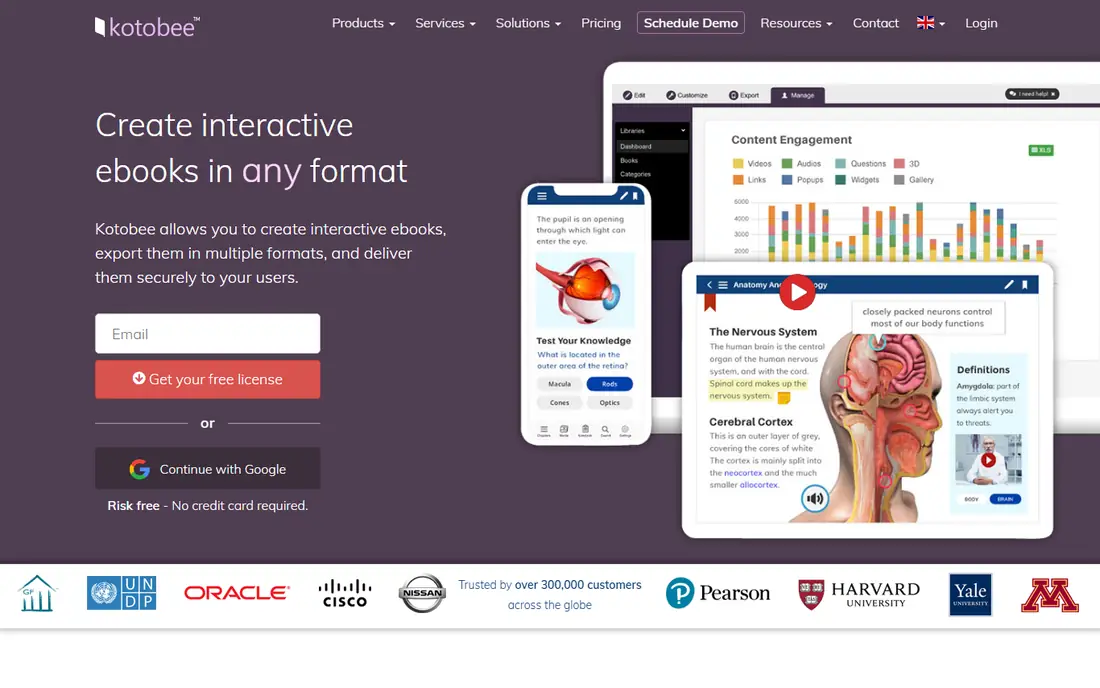
Kotobee Author is the strongest pick for teachers, trainers, and publishers who need real interactivity in an ebook. Content can include video, audio, interactive images, self assessment questions, and widgets, and books can be exported as EPUB, web apps, mobile apps, and library collections. That range helps a school or training provider deliver the same book on different devices without rebuilding it. Pricing is one time for the Basic licence, with higher licences for Premium and Institutional use, so the total depends on features and reader numbers. The interface is more of a publishing tool than a simple document editor, so new users should allow time for a first project. For education and training, where quizzes and tracking matter, Kotobee Author earns its place at the top of this list.
- Video, audio, quizzes, and widgets
- Many export formats
- LMS and library options
- One time price rises for higher licences
- Interface takes time to learn
PubCoder suits illustrated books, children's books, and design led publishing, where layout matters as much as text. Fixed layout EPUB keeps illustrations, animations, and interactive elements in place, and books can also be published as iOS and Android apps or HTML5. That control helps publishers who want a book to look the same on every device, rather than reflowing like a novel. The learning curve is the honest downside. PubCoder is closer to a creative tool than to a drag and drop editor, so a team should budget time to learn it, or use it for projects where design quality justifies that time. The Standard licence is priced per year, with education discounts available. For illustrated and children's publishing, PubCoder is a specialist worth that effort.
- Fixed layout EPUB for illustrated books
- IOS, Android, and HTML5 outputs
- Design control
- Learning curve is steep for beginners
- Price is in euros, so US cost varies with exchange
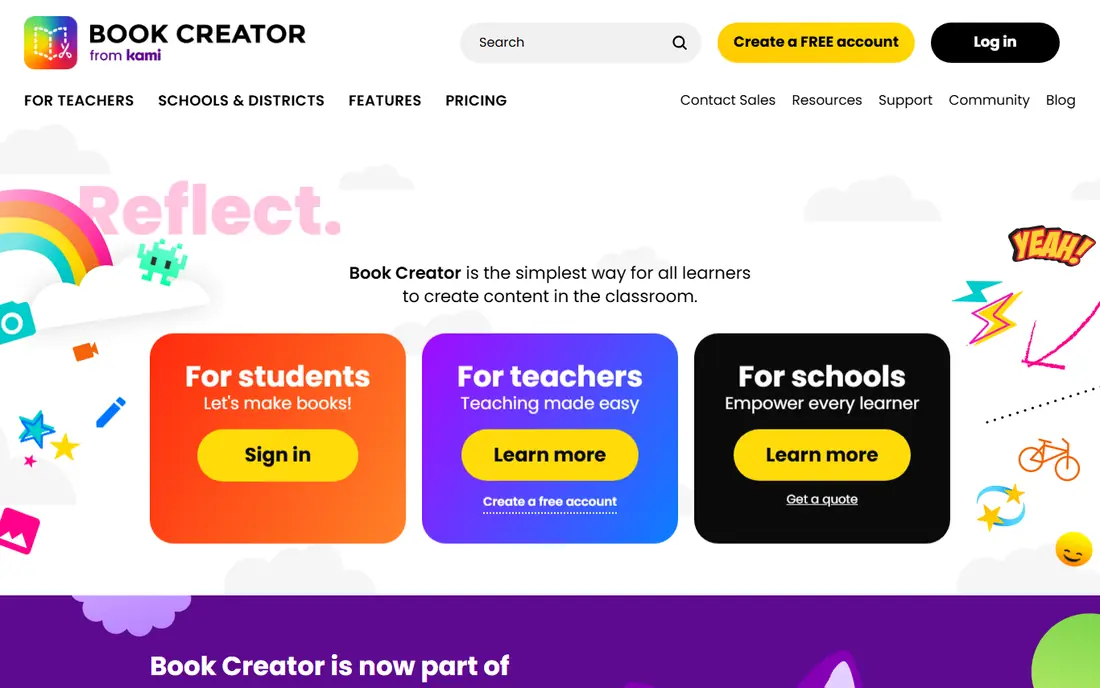
Book Creator is built for classrooms, where students and teachers create books together without learning publishing software. Pages can combine text, images, audio, and video, and books can be shared as web links, EPUB, or PDF. Teachers can run a library of student books, which makes it practical for class projects, portfolios, and reading practice. The simplicity that helps classrooms limits professional publishing. Complex fixed layouts, advanced widgets, and detailed distribution controls are better handled by Kotobee or PubCoder. Pricing includes a free tier with limits, and paid plans add more libraries and features. For schools and training teams, Book Creator is the easiest way to get students making interactive books quickly.
- Simple creation for students and teachers
- Web, EPUB, and PDF outputs
- Classroom library
- Less suited to complex fixed layout publishing
- Advanced features need paid plans
FlipHTML5 turns a PDF into a page flipping book that can be shared by link and embedded on a website. That format suits catalogs, backlist books, brochures, and marketing documents where a reader flips pages on screen. The free plan lets a user test the format, while paid plans remove limits and add branding and analytics options. The limit is format. A flipbook is a hosted web book, not a standard EPUB with reflowable text and reader controls, so it suits distribution and marketing more than classroom EPUB work. A publisher who needs EPUB, quizzes, and LMS tracking should choose Kotobee or PubCoder instead. For low cost, attractive online distribution, FlipHTML5 is a practical pick.
- Low cost flipbook publishing
- PDF to flipbook conversion
- Hosted sharing links
- Flipbook format, not true EPUB interactivity
- Branding and limits on lower plans
FlippingBook suits sales and marketing teams who want a polished, trackable flipbook for catalogs, proposals, and product guides. Books can include links, video, and lead capture forms, and analytics show which pages readers actually view. That data helps a sales team follow up on real interest, rather than guessing from downloads alone. The price is higher than FlipHTML5, and the tool is still a flipbook platform, not a full EPUB authoring system with quizzes and LMS exports. A team that needs classroom interactivity should look elsewhere. A team that needs a professional online catalog with tracking will find the design quality and analytics worth the monthly cost, especially for high value sales content.
- Polished flipbook design
- Lead capture and analytics
- Team sharing controls
- Higher price than FlipHTML5
- Not a full EPUB authoring tool
Designrr helps marketers turn existing content into a short ebook quickly, for use as a lead magnet or a free guide. Blog posts, documents, and transcripts can be repurposed into a formatted book with templates, and outputs include PDF, EPUB, and Kindle formats. That speed matters when a marketing team needs a useful guide for a campaign, not a months long publishing project. Interactivity is lighter here than in education tools. Designrr does not offer the same quiz, widget, and LMS depth as Kotobee, and it suits short, visual guides better than textbooks. For content marketing, where speed and design polish matter most, Designrr is a good fit. For a course book or a children's interactive book, choose a specialist tool above.
- Fast repurposing from blog posts and documents
- Templates for lead magnets
- EPUB and PDF outputs
- Interactivity is lighter than Kotobee or PubCoder
- Best for short marketing books
Visme suits teams that need a visual ebook on a tight deadline, with charts, infographics, and embedded media in a polished document. Templates speed up reports, guides, and training documents, and books can be shared by link or downloaded. The free plan helps a small team test the design workflow before paying. The limit is publishing format. Visme creates visual documents and presentations more than standard EPUB books, so it is less suited to bookstore EPUB distribution or LMS textbook work. For internal guides, client reports, and marketing ebooks where visual impact matters, Visme is fast and affordable. For a formal interactive textbook, Kotobee remains the stronger choice.
- Visual templates and infographics
- Embeddable media
- Easy sharing by link
- Ebook format is document based, not standard EPUB publishing
- Advanced features need higher plans
PandaSuite is a no code tool for interactive apps, guides, and exhibits, which makes it a good fit for museums, visitor centres, and brands that want more than a flat book. Content can include interactive screens, media, and navigation that feels like an app, with outputs for iOS, Android, and web. That app like experience suits kiosks, tours, and interactive guides. The price and scope are the trade offs. At $79 per month for publishing plans, PandaSuite costs more than a simple ebook tool, and a team that only needs a short PDF guide will not use its depth. For an exhibit, a training app, or a branded interactive guide, the no code app format is the point, and PandaSuite delivers it without custom development. Sell or distribute only material you own or have rights cleared for, including text, images, audio, and video used in any interactive book. Check licences for stock media and music before publishing, and keep records of permissions for material you did not create.
- No code interactive apps
- Museum and exhibit use
- IOS, Android, and web outputs
- Higher price for simple ebooks
- Learning curve for advanced interactions
How we picked these
We compared official pricing pages, format descriptions, and public guides for interactive ebook tools in October 2026. We kept tools that add real interactivity, such as video, audio, quizzes, or widgets, and that offer a clear export or distribution path. We left out plain word processors and simple PDF converters that do not add interactive elements.
Choosing the right interactive ebook tool
Start with the reader and the format. A classroom book needs EPUB, quizzes, and LMS compatibility, while a sales catalog needs a hosted flipbook with analytics, and a museum guide needs an app format. Matching format first prevents buying a tool that creates the wrong output, however polished it looks. Next, check who creates the book. Teachers and students need simple tools like Book Creator, while publishers and designers can handle PubCoder or Kotobee. Finally, check total cost, including licences for readers, app store fees where relevant, and any per app publishing charges. A one time licence can be cheaper over years than a monthly plan, but only if the feature set covers your future books as well.
Frequently asked questions
What is interactive ebook software?
It is software that lets you add video, audio, quizzes, animations, and widgets to a book, beyond plain text and images. Outputs vary, from standard EPUB and mobile apps to hosted flipbooks and web apps. The right format depends on whether readers use an e-reader, a classroom LMS, a website, or a mobile app.
Which format should I choose, EPUB or flipbook?
Choose EPUB or an app format for reading on e-readers, tablets, and LMS platforms, especially for textbooks and children's books. Choose a flipbook for online catalogs, brochures, and sales guides where page design and tracking matter more than reflowable text. Some publishers use both, with EPUB for reading and flipbooks for marketing.
Can I sell ebooks made with these tools?
Yes, provided you own or have licensed all content in the book, including text, images, audio, and video. Distribution options vary by tool, from app store publishing to hosted links and LMS libraries. Check each tool's publishing terms and any store fees before setting a price.
Do I need coding skills to make an interactive ebook?
No, for most tools on this list. Book Creator, Designrr, and Visme use templates and drag and drop editing, while Kotobee and PubCoder need more learning but still do not require coding for standard books. PandaSuite also uses no code editing for interactive apps, though advanced interactions take practice.
Is Kotobee better than Book Creator for schools?
Kotobee is better for formal course books with quizzes, LMS tracking, and library distribution, while Book Creator is better for student created books and quick classroom projects. Many schools use both, with Book Creator for creation by students and Kotobee for published course material.
How much does interactive ebook software cost?
Costs range from free plans for basic creation to $12 to $44 per month for flipbooks and visual tools, $79 per month for app publishing, and one time licences from $150 for Kotobee. PubCoder costs 99 euros per year for its Standard licence. Check reader limits and publishing fees, since those affect total cost.
Sources
See where you really rank - block by block
ProMapRanker scans Google Maps across a grid of your service area. Simple monthly plans from $19, white-label on every plan.
Start freeKeep reading
 what’s the best risk software for enterprises
What Is the Best Risk Software for Enterprises in 2026
We compared what’s the best risk software for enterprises on risk registers, controls, third-party risk, and reporting, with pricing notes for large teams.
Read → what's the best pam software for enterprises
What is the Best PAM Software for Enterprises in 2026
Find what's the best pam software for enterprises, with vaulting, session recording, just in time access and pricing compared for large enterprise IT teams.
Read → what’s the best grc software
What Is the Best GRC Software in 2026
We compared what’s the best grc software on risk, compliance, audit and vendor risk, so teams can pick a platform that fits their frameworks and budget.
Read →