 ProMapRanker
Best Intelligent Document Processing Software in 2026

Key takeaways
- ABBYY Vantage is our pick for enterprises that need governance and accuracy across many document types.
- Rossum suits accounts payable teams that want template-free invoice extraction with workflow automation.
- Nanonets suits mid-size teams that want fast setup and usage-based pricing.
- Cloud API tools from Microsoft, Google, and Amazon suit developer teams that already use those clouds.
- Always test with your own documents, since accuracy varies widely by layout and handwriting.
Quick comparison
| Pick | Great for | Pricing starts at | Free tier | |
|---|---|---|---|---|
 ABBYY Vantage | Enterprise document operations | See website | Free trial | Visit |
 Rossum | AP invoice workflows | See website | Free trial | Visit |
 UiPath Document Understanding | Automation-heavy teams | See website | Free trial | Visit |
 Nanonets | Flexible mid-market automation | See website | Yes | Visit |
 Hyperscience | High-compliance back office | See website | Free trial | Visit |
 Automation Anywhere Document Automation | RPA plus document extraction | See website | Free trial | Visit |
 Azure AI Document Intelligence | Microsoft-centric teams | See website | Yes | Visit |
 Google Document AI | Cloud-first API teams | See website | Yes | Visit |
The best intelligent document processing software
Intelligent document processing, or IDP, goes beyond simple text recognition. It classifies documents, extracts structured data such as invoice totals and dates, validates that data, and routes it into other systems. The tools below cover enterprise platforms, accounts payable specialists, and cloud APIs, so the right choice depends on your volume, your documents, and if you have developers in-house.
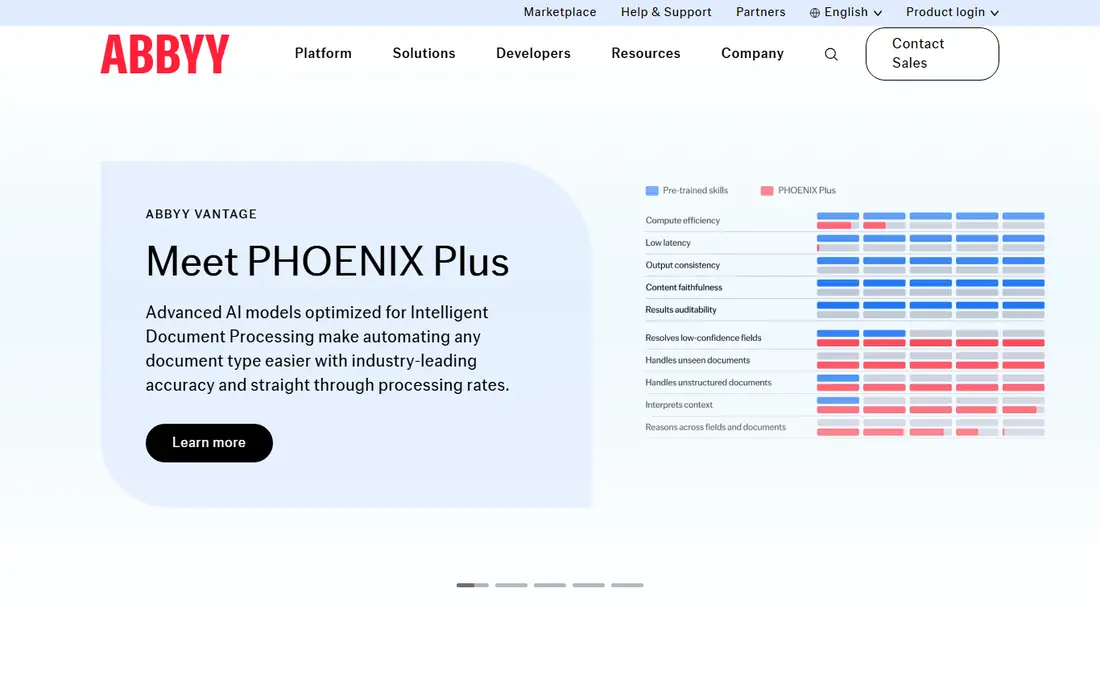
ABBYY Vantage is our pick for enterprises with heavy document operations. It combines text recognition, classification, splitting, extraction, and validation into low-code skills that operations teams can assemble without heavy engineering. Pre-trained skills cover invoices, receipts, purchase orders, and identity documents, which gives large teams a head start on common document types.
The trade-off is scale and cost. Pricing is quote-based and scoped to volume and deployment, and an enterprise rollout needs planning around integrations and governance. Smaller teams will find it more than they need. For regulated industries where accuracy, audit trails, and control matter more than a quick start, Vantage is a strong platform.
- Low-code document skills for many document types
- Strong governance and analytics
- Print and handwriting recognition
- Quote-based pricing
- Enterprise setup takes planning and time
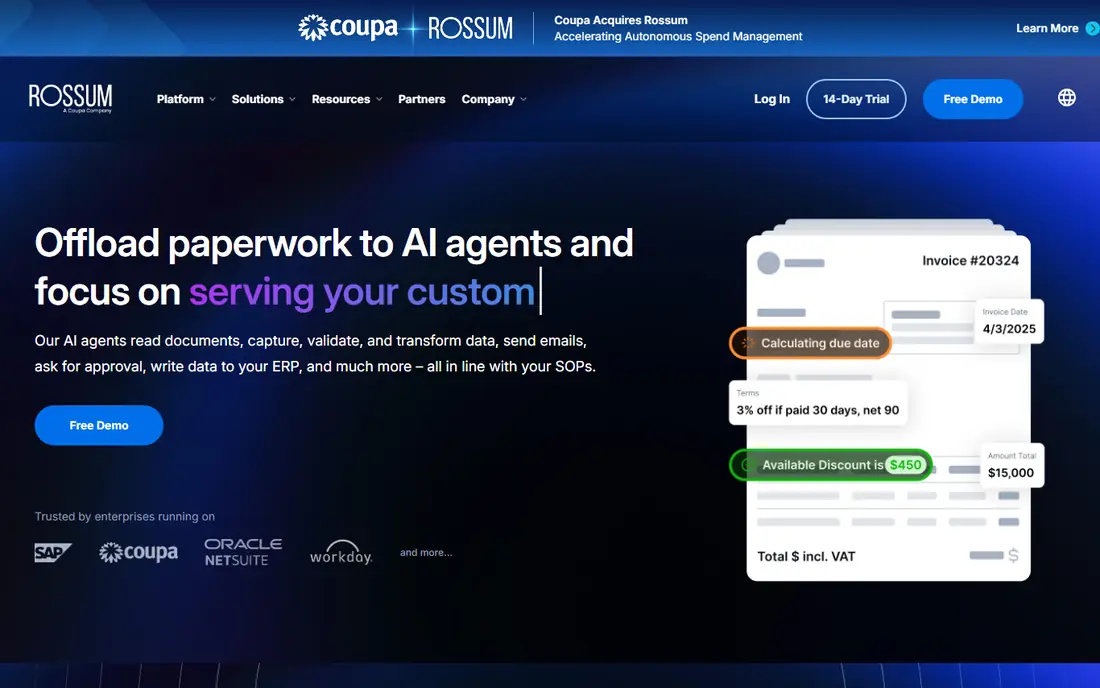
Rossum is built for accounts payable teams that process invoices at volume. Its template-free extraction reads invoices without a template for each supplier, and its review screens make it easy for staff to check and correct data before it reaches an accounting system. Workflow automation covers approvals and routing, so an invoice can move from inbox to payment queue with less manual handling.
Published guides report starter pricing from $18,000 per year, which puts Rossum out of reach for very small teams. If your AP volume is high and invoice layouts vary widely, that cost can pay back through time saved. If you process only a handful of invoices a month, a usage-based tool like Nanonets will cost far less.
- Template-free extraction
- Usable review screens
- Workflow automation for approvals
- Pricing starts at enterprise levels in published guides
- Less suited to tiny volumes
UiPath Document Understanding suits teams that already automate work with UiPath. Document extraction sits inside the same platform as robotic process automation, so an extracted invoice can trigger approvals, payments, and record updates without a separate integration project. Prebuilt models cover invoices, receipts, purchase orders, and identity documents, and human validation is built into the workflow.
The limit is context. Outside a UiPath setup, the value drops, since you pay for a platform you may not otherwise use. Consumption-based pricing also needs modeling against your real page volume. For automation-heavy teams already on UiPath, it is a natural choice. For a standalone document problem, a specialist IDP tool may be simpler.
- Fits inside a broader automation platform
- Prebuilt models for common documents
- Human validation included
- Best value only inside a UiPath setup
- Consumption-based pricing needs careful modeling
Nanonets suits mid-size teams that want to start quickly. Setup and model training are fast compared with enterprise platforms, and usage-based pricing means you pay in line with volume rather than committing to a large annual license. Free credits let a team test extraction on its own documents before paying, which is the right way to judge any IDP tool.
The catch is document complexity. Simple forms, receipts, and invoices work well, while long, high-variance documents need more training and review. Governance and audit features are also lighter than on an enterprise platform. For a team with moderate volume and standard documents, Nanonets offers a good balance of speed, flexibility, and cost.
- Fast setup and model training
- Usage-based pricing
- Free credits to start
- Complex, high-variance documents need more training
- Enterprise governance is lighter than ABBYY
Hyperscience targets back-office operations where accuracy and compliance matter most, such as insurance, finance, and government work. Human-in-the-loop review is built into the platform at scale, so uncertain extractions go to a person before they reach downstream systems. Deployment options include cloud, private cloud, and on-premises setups, which helps regulated organizations with data rules.
Pricing is quote-based and enterprise-level, and implementation takes planning. Small teams will find it heavy, and simple invoice automation can be done more cheaply elsewhere. For high-volume, high-stakes document work where an error is costly, Hyperscience is one of the strongest platforms available.
- Human-in-the-loop review at scale
- Strong accuracy focus
- Deployment options including on premises
- Quote-based enterprise pricing
- Implementation is a project, not a quick signup
Automation Anywhere Document Automation
Great for: RPA plus document extraction
Automation Anywhere Document Automation plays a similar role to UiPath Document Understanding, for teams already on that platform. Extraction feeds directly into bots and workflows, so documents can trigger downstream actions without custom integration work. A community edition covers small use, and generative extraction helps with varied document layouts that templates handle poorly.
As with UiPath, the value depends on the platform around it. A team that does not use Automation Anywhere will get less from it than from a standalone IDP tool, and enterprise pricing is quote-based. For existing Automation Anywhere customers with document-heavy workflows, it is a logical addition. For others, start with a specialist tool.
- Fits inside an automation platform
- Community edition for small use
- Generative extraction for varied documents
- Enterprise pricing is quote-based
- Best value only inside an Automation Anywhere setup
Azure AI Document Intelligence, formerly Form Recognizer, suits developer teams that already run on Microsoft Azure. Prebuilt models cover invoices, receipts, identity documents, tax forms, and contracts, while custom models handle layouts unique to your business. A free tier covers a small monthly page volume, which makes testing cheap.
This is an API product, so it needs developers to build the workflow around it, including validation, routing, and human review. Pricing is per page and varies by model, so model your real volume before budgeting. For Microsoft-centric teams with developers in-house, it is a cost-effective extraction layer. For non-technical teams, a full IDP platform will be easier.
- Prebuilt and custom models
- Free tier for small volumes
- Fits Azure and Microsoft workflows
- Developer setup needed
- Pricing is per page and varies by model type
Google Document AI suits cloud-first developer teams, especially those already on Google Cloud. Its processor library covers common document types, and extracted data flows naturally into Google Cloud data tools for analysis and storage. Usage-based pricing means you pay per document processed, which suits variable volumes.
Like Azure, it is an API, not a finished workflow product. Your team must build validation, human review, and routing around it, which takes developer time. Non-technical teams will get faster results from Rossum or Nanonets. For a developer team that wants a flexible extraction layer inside Google Cloud, Document AI is a strong choice.
- Processor library for common documents
- Integrates with Google Cloud data tools
- Usage-based pricing
- Developer setup needed
- Workflow and review tools must be built around it
How we picked these
We compared official product and pricing pages plus recent 2026 IDP guides, and kept only tools that are live and actively sold now. We favored a mix of enterprise platforms, AP specialists, and cloud APIs, so the list covers different team sizes and technical setups. Pricing is quote-based or usage-based for most tools, so we wrote See website where no single public starting price could be verified, rather than inventing a figure.
How to choose the right one
Start with your documents, not the vendor list. Gather a sample set that includes your hardest layouts, handwriting, and low-quality scans, and test each shortlisted tool on those documents. Measure accuracy on the fields that matter, such as totals, dates, and line items, and check how much human review is still needed. A tool that scores well on clean invoices can struggle on your real files.
Volume, integration, and review
Model total cost at your real page volume, since per-page, per-document, and annual license pricing behave very differently as volume grows. Confirm integration with your accounting, ERP, or workflow system, since extracted data is only useful if it flows somewhere automatically. Finally, check the review workflow, since every IDP tool still needs human checks on uncertain documents.
Frequently asked questions
What is intelligent document processing software?
Intelligent document processing software classifies documents, extracts structured data, validates it, and routes it into other systems. Simple text recognition only reads characters, while IDP understands that a number on an invoice is a quantity or a total, and it can check that data before it reaches your accounting system.
What is the best intelligent document processing software?
ABBYY Vantage is our pick for enterprises, Rossum suits accounts payable teams, and Nanonets suits mid-size teams that want fast setup. Developer teams on Microsoft or Google Cloud should look at Azure AI Document Intelligence or Google Document AI. Test each tool on your own documents before deciding.
How much does IDP software cost?
Costs vary widely. Cloud APIs charge per page or per document, usage-based platforms charge by volume, and enterprise platforms use annual licenses scoped to volume. Published guides report starter prices from a few hundred dollars a month to tens of thousands a year, so model cost at your real volume and confirm a quote.
Do I need developers to use IDP software?
It depends on the tool. Platforms like ABBYY Vantage, Rossum, and Nanonets offer low-code setup and review screens for operations teams. Cloud APIs like Azure AI Document Intelligence and Google Document AI need developers to build the workflow, validation, and review steps around them.
How accurate is intelligent document processing?
Accuracy varies by document type, layout quality, and handwriting. Clean, standard invoices score higher than long, varied, or poorly scanned documents. Always test with your own sample set, measure accuracy on the fields that matter, and plan for human review on uncertain extractions.
Sources
See where you really rank - block by block
ProMapRanker scans Google Maps across a grid of your service area. Simple monthly plans from $19, white-label on every plan.
Start freeKeep reading
 zoho inventory alternatives
6 Alternatives to Zoho Inventory, Compared on Price and Fit
Zoho Inventory alternatives: 6 tools compared on price, free plans and fit. Katana leads the list for manufacturers. Fit and flaws are laid out for each entry.
Read → zoho crm alternatives
Best Zoho CRM Alternatives (2026)
Need Zoho CRM alternatives? We compare 7 tools on cost, free access and who each suits. Every pick gets a straight assessment. Built for quick decisions.
Read → zelle alternatives
Best Zelle Alternatives in 2026
Compare the best Zelle alternatives for sending money to friends, paying sellers and moving funds abroad, with honest notes on fees, speed and safety in 2026.
Read →