 ProMapRanker
Best Instant Messaging App in 2026

Key takeaways
- WhatsApp is the easiest default, since most contacts already use it, while Signal is the strongest pick for private messaging.
- Telegram suits large groups and channels, but only Secret Chats use end to end encryption by default in that app.
- Threema, Session, and Element suit people who want less personal data tied to an account, with different trade offs in ease of use.
- The best app is the one your contacts will actually use, since a private app with no contacts cannot replace your daily chats.
Quick comparison
| Pick | Great for | Pricing starts at | Free tier | |
|---|---|---|---|---|
 WhatsApp | Everyday messaging for most people | Free | Yes | Visit |
 Signal | Private messaging by default | Free | Yes | Visit |
 Telegram | Large groups and channels | Free | Yes | Visit |
 Messenger | Chatting with Facebook contacts | Free | Yes | Visit |
 Google Messages | Android texting with modern features | Free | Yes | Visit |
 Viber | International calls and chats | Free | Yes | Visit |
 Discord | Community and group chat | Free | Yes | Visit |
 Threema | Paid private messaging | $5.99 one time | No | Visit |
 Element | Decentralized team and group chat | Free | Yes | Visit |
 Session | Anonymous sign up messaging | Free | Yes | Visit |
The best instant messaging apps
Instant messaging apps now carry most daily conversation, from family groups to work chats and community channels. Privacy, group size, calls, and who already uses the app matter more than any single feature. We compared official sites, app listings, and privacy descriptions to build a list that covers everyday use and privacy focused options.
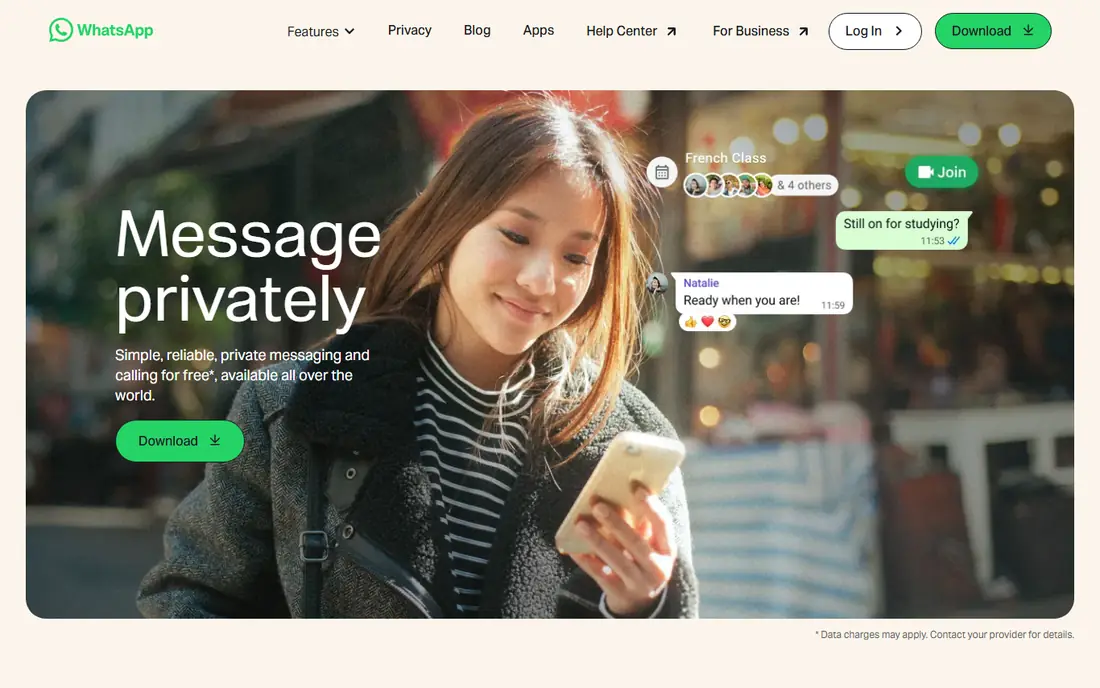
WhatsApp is the practical default for most people, simply because contacts are already there. Chats use end to end encryption by default, groups handle family and work threads, and voice and video calls work well across phones. Status, channels, and communities add ways to share updates without starting a new group each time.
Privacy is the main caveat. Messages are encrypted, but Meta ownership and metadata handling trouble some users, and ads in the Updates tab show the app is not fully ad free. For everyday chats with people who will not switch apps, WhatsApp still wins on reach. For the most private talks, pair it with Signal.
- Huge user base
- End to end encrypted chats by default
- Voice, video, and group calls included
- Owned by Meta, with metadata and account concerns for some users
- Ads have appeared in the Updates tab
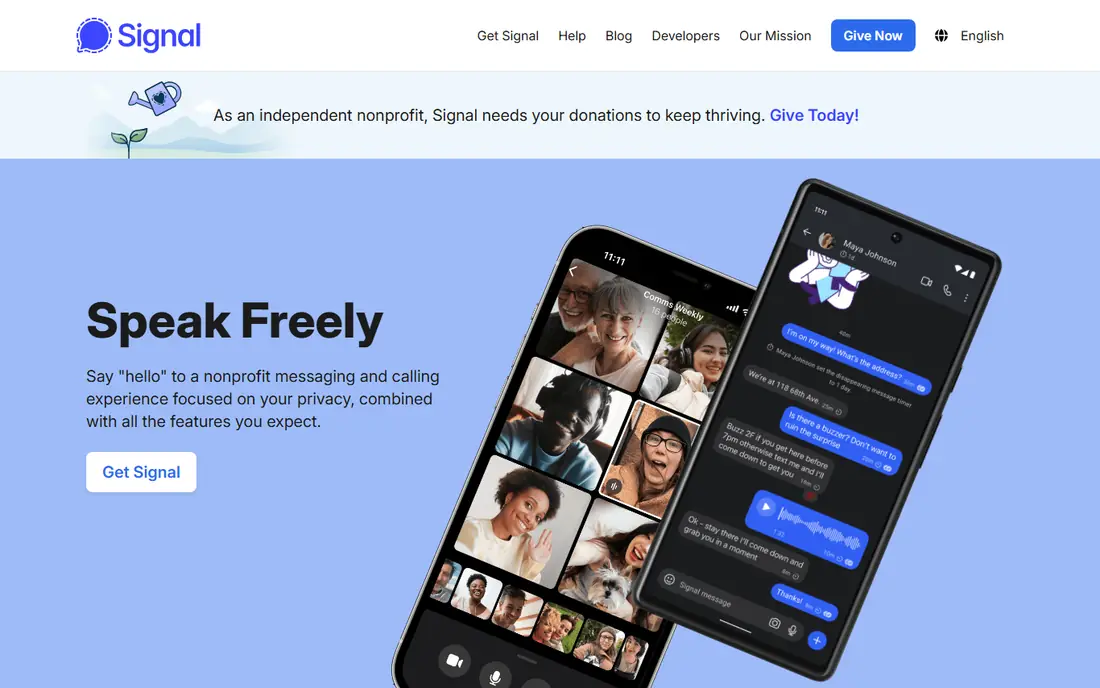
Signal is our pick for people who want strong privacy without a learning curve. Its protocol is open and widely respected, encryption applies by default to messages, calls, and groups, and disappearing messages add control over chat history. The nonprofit model, funded by donations, avoids ad based pressure on the product.
Registration needs a phone number, which limits anonymity, and fewer contacts use Signal than WhatsApp, so you may run two apps for a while. The app itself is clean and fast, with stories and groups for everyday use. If privacy is the priority and your key contacts will switch, Signal is the clear first choice.
- End to end encryption by default for chats and calls
- Open source protocol
- Nonprofit funding model
- Needs a phone number to register
- Smaller user base than WhatsApp
- Fewer social features
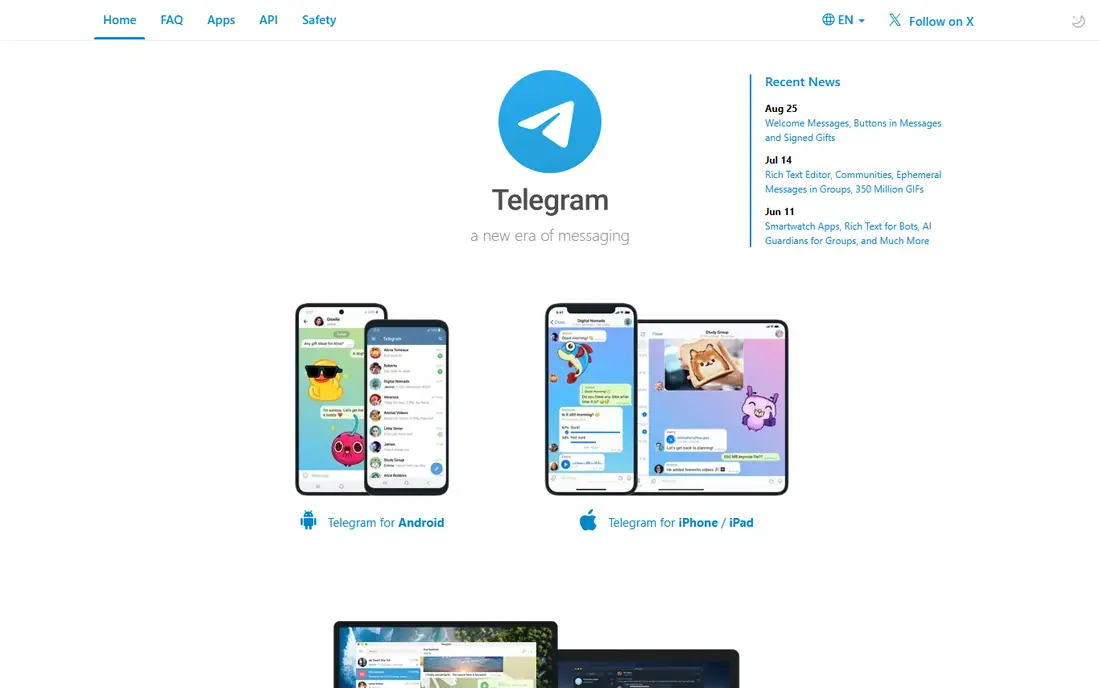
Telegram suits communities, clubs, and broadcast channels better than any app here. Groups can hold huge numbers of members, channels reach followers at scale, and media sharing is fast and generous. Bots, folders, and multi device use make it a flexible home for public and semi public conversation.
The privacy catch matters. Ordinary cloud chats are encrypted in transit and at rest on servers, but they are not end to end encrypted by default. Only Secret Chats, which are device specific, offer that level. Use Telegram for community and public content, and move sensitive one to one talks to Signal or a Secret Chat.
- Very large groups and channels
- Fast media sharing
- Bots and public channels
- Cloud chats are not end to end encrypted by default
- Only Secret Chats use that protection
Messenger makes sense if your social circle already lives on Facebook. Finding contacts is easy, group chats and calls work well, and end to end encrypted chats are available for private threads. Stories, reactions, and shared media keep casual conversation lively without extra setup.
The app can feel busy, with social features crowding the chat list, and Meta data practices are a drawback for privacy minded users. Check that a given chat is end to end encrypted before sharing sensitive details, since not every thread uses that setting. For staying in touch with Facebook friends, though, it remains the path of least resistance.
- Huge existing contact base
- End to end encrypted chats available
- Calls, groups, and stories
- Meta data practices concern some users
- App can feel cluttered with social features
Google Messages is the default texting app on many Android phones, and RCS upgrades it well beyond old SMS. Typing indicators, read receipts, high quality media, and reactions make it feel like a modern chat app, and RCS one to one chats use end to end encryption. A web version lets you type from a computer.
Results vary by carrier, phone, and contact, and chats with some iPhone users may still fall back to basic SMS. That inconsistency is the main frustration. For Android users who mostly message other Android users, Google Messages is a strong, free, no install option that already sits on the phone.
- RCS chats with typing indicators and better media
- End to end encryption on RCS one to one chats
- Web version
- Experience varies by carrier and phone
- IPhone chats may fall back to SMS in some cases
Viber is a solid choice for international families and friends. Chats and calls use end to end encryption, group chats and communities work well, and Viber Out lets you call phone numbers for people who do not use the app. In several countries outside the US, it is a mainstream choice, so contacts may already be there.
In the US it is less common, which limits its use as a daily default. Stickers and extra features can also feel pushy compared with leaner apps. If your main chats cross borders, Viber earns a place on your phone alongside WhatsApp or Signal.
- End to end encrypted chats and calls
- Viber Out for calls to non users
- Strong in several international markets
- Smaller US user base
- Some features and stickers push paid extras
Discord is less a phone replacement and more a community home. Servers organize chats into channels, voice rooms run in the background, and roles help moderators manage large groups. Gaming teams, study groups, and hobby communities thrive here, with screen sharing and events built in.
It is not the app for private one to one talks, since most chats are not end to end encrypted. The interface can also overwhelm someone who only wants a simple message thread. Use Discord where community matters, and keep sensitive personal chats on Signal or WhatsApp.
- Servers with channels, roles, and voice rooms
- Great for gaming and hobby groups
- Free core use
- Not end to end encrypted for most chats
- Can feel noisy for simple one to one messaging
Threema suits people who want privacy plus a clear business model. You can create an ID without a phone number or email, chats use end to end encryption by default, and the company is based in Switzerland with a paid app model rather than ads. That combination appeals to users who dislike data driven funding.
The cost is the barrier. Every contact must also buy the app, which makes adoption harder than a free rival. The user base is smaller, so Threema works best as a private circle app for a committed group, rather than a replacement for all daily chats. For that circle, it is one of the most private options available.
- No phone number or email needed for an ID
- Swiss based
- End to end encryption by default
- Paid app with no free plan
- Smaller user base
- Contacts must also buy and install it
Element, built on the Matrix network, suits teams and communities that want control over their chat server. Federation lets different servers talk to each other, self hosting gives full control, and end to end encryption is available for rooms. Spaces, threads, and voice rooms cover most team chat needs.
New users may find server choice and setup confusing, and finding contacts is less automatic than on a phone number app. For a tech friendly team or a community that values independence from one company, Element is a strong choice. For casual family chats, a simpler app will get used more often.
- Built on Matrix, with federation and self hosting options
- End to end encryption available
- Strong group tools
- Setup can confuse new users
- Contact discovery is harder than on phone number apps
Session is the most anonymous option here. Sign up needs no phone number or email, messages route through an onion network to limit metadata, and the code is open source. That design suits people who want to keep their identity separate from their chats, such as activists, journalists, or anyone with a strong privacy need.
The trade off is reach and polish. Few everyday contacts use Session, features lag behind WhatsApp, and delivery can feel slower. Treat it as a specialist tool for private circles, not a daily replacement for all chats. For that purpose, its anonymity model is hard to match.
- No phone number or email needed
- Onion routing limits metadata
- Open source
- Smaller user base
- Fewer features than mainstream apps
- Message delivery can be slower at times
How we picked these
We compared official sites, app listings, and privacy pages, and we kept only apps that are live and widely usable in 2026. We covered everyday messaging, privacy focused apps, community chat, and decentralized options, rather than listing ten versions of the same product. Where encryption applies only to certain chat types, such as Telegram Secret Chats, we said so plainly, since that detail changes how private an app really is.
How to choose the right chat app
Start with your contacts. Ask which app your family, friends, or team already uses daily, since an app no one opens cannot replace your chats. Then weigh privacy: Signal and Threema lead for private one to one talks, Telegram and Discord lead for large communities, and WhatsApp balances reach with default encryption for most users.
Also check practical details: does the app work on all your devices, does it need a phone number, and do your group features, such as admin controls and disappearing messages, work as you expect. Many people end up with two apps, one for everyday reach and one for private talks, and that split is a sensible result, not a failure.
Frequently asked questions
What is the best instant messaging app?
The best instant messaging app for most people is WhatsApp, thanks to its reach and default encryption. Signal is the best secure chat app for private talks, and Telegram is best for large groups and channels. The right pick depends on who you message and how private those chats need to be.
What are the best instant messaging tools for privacy?
Signal, Threema, and Session lead for privacy, with end to end encryption and, in the case of Threema and Session, sign up without a phone number. Element adds decentralized control for teams. Remember that privacy also depends on settings, such as disappearing messages and locked chats, so review them after install.
Is Telegram end to end encrypted?
Only Telegram Secret Chats are end to end encrypted. Ordinary cloud chats use encryption in transit and on servers, but Telegram holds keys that could in theory read them. For sensitive talks, use a Secret Chat or switch to Signal, which encrypts chats by default.
What is the best secure chat app for groups?
Signal offers encrypted group chats with admin controls and disappearing messages, making it a strong private group choice. Telegram handles much larger groups and channels, but with weaker default encryption. Discord suits public communities where moderation tools matter more than encryption.
Can I use more than one messaging app?
Yes, and most people do. A common setup is WhatsApp for everyday contacts, Signal for private talks, and Discord or Telegram for communities. Keep sensitive details in the most private app, and check encryption settings in each app you use.
Sources
See where you really rank - block by block
ProMapRanker scans Google Maps across a grid of your service area. Simple monthly plans from $19, white-label on every plan.
Start freeKeep reading
 zoro.to alternatives
Best Zoro.to Alternatives in 2026
We compare the best zoro.to alternatives in 2026, listing only legal licensed anime streaming services, from Crunchyroll to free options for fans today.
Read → zip alternatives
Best Zip Alternatives in 2026
We compare the best zip alternatives for buy now, pay later in 2026, covering pay-in-4 plans, fees, spending limits, and credit reporting options today.
Read → yesware alternatives
Best Yesware Alternatives in 2026
Compare the best yesware alternatives for sales email tracking, templates, and sequences, with current pricing and honest tradeoffs for small sales teams.
Read →