 ProMapRanker
Best Instagram Followers App in 2026

Key takeaways
- Legitimate Instagram growth comes from consistent posting, good content and analytics, not from buying followers, and every tool here follows that approach.
- Later is the strongest visual planning tool for Instagram-first brands, while Buffer is the cheapest simple scheduler in this group.
- Hootsuite and Sprout Social suit teams and agencies that need inboxes, approvals and deeper reporting, at a much higher price.
- Metricool is the best budget analytics pick, with a free plan for one brand and competitor reporting on paid plans.
Quick comparison
| Pick | Great for | Pricing starts at | Free tier | |
|---|---|---|---|---|
 Later | Visual Instagram planning | $18.75 per month | Yes | Visit |
 Buffer | Simple affordable scheduling | $5 per channel per month | Yes | Visit |
 Hootsuite | Teams and agencies | $99 per user per month | Free trial | Visit |
 Sprout Social | Premium analytics | $199 per seat per month | Free trial | Visit |
 Metricool | Budget analytics | $20 per month | Yes | Visit |
 Planoly | Grid planning | See website | Yes | Visit |
 SocialBee | Evergreen content recycling | $29 per month | Free trial | Visit |
 Meta Business Suite | Free Meta scheduling | Free | Yes | Visit |
 Iconosquare | Instagram analytics depth | See website | Free trial | Visit |
The best instagram followers app
A note on what this list is, and what it is not. We only list legitimate growth, scheduling and analytics tools, and we deliberately exclude fake-follower sellers, bots and fake-engagement panels. Those services violate Instagram rules, risk account restrictions, and produce followers who never engage, which hurts reach over time. The tools below help real followers find and stay with your account through consistent posting, better timing and clearer analytics.
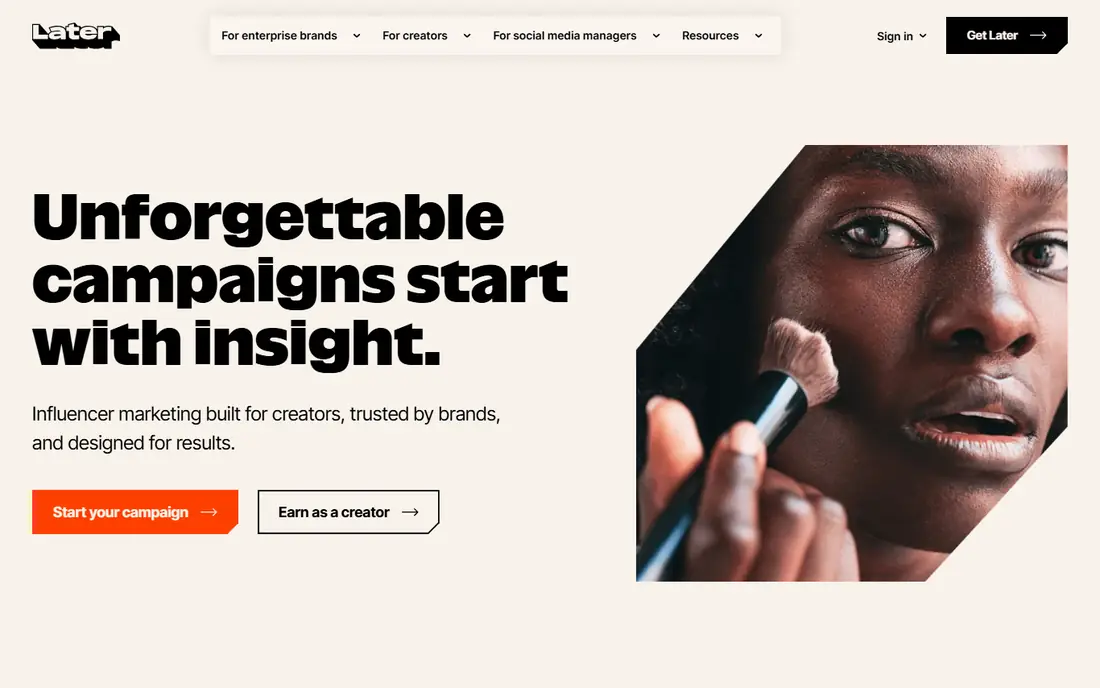
Later is built around a visual planner, which makes it the natural pick for Instagram-first brands whose feed is effectively their storefront. Drag posts onto a calendar, preview the grid, and use best time to post suggestions and hashtag help to improve reach. Paid plans add a social inbox for Instagram comments and messages, plus deeper analytics.
The catch is price and limits. Starter pricing is $18.75 per month billed annually, with 30 posts per profile per month in published listings, so heavy posters will need a higher tier. Growth and Scale plans cost more. For visual brands that post carefully rather than constantly, Later is still the most Instagram-native tool here.
- Visual grid planner
- Best time to post suggestions
- Link in Bio page and analytics
- More expensive than Buffer
- Engagement tools are thinner
- Post limits on lower plans
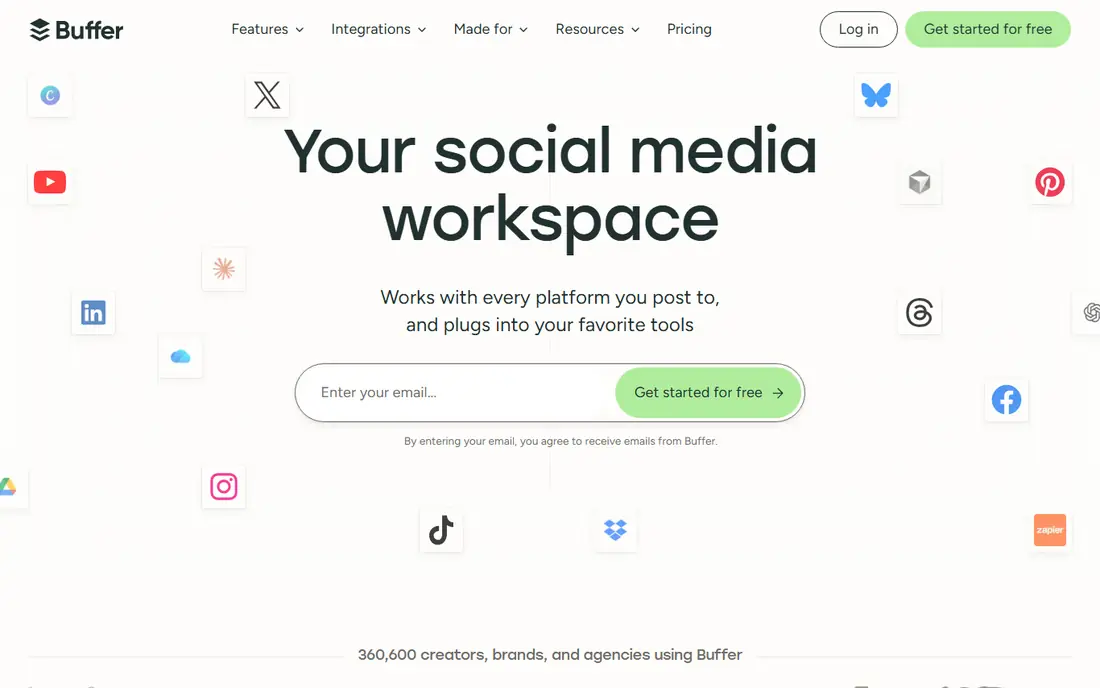
Buffer is the simplest and cheapest professional scheduler in this group, and it is the best starting point for a small business or creator. The free plan covers light scheduling, while Essentials at $5 per channel per month billed annually adds first-comment scheduling, a hashtag manager and stronger analytics. The interface stays out of the way, which helps consistency.
The limitation is depth. Buffer does not match Hootsuite or Sprout Social for inbox management, listening or enterprise reporting, and per-channel pricing can add up once you manage many accounts. For one or two Instagram accounts with a steady posting habit, it is hard to beat on value.
- Free plan for light use
- Simple queue and calendar
- Hashtag manager and analytics on paid plans
- Analytics are lighter than Sprout or Metricool
- Per-channel pricing adds up with many accounts
- Inbox features are limited
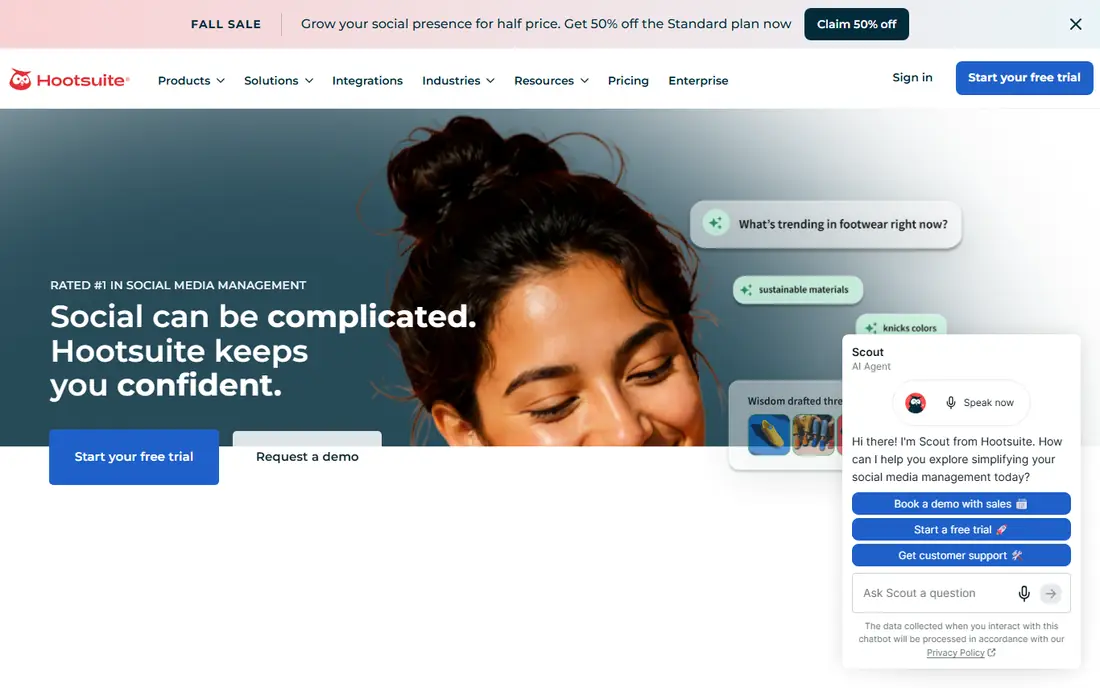
Hootsuite combines scheduling, a unified inbox, social listening, competitor benchmarking and reporting in one platform, which suits teams and agencies managing many accounts. Professional tiers add automated inbox replies and message workflows, and enterprise plans add compliance and custom controls.
The catch is cost. Standard pricing starts at $99 per user per month billed annually, with Professional at $199 and Advanced at $399, so it is priced for organisations, not solo creators. If you manage one Instagram account alone, Buffer or Later will do the same core job for far less.
- Unified inbox and social listening
- Competitor benchmarking
- Team approvals and reporting
- High starting price
- More tool than most solo creators need
- Free trial only, no permanent free plan
Sprout Social is the premium analytics pick, with detailed reporting, listening, publishing and engagement tools built for brands and agencies. Teams get approval workflows, shared calendars and reports that clients can actually read, which is why agencies keep choosing it despite the price.
The drawback is obvious: $199 per seat per month billed annually is a serious commitment, and there is no permanent free plan, only a trial. For a large brand or agency where reporting quality justifies the cost, Sprout earns its place. For a small creator, Metricool or Buffer will cover the same basics.
- Deep analytics and reporting
- Social listening
- Strong team workflows and approvals
- Highest starting price in this list
- Free trial only
- Overkill for a single small account
Metricool blends a content planner, analytics, competitor analysis and reporting into one subscription, which makes it the best budget analytics tool here. The free plan covers one brand, and Starter plans start from about $20 per month, with Advanced plans from about $53 per month depending on brand count. Competitor reporting is a particular strength at this price.
The trade-off is polish. Metricool packs in a lot, and the interface can feel denser than Buffer or Later at first. For marketers who want data without paying Sprout prices, it is the sweet spot, and the free plan lets you test analytics on a real account before paying.
- Free plan for one brand
- Combined planner, analytics and competitor reports
- Autolists and best-time suggestions
- Interface is denser than Buffer
- Higher plans scale with brand count
- Some features need paid tiers
Planoly is another visual-first planner, focused on how an Instagram grid will look before anything is posted. Drag and drop planning, scheduling for feed posts, Stories and Reels, and a Link in Bio page make it a solid choice for creators and small brands that care about feed aesthetics.
The limitation is breadth. Planoly is Instagram-first, so multi-platform teams will still need another tool, and analytics are lighter than at Metricool or Sprout. Check current pricing on the vendor site, since Planoly lists paid plans with a trial and a free tier with limited uploads.
- Visual grid planning
- Scheduling for feed, Stories and Reels
- Link in Bio tool
- Pricing details sit behind the vendor site
- Analytics are lighter than Metricool
- Best for Instagram, less for multi-platform teams
Meta Business Suite is the free baseline every Instagram account owner should know about, since it is Meta own tool for scheduling Instagram and Facebook posts, viewing insights and managing messages. There is no subscription, and because it is first-party, scheduling behaviour is as close to native as a tool can get.
The limitation is scope. It covers Meta platforms only, so TikTok, LinkedIn and other networks need another tool, and competitor analytics are absent. Use Meta Business Suite as your free starting point, and add a paid planner only when you need visual grid planning, multi-platform scheduling or deeper reports.
- Completely free
- Direct Instagram and Facebook scheduling
- Built-in insights and inbox
- Meta platforms only
- No competitor analytics
- Fewer planning features than Later or Planoly
Iconosquare focuses on Instagram analytics depth, with detailed follower, engagement and content reports plus competitor benchmarking. Scheduling and reporting sit in the same tool, which helps teams that want to prove which posts actually grew the account.
The trade-off is focus and price. Iconosquare is less of a visual grid planner than Later or Planoly, and pricing is listed on the vendor site with a trial rather than a permanent free plan. Pick it when analytics and benchmarking matter more than grid aesthetics.
- Deep Instagram analytics
- Competitor benchmarking
- Scheduling and reporting in one tool
- Pricing sits behind the vendor site
- Free trial only
- Best for analytics, less for visual grid planning
How we picked these
We compared official pricing pages, free plan terms and feature lists for scheduling, analytics and planning tools that grow Instagram accounts through legitimate means, and we excluded any service selling followers, likes or engagement. We checked whether each tool auto-publishes to Instagram, whether it offers analytics and competitor insight, and whether its pricing model suits solo creators or teams. We did not buy followers or test any engagement service, since those violate platform rules.
How to grow followers without fake engagement
Post consistently, at times your analytics show your audience is online, and use the planner to keep a steady rhythm rather than bursts followed by silence. Study which posts earn saves, shares and comments, not just likes, and make more of that kind of content. Reply to comments and messages promptly, since engagement signals help reach, and use Reels and Stories alongside feed posts, since different formats reach different parts of your audience.
Avoid any service that promises a set number of followers for a fee, or that asks for your password to run automated liking and following. Those followers rarely engage, they distort your analytics, and they put the account at risk of restrictions. Real growth is slower, but it is the only growth that survives an algorithm change.
Frequently asked questions
What is the best instagram followers app that is safe to use?
Later, Buffer, Metricool and Meta Business Suite are safe, legitimate options, since they schedule and analyse content rather than selling followers. Avoid any app that promises followers for a fee or runs automated engagement.
Can an app actually increase my Instagram followers?
An app cannot guarantee followers, but scheduling, timing, analytics and consistent posting help real people discover and stay with your account. Growth still depends on content quality and audience fit.
Is buying Instagram followers against the rules?
Yes, buying followers and using bots or fake-engagement panels violates Instagram rules and risks account restrictions. Fake followers also hurt engagement rates, which can reduce reach.
What is the best free Instagram scheduling tool?
Meta Business Suite is free and covers Instagram and Facebook scheduling with insights. Buffer and Metricool also offer free plans, with Buffer suiting simple scheduling and Metricool suiting analytics.
How often should I post on Instagram?
Consistency matters more than a single magic number. Most small accounts do well with three to five feed posts a week plus Stories, adjusted by what analytics show about audience response.
Do I need a paid tool to grow on Instagram?
No. Meta Business Suite plus good content is enough to start. Pay for Later, Buffer or Metricool when you need visual planning, multi-platform scheduling or deeper analytics that save real time.
Sources
See where you really rank - block by block
ProMapRanker scans Google Maps across a grid of your service area. Simple monthly plans from $19, white-label on every plan.
Start freeKeep reading
 zoro.to alternatives
Best Zoro.to Alternatives in 2026
We compare the best zoro.to alternatives in 2026, listing only legal licensed anime streaming services, from Crunchyroll to free options for fans today.
Read → zip alternatives
Best Zip Alternatives in 2026
We compare the best zip alternatives for buy now, pay later in 2026, covering pay-in-4 plans, fees, spending limits, and credit reporting options today.
Read → yesware alternatives
Best Yesware Alternatives in 2026
Compare the best yesware alternatives for sales email tracking, templates, and sequences, with current pricing and honest tradeoffs for small sales teams.
Read →
SocialBee
Great for: Evergreen content recycling
SocialBee suits accounts with evergreen content that deserves more than one post. Category-based queues let you recycle tips, testimonials and product posts on a schedule, so a good post keeps working instead of disappearing after one day. Multi-platform scheduling covers Instagram alongside other networks.
The catch is price and trial terms. Plans start at $29 per month, with a 14-day trial rather than a permanent free plan, so test the queue system properly during the trial. For accounts that post the same core messages often, SocialBee saves more time than a simple calendar scheduler.