 ProMapRanker
Best Incident Response Tools in 2026


Complex on-call at scale · Pricing starts at: $21 per user per month
Key takeaways
- PagerDuty remains the default for complex on-call rotations, with a free plan for up to 5 users and Professional pricing from 21 dollars per user per month.
- incident.io and Rootly are the strongest Slack native picks for engineering teams that run incidents in chat.
- FireHydrant, Squadcast and Better Stack offer lower cost entry points, with free tiers that suit small teams.
- Do not shortlist Opsgenie for new purchases, since Atlassian ended new sales and is moving customers to Jira Service Management.
Quick comparison
| Pick | Great for | Pricing starts at | Free tier | |
|---|---|---|---|---|
| PagerDuty | Complex on-call at scale | $21 per user per month | Yes | Visit |
 incident.io | Slack native response | $15 per user per month | Yes | Visit |
 Rootly | AI assisted response in Slack | $20 per user per month | Free trial | Visit |
 FireHydrant | Runbooks and retrospectives | $25 per responder per month | Yes | Visit |
 Squadcast | Lower cost PagerDuty style alerting | $9 per user per month | Yes | Visit |
 xMatters | Communication led incident management | See website | Free trial | Visit |
 Grafana Cloud IRM | Grafana native on-call | $20 per active user per month | Yes | Visit |
 Better Stack | Monitoring plus on-call | $29 per responder per month | Yes | Visit |
The best incident response tools
We compared official pricing pages, on-call scheduling, alert routing, chat integrations, runbooks, retrospectives and public reviews for incident response tools in October 2026. Incident response here means the full cycle: alert, page, coordinate, fix, communicate and learn. Tools that only send alerts, without helping a team run the incident itself, did not make this list.
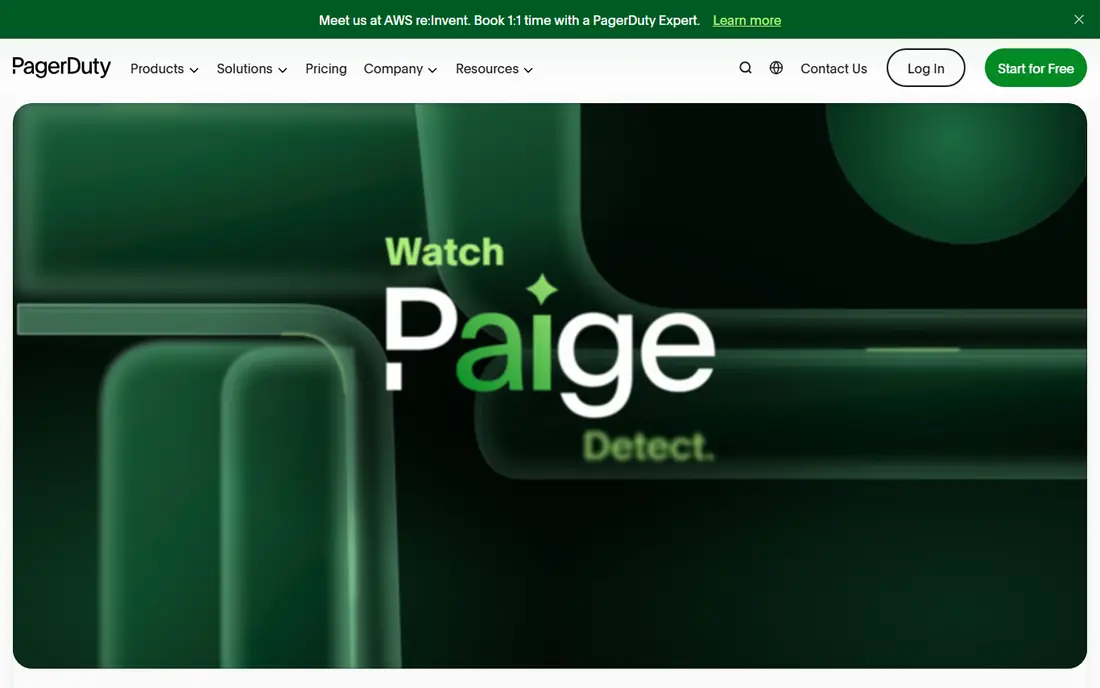
PagerDuty is the most proven incident response platform on this list. Schedules, escalation policies, alert grouping and integrations with monitoring tools cover the needs of large engineering organisations with many services and rotations. The free plan for up to 5 users lets a small team try real on-call without a bill.
Cost grows with scale and add ons. AIOps, status pages, runbook automation and other features are sold separately on some plans, and larger organisations buy yearly platform plans instead of simple per user pricing. For a team with complex rotations and strict reliability needs, PagerDuty still sets the standard. For a small team that only needs paging, a cheaper tool may be enough.
- Mature on-call schedules and escalation
- Wide integrations
- Free plan for up to 5 users
- Add ons raise total cost
- Advanced automation sits on higher platform tiers
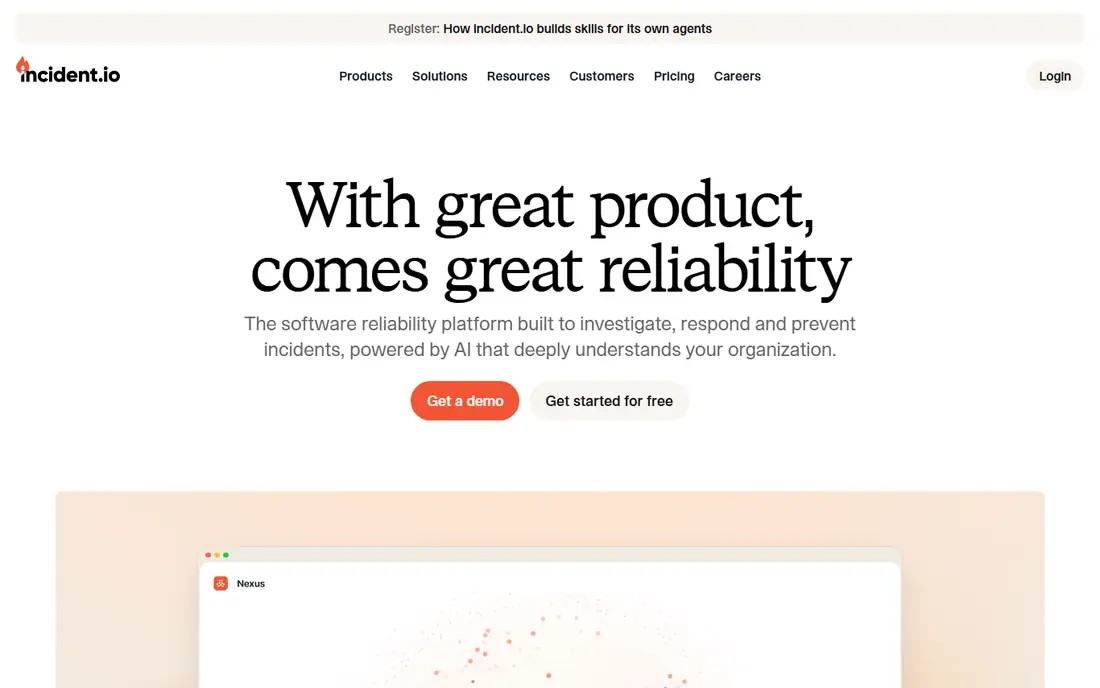
incident.io runs incidents where engineers already talk. Declaring an incident, assigning roles, updating status and writing a retrospective all happen in Slack, with a clean web dashboard behind it. That chat first design reduces the learning curve and keeps incident history in a place teams can search later.
Teams that use Microsoft Teams or email as their main channel will get less value, since the product is built around Slack habits. Pricing from 15 dollars per user per month on annual billing is competitive for the depth offered. For a Slack native engineering team, incident.io is our first pick to trial beside PagerDuty.
- Incidents run inside Slack
- Strong status and retrospective tools
- Free Basic tier for up to 5 users
- Best value for Slack teams
- Less suited to teams that do not use Slack daily
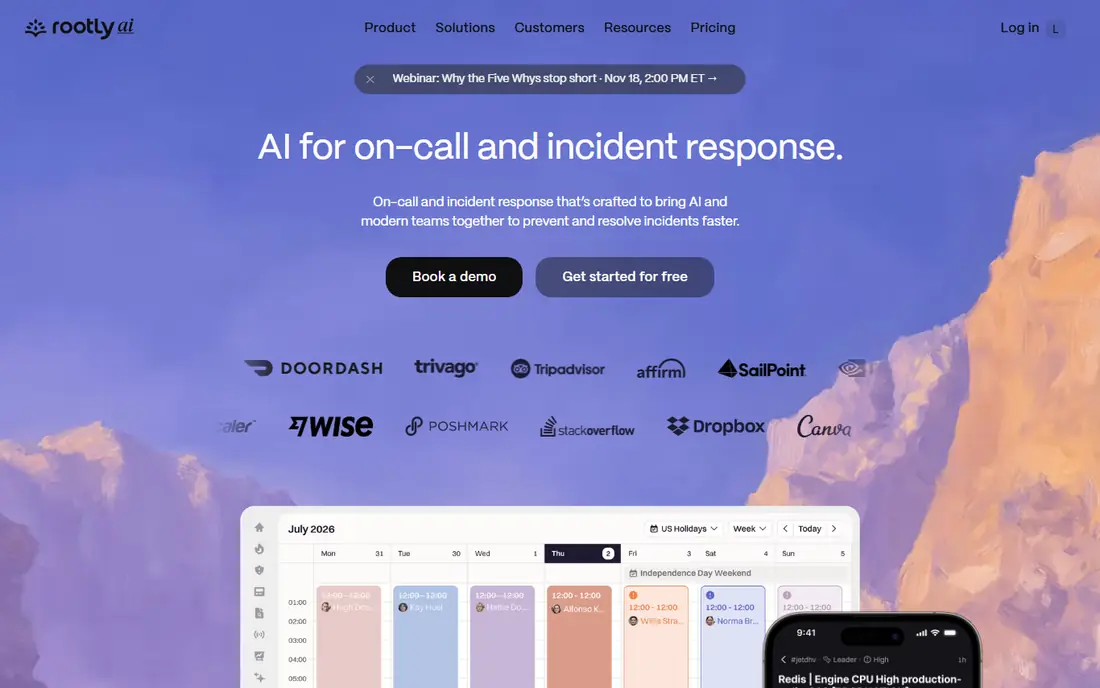
Rootly also lives in Slack, but it leans harder into automation and AI assistance. Workflows can page, create channels, assign roles and pull runbooks without manual steps, and AI summaries help teams write retrospectives faster. For SRE teams that run many incidents and want consistent process, that automation saves real time.
There is no free plan, only a trial, and the most useful AI features sit on higher tiers. Rootly suits teams that already have incident discipline and want to automate it, rather than teams looking for a first simple pager. If your team lives in Slack and wants guided incident process, Rootly is a strong trial.
- Slack native workflows and runbooks
- AI assisted summaries and retrospectives
- Strong automation
- No free plan
- AI features sit on higher tiers
FireHydrant focuses on what happens after the page. Runbooks guide responders through steps, status pages keep stakeholders informed, and retrospectives turn incident notes into action items. That full cycle view helps teams that want to learn from incidents, not just resolve them faster.
Pricing is per responder, so a large rotation costs more than a per user model at some rivals. The free tier for up to 10 responders gives small teams a genuine starting point. For SaaS teams that value retrospectives and stakeholder communication, FireHydrant is a well rounded pick.
- Automated runbooks and status updates
- Strong retrospectives
- Free tier for up to 10 responders
- Per responder pricing rises with team size
- Some features need higher plans
Squadcast offers PagerDuty style alerting and on-call at a lower price, with Pro from 9 dollars per user per month billed annually and a free plan for up to 5 users. Schedules, escalations, runbooks, status pages and integrations cover the core needs of startups and mid sized engineering teams without enterprise pricing.
The catalogue of integrations and the depth of automation do not match PagerDuty at scale. Large organisations with many monitoring sources and complex workflows may hit limits sooner. For a growing team that wants reliable paging and incident basics at a fair price, Squadcast is one of the best value options here.
- Low entry price
- Free plan for up to 5 users
- On-call, runbooks and status pages in one tool
- Smaller integration catalogue than PagerDuty
- Incident depth is lighter on entry plans
xMatters treats communication as the core of incident response. It can reach responders across voice, SMS, email, chat and mobile push, with workflows that adapt based on who responds and what they report. That breadth suits regulated enterprises, IT operations teams and firms where reaching the right person quickly matters more than Slack polish.
Pricing is by quote and implementation takes more effort than a Slack native tool. Small engineering teams may find it heavier than they need. For large IT and DevOps teams with complex notification rules and audit needs, xMatters remains a serious enterprise option.
- Strong multi channel communication workflows
- Good fit for regulated enterprises
- Broad integrations
- Pricing by quote
- Setup is heavier than chat native tools
Grafana Cloud IRM, incident response management, suits teams that already monitor with Grafana. Alerts flow into on-call schedules, escalations and incident declarations without a separate monitoring bridge. The free tier includes 3 active IRM users per month, which lets a small team start at no cost.
Teams that do not use Grafana will find less reason to choose it over PagerDuty or incident.io. Incident collaboration is solid but less chat native than Slack first rivals. For a Grafana shop that wants on-call beside dashboards and alerts, Grafana Cloud IRM is the natural, low friction pick.
- On-call inside Grafana Cloud
- Free tier with 3 active users
- Strong alerting links
- Best value only for Grafana users
- Incident workflow is less chat native than rivals
Better Stack bundles monitoring, incident management, status pages and on-call in one product. Responders cost 29 dollars per month, with monitors priced separately, and a free tier covers basic monitors and status pages. That bundle suits small teams that want one vendor for uptime monitoring and paging, rather than separate tools for each job.
Larger observability estates may need deeper log, trace or metric tooling than Better Stack offers. Responder pricing also rises faster than Squadcast for large rotations. For a team that wants simple monitoring plus dependable paging in one place, Better Stack is a practical all in one choice.
- Monitoring, status pages and on-call in one bill
- Clear responder pricing
- Free tier for monitors
- Responder price is higher than Squadcast
- Observability depth varies by use case
How we picked these
We compared official pricing pages, on-call features, chat and monitoring integrations, runbook and retrospective tools and public reviews for incident response tools in October 2026. We kept only tools with live products and current pricing, and we excluded Opsgenie for new buyers because Atlassian ended new sales. We did not run live incident drills, so trial the paging flow with your own monitoring alerts before you commit.
How to choose an incident response tool
Start with your alert sources and your chat tool. If alerts come from Grafana, Grafana Cloud IRM needs less integration work. If your team lives in Slack, incident.io or Rootly will feel natural. If you run many services with complex rotations, PagerDuty scheduling depth matters more than chat polish. Map those two facts first and half the list falls away.
Next, test the full incident, not just the page. Declare a test incident, check role assignment, stakeholder updates, runbook steps and retrospective output. A tool that pages well but makes retrospectives painful will not improve reliability over time. Also check phone and SMS reliability in your regions, since paging that fails during an outage is worse than no tool at all.
Finally, price for your real rotation, not your whole company. Some tools charge per responder, others per user, and add ons change totals fast. Count only people who will be paged, add status page and automation costs, and compare annual totals. A cheap headline price with expensive add ons can cost more than a higher headline price that includes what you need.
Frequently asked questions
What is the best incident response tool?
PagerDuty is the best default for complex on-call at scale, while incident.io is our pick for Slack native teams. Rootly suits teams that want AI assisted Slack workflows, and Squadcast suits teams that want lower cost paging. Match the tool to your chat habits, rotation complexity and budget.
What is the best incident management software for small teams?
Squadcast, FireHydrant and incident.io all offer free tiers for small teams, with Squadcast and incident.io covering up to 5 users for free. Better Stack also offers a free tier for monitors and status pages. Start with a free tier, test paging with real alerts, and upgrade only when your rotation grows.
Is Opsgenie still a good incident response tool?
No, not for new buyers. Atlassian ended new sales of Opsgenie and is moving customers to Jira Service Management, with shutdown planned for April 2027 in published migration guidance. Existing customers should plan migration now, and new buyers should choose from the live tools on this list instead.
How much do incident response tools cost?
Entry prices range from free tiers to about 9 to 29 dollars per user or responder per month, depending on the tool and billing model. PagerDuty Professional costs 21 dollars per user per month billed annually, while enterprise platform plans cost far more. Add ons for automation, AI and status pages can raise totals, so compare annual totals for your real rotation.
Do incident response tools work with Slack and Microsoft Teams?
Most tools on this list integrate with Slack, and several support Microsoft Teams, PagerDuty, xMatters and Squadcast among them. incident.io and Rootly are built around Slack, so Teams first firms should check integration depth before choosing them. Confirm chat support on the vendor page for your exact setup.
What is the difference between incident response and incident management software?
Incident response covers the live work of paging, coordinating and fixing an incident. Incident management is the wider process, including detection, communication, retrospectives and prevention. Most tools on this list cover both, with FireHydrant and Rootly leaning further into retrospectives and learning after the incident ends.
Sources
- https://www.pagerduty.com/pricing/
- https://incident.io
- https://rootly.com
- https://firehydrant.com
- https://www.squadcast.com
- https://www.xmatters.com
- https://grafana.com
- https://betterstack.com
- https://rankite.com/blog/best-incident-management-software
- https://rankite.com/blog/best-incident-response-software-for-cloud
See where you really rank - block by block
ProMapRanker scans Google Maps across a grid of your service area. Simple monthly plans from $19, white-label on every plan.
Start freeKeep reading
 outreach alternatives
Outreach Alternatives in 2026
Compare outreach alternatives for 2026, from Salesloft and Apollo to HubSpot and Lemlist, with pricing, channels, features, limits, and honest trade-offs.
Read → best web conference tools
Best Web Conference Tools in 2026
Compare the best web conference tools for meetings, webinars and team calls, with current pricing, free plans and honest limits for each option here today.
Read → best voice cloning tools
Best Voice Cloning Tools in 2026
Compare the best voice cloning tools in 2026, from ElevenLabs and Descript to Resemble and Cartesia, with consent rules, pricing, licenses, and limits.
Read →