 ProMapRanker
Best Incident Management Platform for SRE Teams in 2026

Key takeaways
- PagerDuty remains the strongest choice for large-scale alerting and on-call paging across complex services.
- incident.io and Rootly suit Slack-first teams that want coordination, timelines, and post-incident work in one place.
- Jira Service Management fits Atlassian shops, especially as Opsgenie moves toward end of life in April 2027.
- Grafana IRM and Datadog suit teams already standardised on those observability platforms.
- Better Stack is the most accessible starting point for smaller teams that need monitoring, on-call, and status pages together.
Quick comparison
| Pick | Great for | Pricing starts at | Free tier | |
|---|---|---|---|---|
 PagerDuty PagerDuty | Large-scale alerting and paging | See website | No | Visit |
 incident.io incident.io | Slack-native incident response | See website | No | Visit |
 Rootly Rootly | Automated Slack incident workflows | See website | No | Visit |
 Jira Service Management Jira Service Management | Atlassian ITSM and incident work | See website | Yes | Visit |
 Grafana IRM Grafana IRM | Grafana observability teams | Free | Yes | Visit |
 Datadog Incident Management Datadog Incident Management | Datadog-centred response | See website | No | Visit |
 Splunk On-Call Splunk On-Call | Splunk-based on-call teams | See website | No | Visit |
 FireHydrant FireHydrant | Retrospectives and service catalogues | See website | No | Visit |
 Better Stack Better Stack | Small-team monitoring and on-call | $29 per month | Yes | Visit |
The best incident management platforms for SRE teams
Modern SRE work needs more than paging. The tools here cover alert routing, on-call schedules, incident coordination, status updates, and post-incident learning.
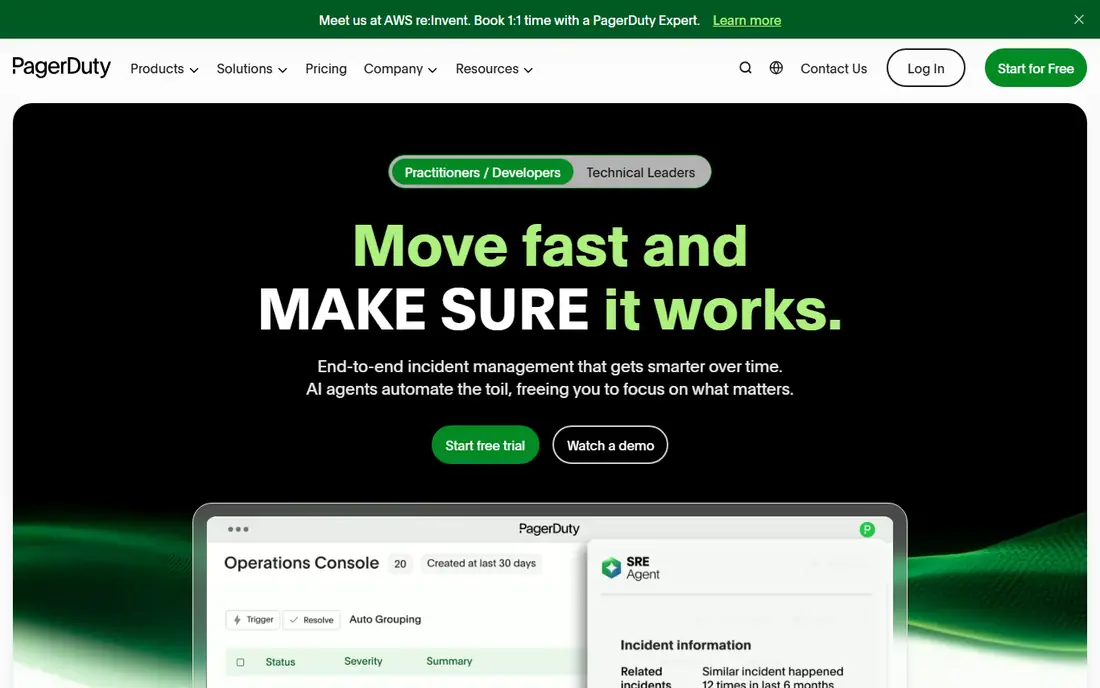
PagerDuty is the established standard for alerting, and it handles on-call rotations, escalations, and alert noise reduction across many services and teams. Its integration range covers monitoring, observability, ticketing, and chat tools, which helps large organisations route the right alert to the right responder without manual triage. Analytics on response times and alert volume also help SRE leaders spot noisy services and burnout risks. PagerDuty is less of a complete coordination system on its own, and many teams pair it with Slack workflows or a dedicated incident tool for timelines and status pages. Pricing is tiered and add-ons add cost, so total spend depends on users and features. For large, complex estates where reliable paging is non-negotiable, PagerDuty remains the safest core choice.
- Proven alert routing and escalation at scale
- Broad integrations
- Strong on-call scheduling and analytics
- Pricing and add-ons can grow quickly
- Coordination features may need other tools alongside it
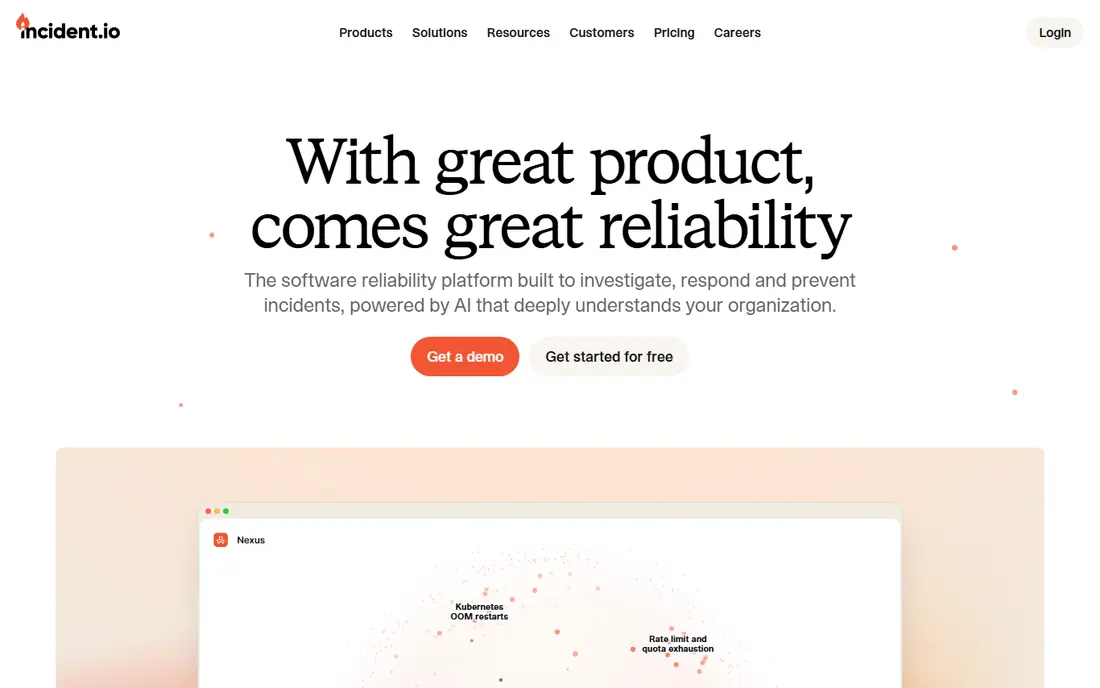
incident.io runs incidents inside Slack, creating channels, assigning roles, capturing timelines, and publishing status updates without forcing responders to learn a separate console during an outage. It also covers on-call scheduling and post-incident documentation, which reduces the manual work that usually follows an incident. That end-to-end design is why many SRE teams move from paging plus manual Slack work to incident.io. The Slack focus is also a limit for teams standardised on Teams or Google Chat, though integrations exist. Pricing is plan-based, so teams should confirm costs for responders and stakeholders. For Slack-first SRE teams that want faster coordination and cleaner post-incident records, incident.io is a strong modern alternative to paging-only tools.
- Slack-first workflows and timelines
- Built-in on-call, status pages, and post-incident work
- Fast setup for many teams
- Slack-centred design suits Slack teams best
- Pricing varies by plan and user count
- Smaller ecosystem than PagerDuty
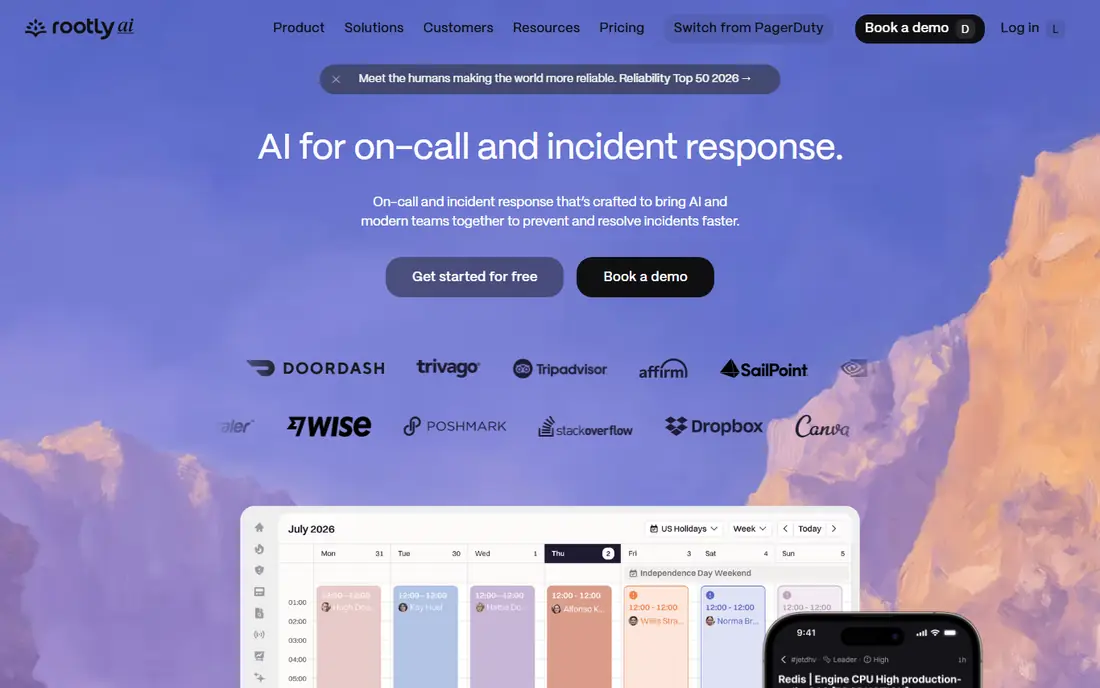
Rootly focuses on automating the incident lifecycle, from declaration and role assignment to stakeholder updates, timeline capture, and retrospective creation. It works in Slack, Teams, and Google Chat, which gives teams more choice than Slack-only tools. AI features help draft summaries and post-incident documents, which can cut the time spent reconstructing what happened after an outage. Automation power brings setup work, since teams need to define workflows, roles, and templates before incidents happen. That investment pays off for teams with frequent incidents, but small teams with rare incidents may not use the full depth. Rootly fits SRE teams that want consistent, automated response across many services and that treat post-incident learning as a core practice.
- Deep workflow automation
- Slack, Teams, and Google Chat support
- AI-assisted summaries and post-incident work
- Automation depth takes setup time
- Pricing is plan-based
- May be more than a small team needs
Jira Service Management is the Atlassian home for incident, problem, change, and service request work, and it is the natural destination for Opsgenie users, since Atlassian is ending Opsgenie support in April 2027. Teams already using Jira and Confluence get shared tickets, knowledge links, and reporting without adding a separate ITSM system. On-call and alerting features are available, with depth depending on plan and configuration. For a pure SRE team that only needs paging and Slack coordination, Jira Service Management can feel heavier than incident.io or Rootly. Its strength is breadth and governance, not speed of setup. It fits organisations standardised on Atlassian that need incident work tied to change, problem, and asset records, and that want one ITSM system for engineering and support.
- Strong ITSM, change, and problem management
- Deep Jira and Confluence links
- Migration path from Opsgenie
- ITSM breadth can feel heavy for pure SRE use
- Setup needs Atlassian expertise
- Alerting depth varies by plan
Grafana IRM, formerly Grafana OnCall, brings on-call scheduling, alert routing, and incident workflows close to the dashboards and alerts SRE teams already watch. That closeness helps responders move from a Grafana alert to an incident channel and a timeline without switching context. Grafana Cloud offers a free tier, which makes it easy for small teams to test the workflow. Teams should note that the open-source OnCall project entered maintenance mode in 2025, so long-term value sits mainly in Grafana Cloud IRM. It also lacks the ITSM breadth of Jira Service Management or ServiceNow. Grafana IRM fits teams already living in Grafana and Prometheus who want on-call and incident work near their observability data.
- Tight link to Grafana dashboards and alerts
- On-call schedules and incident workflows
- Open-source roots
- Open-source OnCall entered maintenance mode in 2025
- Best value only inside Grafana Cloud
- Fewer ITSM features
Datadog Incident Management lets teams declare incidents from Datadog monitors, assign responders, track timelines, and link graphs and logs directly to the incident record. That telemetry context helps responders see what changed, rather than only reading a chat thread. On-call schedules and paging are available within Datadog, which reduces tool sprawl for teams already paying for Datadog. The limit is scope. Teams not standardised on Datadog will get less value, and dedicated incident tools offer deeper status pages and retrospective automation. Pricing also sits within the wider Datadog billing model, so teams should confirm incident and on-call costs separately. Datadog Incident Management fits SRE teams consolidating on Datadog who want response close to monitoring.
- Incidents tied to Datadog monitors and telemetry
- On-call and paging in the same platform
- Strong observability context
- Best only for Datadog users
- Pricing depends on Datadog plan and usage
- Status page features are limited compared with dedicated tools
Splunk On-Call, formerly VictorOps, offers on-call scheduling, alert routing, and mobile response for teams that already use Splunk for logs and observability. Responders can acknowledge, escalate, and collaborate from mobile, which helps for out-of-hours incidents. Integration with Splunk alerts means critical log-based signals can reach the right responder quickly. Splunk On-Call is stronger on paging than on full incident coordination, timelines, and post-incident automation, so some teams pair it with a coordination tool. It also makes most sense inside a Splunk-centred stack. For SRE teams built on Splunk who need reliable mobile on-call, Splunk On-Call is a practical, proven choice.
- Mobile-first on-call experience
- Alert routing from Splunk and other tools
- Strong for teams built on Splunk data
- Coordination and retrospective depth is thinner than dedicated tools
- Pricing is plan-based
- Best inside Splunk ecosystem
FireHydrant helps SRE teams manage incidents through a service catalogue, Slack coordination, and structured retrospectives, with automation for follow-up tasks and process steps. The service catalogue is a real advantage for microservice estates, since it links incidents to owners, dependencies, and runbooks. Retrospective templates and follow-up tracking also help teams turn incidents into lasting fixes rather than one-off notes. FireHydrant requires catalogue setup to get full value, and teams with few services may not need that depth. Paging is available, but FireHydrant is best seen as a coordination and learning platform rather than a paging-only tool. It fits SRE teams with many services that want better retrospectives, ownership, and process consistency.
- Strong service catalogue and retrospectives
- Slack-based coordination
- Automation for incident process and follow-ups
- Pricing is plan-based and can suit larger teams best
- Setup needs service catalogue work
- Less known for pure paging
Better Stack combines uptime monitoring, incident management, on-call schedules, and status pages in one clean product, which is ideal for small SRE and DevOps teams that do not want four separate tools. Setup is fast, the interface is clear, and pricing is more predictable than enterprise paging platforms. For a team running a handful of services, Better Stack covers the full basic incident loop well. Larger estates with complex escalation, service catalogues, and retrospective automation may outgrow Better Stack and need PagerDuty, incident.io, or Rootly. Its integration range is also smaller than the enterprise tools. Better Stack fits startups and small teams that want a fast, affordable incident stack without enterprise complexity.
- Monitoring, on-call, and status pages in one tool
- Clean interface and fast setup
- Predictable pricing for small teams
- Less depth for large enterprise estates
- Fewer advanced automation features
- Smaller integration range than PagerDuty
How we picked these
We compared official feature pages, pricing pages, app store listings, privacy policies, and public reviews for platforms that were actively available in October 2026. We looked at on-call scheduling, alert routing, chat-based coordination, status pages, retrospective support, and integrations with monitoring and ticketing tools. We also noted end-of-life plans, such as Opsgenie, since a platform that is being retired is a poor choice for a new deployment. We did not claim hands-on testing, and we treated pricing as plan-based where vendors did not publish a single starter price. When a price varied by responders, users, or usage, we wrote See website rather than presenting an estimate as fact. Teams should run a trial incident with real alerts before committing, since response feel matters as much as feature lists.
What SRE teams should check before buying
The best platform is the one responders actually use at 2 a.m., not the one with the longest feature list in a demo. Check how alerts flow from monitoring to a human, how escalation works when the first responder is unavailable, and how quickly a team can declare an incident, assign roles, and update stakeholders. Also check on-call fairness, since uneven rotations cause burnout even when tooling is good.
Map alerts to services and owners
List your services, owners, and escalation paths before you buy, and test them with a real alert. A tool with a clean service catalogue, such as FireHydrant, helps here, but even a simple tool needs accurate ownership data. If alerts route to a shared inbox with no owner, no platform will fix response times on its own.
Test the full incident loop, not just paging
Run a mock incident from alert to status page update to retrospective, and time each step. Check timeline capture, role assignment, stakeholder updates, and follow-up task creation. Tools such as incident.io and Rootly shine in this test, while paging-only tools may need extra manual work. The mock incident reveals gaps that a feature table hides.
Plan for noise, burnout, and migration
Ask how the tool reduces alert noise, groups related alerts, and reports on-call load. Check data export and migration options, especially if you are leaving Opsgenie or another retiring tool. A platform that locks incident history behind a complex export will cost time later, even if setup feels easy now.
Frequently asked questions
What is the best incident management platform for SRE teams?
PagerDuty is best for large-scale paging, while incident.io and Rootly are best for Slack-first coordination and automation. Jira Service Management suits Atlassian shops, and Better Stack suits small teams. The best choice depends on team size, chat tool, observability stack, and whether paging or coordination is the bigger pain.
Is Opsgenie still a good choice in 2026?
No, for new deployments. Atlassian ended new Opsgenie sales in 2025 and plans end of support in April 2027, with migration to Jira Service Management. Existing Opsgenie teams should plan a migration now, and new teams should choose PagerDuty, incident.io, Rootly, or Jira Service Management instead, based on their stack.
Do SRE teams need both PagerDuty and an incident tool?
Many large teams do, with PagerDuty handling paging and a tool such as incident.io or Rootly handling coordination, timelines, and retrospectives. Smaller teams often prefer one tool that covers both, such as Better Stack or incident.io, to reduce cost and complexity. The right split depends on incident volume and how much manual coordination work you currently do.
What is the difference between on-call and incident management?
On-call covers who gets paged, when, and how alerts escalate. Incident management covers the full response, including declaration, roles, communication, timelines, status pages, and post-incident learning. Good SRE tooling covers both, but some tools are stronger on paging and others on coordination, so check both sides before buying.
How much does incident management software cost?
Costs range from free tiers and $29 per month for small-team tools such as Better Stack, to plan-based enterprise pricing for PagerDuty, incident.io, Rootly, and FireHydrant. Total cost depends on responders, stakeholders, add-ons, and usage. Request a quote based on your responder count and incident volume, not on a headline monthly price alone.
Which platform is best for Slack-first SRE teams?
incident.io is the most Slack-native option here, with Rootly close behind and support for Teams and Google Chat as well. Both offer channel creation, role assignment, timelines, and status updates inside chat. If your team uses Teams as its main chat tool, Rootly or Jira Service Management may fit better than a Slack-only workflow.
Sources
See where you really rank - block by block
ProMapRanker scans Google Maps across a grid of your service area. Simple monthly plans from $19, white-label on every plan.
Start freeKeep reading
 zendesk alternatives
Best Zendesk Alternatives in 2026
Compare the best Zendesk alternatives in 2026, from budget help desks to AI-first support tools, with current pricing, free plans, and honest trade-offs.
Read → wordpress alternatives
Best WordPress Alternatives in 2026
Looking for the best WordPress alternatives? We compare 8 free and paid options for blogs, business sites, stores, and developer-led projects in 2026.
Read → which real estate company has the best training
Best Real Estate Company Training in 2026
Compare which real estate company has the best training, from Keller Williams and eXp to Compass and Coldwell Banker, by program, mentor, and fit in 2026.
Read →