 ProMapRanker
Best Inbound Marketing Software in 2026

Key takeaways
- HubSpot covers the widest inbound job, from content and SEO to CRM reporting, but paid plans rise with contacts.
- Marketo Engage suits enterprise inbound with long nurturing cycles, while ActiveCampaign suits mid-size automation-led teams.
- Mailchimp, Brevo, and Constant Contact work for early inbound capture, but reporting and scoring are thinner.
- GetResponse and Zoho Marketing Automation suit teams whose inbound engine is funnels, webinars, or a Zoho CRM program.
Quick comparison
| Pick | Great for | Pricing starts at | Free tier | |
|---|---|---|---|---|
 HubSpot | Inbound marketing in one system | Free | Yes | Visit |
 Adobe Marketo Engage | Enterprise inbound and nurturing | See website | No | Visit |
 ActiveCampaign | Inbound automation for mid-size teams | $15 per month | Free trial | Visit |
 Mailchimp | Simple inbound campaigns and lists | $13 per month | Yes | Visit |
 Brevo | Inbound on a send-based budget | $9 per month | Yes | Visit |
 Zoho Marketing Automation | Zoho-based inbound programs | See website | Free trial | Visit |
 Constant Contact | Local and small-team inbound | $12 per month | Free trial | Visit |
 GetResponse | Inbound funnels and webinars | $19 per month | Free trial | Visit |
The best inbound marketing software
Inbound marketing means attracting the right visitors, turning them into leads, and following up with useful content. The tools below differ in how much of that job they cover, from full content and CRM suites to focused automation and funnel tools.
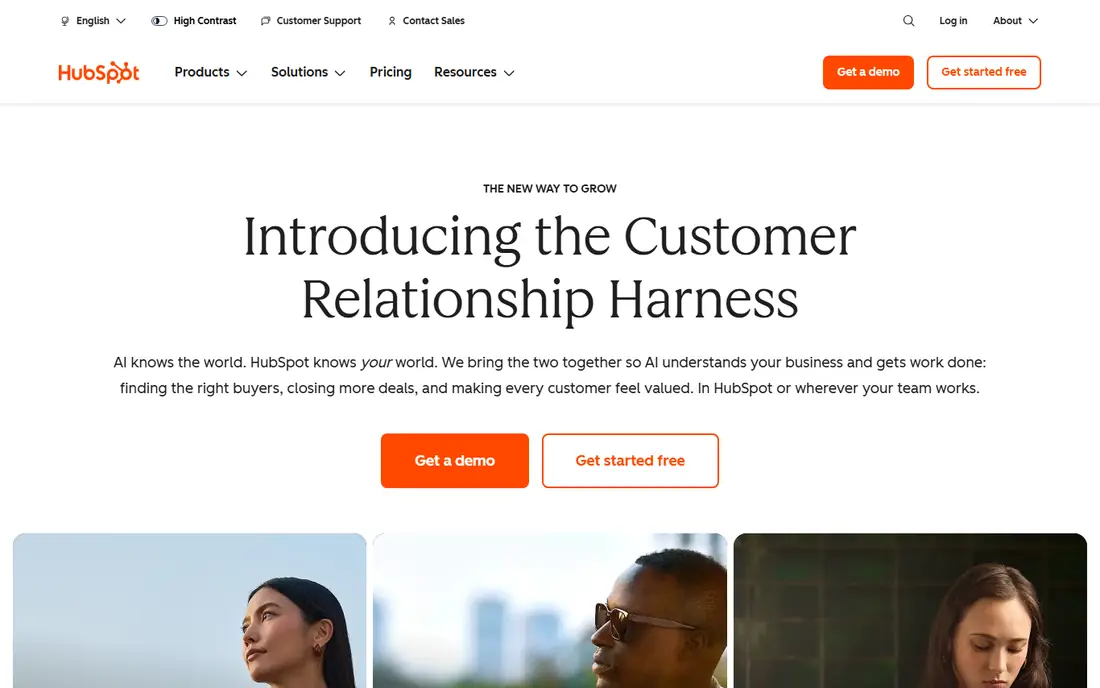
HubSpot is the clearest inbound platform in this list, because it was built around attracting visitors, converting them, and tracking them through a CRM. Blogging, landing pages, forms, email, social, and reporting sit on the same contact record, so a team can see which content brought in a lead and what happened next. That closed loop is the core inbound promise.
The price is the main caution. Free tools cover the basics, but serious automation and reporting sit in Professional and Enterprise, and marketing contacts drive cost. Teams should start with a clear content and conversion plan, or they will pay for a large platform while only using email.
For a team weighing HubSpot, the practical test is simple. Run one real campaign or workflow end to end, check how clean the data looks in the reports, and confirm the total price at your actual contact, user, or volume level before signing a longer term. That short trial tells you more than any feature list, because it shows where work slows down and where the tool fits your daily routine.
- Content, SEO, social, email, and CRM in one place
- Strong reporting
- Free tools to start
- Costs rise with contacts
- Advanced features sit in higher tiers
- Onboarding fees apply
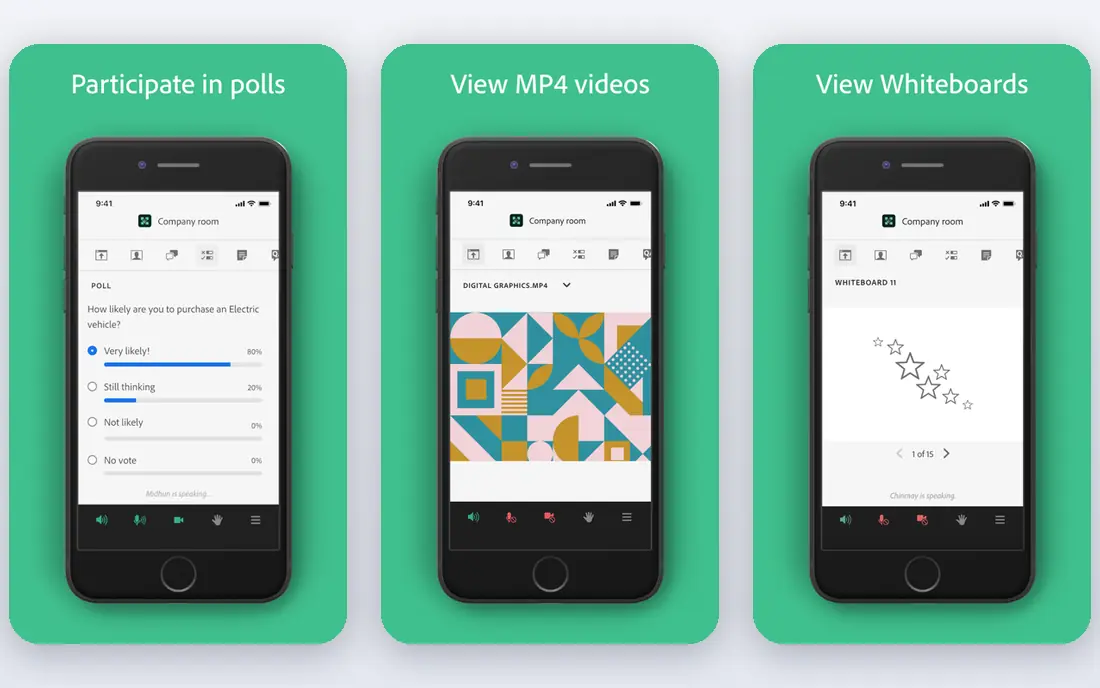
Marketo Engage supports inbound work at enterprise scale, with landing pages, forms, lead scoring, and long nurturing programs that follow a prospect over months. It fits teams with high-value deals, many content assets, and a dedicated operations owner. When inbound content feeds a long sales cycle, that nurturing depth matters.
It is not a light inbound starter. Pricing is quote-based, setup takes planning, and content, scoring, and routing rules must be designed before launch. Small teams that mainly need a blog, forms, and email will find HubSpot or ActiveCampaign faster to run.
For a team weighing Adobe Marketo Engage, the practical test is simple. Run one real campaign or workflow end to end, check how clean the data looks in the reports, and confirm the total price at your actual contact, user, or volume level before signing a longer term. That short trial tells you more than any feature list, because it shows where work slows down and where the tool fits your daily routine.
- Deep nurturing and scoring
- Landing pages and forms
- Enterprise reporting
- Quote-based pricing
- Needs marketing operations skill
- Heavy for small teams
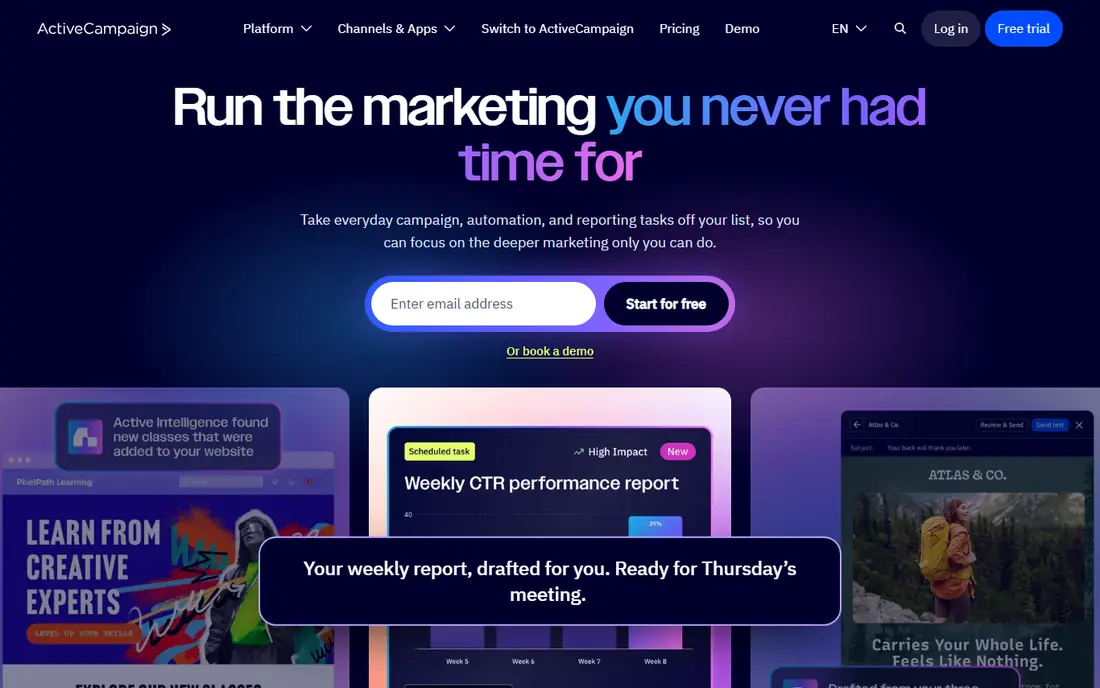
ActiveCampaign is a strong inbound choice for teams that already have traffic and need to turn it into conversations. Site tracking, forms, and automation can trigger follow-ups when a visitor downloads a guide, visits pricing, or attends a webinar. That behaviour-based response is more useful than a fixed drip sequence sent to everyone.
Content creation tools are thinner than HubSpot, so teams often pair ActiveCampaign with a separate website or blog platform. Pricing also rises with contacts, so list hygiene matters. Use it when automation and follow-up are the gap, not when you need a full content management system.
For a team weighing ActiveCampaign, the practical test is simple. Run one real campaign or workflow end to end, check how clean the data looks in the reports, and confirm the total price at your actual contact, user, or volume level before signing a longer term. That short trial tells you more than any feature list, because it shows where work slows down and where the tool fits your daily routine.
- Behaviour-based automation
- Site tracking
- CRM pipelines on higher plans
- No permanent free plan
- Contact-based pricing
- Content tools are thinner than HubSpot
Mailchimp works for inbound teams at the simple end, where the main jobs are landing pages, signup forms, and regular email. A small team can publish a lead magnet, collect signups, and send a welcome sequence without a long setup. That speed helps when inbound is still being tested.
The limits appear when inbound reporting needs to tie content to pipeline. Attribution, scoring, and multi-step journeys are thinner than in HubSpot or ActiveCampaign. Teams should use Mailchimp for early inbound work, and move up when they need to prove which content creates revenue, not just signups.
For a team weighing Mailchimp, the practical test is simple. Run one real campaign or workflow end to end, check how clean the data looks in the reports, and confirm the total price at your actual contact, user, or volume level before signing a longer term. That short trial tells you more than any feature list, because it shows where work slows down and where the tool fits your daily routine.
- Easy landing pages and forms
- Wide templates
- Simple automation
- Inbound reporting is basic
- Automation depth is limited
- Price rises with contacts
Brevo suits inbound teams with a growing list but a modest send schedule, because pricing follows emails sent rather than contacts stored. Landing pages, signup forms, and email automation cover the core conversion job, and chat adds a way to answer visitors in the moment. For a budget-conscious team, that mix is practical.
Brevo is not a full inbound content suite. It lacks the deep SEO, blogging, and attribution tools that HubSpot offers, so teams that need those should pair it with a website platform and analytics. Check the send allowance against the real campaign calendar before relying on the low entry price.
For a team weighing Brevo, the practical test is simple. Run one real campaign or workflow end to end, check how clean the data looks in the reports, and confirm the total price at your actual contact, user, or volume level before signing a longer term. That short trial tells you more than any feature list, because it shows where work slows down and where the tool fits your daily routine.
- Send-based pricing
- Landing pages and forms
- Email, SMS, and chat
- Content and SEO tools are limited
- Automation depth is moderate
- Free plan has daily send cap
Zoho Marketing Automation fits teams already using Zoho CRM and Zoho sites, because lead behaviour, scoring, and journeys stay linked to CRM records. A team can build journeys based on page visits, email engagement, and form fills, and hand scored leads to sales with context. That link is the main reason to choose it over a standalone tool.
Outside Zoho, the value drops, because the platform is designed for that ecosystem. Teams should confirm the edition that includes the journeys and scoring they need, since Zoho pricing varies. Content publishing is adequate but not the reason to buy this tool.
For a team weighing Zoho Marketing Automation, the practical test is simple. Run one real campaign or workflow end to end, check how clean the data looks in the reports, and confirm the total price at your actual contact, user, or volume level before signing a longer term. That short trial tells you more than any feature list, because it shows where work slows down and where the tool fits your daily routine.
- Lead scoring and journeys
- Zoho CRM link
- Campaign and web behaviour tracking
- Best inside Zoho
- Pricing varies by edition
- Content tools are moderate
Constant Contact is a useful inbound starter for local and small B2B teams that need landing pages, signup forms, and regular email without a complex platform. Event tools also help teams that turn in-person sessions into email lists. The guided setup keeps a small team moving without a marketing operations hire.
Inbound depth is limited. Scoring, behaviour-based journeys, and content attribution are basic, so teams that need to prove content performance should look at HubSpot or ActiveCampaign. Use Constant Contact while inbound means capture and follow-up, not full funnel reporting.
For a team weighing Constant Contact, the practical test is simple. Run one real campaign or workflow end to end, check how clean the data looks in the reports, and confirm the total price at your actual contact, user, or volume level before signing a longer term. That short trial tells you more than any feature list, because it shows where work slows down and where the tool fits your daily routine.
- Simple landing pages and signup forms
- Event tools
- Guided setup
- No permanent free plan
- Automation and scoring are basic
- Reporting is campaign-level
GetResponse supports inbound teams that convert visitors through funnels and webinars rather than blog posts alone. Landing pages, signup forms, autoresponders, and webinar hosting sit in one account, which helps a team run a lead magnet, a live session, and a follow-up sequence without stitching tools. That funnel focus is its clearest strength.
The best automation and reporting sit in higher tiers, so entry plans can feel limited for complex journeys. Teams should test the funnel and webinar flow during the trial, because those are the features that justify GetResponse over a simpler email tool for inbound work.
For a team weighing GetResponse, the practical test is simple. Run one real campaign or workflow end to end, check how clean the data looks in the reports, and confirm the total price at your actual contact, user, or volume level before signing a longer term. That short trial tells you more than any feature list, because it shows where work slows down and where the tool fits your daily routine.
- Landing pages, funnels, and webinars
- Autoresponders
- List building tools
- Higher tiers hold the best automation
- Interface can feel busy
- No permanent free plan
How we picked these
We compared official feature and pricing pages and public documentation, and we judged each tool on inbound-specific jobs: content and landing pages, forms, lead capture, nurturing, scoring, CRM handover, and attribution reporting. We left out pure social schedulers, pure SEO tools, and pure email senders that do not support lead capture and follow-up as a connected workflow. Prices are starting prices unless a vendor uses quote-based pricing, which we marked as See website.
How to build an inbound stack that actually converts
Start with one conversion path, not five. Pick a single offer, such as a guide or webinar, build its landing page and form, and write the follow-up sequence before adding more content. Next, agree on what counts as a qualified lead, including the score or behaviour that triggers sales follow-up. Without that rule, inbound leads pile up without action. Finally, track the path from first visit to conversation, even if the reporting is simple at first. A tool that shows that path is worth more than a tool with a larger template library but no clear attribution.
Frequently asked questions
What is the best inbound marketing platform?
HubSpot is the most complete inbound platform in this list, because it covers content, landing pages, email, social, and CRM reporting. Marketo Engage suits larger teams, while ActiveCampaign suits teams that mainly need automation after capture.
What are the best inbound marketing tools for small businesses?
Mailchimp, Brevo, and Constant Contact are practical small-team options for landing pages, forms, and email follow-up. Move to HubSpot or ActiveCampaign when you need scoring, behaviour-based journeys, or content-to-revenue reporting.
What is the best tool for inbound marketing funnels?
GetResponse leads on funnels and webinars, while ActiveCampaign leads on behaviour-based follow-up after a form fill. Choose by if the funnel itself or the follow-up sequence is the weaker part of your current program.
Do inbound tools include SEO and blogging?
HubSpot includes the widest content and SEO toolset in this list, while other tools focus on landing pages, forms, and automation. Many teams pair a focused automation tool with a separate website platform for blogging and SEO.
How do inbound and outbound tools differ?
Inbound tools attract and convert visitors who find your content, while outbound tools push messages to a bought or built list. This list focuses on inbound capture, nurturing, and handover, not cold outreach.
Sources
See where you really rank - block by block
ProMapRanker scans Google Maps across a grid of your service area. Simple monthly plans from $19, white-label on every plan.
Start freeKeep reading
 zoho inventory alternatives
6 Alternatives to Zoho Inventory, Compared on Price and Fit
Zoho Inventory alternatives: 6 tools compared on price, free plans and fit. Katana leads the list for manufacturers. Fit and flaws are laid out for each entry.
Read → zoho crm alternatives
Best Zoho CRM Alternatives (2026)
Need Zoho CRM alternatives? We compare 7 tools on cost, free access and who each suits. Every pick gets a straight assessment. Built for quick decisions.
Read → zelle alternatives
Best Zelle Alternatives in 2026
Compare the best Zelle alternatives for sending money to friends, paying sellers and moving funds abroad, with honest notes on fees, speed and safety in 2026.
Read →