 ProMapRanker
Best In-Class Notification System Software in 2026

Key takeaways
- A notification system is different from a marketing email tool, because it handles product messages triggered by user actions.
- In-app inboxes, user preferences and batching matter as much as raw delivery, especially as volume grows.
- Pricing units differ widely, so compare per message, per active user and per workflow run before you pick.
- Most teams need one workflow engine plus provider failover, not a separate tool for every channel.
Quick comparison
| Pick | Great for | Pricing starts at | Free tier | |
|---|---|---|---|---|
 OneSignal | Mobile and web push at scale | Free | Yes | Visit |
 Novu | Open source notification workflows | Free | Yes | Visit |
 Courier | Orchestrating many providers from one API | Free | Yes | Visit |
 Knock | Cross channel preferences and batching | Free | Yes | Visit |
 Firebase Cloud Messaging | Free push delivery for apps | Free | Yes | Visit |
 Pusher Beams | Developer friendly push delivery | Free | Yes | Visit |
 Pushwoosh | Omnichannel campaigns priced by active user | Free | Yes | Visit |
 MagicBell | A prebuilt notification inbox | Free | Yes | Visit |
 SuprSend | Multi channel product notifications in one workflow | See website | Yes | Visit |
The best in-class notification system software
We compared notification systems that send product messages across push, email, SMS, in-app and chat channels, with workflows, templates, preferences and delivery logs. The list covers free delivery pipes, open source workflow engines and managed platforms, so you can match the pick to team size and engineering time.
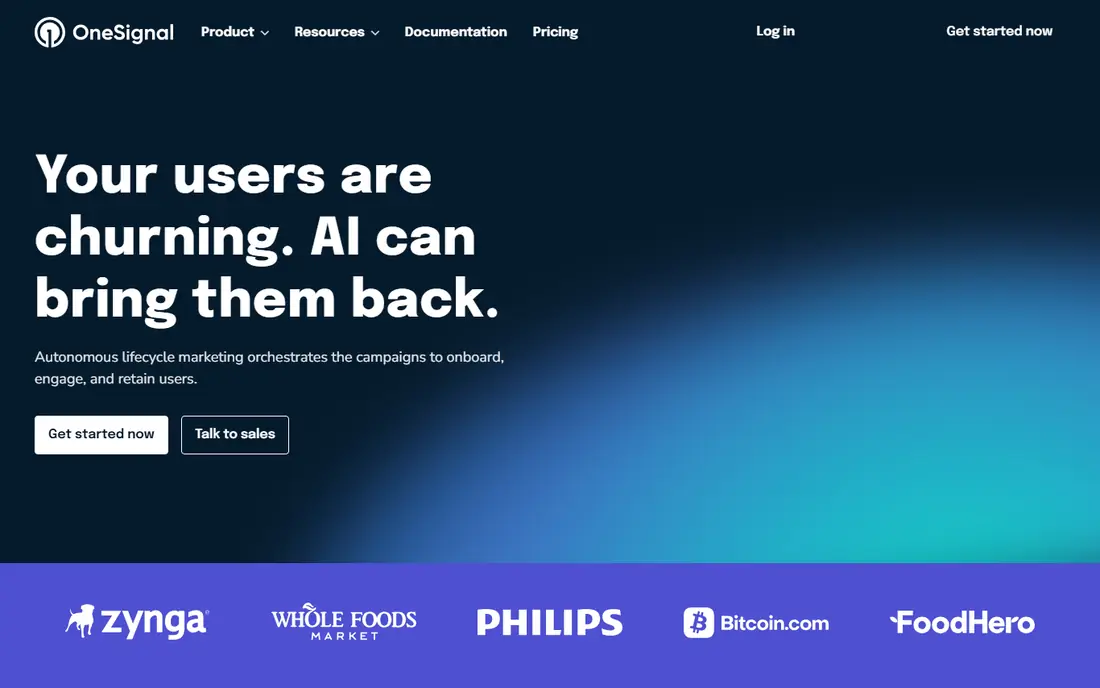
OneSignal is the volume pick for mobile and web push, with in-app messaging, email and SMS added on paid plans. Its free tier covers mobile push up to a set number of monthly active users, and its Growth plan adds journeys, segmentation and A/B testing. For a consumer app that needs to reach many users fast, that combination is hard to beat for setup speed.
The catch is usage pricing. As monthly active users grow, the bill grows with them, and web and mobile users are counted in different ways. A team should model cost at twice its current audience before committing, and check whether it needs a stored inbox, which OneSignal does not provide in the same form as dedicated inbox tools.
- Generous free push tier
- Segmentation and journeys
- SDKs for major platforms
- Paid pricing rises with active users
- No stored per user inbox in the same way as inbox tools
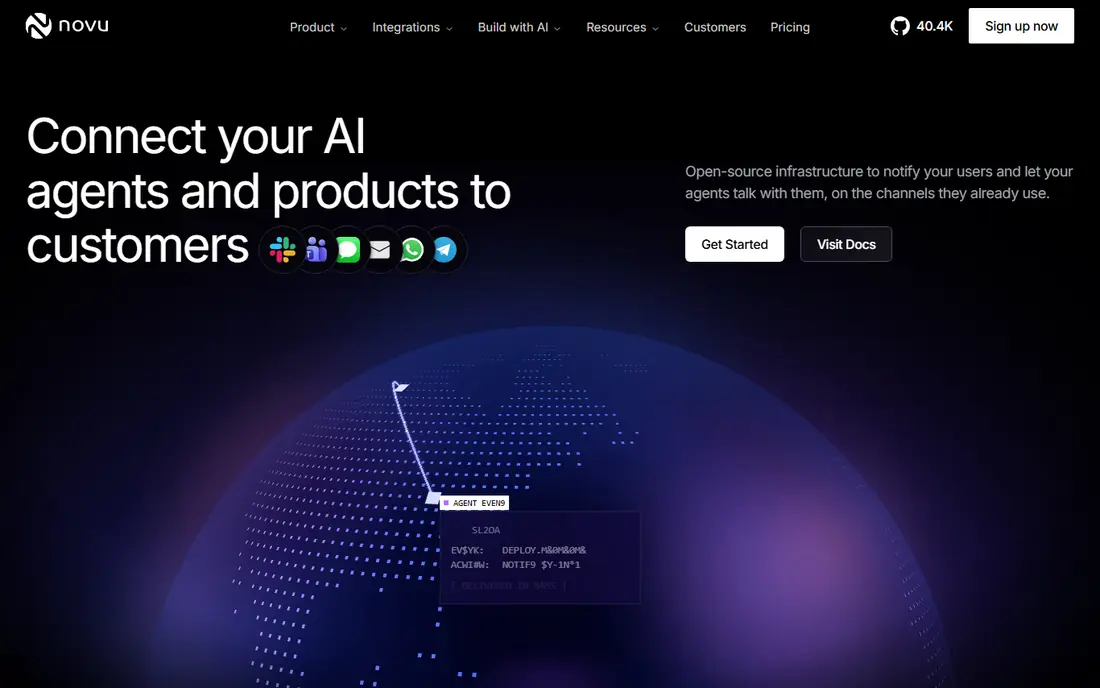
Novu is an open source notification infrastructure platform that lets product teams define workflows, templates and preferences in code, then deliver across push, email, SMS and in-app channels. Its cloud version offers a free tier with a set number of workflow runs per month, and its self hosted option appeals to teams that want full control over data and hosting. One workflow run can fan out to several channels, which makes pricing easier to compare for multi channel messages.
The trade off is ownership. Self hosting saves subscription cost but adds server, update and monitoring work, and some advanced features sit on paid cloud plans. Novu fits teams with engineering capacity that want notification logic in their repository, not a marketing tool run by a separate team.
- Open source and self hostable
- Workflows in code
- In-app inbox and preferences
- Self hosting needs engineering time
- Provider failover and some features vary by plan
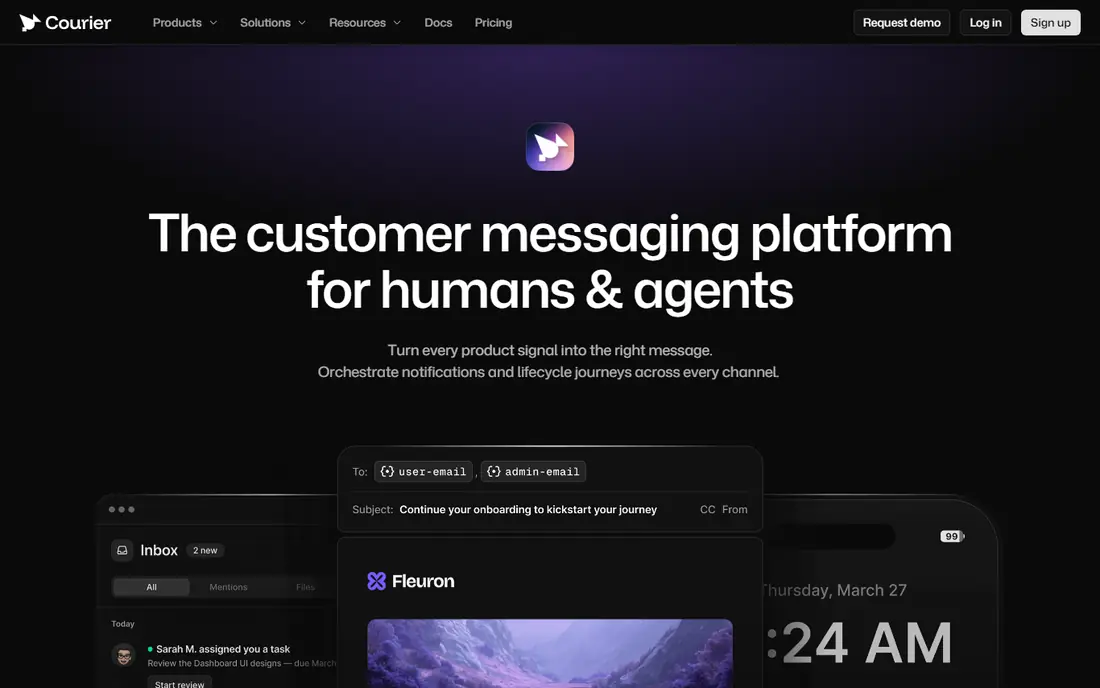
Courier sits on top of the providers you already use, such as email, SMS, push and chat services, and routes messages through one API with templates, preferences and failover. Its Developer plan is free up to 10,000 sends per month, and its Business plan charges per send with no monthly platform fee. That model suits product teams that want to switch providers without rewriting notification code in every service.
The limit is that Courier is an orchestration layer, not a replacement for the underlying delivery providers, so those provider costs remain. It also counts each channel delivery as a send, so a message that goes to email, push and in-app at once costs more than a single channel message. Model that fan out before you budget.
- One API across many providers
- Templates and failover
- Pay per send with no platform fee on Business
- You still pay underlying providers
- Costs rise with message volume
Knock is built for product teams that need careful cross channel logic, including user preferences, batching, digesting and prioritisation. Its workflow engine can hold, batch or delay messages, so users do not get five separate alerts for one event, and its guides and feeds help teams build in-app experiences without a custom inbox. The Developer plan is free up to 10,000 messages per month.
The main drawback is the jump to paid plans. Starter pricing is a flat monthly fee with a message allowance, which can feel steep for a small team that has just outgrown the free tier. Check how messages are counted across channels, and whether guides or feeds add to the bill, before you commit.
- Strong workflow engine
- User preferences and batching
- Guides and in-app feeds
- Starter plan is costly for small teams
- Message counting needs care at scale
Firebase Cloud Messaging, often called FCM, is the free delivery pipe under a large share of mobile push. Google charges no per message cost for Cloud Messaging, and it works for Android, iOS and web apps already using Firebase. For a team that only needs raw push delivery and already runs Firebase Auth or Firestore, it is the lowest cost path.
The trade off is that everything above delivery is your job. There is no ready made inbox, preference center, batching engine or multi step journey builder, so teams that need those features usually add a layer such as OneSignal, Courier or Novu on top. FCM fits when engineering time is available and the notification logic is simple.
- Free with no per message cost
- Built into Firebase
- Reliable for Android and iOS push
- No inbox, preferences or journeys built in
- You build the logic yourself
Pusher Beams is a managed push service for developers who want to send transactional push without running their own push infrastructure. Its sandbox tier covers up to 1,000 subscribers, and paid tiers scale by subscriber count. It pairs well with Pusher Channels for realtime features, and its API is straightforward for teams that already use Pusher.
It is push only, so email, SMS and in-app inbox needs will need another tool or a separate build. That narrow focus is a strength for a team that only needs reliable push, and a limit for a team that wants one system for every product message channel.
- Simple push API
- Sandbox free tier
- Works with Pusher realtime tools
- Push only, not a full multi channel system
- Costs rise with subscribers
Pushwoosh covers mobile push, web push, in-app, email, SMS and WhatsApp, with a journey builder, segmentation and a message inbox. Its pricing is based on monthly active users rather than message count, with unlimited push sends and a free tier up to 1,000 monthly active users. That model suits consumer apps with frequent messages to a known audience.
The watch point is how active users are counted. Anyone who receives a message on any channel in the month counts once per user ID, so a broad campaign can raise the bill even if each user gets few messages. Pushwoosh also leans more toward marketing campaigns than pure transactional orchestration, so engineering heavy teams should test its API and failover features first.
- Unlimited push sends
- Pricing by monthly active user
- Journey builder and inbox
- Active user counting can surprise teams
- Marketing focus over transactional orchestration
MagicBell gives product teams a prebuilt notification inbox, with preferences, delivery across channels and a clean API, without building inbox storage, read states and preference logic from scratch. Its Builder plan is free up to 1,000 deliveries per month, which is enough to test the inbox in a real app. That ready made inbox is the main reason to pick it over a raw push pipe.
The jump to paid plans is the catch. Starter pricing is a flat monthly fee with a larger delivery allowance, so a small team that outgrows the free tier should model cost at its real delivery volume, counting each channel a user receives as a delivery. MagicBell fits best when the inbox experience itself is the priority.
- Ready made inbox with preferences
- Clean API
- Multi channel delivery
- Paid Starter plan is costly for small teams
- Delivery counting needs care
SuprSend runs push alongside email, SMS, WhatsApp, Slack and in-app messages in one workflow engine, with a shared preference and log view. Its free plan covers 10,000 notifications per month, which gives a small team room to test real product messages before paying. An in-app inbox with client SDKs is included, which saves building inbox storage separately.
Pricing needs care, because a notification that fans out to several channels can count more than once, and a fallback channel counts as another notification. Model your most common multi channel flows, not just single channel sends, and check whether the paid tier that fits your volume includes the channels and preferences you need.
- One workflow for push, email, SMS and in-app
- Inbox and preferences
- Free tier for testing
- Pricing by notification can add up with fan out
- Newer than some rivals
How we picked these
We compared official pricing pages and product documentation for notification systems that are live in October 2026 and that handle product triggered messages, not just marketing email. We kept tools with a documented free tier or clear paid pricing, and we used See website where a paid price could not be confirmed. We left out single channel marketing suites and tools with no workflow, template or delivery log features, because they do not fit a notification system shortlist.
What to check before you buy notification software
Start with the message types you actually send. List transactional messages, such as order updates and security alerts, separately from engagement messages, such as tips and promotions, because they have different urgency, consent and batching needs. A tool that is good for marketing campaigns may be poor for time sensitive transactional messages, and the reverse is also true.
Next, model pricing on your real fan out. Take one common event, count how many channels each user receives, and multiply by monthly events. Compare that total across per message, per active user and per workflow run pricing, since the cheapest headline price can become the most costly at scale.
Finally, test preferences and failure handling. Check how users mute a channel, how digests and quiet hours work, what happens when a provider fails, and how far delivery logs go back. Those details decide whether notifications help users or turn into noise and support tickets.
Frequently asked questions
What is notification system software?
Notification system software sends product messages triggered by events in your app, across push, email, SMS, in-app and chat channels. It usually includes workflows, templates, user preferences, delivery logs and provider routing, so product teams do not build that logic from scratch for every channel.
How is this different from email marketing software?
Email marketing tools focus on campaigns and lists, while notification systems focus on triggered, personal messages tied to a user action or account event. Notification tools also handle preferences, batching and multi channel routing in a way that campaign tools often do not.
How much does notification software cost?
Free tiers are common, with paid pricing based on messages sent, monthly active users or workflow runs. Small apps can often start free, while larger apps should model cost at real volume, since multi channel fan out can raise the bill fast.
Do I need an in-app inbox?
An inbox helps when users need to find past messages, such as order updates, alerts or task notices, after a push is dismissed. If your messages are only time sensitive alerts, a push only tool may be enough, but many product apps benefit from a stored inbox.
Can I self host notification software?
Yes, with open source tools such as Novu, you can self host the workflow engine and keep data on your own servers. Self hosting saves subscription cost but adds maintenance, updates and monitoring work, so it fits teams with engineering capacity.
What is provider failover?
Provider failover means the notification system switches to a backup delivery provider if the first provider fails or slows down. It matters for time sensitive messages, because a single provider outage should not stop all alerts from reaching users.
Sources
See where you really rank - block by block
ProMapRanker scans Google Maps across a grid of your service area. Simple monthly plans from $19, white-label on every plan.
Start freeKeep reading
 zoro.to alternatives
Best Zoro.to Alternatives in 2026
We compare the best zoro.to alternatives in 2026, listing only legal licensed anime streaming services, from Crunchyroll to free options for fans today.
Read → zip alternatives
Best Zip Alternatives in 2026
We compare the best zip alternatives for buy now, pay later in 2026, covering pay-in-4 plans, fees, spending limits, and credit reporting options today.
Read → yesware alternatives
Best Yesware Alternatives in 2026
Compare the best yesware alternatives for sales email tracking, templates, and sequences, with current pricing and honest tradeoffs for small sales teams.
Read →