 ProMapRanker
Best In Class Customer Service Metrics in 2026


Support teams needing full ticket metrics · Pricing starts at: $55 per agent per month
Key takeaways
- CSAT, NPS, and effort score answer different questions, so a strong team tracks all three rather than picking one headline number.
- First response time and first contact resolution are the most actionable pair: speed without resolution, and resolution without speed, both frustrate customers.
- Retention and churn show whether service is working over time, while survey scores show how a single interaction felt.
- The best tool here is the one your team will actually review weekly, with clear owners for each metric.
Quick comparison
| Pick | Great for | Pricing starts at | Free tier | |
|---|---|---|---|---|
| Zendesk | Support teams needing full ticket metrics | $55 per agent per month | Free trial | Visit |
 Qualtrics | Deep survey and experience programs | See website | Free trial | Visit |
 Medallia | Large firms tracking many feedback channels | See website | No | Visit |
 Freshdesk | Small teams wanting a free starting plan | Free | Yes | Visit |
 HubSpot Service Hub | Teams already using HubSpot CRM | Free | Yes | Visit |
 Zoho Desk | Budget teams needing ticket and SLA reporting | Free | Yes | Visit |
 Salesforce Service Cloud | Large firms tying service to CRM data | See website | Free trial | Visit |
 Nice CXone | Contact centers needing voice and chat metrics | See website | No | Visit |
The best in class customer service metrics
This list covers tools that measure the metrics that define strong service, not just tools that handle tickets. We explain what each metric means, then what each tool does well and where it falls short.
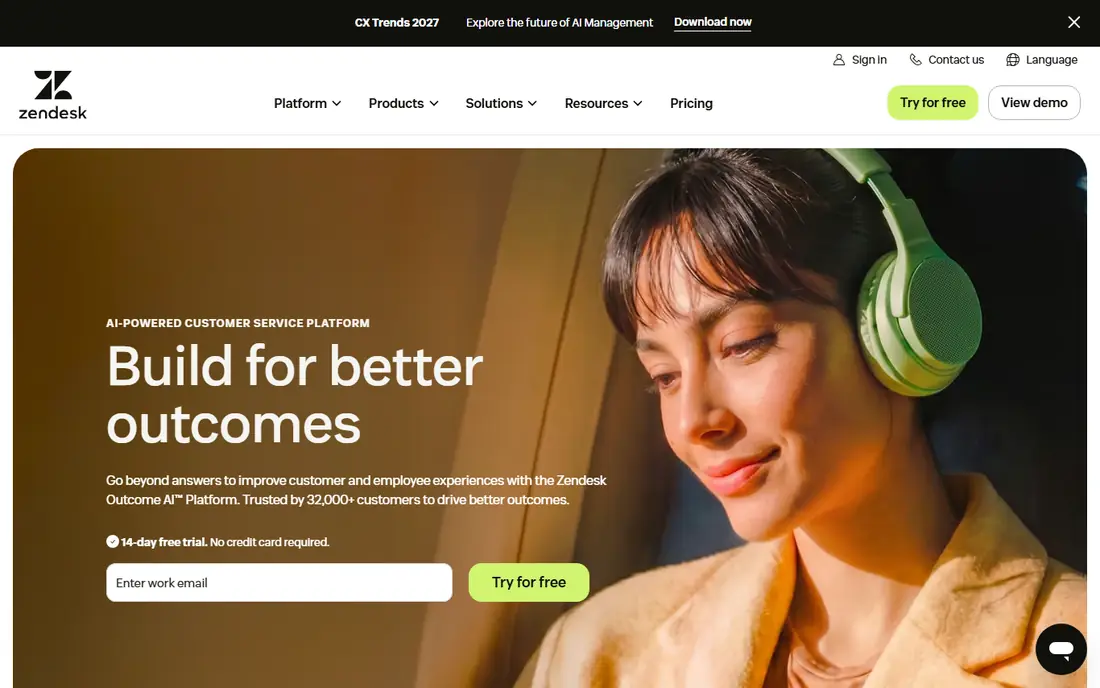
Zendesk is the most complete starting point for a team that wants first response time, resolution time, CSAT, and SLA compliance in one place. Its Suite bundles ticketing, messaging, and live chat, so a metric is not split across three tools. Managers can segment by channel, team, or issue type, which matters because a single average can hide a slow email queue behind fast chat replies.
The catch is cost and complexity. Entry Suite pricing is higher than a chat-only tool, and AI features can add per-agent or per-resolution charges. If your team is small, start with the core ticket and CSAT reports, and add AI only after you know which metric is actually holding you back.
- Ticket, CSAT, first reply, and resolution reporting in one suite
- Wide integration set
- AI and automation add-ons
- Suite pricing rises fast with seats and add-ons
- Smaller teams may pay for features they rarely use
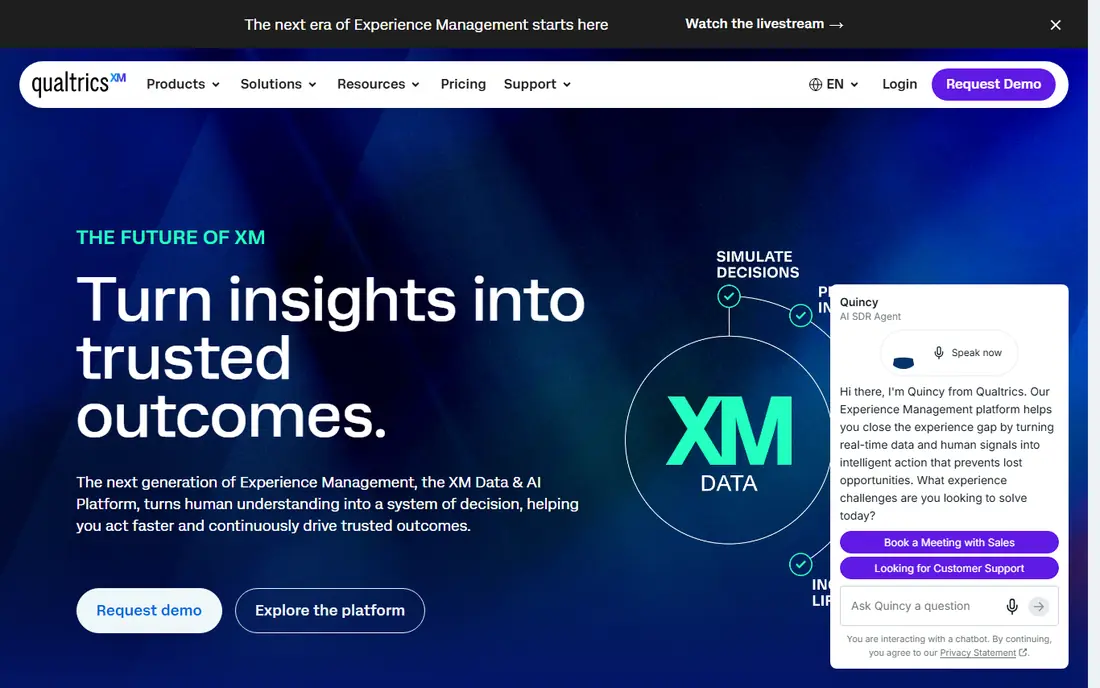
Qualtrics fits teams that treat CSAT and NPS as research, not just a star rating after a ticket. Its survey builder supports varied question types, logic, and follow-up questions, so you can learn why a score moved, not only that it moved. Text analytics can group open comments into themes, which helps a team fix a process instead of coaching one agent for a pattern that is really a product issue.
The weakness is scope. Full Qualtrics programs are priced by quote, and a small support team may find the platform larger than it needs. It works best when survey data feeds a wider experience program across service, product, and marketing, with someone owning the analysis each month.
- Flexible survey design and logic
- Text analytics and sentiment analysis
- Strong dashboards for experience programs
- Quote-based pricing for full programs
- Learning curve is steep for small teams
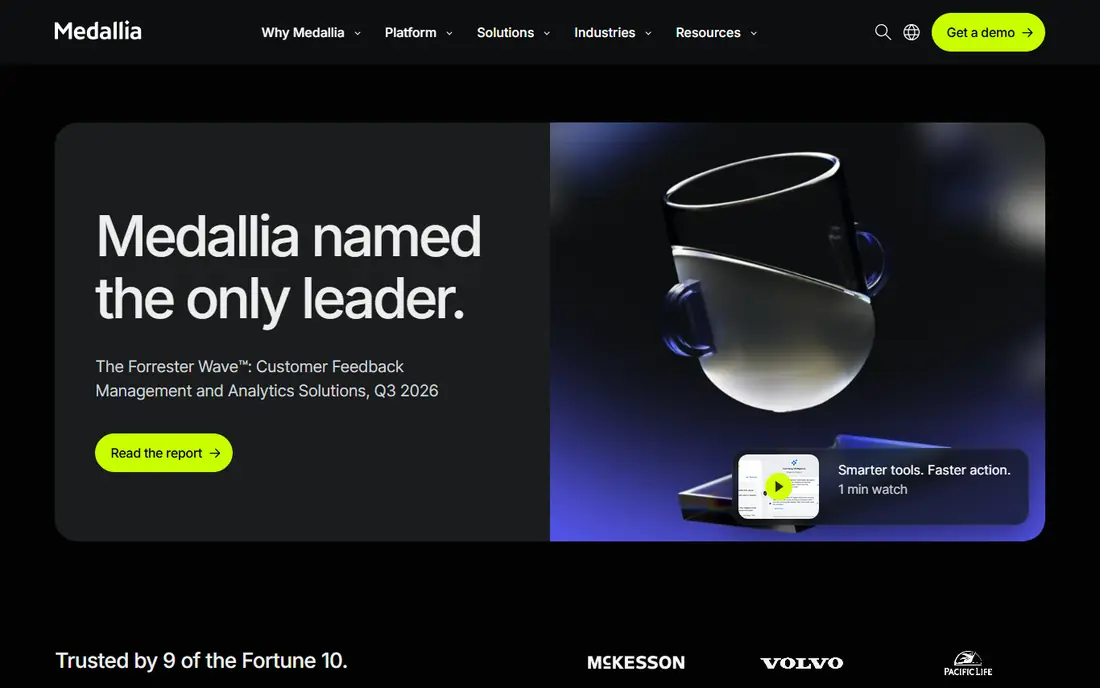
Medallia is built for firms that hear from customers in many places at once. It pulls signals from web intercepts, in-app prompts, calls, chats, and public reviews, then routes cases with workflows so issues reach the right owner. That breadth matters for churn and retention analysis, because a customer who complains on a review site and in chat should count as one story, not two separate scores.
The honest limit is size. Medallia is an enterprise commitment, with pricing and implementation to match. A small team will get faster value from a ticketing tool with built-in CSAT, while a large firm with dozens of touchpoints may need Medallia to see the full picture.
- Feedback across web, mobile, call, chat, and review sites
- Case management and routing
- Reputation tracking
- Enterprise pricing and rollout effort
- Overkill for a team with one or two channels
Freshdesk is the low-friction way to start measuring service properly. Its free plan lets a small team run tickets, track response and resolution times, and collect CSAT without a sales call. That is enough to answer the core questions: how fast do we reply, how often do we resolve on first contact, and how satisfied are customers after each interaction.
The trade-off is depth. The most useful analytics, automation, and AI features require paid tiers, and reporting can feel limited next to a dedicated experience platform. For a growing team, that is a fair deal: prove the habit of weekly metric review first, then pay for deeper analysis when the volume justifies it.
- Free plan for small teams
- Ticket, SLA, and CSAT reporting
- Simple setup compared with enterprise suites
- Advanced analytics and AI features sit on higher plans
- Very large contact centers may outgrow it
HubSpot Service Hub stands out when service metrics need to connect to sales and marketing data. A CSAT score tied to a CRM record can show whether unhappy customers churn, buy less, or need more support after a purchase. Its free tier covers live chat and basic ticketing, so a small team can start without a new vendor for every channel.
The catch is that the full reporting and automation story lives on paid seats, and teams outside HubSpot get less benefit. If your CRM is elsewhere, a standalone helpdesk may give you the same ticket metrics with less lock-in. If HubSpot is already your system of record, the shared view is a real advantage.
- Free live chat and ticketing to start
- CSAT and NPS surveys tied to CRM records
- Shared view of customer history
- Paid seats and advanced reporting add up
- Best value depends on already using HubSpot
Zoho Desk is a practical choice for a team that wants SLA compliance, first response, and resolution metrics without enterprise pricing. Its free plan covers basic ticketing for a small team, and paid plans add deeper analytics, automation, and multi-channel support. SLA tracking is the feature to watch: it shows whether you meet the response and resolution promises you actually made to customers.
The weakness is polish. Some teams find the interface and reporting less smooth than Zendesk or Freshdesk, and the best analytics sit above the entry tier. For a budget-conscious team that values SLA discipline over a slick dashboard, that trade is usually worth it.
- Free plan for small teams
- SLA tracking and ticket analytics
- Wide Zoho integration set
- Interface and reporting feel less polished than larger rivals
- Advanced AI and analytics need higher plans
Salesforce Service Cloud fits firms where service, sales, and account data must live together. Case metrics, CSAT, and effort signals can sit next to purchase history, contract terms, and account health, which makes retention and lifetime value analysis far more credible. Its automation and knowledge tools can also lift first contact resolution by giving agents the right answer faster.
The honest catch is effort. Service Cloud needs configuration, and pricing is quote-based for many firms. A team without an admin or implementation partner may spend more time setting up reports than acting on them. It earns its place for large, CRM-centered operations, not for a team that just needs a weekly CSAT chart.
- Service metrics tied to a full CRM
- Strong case, knowledge, and automation options
- Scales to large contact centers
- Pricing and setup complexity are high
- Small teams may struggle to get value without admin help
Nice CXone is built for contact centers where phone metrics matter as much as chat and email. Abandon rate, handle time, queue performance, and quality scores sit alongside CSAT, so a manager can see whether a fast chat score hides a struggling phone queue. Its workforce tools help with staffing, which is often the real fix behind a poor first response time.
The limit is fit. CXone is an enterprise platform, with pricing and implementation to match. A small email and chat team will find it heavy, while a multi-channel contact center will find the combined voice and digital reporting hard to replace.
- Voice, chat, and digital channel metrics in one platform
- Workforce and quality tools
- Strong contact center depth
- Enterprise pricing and setup
- More than most small support teams need
How we picked these
We compared official product pages, pricing pages, and public metric guides, and we favored tools that report at least several of the core metrics in this article: CSAT, NPS, effort score, first response time, first contact resolution, resolution time, SLA compliance, churn, and retention. We did not invent benchmark numbers for any vendor, and where pricing was quote-based we wrote See website. We describe metrics from public sources only, and we note that published averages vary by industry, channel, and how a survey is timed.
How to use these metrics without gaming them
Pick a small set and define each one before you compare months. First response time should mean the first human or useful automated reply, not an auto-acknowledgment that says nothing. First contact resolution should mean the issue stayed resolved, not that the ticket was closed quickly and reopened later. CSAT should be measured right after the interaction, with response coverage reported alongside the score, because a high score from a tiny sample can mislead.
Review metrics by segment, not just as one company average. Split by channel, issue type, and customer group, and look at repeat contacts for the same issue. A team that improves first contact resolution often lifts CSAT and retention together, while a team that only chases speed may close tickets faster and create more repeat contacts. Set targets by channel: chat and phone need faster first replies than email, and complex issues need longer resolution times than simple ones.
Finally, pair every number with a fix. If effort scores are low, check how many times customers repeat themselves across channels. If churn rises, read cancellation reasons before blaming agents. Metrics should change staffing, knowledge articles, product fixes, or policy, not just fill a dashboard.
Frequently asked questions
What are the most important customer service metrics?
CSAT, NPS, customer effort score, first response time, first contact resolution, average resolution time, SLA compliance, churn, and retention form a strong core set. CSAT and effort score judge single interactions, NPS judges the wider relationship, and resolution metrics judge whether help actually worked.
How is CSAT different from NPS?
CSAT asks how satisfied a customer was with a specific interaction, usually on a short scale right after help ends. NPS asks how likely a customer is to recommend the company, usually on a zero to ten scale, and tracks loyalty over time. A team needs both, because a single good interaction does not guarantee long-term loyalty.
What is a good first response time?
It depends on channel. Chat and phone customers expect replies in minutes or less, while email customers often accept a few hours. Set separate targets by channel, report them separately, and check whether fast first replies are actually useful, not just automatic.
What is first contact resolution, and why does it matter?
First contact resolution is the share of issues resolved without a follow-up contact. It matters because it cuts repeat work, lowers cost per contact, and usually lifts satisfaction at the same time. Track reopened tickets alongside it, so quick closures that fail do not look like success.
How often should we review service metrics?
Weekly review works for response, resolution, and volume trends, while CSAT, NPS, and churn need monthly or quarterly review to show real movement. Review by segment each time, and assign one owner and one fix per metric that misses its target.
Can a small team track these metrics without an enterprise tool?
Yes. A helpdesk with a free plan can track tickets, response times, resolution times, SLA compliance, and CSAT. Add a simple survey tool for NPS and effort score, and review the numbers weekly. Buy deeper analytics only when volume or channels make manual review unreliable.
Sources
- https://www.zendesk.com
- https://www.qualtrics.com
- https://www.medallia.com
- https://www.freshdesk.com
- https://www.hubspot.com/products/service
- https://www.zoho.com/desk/
- https://www.salesforce.com/service/
- https://www.nice.com/products/cxone
- https://quiq.com/blog/customer-experience-metrics/
- https://www.agentsrepublic.com/2026/03/10/customer-service-kpis/
See where you really rank - block by block
ProMapRanker scans Google Maps across a grid of your service area. Simple monthly plans from $19, white-label on every plan.
Start freeKeep reading
 worlds best local seo company
8 Worlds Best Local SEO Companies for Map Pack Growth in 2026
Compare the worlds best local seo company options for Google Business Profile work, citations, reviews, and multi-location rankings and reporting in 2026.
Read → world's best web hosting company
World's Best Web Hosting Company in 2026
Searching for the world's best web hosting company? We compared 10 hosts on price, renewal rates, speed, and support to help you choose well today in 2026.
Read → who's got the best nanny tax services
Who's Got the Best Nanny Tax Services in 2026
We answer who's got the best nanny tax services, comparing full filing, back taxes, software, and pricing so families can handle nanny taxes correctly.
Read →