 ProMapRanker
Best In-App Messaging Software for Notifications in 2026

Key takeaways
- OneSignal and Firebase give small teams a free starting point, while Braze, Airship, CleverTap, and MoEngage are built for larger, sales-led programs.
- In-app messages work best when they sit next to push, email, and SMS in one system, so users get one clear message instead of several competing ones.
- Pricing is often counted by monthly active users, profiles, or sends, so the cheapest headline price can change fast as an app grows.
- Intercom fits teams that want chat and support in the same place as proactive in-app messages.
Quick comparison
| Pick | Great for | Pricing starts at | Free tier | |
|---|---|---|---|---|
 OneSignal | Push plus in-app for growing teams | Free | Yes | Visit |
 Intercom | Chat-led engagement and support | $29 per month | Free trial | Visit |
 Braze | Cross-channel campaigns at scale | See website | No | Visit |
 Airship | Enterprise push and wallet experiences | See website | No | Visit |
 Pushwoosh | Low cost push and in-app | Free | Yes | Visit |
 Customer.io | Lifecycle messages from customer data | See website | Free trial | Visit |
 CleverTap | Analytics plus engagement in one tool | See website | No | Visit |
 MoEngage | Consumer lifecycle campaigns | See website | No | Visit |
 Firebase | Free in-app messages for developers | Free | Yes | Visit |
The best in-app messaging software for notifications
We compared official feature pages, pricing pages, app store listings, and public reviews for tools that send messages inside an app and pair them with push notifications.
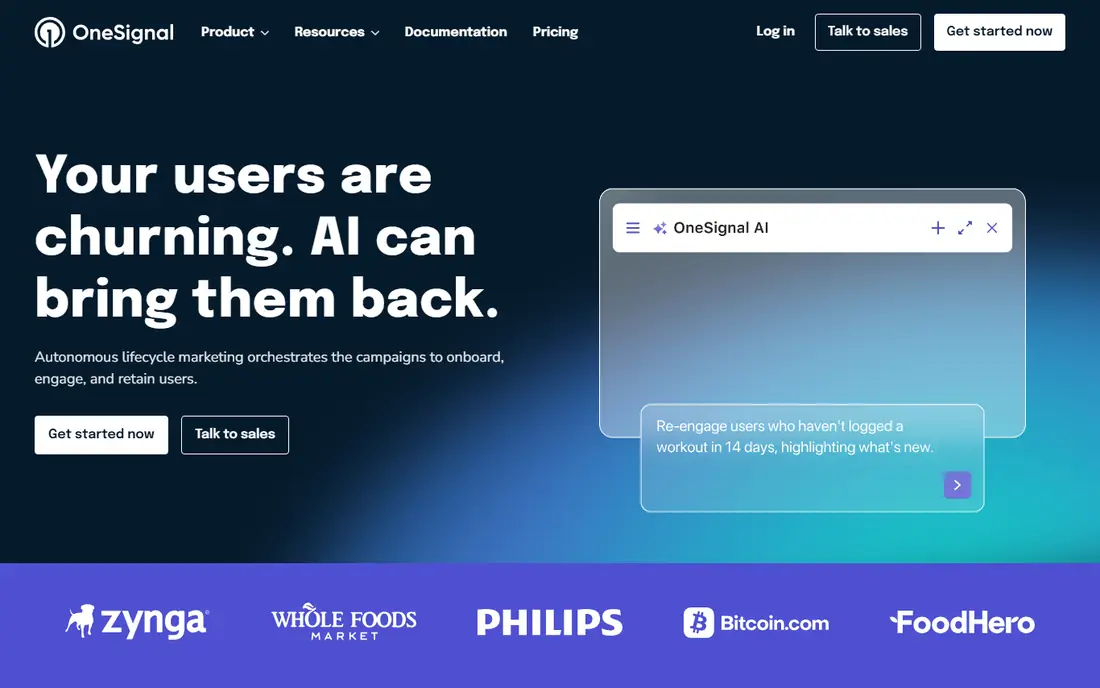
OneSignal is our pick for most small and mid-size teams that need to ship messages this week. Setup is self-serve, the dashboard covers push, in-app messages, email, and SMS, and the free plan is useful well past a first test. Segmentation, scheduling, and A/B testing help a small team look organized without hiring a messaging specialist.
The catch is the way growth is counted. Paid plans scale with monthly active users, and in-app reach can count users who never opted in to push. Teams with a large install base should check the pricing calculator before they commit, and they should watch how usage grows as campaigns expand. For a team that wants value and speed, though, the trade-off is easy to accept.
- Free plan with unlimited mobile push sends
- In-app messages, email, and SMS in one dashboard
- Wide SDK coverage for mobile and web
- Paid pricing scales with monthly active users
- Advanced journeys sit on paid plans
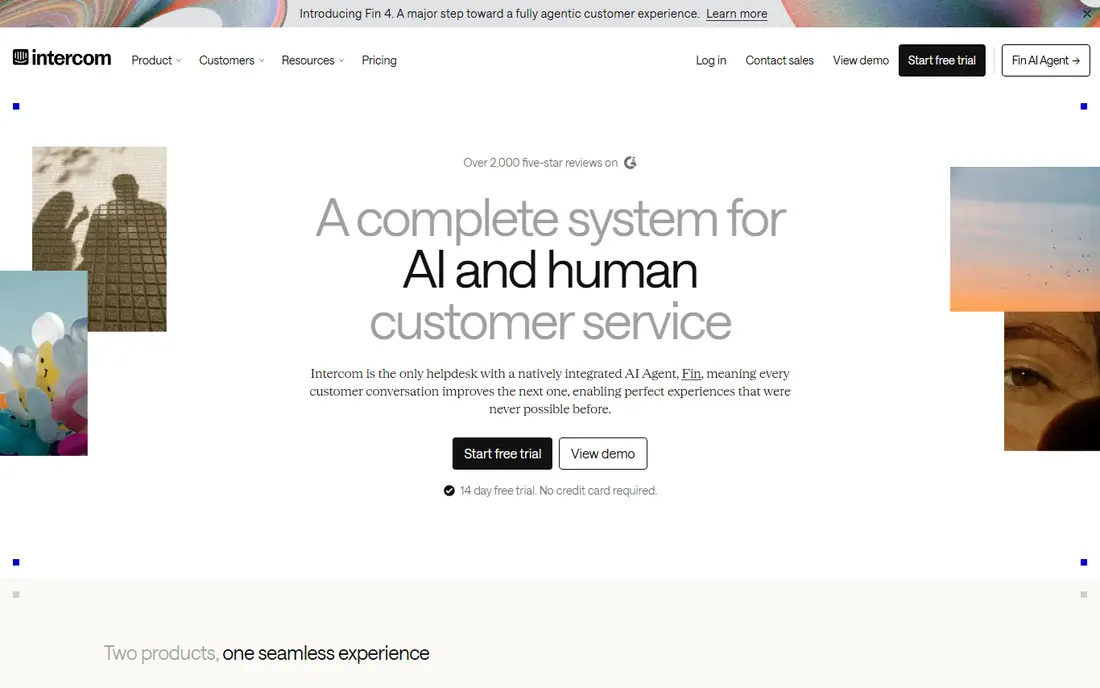
Intercom suits teams where in-app messaging is part of a support conversation, not just a marketing blast. Banners, tooltips, and proactive messages sit next to live chat and a help center, so a user who taps a message can talk to a person or an AI agent without leaving the app. That closeness between message and support is the reason many product teams stay with it.
Pricing needs care. Plans are seat-based, AI resolutions carry a separate per-outcome charge, and some message types need an add-on with a monthly message allowance. A team that sends a lot of tours or surveys should model that total before signing up. If support and messaging must live together, Intercom still earns its place.
- Polished chat, banners, and tooltips in one product
- Strong AI-assisted support
- Good fit for teams that already run support here
- No free plan, only a trial
- Tours, surveys, and extra messages can add cost
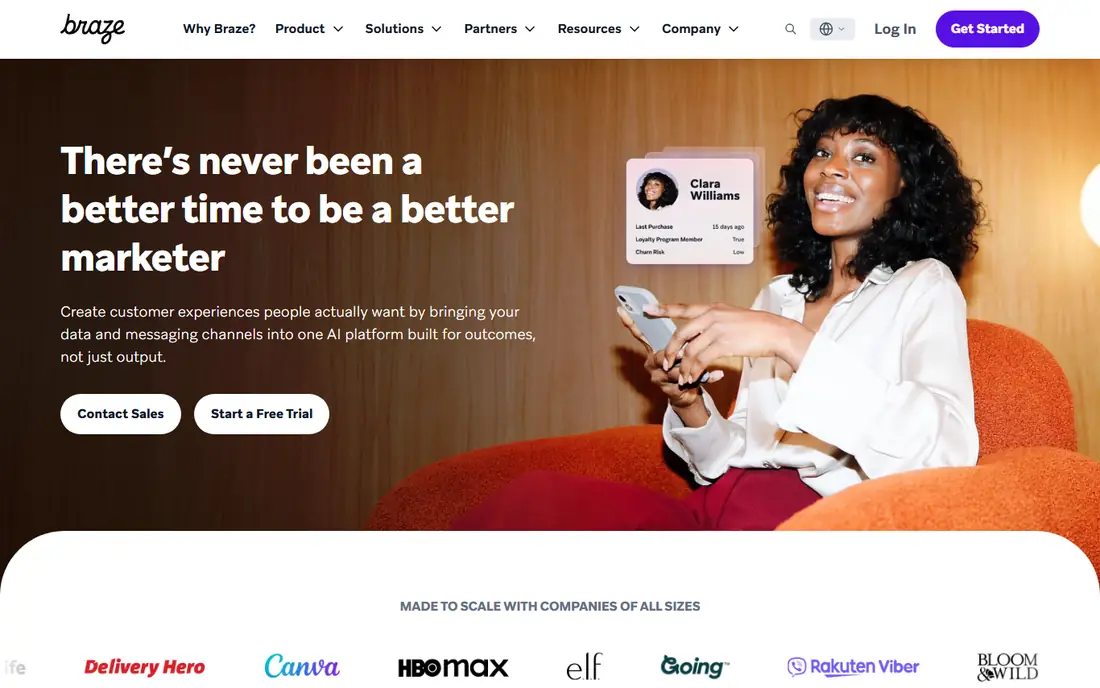
Braze is the choice for consumer brands that run complex lifecycle programs across many channels at once. In-app messages can be timed, personalized, and tested against push and email in the same canvas, which keeps a campaign coherent instead of fragmented. Teams with large audiences and dedicated lifecycle staff get the most from that depth.
The downside is access. Pricing is quote-based, there is no permanent free plan, and onboarding runs through sales. A startup that needs to send a first message this week will find that friction hard to justify. Braze fits best when message volume and team size already match an enterprise tool.
- Deep cross-channel orchestration across push, in-app, email, and SMS
- Strong personalization and testing
- Built for large consumer brands
- No public pricing
- Sales-led onboarding slows small teams
Airship has served large mobile teams for years, and its strength is dependable delivery to very large audiences. In-app messages, push, and mobile wallet passes can be managed together, which suits airlines, retailers, and media apps that need passes, boarding cards, or loyalty cards next to their messages. Reliability at that scale is the selling point.
Smaller teams will feel the enterprise shape of the product. There is no public price, no free plan to learn on, and the sales process sets the pace. If your audience is in the millions and delivery failures cost real money, Airship is worth a quote. If your audience is still small, start elsewhere.
- Long track record with large mobile audiences
- In-app experiences plus mobile wallet passes
- Dependable delivery at scale
- No public pricing
- Heavyweight for small teams
Pushwoosh appeals to teams that want every feature from day one without tier gates. The free plan covers up to 1,000 monthly active users, push volume is unlimited, and a journey builder, segmentation, and A/B testing are included rather than locked behind higher plans. That clarity makes budgeting simple for a growing app.
The trade-off is breadth. Pushwoosh does not match the analytics depth or the partner ecosystem of the largest suites, and teams that need deep warehouse or data tooling may outgrow it. For a team that wants push and in-app messages at a fair price, with no surprise feature gates, it is a strong value pick.
- Free plan up to 1,000 monthly active users with all features
- Unlimited push sends
- Clear per-user pricing above the free tier
- Smaller ecosystem than the big suites
- Analytics depth trails larger rivals
Customer.io fits teams that already think in terms of customer data and behavior. Messages can be triggered by events, profile changes, and past actions, so an in-app note can follow what a user just did rather than a fixed calendar. That event-based logic suits SaaS and subscription apps with clear onboarding and retention flows.
Pricing is the part to study. There is a trial but no permanent free plan, and cost follows profiles and usage, so a large free-user base can raise the bill even when paying customers are few. Teams with clean data and a clear lifecycle plan will get the most value. Teams still sorting out their data model should tidy that first.
- Data-driven workflows built around customer behavior
- Push, in-app, email, and SMS in one canvas
- Good fit for product-led teams
- No permanent free plan
- Pricing is profile and usage based
CleverTap suits mobile-first companies that want to analyze behavior and act on it without stitching two tools together. Funnels, cohorts, and retention views sit next to campaigns, so a team can spot a drop-off and send an in-app message to the same segment in one workflow. That closeness between insight and action is its main draw.
The cost side is less open. Pricing is quote-based, there is no free plan to test with, and reviewers note that some capabilities sit behind higher tiers. A team that values one combined analytics and engagement tool should request a scoped quote tied to its monthly active user count. A team that only needs messages can find a cheaper home.
- Analytics and engagement share one data model
- Strong segmentation for mobile-first brands
- In-app, push, email, and SMS together
- No public pricing and no free plan
- Some features sit behind higher tiers
MoEngage is built for consumer brands that run large lifecycle programs, especially on Android. In-app cards, banners, and rich push formats give marketers room to show images, countdowns, and calls to action, and delivery tools aim to reach devices where standard delivery can fail. Flows add frequency caps and quiet hours, which help keep campaigns from turning into noise.
The limits matter for planning. Pricing is quote-based with no free plan, and cards and some messaging channels are paid add-ons. A brand with a large consumer audience and a dedicated lifecycle team will use the depth well. A small team that wants a quick, low cost start should look at the free options in this list first.
- Rich push and in-app formats for consumer apps
- Strong Android delivery tools
- Flows with frequency caps and best-time sending
- No public pricing and no free plan
- Some add-ons cost extra
Firebase In-App Messaging is the developer-first answer. It is free, it targets users by behavior, language, and location through Analytics, and it offers banner, modal, and image formats that cover most common needs. For a team already on Firebase, adding in-app messages takes little extra setup and no new vendor contract.
The honest limit is that Firebase gives you delivery and targeting, not a full marketing suite. Journeys, cross-channel orchestration, and deep lifecycle reporting must be built or bought elsewhere. If your team has developers who can own that layer, Firebase is hard to beat on cost. If you need marketers to run campaigns without engineering help, a managed suite fits better.
- In-app messaging at no cost
- Tight fit with Analytics and Cloud Messaging
- Banner, modal, and image formats included
- No built-in marketing campaign suite
- Teams must build orchestration themselves
How we picked these
We compared official feature pages, pricing pages, app store listings, privacy policies, and public reviews for tools that offer in-app messages alongside push notifications. We kept tools that are live in October 2026, that truly send messages inside an app, and that cover a range of budgets from free to enterprise. We left out single-channel push tools with no in-app format, and we did not list products that have shut down or moved to maintenance mode.
What to check before you buy
Start with how you count users. Ask each vendor what counts as a monthly active user, a profile, or a send, and model the price at twice your current audience so growth does not surprise you. Check whether in-app messages count users who never opted in to push, since that changes the bill on several plans.
Next, test the message formats your app actually needs. A banner suits a short alert, a modal suits a feature announcement, and a card or inbox suits messages users should find later. Ask for a trial campaign on a real segment, and check how messages look on small phones and on tablets. Also review frequency caps, quiet hours, and opt-out controls, since a tool that cannot limit sends will annoy users fast.
Finally, look at who runs campaigns day to day. A developer-led team may be happy with Firebase and its building blocks, while a marketing-led team will want a visual canvas, templates, and reporting without code. Match the tool to the team that will use it, not just to the feature list, and confirm data handling and consent settings before you send a first message.
Frequently asked questions
What is the best in-app messaging software for notifications?
There is no single winner for every team. OneSignal fits most growing teams on value and speed, Intercom fits teams that pair messaging with support, and Braze or Airship fit large brands with complex cross-channel programs. Match the pick to your audience size, your team, and how much orchestration you need.
Is there free in-app messaging software?
Yes. OneSignal, Pushwoosh, and Firebase all offer free tiers or free in-app messaging, with limits on audience size or features. Free plans suit testing and small apps, but check what counts toward the limit and what happens when you pass it, since paid pricing can rise quickly.
How is in-app messaging different from push notifications?
Push notifications reach users outside the app, while in-app messages appear while a user is already inside it. Push is better for bringing people back, and in-app messages are better for guidance, announcements, and offers in context. Most teams use both, with in-app messages handling what does not need to interrupt a user elsewhere.
Do I need user consent for in-app messages?
In-app messages do not need the same push opt-in, since they only appear inside your app, but you still need a lawful basis for processing data and clear controls for marketing content. Check your privacy policy, your app store disclosures, and local rules for your audience, and give users a simple way to limit marketing messages.
Can one tool send push, in-app, email, and SMS?
Yes, and most tools in this list do. OneSignal, Braze, Airship, Pushwoosh, Customer.io, CleverTap, and MoEngage all cover several channels from one system. Firebase covers in-app and push delivery, but cross-channel journeys need extra building. A single system helps keep message frequency under control.
Sources
See where you really rank - block by block
ProMapRanker scans Google Maps across a grid of your service area. Simple monthly plans from $19, white-label on every plan.
Start freeKeep reading
 worlds best local seo company
8 Worlds Best Local SEO Companies for Map Pack Growth in 2026
Compare the worlds best local seo company options for Google Business Profile work, citations, reviews, and multi-location rankings and reporting in 2026.
Read → world's best web hosting company
World's Best Web Hosting Company in 2026
Searching for the world's best web hosting company? We compared 10 hosts on price, renewal rates, speed, and support to help you choose well today in 2026.
Read → who's got the best nanny tax services
Who's Got the Best Nanny Tax Services in 2026
We answer who's got the best nanny tax services, comparing full filing, back taxes, software, and pricing so families can handle nanny taxes correctly.
Read →