 ProMapRanker
Best Image Optimization Software in 2026

Key takeaways
- The best image optimization tools cut file size while keeping visible quality, and they convert to WebP or AVIF for modern browsers.
- Local tools protect privacy because files never leave your computer, while server tools are easier for bulk WordPress work.
- TinyPNG remains the simplest one off compressor, while ShortPixel and Imagify suit WordPress sites that need automation.
- Squoosh offers the finest single image control, but it handles one file at a time, so it is not a bulk tool.
- Always keep originals backed up, because lossy compression cannot be undone, even when the result looks fine on screen.
Quick comparison
| Pick | Great for | Pricing starts at | Free tier | |
|---|---|---|---|---|
 TinyPNG | Quick browser compression | $25 per year | Yes | Visit |
 ShortPixel | WordPress automation | $3.99 per month | Yes | Visit |
 ImageOptim | Free local Mac compression | Free | Yes | Visit |
 Squoosh | Precise single image control | Free | Yes | Visit |
 Imagify | WordPress sites with large images | $9.99 per month | Yes | Visit |
 Kraken.io | Developer API workflows | See website | Yes | Visit |
 Compressor.io | Simple multi format compression | $50 per year | Yes | Visit |
 EWWW Image Optimizer | Local or API WordPress optimization | $7 per month | Yes | Visit |
 Smush | Sites already using WPMU DEV | $60 per year | Yes | Visit |
 TinyIMG | Shopify store optimization | See website | Yes | Visit |
The best image optimization software
Image optimization is a simple trade: smaller files load faster and rank better, but too much compression ruins photos and makes text in screenshots hard to read. The tools below cover that trade in different ways, from a drag and drop Mac app to a WordPress plugin that compresses every upload automatically. Pick by workflow first, then by format support.
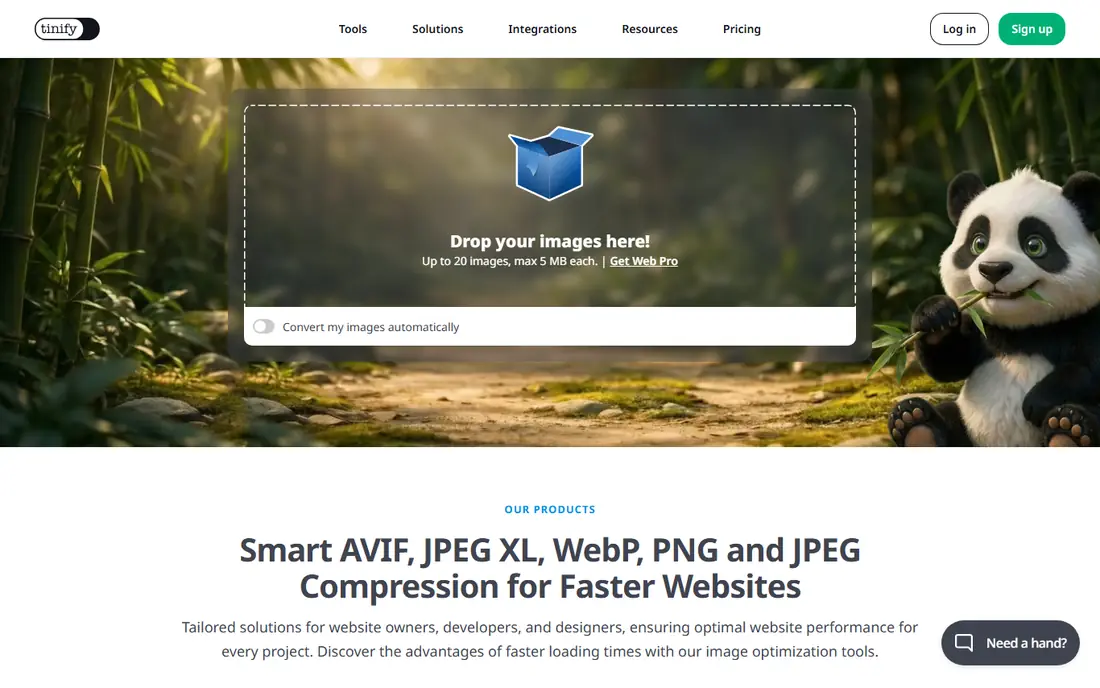
TinyPNG is the tool most people reach for when they need a few images smaller in a hurry. Drag files in, download the result, and move on, with no settings to learn. Its smart lossy compression is especially good on PNGs, where colour reduction can cut size sharply without obvious damage, and it now supports WebP and AVIF alongside JPEG and PNG.
The limits are privacy and batch size. Files upload to TinyPNG servers, which is a problem for sensitive images, and the free web tool caps each session at 20 files. The paid plan removes the web limit and the API covers the first 500 compressions a month free. For quick, non sensitive work, TinyPNG is still the easiest default.
- Excellent PNG compression with little setup
- Supports WebP and AVIF
- API and WordPress plugin available
- Files upload to its servers
- Free web tool caps batches at 20 images per session
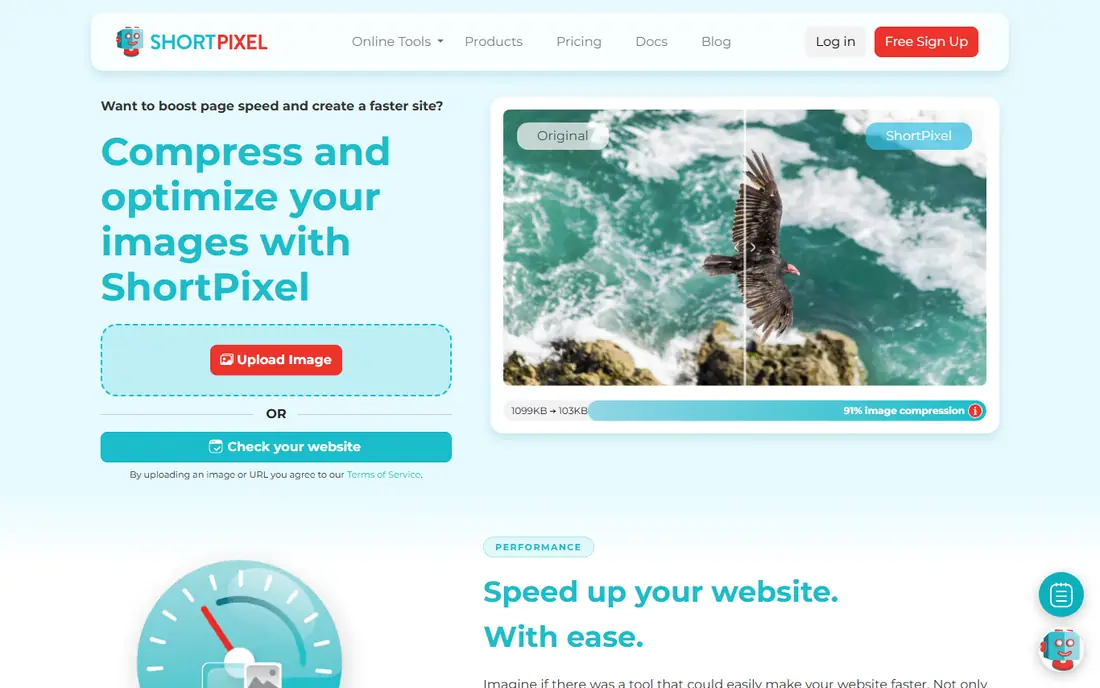
ShortPixel suits WordPress site owners who want optimization to happen on upload, without a manual step for every image. Its plugin compresses new uploads, can bulk optimize an existing library, and generates WebP and AVIF versions for browsers that support them. Glossy mode is a useful middle ground for screenshots, where full lossy compression can blur text.
Credit pricing needs a moment to understand, since plans are sold by image credits, and the free tier covers only 100 images a month. Processing also happens on ShortPixel servers, so privacy conscious users should use a local tool instead. For a busy WordPress site, ShortPixel is the most complete automation choice in this list.
- Lossy, glossy and lossless modes
- Automatic WebP and AVIF versions
- WordPress plugin with bulk optimization
- Processing is server side
- Pricing by credits can confuse new users
- Free tier is small
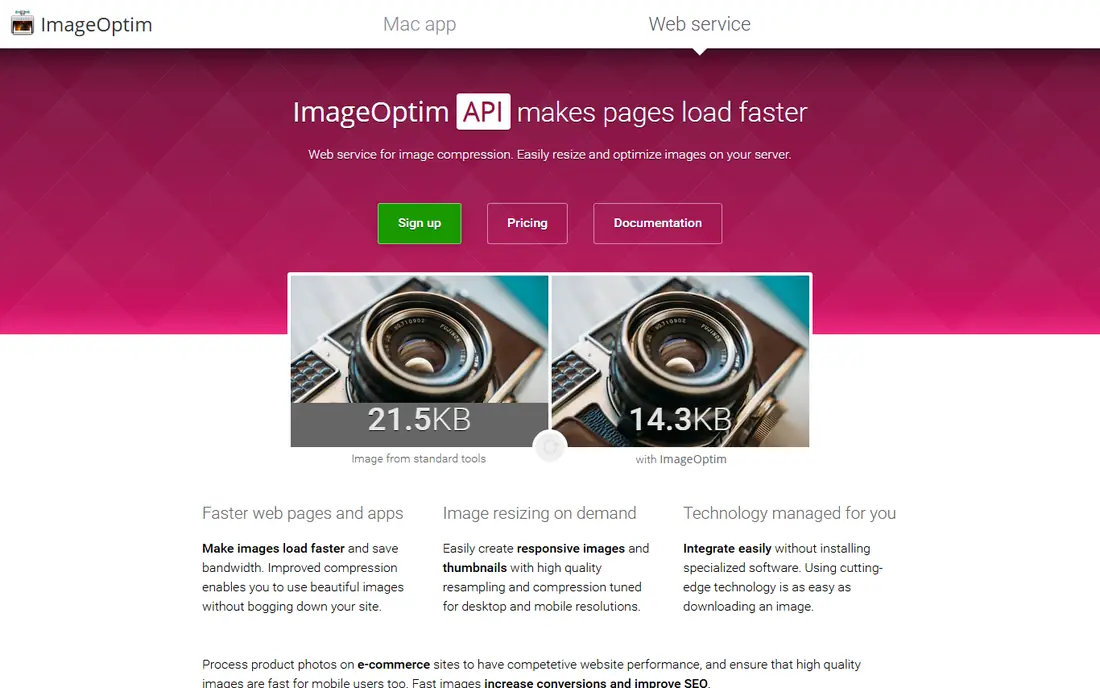
ImageOptim is the best free answer for a Mac user who wants smaller JPEGs and PNGs with no quality loss and no upload. Drag a folder in, and it runs several engines to strip redundancy and metadata, replacing files in place. A command line version fits build pipelines, and the app is light, fast and free, with donations accepted.
The trade is format and control. It cannot create WebP or AVIF files, and it offers no lossy slider for users who want a smaller file at a small quality cost. Windows and Linux users need another tool. If your goal is lossless, private, unlimited batch work on a Mac, ImageOptim is hard to beat.
- Free and open source
- Fully local batch processing
- Strips metadata and keeps quality lossless
- Mac only for the desktop app
- Cannot output WebP or AVIF
- No resizing or lossy quality control
Squoosh, from Google, offers the finest control in this list for a single image. A split screen preview lets you compare the original and the compressed version at the same zoom, and codec options cover JPEG, PNG, WebP, AVIF and JPEG XL. Because it runs in the browser with WebAssembly, files stay on your device, which is a privacy plus.
It is useless for bulk work. One image at a time, with no queue, means a gallery of 200 photos will take far longer than a batch tool. Use Squoosh for a hero image, a product shot or any image where quality judgement matters, and use a batch tool for the rest of the site.
- Free and fully in browser
- Split screen before and after preview
- Wide codec and format choices
- One image at a time
- No batch mode
- No HEIC support in the main tool
Imagify fits WordPress sites with many large originals, because its paid plans charge by data size in a way that can suit sites with big photos better than per image credits. The plugin compresses on upload, bulk optimizes old images, and creates WebP and AVIF versions. Setup is simple, and the interface stays clear for non technical site owners.
The free tier is tiny at 20 MB a month, so it is a trial rather than a long term free plan. Processing is server side, and some advanced users prefer ShortPixel controls. For a site with large images and a steady upload flow, Imagify is a clean, well supported WordPress choice.
- Unlimited paid optimization by size rather than image count on some plans
- WebP and AVIF support
- Bulk optimization
- Free tier is only 20 MB a month
- Server side processing
- Less flexible than ShortPixel for some users
Kraken.io is a developer tool, not a casual compressor. Its API fits build pipelines, content systems and apps that need to optimize images as they arrive, with lossy and lossless modes, resizing and WebP conversion. That makes it a good fit for a product team that wants optimization inside its own workflow, rather than as a separate manual step.
Casual users will find it too much. There is no simple drag and drop web tool to match TinyPNG, and usage based pricing needs monitoring. If you have a developer and a pipeline, Kraken.io is a strong, mature API. If you just need a few images smaller, pick a simpler tool above.
- Strong API for pipelines
- Lossy and lossless modes
- WebP conversion and resizing options
- Overkill for casual users
- Pricing is usage based and needs a developer to manage
Compressor.io appeals to designers who work across formats, including SVG, which many compressors ignore. The interface is plain and fast, with a lossy or lossless choice, and it handles the common web formats in one place. For a designer compressing a mixed set of graphics for a page, that breadth is handy.
Free use is limited, and files upload to its servers, so it is not a privacy tool. Batch work is also limited beside ShortPixel or ImageOptim. Compressor.io earns a place for format breadth and simplicity, but a site owner with bulk needs should choose a WordPress or local batch tool instead.
- Supports JPEG, PNG, GIF, SVG and WebP
- Clean interface
- Lossy and lossless toggle
- Limited free use
- Server side processing
- Single file focus in the free tool
EWWW Image Optimizer suits WordPress owners who want a choice between local processing and a cloud API. Local mode avoids API quotas and keeps files on your own server, which helps privacy and long term cost. API plans add WebP, AVIF and faster processing for sites that prefer a cloud service. Bulk optimization and lazy loading support round out the plugin.
Local processing uses your own server resources and can be slower on shared hosting, and setup is more technical than a one click plugin. For a site owner comfortable with WordPress settings, EWWW offers a flexibility that few rivals match, especially for sites that want to avoid per image quotas.
- Free local optimization option
- API plans add WebP and AVIF
- No API quota on local mode
- Local mode is slower and uses server resources
- Setup is more technical than Imagify
Smush fits WordPress sites already using WPMU DEV tools, because it shares the same dashboard, support and billing. The free plan covers basic compression and lazy loading, which is enough for a small site, while Pro adds bulk optimization, WebP conversion and larger file support. For a site owner who already pays for WPMU DEV, adding Smush Pro is a simple decision.
Standalone users may find ShortPixel or Imagify stronger on format control and automation. Bulk work and WebP sit behind the paid tier, so the free plan is a starting point, not a full solution. Choose Smush when the WPMU DEV ecosystem is already part of your site, not as a first plugin on its own.
- Free plan for basic compression
- Pro adds bulk and WebP support
- Fits the WPMU DEV suite
- Bulk optimization and WebP need Pro
- Less depth than ShortPixel for format control
TinyIMG suits Shopify store owners who want image optimization plus store specific help in one app. It bulk optimizes product images, converts formats for faster loading, and adds SEO tools for file names and alt text, which matter for a store with hundreds of products. That Shopify focus means setup follows store conventions, not generic WordPress steps.
It is not a general tool. Non Shopify sites need another option in this list, and pricing should be checked on the current plan page before committing, since plans change. For a Shopify store that wants faster product pages without manual work, TinyIMG is a focused, practical pick.
- Built for Shopify stores
- Bulk optimization and format conversion
- SEO features for images and alt text
- Shopify only
- Pricing is quoted or plan based and should be checked before committing
How we picked these
We compared official feature pages, pricing pages and recent tool comparisons for software that compresses images for the web, not general photo editors. We kept only tools that are live in October 2026 and that support common web formats, batch or plugin automation, or precise single image control. Prices shown are starting prices from vendor pages or recent comparisons of those pages, and where pricing is quoted we wrote See website.
Choosing the right optimization workflow
The best tool depends on where images live and how many you handle. Use the workflow below to avoid compressing the same images twice, or losing originals to a lossy setting.
Keep originals before you compress
Save full quality originals in a separate folder or backup before any lossy pass. Lossy compression cannot be reversed, and a future redesign may need a larger or differently cropped version. A backup costs little and saves a reshoot or a redesign.
Pick local for privacy, server for scale
Local tools such as ImageOptim and Squoosh keep files on your device, which suits client work and sensitive photos. Server tools such as ShortPixel and Imagify suit sites with constant uploads, because they automate the work. Do not upload private client images to a server tool without checking its privacy policy.
Convert to WebP or AVIF for delivery
Modern browsers support WebP widely, and AVIF offers even smaller files for photos at similar quality. Serve the modern format with a JPEG or PNG fallback for older browsers, and test the result on a real phone, not just on a desktop preview. A format change often saves more than a small quality tweak.
Test quality on the images that matter most
Compress a photo, a screenshot with text, and a graphic with flat colours, and view them at full size. Text and flat areas show compression damage first, while busy photos hide it. Set quality per image type if your tool allows it, rather than using one setting for everything.
Frequently asked questions
What is the best image optimization software for WordPress?
ShortPixel and Imagify lead for WordPress automation, with EWWW as a strong local option. ShortPixel offers the most complete format and mode choices, Imagify suits sites with large originals, and EWWW suits owners who want local processing without quotas.
What is the top image optimization software for privacy?
ImageOptim and Squoosh lead for privacy, because files never leave your device. ImageOptim handles batches on a Mac, while Squoosh handles single images in any browser. Server tools are faster for bulk site work, but they upload your files by design.
Is TinyPNG still good in 2026?
Yes, for quick one off work. Its PNG compression remains strong, it supports WebP and AVIF, and its API and plugin cover developers. The free web limit and server uploads are the main limits, so bulk or private work needs another tool.
Should I use lossy or lossless compression?
Use lossless when quality must stay pixel perfect, such as for archival images or graphics with text. Use lossy for web delivery, where a small, well chosen quality loss cuts file size sharply with little visible change. Always keep the original, so you can re-export if needed.
Do WebP and AVIF work in all browsers?
WebP works in all modern browsers, while AVIF support is broad but not universal in older browsers. Serve WebP or AVIF with a JPEG or PNG fallback, so older browsers still see the image. Most WordPress plugins in this list handle that fallback for you.
How much can image optimization speed up a site?
It depends on image weight, but image heavy pages often see the largest single improvement from compression and modern formats. Measure largest contentful paint before and after, on a real connection, rather than trusting a single score from a test tool.
Sources
See where you really rank - block by block
ProMapRanker scans Google Maps across a grid of your service area. Simple monthly plans from $19, white-label on every plan.
Start freeKeep reading
 zscaler alternatives
Best Zscaler Alternatives in 2026
Looking for zscaler alternatives? We compare 9 SASE and zero trust platforms on architecture, data protection, pricing, and fit for your network and team.
Read → zapier alternatives free
Best Zapier Alternatives Free in 2026
Nine automation tools for zapier alternatives free in 2026, all with genuinely free tiers, plus free plan limits, starting prices and upgrade paths explained.
Read → which platform is best for online reputation
Which Platform Is Best for Online Reputation in 2026
Wondering which platform is best for online reputation? We compare 8 review, listing, and response tools for small and multi-location businesses and agencies.
Read →