 ProMapRanker
IAM Software for Small Businesses in 2026

Complicated, regulated or multi-brand environments · Pricing starts at: See website
Key takeaways
- This list starts with Ping Identity, which is built for complicated, regulated or multi-brand environments.
- One limit worth knowing about OneLogin: smaller ecosystem and community than Okta or Entra ID.
- Only 2 of the 6 tools have a free plan (JumpCloud, Duo Security), so check the caps.
- Okta suits businesses with a long list of SaaS apps.
- The cheapest monthly starting price in the list is $3 per user/month, offered by OneLogin.
Direct answer
Start with Ping Identity if you need complicated, regulated or multi-brand environments. Rippling fits teams that want identity driven by HR data; OneLogin fits budget-friendly SSO with room to grow. The other 3 tools in the list cover narrower or pricier cases.
Quick comparison
| Pick | Great for | Pricing starts at | Free tier | |
|---|---|---|---|---|
| Ping Identity | Complicated, regulated or multi-brand environments | See website | Free trial | Visit |
 Rippling | Teams that want identity driven by HR data | See website | No | Visit |
 OneLogin | Budget-friendly SSO with room to grow | $3 per user/month (Basic) | Free trial (30 days) | Visit |
 JumpCloud | Small teams running a mix of Windows, Mac and Linux | See website | Yes | Visit |
 Duo Security | Teams that chiefly need capable MFA | $3 per user/month (Essentials) | Yes | Visit |
 Okta | Businesses with a long list of SaaS apps | $6 per user/month (Starter, billed yearly) | Free trial | Visit |
The full IAM software for small businesses list
Short on time? The summary and table above give the quick view of 6 IAM software for small businesses, and the profiles that follow give the detail behind each entry.
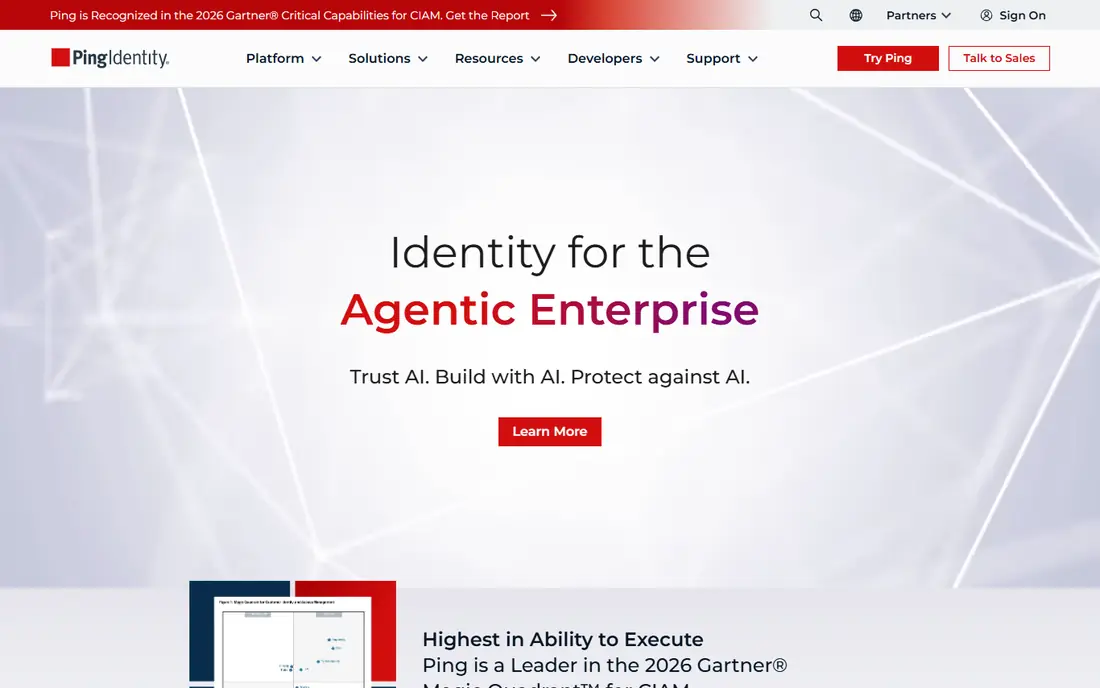
Ping Identity is a good fit for complex, regulated or multi-brand environments. The exception is a small company in a regulated industry, or one building a customer-facing login product where Ping's CIAM depth matters.
Ping Identity shows no starting price here, so confirm the cost on the vendor site. Free plan details: Free trial.
Limits to weigh: not just a trial; Rollouts normally need project time.
- Finance and healthcare
- Deep identity orchestration with no-code journey design
- Quote-only pricing shaped for enterprise budgets
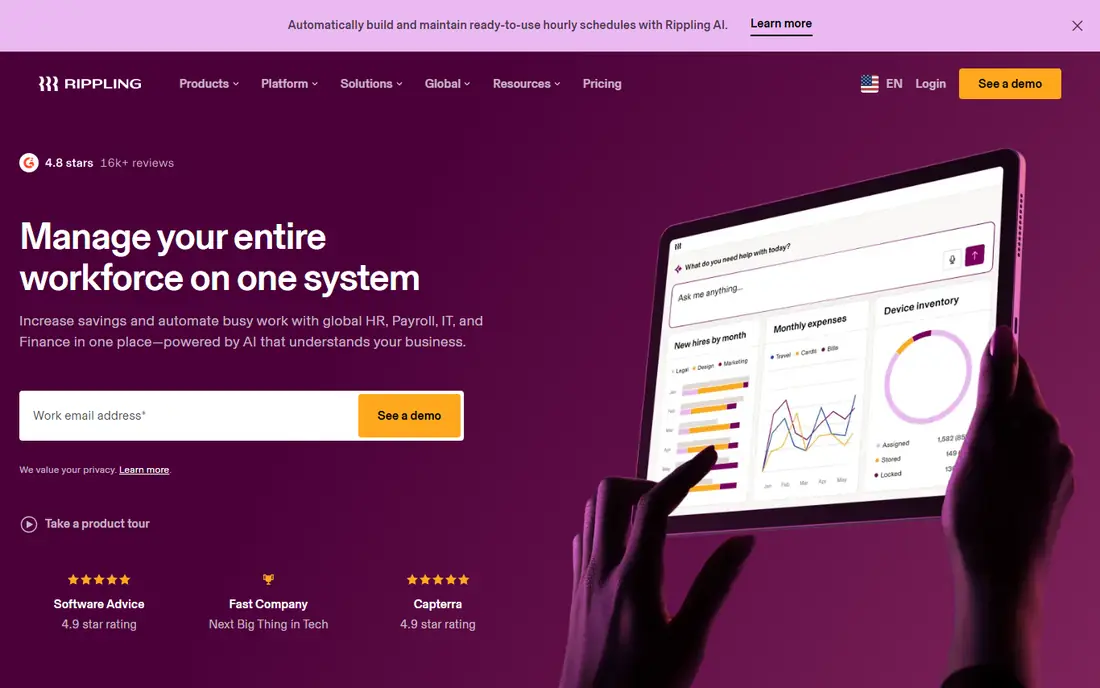
Rippling works best for teams that want identity driven by HR data. The identity module inherits the employee data you already maintain, and role-based permissions flow across every connected app. No separate offboarding checklist, no orphaned accounts.
Drawbacks to consider: Poor value if you only need IAM and nothing else.
That model is genuinely compelling for firms already running Rippling for HR, payroll or IT. A company with no Rippling footprint that buys it purely for SSO is overbuying. Rippling shows no starting price here, so confirm the cost on the vendor site. Rippling does not include a free plan.
- Solid fit for businesses already using Rippling for HR or payroll
- Movers and leavers are handled automatically
- Pricing is quote-based and sold as modules
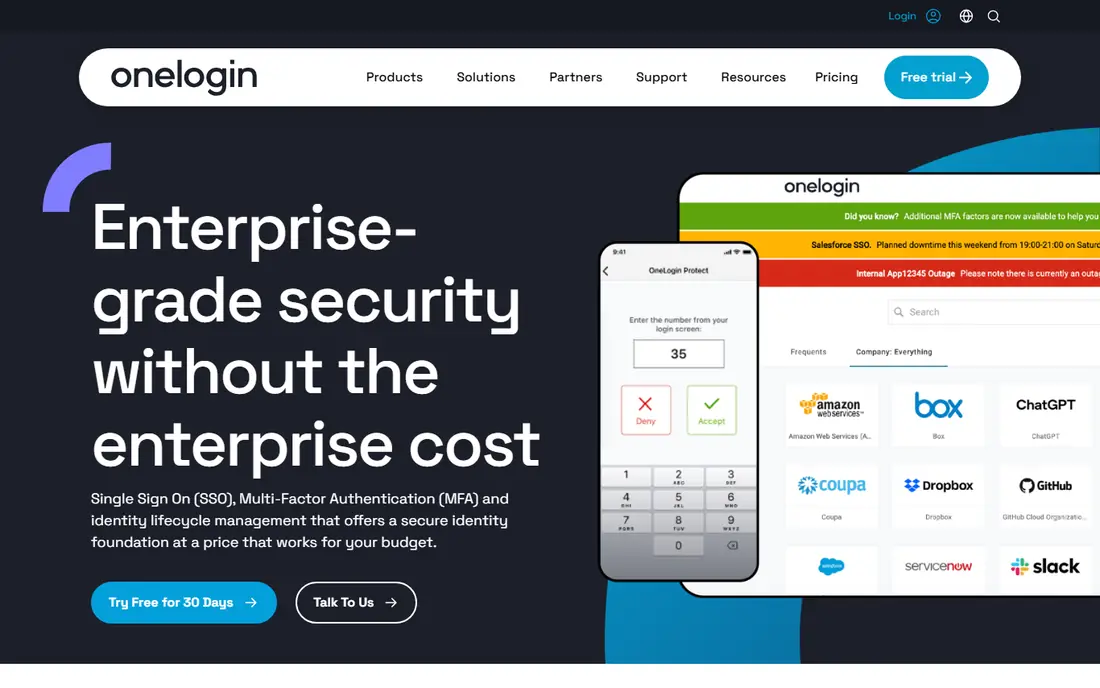
OneLogin works best for budget-friendly SSO with room to grow. A 30-day trial with unlimited test users lets an admin connect real apps before spending anything. The $3 Basic level spans SSO and MFA, $6 Essentials layers on unlimited lifecycle management and an advanced directory, and $10 Business brings desktop MFA, RADIUS and custom connectors.
Where it falls short: Smaller ecosystem and community than Okta or Entra ID.
Highlights: Transparent published pricing at $3.
More specifically, for a 15-to-100-person company that wants SSO plus sane pricing, it is a solid middle path. Also, the 8,000-plus connector catalog includes the mainstream apps a small business actually uses. Entry price for OneLogin: $3 per user/month. Free plan details: Free trial (30 days).
- Identity lifecycle management on the mid and upper levels
- $6 and $10 per user a month
- Roadmap attention is split with parent company One Identity's enterprise lines
JumpCloud is designed for small teams running a mix of Windows, Mac and Linux. JumpCloud built its name on one idea: small businesses should not need three separate products to run people, their logins and their laptops. More specifically, a free level and a 30-day full trial make it simple to test with real users first.
From a buyer's view, the main limit is that JumpCloud sells its products a la carte. So the headline price and your invoice can look like different documents. In daily use, the platform merges a cloud directory with SSO, multi-factor authentication and cross-platform device management. So the same console that provisions a new hire's Google Workspace account can also push a password policy to their MacBook. JumpCloud shows no starting price here, so confirm the cost on the vendor site. JumpCloud has a free plan.
Where it is weaker: Pick-and-mix pricing makes the real monthly total hard to predict.
Where it shines: iOS and Android.
- Free level for very small teams
- Directory, SSO
- Mobile device controls are lighter than a dedicated MDM
Duo Security makes the most sense for teams that primarily need solid MFA. The Essentials level brings SSO, phishing-resistant MFA and passwordless choices, whereas the higher levels bring in risk-based authentication and session theft protection.
From a buyer's view, if you need automatic onboarding, offboarding and governance across dozens of apps, you will climb to Advantage or Premier pricing, at which point a full directory system may do the job better for the money. Starting cost for Duo Security: $3 per user/month. Free access exists with Duo Security.
Highlights: Free for up to 10 users.
What to check first: Full IAM and directory features need the Advantage or Premier levels.
- Phishing-resistant MFA and complete passwordless on premium levels
- Setup takes minutes
- Beyond authentication the directory is entry-level
Okta works best for businesses with a long list of SaaS apps. Okta earns its keep once you run enough apps that automatic onboarding and offboarding save real admin hours. Also, the second is modular pricing: the Starter price is a starting point.
The bill grows as you add adaptive MFA, lifecycle management and governance. When your team signs up for its twentieth SaaS tool, there is typically a maintained Okta integration waiting, which turns a two-day IT ticket into a ten-minute toggle. On cost, Okta starts like this: $6 per user/month. Trial and free access: Free trial.
Best features of Okta: Google and everything else.
Watch-outs: Each module (MFA, directory, lifecycle) carries its own per-user charge.
- Adaptive MFA and lifecycle automation on higher levels
- One of the largest catalogs of pre-built app integrations
- Connecting and configuring apps takes real project time
What went into this list
For each of the 6 tools we noted price, free plan or trial, fit for IAM software for small businesses and the main limit, using vendor pages and documentation. Where a price is missing, the vendor does not list one publicly or ties it to a quote. Always confirm before budgeting. The sequence is a judgement call: typical use case first, then pricing transparency, then free access. Use the profiles to check fit.
Pre-purchase checklist
- Ask Ping Identity, Rippling and JumpCloud for a written quote, since no starting price is shown.
- Check what the free option really includes: JumpCloud and Duo Security offer a free plan, and usage caps differ.
- Take the trial from Ping Identity, OneLogin and Okta and push a live task through it before you pay.
- Read the limits listed for Ping Identity first: quote-only pricing shaped for enterprise budgets.
- Look at which plan of OneLogin unlocks the features you need; entry tiers are often cut down.
- Work out what JumpCloud costs with your real seat count, add-ons and usage, not just the entry price.
Frequently asked questions
How long does it take to roll out IAM for a small team?
A password manager with SSO can be live in days. The directory migration, if you have on-premises AD, is the part that stretches timelines.
Which options for IAM software for small businesses have a free plan?
On this list, JumpCloud and Duo Security include a free plan. Caps on seats, usage or features are common, so test the free plan against your real workload. Several others offer a trial instead.
Do these tools publish their prices?
Not all of them. Ping Identity, Rippling and JumpCloud publish no starting price, so expect a quote request for those. The rest, OneLogin included, show a starting price, though seats and billing terms still change the final cost.
Is Ping Identity the right pick for everyone comparing IAM software for small businesses?
No single tool suits every team. Ping Identity comes first because it fits complex, regulated or multi-brand environments, while Rippling suits teams that want identity driven by HR data and OneLogin suits budget-friendly SSO with room to grow. Match the tool to your own size, budget and workflow before deciding.
How are the tools for IAM software for small businesses ordered?
The order follows typical fit for IAM software for small businesses, with Ping Identity first and Okta last, then price clarity and free access. It is editorial judgement, not a score, so another team could rank the tools differently.
Sources
See where you really rank - block by block
ProMapRanker scans Google Maps across a grid of your service area. Simple monthly plans from $19, white-label on every plan.
Start freeKeep reading
 zscaler alternatives
Best Zscaler Alternatives in 2026
Looking for zscaler alternatives? We compare 9 SASE and zero trust platforms on architecture, data protection, pricing, and fit for your network and team.
Read → zapier alternatives free
Best Zapier Alternatives Free in 2026
Nine automation tools for zapier alternatives free in 2026, all with genuinely free tiers, plus free plan limits, starting prices and upgrade paths explained.
Read → which platform is best for online reputation
Which Platform Is Best for Online Reputation in 2026
Wondering which platform is best for online reputation? We compare 8 review, listing, and response tools for small and multi-location businesses and agencies.
Read →