 ProMapRanker
Best IAM Services for Managing Digital Identities in 2026


SaaS-heavy teams needing broad integrations · Pricing starts at: $6 per user per month
Key takeaways
- Workforce IAM and customer IAM solve different problems, so a tool built for employees may be a poor fit for customer logins, and the reverse is also true.
- Single sign-on and multi-factor authentication are the core of most IAM buys, while lifecycle automation and access reviews decide long-term value.
- Many enterprise prices are quote-based, so a published starting price for one tier does not describe the full cost of MFA, lifecycle and governance add-ons.
- Directory and device fit matters, since a tool that works well with Microsoft 365 or Google Workspace may need extra work in a mixed-device fleet.
- Plan for joiners, movers and leavers from the start, because access that is easy to grant and hard to remove becomes a security risk over time.
Quick comparison
| Pick | Great for | Pricing starts at | Free tier | |
|---|---|---|---|---|
| Okta Workforce Identity | SaaS-heavy teams needing broad integrations | $6 per user per month | No | Visit |
 Microsoft Entra ID | Microsoft 365 and Azure organizations | See website | Yes | Visit |
 Ping Identity | Large enterprises with hybrid identity | See website | No | Visit |
 JumpCloud | Smaller teams without on-premises directory | $9 per user per month | No | Visit |
 Cisco Duo | Fast MFA and device trust rollout | $3 per user per month | Yes | Visit |
 OneLogin | Mid-market SSO and lifecycle | See website | No | Visit |
 SailPoint | Identity governance and access reviews | See website | No | Visit |
 Auth0 by Okta | Customer login for apps and sites | Free | Yes | Visit |
 Keycloak | Self-hosted SSO for engineering teams | Free | Yes | Visit |
The best IAM services for managing digital identities
Identity and access management covers who can sign in, what they can reach, and how that access changes when people join, move or leave. We compared official feature pages, pricing pages, documentation and public reviews for single sign-on, multi-factor authentication, lifecycle automation, governance and pricing. Enterprise prices that are quoted rather than published are listed as See website, and a trial or free tier is noted where the vendor publishes one.
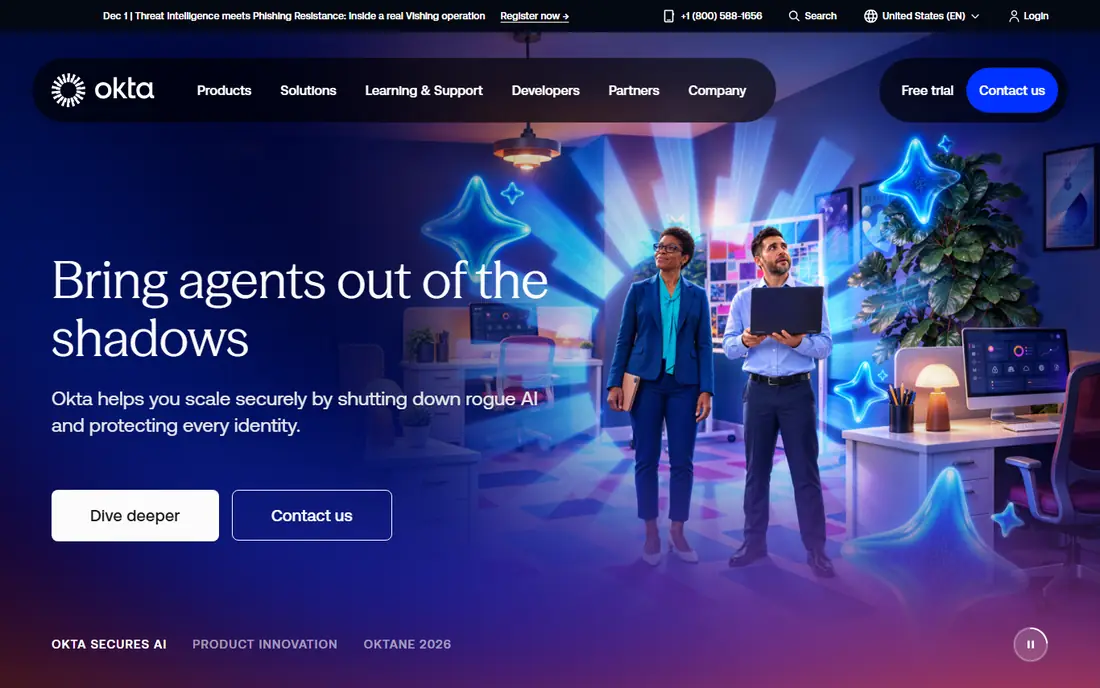
Okta is the independent workforce IAM pick for a team that runs many SaaS apps from different vendors and wants one sign-in and access layer across them. The integration network is the main draw, with prebuilt connections for common business apps, plus adaptive multi-factor authentication that can step up checks for risky sign-ins. Lifecycle automation can grant and remove access from HR or directory changes, which cuts manual work for joiners and leavers.
Cost is the honest catch. Published workforce pricing starts at a per-user monthly rate with an annual minimum, and MFA, lifecycle and governance features sit in higher suites or add-ons, so the full bill can exceed the starting price. Okta suits a cloud-first team that values vendor independence and integration depth enough to pay for it, and that has staff to run the platform well.
- Broad integration network across SaaS apps
- Strong SSO and adaptive MFA
- Lifecycle automation options
- Annual minimum applies on published plans
- Cost rises as MFA, lifecycle and governance features are added
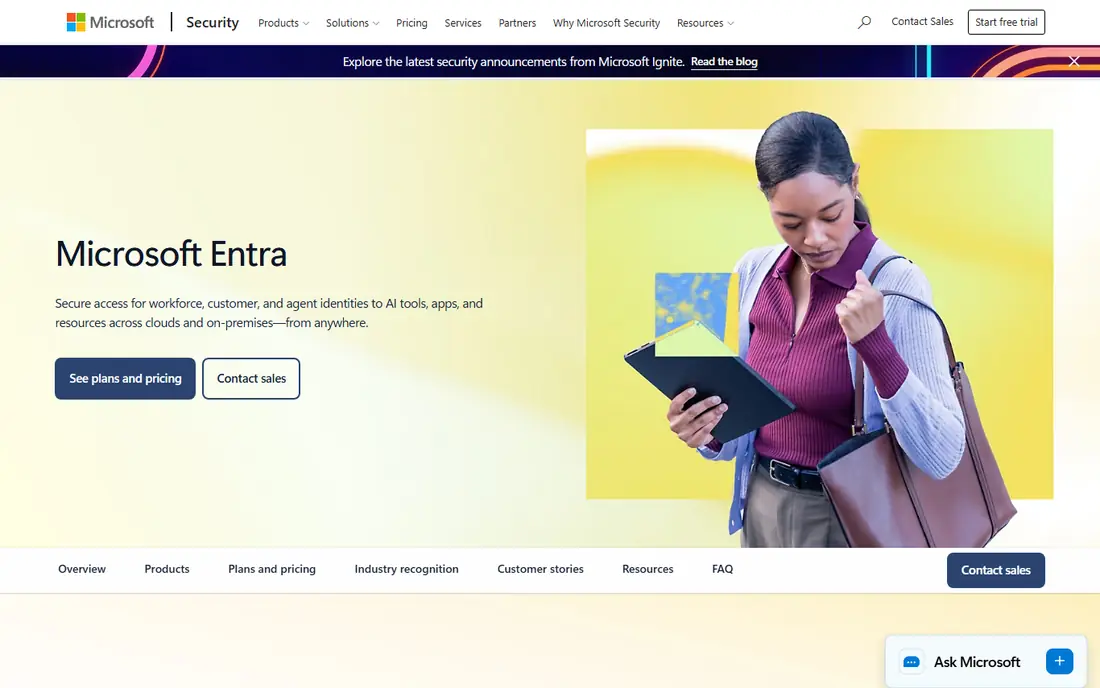
Microsoft Entra ID, formerly Azure Active Directory, is the natural IAM choice for an organization already standardized on Microsoft 365 and Azure. Conditional Access can require MFA, a managed device or a trusted location before granting access, and identity protection in higher tiers can flag risky sign-ins. A free edition covers basic directory and sign-in needs, while paid tiers add Conditional Access, privileged identity management and governance features.
The weakness is licensing depth. Paid tiers and Microsoft 365 plans interact, and a buyer can find that the tier needed for a feature sits inside a larger bundle. For a Microsoft-heavy organization, the fit and admin familiarity outweigh that complexity. For a team with little Microsoft use, an independent IAM tool may be simpler to justify.
- Deep fit with Microsoft 365, Windows and Azure
- Conditional Access and identity protection in paid tiers
- Free edition for basic needs
- Advanced features are tiered and can stack with Microsoft 365 licensing
- Less neutral for non-Microsoft stacks
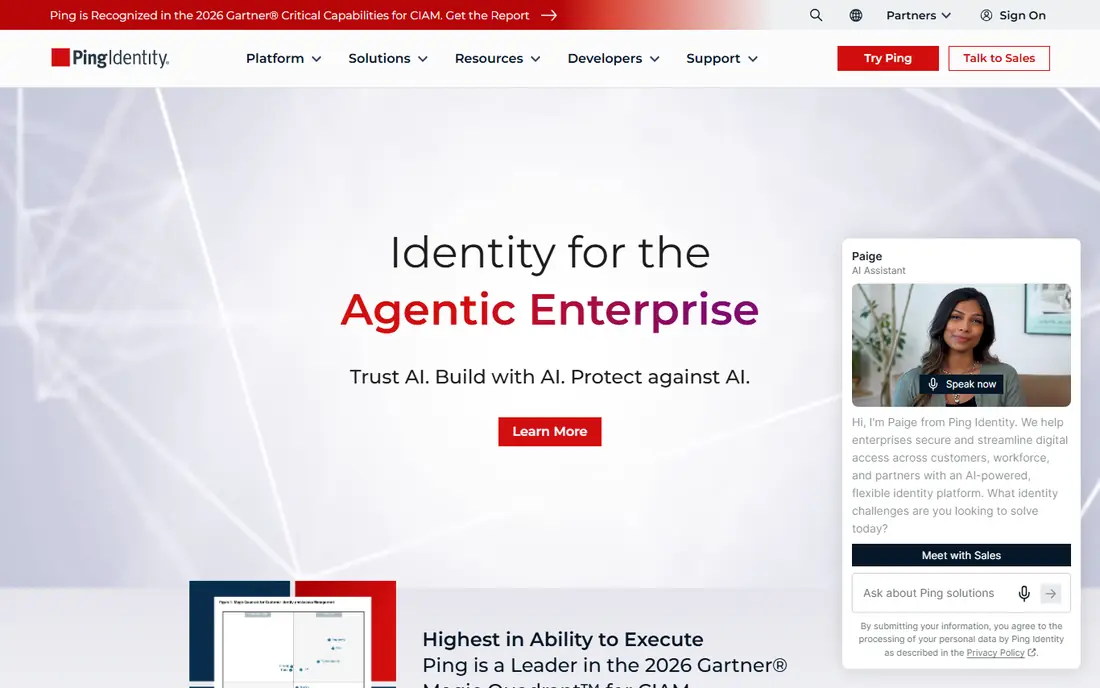
Ping Identity suits a large enterprise with hybrid identity, where some systems run in the cloud, some on premises, and federation must connect them. PingOne for Workforce and PingFederate cover SSO, MFA and federation with strong standards support, and the platform can serve both employee and customer identity needs. That flexibility matters for a bank, insurer or health organization with legacy systems that cannot move to the cloud at once.
Pricing is quoted and deployment can be complex, so Ping is not a light buy for a small team. It needs IAM specialists to design federation, policies and lifecycle flows well. For a large, complex estate, Ping offers depth and deployment choice that simpler tools cannot match, and it is worth a formal evaluation with a proof of concept.
- Deep federation and standards support
- Cloud, software or hybrid deployment
- Workforce and customer identity options
- Quote-based enterprise pricing
- Complex for smaller teams without IAM specialists
JumpCloud appeals to a smaller team that has no on-premises Active Directory and wants a cloud directory, SSO, MFA and device management in one place. Mixed fleets benefit most, since JumpCloud manages Windows, Mac and Linux devices alongside user identity, rather than treating devices as a separate product. That pairing helps a lean IT team that must handle both access and endpoints with few staff.
The trade-off is depth. SSO sits in a higher-priced tier than the base platform, and identity governance features are thinner than in SailPoint or Okta governance suites. JumpCloud is a strong pick for a small or mid-size team that wants one console for directory and devices, not for a large enterprise that needs deep access reviews and segregation of duties controls.
- Cloud directory plus device management in one console
- SSO and MFA for mixed Windows, Mac and Linux fleets
- Trial available
- Published SSO pricing sits above the base platform price
- Governance depth is thinner than enterprise IAM suites
Cisco Duo is the fastest route to strong multi-factor authentication for many teams. Enrollment is simple, users approve push notifications or use passkeys and hardware keys, and device trust checks can block sign-ins from unhealthy devices. A free tier for up to 10 users lets a tiny team start without a purchase, and paid tiers add SSO, adaptive policies and deeper device checks.
Duo is not a full IAM suite on its own. Lifecycle automation and access governance are thinner than in Okta or SailPoint, so a larger organization will often pair Duo MFA with a directory or governance tool. For a team whose main gap is MFA and device trust, Duo delivers that fix quickly, with less project risk than a full IAM replacement.
- Simple MFA deployment
- Free tier for up to 10 users
- Device trust and SSO on higher tiers
- Full SSO and advanced policies need higher tiers
- Not a full lifecycle or governance platform on its own
OneLogin, now part of One Identity, suits a mid-market team that wants SSO, MFA and lifecycle automation without enterprise complexity. HR-driven provisioning can create, change and remove accounts from HR data, which helps a growing company keep access in step with hiring and departures. The admin console is approachable, and rollout for common SaaS apps is usually quick.
Pricing varies by tier, and some advanced features sit in higher plans, so a buyer should confirm the tier needed for lifecycle, smart MFA and reporting before signing. Integration depth is also narrower than Okta for some niche apps, though common business apps are well covered. For a mid-market team that values speed and simplicity, OneLogin is a credible alternative to larger suites.
- Fast SSO rollout for mid-market teams
- HR-driven provisioning
- MFA and lifecycle features
- Pricing is quote and tier dependent
- Integration depth is narrower than Okta for some SaaS apps
SailPoint is the governance pick in this list, for an enterprise that must prove who has access to what, and why. Access reviews let managers certify or remove access on a schedule, roles group access by job, and segregation of duties controls can block risky combinations of permissions. Compliance reporting helps auditors and regulators see access decisions and history in one place.
That depth comes with cost and staffing needs. Pricing is quoted per identity, and a SailPoint program needs owners, reviewers and IAM staff to keep certifications honest. A small team will find it heavy, and a team that only needs SSO and MFA should not buy governance first. For a regulated enterprise with complex access, SailPoint is the standard against which other governance tools are judged.
- Deep access reviews, roles and segregation of duties
- Lifecycle automation for complex estates
- Strong compliance reporting
- Quote-based enterprise pricing
- Needs a dedicated IAM team to run well
Auth0 differs from the workforce tools above, because it is built for customer identity: sign-up and login for your own app or website. Developers can add social login, passkeys, passwordless options and branded login flows, with rules and actions to shape the login experience. A free tier suits a small app, and paid plans scale by monthly active users and by business-to-customer or business-to-business needs.
The catch is tier jumps. Enterprise connections, advanced security features and higher active-user volumes move the price up, sometimes sharply, so a growing app should model cost at its next user milestone, not just at launch. For a team building customer login, Auth0 remains one of the most developer-friendly and well-documented options available.
- Developer-friendly customer login
- Social login, passkeys and custom flows
- Free tier for smaller customer bases
- Enterprise identity provider connections and advanced features cost extra
- Pricing jumps at higher tiers
Keycloak suits an engineering team that wants to self-host SSO and federation without a per-user subscription. The open-source software covers single sign-on, identity brokering, social login, roles and fine-grained authorization, and it runs on your own infrastructure, which helps teams with data control or deployment rules that rule out a cloud IAM service. Community documentation and a large user base support common setups.
Free software is not free operation. Hosting, upgrades, backups, monitoring and security patching fall to your team, and advanced configuration has a learning curve. Keycloak is a strong pick where engineering capacity exists and control matters, and a poor pick where a team wants a vendor to run identity for them. Compare staff cost honestly against a cloud IAM subscription before choosing self-hosting.
- Free open-source software
- SSO, federation and fine-grained authorization
- Self-hosted control over data and deployment
- You pay for hosting, maintenance and support in staff time
- Learning curve for advanced configuration
How we picked these
We compared official feature and pricing pages, documentation and public reviews for IAM services operating in October 2026. We favored services with a clear workforce or customer focus, published or quotable pricing, and real SSO, MFA or governance capability, not just a password tool. We left out privileged access-only tools that do not cover general workforce identity, and we noted where a free tier covers only basic use rather than full IAM features.
How to choose an IAM service for your organization
Start by naming who you manage: employees, contractors, customers or all three, since workforce and customer tools price and scale differently. List the apps that must use SSO, the systems that must lose access on departure, and any compliance need for access reviews or segregation of duties. A tool that covers SSO well but cannot remove access from a legacy app on time will leave a gap that no MFA policy can close.
Next, run a proof of concept with your hardest cases, not your easiest apps. Test a joiner, a mover and a leaver flow end to end, test MFA enrollment for non-technical users, and test sign-in from a managed and an unmanaged device. Ask vendors for total cost at your user count, including MFA, lifecycle and governance tiers, support and any per-connection charges. Finally, plan ownership: name who approves access, who runs reviews and who removes access when a manager is away, since IAM fails most often as a process gap, not as a software gap.
Frequently asked questions
What is the difference between IAM and single sign-on?
Single sign-on is one part of IAM: it lets a user sign in once and reach many apps. IAM also covers MFA, lifecycle automation, access governance, privileged access and policy, so SSO alone does not manage who should keep access over time.
Do I need IAM if I already use Microsoft 365 or Google Workspace?
A workspace suite covers basic directory and sign-in, but many organizations add IAM for broader SaaS SSO, stronger Conditional Access, lifecycle automation or access reviews. Check what your current suite already includes before buying a second tool for the same job.
Is a free IAM tier enough for a small team?
A free tier can cover basic SSO or MFA for a small team, but lifecycle, governance and advanced MFA policies usually sit in paid tiers. Test the free tier with your real apps, and confirm what happens to cost and features as users grow.
How do I handle leavers and contractors in IAM?
Connect IAM to HR or contractor records where possible, so departure triggers access removal across apps, and set a manual checklist for apps that cannot automate removal. Review contractor access on a schedule, since contractors often keep access long after a project ends.
Should I self-host IAM with Keycloak or buy a cloud service?
Self-hosting suits teams with engineering capacity and control needs, while a cloud service suits teams that want vendor-run uptime, patching and support. Compare staff time, hosting cost and support needs honestly, not just the software license price.
Sources
See where you really rank - block by block
ProMapRanker scans Google Maps across a grid of your service area. Simple monthly plans from $19, white-label on every plan.
Start freeKeep reading
 worlds best local seo company
8 Worlds Best Local SEO Companies for Map Pack Growth in 2026
Compare the worlds best local seo company options for Google Business Profile work, citations, reviews, and multi-location rankings and reporting in 2026.
Read → world's best web hosting company
World's Best Web Hosting Company in 2026
Searching for the world's best web hosting company? We compared 10 hosts on price, renewal rates, speed, and support to help you choose well today in 2026.
Read → who's got the best nanny tax services
Who's Got the Best Nanny Tax Services in 2026
We answer who's got the best nanny tax services, comparing full filing, back taxes, software, and pricing so families can handle nanny taxes correctly.
Read →