 ProMapRanker
Best HVAC Software for Small Business in 2026

Key takeaways
- Jobber is the lowest cost entry point for a solo owner, with Core from $29 per month on annual billing and a 14 day trial.
- Housecall Pro suits growing residential crews that want booking, pricebook and review tools in one polished app, from $59 per month on annual billing.
- Service Fusion suits crews where per user pricing adds up fast, since it offers unlimited users from $208 per month on annual billing.
- ServiceTitan, FieldEdge and BuildOps are stronger for larger or commercial crews, but their quote only pricing makes them harder to judge for a small shop.
- The best HVAC small business software is the one your office and technicians will actually use daily, so trial the scheduling and mobile app before you commit.
Quick comparison
| Pick | Great for | Pricing starts at | Free tier | |
|---|---|---|---|---|
 Jobber | Solo owners and small crews | $29 per month | Free trial (14 days) | Visit |
 Housecall Pro | Growing residential crews | $59 per month | Free trial (14 days) | Visit |
 Service Fusion | Crews needing unlimited users | $208 per month | No | Visit |
 ServiceTitan | Larger crews outgrowing small tools | See website | No | Visit |
 FieldEdge | QuickBooks shops needing service agreements | See website | No | Visit |
 Workiz | Phone heavy shops and lead handling | See website | Free trial | Visit |
 Kickserv | Small shops wanting a free start | See website | Yes | Visit |
 ServiceM8 | Mobile first job tracking | See website | Yes | Visit |
 BuildOps | Commercial and project heavy contractors | See website | No | Visit |
The best HVAC software for small business
Small HVAC shops do not need enterprise software. They need scheduling that survives a busy summer day, dispatch that shows who is free, a mobile app technicians will open, and invoicing that gets paid without chasing paper. The tools below were compared on published pricing, scheduling and dispatch, mobile access, invoicing, pricebooks, service agreements and accounting sync, with a focus on teams of one to about fifteen people.
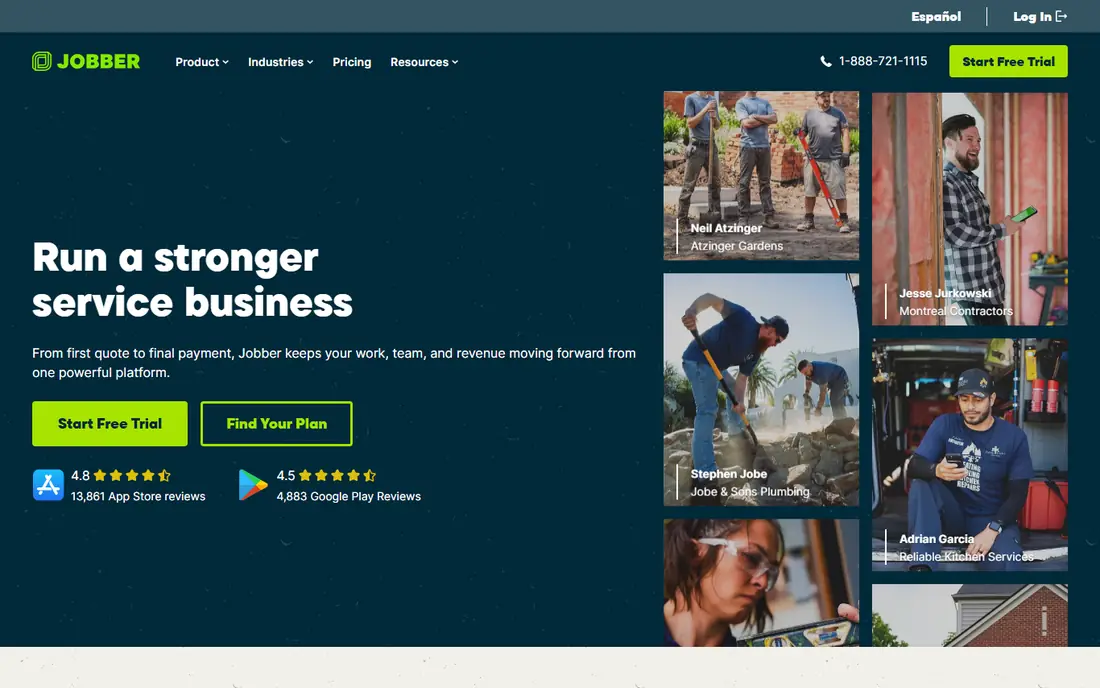
Jobber is the simplest starting point for a solo HVAC owner or a two person crew. Core covers online booking, scheduling, quotes, invoices, online payments and reporting, which is the full operating chain for a small shop without paying for enterprise features on day one. The published entry price is $49 per month month to month, or $29 per month billed annually, with a 14 day trial and no card required.
The limit is user count. Core includes one user, so a growing crew must move to higher tiers, where Connect and Grow add users and features at higher monthly prices. Jobber also lacks the deep flat rate pricebook and commercial project tools of ServiceTitan or BuildOps. For a small residential crew that wants clean scheduling and invoicing at the lowest entry cost, it is the right first trial.
- Lowest verified entry price in this list
- Clean quote to invoice workflow with online booking
- 14 day trial with no card required
- Entry Core plan includes only one user
- Per user pricing rises fast as a crew grows
- Advanced HVAC pricebook depth lags larger platforms
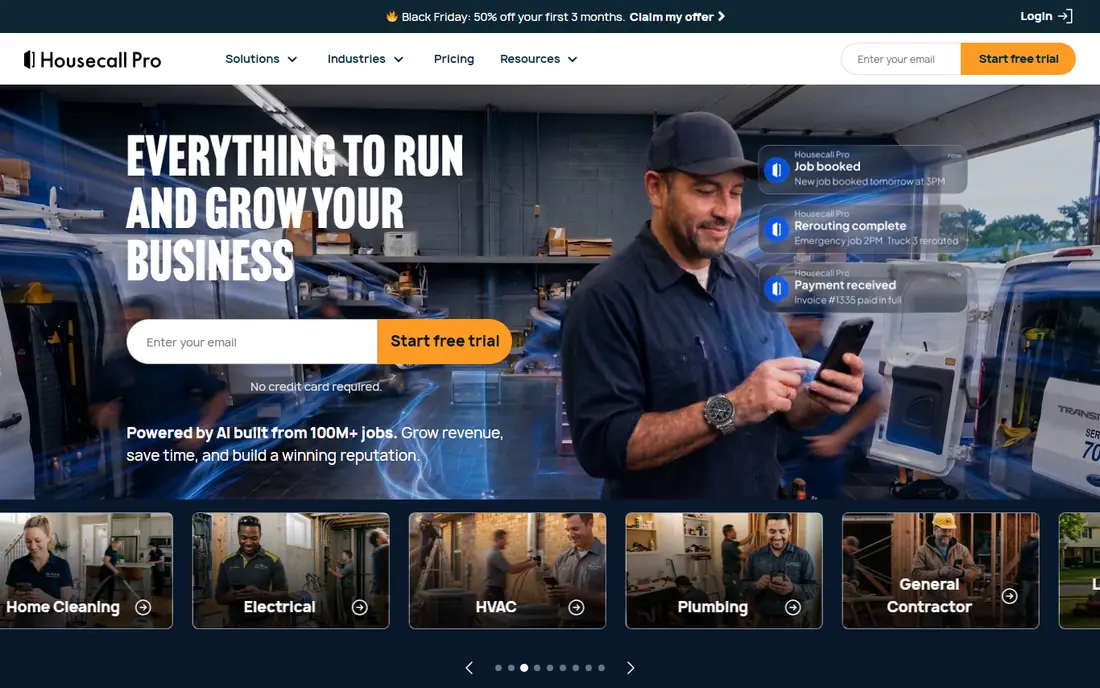
Housecall Pro suits a residential HVAC crew that has outgrown spreadsheets and wants a polished customer experience. Basic covers dispatch, mobile invoicing and automated customer texts, while Essentials adds a flat rate pricebook, service agreements for maintenance contracts and automated review requests. Published pricing is $79 per month month to month, or $59 per month billed annually for Basic, with Essentials from $149 per month billed annually for five users.
The price gap against Jobber is real, about $30 per month at entry level on either billing option, so the extra features must earn it. If booking, pricebook and review automation matter from day one, Housecall Pro justifies the gap. If you only need scheduling and invoicing, Jobber is cheaper. Trial both mobile apps with a real technician before choosing, since daily use decides the winner.
- Polished customer booking, dispatch and review tools
- Pricebook and service agreement features on higher tiers
- 14 day trial with no card required
- Higher entry price than Jobber by about $30 per month
- Basic plan includes only one user
- Extra users cost extra beyond plan caps
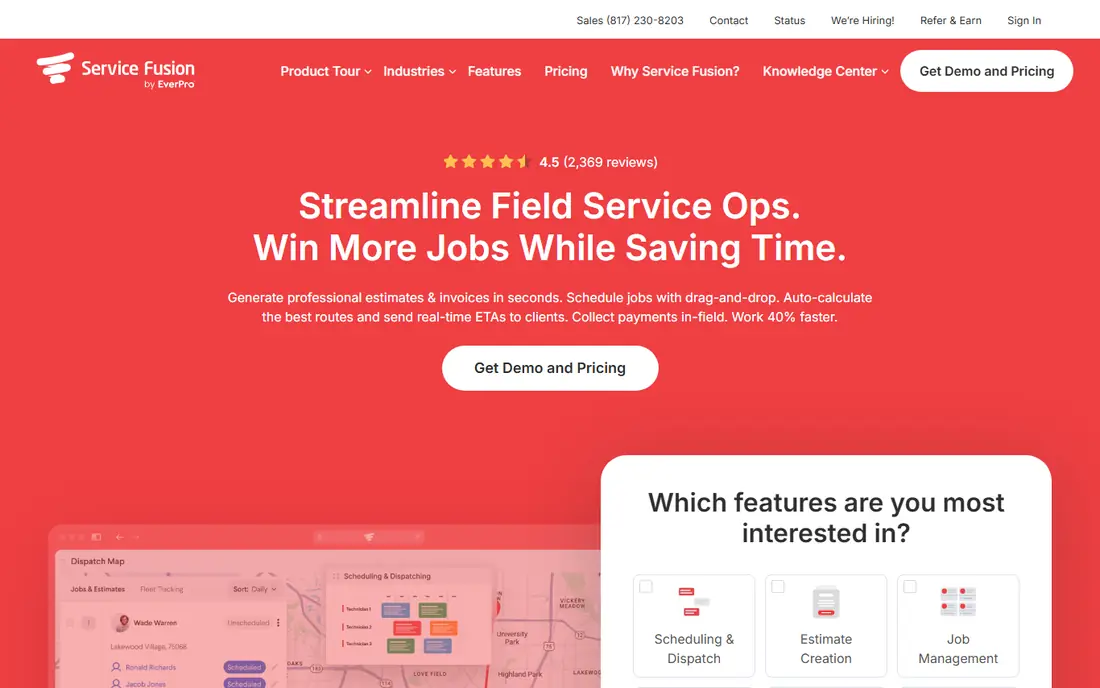
Service Fusion changes the maths for a crew with several technicians and office staff. Instead of charging per user, it charges a flat monthly price with unlimited users, starting at $208 per month billed annually for the Starter tier, or $245 month to month. For a five person crew, that flat price can beat per user tools once extra seats are added, and its job costing is stronger than basic small business tools.
The entry price is the barrier. A solo owner will pay far more than Jobber or Housecall Pro for features they may not need yet, and there is no self serve free trial, only a demo. If your crew is growing past five users and per seat bills are climbing, Service Fusion deserves a demo. If you are solo, start cheaper and revisit it later.
- Unlimited users on every plan, which simplifies team maths
- Strong job costing and QuickBooks sync
- Scheduling, dispatch and invoicing in one platform
- Entry price is far higher than Jobber or Housecall Pro
- No free trial, demo based sales process
- Mobile app feels less polished than some rivals
ServiceTitan is the platform many small shops graduate to, not the platform most start on. It covers dispatch, pricebooks, memberships, sales, marketing and reporting at a depth that small tools cannot match, and it is widely used by larger residential and commercial HVAC contractors. That depth helps a ten truck operation manage pricing, follow ups and maintenance agreements without spreadsheets.
For a small shop, the drawbacks are cost and complexity. Pricing is quote only, with third party guides placing it far above small business tools on a per technician basis, and it needs dedicated admin time to configure. Trial it only when Jobber or Housecall Pro feels limiting, when your crew is past about ten technicians, or when membership and sales tools become a core need rather than a nice extra.
- Dominant residential and commercial trades platform
- Deep dispatch, pricebook, membership and sales tools
- Strong reporting for larger operations
- Quote only pricing with no published entry price
- Per technician pricing can run high for small shops
- Needs admin time to set up and run well
FieldEdge is a long standing HVAC and plumbing tool with dispatch, service agreements, a flat rate pricebook and QuickBooks sync. That combination suits an established shop that already runs on QuickBooks and sells annual maintenance agreements, since the agreement workflow is core rather than an add on. Its trade focus also means HVAC specific fields and workflows are present from the start.
The downsides are pricing transparency and polish. FieldEdge uses quote only pricing, so a small shop cannot judge cost without a sales call, and its interface feels older than Jobber or Housecall Pro. If you run a QuickBooks based shop with a large agreement base, request a quote and compare it against Service Fusion. If you want a modern self serve trial, start elsewhere.
- HVAC and plumbing focus with dispatch and service agreements
- Flat rate pricebook and QuickBooks sync
- Established base among trade contractors
- Quote only pricing
- Interface feels older than newer rivals
- Mobile experience varies by workflow
Workiz suits shops where the phone drives the business. Its communication tools, including calls, messaging and lead handling, sit beside scheduling, dispatch and invoicing, which helps a small team turn missed calls into booked jobs. That focus matters for HVAC, where an emergency call at 2 pm can be worth more than a week of marketing.
Pricing has moved to quote based in recent listings, so you cannot judge cost from the site alone, and its HVAC specific depth is thinner than FieldEdge or ServiceTitan. If inbound calls are your bottleneck, Workiz deserves a trial alongside Housecall Pro. If your bottleneck is pricebook or agreement management, look at Housecall Pro or FieldEdge first.
- Strong phone, messaging and lead handling tools
- Scheduling, dispatch and invoicing for small teams
- Trial available with no card in many listings
- Pricing is quote based in recent listings
- Feature depth varies by plan
- Less HVAC specific than FieldEdge or ServiceTitan
Kickserv is the free start option in this list, with a permanent free plan for small teams and paid tiers for larger crews. It ties mobile work orders closely to scheduling and basic invoicing, which is exactly what a two person shop needs to stop losing paper job sheets. For an owner who wants to test field service software without a monthly bill, it is the lowest risk trial.
The free plan limits users and features, and its ecosystem is smaller than Jobber or Housecall Pro, with fewer integrations and less advanced reporting. That is a fair trade for a free tool, but a growing crew will likely outgrow it. Start on Kickserv if budget is the main barrier, and move to Jobber or Housecall Pro when you need more users, pricebook depth or integrations.
- Permanent free plan for small teams
- Mobile work orders tied to scheduling and invoicing
- Good alternative for very small HVAC shops
- Free plan limits users and features
- Smaller ecosystem than Jobber or Housecall Pro
- Advanced reporting and integrations are limited
ServiceM8 is built around the technician's phone, with job checklists, real time status updates and dispatch coordination that reduce the need for constant calls between office and field. That mobile first design appeals to small HVAC teams where technicians spend most of the day on site, not at a desk. Its free plan plus pay per job tiers also suit a shop with uneven seasonal volume.
The pricing model needs careful comparison, since pay per job tiers behave differently from flat monthly plans, and its United States presence is smaller than Jobber or Housecall Pro. Accounting integrations also vary by region, so check QuickBooks or Xero sync for your setup before committing. If mobile job tracking is your top need, ServiceM8 is a strong trial alongside Jobber.
- Technician first mobile job checklists
- Real time status updates that cut phone calls
- Free plan plus pay per job tiers
- Pricing model differs from flat monthly tools, so compare carefully
- Smaller United States presence than Jobber or Housecall Pro
- Accounting integrations vary by region
BuildOps is included as the commercial ceiling, not as a first pick for a solo residential shop. It unites service, maintenance agreements, quoting and projects for commercial HVAC and mechanical contractors, which suits firms that juggle service calls and multi week projects with change orders and contract billing. That project depth is rare in small business tools.
For a small residential crew, BuildOps is likely too much: quote only pricing, commercial workflows and setup effort that a two truck shop does not need. Consider it only when commercial contracts and projects become a large share of revenue, or when FieldEdge and ServiceTitan feel too residential. For most readers of this guide, Jobber, Housecall Pro or Service Fusion will fit better and cost less.
- Commercial HVAC and mechanical contractor focus
- Service, maintenance agreements, quoting and projects in one platform
- Strong for project heavy work
- Quote only pricing aimed above small residential shops
- Complexity exceeds a solo owner's needs
- Less suited to simple residential dispatch alone
How we picked these
We compared vendor pricing pages, third party pricing guides checked in October 2026, and feature pages for field service tools used by HVAC contractors. We favoured tools with scheduling, dispatch, mobile access, invoicing and accounting sync, plus a clear fit for small teams of one to fifteen people. We left out generic schedulers with no trade workflow, enterprise tools with no small business tier, and tools with no current United States availability. Prices shown as See website are quote only or variable by crew size, and published prices exclude taxes, payment fees and add ons.
How to choose for your crew size
Start with headcount and pricing model, not features. A solo owner should compare flat entry prices: Jobber at $29 per month billed annually against Housecall Pro at $59. A five person crew should compare five user prices, where Jobber Connect and Housecall Pro Essentials both sit near $149 per month billed annually in October 2026 guides. A larger crew should compare Service Fusion flat pricing against per user totals, since unlimited users can win once seats add up.
Next, trial the mobile app with a real technician. Book a job, dispatch it, complete a checklist, add photos if needed, and invoice it from the phone. If a technician avoids the app after a week, the software will fail no matter how good the office dashboard looks. Check QuickBooks sync, pricebook setup time and service agreement handling during the trial, not after you pay.
If you are solo
Jobber Core or Kickserv free plan, with Housecall Pro Basic as the polished alternative if booking and reviews matter from day one.
If you have two to five technicians
Housecall Pro Essentials or Jobber Connect, with Service Fusion as the flat price alternative if you plan to add office staff soon.
If you have six to fifteen technicians
Service Fusion for flat user maths, FieldEdge for QuickBooks and agreements, or ServiceTitan if memberships, sales and reporting drive the business.
Frequently asked questions
What is the best HVAC software for small business?
Jobber is the best entry point for a solo owner on price, Housecall Pro is the best all round residential tool for growing crews, and Service Fusion is the best flat price option for crews where per user costs add up. The best HVAC small business software solutions depend on crew size, so match the pricing model to your headcount.
How much does HVAC software cost for a small business?
Entry prices in October 2026 guides run from free plans at Kickserv and ServiceM8, to $29 per month billed annually for Jobber Core, $59 for Housecall Pro Basic, and $208 for Service Fusion Starter. Quote only tools such as ServiceTitan, FieldEdge and BuildOps cost more and must be priced by demo.
Does HVAC software integrate with QuickBooks?
Yes, Jobber, Housecall Pro, Service Fusion, FieldEdge and others offer QuickBooks sync, though depth varies. Check whether invoices, payments and customer records sync both ways, and test the sync during a trial with a real invoice.
Do I need a pricebook in HVAC software?
A pricebook helps a residential crew quote consistently, present good, better and best options, and avoid pricing from memory on site. Housecall Pro, FieldEdge and ServiceTitan offer strong pricebooks, while Jobber covers basic quoting well for smaller crews.
Is ServiceTitan worth it for a small HVAC business?
ServiceTitan is worth it when a shop has outgrown small tools, runs ten or more technicians, or needs deep membership, sales and reporting features. For a solo owner or a small crew, Jobber or Housecall Pro usually deliver the core workflow at a far lower cost.
Sources
See where you really rank - block by block
ProMapRanker scans Google Maps across a grid of your service area. Simple monthly plans from $19, white-label on every plan.
Start freeKeep reading
 zscaler alternatives
Best Zscaler Alternatives in 2026
Looking for zscaler alternatives? We compare 9 SASE and zero trust platforms on architecture, data protection, pricing, and fit for your network and team.
Read → zapier alternatives free
Best Zapier Alternatives Free in 2026
Nine automation tools for zapier alternatives free in 2026, all with genuinely free tiers, plus free plan limits, starting prices and upgrade paths explained.
Read → which platform is best for online reputation
Which Platform Is Best for Online Reputation in 2026
Wondering which platform is best for online reputation? We compare 8 review, listing, and response tools for small and multi-location businesses and agencies.
Read →