 ProMapRanker
Best HVAC Software in 2026: 8 Tools Compared


Small HVAC crews that want a simple start · Pricing starts at: $49 per month
Key takeaways
- Jobber is the simplest starting point for a small HVAC crew, with scheduling, quoting and invoicing in one place at a low entry price.
- Housecall Pro suits shops that want strong customer messages, online booking and review requests without a long setup.
- ServiceTitan and FieldEdge fit larger operations, but both are quote based, so the real cost only becomes clear after a sales conversation.
- Workiz, Service Fusion, GorillaDesk and Kickserv give smaller and mid sized shops useful middle ground options, with different strengths in calls, dispatch and price.
- The billing basis matters as much as the headline price, since some tools charge per user or per technician and others charge a flat monthly rate.
Quick comparison
| Pick | Great for | Pricing starts at | Free tier | |
|---|---|---|---|---|
| Jobber | Small HVAC crews that want a simple start | $49 per month | Free trial (14 days) | Visit |
 Housecall Pro Housecall Pro | Shops that want strong customer communication | $79 per month | Free trial (14 days) | Visit |
 ServiceTitan ServiceTitan | Large HVAC operations with many technicians | See website | No | Visit |
 FieldEdge FieldEdge | Shops that rely heavily on QuickBooks | See website | No | Visit |
 Workiz Workiz | Call driven HVAC shops | $65 per month | Free trial | Visit |
 Service Fusion Service Fusion | Growing teams that prefer a flat monthly rate | $245 per month | Free trial | Visit |
 GorillaDesk GorillaDesk | Small field service teams that want a simple system | See website | Free trial | Visit |
 Kickserv Kickserv | Budget conscious small teams | $47 per month | Free trial | Visit |
The best HVAC software
We compared official feature pages, pricing pages and public reviews for tools that handle real HVAC work, not just generic calendars. The picks below cover scheduling, dispatch, estimates, invoicing and payments, plus the extras that matter on a job, such as customer messages and accounting links.
Jobber works well when one owner and a handful of technicians need to stop juggling paper, text messages and separate invoices. The calendar makes it easy to move jobs around, and quotes can go out from the office or the field. Customers can approve a quote and pay online through the client hub, which cuts down on phone tag and late payments. For a small HVAC shop, that simple loop of book, quote, do the work and invoice is often enough.
The catch is scale. Jobber does not try to match the deep dispatch boards, call tracking or marketing suites found in larger platforms. Reporting stays basic until you move up a tier, and dispatch for a large fleet can feel thin. Still, for a crew of one to fifteen people, the low friction setup is a real advantage, and most teams can be running in a day rather than after weeks of onboarding.
- Easy scheduling and quoting
- Client hub for approvals and payments
- QuickBooks and Xero links
- Marketing tools are basic
- Reporting is limited on lower tiers
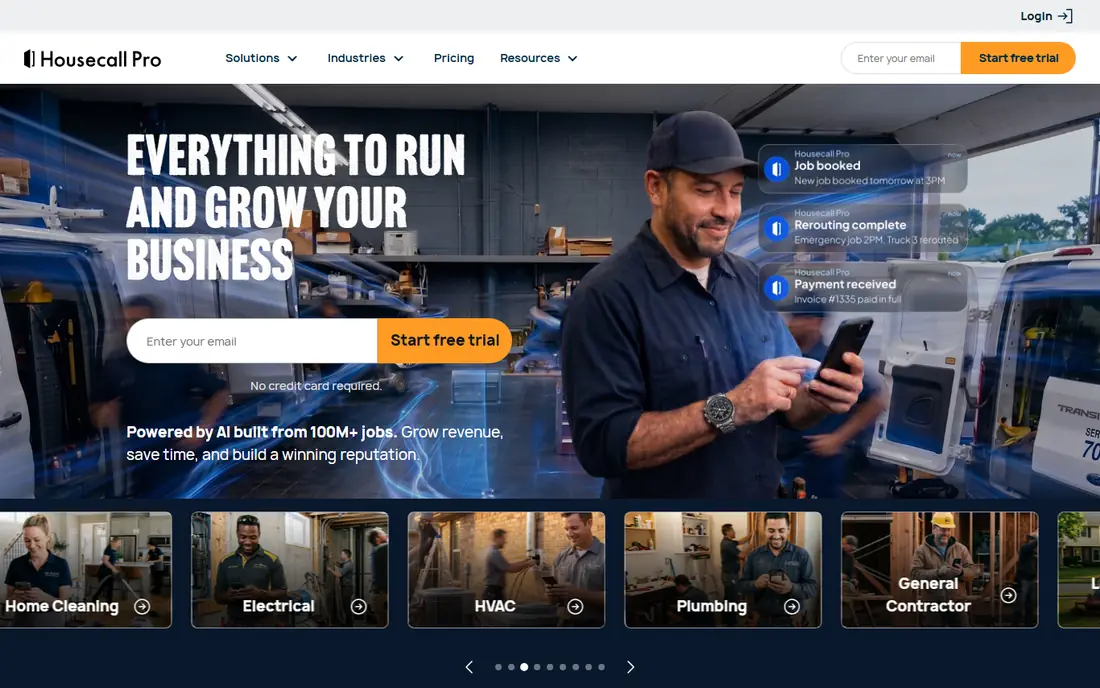
Housecall Pro puts the customer experience first, and that shows in how it handles booking, reminders and follow up. Customers can book online, get text and email reminders, and receive an invoice they can pay from a phone. The app also prompts for reviews after a job, which helps a local HVAC business build trust in search results. For shops that win work through reputation and repeat customers, that focus pays off.
The trade off is depth in back office areas. Inventory management is not as strong as in some larger tools, and the most useful automation and dispatch features require a higher plan. A solo technician or a small team may still find the entry plan enough, but growing shops should price the tier they actually need, not just the entry tier. Overall, Housecall Pro is a good middle ground between ease of use and a professional customer facing workflow.
- Online booking and automated messages
- Estimates, invoicing and payments in one app
- Review requests built in
- Inventory tools are limited
- Advanced features sit on higher tiers
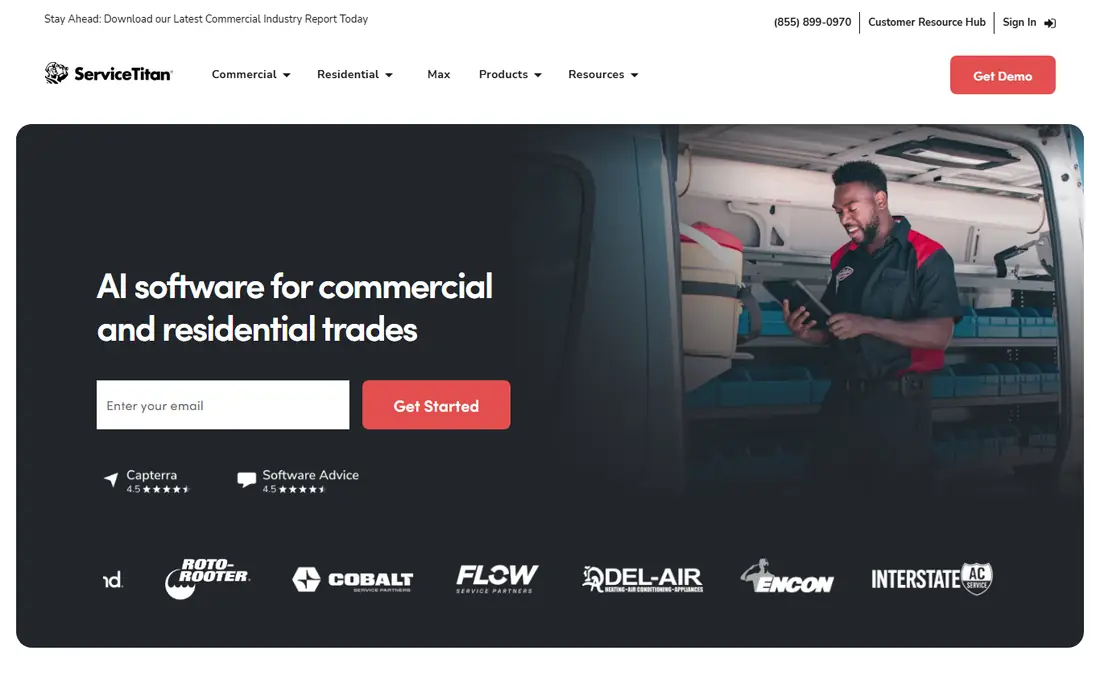
ServiceTitan is built for scale, and it shows in the dispatch board, the reporting and the marketing attribution tools. A larger HVAC company can track where calls come from, which jobs turn into sales, and how each technician performs, all in one system. Financing options and proposal tools help on big replacement sales, where a customer needs clear choices and a simple way to approve. For a company with ten or more technicians, that depth is hard to match.
The honest catch is cost and complexity. Pricing is quoted per technician, and implementation can be a major project rather than a quick signup. Smaller shops often find the price hard to justify, and the learning curve is real for office staff and technicians alike. If your team is large and you need enterprise level control, ServiceTitan deserves a demo. If you run a small crew, start with a simpler tool and revisit ServiceTitan when volume demands it.
- Deep dispatch, reporting and marketing tools
- Financing and call tracking options
- Strong accounting links
- Quote based pricing can be costly
- Setup can take weeks or months
FieldEdge covers the core HVAC workflow, from booking and dispatch to quoting and invoicing, with a mobile app for technicians in the field. Its strongest selling point for many shops is the QuickBooks link, which keeps job data and accounting in step and reduces double entry. Plans are tiered, so a shop can start with a simpler setup and move up as dispatch and proposal needs grow. That structure suits HVAC, plumbing and electrical firms that already run their books in QuickBooks.
The downside is transparency. You cannot see a price without talking to sales, which makes it hard to compare FieldEdge with flat rate tools on cost alone. Implementation also takes longer than a self serve signup, so plan for training time. Ask for the full monthly cost for your team size, including any add on fees, before you commit, and confirm which QuickBooks version your plan supports.
- Scheduling, dispatch and invoicing for field teams
- QuickBooks integration
- Tiered plans for different sizes
- Pricing is not published
- Setup and training take time
Workiz stands out for shops where the phone still drives most bookings. Call tracking helps you see which ads and campaigns bring in real jobs, rather than guessing from call volume alone. Scheduling, invoicing and payments sit alongside that, so a job can move from a phone call to a booked visit to a paid invoice without switching systems. Automated reminders also cut down on missed appointments, which is a quiet source of lost revenue for many HVAC firms.
The catch is the pricing model. Workiz charges per user, with a minimum number of users on some plans, so the cost for a full team is higher than the entry figure suggests. Count every office user and technician who needs access before you judge the price. For a call heavy shop that values tracking and booking in one place, Workiz is still a strong pick, but do the team wide math first.
- Scheduling plus call tracking
- Online booking and payments
- Useful automation for reminders
- Per user pricing adds up as teams grow
- Some advanced tools need higher tiers
Service Fusion takes a different approach to pricing by offering unlimited users on its starter plan, which can make budgeting simpler for a growing team. Instead of watching the bill climb with every new hire, a shop pays a flat monthly rate and adds staff as needed. The core tools cover scheduling, dispatch, estimates, invoicing and payments, with customer messages to keep jobs on track. That combination suits a shop moving from a handful of staff to a larger crew.
The entry price is the obvious hurdle. At $245 per month, Service Fusion costs more than the cheapest small team tools, so a solo technician may not see the value yet. Some deeper features also sit on higher tiers, so check what the starter plan includes for your workflow. For a team that is already growing and wants predictable pricing, though, the flat rate model is a clear advantage.
- Unlimited users on the starter plan
- Scheduling, dispatch and invoicing
- Customer communication tools
- Entry price is high for a solo operator
- Some features need higher tiers
GorillaDesk is a practical choice for a small field service business that needs the basics done well, without a long implementation. Scheduling, customer records, estimates and invoices live in one system, and technicians can see their jobs on a mobile device. That simplicity helps a small HVAC or home services team move away from spreadsheets and paper job sheets without hiring someone to run the software. The interface is direct, and the learning curve is short.
The limit is scale and depth. Larger HVAC firms with complex dispatch, inventory or marketing needs will likely outgrow GorillaDesk or need add ons. Pricing is also best confirmed on the vendor site at the time you buy, since plans and trial terms can change. For a small team that values a quick start and a clear daily schedule, GorillaDesk is worth a trial run alongside Jobber and Housecall Pro.
- Scheduling, invoicing and customer records in one place
- Simple setup for small teams
- Mobile access for technicians
- Less depth for large HVAC fleets
- Pricing details require checking the vendor site
Kickserv appeals to small HVAC and field service teams that want a low monthly bill without giving up the core workflow. Scheduling, estimates, invoices and customer records are covered, and customers can pay online. For a new business or a solo operator watching every dollar, that entry price leaves room in the budget for tools, fuel and marketing. The setup is also straightforward, which matters when the owner is also the dispatcher and the lead technician.
The trade off is ambition. Kickserv does not offer the deep dispatch boards, call tracking or marketing suites of larger platforms, and its integration list is smaller. That is fine if your main need is a clean schedule and reliable invoicing, but a fast growing shop may need to move on sooner. As a low cost starting point, Kickserv is a sensible trial, and the price makes it easy to test for a month before committing.
- Low entry price
- Scheduling, invoicing and customer management
- Online payments
- Fewer advanced dispatch and marketing features
- Smaller ecosystem of integrations
How we picked these
We compared official feature and pricing pages, plus public reviews, for tools that handle HVAC specific work such as dispatch, estimates, invoicing, payments and customer messages. We favored tools that are still sold and supported in October 2026, that cover the full job cycle from booking to payment, and that fit a clear team size, from solo operators to large fleets. Where a vendor does not publish a price, we wrote See website rather than guessing a figure. We did not claim hands on testing, and we based the trade offs on published features and pricing models.
What to check before you buy HVAC software
Start with team size and billing basis, not with the feature list. A tool that looks cheap at $49 per month for one user can cost several times that once office staff and technicians all need logins. A per technician tool can be fair for a large fleet and painful for a small one. Write down how many people need access, then ask each vendor for the total monthly cost for that exact team.
Next, follow one job from start to finish in a trial. Book it, dispatch it, send a quote, complete the work, invoice it and take payment. Check how the customer sees each step, and whether office staff have to retype anything. Pay special attention to your accounting link, since a weak QuickBooks or Xero connection creates weekly cleanup work. Also check the mobile app on a real phone in the field, since technicians will live in it all day.
Finally, look at the contract and the exit path. Some tools are month to month, while others require a yearly term or a longer commitment. Ask how you export customer records, job history and invoices if you leave. A tool that locks your history in is a bigger risk than a slightly higher monthly fee. Take the trial seriously, involve the person who closes the books, and choose the tool your team will actually use every day.
Frequently asked questions
What is the best HVAC software for a small business?
For most small HVAC businesses, Jobber or Housecall Pro are the easiest starting points, since both cover scheduling, quoting, invoicing and payments without a long setup. Kickserv is worth a look if budget is the main concern. The right pick depends on team size and whether customer messages or price matter more to you.
What is the best HVAC app for technicians in the field?
Look for a mobile app that shows the day schedule, job details, customer history and a way to capture signatures and payments on site. Jobber, Housecall Pro, FieldEdge and ServiceTitan all offer field apps, but the depth varies by plan. Test the app on a phone during a trial, not just on a desktop demo.
How much does HVAC software cost per month?
Entry prices in this list range from about $47 per month to $245 per month, plus quote based tools where the price depends on team size. Per user and per technician pricing can raise the total well above the entry figure. Ask for a quote for your full team, including any add on fees, before you compare totals.
Does HVAC software work with QuickBooks?
Most tools on this list link to QuickBooks, and Jobber also links to Xero, but the depth of the link varies by plan and by QuickBooks version. FieldEdge is a strong choice if QuickBooks is central to your books. Confirm the exact version and sync behavior with the vendor before you buy.
Do I need ServiceTitan for a small HVAC shop?
Not usually. ServiceTitan fits larger operations that need deep dispatch, reporting and marketing tools, and its price and setup reflect that. A small shop will often get more value from Jobber, Housecall Pro or Kickserv, and can revisit larger platforms when technician count and job volume grow.
What is the best HVAC troubleshooting app?
A troubleshooting app is different from business software. Business tools on this list manage jobs and customers, while troubleshooting guides and calculators help a technician diagnose a system on site. If you need both, pair a business tool here with a dedicated technical reference app, and check that it covers the equipment brands you service.
Sources
See where you really rank - block by block
ProMapRanker scans Google Maps across a grid of your service area. Simple monthly plans from $19, white-label on every plan.
Start freeKeep reading
 zendesk alternatives
Best Zendesk Alternatives in 2026
Compare the best Zendesk alternatives in 2026, from budget help desks to AI-first support tools, with current pricing, free plans, and honest trade-offs.
Read → wordpress alternatives
Best WordPress Alternatives in 2026
Looking for the best WordPress alternatives? We compare 8 free and paid options for blogs, business sites, stores, and developer-led projects in 2026.
Read → which real estate company has the best training
Best Real Estate Company Training in 2026
Compare which real estate company has the best training, from Keller Williams and eXp to Compass and Coldwell Banker, by program, mentor, and fit in 2026.
Read →