 ProMapRanker
Best HVAC Management Software in 2026


Large residential HVAC companies scaling operations · Pricing starts at: See website
Key takeaways
- Jobber and Housecall Pro are the easiest starting points for solo operators and small crews, with clear monthly pricing and mobile apps for techs in the field.
- ServiceTitan suits larger residential companies that need deep reporting, price books and marketing tools, but it is priced by quote and needs more setup time.
- Service Fusion stands out for teams that dislike per user fees, because its plans cover unlimited users at a flat monthly price.
- FieldEdge is worth a close look for shops that run on QuickBooks, while Workiz and FieldPulse suit phone heavy and offline field work.
Quick comparison
| Pick | Great for | Pricing starts at | Free tier | |
|---|---|---|---|---|
| ServiceTitan | Large residential HVAC companies scaling operations | See website | No | Visit |
 Housecall Pro | Small residential crews that need fast setup | $59 per month | Free trial | Visit |
 Jobber | Solo operators and small crews on a budget | $29 per month | Free trial | Visit |
 FieldEdge | Shops that rely on QuickBooks for accounting | See website | No | Visit |
 Service Fusion | Growing teams that want one flat monthly price | See website | No | Visit |
 Workiz | Phone heavy residential shops | See website | Free trial | Visit |
 FieldPulse | Field teams that work where signal is weak | See website | Free trial | Visit |
 BuildOps | Commercial contractors mixing service and projects | See website | No | Visit |
The best hvac management software
HVAC work mixes emergency calls, maintenance visits, installs and invoicing, so the right software has to handle dispatch, customer history and payments without slowing techs down. The tools below all serve field service teams, but they differ in size, price model and depth.
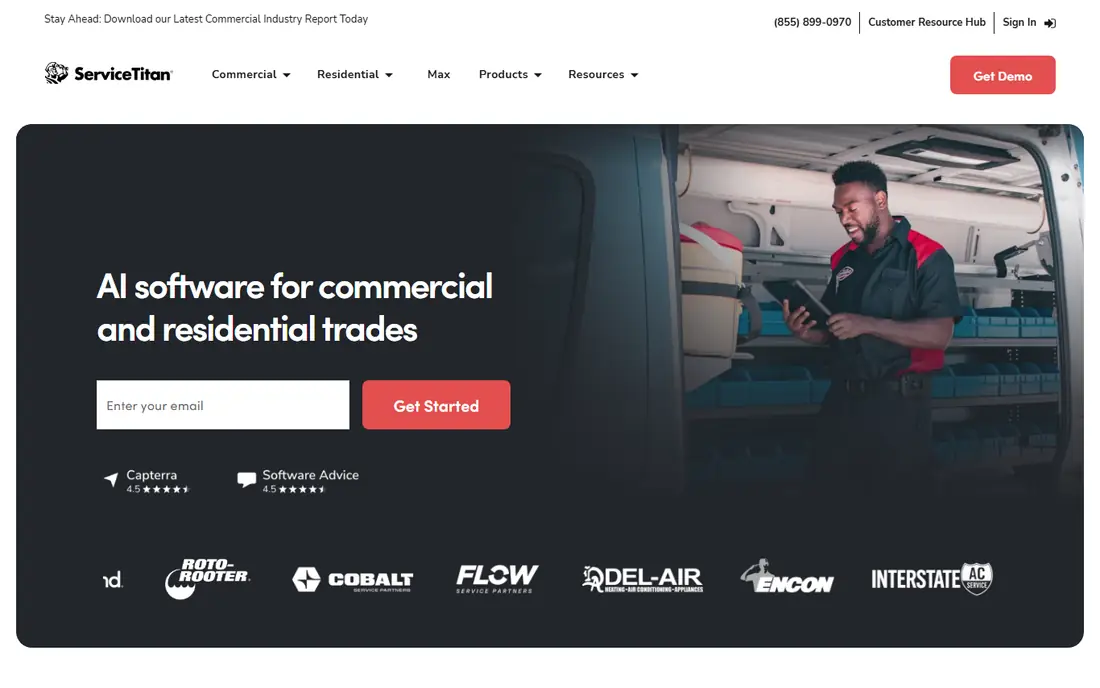
ServiceTitan is built for high volume residential service, with a dispatch board, customer history, estimates, invoicing and marketing in one system. Managers can see revenue by tech, job type and campaign, and techs can present options and collect payment on site. For a company with many trucks and office staff, that joined up view is the main reason to pay more.
The catch is cost and complexity. Pricing is by quote, often per tech per month, and implementation can take weeks. A solo operator will find it heavy and costly, and smaller shops may not use the reporting depth. For larger companies that already have office processes to support, ServiceTitan is the most complete option in this list.
- Deep reporting and job costing
- Price book and marketing tools
- Strong dispatch and GPS features
- Quote based pricing makes comparison hard
- Setup and training take time
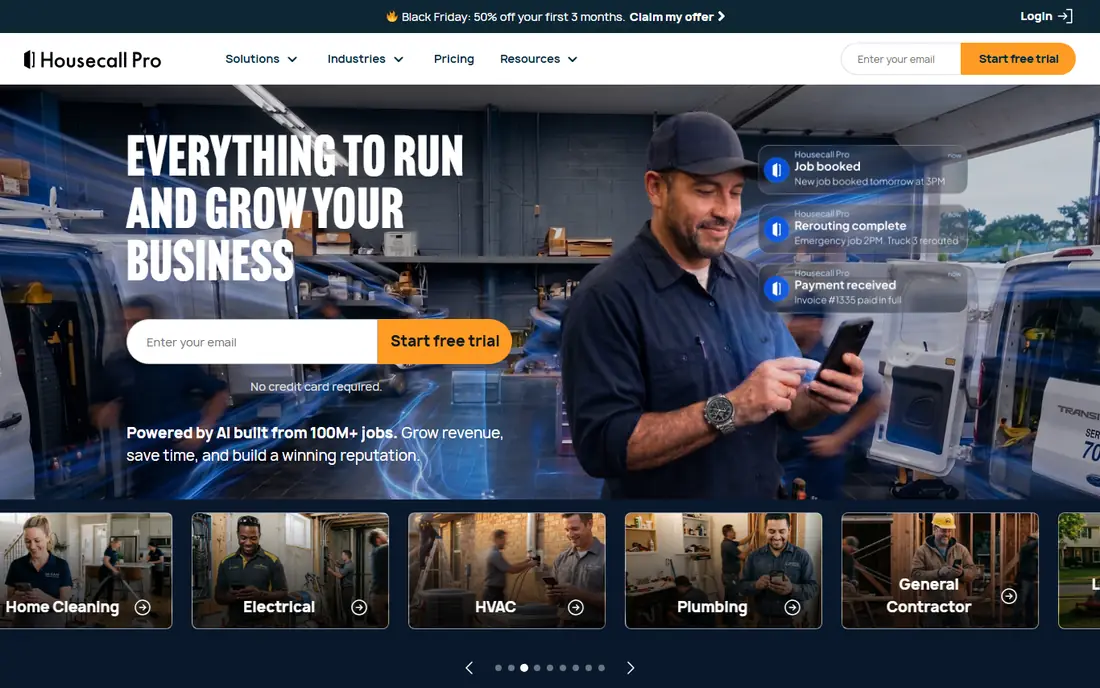
Housecall Pro suits one to eight truck residential operations that want to get organised quickly. Customers can book online, receive text updates and pay from an invoice, while dispatchers see jobs on a calendar and techs work from a mobile app. Automated reminders and review requests help fill the schedule and build a review profile with little office effort.
Published starting prices sit near 59 dollars per month, with higher tiers adding a flat rate price book, service agreements and more users. The limit is scope. It is not built for complex commercial maintenance contracts or multi week install projects, so larger commercial shops should look at BuildOps or FieldEdge instead. For residential repair and maintenance, it is a strong, friendly pick.
- Easy online booking and customer texts
- Mobile invoicing
- Automated review requests
- Less depth for commercial contracts
- Costs rise as users and features are added
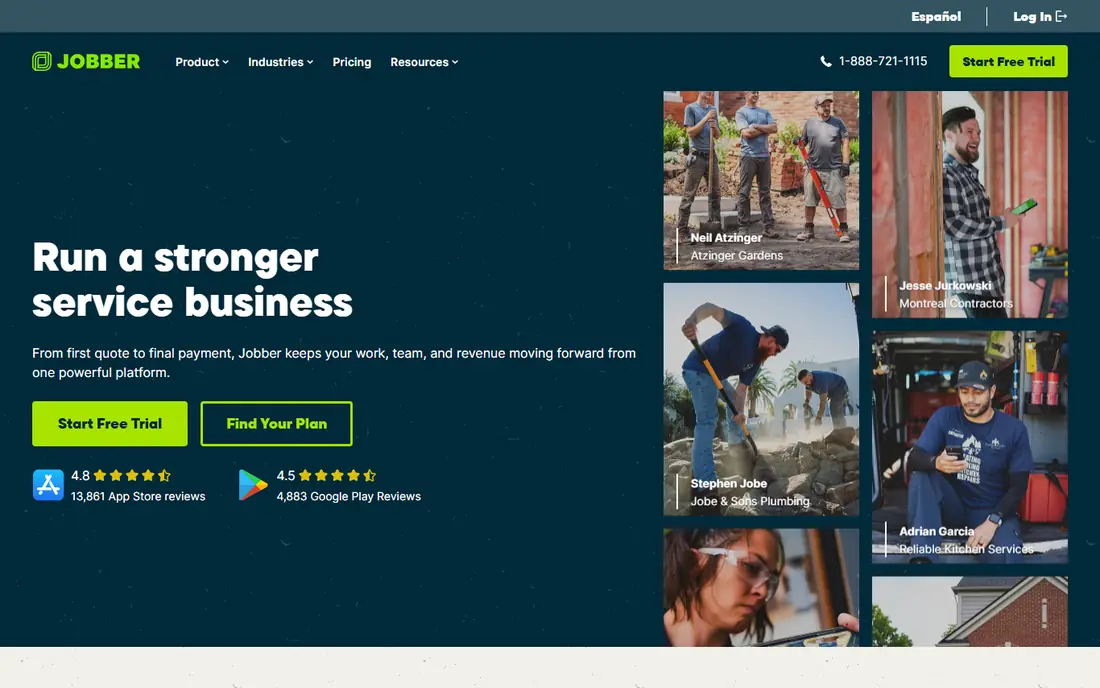
Jobber is a general field service tool that many HVAC owners use for quoting, scheduling, invoicing and client communication. Customers can approve quotes and pay through a client hub, which cuts phone chasing, and the mobile app lets techs see job details and record work on site. For a new business, that covers the core admin jobs in one place at a low entry price.
The trade off is specialisation. Jobber does not go as deep on HVAC equipment history, flat rate pricing or commercial service agreements as ServiceTitan or FieldEdge. A growing shop may outgrow it or add other tools for those jobs. As a starting system, though, its price and ease of use are hard to beat.
- Clear tiered pricing
- Client hub for quotes and payments
- Good scheduling and invoicing
- Thinner HVAC specific depth than larger platforms
- Some features need higher tiers
FieldEdge has long served HVAC, plumbing and electrical contractors, and its strongest draw is accounting. The QuickBooks sync keeps invoices, payments and job costs aligned, which matters when an office already runs on QuickBooks Desktop. Dispatch, scheduling, service agreements and mobile job management cover daily field work in the same system.
Pricing is by quote, often per office user and per tech, plus setup, so buyers should get a full written quote before deciding. Some users also find the interface dated next to Housecall Pro or Jobber. If QuickBooks accuracy and service agreement tracking are top priorities, FieldEdge earns a serious demo despite those points.
- Strong QuickBooks sync
- Service agreement tracking
- Dispatch and mobile job tools
- Pricing is by quote
- Interface feels older than newer rivals
Service Fusion charges a flat monthly price with unlimited users, which changes the maths for a growing crew. Adding a dispatcher or a new tech does not add a per user fee, so a ten person team can budget with more certainty. The system covers scheduling, dispatch, estimates, invoicing, customer records and job costing, which suits service and repair work well.
Published prices in 2026 comparisons sit in the low hundreds per month, rising by tier, so it is not a budget pick for a solo operator. The mobile app also draws mixed comments next to Housecall Pro. For a mid size team that expects headcount to grow, the flat price model can still save money over per user rivals within a year or two.
- Unlimited users on every tier
- Built in customer database
- Job costing and dispatch tools
- No free trial on some plans
- Mobile experience is less polished than some rivals
Workiz is built around the phone call, which is still how many HVAC customers book work. It offers a phone system, call tracking and AI answering as add ons, plus scheduling, dispatch, invoicing and online booking in the core product. That mix helps a shop that misses calls during busy periods or after hours, because a missed call often means a lost job.
The catch is that the most useful phone features cost extra, so the total bill can climb above the base plan. Pricing is also by quote, which makes direct comparison harder. Shops that already answer every call well may get less value here, but phone heavy teams should test the call tools during a trial.
- Built in phone tools
- Online booking and scheduling
- Automation for reminders and reviews
- Key phone and AI features are paid add ons
- Pricing is by quote
FieldPulse serves mid size field service teams with scheduling, dispatch, estimates, invoicing and customer management, plus a mobile app designed to keep working when signal drops. That matters for techs in basements, plant rooms and rural sites, where an app that freezes can stall a whole visit. Job details, photos and signatures can be captured on site and synced later.
The downside is transparency. Pricing is by quote and add ons raise the total, so buyers need to list every feature they need before signing. It also lacks the marketing depth of ServiceTitan. For teams that rank offline reliability and straightforward job management first, FieldPulse is worth a demo.
- Offline capable mobile app
- Scheduling, estimates and invoicing
- Customer records
- Pricing is by quote
- Add ons can raise the total cost
BuildOps is aimed at commercial HVAC and mechanical contractors that handle both service calls and projects. It combines dispatch and service work with project tracking, invoicing and reporting, so a company does not need separate systems for maintenance visits and install work. That joined view helps managers track contract work, subcontractors and job progress in one place.
The trade off is fit and cost. Pricing is by quote, and a small residential shop will find much of the project depth unnecessary. For a commercial contractor that already juggles preventive maintenance contracts and larger jobs, BuildOps offers a structure that residential tools do not match.
- Strong project and service modules
- Commercial contract handling
- Reporting for larger teams
- Quote based pricing
- More than a service only shop needs
How we picked these
We compared official feature pages, pricing pages and recent field service comparisons, and we favoured tools that are still sold in October 2026, serve HVAC or closely related trades, and cover scheduling, dispatch, invoicing and customer records. We checked starting prices where vendors publish them and used See website where pricing is by quote or varies by team size. No tool was listed for a job it does not actually serve.
What to check before you choose
Start by counting trucks, office staff and job types, because team size drives the price model. A solo operator usually wins with Jobber or Housecall Pro, while a team adding staff each quarter should compare flat pricing from Service Fusion with per user pricing from rivals. Write down how many users you will have in a year, not just today.
Next, test the mobile app on a real job. Give a tech a test job, ask them to add photos, notes and a signature, and try it with weak signal if your sites have poor coverage. Also check how invoices flow into your accounting system, and whether equipment history follows each unit from visit to visit. Those daily details matter more than a long feature list.
Finally, get pricing in writing, including setup, per user fees, add ons and contract length. Ask what happens to your customer and job history if you leave, and how long onboarding takes. A tool that fits your workflow but locks data away or needs months of setup can cost more than its monthly fee suggests.
Frequently asked questions
What is the best software for hvac companies just starting out?
Jobber and Housecall Pro are the usual starting points, because both offer low entry prices, mobile apps and fast setup for small crews. Jobber is often cheaper at entry, while Housecall Pro adds stronger customer texts and online booking. Try both trials with a week of real jobs before you choose.
What is the best app for hvac business owners with large teams?
ServiceTitan is the strongest pick for larger residential companies, thanks to its price book, reporting and marketing tools. BuildOps is a better fit for commercial work that mixes service and projects. Both are quote based, so request a full quote and an onboarding timeline before you commit.
Is there a best hvac review management software option in this list?
Housecall Pro and Workiz both include automated review requests after completed jobs, which helps build a review profile with little manual work. ServiceTitan also supports review and marketing workflows on higher plans. Check whether review requests are included in your tier or sold as an add on.
Do these tools work with QuickBooks?
FieldEdge is the strongest QuickBooks match in this list, with a sync built for shops that run on QuickBooks. Jobber, Housecall Pro and Service Fusion also offer QuickBooks connections, but the depth of the sync varies by plan. Test invoice and payment flow with your own QuickBooks file during a trial.
How much does hvac management software cost?
Entry plans for small crews start near 29 to 59 dollars per month in published pricing, while mid size flat plans run into the low hundreds per month. Large platforms such as ServiceTitan are quote based and often cost far more per tech. Always compare the annual total for your team size, including add ons.
Can techs use these tools offline?
FieldPulse is noted for offline capable field work, and most mobile apps in this list let techs view job details and capture notes on site. Offline depth varies, so test the app in a basement or rural site before you rely on it. Ask the vendor exactly which actions sync later and which need a live connection.
Sources
See where you really rank - block by block
ProMapRanker scans Google Maps across a grid of your service area. Simple monthly plans from $19, white-label on every plan.
Start freeKeep reading
 zoho inventory alternatives
6 Alternatives to Zoho Inventory, Compared on Price and Fit
Zoho Inventory alternatives: 6 tools compared on price, free plans and fit. Katana leads the list for manufacturers. Fit and flaws are laid out for each entry.
Read → zoho crm alternatives
Best Zoho CRM Alternatives (2026)
Need Zoho CRM alternatives? We compare 7 tools on cost, free access and who each suits. Every pick gets a straight assessment. Built for quick decisions.
Read → zelle alternatives
Best Zelle Alternatives in 2026
Compare the best Zelle alternatives for sending money to friends, paying sellers and moving funds abroad, with honest notes on fees, speed and safety in 2026.
Read →