 ProMapRanker
Best HVAC Dispatch Software in 2026


Larger residential HVAC companies · Pricing starts at: See website
Key takeaways
- ServiceTitan is the most complete platform for larger residential HVAC companies, with dispatch, marketing, sales and accounting in one system.
- Housecall Pro and Jobber are the easiest starting points for small shops, with published prices from $59 and $29 per month.
- FieldEdge suits shops that rely heavily on QuickBooks, especially QuickBooks Desktop, with two-way syncing.
- Service Fusion stands out for flat pricing with unlimited users, which helps growing teams avoid per-technician bills.
- BuildOps and ServiceTrade suit commercial work, while the rest of this list leans residential, so match the tool to your job mix.
Quick comparison
| Pick | Great for | Pricing starts at | Free tier | |
|---|---|---|---|---|
| ServiceTitan | Larger residential HVAC companies | See website | No | Visit |
 Housecall Pro | Small residential shops | $59 per month | Free trial | Visit |
 Jobber | Solo operators and small crews | $29 per month | Free trial | Visit |
 FieldEdge | QuickBooks-heavy shops | See website | Free trial | Visit |
 Service Fusion | Growing teams, flat pricing | $208 per month | No | Visit |
 Workiz | Phone-heavy residential shops | See website | Free trial | Visit |
 BuildOps | Commercial HVAC contractors | See website | No | Visit |
 FieldPulse | Mid-size teams needing offline use | See website | Free trial | Visit |
 ServiceTrade | Commercial maintenance contracts | See website | No | Visit |
The best HVAC dispatch software
Good HVAC dispatch software does more than put jobs on a calendar. It shows technician location and skills, handles emergency calls without breaking the day, tracks equipment history, and turns a completed job into an invoice and payment. We compared official feature pages, published pricing and public reviews for tools used by residential and commercial HVAC shops.
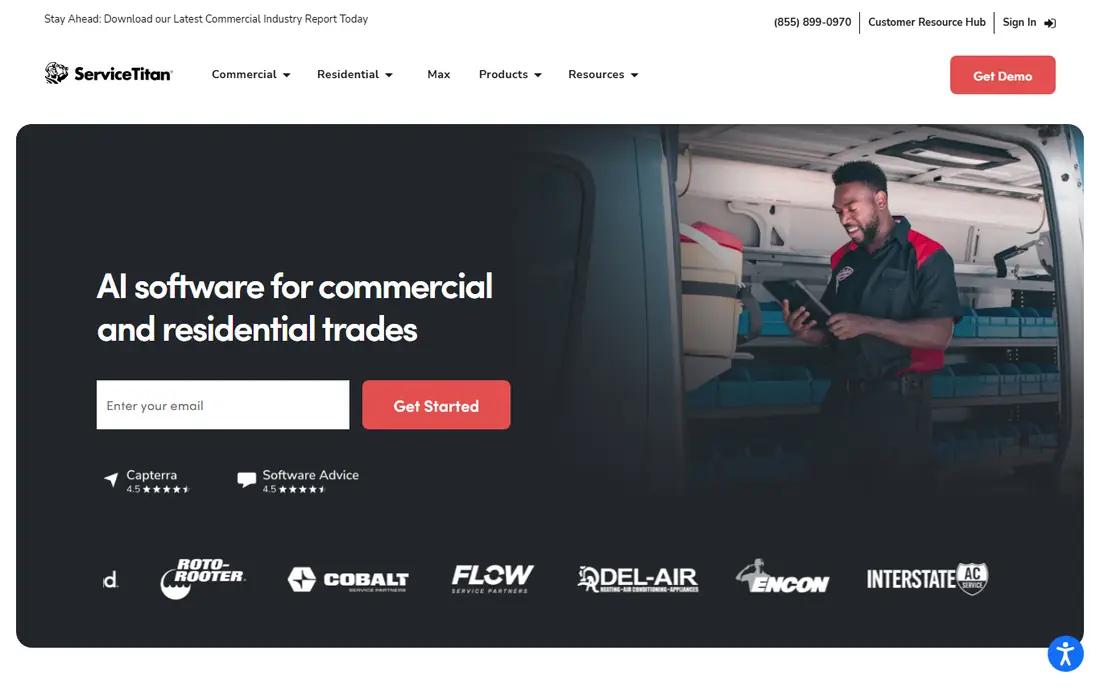
ServiceTitan is the platform larger residential HVAC companies most often standardize on. Its dispatch board handles scheduling, technician tracking, job history and capacity in one view, while built-in tools cover estimates, memberships, marketing and payments. Equipment history follows each unit, so a technician arriving at a repeat job can see past repairs, parts and notes.
The cost is the catch. Pricing is quote-based and per technician, and implementation plus training is a real project, not an afternoon setup. Smaller shops may find it more than they need. For a company with many technicians, a call center and a membership program, that depth is exactly why it leads this list.
- Deepest residential feature set
- Dispatch, sales, marketing and accounting together
- Strong reporting
- Quote-based pricing
- Implementation takes time and training
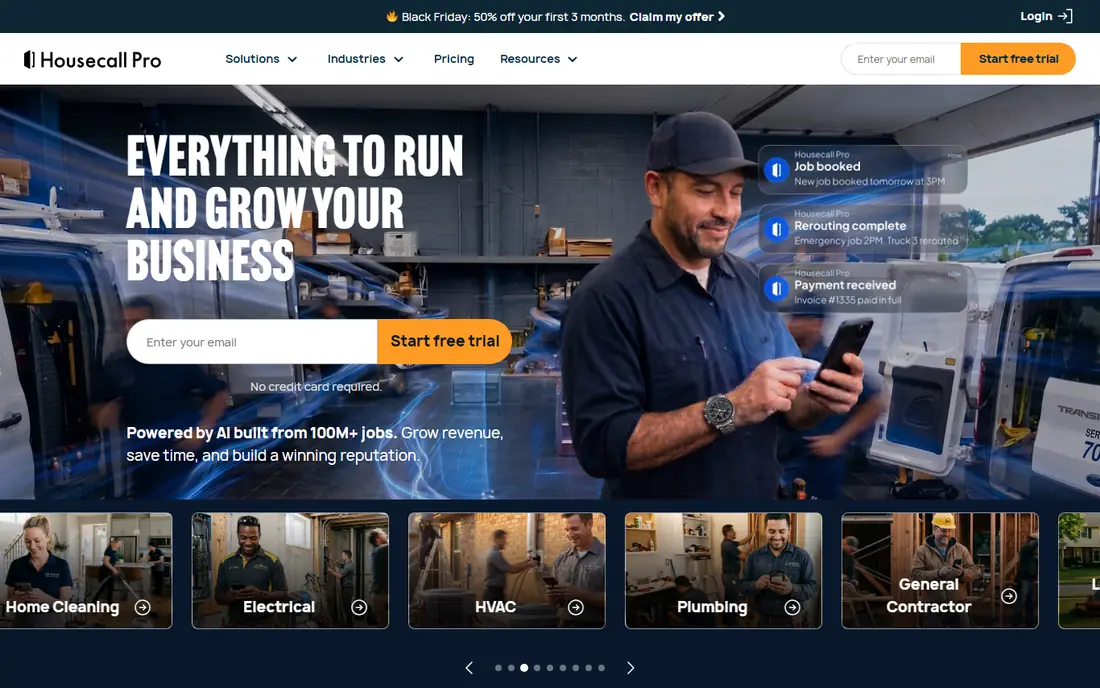
Housecall Pro is the easiest full system for a small residential shop to adopt. Scheduling, dispatch, estimates, invoicing and payments live in one app that technicians actually enjoy using on a phone. Online booking and automated reminders cut office phone time, and the published pricing makes budgeting simple, starting at $59 per month billed annually.
Commercial contractors will find it thinner on contract management and project tools than BuildOps or ServiceTrade. Higher plans add service plans, sales proposals and more automation, so check which tier your must-have features sit in. For one to ten technicians doing residential work, it is a strong, low-friction pick.
- Easy mobile app
- Online booking and automated messages
- Clear published pricing
- Less depth for commercial contracts
- Some features need higher plans
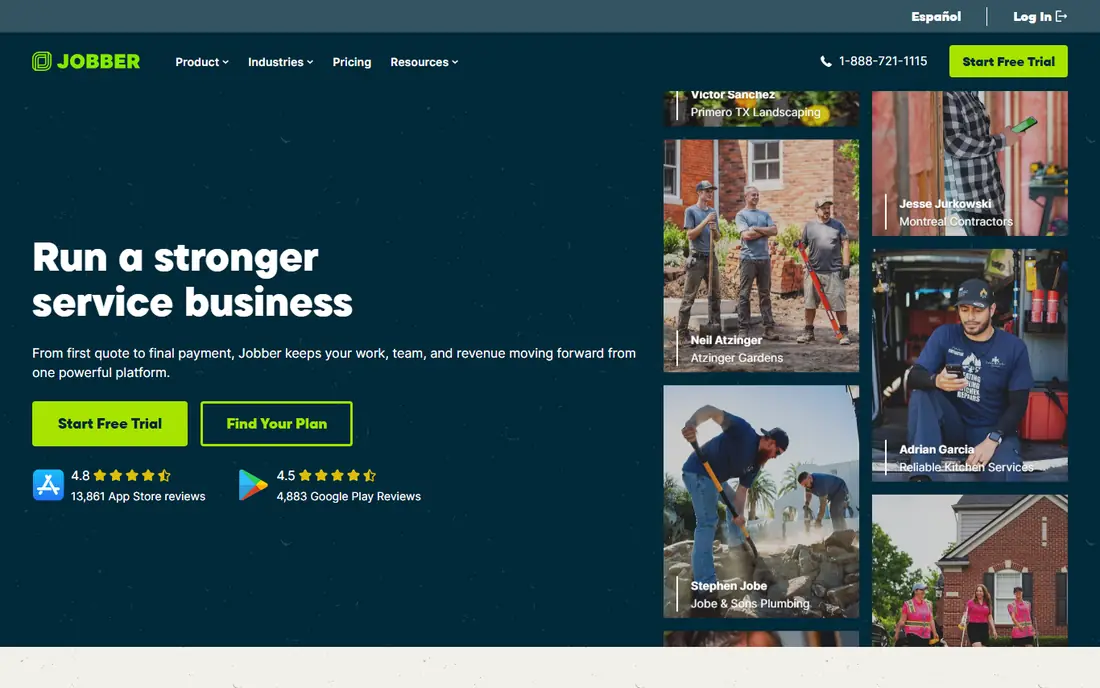
Jobber is the best starting point if price and simplicity matter most. Its Core plan starts at $29 per month for an individual user billed annually, and it covers scheduling, quoting, invoicing, payments and customer messages without a long setup. The interface is clean, and new users can be dispatching jobs the same day they sign up.
HVAC-specific depth is thinner than ServiceTitan or FieldEdge. Equipment tracking, flat-rate pricebooks and commercial agreements are less developed, and some automation needs the Grow or Connect tiers. For a solo operator or a small mixed-trade crew, Jobber gives you a professional system at a price that is easy to defend.
- Lowest published starting price here
- Simple setup
- Two-way QuickBooks Online sync
- Thinner HVAC-specific depth
- Advanced dispatch features need higher plans
FieldEdge has long served HVAC, plumbing and electrical contractors, and its QuickBooks integration is a key reason shops stay. It syncs customers, invoices and payments with both QuickBooks Online and Desktop, which matters if your bookkeeping already runs on Desktop. Dispatch, scheduling, estimates and mobile job management cover the daily workflow well.
Pricing requires a demo and quote, which makes budgeting slower than with Housecall Pro or Jobber. Parts of the system also feel older than newer rivals. If QuickBooks is central to your business and you want a proven HVAC dispatch tool, FieldEdge is worth the sales conversation.
- Strong QuickBooks Online and Desktop sync
- Solid dispatch board
- Good equipment tracking
- Quote-based pricing
- Desktop elements feel dated
Service Fusion appeals to growing shops that hate per-user pricing. Every plan includes unlimited users, starting at $208 per month billed annually, so adding technicians does not automatically raise the software bill. Dispatch, scheduling, estimates with flat-rate pricing, invoicing and payments are all included, and the mobile app keeps technicians connected on site.
There are limits to watch. Some listings note no free trial, so ask for a demo with your real workflow. Recurring invoicing for service agreements is an add-on rather than a standard feature. If your team is growing past ten users, the flat price can beat per-technician rivals by a wide margin.
- Unlimited users on every plan
- Flat-rate pricing tools
- Strong dispatch and invoicing
- No free trial on some listings
- Recurring invoicing is an add-on
Workiz is built around the phone, which still drives many residential HVAC jobs. Its built-in phone system, call tracking and messaging help a shop answer, book and follow up without juggling separate tools. Scheduling, dispatch, invoicing and payments cover the rest of the job cycle, and the interface is modern and easy to follow.
Pricing is quote-based, and phone, AI answering and marketing tools are sold as add-ons, so the final bill depends on your choices. Shops that get most work by phone will value the integration, while shops that book mainly online may prefer Housecall Pro. Ask for a full quote that includes the phone features you need.
- Built-in phone system
- Call tracking
- Online booking and messaging
- Quote-based pricing
- Some phone and AI features are add-ons
BuildOps is designed for commercial HVAC contractors who mix service work with projects. It handles service agreements, asset tracking, project costing and dispatch in one system, with links to accounting tools including QuickBooks Online and Sage Intacct. Renewal windows and margin tracking help managers see which contracts actually make money.
Residential-only shops will find it heavier and more expensive than they need, and pricing is quote-based. For a commercial contractor juggling maintenance contracts, retrofits and service calls, that commercial depth is the point. Demo it with a real contract and project before deciding.
- Strong commercial project tools
- Service agreements with margin tracking
- Good accounting links
- Quote-based pricing
- More than a residential-only shop needs
FieldPulse suits mid-size teams whose technicians work in basements, plant rooms and rooftops with patchy signal. Its mobile app handles offline use better than many rivals, so job details, photos and signatures are not lost when coverage drops. Scheduling, dispatch, estimates, invoicing and a customer portal cover the office side.
Pricing is quote-based, and add-ons can raise the total, so confirm the full cost for your team size. It lacks the residential marketing depth of ServiceTitan and the commercial project depth of BuildOps. For a mid-size shop that prizes reliable field use, it is a practical middle ground.
- Solid mobile app with offline use
- Scheduling and invoicing
- Customer portal
- Quote-based pricing
- Add-ons raise the total price
ServiceTrade is built for commercial mechanical contractors managing preventive maintenance contracts across many sites. It tracks assets, contract schedules, service history and technician work in a way residential tools do not, and reporting helps prove contract performance to customers. Office users are often free under its model, with pricing focused on technicians.
Residential shops should look elsewhere, since the product is commercial-only by design. Pricing is quote-based and needs a conversation. If your business lives on commercial maintenance contracts, ServiceTrade fits that work more closely than any general tool here.
- Built for commercial maintenance
- Office users often free
- Strong reporting for contracts
- Commercial-only focus
- Quote-based pricing
How we picked these
We compared official feature pages, published pricing and public reviews for dispatch tools used by HVAC contractors. We favored tools with a clear dispatch board, mobile apps for technicians, equipment history, invoicing and QuickBooks integration. We used See website where a vendor only prices by quote, rather than repeating estimates as facts.
What to check before you buy
Start with your job mix. Residential shops need online booking, memberships and sales proposals, while commercial shops need contract and asset tracking. Test the mobile app in a low-signal spot, since a dispatch tool fails if technicians cannot use it on site. Check equipment history carefully, including past repairs and parts for each unit.
Confirm total cost, including per-technician fees, implementation and add-ons. Ask about contract length, data export and QuickBooks sync direction, so invoices do not duplicate. Finally, run a trial week with real emergency calls and reschedules, since that is when a dispatch board proves itself.
Frequently asked questions
What is the best hvac dispatch software for a small shop?
Housecall Pro and Jobber are the easiest small-shop picks, with published prices from $59 and $29 per month. ServiceTitan suits larger companies, while FieldEdge suits shops built around QuickBooks.
What are the best hvac dispatch software solutions for commercial work?
BuildOps and ServiceTrade lead for commercial HVAC, with contract, asset and project tools that residential tools lack. ServiceTitan also handles commercial work, but its strength is residential scale.
How much does HVAC dispatch software cost?
Published prices here start at $29 per month for Jobber and $59 per month for Housecall Pro, while Service Fusion starts at $208 per month with unlimited users. ServiceTitan, FieldEdge, BuildOps and others are quote-based, so get a written quote.
Does HVAC dispatch software work with QuickBooks?
Most tools here integrate with QuickBooks Online, and FieldEdge also syncs well with QuickBooks Desktop. Check whether syncing is one-way or two-way, and decide which system sends invoices during any changeover period.
Can technicians use these tools without cell signal?
Some can, and FieldPulse is noted for offline use. Test your shortlisted app in a basement or plant room before buying, since signal gaps are common in HVAC work and a frozen app gets abandoned quickly.
Sources
See where you really rank - block by block
ProMapRanker scans Google Maps across a grid of your service area. Simple monthly plans from $19, white-label on every plan.
Start freeKeep reading
 zscaler alternatives
Best Zscaler Alternatives in 2026
Looking for zscaler alternatives? We compare 9 SASE and zero trust platforms on architecture, data protection, pricing, and fit for your network and team.
Read → zapier alternatives free
Best Zapier Alternatives Free in 2026
Nine automation tools for zapier alternatives free in 2026, all with genuinely free tiers, plus free plan limits, starting prices and upgrade paths explained.
Read → which platform is best for online reputation
Which Platform Is Best for Online Reputation in 2026
Wondering which platform is best for online reputation? We compare 8 review, listing, and response tools for small and multi-location businesses and agencies.
Read →