 ProMapRanker
Best HRIS for Mid-Market Companies in 2026


Simple HR for growing teams · Pricing starts at: $10 per employee per month
Key takeaways
- Mid-market teams need payroll, time, benefits and hiring in one record, not four tools that drift apart.
- BambooHR and Rippling publish starting prices, while most larger suites in this list are quote based.
- Companies with hourly or shift workers should weigh scheduling and time tracking more heavily than hiring extras.
- A demo with your own headcount, locations and pay rules matters more than a feature checklist alone.
Quick comparison
| Pick | Great for | Pricing starts at | Free tier | |
|---|---|---|---|---|
| BambooHR | Simple HR for growing teams | $10 per employee per month | Free trial (7 days) | Visit |
 Rippling | HR plus IT automation | $8 per user per month | No | Visit |
 ADP Workforce Now | Compliance focused payroll and HR | See website | No | Visit |
 Paylocity | Payroll with employee engagement | See website | No | Visit |
 HiBob | Global mid-size teams | See website | No | Visit |
 Paycor | Industry specific HR and payroll | See website | No | Visit |
 UKG Pro | Hourly and shift based workforces | See website | No | Visit |
 Workday HCM | Large mid-market to enterprise scale | See website | No | Visit |
The best HRIS for mid-market companies
We compared official feature pages, pricing pages, app store listings and public reviews for systems that serve companies roughly between 50 and 1,000 employees. The picks below cover simple HR cores, payroll heavy suites and platforms that stretch toward enterprise scale.
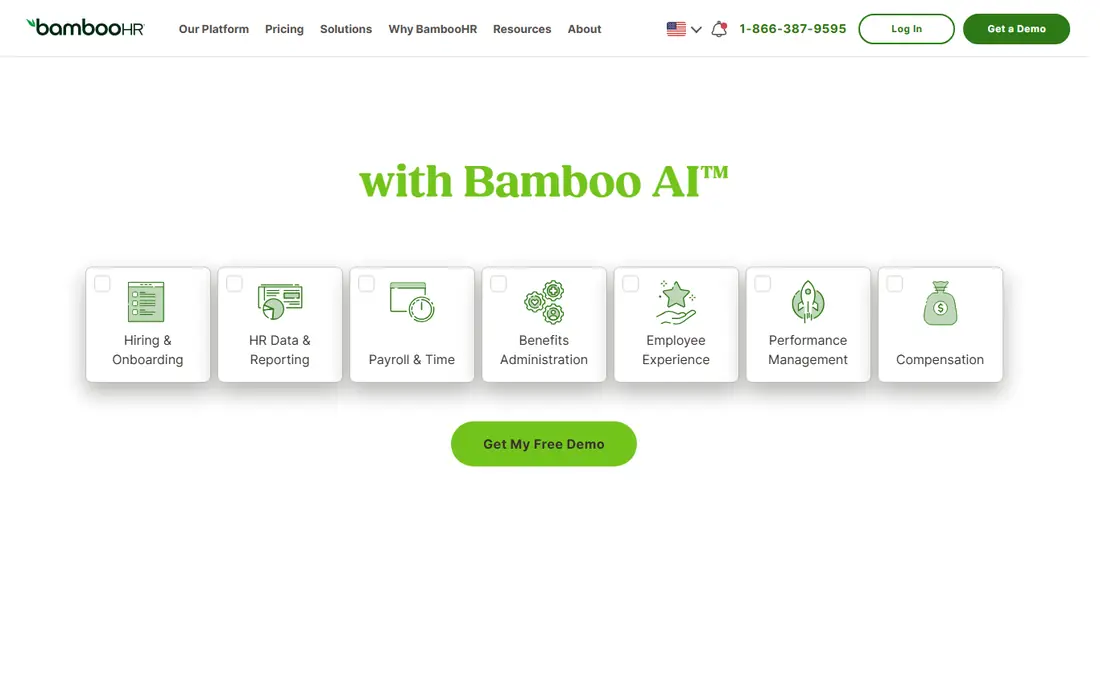
For a team that wants HR records, time off, onboarding and reporting without a long implementation, BambooHR is the easiest starting point on this list. Managers can approve time off, view org charts and track hiring in one place, and employees can update their own details through self service. The published Core price of $10 per employee per month makes early budgeting simple, with Pro at $17 and Elite at $25 per employee per month for teams that need more depth.
The honest catch is that payroll and benefits administration sit outside the core HR plans, so the final bill depends on the add-ons you choose. Companies with staff in many countries will also need a separate global employment route, since BambooHR payroll is US focused. If your priority is a clean HR system that your whole company will actually use, that trade is often worth it. If payroll is the main purchase, compare the full bundled quote before you decide.
- Clear interface
- Published pricing tiers
- Hiring and performance tools included in higher plans
- Payroll is a separate add-on
- Native global payroll is limited
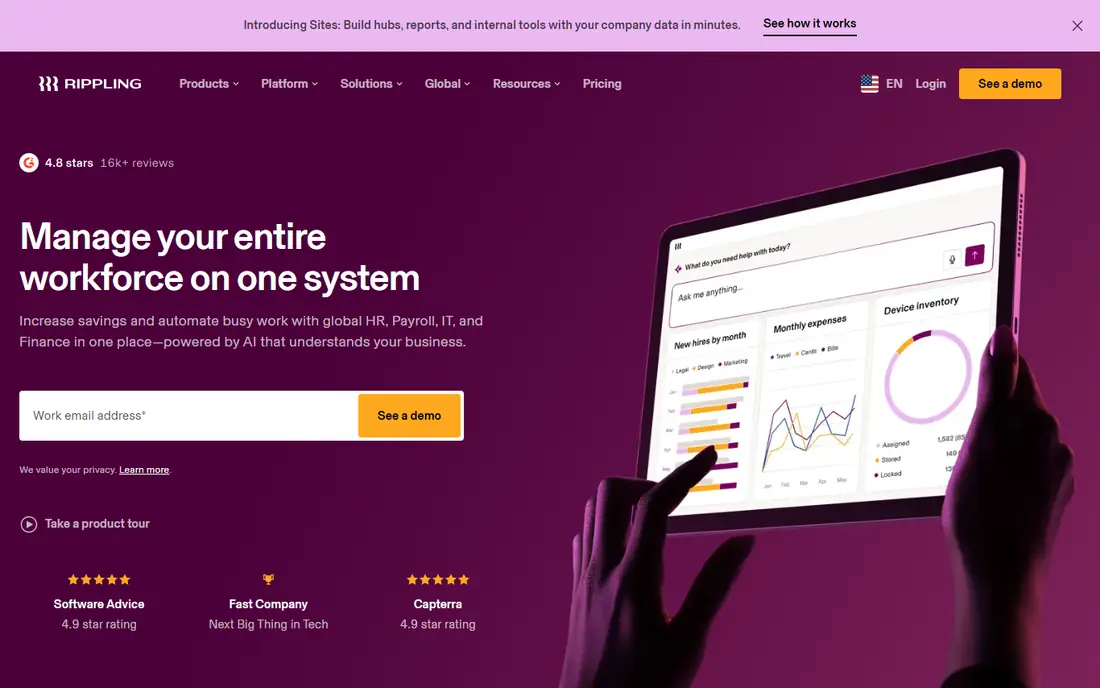
Rippling stands out because one change to an employee record can trigger payroll, benefits, app access and device setup at the same time. That matters for mid-market companies that hire across states or countries and do not want HR, IT and finance each keeping a separate list. The platform price starts at $8 per user per month, and each product, including payroll, IT and spend tools, is added on top of that base.
The downside is that the $8 figure is a floor, not a full system price, so budgeting requires a real quote for your module mix. Teams that only need HR records and US payroll may find the platform wider than they need. For companies that already juggle laptops, logins and contractors alongside employees, the automation can save enough manual work to justify the extra scope.
- One employee record drives HR, IT and finance
- Strong workflow automation
- Global payroll and employer of record options
- Final price is quote based beyond the platform floor
- Breadth can feel heavy for small HR teams
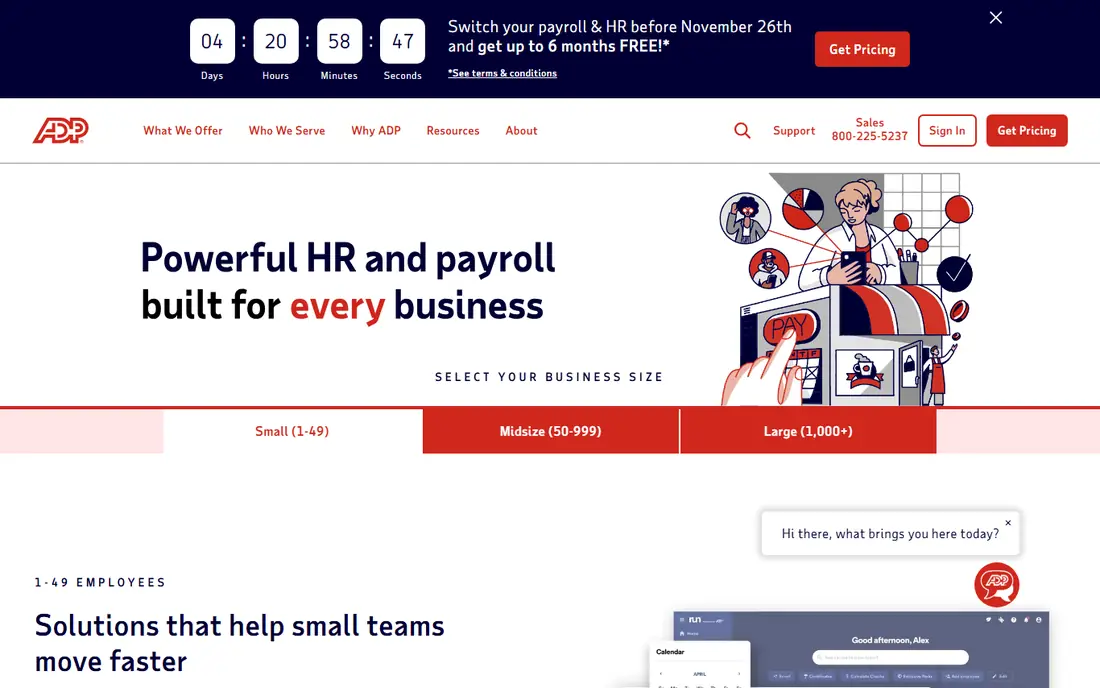
ADP Workforce Now suits mid-market companies that put payroll accuracy and tax compliance first. ADP handles multi-state payroll, tax filing and benefits administration at a scale few rivals match, and its compliance resources help HR teams keep up with changing state rules. The system also covers hiring, time, talent and reporting, so a growing company can stay on one platform as headcount rises.
The trade-off is transparency and feel. Pricing is quoted, so you will need a sales conversation to compare costs with published rivals such as BambooHR. Some users also find parts of the interface less modern than newer platforms. If your team has complex pay rules, multiple entities or a history of payroll headaches, the compliance depth is a real reason to choose ADP despite those points.
- Deep US payroll and tax filing experience
- Broad compliance support
- Large partner and integration network
- Pricing is quote based
- Interface can feel dated in places compared with newer rivals
Paylocity pairs payroll depth with tools that help employees stay connected, including recognition, surveys and communication features. For mid-market companies, that combination matters because payroll errors damage trust fast, while a dull employee portal hurts adoption. Paylocity covers hiring, onboarding, time and labor, benefits and talent, and its reporting helps HR teams track labor cost alongside headcount.
The main weakness is that pricing is not published, so small and mid-size buyers should ask for the full cost of payroll, time and any engagement modules up front. Implementation also deserves a clear plan, especially if you are moving from spreadsheets or a legacy payroll tool. Companies that want payroll reliability plus a more modern employee experience, rather than a bare HR database, will find Paylocity a strong shortlist pick.
- Strong payroll and time tools
- Modern employee experience features
- Community and recognition tools
- Pricing is quote based
- Implementation scope needs careful scoping
HiBob, sold as Bob, is built for mid-size companies with people in more than one country. It handles core HR, time off, onboarding, performance and compensation with a clean interface that works well for distributed teams. Its analytics help HR leaders compare attrition, headcount and performance across sites, which is harder to do well when each country keeps its own spreadsheet.
The catch is payroll. HiBob focuses on HR rather than running native payroll everywhere, so US and global payroll arrangements need checking against your countries. Pricing is also quoted, which makes side by side cost comparison slower. If your team spans several countries and needs one consistent HR record with local flexibility, HiBob deserves a demo. If you want payroll and HR from a single vendor in the US, ADP, Paylocity or Rippling may fit better.
- Designed for multinational mid-size companies
- Clear people analytics
- Modern interface
- Pricing is quote based
- US payroll is handled through partners rather than natively in all cases
Paycor targets mid-market companies that want HR software shaped around their industry, including healthcare, manufacturing, retail and nonprofits. That focus shows up in workflows for hiring, credential tracking, scheduling and compliance that generic HR tools sometimes miss. Payroll, time, benefits and talent sit on the same platform, so a company can move from recruiting to first paycheck without re-entering data.
The limitation is scale and reach. Paycor is strongest for US based mid-market teams, and companies with large international payroll needs should confirm coverage country by country. Pricing is quoted rather than published, so ask for the cost of each module you plan to use. For a US company that wants industry aware workflows rather than a one size fits all suite, Paycor is a practical pick.
- HR and payroll built for specific industries
- Recruiting and onboarding depth
- Time and scheduling tools
- Pricing is quote based
- Smaller global footprint than enterprise suites
UKG Pro is the pick for mid-market companies where most of the workforce is hourly, shift based or spread across sites. Scheduling, time and attendance, absence and labor forecasting are core strengths, not add-ons, and they connect to payroll so hours flow through without manual re-entry. The platform also covers core HR, hiring, talent and pay, which helps larger mid-market firms standardize across locations.
The honest weakness is project size. A workforce management rollout with complex pay rules, unions or many locations takes planning, and pricing is quoted. Smaller office based teams may not need this depth and could prefer a simpler system. For retailers, manufacturers, healthcare providers and hospitality groups, though, the scheduling and labor cost control often repay the effort.
- Strong workforce management for hourly teams
- Scheduling, time and attendance depth
- Broad HR and payroll coverage
- Pricing is quote based
- Implementation can be a larger project for complex workforces
Workday HCM fits mid-market companies that are already large, complex or growing fast toward enterprise scale. It combines HR, payroll, talent, time and workforce planning with finance on one data model, which helps leadership connect headcount, cost and skills in one view. Global companies benefit from its breadth across countries, languages and regulatory needs, and its reporting suits firms that need audit trails and tight controls.
The catch is effort and cost. Workday is quoted, and implementation usually takes longer than a BambooHR or Rippling rollout, so companies under about 200 employees often find it more system than they need. If your company runs multiple entities, plans acquisitions or needs finance and HR on one governed platform, that investment can make sense. If you need a quick HR core this quarter, start with a simpler pick and revisit Workday later.
- Unified HR and finance data model
- Strong global scale and governance
- Deep reporting and workforce planning
- Pricing is quote based
- Implementation is typically longer and costlier than mid-market rivals
How we picked these
We compared official feature pages, pricing pages, app store listings and public reviews, and we favored systems with a clear mid-market customer base rather than tools built only for very small teams or only for global enterprises. Published prices are shown where the vendor publishes them, and quote based systems are marked as See website rather than filled with a guess. We also weighed payroll depth, time and scheduling, global reach and ease of use, since mid-market buyers rarely buy HR software for one feature alone.
What to check before you sign
Match the system to your workforce
Start with how your people actually work. Office based teams need clean HR records and hiring tools, while hourly teams need scheduling, time capture and labor reporting first. Write down your headcount by location, your pay types and your current pain points, then ask each vendor to demo those exact cases. A system that looks good on a generic demo can still fail on your overtime rules or multi-state taxes.
Price the full bundle, not the headline
Published starting prices rarely include payroll, benefits administration, time tracking and implementation, so ask for a line by line quote. Confirm what counts as an active employee, whether contractors cost extra, and what support and training are included. A lower headline price with expensive add-ons can cost more than a higher all-in quote within a year.
Plan data, payroll and go live carefully
Ask each vendor how your employee data, pay history and time records will move over, and who owns each step. Run payroll in parallel with your old system for at least one cycle before you switch fully, and train managers before launch, since manager adoption decides whether time off and approvals actually work. A phased rollout by location or department often beats a single big bang launch for mid-market teams.
Frequently asked questions
What size company counts as mid-market for an HRIS?
Mid-market usually means roughly 50 to 1,000 employees, though the right fit depends more on complexity than headcount alone. A 120 person company with staff in five states may need more payroll depth than a 400 person company in one office. Use your locations, pay rules and growth plans to judge fit, not headcount alone.
Is BambooHR enough for a mid-market company?
BambooHR works well for many mid-market teams that want simple HR, hiring and performance tools, especially when payroll is handled separately or added on. Companies with complex scheduling, global payroll or deep finance needs may outgrow it sooner. Check payroll coverage and reporting depth against your own requirements before you commit.
Why do so many HRIS vendors hide pricing?
Larger HR suites price by headcount, modules, countries and implementation scope, so a single list price would mislead many buyers. Published starting prices help for simple systems, but quoted pricing lets vendors scope payroll, time and integrations properly. Always ask for the full bundle price, including implementation and support, before comparing vendors.
Should HR and payroll live on the same system?
Keeping HR and payroll on one record reduces re-entry and payroll errors, since a job, pay or location change flows through once. Separate best of breed tools can work if they integrate well, but they need more upkeep. For most mid-market teams, a single HR and payroll core is simpler and safer than stitching tools together.
How long does an HRIS implementation take?
Simple HR cores can go live in weeks, while payroll, time and workforce management rollouts often take several months. The timeline depends on data quality, pay complexity and how many locations you include. Ask each vendor for a dated plan with data migration, parallel payroll and training milestones.
Sources
- https://www.bamboohr.com/pricing
- https://www.rippling.com/pricing
- https://www.adp.com/what-we-offer/products/workforce-now.aspx
- https://www.paylocity.com/our-products/
- https://www.hibob.com/product/
- https://www.paycor.com/
- https://www.ukg.com/solutions/ukg-pro
- https://www.workday.com/en-us/products/human-capital-management.html
See where you really rank - block by block
ProMapRanker scans Google Maps across a grid of your service area. Simple monthly plans from $19, white-label on every plan.
Start freeKeep reading
 worlds best local seo company
8 Worlds Best Local SEO Companies for Map Pack Growth in 2026
Compare the worlds best local seo company options for Google Business Profile work, citations, reviews, and multi-location rankings and reporting in 2026.
Read → world's best web hosting company
World's Best Web Hosting Company in 2026
Searching for the world's best web hosting company? We compared 10 hosts on price, renewal rates, speed, and support to help you choose well today in 2026.
Read → who's got the best nanny tax services
Who's Got the Best Nanny Tax Services in 2026
We answer who's got the best nanny tax services, comparing full filing, back taxes, software, and pricing so families can handle nanny taxes correctly.
Read →