 ProMapRanker
Best HRIS for Medium Sized Companies in 2026


Simple core HR for growing teams · Pricing starts at: $10 per employee per month
Key takeaways
- Medium sized companies, roughly 50 to 1,000 staff, need a system that handles core records, leave, onboarding and reporting without enterprise complexity.
- Published entry prices often exclude payroll, benefits and time tracking, so compare the total monthly cost for the modules you will actually use.
- BambooHR suits simplicity, Rippling suits automation across HR and IT, and HiBob suits culture and people analytics for growing teams.
- Payroll-led systems such as Paylocity, ADP Workforce Now and Paycor suit companies that want payroll and HR in one contract.
- Always run a trial or demo with real HR tasks, such as onboarding, leave approval and a headcount report, before signing.
Quick comparison
| Pick | Great for | Pricing starts at | Free tier | |
|---|---|---|---|---|
| BambooHR | Simple core HR for growing teams | $10 per employee per month | Free trial | Visit |
 Rippling | Unified HR, IT and finance | See website | No | Visit |
 HiBob | Culture and people analytics | See website | No | Visit |
 Paylocity | Payroll-led HR for midsize teams | See website | No | Visit |
 ADP Workforce Now | Compliance-heavy midsize employers | See website | No | Visit |
 Paycor | HR and payroll with workforce analytics | See website | No | Visit |
 Gusto | Small to midsize payroll plus HR | $49 per month plus $6 per person | No | Visit |
 Zoho People | Affordable core HR | See website | Free trial | Visit |
 Namely | Midsize HR with benefits focus | See website | No | Visit |
The best HRIS for medium sized companies
A human resource information system, or HRIS, is the central record for employees: personal details, roles, pay history, leave, documents and reporting. For a medium sized company, the system must be easy for managers and staff to use, strong enough for compliance, and able to grow as headcount rises. The systems below cover that range, from simple core HR to full payroll-led suites.
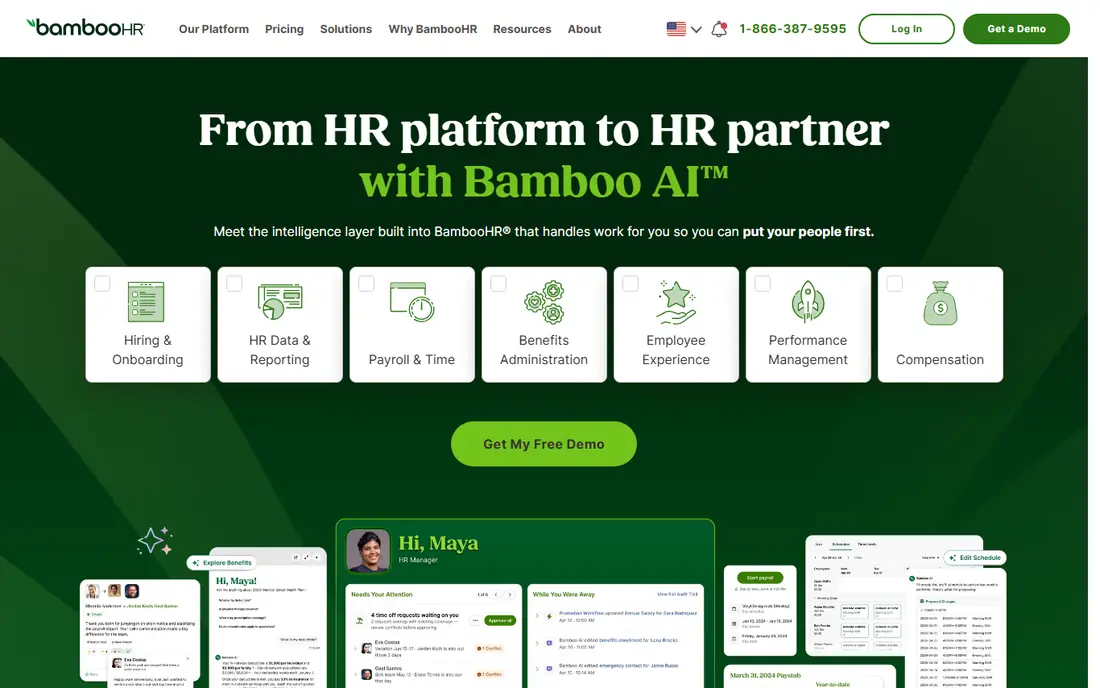
BambooHR is often the first HRIS a growing company adopts after outgrowing spreadsheets, and the reason is adoption. Staff can request leave, update details and complete onboarding without heavy training, and managers can approve requests and view team reports from one place. Core pricing cited in recent comparisons starts around $10 per employee per month, with a flat option for very small teams, which makes budgeting simple at the core level.
The limit appears when payroll and benefits enter the picture. Those are separate add-ons, so the total cost rises once a company adds them, and US payroll is the main focus. If your company is US-based, has 50 to 500 staff and wants a clean core system first, BambooHR is a strong pick. If you need global payroll or deep performance tools in the same contract, compare HiBob or a payroll-led suite before deciding.
- Clear, easy interface
- Fast setup for core HR
- Strong onboarding, leave and reporting basics
- Payroll and benefits are paid add-ons
- Global payroll is limited
- Advanced performance features are basic
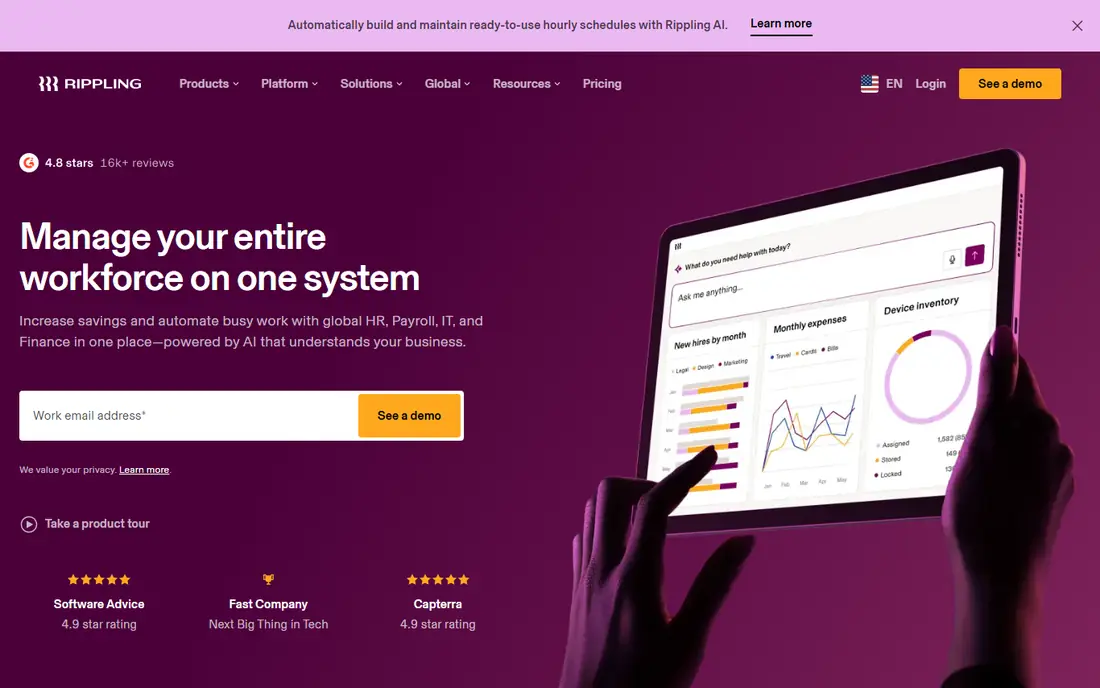
Rippling stands out when a medium sized company wants one platform to handle employee records, payroll, benefits, device management and spend workflows together. Its automation can create accounts, assign devices, set permissions and trigger payroll steps from a single onboarding flow, which saves lean HR and IT teams a great deal of manual work. That unified approach is why many tech-forward midsize companies choose it.
The cost model needs care. The base HR module is only part of the bill, and each added product, such as payroll, benefits or IT management, is priced on top. A fully loaded Rippling setup can cost far more per employee than the entry figure suggests, so request a quote for your exact module list and compare it over a full year. If you only need core HR, a simpler system will usually cost less and deploy faster.
- One system for HR, payroll, IT and finance workflows
- Strong automation for onboarding and offboarding
- Scales from 100 to thousands of staff
- Modular pricing adds up quickly
- Setup can feel large for simple needs
- Some newer modules are less mature

HiBob, often called Bob, suits medium sized companies that care about engagement, retention and people data as much as basic records. Its interface feels social and modern, with org charts, time off, engagement surveys and workforce planning in one place. For companies with staff in several countries, HiBob offers a strong international core, with US payroll available in recent setups and a payroll hub for other providers.
Pricing is not published as a simple list price, so you will need a demo and a quote based on headcount and modules. That makes direct comparison harder, but it also means the vendor can scope the system to your structure. Ask what is included in the base price, what performance and learning modules add, and how payroll will work for each country you operate in.
- Strong people analytics and engagement tools
- Good for international teams
- Performance and workforce planning included in higher tiers
- Pricing is quote only
- Payroll is an add-on in many setups
- May be more than a simple core HR team needs
Paylocity is a payroll-led human capital system that suits medium sized companies that want payroll and HR bought and run together. It covers payroll, time and labor, benefits, onboarding, performance and reporting, which reduces the need to sync data between separate tools. For US employers with complex pay rules, shift patterns or multi-state staff, that single-system approach can cut errors at payroll time.
The trade-off is scope. A full Paylocity rollout takes planning, and the quote will depend on headcount, modules and implementation needs. Companies that only need core records and leave may find it larger than necessary. Ask for a phased rollout plan, a clear module list and a sample payroll timeline before signing, so the first pay run is not a surprise.
- Payroll, HR, time and talent in one suite
- Strong US compliance and tax handling
- Broad module range for growing teams
- Pricing is quote only
- Module breadth can slow setup
- Smaller teams may not need the full suite
ADP Workforce Now is a long-established choice for medium sized companies with serious compliance needs. It combines HR records, payroll, time, benefits and talent tools, with tax filing and multi-state payroll support that many smaller systems cannot match. Companies in regulated industries, or with staff across many states, often value that depth.
Complexity is the honest downside. The system offers a great deal, and teams that only use a small part of it may find the interface heavy. Pricing is quote only, with package tiers, so compare the tier that includes the modules you need, not the lowest tier alone. A demo using your own pay rules and leave policies will show whether the depth helps or hinders your team.
- Deep payroll and compliance experience
- Wide module range
- Suits companies with 50 to 1,000 plus staff
- Pricing is quote only
- Interface can feel complex
- Add-on costs can raise the total
Paycor suits medium sized US companies that want HR and payroll together with usable analytics for managers. Leaders can view turnover, overtime, headcount and scheduling data without building reports by hand, which helps a growing company spot problems early. Time, recruiting, onboarding and benefits tools round out the suite for teams that want one vendor for most HR work.
Note that Paycor has been part of Paychex since April 2025, according to recent comparisons, so buyers should confirm current product plans and support routes during a demo. That change does not remove Paycor from a shortlist, but it does mean the roadmap and contract terms deserve a direct question. Compare Paycor against Paylocity and ADP on payroll accuracy, reporting and total quoted cost.
- HR, payroll and time in one platform
- Workforce analytics for managers
- US and Canada coverage in recent descriptions
- Pricing is quote only
- Now part of Paychex, so product direction needs checking
- Advanced global needs may need another tool
Gusto is the clearest priced option on this list, with a Simple tier cited at $49 per month plus $6 per person, and higher tiers for multi-state payroll and deeper HR tools. That transparency helps a company at the lower end of medium size, such as 50 to 200 staff, compare costs without waiting for a sales quote. Payroll, benefits and basic HR tools are built around the same employee record.
The limit is scale and depth. Gusto is strongest for US small and lower-midsize companies, and teams approaching 500 or more staff, or with complex global needs, may outgrow it. Check which tier includes the states you operate in, how benefits administration works for your carriers, and whether reporting meets your finance team's needs before committing.
- Clear published pricing
- Payroll included from the start
- Easy for lean teams without a large HR department
- Best suited to smaller midsize teams
- Multi-state payroll sits on higher tiers
- Advanced HR analytics are limited
Zoho People is worth a look when budget is the main constraint and core HR is the main need. Recent comparisons cite entry pricing around a few dollars per user per month, which is well below most midsize suites, and the system covers employee records, leave, attendance, timesheets and basic performance. Companies already using Zoho for mail, CRM or finance can keep more work in one vendor family.
Payroll is the gap to plan around. Zoho People is a core HR system, not a full payroll suite, so US payroll will come from a separate product or integration. That split can work for a cost-conscious team, but it adds sync work at payroll time. Test leave approvals, attendance and reporting in the trial, and confirm the payroll route before you rely on Zoho People as your only HR system.
- Low entry cost in published comparisons
- Core HR, leave, attendance and performance basics
- Fits the wider Zoho suite
- Payroll needs a separate Zoho product or integration
- Interface is functional rather than polished
- Support depth varies by plan
Namely targets medium sized companies that want HR, payroll and benefits in a single system with a focus on employee experience. Staff can manage benefits, view pay details and request time off through self-service, while HR teams get reporting and compliance tools for US operations. That benefits strength matters during open enrollment, when a weak system creates the most staff questions.
As with most midsize suites, pricing is quote only, so a direct price comparison needs a scoped quote for your headcount and modules. Ask how benefits carrier connections work, how payroll handles multi-state staff, and what implementation support is included. Namely fits best when benefits and payroll matter as much as core records, and when global payroll is not a central need.
- HR, payroll and benefits in one platform for midsize teams
- Employee self-service and reporting
- Suited to companies that want benefits handled well
- Pricing is quote only
- Best fit is US midsize, not global enterprise
- Module costs need a full quote to compare
How we picked these
We compared HRIS and human capital systems described for companies of roughly 50 to 1,000 staff, using recent pricing guides, vendor pages and midsize software comparisons. We favored systems with a clear core HR record, leave and onboarding tools, reporting, and a realistic path to payroll, either built in or through a stated add-on. We mixed simple core systems with payroll-led suites so readers can match scope to team size.
We did not run payroll or implementation tests ourselves. Pricing changes often and depends on headcount, modules and contract length, so we use See website where a vendor does not publish a stable list price. Always request a written quote for your exact module list and headcount.
How to choose the right HRIS for a medium sized company
Start by listing must-have tasks, not features. Write down the ten tasks HR does every month, such as onboarding, leave approval, payroll input, benefits changes and headcount reporting, then test each system against those tasks in a demo. A system that looks good in a sales presentation can still fail on a task your team does weekly.
Next, model total cost for three years. Add base fees, per-employee fees, payroll and benefits add-ons, implementation fees and renewal increases, then compare that total across vendors. A low entry price with expensive add-ons can cost more than a higher base price that includes payroll and time tracking.
Finally, plan implementation and ownership. Name one internal owner, set a realistic timeline, and decide how data will move from your current spreadsheets or old system. A system that launches cleanly with good data will earn staff trust, while a rushed launch with wrong leave balances will lose it fast. Check support hours, training and data export options before you sign, since switching later is costly.
Frequently asked questions
What size company needs an HRIS?
Most companies feel the need between 50 and 100 staff, when spreadsheets and email approvals start to break. A medium sized company, roughly 50 to 1,000 staff, benefits most, since it has enough staff to need structure but not enough HR headcount to run manual processes well.
Is an HRIS the same as payroll software?
No, though they overlap. An HRIS is the central employee record with leave, onboarding and reporting, while payroll software calculates pay and tax. Many midsize suites combine both, but some core HRIS tools need a separate payroll add-on, so check which model each vendor uses.
How much does an HRIS cost for a medium sized company?
Recent guides place midsize HRIS costs roughly between $8 and $55 per employee per month all in, depending on modules. Core-only systems sit at the low end, while payroll, benefits and talent suites sit higher. Always get a quote for your headcount and module list, since published entry prices often exclude payroll.
Should a medium sized company choose a payroll-led suite or a core HRIS?
Choose a payroll-led suite if payroll accuracy, tax filing and benefits are your biggest pain points. Choose a core HRIS if records, leave, onboarding and culture tools matter most and payroll already works elsewhere. Many companies start with core HR and add payroll later, but switching payroll mid-year needs careful timing.
Can we switch HRIS later if we outgrow one?
Yes, but it takes planning. Check data export options, contract length and renewal terms before signing, and keep a clean copy of employee records outside the system. Plan the switch around a quiet period, not payroll year-end, and test leave balances and pay history after migration.
Sources
See where you really rank - block by block
ProMapRanker scans Google Maps across a grid of your service area. Simple monthly plans from $19, white-label on every plan.
Start freeKeep reading
 zscaler alternatives
Best Zscaler Alternatives in 2026
Looking for zscaler alternatives? We compare 9 SASE and zero trust platforms on architecture, data protection, pricing, and fit for your network and team.
Read → zapier alternatives free
Best Zapier Alternatives Free in 2026
Nine automation tools for zapier alternatives free in 2026, all with genuinely free tiers, plus free plan limits, starting prices and upgrade paths explained.
Read → which platform is best for online reputation
Which Platform Is Best for Online Reputation in 2026
Wondering which platform is best for online reputation? We compare 8 review, listing, and response tools for small and multi-location businesses and agencies.
Read →