 ProMapRanker
Best HR Tools for Scaling Company Size in 2026


HR, payroll and IT in one · Pricing starts at: $40 per month + $8 per employee per month
Key takeaways
- Rippling suits a growing company that wants HR, payroll and IT in one system, while BambooHR suits a team that wants HR simplicity first.
- Gusto suits a US small business moving from founder-run payroll to a fuller HR setup, and Deel suits a team hiring across borders.
- ADP Workforce Now and Paylocity suit mid-market companies that need deeper compliance and payroll depth.
- Price the full bundle, including payroll and benefits add-ons, before comparing per-employee figures.
Quick comparison
| Pick | Great for | Pricing starts at | Free tier | |
|---|---|---|---|---|
| Rippling | HR, payroll and IT in one | $40 per month + $8 per employee per month | Free trial | Visit |
 BambooHR | Simple HR for growing teams | $10 per employee per month | Free trial | Visit |
 Gusto | Payroll-first small business HR | $49 per month + $6 per person per month | Free trial | Visit |
 Deel | Global hiring and payroll | $5 per employee per month | No | Visit |
 Zoho People | Budget HR for growing teams | $1.50 per employee per month | Yes | Visit |
 ADP Workforce Now | Mid-market compliance depth | See website | No | Visit |
 Paylocity | Mid-market payroll and HR | See website | Free trial | Visit |
 HiBob | Mid-market people management | See website | No | Visit |
 Justworks | PEO benefits for small teams | See website | No | Visit |
 Workday HCM | Enterprise HR and finance | See website | No | Visit |
The best HR tools for scaling company size
We compared official pricing pages, feature pages, payroll options, hiring tools and public reviews for HR tools that serve companies growing from a small team toward mid-market size. Scaling here means more hires, more locations, more compliance work and more managers, not just a larger headcount.
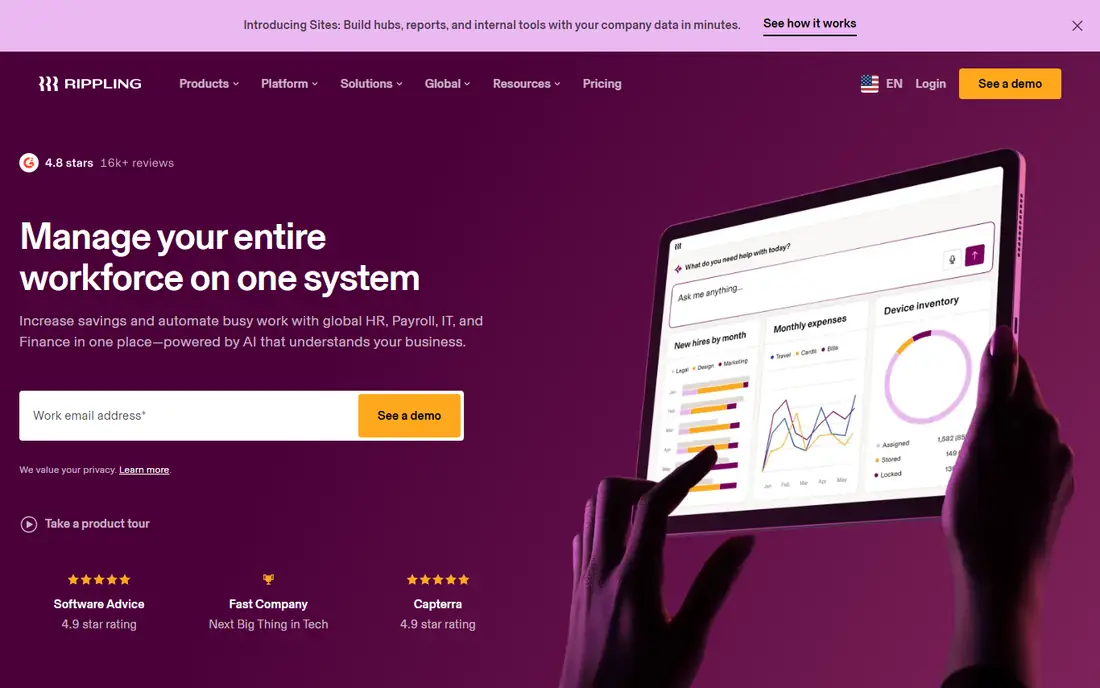
Rippling is the pick for a company that wants hiring, payroll and device access to move together. When a new hire is added, Rippling can trigger payroll, benefits, app access and device setup from one record, which saves HR and IT time as hiring speeds up. That automation is the main reason scaling teams choose it over a standalone HR tool.
The catch is total cost. The base price is only the start, and modules for payroll, benefits, time and IT add to the bill. A growing company should price the exact module set it needs, not just the entry figure. For a team that will use HR, payroll and IT together, Rippling is worth that modelling effort.
- Unified HR, payroll and IT workflows
- Strong automation
- Modular pricing
- Module costs add up
- Setup needs more time than a simple HR tool
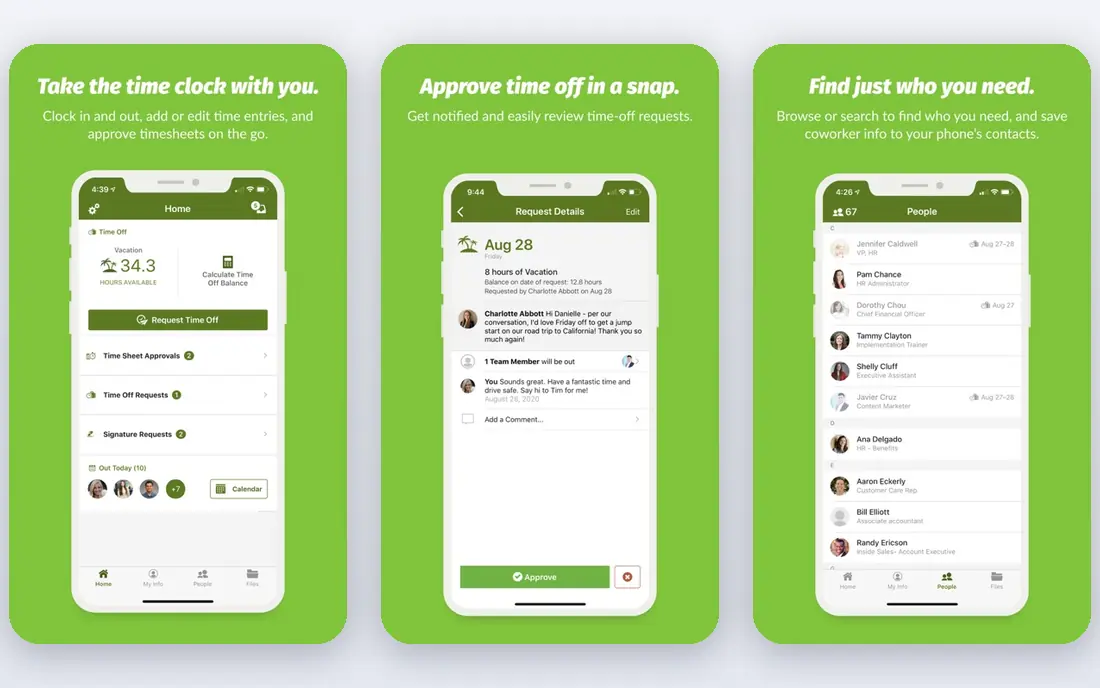
BambooHR suits a team that wants a clear HR system first, without the complexity of a full HCM suite. Its employee records, onboarding, time off and reporting are easy for managers to learn, and its published Core, Pro and Elite tiers make the HR cost easy to compare. For a company moving from spreadsheets to a first HRIS, that clarity matters.
Payroll, benefits administration and time tracking are add-ons, so the full cost is higher than the Core figure alone. Companies with 25 or fewer employees also face a flat monthly minimum, which changes the math for a very small team. Price the full bundle, and BambooHR remains a strong HR-first choice for a scaling team.
- Clear employee records and reporting
- Easy onboarding and time off
- Published pricing tiers
- Payroll and benefits are add-ons
- Small teams face a monthly minimum
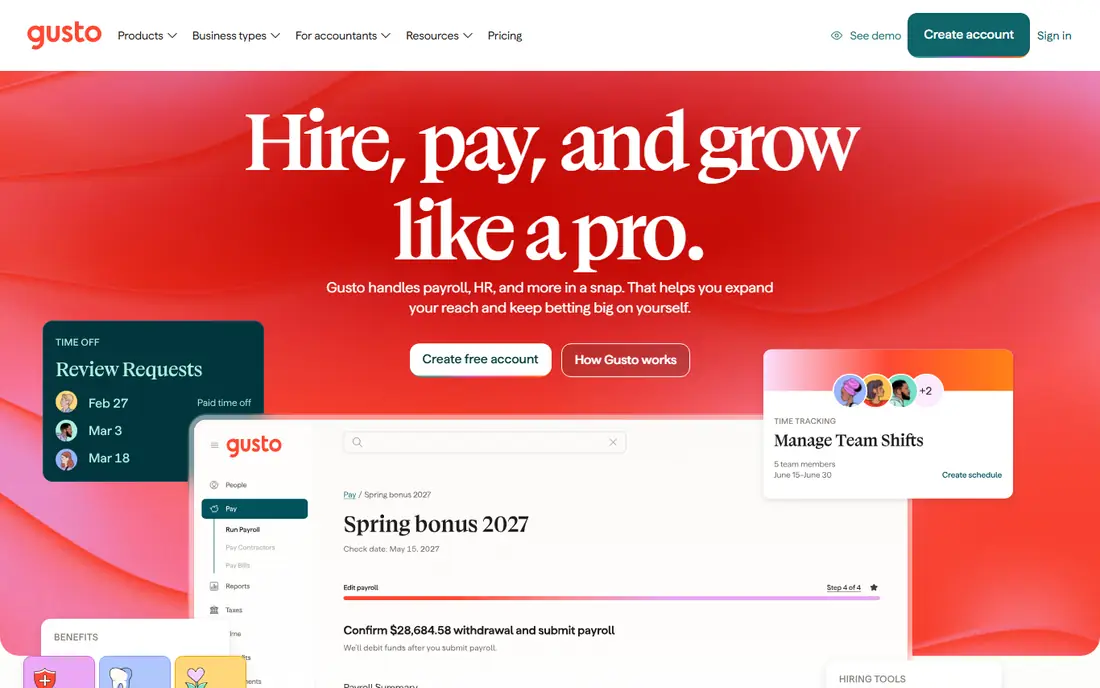
Gusto suits a US small business that started with founder-run payroll and now needs a fuller HR setup. Its payroll, tax filing and onboarding are simple to run, and its tier pricing is clear enough for a finance team to budget. Benefits, time tracking and hiring tools sit on top of that payroll base, so a growing team can add HR depth gradually.
Multi-state payroll and some HR features need higher tiers, so a company expanding across states should check the tier that covers its locations. Global hiring is also limited compared with Deel, so an international hire needs a separate solution. For a US-focused scaling team, Gusto is a practical payroll-first step.
- Simple payroll and tax filing
- Easy onboarding
- Clear tier pricing
- Multi-state payroll needs higher tiers
- Global hiring is limited
Deel is the default for a scaling company hiring across borders. It handles contractors and employees in many countries, with local contracts, compliance help and multi-currency payments that a domestic payroll tool cannot offer. For a remote-first team, that global layer removes the need to set up entities in each new country at first.
A purely domestic team gains less from Deel, since it pays for global capability it does not use. Pricing also varies by whether the worker is a contractor, an employee of record or on a local payroll, so the entry figure is only part of the cost. For a team with even a few international hires, Deel is hard to replace.
- Global contractor and employee hiring
- Local compliance help
- Multi-currency payments
- Domestic-only teams pay for global capability they may not need
- Pricing varies by service type
Zoho People suits a budget-conscious team that already uses Zoho apps and wants HR without a large monthly bill. Its low per-employee price and free plan for very small teams make it easy to start, and its shift, leave and attendance tools cover the daily HR basics. Integration with other Zoho apps also helps a team that already runs on Zoho.
Payroll is not built into Zoho People in the same way as Gusto or Rippling, so a growing team needs Zoho Payroll or a separate payroll tool. The interface also feels less polished than BambooHR or Rippling, which can slow adoption for managers. For a cost-focused scaling team, Zoho People is a strong value option.
- Low per-employee price
- Free plan for small teams
- Wide Zoho app integration
- Payroll needs Zoho Payroll or another tool
- Interface feels less polished than rivals
ADP Workforce Now suits a mid-market company that needs compliance certainty more than startup speed. Its payroll, tax, benefits and time tools are built for companies with 50 to 1,000 or more employees, and its compliance resources help with multi-state rules and reporting. For a company in a regulated industry, that depth can outweigh a higher price.
Pricing is quote-only, so comparison takes a sales process and a clear list of required modules. Implementation also takes longer than for a small-business tool, since data migration and benefits setup need care. For a company that has outgrown a small-business HR tool, ADP Workforce Now is a dependable next step.
- Deep payroll and compliance resources
- Benefits and time tools
- Large provider stability
- Quote-only pricing
- Implementation can be longer than for smaller tools
Paylocity suits a mid-market team that wants modern software with payroll depth, rather than a legacy interface. Its payroll, HR, time and analytics tools give managers a clearer view of headcount, costs and engagement as the company grows. That analytics layer helps a scaling team spot hiring and retention issues early.
Pricing is quote-only, and some features sit in higher packages, so a buyer should list the exact modules needed before comparing. Implementation also needs planning for payroll and benefits data. For a mid-market company that values a modern interface with payroll strength, Paylocity is a strong comparison against ADP Workforce Now.
- Modern interface
- Payroll depth
- Workforce analytics and engagement tools
- Quote-only pricing
- Some features need higher packages
HiBob suits a mid-market company that wants people management, not just payroll, at the centre of its HR system. Its org charts, performance, engagement and analytics tools help managers run a larger team with clearer data, and its global support fits a team with employees in several countries. That people focus is why many scaling companies choose it after outgrowing a simple HR tool.
Payroll is not a native HiBob strength in the same way as ADP or Paylocity, so a buyer needs a payroll partner or integration. Pricing is also quote-only, which makes a quick comparison harder. For a team that already has payroll covered and wants stronger people tools, HiBob is a good fit.
- People analytics and engagement focus
- Clear org and performance tools
- Global team support
- Payroll is handled through partners or integrations
- Pricing is quote-only
Justworks suits a small team that wants better benefits and shared compliance work without building an HR department. As a PEO, it co-employs staff for benefits and tax purposes, which gives a small company access to group health plans and compliance help it could not negotiate alone. Payroll, benefits and HR tools come bundled, which simplifies operations for a founder.
Co-employment is a bigger decision than buying software, since it changes the legal employer relationship for benefits and taxes. PEO pricing per employee is also higher than plain payroll software, so a team should compare the benefits value, not just the monthly figure. For a small scaling team that needs benefits advantage, Justworks is worth a serious look.
- PEO model gives access to group benefits
- Payroll and compliance bundled
- Simple pricing ranges
- Co-employment model changes the employer relationship
- PEO pricing is higher per employee
Workday HCM suits a company that has reached enterprise scale and wants HR and finance on one governed platform. Its reporting, planning and compliance tools support thousands of employees across countries, and its governance controls help a large company manage access and approvals. For a company at that scale, Workday is often the default comparison.
Cost and implementation time make Workday too heavy for a small or early mid-market team. A company with under a few hundred employees will usually get faster value from Rippling, BambooHR or ADP Workforce Now. Workday belongs at the end of a scaling journey, when unified HR and finance governance becomes the priority.
- Unified HR and finance platform
- Strong governance and reporting
- Global enterprise scale
- High cost and long implementation
- Too heavy for a small or early mid-market team
How we picked these
We compared official pricing pages, feature pages, payroll options, hiring tools and public reviews for HR tools that serve growing companies today. We favoured tools with clear scaling paths, from small-team payroll to mid-market HCM, and we included both software-only tools and PEO options so the trade-off is clear. Where a price could not be confirmed from the vendor, we wrote See website.
What to check before you buy
Start with the full bundle, not the headline per-employee price. List payroll, benefits administration, time tracking, hiring, performance and IT needs, then price each tool for that exact bundle. A tool that looks cheap on HR alone can become dear once payroll and benefits add-ons are included, and a PEO quote should be compared on benefits value as well as monthly cost.
Next, test the manager and employee experience, not just the admin view. Managers approve time off, run reviews and hire, while employees update details and check pay, so a tool that only admins like will see low adoption. Check data migration, support hours and contract terms, and run a pilot with one team before rolling out to the whole company. A scaling tool should make the next 100 hires easier, not just the next 10.
Frequently asked questions
Which HR tool is best for a company growing from 20 to 200 employees?
Rippling and BambooHR suit that range, with Rippling winning where IT and payroll need to move together, and BambooHR winning where HR simplicity matters most. Gusto also works for a US-focused team in the lower part of that range.
Is a PEO better than HR software for a scaling company?
A PEO such as Justworks gives access to group benefits and shared compliance work, while HR software leaves benefits and compliance with the company. Choose a PEO for benefits advantage, and software where the company wants to keep full employer control.
How much does HR software cost per employee?
Costs vary from about $1.50 per employee per month for Zoho People to $10 or more for BambooHR Core, plus base fees and add-ons. Price the full bundle for the exact team size and modules before comparing.
Can one HR tool handle global hiring?
Deel handles global contractors and employees best, while HiBob and Workday support global teams with payroll partners or native payroll in some regions. Domestic tools such as Gusto suit US-only teams better.
Should a scaling company buy HR and payroll together?
Buying HR and payroll together usually saves admin time and reduces data errors, especially as hiring speeds up. A company with a strong existing payroll provider can still choose an HR-only tool such as BambooHR or HiBob and integrate payroll.
When should a company move from Gusto to ADP Workforce Now?
Move when multi-state compliance, benefits complexity or headcount make a small-business tool feel limited, usually around 50 to 100 employees. Get a quote for the full module set, and plan data migration before the switch.
Sources
See where you really rank - block by block
ProMapRanker scans Google Maps across a grid of your service area. Simple monthly plans from $19, white-label on every plan.
Start freeKeep reading
 worlds best local seo company
8 Worlds Best Local SEO Companies for Map Pack Growth in 2026
Compare the worlds best local seo company options for Google Business Profile work, citations, reviews, and multi-location rankings and reporting in 2026.
Read → world's best web hosting company
World's Best Web Hosting Company in 2026
Searching for the world's best web hosting company? We compared 10 hosts on price, renewal rates, speed, and support to help you choose well today in 2026.
Read → who's got the best nanny tax services
Who's Got the Best Nanny Tax Services in 2026
We answer who's got the best nanny tax services, comparing full filing, back taxes, software, and pricing so families can handle nanny taxes correctly.
Read →