 ProMapRanker
Best HR Software With Spend Management Features in 2026


HR, payroll, IT, and spend in one · Pricing starts at: $8 per employee per month
Key takeaways
- Rippling offers the clearest HR plus spend combination, with corporate cards, bill pay, and expense tools in one system.
- Deel and Remote suit global teams that need spend visibility across countries, while Gusto suits US small teams.
- Spend features differ on cards, approvals, reimbursements, and bill pay, so check each area separately before buying.
- Employee spend data is sensitive, so confirm privacy controls, consent practices, and access limits before rollout.
Quick comparison
| Pick | Great for | Pricing starts at | Free tier | |
|---|---|---|---|---|
| Rippling | HR, payroll, IT, and spend in one | $8 per employee per month | No | Visit |
 Deel | Global HR and spend visibility | See website | No | Visit |
 Gusto | US small-team HR and expenses | $49 per month plus $6 per person | No | Visit |
 BambooHR | Employee experience plus expenses | See website | Free trial | Visit |
 Paylocity | Mid-size HR and spend workflows | See website | No | Visit |
 Remote | Global employment and expenses | See website | No | Visit |
 Personio | European HR and spend control | See website | No | Visit |
 Workday | Enterprise HR and finance | See website | No | Visit |
The best hr software with spend management features
We compared HR coverage, corporate cards, expense handling, approvals, bill pay, and payroll links for teams that want spend control beside people data. This article is general information only and is not legal advice. Rules on employee data, privacy, and consent vary by state and country, so check local requirements and your own policies before collecting spend data.
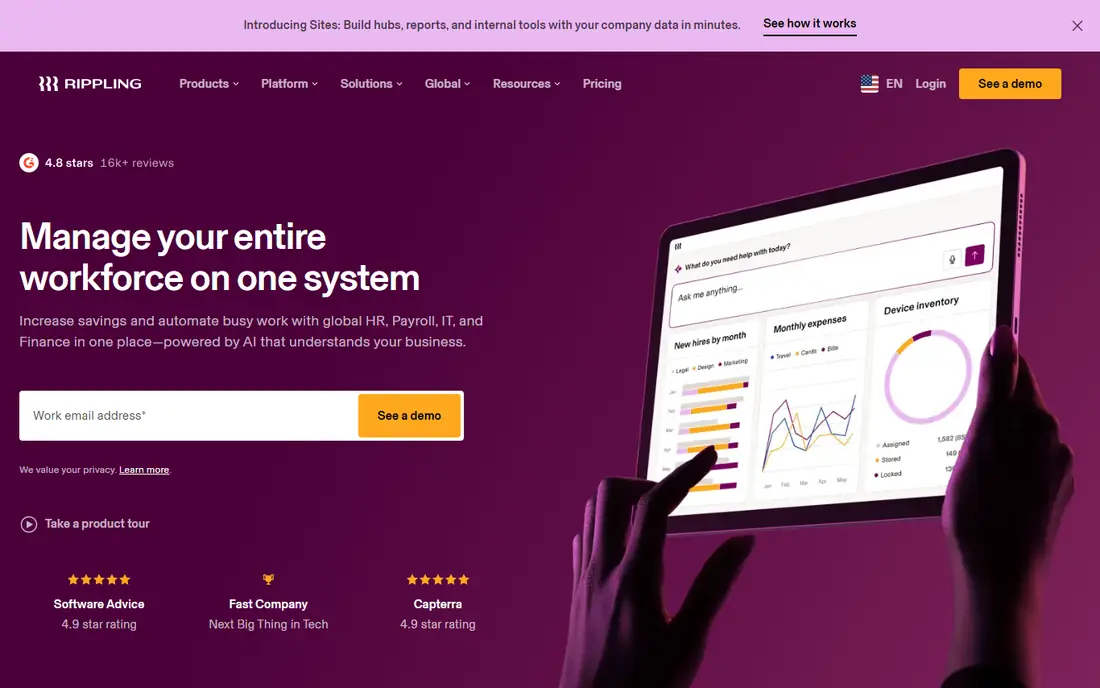
Rippling Spend adds corporate cards, real-time spend tracking, bill pay, reimbursement automation, and custom approvals to a platform that already handles HR, payroll, and IT. That combination helps finance teams see who spent what, against which policy, without reconciling data from separate HR and card systems. Spending limits can follow role, team, or location, which reduces manual approval chasing.
The headline price covers the base platform only, and spend, payroll, and other modules add cost, so buyers should get a full quote for the exact modules they need. Implementation also takes planning, especially for device and app access alongside HR. For growing teams that want one system, Rippling is the strongest spend-plus-HR fit in this list.
- Spend module with cards, bill pay, and reimbursements
- HR, payroll, and IT data in one system
- Policy-based spending limits
- Modular pricing means total cost rises with each module
- Setup is heavier than a simple HR tool
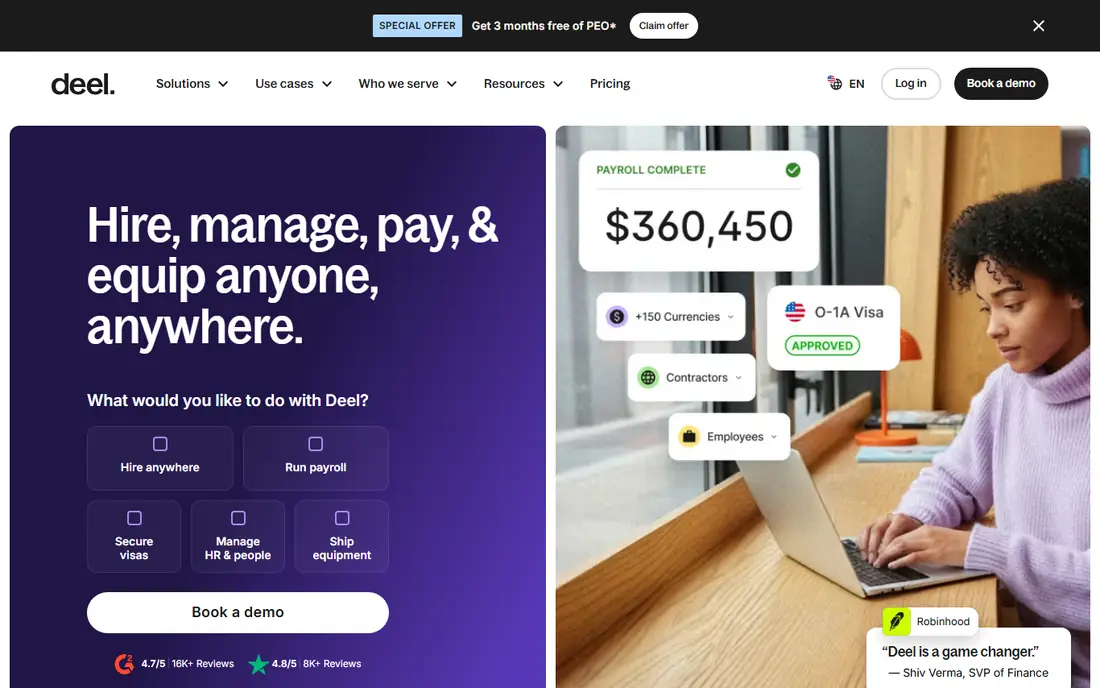
Deel helps companies hire, pay, and manage people across many countries, with expense management and spend visibility for contractors and employees. For distributed teams, that global view matters, because spend, payroll, and contractor costs otherwise sit in different systems and currencies. Deel also handles local compliance documents and payment methods by country.
US-only small teams gain less from that global strength and may prefer a simpler domestic tool. Pricing varies by HR, contractor, payroll, and employer-of-record services, so ask for a quote that separates each service. For global teams, Deel spend visibility beside global payroll is a clear advantage.
- Global contractor and employee payments
- Expense management for distributed teams
- Compliance support across countries
- US-only teams may find the global depth more than they need
- Pricing varies by service type
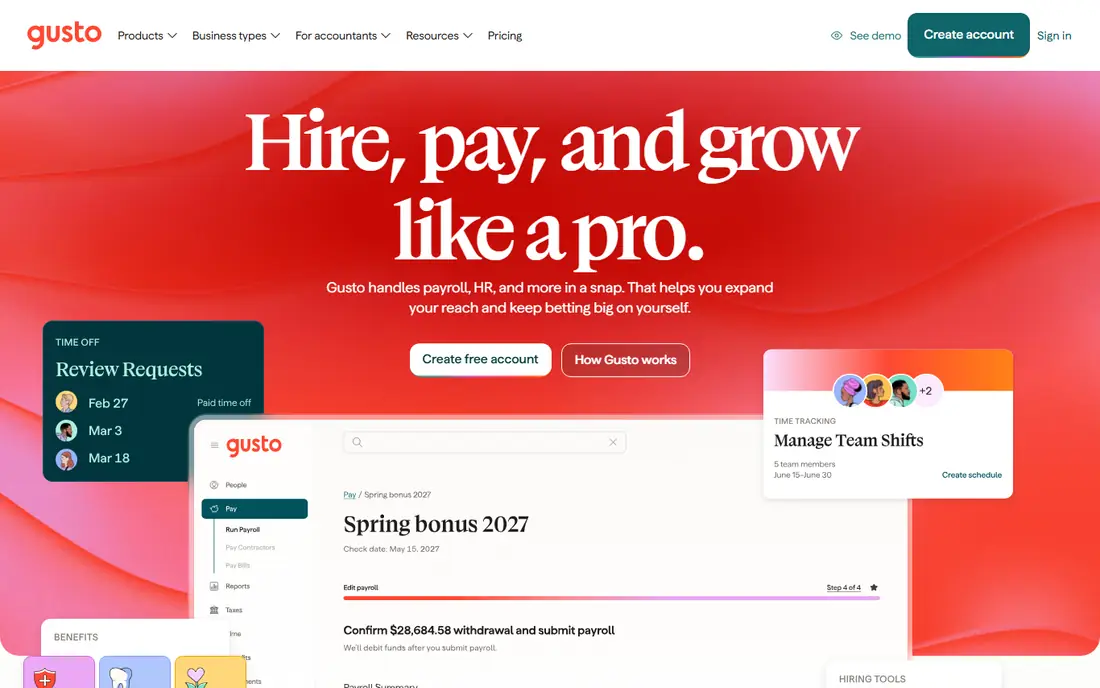
Gusto suits US startups and small businesses that want payroll, benefits, and basic expense handling without a large implementation. Tax filing, benefits administration, and employee self-service are handled in a straightforward interface, and expense reimbursements can flow beside payroll data. That simplicity is why many small US teams choose it first.
International hiring is not the core strength, and contractor payments outside the US are add-ons rather than the main product. Spend controls are also less deep than Rippling dedicated spend module. For a US team under about fifty people, Gusto offers a good balance, provided global hiring is not on the near-term plan.
- Simple payroll and benefits for US teams
- Expense and reimbursement tools
- Clear published starting price in comparisons
- International coverage is thinner than Deel or Rippling
- Advanced spend controls sit on higher tiers
BambooHR is known for employee records, onboarding, time off, and reporting, with a clean experience for staff and managers. Spend handling comes through expense workflows and integrations with accounting and card tools, rather than a single native spend suite as deep as Rippling. That shape suits HR-led teams that want good people data first and spend visibility second.
Buyers who need native corporate cards and bill pay should test exactly which spend features are included and which require an integration. Pricing is quote-based for many plans, so confirm the total for HR, payroll add-ons, and any spend integration before comparing it with Rippling.
- Strong employee records and self-service
- Time off, onboarding, and reporting
- Expense-adjacent workflows through integrations
- Spend features are less central than Rippling
- Pricing is quote-based for many plans
Paylocity serves mid-size US employers with HR, payroll, time, benefits, and expense-related workflows in one platform. That scale helps teams that have outgrown a small-business tool but do not need a full enterprise suite. Reporting can link people costs and expense patterns, which helps finance and HR plan together.
The platform is modular, so buyers should map which expense, reimbursement, and card-related features are included in their quote. Implementation also needs planning for payroll, benefits, and time rules. For mid-size teams, Paylocity is a solid HR-led option, provided spend scope is confirmed in writing.
- HR, payroll, and expense workflows for mid-size teams
- Reporting across people and costs
- Employee self-service tools
- Implementation and pricing need vendor scoping
- Spend depth varies by module
Remote helps companies employ and pay people in many countries, with expense handling for staff who work across borders. That global payroll and compliance base gives finance teams a clearer view of total people spend, including contractor costs and local statutory items. For remote-first companies, that single global view is valuable.
Domestic US teams with no international staff gain less, and should compare Gusto or BambooHR first. Pricing depends on whether a worker is an employee, contractor, or employer-of-record hire, so get a quote by worker type. For global teams, Remote is a strong alternative to Deel.
- Global employment, payroll, and contractor payments
- Expense handling for distributed staff
- Local compliance support
- Less HR depth for purely domestic US teams
- Pricing varies by employment type
Personio suits small and mid-size companies in Europe that need HR, recruiting, payroll preparation, and expense control with local compliance depth. Its strength is handling European employment rules, leave, and payroll data in one system, which US-centric tools sometimes handle less well. Expense and spend workflows sit beside those HR records.
US teams should check payroll and benefits fit carefully, because Personio core strength is European. Pricing is quote-based, and spend features should be confirmed by plan. For European teams that want HR-led spend control, Personio is a strong local option.
- HR, payroll preparation, and expense workflows for European teams
- Local labour-law depth
- Reporting for people costs
- US payroll depth is thinner than US-focused tools
- Spend features vary by plan
Workday combines human capital management with financial management, including expense management, procurement, and spend controls for large organisations. That unified HR and finance view helps enterprises link headcount, payroll, expenses, and supplier spend in one reporting system, with strong approval and audit controls.
The trade-off is scale. Workday implementations are major projects with enterprise pricing, and small or mid-size teams will find simpler tools faster and cheaper. Large organisations that already use Workday for HR or finance gain most, because spend controls then sit on data they already trust.
- Enterprise HR and financial management in one system
- Deep spend, procurement, and expense controls
- Strong reporting
- Enterprise cost and implementation scale
- More than most small teams need
How we picked these
We compared vendor product pages, HR coverage, spend features, and published pricing summaries for tools used in October 2026. We included HR-led and global tools because spend management looks different for a US small team, a European team, and a global remote team. We did not invent prices, and we used See website where vendors price by quote.
What to check before you buy
Start with the spend actions you need most. List corporate cards, reimbursements, bill pay, approvals, and reporting separately, then check each one, because a tool can be strong on cards and weak on bill pay. Next, check payroll and accounting links, so approved expenses flow to payroll and books without retyping.
Privacy and consent also matter. Confirm who can see individual spend data, how long it is kept, and what employees are told about collection and use. Rules vary by state and country, and your own policy should be agreed before rollout. Finally, test the approval flow with a real expense, a card transaction, and a bill, and confirm the total quote for every module you will use.
Frequently asked questions
What counts as spend management in HR software?
It usually includes corporate cards, expense submissions, reimbursements, approvals, spending limits, bill pay, and reporting on people-related spend. The exact mix varies by vendor and plan.
Is Rippling Spend included in the base price?
No, in published pricing summaries the base price covers the core platform, while Spend is a separate module. Ask for a quote that lists base, payroll, and spend costs separately.
Can HR software replace an accounting tool?
Not fully. HR spend tools handle cards, expenses, and approvals well, but accounting, tax, and audit work still need finance tools. Check how data syncs to your accounting system.
How should we handle employee privacy for spend data?
Limit access to staff who need it, tell employees what is collected and why, and follow local privacy and consent rules. Rules vary by state and country, so get local advice for your locations.
Do these tools work for global teams?
Deel, Remote, and Rippling offer stronger global coverage, while Gusto and Paylocity focus more on US teams. Personio suits European teams. Match the tool to where your people actually work.
When should a small team buy HR plus spend software?
Buy when expense chasing, card reconciliation, and payroll rework take more time than the tool costs to save. Start with one spend area, such as reimbursements, and expand only after the workflow works.
Sources
See where you really rank - block by block
ProMapRanker scans Google Maps across a grid of your service area. Simple monthly plans from $19, white-label on every plan.
Start freeKeep reading
 what’s the best risk software for enterprises
What Is the Best Risk Software for Enterprises in 2026
We compared what’s the best risk software for enterprises on risk registers, controls, third-party risk, and reporting, with pricing notes for large teams.
Read → what's the best pam software for enterprises
What is the Best PAM Software for Enterprises in 2026
Find what's the best pam software for enterprises, with vaulting, session recording, just in time access and pricing compared for large enterprise IT teams.
Read → what’s the best grc software
What Is the Best GRC Software in 2026
We compared what’s the best grc software on risk, compliance, audit and vendor risk, so teams can pick a platform that fits their frameworks and budget.
Read →