 ProMapRanker
Best HR Software for Small Companies in 2026


US payroll and HR in one · Pricing starts at: $49 per month plus $6 per person
Key takeaways
- Gusto is our pick for most US small companies that need payroll and HR in one place, because pricing is published and payroll setup is simple.
- BambooHR suits companies that want a fuller HR system for onboarding, time off, and reporting, with payroll added as a separate piece.
- Rippling suits fast-growing teams that want HR, payroll, and IT access managed together, but its modular pricing needs a careful quote.
- Zoho People and Homebase offer the lowest starting cost, with free tiers that suit very small teams and hourly staff.
- Always price the base fee plus the per-person fee at your real headcount, because the base fee can be half the bill at ten employees.
Quick comparison
| Pick | Great for | Pricing starts at | Free tier | |
|---|---|---|---|---|
| Gusto | US payroll and HR in one | $49 per month plus $6 per person | Free trial | Visit |
 BambooHR | Full HR system and onboarding | See website | Free trial | Visit |
 Rippling | HR, payroll, and IT together | $8 per user per month | Free trial | Visit |
 Zoho People | Budget HR for small teams | See website | Yes | Visit |
 OnPay | Simple predictable payroll | $49 per month plus $6 per worker | Free trial | Visit |
 Homebase | Hourly and shift teams | Free | Yes | Visit |
 Justworks | Payroll or PEO with benefits | $50 per month plus $8 per employee | No | Visit |
 Factorial | Low-cost all-in-one HR | $8 per user per month | Free trial | Visit |
 Deel | Global contractors and remote teams | Free | Yes | Visit |
The best hr software for small companies
We compared payroll, onboarding, time off, benefits, and pricing from official product pages and public pricing summaries. The tools below all serve small companies today, and they differ in whether payroll leads the product, whether benefits are bundled, and how pricing is published.
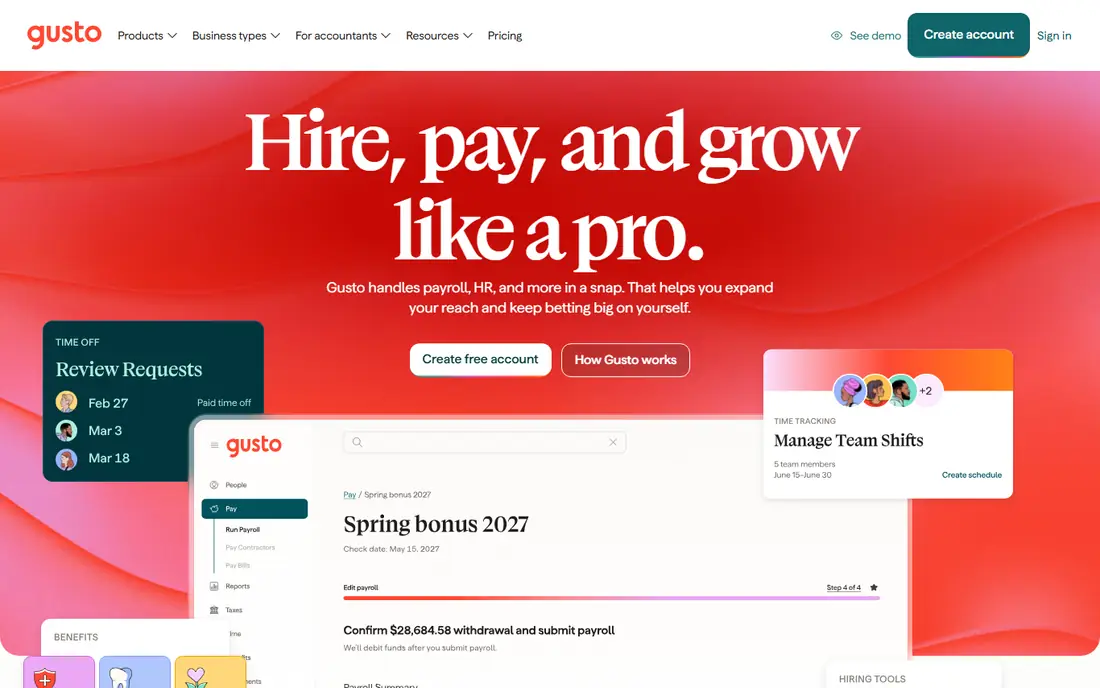
Gusto is the default we suggest to a US small company that wants payroll first and HR second. Running payroll takes a few clicks, tax filing happens automatically, and onboarding collects offer letters, tax forms, and direct deposit details before the first day. Benefits, time tracking, and hiring tools can be added as the company grows, without moving to a new system. The interface is friendly for owners who do not have an HR hire.
The limits are clear. Gusto serves US teams only, so a company that hires abroad needs another tool for those workers. The Simple plan at $49 per month plus $6 per person lacks time tracking, which pushes many teams to the Plus plan. Even with those limits, published pricing and simple payroll make Gusto the easiest small-company HR purchase to budget.
- Published pricing and simple payroll runs
- Automatic tax filing across states
- Onboarding with offer letters and tax forms
- US only, so global hires need a second system
- Cheapest plan lacks time tracking

BambooHR suits companies that have outgrown spreadsheets and want a real HR system. Employee records, onboarding checklists, time-off tracking, and reports sit in one place, and staff can update their own details without emailing an owner. Hiring and performance tools can be added as the team grows, which helps a company moving from ten staff toward fifty. Reporting is a strength, with views by department, location, and tenure that owners use in planning.
Pricing is the drawback for comparison shopping. BambooHR does not publish a single entry price that fits every buyer, so small companies need a quote, and the total depends on headcount and add-ons. Payroll is available as an add-on, rather than the built-in core that Gusto offers. If HR process matters more than payroll simplicity, BambooHR is worth the quote step.
- Strong onboarding, time off, and reporting
- Employee self-service that cuts admin work
- Good fit for growing HR-led teams
- Pricing is quote-based for many buyers
- Payroll is an add-on rather than the core product
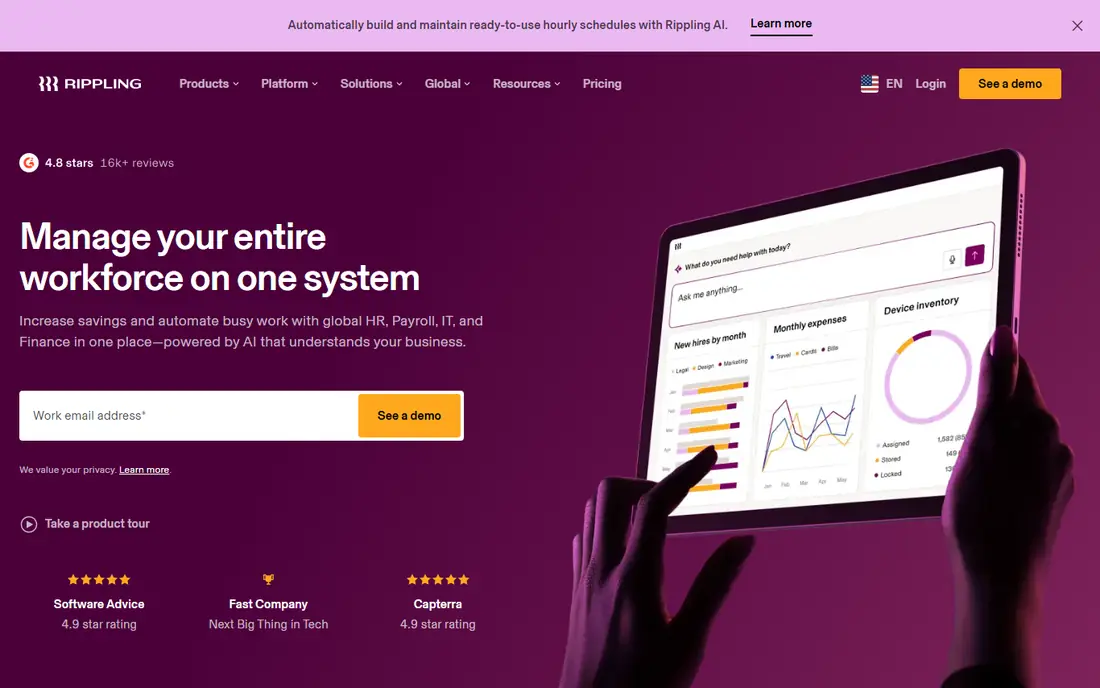
Rippling is for teams that want one workflow from hire to offboarding. When a new hire joins, Rippling can set up payroll, benefits, and app access together, and when someone leaves, it can remove access and stop payroll in the same flow. That automation saves real time for companies with frequent hiring, remote staff, or strict access rules. Global payroll and contractor tools extend the same system beyond US staff.
The cost structure needs care. The platform starts at $8 per user per month, but modules for payroll, IT, and global hiring sit on top, so the final quote can be much higher than the entry figure. Setup also takes longer than a simple payroll tool, because access rules and app connections need mapping. For a fast-growing team with IT needs, the automation is worth it. For a stable ten-person team, Gusto or OnPay may be simpler.
- One system for HR, payroll, and device and app access
- Strong automation for onboarding and offboarding
- Global hiring options
- Modular pricing can rise quickly with add-ons
- Setup takes more time than a payroll-only tool
Zoho People is the budget pick for teams that need HR records without payroll. The free plan covers up to 5 users, with time off, attendance, and employee records included, which suits a very small team or a startup testing HR software. Paid plans add shift scheduling, performance tools, and deeper reporting at a low per-employee price in published summaries. Teams already using Zoho apps gain from shared logins and data.
The main gap is payroll. Zoho People does not run US payroll in the same way Gusto or OnPay does, so a company still needs a payroll tool or a separate Zoho payroll product where available. The interface also feels more functional than friendly. For a team that wants low-cost HR records and already handles payroll elsewhere, Zoho People is hard to beat on price.
- Free plan for up to 5 users
- Time off, attendance, and shift tools
- Low cost for teams already using Zoho apps
- Payroll is not included
- Interface and setup feel less polished than Gusto for US payroll users
OnPay suits owners who want one plan and no tier puzzle. The single plan at $49 per month plus $6 per worker includes payroll, tax filing, onboarding, time off, and benefits administration, so there is no need to compare three plans to find the needed feature. Tax filing and new-hire reporting are handled in the same flow, which helps small companies in multiple states. The simplicity is the product.
The trade-off is depth. OnPay does not match BambooHR on advanced HR reporting or Rippling on IT automation, and its integration list is smaller. For a company with straightforward payroll and HR needs, that gap rarely matters. For a company with complex performance or global hiring needs, a larger platform may fit better. OnPay is a strong pick for predictable cost and simple payroll.
- Single plan with payroll, HR, and benefits tools included
- Published pricing
- Tax filing and new-hire reporting
- Fewer advanced HR features than BambooHR
- Smaller integration range than larger rivals
Homebase is built for hourly teams in restaurants, retail, and services. Scheduling, time clocks, shift swaps, and team messaging sit in one app, and the free plan covers one location and up to ten employees in published summaries. Hiring tools help a manager post a job, collect applications, and onboard hourly staff without a separate system. For a shift-based business, that focus beats a general HR tool.
Payroll is the limit. Homebase payroll is a paid add-on, so the free plan alone does not run pay. Salaried teams with complex benefits, performance reviews, and HR reporting will also find Homebase thin. For an hourly team that needs scheduling and time tracking first, Homebase is the best low-cost starting point, with payroll added when the business is ready.
- Free plan for scheduling and time tracking
- Shift scheduling and team messaging
- Hiring tools for hourly roles
- Payroll is a paid add-on
- Less suited to salaried office teams with complex HR needs
Justworks gives small companies two paths. The payroll plan starts at $50 per month plus $8 per employee and covers payroll, tax filing, and HR tools. The PEO path bundles payroll with benefits administration and compliance support under a co-employment model, which can give a small team access to larger-group health plans. For a company struggling with small-group health costs, the PEO route can change the benefits math.
The PEO model is also the drawback for some owners. Co-employment means Justworks shares employer duties, which some companies prefer and others do not. PEO pricing is per employee per month and adds up quickly, and there is no free plan, only demos and sales quotes for PEO tiers. Justworks suits companies that want benefits help as much as payroll, and that accept the PEO trade-off.
- Payroll plan with clear pricing
- PEO option bundles benefits and compliance support
- Access to larger-group health plans through PEO
- No free plan
- PEO pricing is per employee and rises with headcount
- Co-employment model suits some companies and not others
Factorial is a low-cost all-in-one HR tool for lean teams. It covers employee records, time off, shift scheduling, expenses, and document management from $8 per user per month in published summaries. That breadth suits a small company that wants one HR home without paying for a full enterprise system. The interface is modern, and setup is faster than larger HR platforms.
US payroll is the weak point. Factorial is stronger in European markets, and US payroll coverage does not match Gusto or OnPay for American small companies. Support and feature availability also vary by region. For a US-only team that needs payroll first, Gusto or OnPay is safer. For a team with international staff or simple HR needs, Factorial offers good value.
- Low entry price for HR, time off, and expenses
- Document and shift tools in one place
- Good fit for lean teams
- US payroll coverage is thinner than Gusto or OnPay
- Support and setup vary by region
Deel suits companies that hire contractors or staff across borders. Core HR is free for up to 200 employees in published summaries, covering records and basic HR workflows. Contractor payments, global payroll, and employer-of-record services sit on paid tiers, with pricing by contractor or employee per month. That structure helps a small company hire abroad without setting up a local entity in each country.
The drawback is quote-based pricing for the paid tiers, which makes budgeting harder than Gusto or OnPay. A US-only team with no global hires gains little from Deel, and may prefer a payroll-led tool. For a remote-first team with contractors in several countries, Deel is one of the most practical ways to pay people correctly and keep records in one place.
- Free core HR for up to 200 employees in published summaries
- Contractor payments and global hiring
- Compliance support for many countries
- Full payroll and employer-of-record pricing is quote-based
- US-only teams may not need global features
How we picked these
We compared official feature pages, pricing pages, and public pricing summaries for HR software that serves small companies in October 2026. We kept tools with live payroll or HR products, a current homepage, and pricing that could be stated or honestly marked as See website. We dropped enterprise-only platforms that do not serve small teams. Prices are entry paid prices as published or summarized, with base fees plus per-person fees stated where the vendor publishes both. We did not claim hands-on testing, and we checked that each homepage below belongs to the named product.
Choosing HR software for a small company
Start with payroll, because it is the deadline that cannot slip. If your team is US-based and payroll is the main pain, pick a payroll-led tool such as Gusto or OnPay, and confirm tax filing covers every state where staff live. If HR process is the main pain, with onboarding, time off, and reporting taking owner time, pick BambooHR, Factorial, or Zoho People, and keep payroll in a connected tool if needed. If your team is hourly, Homebase will fit daily work better than a general HR system.
Price the whole bill, not the headline. Add the base fee to the per-person fee times your headcount, then add benefits, time tracking, or global modules you actually need. Ask whether the price covers new hires during the year, and whether support is included or paid. Run a trial with a real payroll cycle if the vendor allows it, and test onboarding with a real new hire checklist. The right tool is the one that still fits when headcount doubles, without a forced move to a new system.
Frequently asked questions
What is the best small business hr software for payroll?
Gusto and OnPay are strong payroll-led picks for US small businesses, with published pricing and automatic tax filing. Gusto suits teams that want a friendly interface and easy benefits add-ons, while OnPay suits owners who want one plan with everything included. Both need a headcount-based price check before purchase.
Which hr software is best for small companies with global staff?
Deel suits small companies with contractors or staff abroad, because it covers global payments and employer-of-record services in many countries. Rippling also covers global hiring for growing teams. US-only teams should not pay for global features they will not use, and should pick a US payroll-led tool instead.
What is the best human resource management software for small business on a budget?
Zoho People and Homebase offer the lowest starting cost, with free tiers for very small teams. Zoho People suits office teams that need HR records, while Homebase suits hourly teams that need scheduling and time clocks. Payroll may need a paid add-on in both cases, so check the full cost.
Does small-company HR software include benefits?
Some tools include benefits administration, and some bundle benefits through a PEO. Gusto, OnPay, and Justworks cover benefits administration or PEO benefits, while BambooHR and Zoho People focus more on HR records. Confirm which benefits, such as health plans and retirement, are included before signing.
How much does HR software cost for a small company?
Cost depends on headcount, base fees, and modules. Entry prices here range from free tiers to $49 or $50 per month plus $6 to $8 per person, with larger platforms quoted by headcount. Always calculate the total at your current staff number, and ask about price changes as headcount grows.
Sources
See where you really rank - block by block
ProMapRanker scans Google Maps across a grid of your service area. Simple monthly plans from $19, white-label on every plan.
Start freeKeep reading
 zoho inventory alternatives
6 Alternatives to Zoho Inventory, Compared on Price and Fit
Zoho Inventory alternatives: 6 tools compared on price, free plans and fit. Katana leads the list for manufacturers. Fit and flaws are laid out for each entry.
Read → zoho crm alternatives
Best Zoho CRM Alternatives (2026)
Need Zoho CRM alternatives? We compare 7 tools on cost, free access and who each suits. Every pick gets a straight assessment. Built for quick decisions.
Read → zelle alternatives
Best Zelle Alternatives in 2026
Compare the best Zelle alternatives for sending money to friends, paying sellers and moving funds abroad, with honest notes on fees, speed and safety in 2026.
Read →