 ProMapRanker
Comparing 6 HR Software for Healthcare Organizations in 2026

Direct answer
Our first pick is QGenda, best for provider scheduling at health-system scale. OnShift is the stronger choice for senior care and post-acute workforce management, while HealthStream suits learning, competency, and credentialing. All 6 tools are compared below on price, free plan and limits.
Key takeaways
- QGenda is the opening pick, best for provider scheduling at health-system scale.
- A permanent free plan is missing from all 6 tools, QGenda and symplr included; plan for a trial or a premium start.
- Before buying HealthStream, weigh this: quote-only pricing with no published rates.
- Pricing for QGenda, OnShift and HealthStream is quote-based, which adds a sales step before you can compare cost.
- Symplr is the one to check for all-in-one healthcare workforce system.
Quick comparison
| Pick | Great for | Pricing starts at | Free tier | |
|---|---|---|---|---|
 QGenda | Provider scheduling at health-system scale | Quote | No | Visit |
 OnShift | Senior care and post-acute workforce management | Quote | No | Visit |
 HealthStream | Learning, competency, and credentialing | Quote | No | Visit |
 Deputy | Budget shift scheduling with published prices | 5 dollars per user a month | No | Visit |
 UKG Ready | Full HR suite with payroll and scheduling | 21 dollars per employee a month | No | Visit |
 symplr | All-in-one healthcare workforce system | 6,500 dollars per year | No | Visit |
Every option for HR software for healthcare organizations explained
ProMapRanker compared 6 HR software for healthcare organizations. The goal is a practical shortlist: published prices, free plan facts, best-fit use cases and honest limits for every entry.
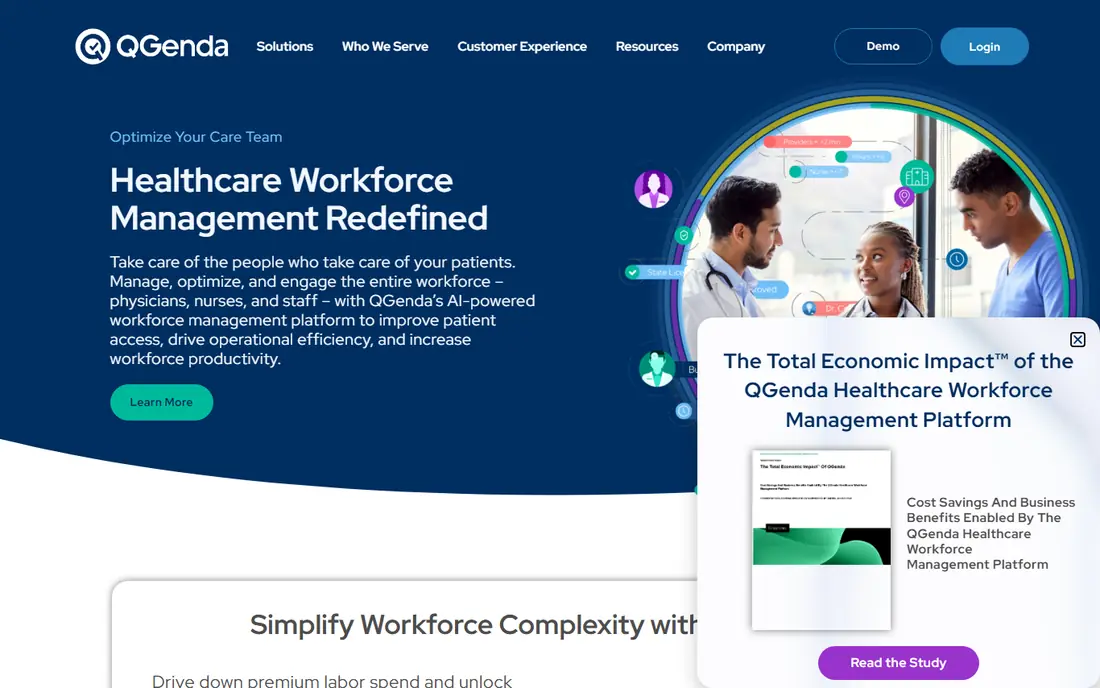
Where QGenda fits: provider scheduling at health-system scale. Its automatic scheduler works around vacations, rotations, skills, and full-time-equivalent rules to build an optimized schedule quick, across more than 30 specialties.
Where it is weaker: No published pricing.
For everyday use, buy QGenda when you run a health system with complicated provider rules, and budget for the quote to reflect your provider count and module list. Beyond that, implementation is a configured project, and quotes typically add a one-time implementation fee. There is no list price for QGenda, so a quote is the way in. QGenda has no free plan.
- Rules-based automated scheduling across 30-plus specialties
- Credentialing, time
- Implementation is a multi-month project
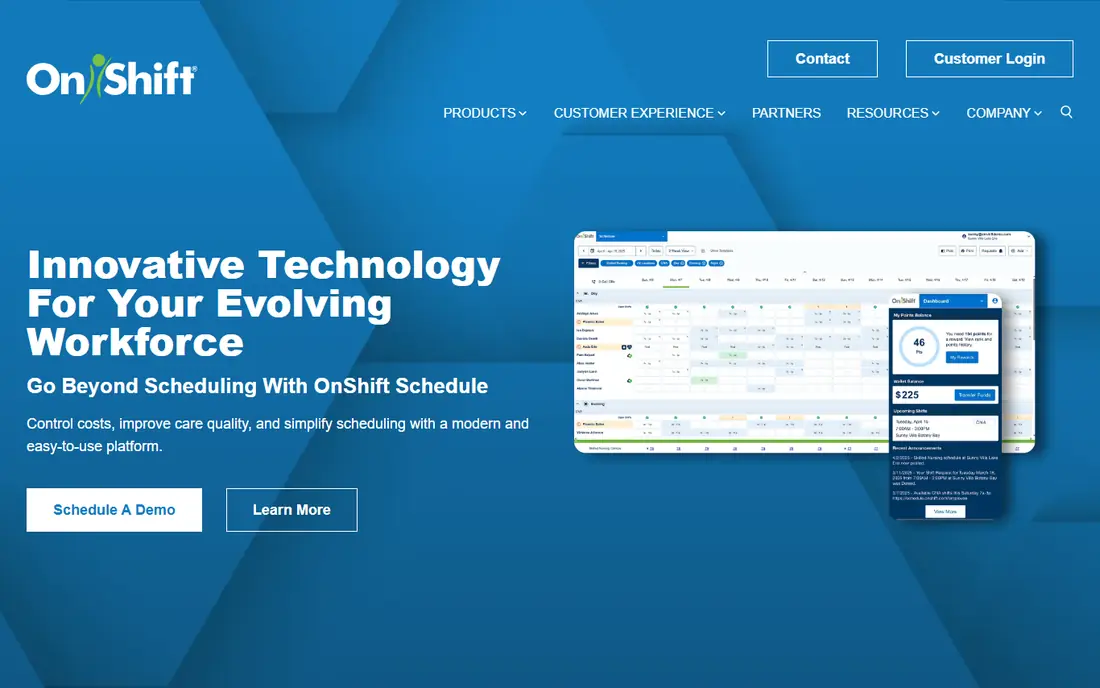
Where OnShift fits: senior care and post-acute workforce management. The scheduling tools include mobile scheduling, shift swapping, and workforce optimization that cut unnecessary expense while keeping staffing levels consistent. Worth adding: the focus is the tradeoff: OnShift is tailored for senior care workforce management.
So a hospital looking for physician scheduling should look at QGenda instead. In daily use, OnShift is a human capital management system aimed at the senior care industry, now a brand under ShiftKey, and it is the pick for post-acute and long-term care facilities. It covers recruiting, scheduling, and employee engagement across the full staff lifecycle, which matters in a sector where turnover is high and every open shift risks a coverage gap. There is no fixed entry price for OnShift; pricing comes through a quote. No free plan comes with OnShift.
Where it falls short: Senior care focus means it is not built for hospital physician scheduling.
- Spans recruiting, scheduling
- Capable in post-acute care
- Quote-only pricing with no published rates
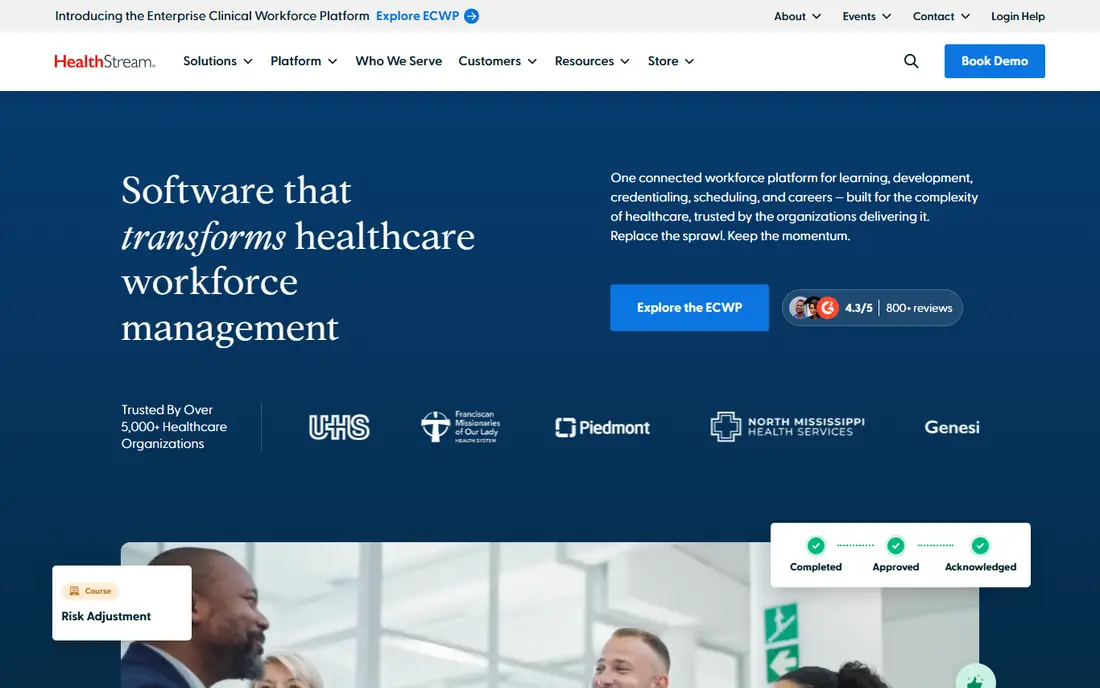
HealthStream works best for learning, competency, and credentialing. HealthStream is the learning and workforce development system most US hospitals already know. It earns its place here since competency and credentialing are HR jobs in healthcare, not side tasks.
Its hStream product includes mandatory training, clinical competency assessment, resuscitation programs, and continuing education, whereas CredentialStream handles provider credentialing, privileging, and enrollment with license and expiry tracking. That combination matters when a hospital has to prove every clinician on a unit is current before a shift starts. On top of that, buy HealthStream when training compliance and credentialing are the gap, and pair it with a scheduler. In daily use, pricing is quote-based with no published rates, and the sale is enterprise-shaped. There is no fixed entry price for HealthStream; pricing comes through a quote. HealthStream does not include a free plan.
Where it falls short: Quote-only pricing with no published rates.
- CredentialStream tracks licenses and privileging
- Widely used across US hospitals
- Learning and credentialing focus means scheduling is a separate product
Deputy is a good fit for budget shift scheduling with published prices. Core brings auto-scheduling, demand forecasting, and wage budgets, which is the level most healthcare teams need. The system includes scheduling, time clocking, and labor law compliance, including rotating shifts, multiple departments, and shared devices.
From a buyer's view, more than 390,000 workplaces use Deputy across hospitality, retail, healthcare, and care sectors. For everyday use, the limits are real: Deputy does not process payroll natively and exports timesheets instead. The HR, messaging, and analytics extras cost 2 dollars, 1.95 dollars, and 1.50 dollars per user. Price to start with Deputy: 5 dollars per user per month. No free plan comes with Deputy.
The main drawbacks: 30 dollar monthly minimum spend; analytics are premium extras.
- Used by more than 390,000 workplaces
- Auto-scheduling and demand forecasting from Core
- No native payroll
Think of UKG Ready for full HR suite with payroll and scheduling. Its payroll is unusually deep for a mid-market system, with unlimited runs, off-cycle processing, and shift differentials, and its scheduling auto-builds shifts around forecasted demand and surfaces a call list of available workers when someone drops out.
The hidden cost is implementation: analyst estimates put it at 40 to 70 percent of first-year software fees, which turns a 180,000 dollar software line for 500 employees into 252,000 to 306,000 dollars. UKG Ready starts at: 21 dollars per employee per month. UKG Ready has no free tier.
Where it falls short: Implementation fees run 40 to 70 percent of first-year software fees; No free trial.
- Capable scheduling automation and call lists
- Deep payroll with shift differentials
- No published vendor pricing
symplr serves all-in-one healthcare workforce product. Implementation is enterprise-shaped, so expect a configured rollout instead of a same-day start.
Starting cost for symplr: 6,500 dollars per year. symplr has no permanent free option.
Drawbacks to consider: Enterprise-shaped implementation; Less suited to small clinics than to health systems.
Main advantages: vendor management in one system; clinical communication, credentialing.
- Published starting price
- Aimed at health systems
- Starting price is a floor and modules add cost
HR Software for Healthcare Organizations cost breakdown
Take a 200-employee hospital that needs scheduling and time tracking. Worth adding: on Deputy Core the bill is 200 times 6.50 dollars, which is 1,300 dollars per month or 15,600 dollars per year. On UKG Ready at its 21 dollar starting point the bill is 4,200 dollars per month or 50,400 dollars per year, and analyst estimates put usual UKG Ready bundles at 25 to 33 dollars per employee a month, which is 60,000 to 79,200 dollars a year. symplr begins at 6,500 dollars per year.
Modules and headcount move the real price above that starting point. Implementation layers on more: analyst estimates put UKG implementation at 40 to 70 percent of first-year software fees. In practice, price the tool on your own headcount, provider count, and module list, not on the headline starting price.
Where the options differ
Healthcare HR software has to solve problems general HR tools never see. On top of that, provider scheduling runs on rules: vacations, rotations, call coverage, full-time-equivalent targets, and specialty requirements that a generic rota tool cannot express. Shift work layers on differentials for nights and weekends, float pools, per diem staff, and agency nurses who cost far more than employed staff.
That is why the tools here are judged on credentialing, provider scheduling, and labor cost control, not on generic HR features. For everyday use, the other split is audience.
Picking the right HR software for healthcare organizations
Check five things before you sign. For everyday use, first, pricing unit: confirm whether you pay per employee, per provider, or per user, since a 500 dollar per-provider price is a different budget from a 21 dollar per-employee price. In daily use, second, credentialing: confirm the tool tracks licenses, certifications, and expiry dates, and whether credentialing is included or a separate module.
Fifth, fit: confirm the tool is aimed at your setting, hospital, senior care, or clinic, since a physician scheduler and a care-home scheduler solve different problems.
How these tools were picked
ProMapRanker used vendor pricing pages and product documentation as the base, then compared plans, free access and documented limits for 6 tools. Where a vendor does not publish a price, the entry says quote. Where a price depends on seats or billing term, the entry says so. The order reflects how well each tool fits the most common buying scenario for HR software for healthcare organizations, then price clarity, then free plan access. It is a starting point, not a verdict.
A buyer's checklist
- Ask QGenda, OnShift and HealthStream for a written quote, since no starting price is shown.
- Read the limits listed for QGenda first: no published pricing.
- Map your must-have features to a specific OnShift plan before you compare prices.
- Total up the real monthly cost of UKG Ready, including add-ons, extra users and usage-based fees.
- Confirm you can export your data from QGenda, so leaving later does not mean losing records.
Frequently asked questions
What should a 200-employee hospital budget for HR software?
Budget 15,600 dollars per year for scheduling and time tracking on Deputy Core, or 50,400 dollars per year for UKG Ready at its 21 dollar starting point, before implementation. symplr opens at 6,500 dollars per year.
Does any tool for HR software for healthcare organizations here have a free plan?
No tool in this list, QGenda and symplr included, has a permanent free plan. Trials and quotes are the usual route, so plan a short evaluation period.
How are the tools for HR software for healthcare organizations ordered?
QGenda sits first and symplr last because the order follows typical fit for HR software for healthcare organizations, then price clarity and free access. It is a judgement call, so read each profile for fit and limits.
Do these tools publish their prices?
Not all of them. QGenda, OnShift and HealthStream publish no starting price, so expect a quote request for those. The rest, Deputy included, show a starting price, though seats and billing terms still change the final cost.
Can I try these tools before paying?
Not by default. None of the tools, from QGenda to symplr, lists a free plan or a free trial here, so ask each vendor for a demo before committing.
Sources
See where you really rank - block by block
ProMapRanker scans Google Maps across a grid of your service area. Simple monthly plans from $19, white-label on every plan.
Start freeKeep reading
 zscaler alternatives
Best Zscaler Alternatives in 2026
Looking for zscaler alternatives? We compare 9 SASE and zero trust platforms on architecture, data protection, pricing, and fit for your network and team.
Read → zapier alternatives free
Best Zapier Alternatives Free in 2026
Nine automation tools for zapier alternatives free in 2026, all with genuinely free tiers, plus free plan limits, starting prices and upgrade paths explained.
Read → which platform is best for online reputation
Which Platform Is Best for Online Reputation in 2026
Wondering which platform is best for online reputation? We compare 8 review, listing, and response tools for small and multi-location businesses and agencies.
Read →