 ProMapRanker
Best HR Management System for Small Companies in 2026


Core HR for growing teams · Pricing starts at: $10 per employee per month
Key takeaways
- Gusto is the simplest payroll-first pick for US small teams, while BambooHR suits teams that want core HR first.
- Rippling suits teams that want HR, IT and payroll in one record, while Zoho People is the budget pick.
- Most headline prices hide a base fee plus a per-person fee, so price your real headcount before you choose.
- Employment, tax and compliance rules vary by state, and this article is general information only, not legal advice.
Quick comparison
| Pick | Great for | Pricing starts at | Free tier | |
|---|---|---|---|---|
| BambooHR | Core HR for growing teams | $10 per employee per month | Free trial | Visit |
 Gusto | Payroll-first US small teams | $49 per month plus $6 per person | Free trial | Visit |
 Rippling | HR, IT and payroll in one system | $8 per user per month plus $40 base fee | Free trial | Visit |
 Zoho People | Budget HR for small teams | $1.50 per user per month | Yes | Visit |
 Paychex Flex | Compliance support at scale | See website | No | Visit |
 Paycor | Reporting and payroll for mid-size teams | See website | Free trial | Visit |
 OnPay | Simple all-in payroll | $49 per month plus $6 per worker | Free trial | Visit |
 Eddy | Hourly and frontline teams | See website | No | Visit |
 Factorial | Growing teams that want modern HR | $8 per user per month | Free trial | Visit |
The best HR management systems for small companies
A good HR management system keeps employee records, onboarding, time off, payroll and benefits in one place, instead of scattered spreadsheets. We compared official pricing pages, feature pages and public reviews, and we focused on core HR, payroll fit, ease of use and total cost at a small headcount. Employment, tax and compliance rules vary by state, and this article is general information only, not legal advice.
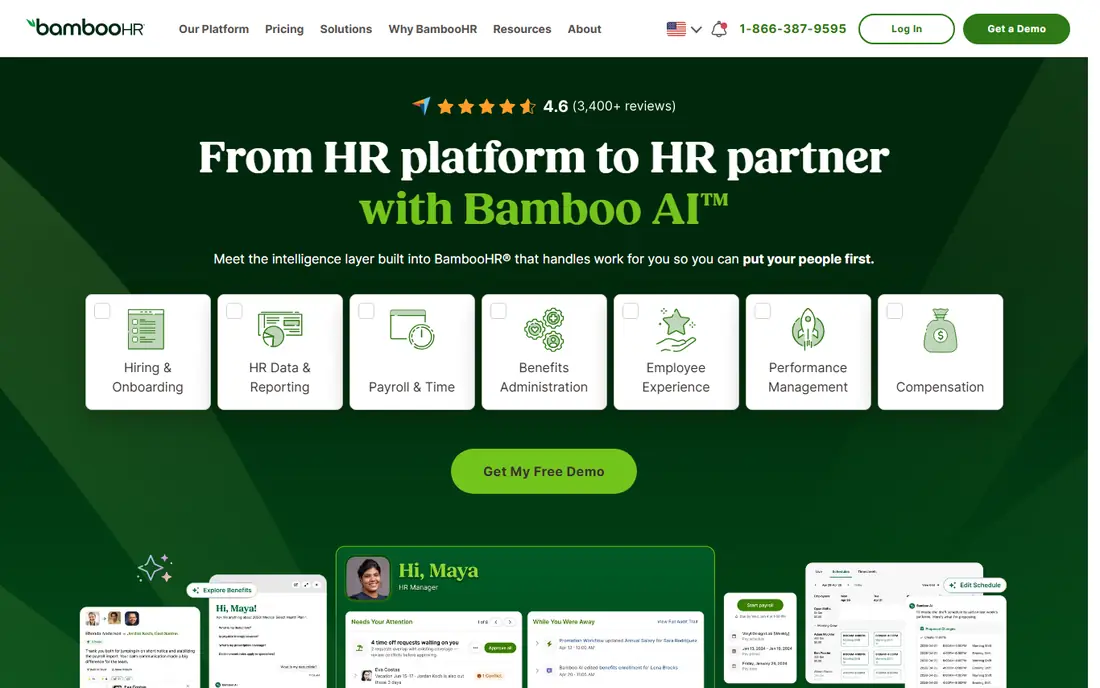
BambooHR is the pick for a team that wants HR basics done well, without starting from payroll. Its Core plan starts at $10 per employee per month in published comparisons, with higher tiers adding performance and more reporting. Employee records, onboarding documents, time off and approvals sit in one clean system, which helps a small HR team look organised fast.
The catch is that payroll is an add-on, so the total bill for a payroll-led team will be higher than the Core headline. BambooHR also fits best once you have enough staff to value a proper HR system, rather than a payroll tool with a few HR fields. If core HR is your gap, start here. If payroll is your gap, compare Gusto and OnPay first.
- Clear core HR setup
- Employee self-service and time off
- Payroll and benefits as paid add-ons
- Payroll and benefits cost extra
- Pricing changes with plan tier and headcount
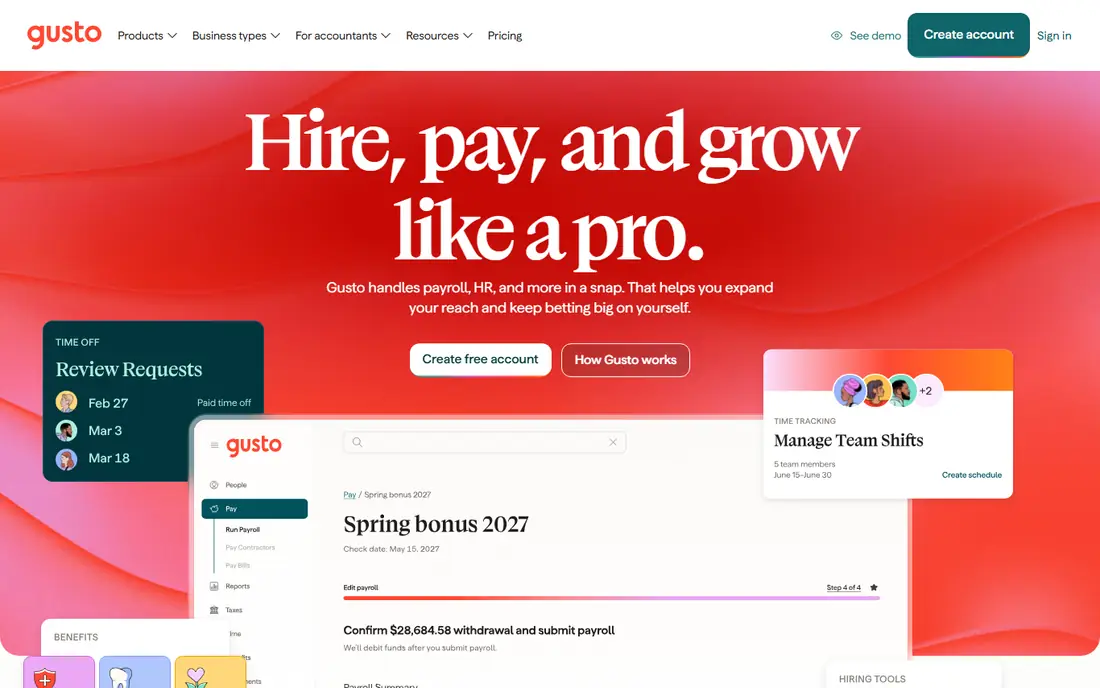
Gusto suits a US small business that wants payroll handled with the least fuss. Its Simple plan starts at $49 per month plus $6 per person in published comparisons, and it covers payroll, tax filings and basic HR. Owners like the guided setup, and employees get a clear self-service portal for pay, documents and time off.
The honest limit is scale and scope. Gusto is built for US small teams, and larger or global teams will outgrow it. Also, the base fee means a very small team pays more per person than the per-person figure suggests. Price it at your real headcount, and check which benefits and HR features sit in each tier before you sign.
- Simple US payroll setup
- Benefits and onboarding included in higher plans
- Friendly interface for owners
- Base fee plus per-person fee adds up
- Less deep for large or global teams
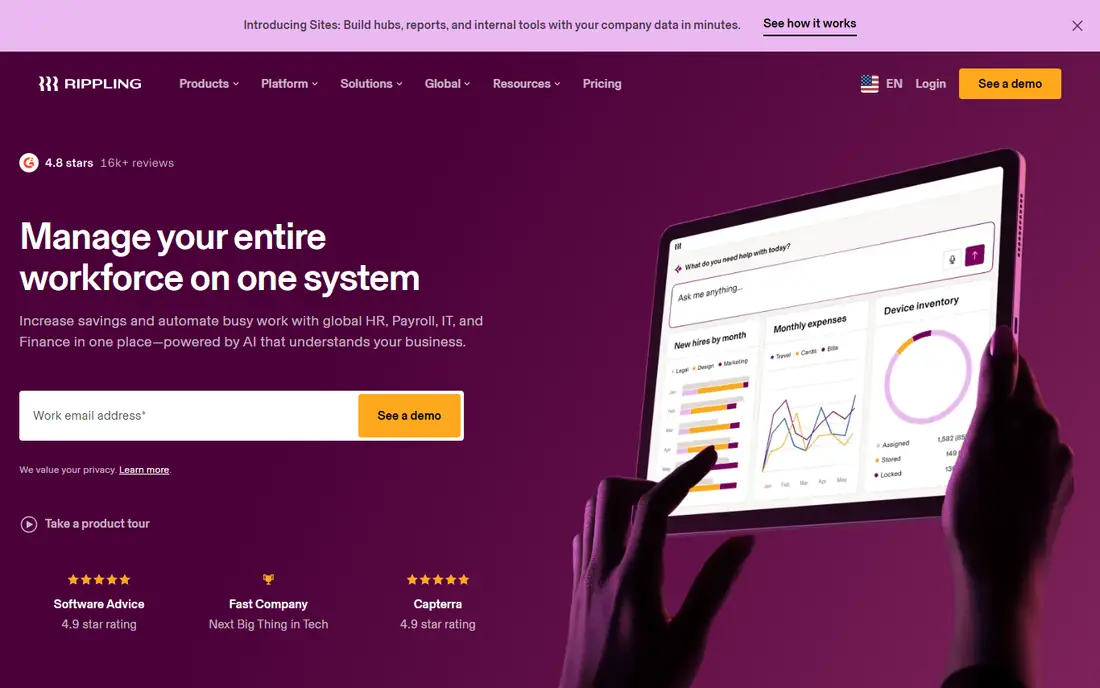
Rippling is the choice when HR, IT and payroll keep falling out of sync. One employee record drives onboarding, device setup, app access, payroll and benefits, so a new hire gets the right tools and pay setup from one workflow. Its starting point is $8 per user per month plus a $40 monthly base fee in published comparisons, with modules priced on top.
That power comes with a cost and a learning curve. Teams that only need payroll and time off may find Rippling more system than they need, and module fees can push the total above a simpler rival. Choose Rippling when automation across HR and IT is a real pain today, not just a future wish.
- One employee record across HR, IT and payroll
- Strong automation
- Wide app and device management
- Module pricing can grow fast
- Setup needs more thought than a simple payroll tool
Zoho People is the budget pick that still feels like a real HR system. It offers a free plan for up to five users, and paid plans start at $1.50 per user per month in published comparisons. Time off, attendance, onboarding and employee records are covered, and it fits naturally if your team already uses Zoho apps.
The limit is payroll depth in the US. Zoho People is an HR system first, so US teams that need full payroll and tax filing will still need a payroll partner. It is also less polished than BambooHR or Gusto in places. If budget is tight and HR records are the main need, Zoho People is hard to beat on price.
- Free plan for up to five users
- Paid plans from $1.50 per user per month
- Good fit for Zoho users
- Payroll is not a US payroll replacement on its own
- Interface feels plainer than rivals
Paychex Flex suits a small company that expects to grow into multi-state payroll and benefits complexity. It combines payroll, HR, time, benefits and compliance help in one platform, with service support behind it. That breadth helps when state rules, benefits and reporting start to take real staff time.
The downside is that pricing is quoted, and the platform can feel large for a team of five. Paychex Flex is best when you want a provider that can grow with you, rather than the cheapest tool for this month. Ask for a written quote that separates software, payroll service and benefits administration, so you can compare it fairly.
- Broad payroll, HR and benefits service
- Compliance support for multi-state teams
- Large provider backing
- Pricing is quoted
- Platform can feel heavy for a very small team
Paycor fits a team that has outgrown a basic payroll tool and now needs better reporting. Its suite covers HR, payroll, time, recruiting and benefits, with analytics that help managers see headcount, cost and turnover patterns. That reporting depth is the main reason to choose Paycor over a simpler rival.
The trade-off is price transparency and fit for very small teams. Pricing is quoted, and a team under ten may not use enough of the suite to justify it. Shortlist Paycor when reporting and a fuller HR suite matter, and ask for a demo built around your own reports, not generic charts.
- Strong reporting and analytics
- Payroll and HR in one suite
- Recruiting and onboarding support
- Pricing is quoted
- Better suited to mid-size teams than tiny startups
OnPay is a clean pick for a small US team that wants one plan and no tier puzzle. It charges $49 per month plus $6 per worker in published comparisons, and that single plan covers payroll, HR, benefits administration and time off basics. That simplicity makes budgeting easy and avoids the surprise of add-on fees.
The limit is depth. OnPay does not match BambooHR for core HR detail or Rippling for automation, and larger teams may need more reporting. For a team that wants payroll done well with solid HR basics, though, OnPay is a strong and honest value choice. Check state coverage and benefits options for your locations before you sign.
- Single plan with payroll and HR included
- Price from $49 per month plus $6 per worker
- Simple setup
- Less HR depth than BambooHR or Rippling
- Fewer advanced modules
Eddy suits companies with hourly, shift-based or frontline staff, where hiring speed and simple onboarding matter most. It combines applicant tracking, onboarding, HR records and payroll, with workflows that suit managers who are not HR specialists. That focus helps restaurants, trades, care providers and similar teams.
The downside is that pricing is often quoted, and Eddy is less central for a professional services firm with complex performance and compensation needs. If your workforce is mainly hourly, Eddy deserves a demo with a real hiring workflow. If your team is mainly salaried professionals, BambooHR or Rippling may fit better.
- Built for hourly and frontline workers
- Hiring, onboarding and payroll in one place
- Simple manager workflows
- Pricing is quoted in many comparisons
- Less suited to salaried professional teams with complex HR needs
Factorial is a modern HR platform that has grown from Europe into wider markets, and it suits a growing team that wants a clean, current interface. It covers time off, attendance, expenses, documents and performance basics, with a free trial to test the core workflows. The entry price from $8 per user per month keeps it in reach for a scaling team.
The catch for US teams is payroll. Check exactly how US payroll, tax filing and benefits are handled in your setup, since Factorial started outside the US market. If payroll is already covered elsewhere, Factorial is a good HR layer. If you need US payroll in the same system, compare Gusto, OnPay or Paychex Flex first.
- Modern interface
- Time off, expenses and documents in one system
- Plans from $8 per user per month in published comparisons
- US payroll depth varies by setup
- Some features need higher tiers
How we picked these
We compared official pricing pages, feature pages and published 2026 comparisons, and we kept only systems that still serve small companies in October 2026. We favoured systems with core HR records, time off, onboarding and a clear payroll story, and we avoided enterprise-only suites. Where pricing was quoted, we used See website rather than inventing a figure. Employment, tax and compliance rules vary by state, and this article is general information only, not legal advice.
How to choose for a small team
Start by naming your main job. If payroll is the pain, choose a payroll-first system such as Gusto or OnPay. If HR records and time off are the pain, choose BambooHR, Zoho People or Factorial. If HR and IT keep drifting apart, choose Rippling. A system that matches your main pain will get used, while a broader suite may sit half-empty.
Next, price your real headcount for a full year. Add the base fee, the per-person fee, payroll add-ons and benefits administration, and check renewal terms. A low per-person price with a high base fee can cost more than a higher per-person price with no base fee at a small headcount. Run the maths at your current headcount and at your expected headcount in a year.
Finally, test onboarding with a real new hire workflow. Add a test employee, set up time off, run a pay preview and check what the employee sees. That test reveals more than a feature list, and it shows whether managers will actually use the system. Also confirm state coverage, tax filing and support hours for every state where you have staff.
Frequently asked questions
What is an HR management system?
It is software that stores employee records and handles HR tasks such as onboarding, time off, documents, performance notes and, in many cases, payroll and benefits. It replaces scattered spreadsheets and shared folders with one record per employee. Some systems focus on HR records, while others lead with payroll.
Do small companies need HR software?
Many do once headcount passes ten or hiring becomes regular. Spreadsheets work for a handful of staff, but they break down with time off approvals, document storage and payroll changes. A small system also helps a growing team keep records consistent and easy to find during audits or reviews.
Is Gusto or BambooHR better for a small team?
Gusto is better if payroll is the main need, since it leads with US payroll and tax filing. BambooHR is better if core HR records, time off and employee experience are the main need, with payroll as an add-on. Choose by your main pain, and price both at your real headcount.
Does HR software handle legal compliance for me?
It helps with records, forms and payroll tax filings, but it does not replace legal advice. Employment, tax and compliance rules vary by state, and this article is general information only, not legal advice. Check state rules for your locations and talk to a qualified adviser for complex cases.
How much should a small team expect to pay?
It depends on headcount, base fees and modules. Budget systems start near $1.50 per user per month, while payroll-first systems often start at $49 per month plus a per-person fee. Enterprise-style suites are quoted. Always price a full year at your real headcount, including add-ons.
Can I switch HR systems later?
Yes, but plan the move. Export employee records, pay history and documents before you cancel, and check how the new system imports them. Run both systems in parallel for one pay cycle if you can, so payroll and time off are checked before the old system closes.
Sources
See where you really rank - block by block
ProMapRanker scans Google Maps across a grid of your service area. Simple monthly plans from $19, white-label on every plan.
Start freeKeep reading
 worlds best local seo company
8 Worlds Best Local SEO Companies for Map Pack Growth in 2026
Compare the worlds best local seo company options for Google Business Profile work, citations, reviews, and multi-location rankings and reporting in 2026.
Read → world's best web hosting company
World's Best Web Hosting Company in 2026
Searching for the world's best web hosting company? We compared 10 hosts on price, renewal rates, speed, and support to help you choose well today in 2026.
Read → who's got the best nanny tax services
Who's Got the Best Nanny Tax Services in 2026
We answer who's got the best nanny tax services, comparing full filing, back taxes, software, and pricing so families can handle nanny taxes correctly.
Read →