 ProMapRanker
Best Home Phone Service for Seniors in 2026


Simplest senior setup · Pricing starts at: $39.99 per month
Key takeaways
- The best home phone service for seniors is simple to set up, works with a familiar handset, and keeps working during a power outage where possible.
- Cellular home phone services such as Community Phone and Ooma work without internet or a copper line, using a small base unit.
- Traditional landline services from cable and phone companies still suit homes that want a wired line, but they often require a bundle.
- Check 911 handling, spam blocking, hearing-aid compatibility, and battery backup before choosing, because those features matter more than extra apps.
- Our pick for most seniors is Community Phone for its simple setup, spam blocking, and battery backup, with Ooma as the lower-cost alternative.
Quick comparison
| Pick | Great for | Pricing starts at | Free tier | |
|---|---|---|---|---|
| Community Phone | Simplest senior setup | $39.99 per month | No | Visit |
 Ooma | Low-cost cellular and VoIP | $11.99 per month | No | Visit |
 Vonage | Flexible VoIP calling | $9.99 per month | Free trial | Visit |
 Spectrum Voice | Cable bundle landline | See website | No | Visit |
 Xfinity Voice | Cable bundle landline | See website | No | Visit |
 AT&T Phone | Traditional carrier line | See website | No | Visit |
 magicJack | Very low-cost VoIP | See website | No | Visit |
 Google Voice | Free basic calling | Free | Yes | Visit |
 PhonePower | Low-cost VoIP with features | See website | Free trial | Visit |
The best home phone service for seniors
We compared home phone services on setup simplicity, handset compatibility, monthly cost, spam controls, and outage backup. The nine below cover cellular, VoIP, and traditional landline options.
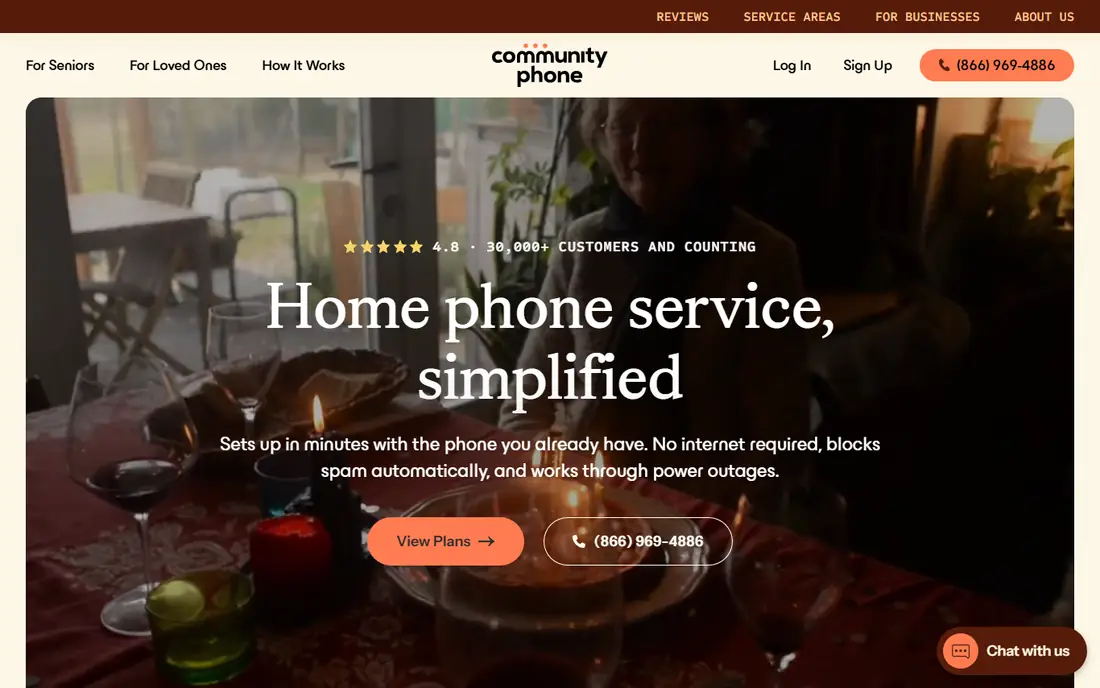
Community Phone uses cellular service to provide a home phone line that works like a traditional landline. The user plugs an existing corded or cordless handset into a small base unit, and the line works without internet, a cable bundle, or a technician visit. That simplicity matters for seniors who do not want to manage a router or a new app. The service includes unlimited calling in the US, spam call blocking, and a battery backup that keeps the line working during a power outage for many hours.
The monthly price is higher than basic VoIP, and Community Phone does not offer the app extras that VoIP platforms include. For a senior who wants a familiar phone that just works, with help available by phone, that trade-off is often worth it. Community Phone is our pick for most seniors for that reason.
- Plug-in setup with an existing handset
- Battery backup during outages
- Automatic spam blocking and number porting
- Higher monthly price than basic VoIP
- No internet-based extras such as video calling
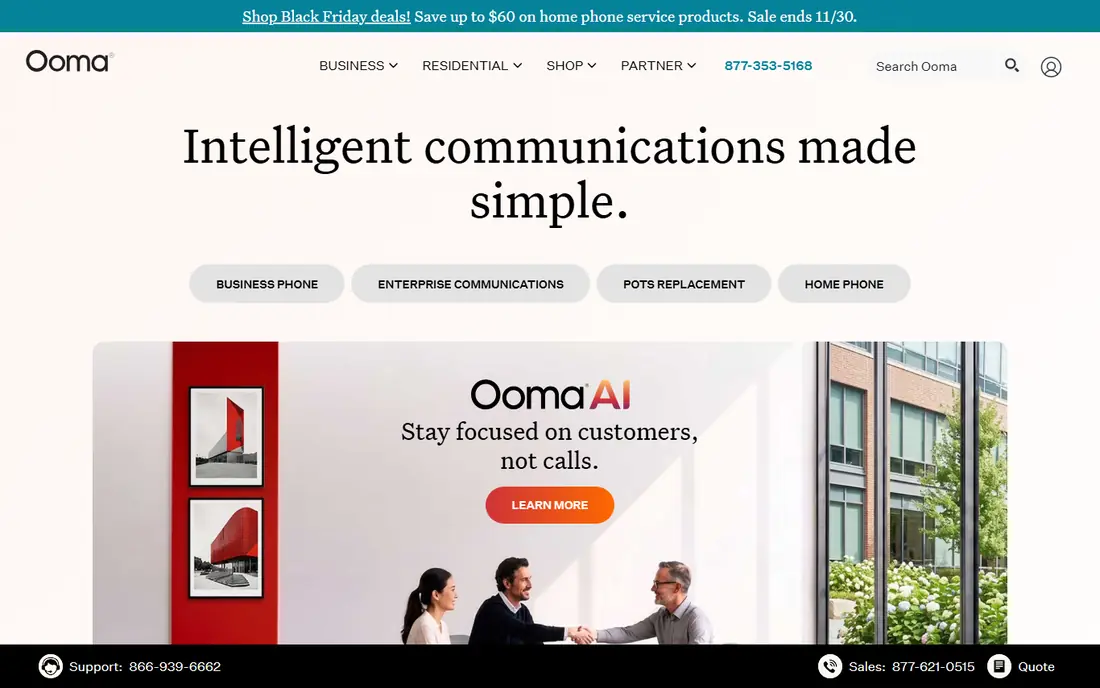
Ooma offers both internet-based home phone service and a cellular home phone option, depending on the device chosen. The classic Ooma Telo connects to a broadband router and an existing handset, while newer cellular options use a mobile network instead of internet. Both give unlimited US calling, caller ID, call waiting, voicemail, and 911 service. The low monthly cost, mainly taxes and fees on some plans, makes Ooma one of the cheapest ways to keep a home number.
The upfront device cost should be factored into the first-year total, and internet-based Ooma needs power and broadband to work, so a backup plan matters during outages. Premier features such as voicemail to email and call blocking add a monthly fee. For seniors who want low cost and a familiar handset, Ooma is the best value alternative to Community Phone.
- Low monthly cost after device purchase
- Works with existing handsets
- Voicemail, caller ID, and 911 support
- Device purchase is an upfront cost
- Internet-based plans need a stable broadband connection
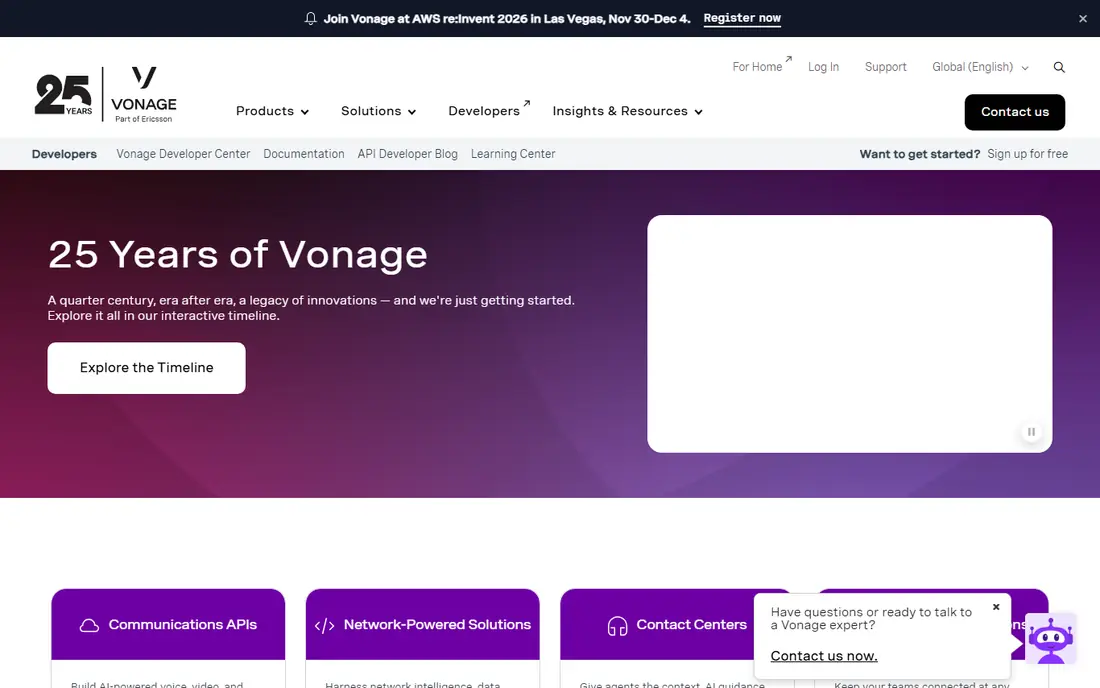
Vonage is best known for business VoIP, but it also offers home phone plans with unlimited domestic calling, voicemail, and caller ID. Calls can be made from a home adapter or from a mobile app, which helps a senior who wants the same number at home and on a phone away from home. Setup is straightforward for a household that already has broadband, and plans are month-to-month or annual depending on the offer.
Vonage is less senior-specific than Community Phone, so setup help and outage backup need more attention. A power or internet outage will interrupt an internet-based Vonage line unless call forwarding to a mobile is set up. For a tech-comfortable senior household that wants flexible VoIP at a low price, Vonage is a solid option.
- Low entry price for VoIP
- Mobile app for calls away from home
- Voicemail and caller ID included
- Business-focused plans can confuse home buyers
- Internet and power are required for service
Spectrum Voice provides home phone service over Spectrum internet for existing Spectrum customers. The line works with a standard handset, includes voicemail, caller ID, and call waiting, and appears on the same bill as internet and TV. That single-bill simplicity appeals to seniors who already use Spectrum and do not want another vendor. Spectrum also offers support by phone and in stores in many areas.
The main limit is the bundle. Spectrum Voice requires Spectrum internet, so the true monthly cost includes broadband, not just the voice add-on. Power outages also affect internet-based voice unless backup power is in place. For a Spectrum household that wants to keep everything with one provider, Spectrum Voice is a convenient choice.
- Familiar landline experience for Spectrum homes
- Voicemail and caller ID included
- Local support and billing in one account
- Requires Spectrum internet service
- Standalone cost is higher once the bundle is counted
Xfinity Voice, from Comcast, offers home phone service over Xfinity internet. Users keep a familiar handset, get voicemail, caller ID, and call waiting, and can check voicemail by email or app on some plans. For a household already on Xfinity, adding voice keeps billing simple and support in one place. Xfinity stores and phone support also help seniors who prefer in-person help.
As with Spectrum, the voice price alone does not tell the full story, because Xfinity internet is required. Regional pricing and bundle terms vary, so the exact monthly total should be confirmed for the home address. For an Xfinity household that wants a traditional-feeling home line, Xfinity Voice is a practical pick.
- Works with existing handsets for Xfinity homes
- Voicemail to email options
- One bill for internet, TV, and phone
- Requires Xfinity internet
- Price depends on bundle and region
AT&T Phone covers traditional and internet-based home phone options, depending on what is available at the address. In areas where a traditional line is still offered, it provides the familiar wired experience many seniors prefer, with caller ID, voicemail, and long-distance options. In other areas, AT&T offers internet-based voice as part of its fibre or internet plans. That carrier history gives some seniors confidence in support and 911 handling.
Availability is the key check. Copper landlines are being retired in many areas, so a traditional AT&T line may not be offered at a given address, and the replacement may be internet-based voice. Pricing also varies by plan and bundle. Seniors should confirm exactly what type of line is offered at their address before assuming it is a copper landline.
- Long history as a phone carrier
- Traditional line options in many areas
- Bundled support with AT&T services
- Copper lines are being phased out in many areas
- Pricing and availability vary by address
magicJack is a low-cost VoIP adapter that plugs into a router and a standard handset, or into a computer with an app. It offers US and Canada calling at a low annual price, which makes it one of the cheapest long-term options for a household that already has broadband. The device is small, setup is simple for a user comfortable with a router, and the magicJack app can also make calls from a phone.
Support is mainly online, and the service depends on internet and power, so it is less suited to a senior who needs phone help or outage backup without a mobile fallback. Call quality also depends on broadband quality. For a budget-conscious, tech-comfortable household, magicJack is the cheapest way to keep a home number.
- Very low annual cost compared with monthly plans
- Small adapter works with a handset
- Free app calling options
- Needs internet and power
- Support is mainly online, which may suit tech-comfortable users better
Google Voice offers free calling to US numbers from a computer, tablet, or phone app, with voicemail, transcription, and call forwarding. A user can keep a Google Voice number, forward calls to a mobile, and screen spam calls. That free price and simple app suit a senior who mainly needs a second number or a low-cost way to make calls over Wi-Fi. Google Voice also works well as a backup number alongside a main home line.
Google Voice is not a direct replacement for a traditional landline. It needs internet, a Google account, and a device, and 911 service must be set up and tested carefully, because it does not work exactly like a wired landline. For a free, simple calling option, especially as a backup, Google Voice is useful, but it should not be the only line for a senior who needs reliable emergency calling.
- Free US calling from a computer or app
- Voicemail transcription
- Call forwarding to other numbers
- Not a full landline replacement
- Needs internet and a Google account
- 911 handling needs careful setup
PhonePower offers residential VoIP plans with unlimited US calling, voicemail to email, caller ID, call blocking, and other features at a low monthly cost. An adapter connects a standard handset to a broadband router, so the phone experience feels familiar. That feature set at a low price appeals to households that want more than basic calling without paying for a cellular base unit.
PhonePower is a smaller provider than Ooma or Vonage, so support hours and brand familiarity differ. Internet-based service also needs a backup plan for outages, such as forwarding to a mobile. For a household that wants low-cost VoIP with a full feature set, PhonePower is worth comparing against Ooma and Vonage.
- Low-cost VoIP plans with many calling features
- Voicemail to email
- Works with standard handsets via an adapter
- Smaller brand than Ooma or Vonage
- Internet and power required, with mobile forwarding as backup
How we picked these
We compared official provider pages, pricing disclosures, and public 2026 home phone comparisons, and we kept only services that are live in the US and able to provide a home number with a standard handset or app. We used See website where pricing varies by address, bundle, or promotion, rather than presenting a disputed figure as fact. We did not claim hands-on testing, and we weighed simplicity, handset compatibility, monthly cost, spam controls, and outage backup for senior households.
What to check before you choose a home phone service for seniors
Start with how the phone will be used each day. A senior who only makes and receives calls on a corded handset needs simplicity and reliability more than apps or video features. A senior who travels or wants the same number on a mobile may value an app and call forwarding. Match the service to daily use, not to the longest feature list.
Next, test emergency and outage handling. Confirm how 911 works on the chosen service, register the home address where required, and test the line after setup. Ask about battery backup, and set up call forwarding to a mobile so calls still reach the household during a power or internet outage. Keep a charged mobile as a backup, even with a home line.
Finally, check hearing, vision, and spam needs. Confirm the handset is hearing-aid compatible if needed, that ringtones and voicemail are easy to adjust, and that spam blocking is on by default or easy to enable. Ask about contract terms, device costs, and what happens if the service is cancelled. A short trial or a month-to-month plan reduces risk if the service does not suit the household.
Landline, cellular, or VoIP
A traditional landline uses a wired copper or fibre line. A cellular home phone uses a mobile network through a base unit. VoIP uses broadband internet through an adapter or app. Cellular and traditional lines tend to handle outages better, while VoIP tends to cost less. Choose based on outage needs, internet reliability, and budget.
Safety notes for senior households
Keep emergency numbers posted near the phone, and make sure at least one household member knows how to test 911 address registration. Enable spam blocking, and warn against sharing personal or financial details with unknown callers. If a caller claims to be from a bank, utility, or government agency and asks for payment, hang up and call the organisation back on a known number.
Frequently asked questions
What is the best home phone service for seniors?
Community Phone is our pick for most seniors because setup is simple, it works with an existing handset, and it includes spam blocking and battery backup. Ooma is the lower-cost alternative for households comfortable with a device purchase and internet or cellular setup. The best pick depends on budget, outage needs, and whether internet is already in the home.
What is the best landline phone service for seniors?
For a traditional-feeling line, Community Phone and Ooma cellular options mimic a landline without needing copper or internet. Spectrum Voice, Xfinity Voice, and AT&T Phone offer landline-style service for households already on those providers, though many are now internet-based. Confirm at your address whether the line is copper, fibre, or internet-based before choosing.
What is the best landline service for seniors without internet?
Cellular home phone services such as Community Phone and Ooma cellular plans work without home internet, using a mobile network and a base unit. That makes them a good fit for seniors without broadband. Check mobile coverage at the home address, and confirm battery backup and 911 registration during setup.
How much does home phone service for seniors cost?
Prices range from free for Google Voice basic calling, to about $10 to $15 per month for basic VoIP, to $39.99 per month for Community Phone. Cable bundle voice prices depend on the internet plan, so the total bundle cost matters more than the voice add-on alone. Add device costs to the first-year total for Ooma, magicJack, and similar adapters.
Do seniors still need a home phone if they have a mobile?
Many seniors keep a home phone for reliability, simplicity, and emergency use, especially if mobile coverage at home is weak or a mobile is hard to hear. A home phone also gives family a stable number that does not change with a mobile plan. A mobile remains a vital backup during a home line outage, so keeping both is often the safest choice.
How do I keep a home phone working during a power outage?
Choose a service with battery backup, such as Community Phone, or keep a corded handset that does not need mains power on a traditional line. For VoIP, add an uninterruptible power supply for the router and adapter, and set call forwarding to a mobile. Test the backup plan before an outage, not during one.
Sources
- https://www.communityphone.org
- https://www.ooma.com
- https://www.vonage.com
- https://www.spectrum.com/services/voice
- https://www.xfinity.com/learn/voice
- https://www.att.com/home-phone/
- https://www.magicjack.com
- https://voice.google.com
- https://www.phonepower.com
- https://www.moneysavingpro.com/landline/guides/landline-phone-service-for-seniors/
See where you really rank - block by block
ProMapRanker scans Google Maps across a grid of your service area. Simple monthly plans from $19, white-label on every plan.
Start freeKeep reading
 zscaler alternatives
Best Zscaler Alternatives in 2026
Looking for zscaler alternatives? We compare 9 SASE and zero trust platforms on architecture, data protection, pricing, and fit for your network and team.
Read → zapier alternatives free
Best Zapier Alternatives Free in 2026
Nine automation tools for zapier alternatives free in 2026, all with genuinely free tiers, plus free plan limits, starting prices and upgrade paths explained.
Read → which platform is best for online reputation
Which Platform Is Best for Online Reputation in 2026
Wondering which platform is best for online reputation? We compare 8 review, listing, and response tools for small and multi-location businesses and agencies.
Read →