 ProMapRanker
6 Home Inventory Software, Compared by Cost and Features


Whole-home management beyond inventory · Pricing starts at: See website
Key takeaways
- Number one here is HomeZada, a fit for whole-home management beyond inventory.
- For HomeZada, Encircle, Sortly and Nest Egg, you have to request a quote because no starting price is shown.
- HomeZada comes with a trade-off: broader scope means more setup.
- A free plan is available from 3 of the 6 tools: Encircle, Sortly, HomeBox.
Direct answer
HomeZada leads the list, best for whole-home management beyond inventory. Alternatives: AI Home Inventory for quick photo-based home inventory, and Encircle for insurance-focused documentation. The full list of 6 tools follows, with prices and free plan facts.
Quick comparison
| Pick | Great for | Pricing starts at | Free tier | |
|---|---|---|---|---|
| HomeZada | Whole-home management beyond inventory | See website | Free trial | Visit |
 AI Home Inventory | Quick photo-based home inventory | One-time US$49.99 (Whole Home) | First two rooms free | Visit |
 Encircle | Insurance-focused documentation | See website | Yes | Visit |
 Sortly | Refined general-purpose home inventory | See website | Yes | Visit |
 HomeBox | Free open-source self-hosted inventory | Free | Yes | Visit |
 Nest Egg | Straightforward asset tracking for households | See website | Free trial | Visit |
Our 6 picks for home inventory software
ProMapRanker compared 6 tools for home inventory software. The goal is a practical shortlist: published prices, free plan facts, best-fit use cases and honest limits for every entry.

HomeZada is built with whole-home management beyond inventory in mind. HomeZada treats the inventory as one part of running a house. If you want the inventory plus a maintenance brain for the house, HomeZada is the most complete choice here.
Downsides: Subscription required for full features.
Alongside item records, it tracks maintenance schedules, keeps warranty documents, and follows your home's value over time. As for the details, if you only need an inventory, more straightforward tools win. Pricing for HomeZada is not stated here, so ask the vendor for current figures. Free plan details: Free trial.
- Document storage for warranties
- In-depth home profile
- Broader scope means more setup
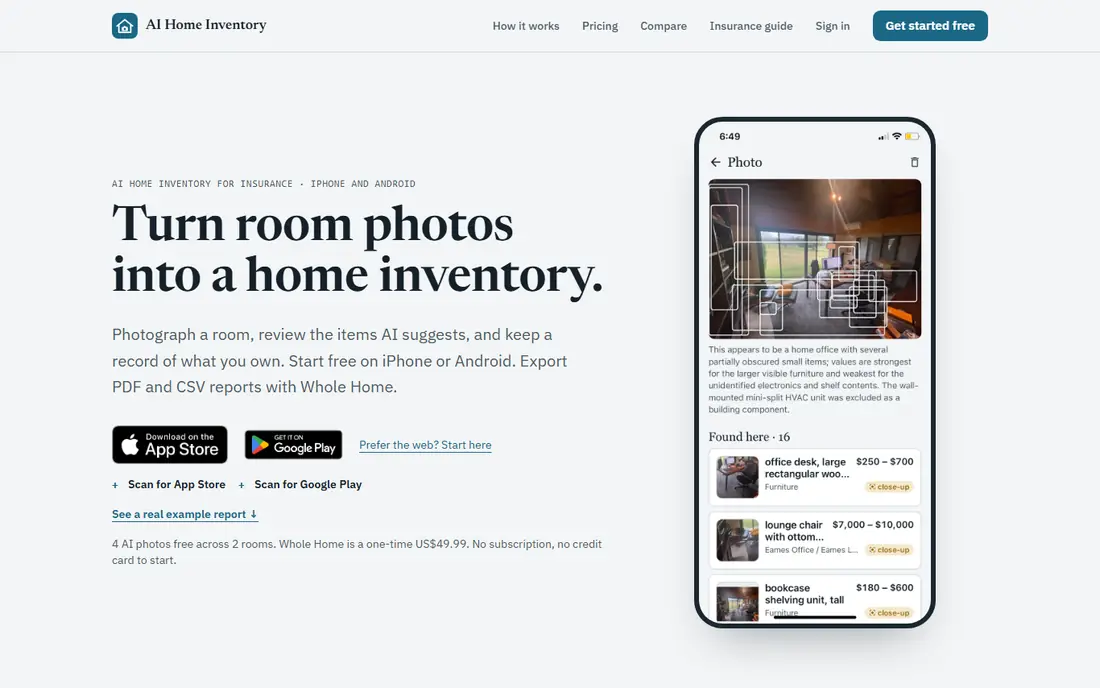
AI Home Inventory is a good fit for quick photo-based home inventory. Take two photos of each room and the AI lists the items it sees and estimates a value for each one, all of it editable. So an entire home can be done in minutes rather than days.
Limits to weigh: Free plan handles only the first two rooms.
It's free to start with your first two rooms. On top of that, reports export as PDF and CSV, and the app runs on iPhone and Android. For everyday use, after the first two rooms, the Whole Home upgrade is a one-time US$49.99 purchase with no subscription. What you pay to start with AI Home Inventory: One-time US$49.99. Free plan details: First two rooms free.
- No subscription
- The AI lists items and estimates values
- Whole Home costs US$49.99
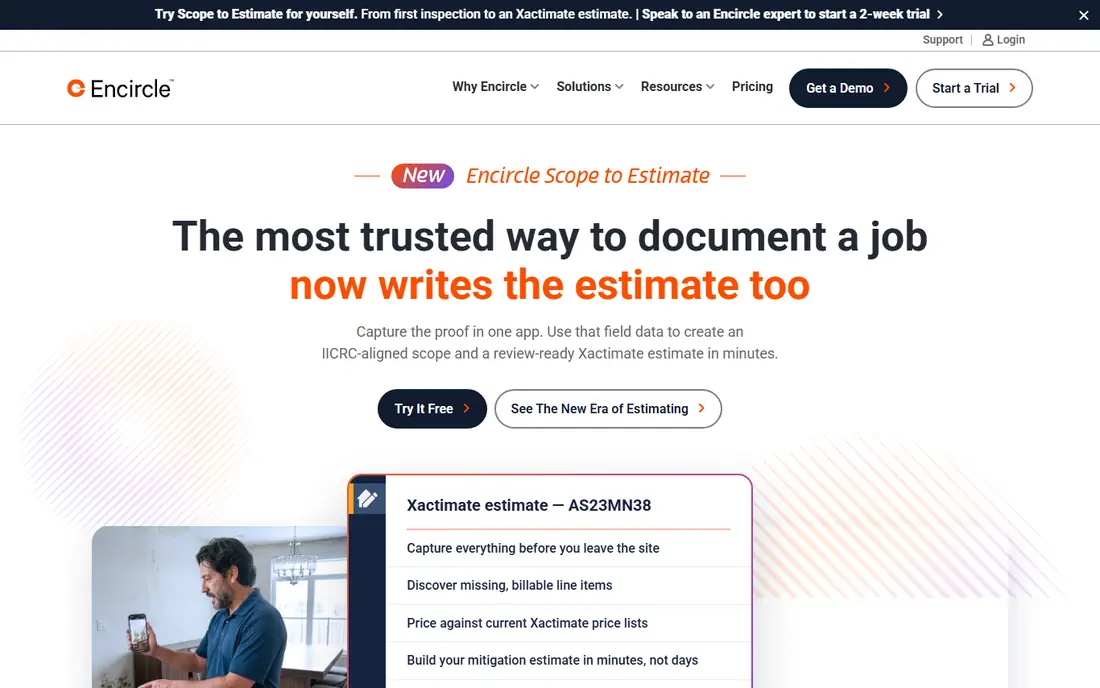
Pick Encircle if this describes you: insurance-focused documentation. Encircle approaches home inventory from the claim backward. It is free for homeowners, and its credibility with insurance professionals is a genuine asset when you file.
Where it falls short: Interface geared toward claims instead of casual browsing.
That focus is also its limit. In daily use, for that job, Encircle is purpose-built. Worth adding: if you want a household organizer for moves and decluttering, Encircle feels clinical next to Sortly or HomeZada. But nobody buys insurance hoping to use it; they buy it hoping the paperwork works when disaster strikes. Pricing for Encircle is not stated here, so ask the vendor for current figures. Encircle offers a free plan.
- Trusted by insurance industry users
- Documentation workflows built for claims
- Less adaptable for non-insurance uses
Sortly targets refined general-purpose home inventory. Sortly started in business inventory and brought that discipline to the home.
A full household blows past 100 items rapidly, which is where the premium plans come in. Sortly shows no starting price here, so confirm the cost on the vendor site. A free plan is available with Sortly.
Limits to weigh: Free level item limit fills quick in a full house.
- Free level spans up to 100 items
- Intuitive item cataloging with photos and QR labels
- Advanced features need premium plans
Choose HomeBox for free open-source self-hosted inventory. HomeBox is the answer for people who do not want their household inventory on someone else's servers.
It is free, open source, and self-hosted: your data lives on your machine, there is no subscription, and no company can change the terms. More specifically, labels, locations, and item records include the essentials well. What you pay to start with HomeBox: Free. You can start on HomeBox without paying.
Where it falls short: Interface is functional instead of refined.
- Completely free and open source
- Your data stays on your own server
- Needs self-hosting technical skill
In short, Nest Egg is for simple asset tracking for households. Nest Egg keeps the concept straightforward: track what you own, what it is worth, and where the proof is. The feature set is deliberately narrow.
As for the details, the cloud setup means your records survive even if your devices do not. It is a smaller, less-known product, so expect fewer tutorials and community resources than Sortly. Check the vendor site for Nest Egg pricing; none is listed in this comparison. Free options: Free trial.
The main drawbacks: Less known, so fewer reviews to consult.
- Clean straightforward asset tracking
- Straightforward value tracking
- Smaller feature set than larger rivals
How we chose
Pricing pages, product documentation and feature lists were the main sources, and every entry carries at least one honest drawback. Plan names, prices and limits change often. Treat the figures here as a starting point and verify them with the vendor. The order reflects how well each tool fits the most common buying scenario for home inventory software, then price clarity, then free plan access. It is a starting point, not a verdict.
What to check before you buy
- Get a written quote from HomeZada, Encircle, Sortly and Nest Egg; the list shows no starting price for them.
- Look at free plan limits closely: Encircle, Sortly and HomeBox have one, and the caps decide whether it is usable for real work.
- Run a trial of HomeZada and Nest Egg with real work before paying for a year; your own workflow is the best test.
- Read the limits listed for HomeZada first: broader scope means more setup.
- Check whether the features you need in HomeBox sit on the entry plan or only on higher tiers.
- Confirm you can export your data from Encircle, so leaving later does not mean losing records.
Frequently asked questions
Do these tools publish their prices?
Not all of them. HomeZada, Encircle, Sortly and Nest Egg publish no starting price, so expect a quote request for those. The rest, AI Home Inventory included, show a starting price, though seats and billing terms still change the final cost.
Can I try these options before paying?
Often, yes. Encircle, Sortly and HomeBox have a free plan and HomeZada and Nest Egg offer a free trial. Use your own data and a real task during the test, and check what the free tier or trial limits before you rely on it.
How are the tools for home inventory software ordered?
The order follows typical fit for home inventory software, with HomeZada first and Nest Egg last, then price clarity and free access. It is editorial judgement, not a score, so another team could rank the tools differently.
Which options for home inventory software have a free plan?
On this list, Encircle, Sortly and HomeBox include a free plan. Caps on seats, usage or features are common, so test the free plan against your real workload. Several others offer a trial instead.
I rent. Do I still need a home inventory?
Yes, arguably more. Your landlord's insurance spans the building, not your belongings; renters insurance handles your stuff, and it needs the same documentation. The inventory also guards your security deposit by recording the apartment's condition when you move in.
Sources
See where you really rank - block by block
ProMapRanker scans Google Maps across a grid of your service area. Simple monthly plans from $19, white-label on every plan.
Start freeKeep reading
 zscaler alternatives
Best Zscaler Alternatives in 2026
Looking for zscaler alternatives? We compare 9 SASE and zero trust platforms on architecture, data protection, pricing, and fit for your network and team.
Read → zapier alternatives free
Best Zapier Alternatives Free in 2026
Nine automation tools for zapier alternatives free in 2026, all with genuinely free tiers, plus free plan limits, starting prices and upgrade paths explained.
Read → which platform is best for online reputation
Which Platform Is Best for Online Reputation in 2026
Wondering which platform is best for online reputation? We compare 8 review, listing, and response tools for small and multi-location businesses and agencies.
Read →