 ProMapRanker
Best Home Internet Service in 2026

Key takeaways
- Fiber is the best choice where it is available, because uploads match downloads and most fiber plans have no data cap.
- Google Fiber and AT&T Fiber lead on simple pricing, while Verizon Fios is a strong fiber alternative in the Northeast and Mid-Atlantic.
- Cable from Xfinity and Spectrum still covers the most homes, but promo prices, equipment fees, and caps need careful checking.
- T-Mobile Home Internet is a strong no-install option for renters and for homes without fiber or good cable.
- Starlink is the fallback for rural homes with no wired option, but it costs more and speeds vary with weather and network load.
Quick comparison
| Pick | Great for | Pricing starts at | Free tier | |
|---|---|---|---|---|
 Google Fiber | Simple fiber pricing | $70 per month | No | Visit |
 AT&T Fiber | Widely available fiber | $55 per month | No | Visit |
 Verizon Fios | Fiber in the Northeast | $49.99 per month | No | Visit |
 Xfinity | Widest cable coverage | See website | No | Visit |
 Spectrum | Cable with no data cap | $30 per month | No | Visit |
 T-Mobile Home Internet | Easy 5G setup | $50 per month | No | Visit |
 Frontier Fiber | Low-cost fiber plans | $29.99 per month | No | Visit |
 Cox | Cable in the West and South | See website | No | Visit |
 Optimum | Cable and fiber in the East | See website | No | Visit |
 Starlink | Rural homes without wired service | See website | No | Visit |
The best home internet services
Home internet is local, so the best provider on a national list may not serve your street. Use this list to shortlist by technology first, fiber, then cable, then 5G, then satellite, and check availability by exact address before comparing prices.
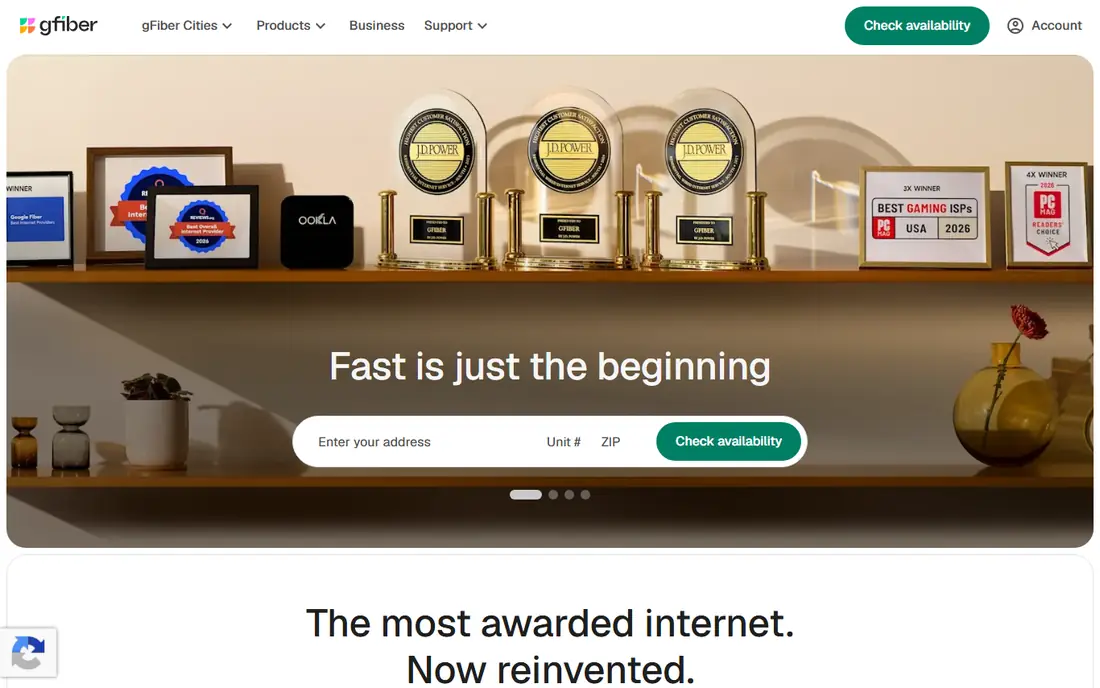
Google Fiber, now often called GFiber, is our pick for households that can get it. The 1 Gig plan at $70 per month gives fast symmetrical speeds in simple terms, with no data cap and equipment included, so the monthly bill stays close to the advertised price.
The limit is coverage. Google Fiber serves selected metro areas, not most US homes, so many readers will need a second choice. Where it is available, it is hard to beat for a household with several streamers, gamers, and remote workers. Check the address tool first, and compare the 1 Gig and 2 Gig plans only if the household regularly uploads large files or runs many devices at once.
- 1 Gig plan listed at $70 per month
- No data cap
- Equipment included on core plans
- Availability is limited to selected cities
- Higher tiers cost much more
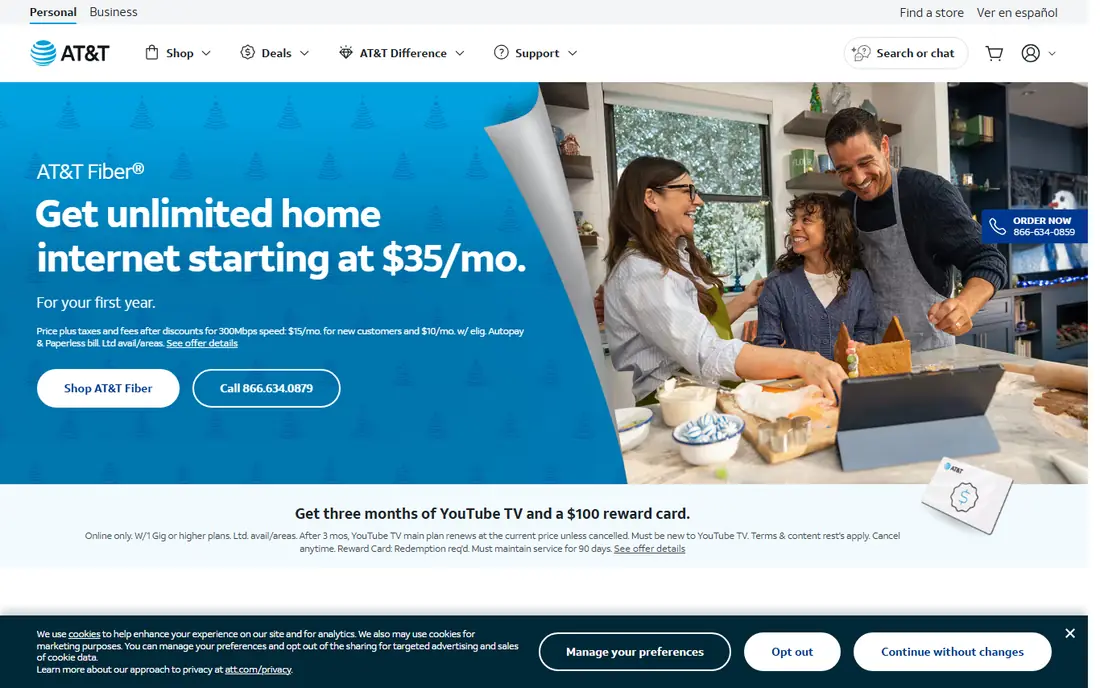
AT&T Fiber is the most widely available fiber option on this list, and its entry plan at $55 per month is a strong value for symmetrical fiber. There is no data cap on fiber plans, and equipment is included, which keeps the bill closer to the headline price than many cable plans. Speed tiers run from 300 Mbps up to multi-gigabit in many areas, so a household can start modestly and upgrade later.
The catch is that AT&T also sells slower non-fiber internet in some areas, so readers must confirm the address qualifies for fiber, not just AT&T internet. For a fiber-qualified address, AT&T Fiber is a strong default.
- Fiber plans listed from $55 per month
- No data cap
- Equipment included
- Broad fiber footprint
- Availability varies by neighborhood, even within a city
- Non-fiber AT&T plans are much slower
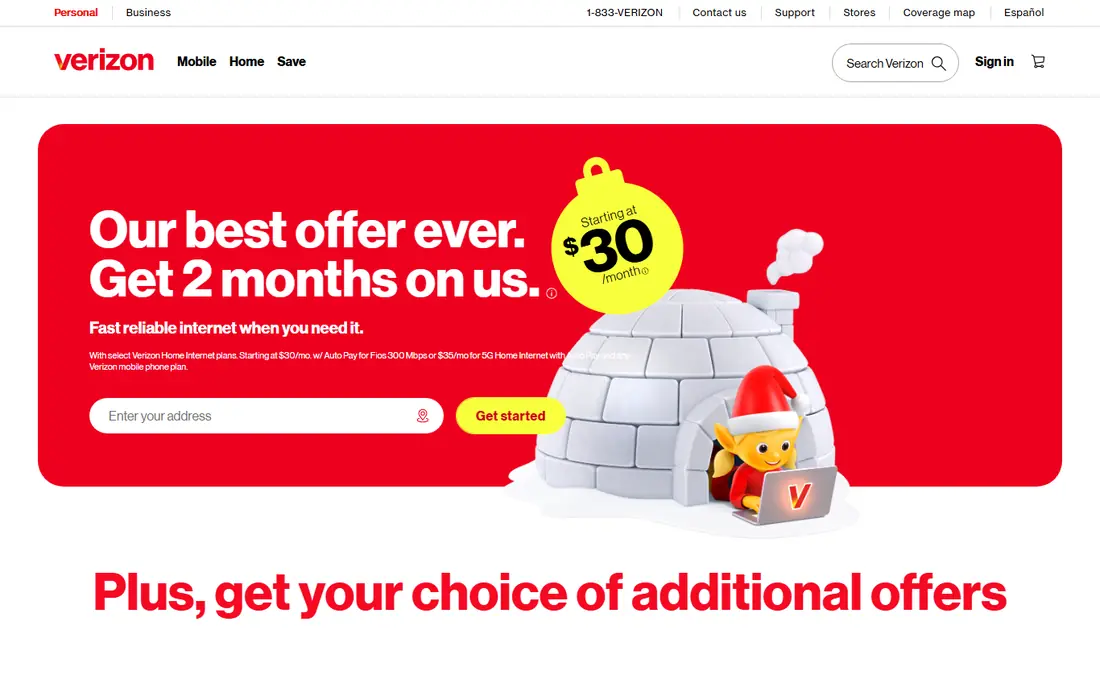
Verizon Fios serves the Northeast and Mid-Atlantic with fiber plans that start at $49.99 per month in recent comparisons, with speeds from 300 Mbps up to multi-gigabit tiers. There is no data cap, and symmetrical uploads help video calls, cloud backups, and gaming. Fios is often cited as a top choice for gaming and remote work in its region, thanks to low latency on fiber.
Coverage is the main limit. Outside its footprint, Verizon offers 5G Home Internet instead, which is a different product with different speeds. For a Fios address, compare the 300 Mbps and 1 Gig plans against actual household use, rather than paying for speed no one will use.
- Fiber plans listed from $49.99 per month
- No data cap
- Strong reliability in its service area
- Coverage is focused on the Northeast and Mid-Atlantic
- Router rental can add cost on some plans
Xfinity, from Comcast, covers more US homes than any fiber provider, which makes it the practical pick for many addresses. Cable speeds run from 300 Mbps to 2 Gbps in many markets, and bundles with mobile can lower the total bill for Comcast mobile customers. Xfinity also offers a range of plans, so a small household can start lower and upgrade later.
Pricing needs careful reading. Introductory rates rise after 12 months in many markets, equipment rental adds a monthly fee, and a 1.2 TB data cap applies in many areas, with unlimited data as a paid add-on in those areas. Readers should ask for the post-promo price, the equipment fee, and the cap policy for their exact plan before signing.
- Very wide cable coverage
- Speeds up to 2 Gbps in many areas
- Bundle options with mobile and TV
- Promo prices rise after the promo period
- 1.2 TB data cap applies in many areas
- Equipment fees can add up
Spectrum is a strong cable pick for households that use a lot of data, since it does not impose a data cap on its current internet plans. The modem is included, which removes one common fee, and entry pricing is listed from $30 per month for the first year in recent comparisons. Speeds run from 100 Mbps to gigabit tiers in many areas, covering most family use.
The main warning is the post-promo price. After the first year, the rate moves to the standard rate for that plan, which can be much higher, so readers should ask for that number in writing. Advanced WiFi, which covers the router and extra features, is an optional $10 per month in many markets.
- No data caps on current plans
- Modem included
- Promo pricing from $30 per month in recent comparisons
- Promo prices rise to standard rates after the first year
- Advanced WiFi is an extra monthly fee
T-Mobile Home Internet uses 5G fixed wireless, so a household plugs in a gateway and connects over the mobile network. The core plan is listed at $50 per month, with lower rates for some T-Mobile mobile customers, and equipment is included. That simplicity suits renters, movers, and homes where fiber installation would take weeks or is not available.
Speed is the trade-off. Recent comparisons list typical download speeds from around 72 Mbps to 498 Mbps, with uploads far lower, and real speeds depend on signal strength, tower load, and placement of the gateway near a window. Households with heavy gaming, large uploads, or many simultaneous 4K streams may prefer fiber or cable.
- Self-install gateway with no technician visit in most cases
- Equipment included
- No annual contract on the core plan
- Speeds vary with 5G signal and network load
- Not as fast or steady as fiber for heavy use
Frontier Fiber is worth checking for households that want fiber at a low entry price. Plans are listed from $29.99 per month in recent comparisons, with tiers from 200 Mbps up to 7 Gbps in some areas, and no data cap. That range covers a single-person household at the low end and a large connected home at the high end, without a cable-style cap.
Coverage is the issue. Frontier fiber is available in parts of its footprint, while other addresses may only get slower legacy service, so the address check matters. Where Frontier Fiber is available, it is often the cheapest fiber path to gigabit speeds.
- Fiber plans listed from $29.99 per month
- No data cap
- Multi-gigabit tiers in many areas
- Coverage is uneven and still expanding
- Customer service reviews vary by region
Cox serves many homes in the West and South with cable internet, with plans listed from $50 per month in recent comparisons and speeds up to 2 Gbps in many areas. Bundles with mobile and TV can reduce the total bill, and the range of tiers suits both small households and large families. Cox also offers fiber in some areas, so readers should check whether their address qualifies for fiber or cable.
The data cap is the main drawback. Most Cox plans carry a 1.2 TB cap, with unlimited data as a paid option, which matters for households that stream, game, and back up large files. Equipment rental also adds a monthly fee.
- Wide cable coverage in its regions
- Speeds up to 2 Gbps in many areas
- Bundle options
- 1.2 TB data cap on most plans
- Equipment fees add cost
- Promo prices rise after the promo period
Optimum serves the Northeast and other regions with a mix of cable and fiber, and recent comparisons list plans from $35 to $90 per month, with fiber tiers up to 8 Gbps in some areas. No data cap on current plans is a plus for heavy users, and the higher fiber tiers suit large households or home offices with heavy upload needs.
Market variation is the problem. Prices, speeds, and promo terms differ by city, so a national list price is only a guide. Where Optimum fiber is available at a competitive price, it is a strong local pick, while cable-only addresses should compare it with Spectrum and Xfinity on total cost.
- Cable and fiber options in its footprint
- Speeds up to 8 Gbps on some fiber tiers
- No data cap on current plans
- Pricing varies widely by market
- Equipment fees and promo rises need checking
Starlink uses low-earth-orbit satellites to serve homes that cable and fiber do not reach. That makes it the best option for many rural households, remote workers, and homes where the only wired choice is slow DSL. The self-install kit and the lack of a technician visit help in areas where provider visits are slow to schedule.
Cost and variability are the trade-offs. Recent comparisons list residential pricing from $55 to $175 per month depending on plan and region, plus a hardware kit cost, Speeds can reach several hundred Mbps in good conditions, but rain, trees, and network congestion can lower them. Starlink is a fallback, not a first choice, where fiber, cable, or 5G home internet is available.
- Available in many rural areas with no wired broadband
- Self-install kit
- No data cap on the standard residential plan in many areas
- Higher monthly cost and hardware cost than wired plans
- Speeds vary with weather, obstructions, and network load
How we picked these
We compared provider pricing pages, FCC broadband labels, and recent 2026 provider comparisons, and kept only services that are live in the US, serve a meaningful footprint, and offer a residential plan a household can actually buy. We favored fiber first, then cable, then 5G, then satellite, because that order matches speed, reliability, and total cost for most homes. We did not claim hands-on testing, and we used See website where market pricing varies too much for a single national figure to be honest.
How to choose home internet for your address
Check availability first, then speed, then total cost. A provider that does not serve your address is not an option, no matter how good its national price looks. Enter the exact address on each provider site, and confirm whether the result is fiber, cable, 5G, or satellite, since the same brand can sell very different products at one address.
Match speed to the household, not to the ad
A household with browsing, email, and one or two streams usually does fine on 100 to 300 Mbps. A household with several 4K streams, gaming, and remote work at the same time should look at 500 Mbps to 1 Gbps, with uploads mattering most for video calls and cloud backups. Paying for multi-gigabit speeds rarely helps unless the household uploads very large files every day.
Read the total monthly cost
Add the plan price, equipment rental, taxes and fees, and any unlimited data add-on to get the true monthly cost. Ask for the post-promo price and the contract length, and check whether autopay or a mobile bundle is required for the quoted rate. A lower promo price that doubles in a year can cost more over two years than a slightly higher flat-rate fiber plan.
Test the install and the signal
For fiber and cable, confirm the install date, whether a technician visit is needed, and what happens if the install fails. For 5G and satellite, place the gateway or dish with a clear view, test speeds at peak evening hours, and keep the return window in mind. If speeds fall short during the trial period, switch early rather than waiting out a contract.
Frequently asked questions
Which home internet service is the best?
Fiber is the best technology where it is available, and Google Fiber, AT&T Fiber, and Verizon Fios are the strongest fiber picks on this list. The best provider for a given home still depends on which of these serve that exact address.
What is the best internet service for home use?
For most homes, a fiber plan at 300 Mbps to 1 Gbps with no data cap is the best balance of speed, reliability, and cost. Cable from Spectrum or Xfinity is the best fallback where fiber is not available, and T-Mobile Home Internet is a strong option where setup speed matters.
What is the best in home internet service for renters?
T-Mobile Home Internet is often the best renter pick, because it needs no technician install and no long wiring work in most cases. Renters should also check whether the building already has fiber or cable included, since that can be cheaper than a separate plan.
What are the best internet services for home workers?
Fiber plans with symmetrical uploads, such as Google Fiber, AT&T Fiber, and Verizon Fios, are best for home workers who join video calls and upload large files. A no-cap plan also matters for workers who back up files to the cloud every day.
Do I need gigabit internet at home?
Most homes do not need gigabit speeds, and 300 to 500 Mbps covers several streams, gaming, and remote work at once. Gigabit plans make sense for large households, heavy uploaders, and homes with many connected devices running at the same time.
Is Starlink worth it for home internet?
Starlink is worth it mainly for rural homes with no good wired or 5G option, where it can be far faster than DSL or older satellite. Where fiber, cable, or strong 5G is available, those options are usually cheaper and steadier.
Sources
- https://fiber.google.com
- https://www.att.com/internet/fiber/
- https://www.verizon.com/home/internet/
- https://www.xfinity.com
- https://www.spectrum.com
- https://www.t-mobile.com/home-internet
- https://frontier.com
- https://www.cox.com
- https://www.optimum.com
- https://www.starlink.com
- https://www.cabletv.com/ranking/best-internet-providers
- https://www.internetproviders.ai/reports/hidden-fees-2026/
See where you really rank - block by block
ProMapRanker scans Google Maps across a grid of your service area. Simple monthly plans from $19, white-label on every plan.
Start freeKeep reading
 zoho inventory alternatives
6 Alternatives to Zoho Inventory, Compared on Price and Fit
Zoho Inventory alternatives: 6 tools compared on price, free plans and fit. Katana leads the list for manufacturers. Fit and flaws are laid out for each entry.
Read → zoho crm alternatives
Best Zoho CRM Alternatives (2026)
Need Zoho CRM alternatives? We compare 7 tools on cost, free access and who each suits. Every pick gets a straight assessment. Built for quick decisions.
Read → zelle alternatives
Best Zelle Alternatives in 2026
Compare the best Zelle alternatives for sending money to friends, paying sellers and moving funds abroad, with honest notes on fees, speed and safety in 2026.
Read →