 ProMapRanker
Best Home Improvement Apps in 2026

Key takeaways
- Planner 5D, Homestyler and RoomSketcher cover most design work, from a quick room refresh to a measured floor plan for a builder.
- magicplan and Home Design 3D suit measured work, with room scanning and detailed 3D modelling for renovation planning.
- Houzz and IKEA Kreativ help you test real products in your space, with idea photos, pro directories and augmented reality previews.
- Angi and TaskRabbit close the gap between a plan and a finished job, by connecting you with local pros and task help.
- Free tiers are useful for testing, but measured plans, high-quality renders and full catalogues usually need a paid plan.
Quick comparison
| Pick | Great for | Pricing starts at | Free tier | |
|---|---|---|---|---|
 Houzz | Ideas and finding pros | Free | Yes | Visit |
 Planner 5D | Easy room and home design | $4.99 per month | Yes | Visit |
 magicplan | Measured floor plans | See website | Yes | Visit |
 Home Design 3D | Detailed 3D home modelling | See website | Yes | Visit |
 RoomSketcher | Accurate measured plans | $12 per month | Yes | Visit |
 Homestyler | Lifelike room renders | $6.80 per month | Yes | Visit |
 IKEA Kreativ | IKEA furniture previews | Free | Yes | Visit |
 Angi | Hiring local pros | Free | Yes | Visit |
 TaskRabbit | Small jobs and assembly | Free | Yes | Visit |
The best home improvement apps
We compared design tools, measurement features, product previews and hiring services for apps live in October 2026. The list mixes design apps, exterior and room planners, and hiring platforms, so you can plan a room, test an exterior idea, and find help for the work itself.
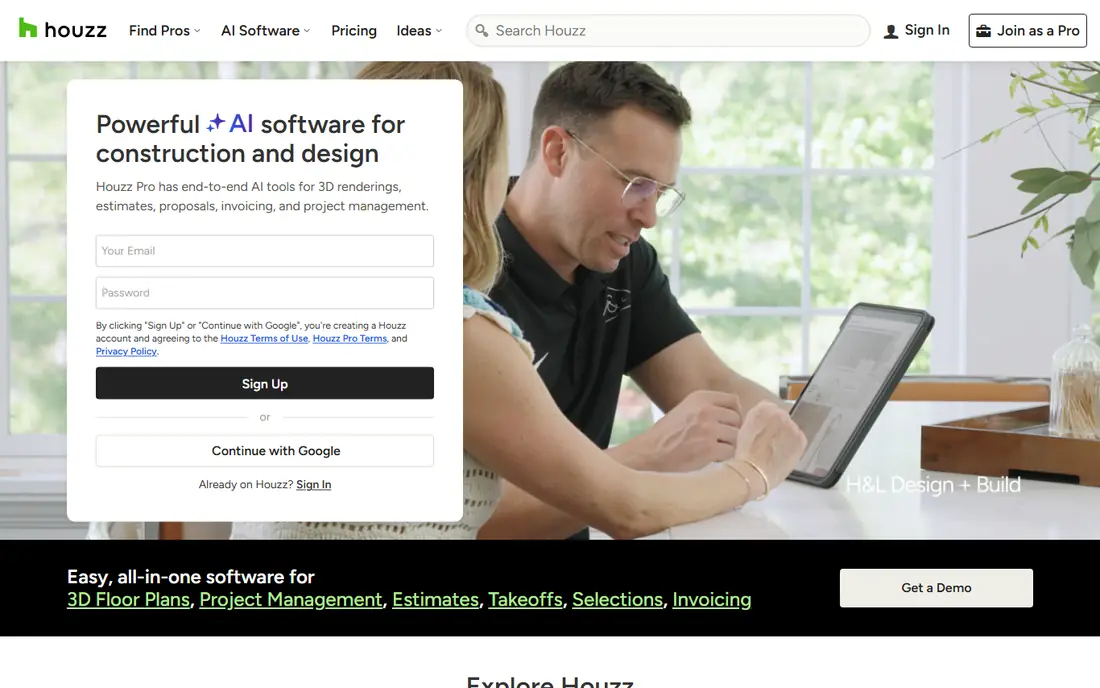
Houzz is the best place to start when you know a room feels wrong but you do not yet know what you want. Millions of photos from designers and builders can be saved to idea books, filtered by room, style and budget, and used to brief a pro or a partner. The pro directory adds reviews, project photos and contact options, so the same app that inspires the project can help you find someone to build it. Augmented reality previews for selected products also help you test a chair or a light in your own room.
The catch is scope. Houzz is an idea and hiring platform first, not a measured design tool, so you will still need a planner app for exact dimensions and layouts. Houzz Pro software for professionals is priced separately and is far more expensive than the free homeowner app. Use Houzz to gather ideas and shortlist pros, then move to a measured planner before you buy materials or book work.
- Huge photo idea library
- Pro directory with reviews
- Augmented reality previews for some products
- Pro software pricing is separate and higher
- Idea browsing can distract from a plan
- Pro quality varies by area
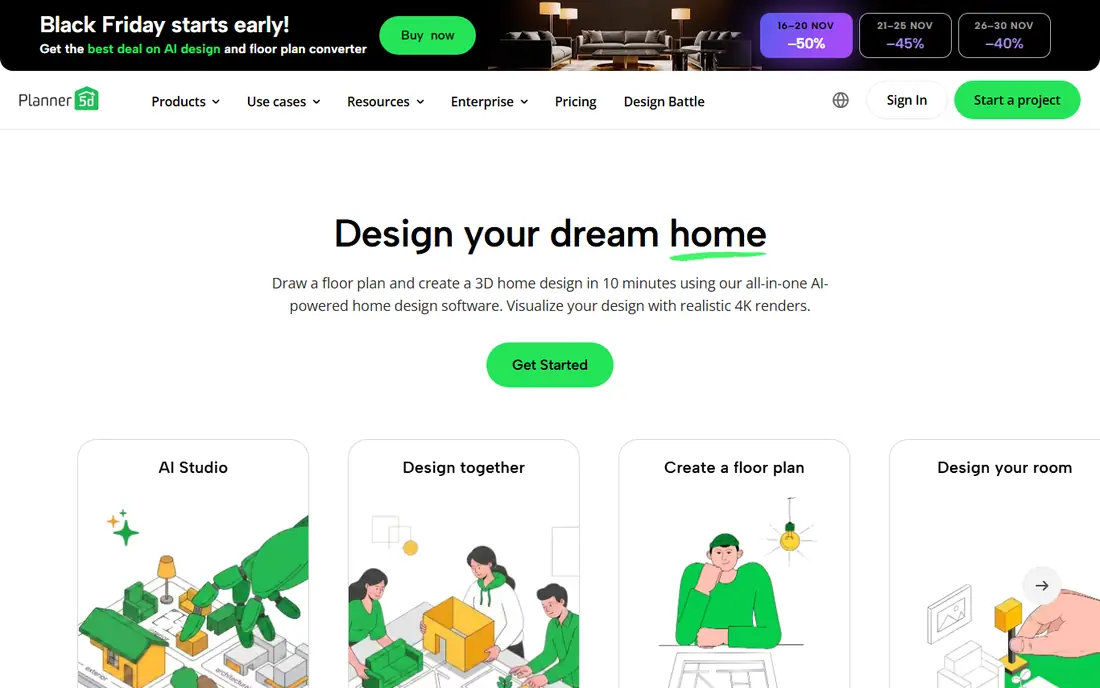
Planner 5D is our pick for most homeowners because it is easy to learn and hard to get wrong. Draw a room, add walls and doors, drag furniture into place, and switch between 2D and 3D with one tap. The free plan allows unlimited projects with about half the catalogue, and Premium is listed at 4.99 dollars per month billed annually, which opens the full catalogue and standard renders. For a room refresh, a new layout or a simple exterior concept, that is enough to make a confident choice.
Limits matter for serious renovation work. The plant and material range suits a concept rather than a detailed planting or building plan, and Planner 5D does not replace professional construction drawings, permits or structural advice. High-quality 4K renders and CAD export sit on the Professional tier. Use Planner 5D to test layouts and styles, and bring a measured plan to a builder when the work is structural.
- Simple drag-and-drop design
- 2D and 3D views
- Works on web, iOS and Android
- Free catalogue covers about half the items
- Best renders need higher tiers
- Not a substitute for construction drawings
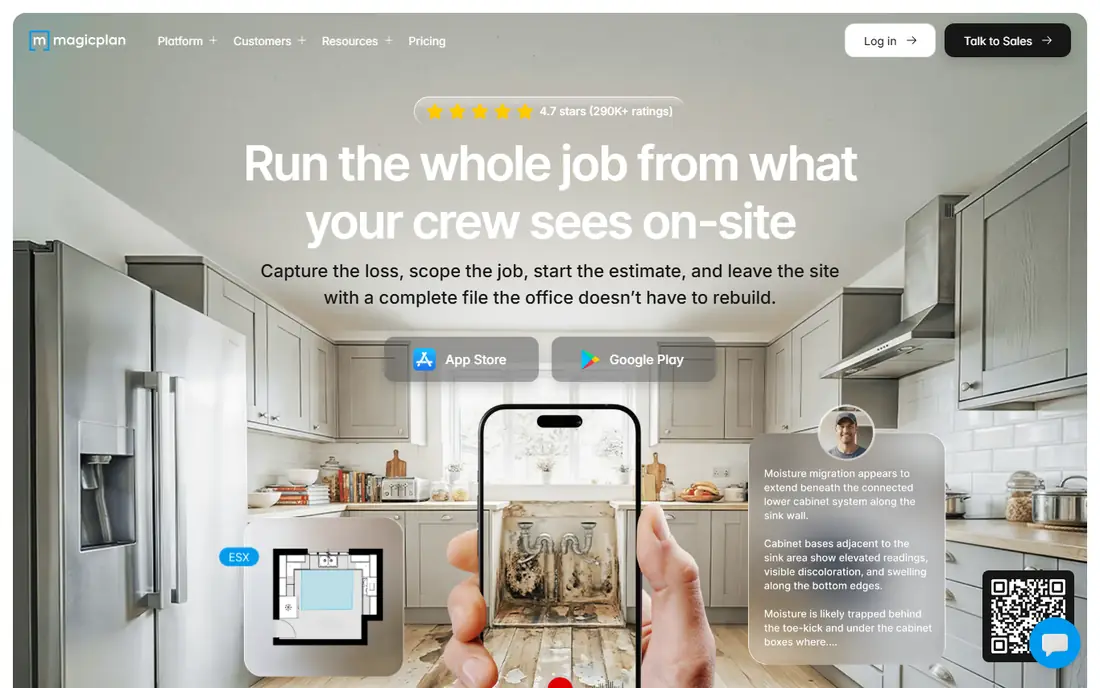
magicplan suits renovation, repair and insurance work where measurements matter. Point your phone camera around a room and the app builds a floor plan with dimensions, which you can edit, annotate and export as a PDF or in other formats. Contractors, estimators and homeowners use it for job documentation, scope notes and material estimates, and the cloud workspace lets a team share plans and photos. For a kitchen refit or a damage claim, a measured plan is far more useful than a pretty render.
Pricing is the catch for casual users. Published Pro plans are aimed at professionals and cost far more than a home design app, while the free tier covers only a small number of projects. The report and estimating tools also take time to learn. Use magicplan when you need a plan a builder or insurer can trust, and use Planner 5D or Homestyler when you only need to test a look.
- Room scanning with a phone camera
- Measured plans and reports
- Good for renovation and insurance work
- Pro pricing is high for casual use
- Some features need a paid plan
- Learning the report tools takes time
Home Design 3D is a solid pick for homeowners who want to model a whole house, not only one room. It lets you draw floor plans in 2D, furnish in 3D, adjust wall heights, add multiple floors and walk through the result on a phone or tablet. That whole-house view helps when a renovation changes how rooms connect, such as opening a kitchen into a living room or adding a bathroom. Offline use on mobile is also useful on site, where signal may be weak.
The interface is denser than Planner 5D, and some features need in-app purchases, so check what the free version includes before you start a large project. Renders are clear but less lifelike than Homestyler, which matters if you want a photo-style preview to share with family. For a detailed layout you can measure and walk through, Home Design 3D is a strong and affordable tool.
- Detailed 2D and 3D modelling
- Works offline on mobile
- Good for whole-house layouts
- Interface feels dense at first
- Some features need in-app purchases
- Renders are less polished than Homestyler
RoomSketcher suits homeowners who need a plan a builder can actually use. Draw walls to scale, add doors, windows and furniture, and view the result in 2D and 3D, with measurements that help a contractor price work and order materials. The free tier lets you try the tool, while published paid pricing starts around 12 dollars per user per month, with annual options in some guides. For a renovation brief, that measured accuracy is worth more than a large decorative catalogue.
The free plan does not include measurements, so serious work needs a paid plan, and the catalogue feels more practical than inspiring compared with Houzz or Homestyler. RoomSketcher is also less focused on exterior planting and landscaping than a dedicated exterior tool. Use it when the brief to a builder matters most, and pair it with Houzz for style ideas.
- Measured floor plans with 3D views
- Furniture and material options
- Plans you can share with builders
- Free plan lacks measurements
- Paid plan is pricier than Planner 5D
- Design catalogue is more practical than decorative
Homestyler is the pick when you want to see a room as it will look, not only as a plan. Build a layout, choose furniture and finishes, and render a lifelike image that helps a household agree on colours, flooring and layout before buying anything. Published pricing starts around 6.80 dollars per month for paid tiers, with a free tier that includes lower-resolution renders in recent guides. For a living room, bedroom or kitchen refresh, that visual result is often the deciding factor.
Measured planning is lighter than RoomSketcher or magicplan, so Homestyler is less suited to a builder brief or a structural change. Render limits and platform differences also mean you should check what your plan includes before a big project. Use Homestyler to settle style and layout, then use a measured app for the construction details.
- Lifelike renders from a plan
- Large furniture range
- Easy web and mobile use
- Best render quality needs a paid plan
- Less measured-plan depth than RoomSketcher
- Some features vary by platform
IKEA Kreativ is free and focused: it lets you preview IKEA furniture in your own room using augmented reality and room scanning, then buy the items that fit. For a bedroom, living room or home office furnished mainly from IKEA, it is the fastest way to test a layout before ordering.
The limit is obvious: it only covers IKEA products, so it cannot plan a mixed-brand room or a full renovation. Room scanning results also depend on lighting and phone quality, and Kreativ is not a measured floor-plan tool for a builder. Use it as a shopping preview beside a planner app, not as your only design tool, and measure doorways and lifts before ordering large pieces.
- Free to use
- Augmented reality previews in your room
- Direct link to IKEA products and prices
- Only IKEA products
- Room scanning quality depends on your phone
- Not a full floor-plan tool
Angi closes the gap between a plan and a finished job. Describe a project, from a roof repair to a bathroom remodel, and Angi matches you with local pros, shows reviews and past work, and lets you compare quotes. Cost guides help you sense-check a quote before you accept it, which is useful for first-time homeowners. For urgent repairs, the speed of matching often matters more than design polish.
Quality varies by location and trade, and because pros pay for leads, some quotes may include that cost. Always check licences, insurance and references yourself, get at least two quotes for larger work, and put the scope, price and timeline in writing. Angi is a strong starting point for hiring, but it does not replace your own checks before work starts.
- Large pro network across trades
- Reviews and project cost guides
- Request and compare quotes in one place
- Lead quality varies by area
- Pros pay for leads, which can affect pricing
- Not a design tool
TaskRabbit suits the small jobs that fill a home improvement list: furniture assembly, TV mounting, picture hanging, minor repairs, moving help and yard tidy-ups. Taskers list skills, reviews and hourly rates, and you book, message and pay in the app. For a flat-pack wardrobe or a room of new shelves, a TaskRabbit booking is often faster and cheaper than hiring a full contractor.
It is not a substitute for licensed trades work. Structural changes, major electrical or plumbing work, and permitted renovations need a licensed pro, ideally found through Angi or Houzz. Availability also varies by city, and hourly pricing can grow on a job that takes longer than expected. Use TaskRabbit for well-defined small tasks, agree the scope and time estimate up front, and keep larger projects with licensed professionals.
- Good for assembly, mounting and small repairs
- Tasker reviews and hourly pricing
- Booking in the app
- Not for licensed structural or electrical work
- Availability varies by city
- Hourly costs add up on larger jobs
How we picked these
We compared vendor pricing pages, app store listings and feature pages for home design, measurement and hiring apps live in October 2026. We kept apps that help a homeowner plan, visualise, measure or hire for a real project, and we left out photo-filter apps that only restyle a picture without measurements or a usable plan. Prices quoted here come from vendor pages and recent comparisons, and they can change, so check the app store price before you subscribe.
How to plan a project with these apps
Start with ideas, then measurements, then hiring. Use Houzz to gather a style direction and save photos you like, then build a measured plan in RoomSketcher or magicplan and test the look in Planner 5D or Homestyler. That order stops you buying furniture for a layout that does not fit, and it gives a builder a clear brief. For exterior work, test the house shell, patio and planting in Planner 5D as a concept, and get professional advice for grading, drainage and structural changes.
Next, price the work before you commit. Get at least two quotes for larger jobs, check licences and insurance, and agree the scope in writing. For small tasks, book a TaskRabbit tasker with a clear time estimate. Keep a simple project note with measurements, product links, quotes and photos, so everyone working on the job sees the same plan. A good app helps you decide, but a clear written scope is what keeps a project on budget.
Frequently asked questions
What is the best home improvement app?
Planner 5D is our pick for most homeowners, RoomSketcher is our pick for measured builder plans, and Houzz is our pick for ideas and finding pros. The best app depends on whether you need design, measurement, product previews or hiring help.
What is the best app for exterior home design?
Planner 5D is the easiest exterior concept tool in this list, with house shell, patio and planting options in 3D. For a detailed exterior plan, pair it with a measured tool such as RoomSketcher or magicplan, and get professional advice for grading, drainage and structural work.
Are home improvement apps free?
Many offer free tiers, including Houzz, Planner 5D, Homestyler, RoomSketcher and IKEA Kreativ, but measured plans, full catalogues and high-quality renders usually need a paid plan. Check what the free tier includes before you start a large project, since limits vary a lot.
Can I hire a pro through a home improvement app?
Yes. Angi matches you with local pros across trades and lets you compare quotes, while TaskRabbit books taskers for small jobs and assembly. For licensed structural, electrical or plumbing work, choose a licensed pro and verify licences and insurance yourself.
Do I need a measured plan for a renovation?
Yes, for anything beyond a simple room refresh. A measured plan helps a builder price work, order materials and avoid costly mistakes. Apps such as magicplan and RoomSketcher produce plans you can share, while design-only apps are better for testing style and layout.
Sources
See where you really rank - block by block
ProMapRanker scans Google Maps across a grid of your service area. Simple monthly plans from $19, white-label on every plan.
Start freeKeep reading
 zoro.to alternatives
Best Zoro.to Alternatives in 2026
We compare the best zoro.to alternatives in 2026, listing only legal licensed anime streaming services, from Crunchyroll to free options for fans today.
Read → zip alternatives
Best Zip Alternatives in 2026
We compare the best zip alternatives for buy now, pay later in 2026, covering pay-in-4 plans, fees, spending limits, and credit reporting options today.
Read → yesware alternatives
Best Yesware Alternatives in 2026
Compare the best yesware alternatives for sales email tracking, templates, and sequences, with current pricing and honest tradeoffs for small sales teams.
Read →