 ProMapRanker
Best Home Decorating Apps in 2026


Easy room decorating on web and mobile · Pricing starts at: $4.99 per month
Key takeaways
- Planner 5D is the easiest all round choice for drawing a room, trying furniture and viewing the result in 3D.
- Homestyler gives strong free renders, while IKEA Kreativ is the best free way to preview real IKEA furniture in your own room.
- Houzz and Havenly help most with shopping and ideas, while magicplan, RoomSketcher and Floorplanner help most with accurate measurements.
- Free plans are useful for testing, but full catalogues, high quality renders and scaled exports usually need a paid plan.
- Measure your room first, including door swings and plug positions, because a good looking plan with wrong sizes will still fail in real life.
Quick comparison
| Pick | Great for | Pricing starts at | Free tier | |
|---|---|---|---|---|
| Planner 5D | Easy room decorating on web and mobile | $4.99 per month | Yes | Visit |
 Homestyler | Free lifelike renders | $6.80 per month | Yes | Visit |
 Houzz | Ideas, products and pro help | Free | Yes | Visit |
 HomeByMe | 3D plans with real branded products | Free | Yes | Visit |
 magicplan | Room scanning and measured plans | See website | Yes | Visit |
 IKEA Kreativ | Previewing IKEA furniture at home | Free | Yes | Visit |
 RoomSketcher | Accurate floor plans and 3D views | $49 per year | Yes | Visit |
 Floorplanner | Quick plans in a browser | See website | Yes | Visit |
 Havenly | Designer help with a shoppable plan | $199 per room | Yes | Visit |
The best home decorating apps
We compared official pricing pages, app store listings and published feature descriptions, and we focused on planning to scale, real product catalogues, render quality and the limits of each free plan. The apps below mix do it yourself planners, shopping tools and designer services, so you can pick by how much help you want.
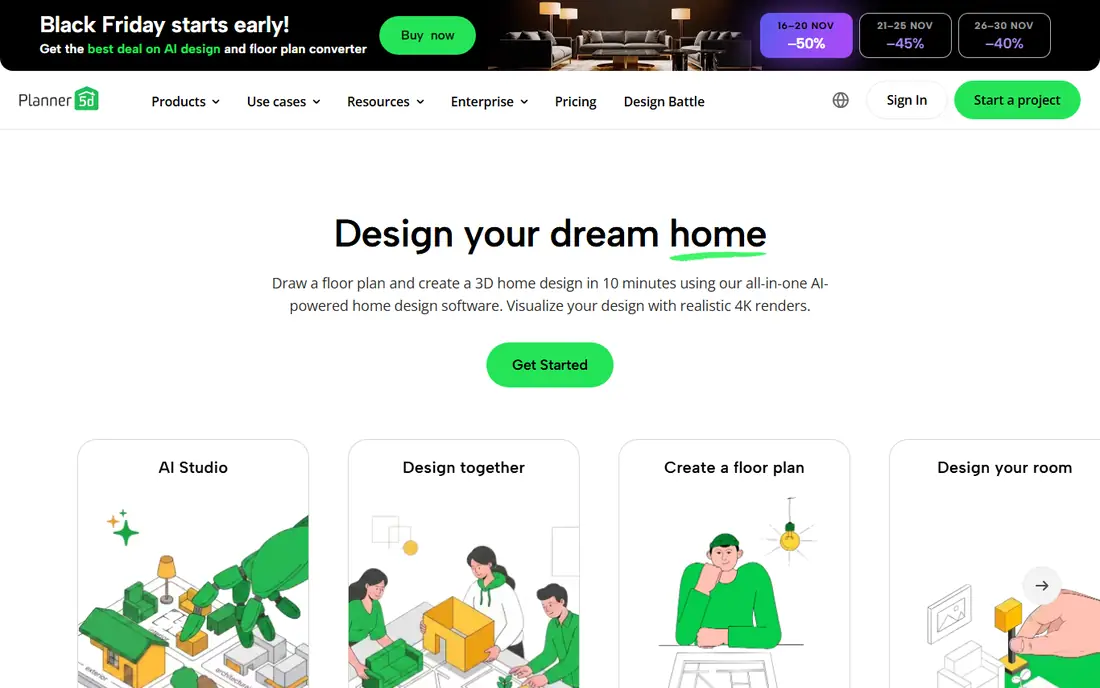
Planner 5D is our pick for most people because it is easy to learn and it works on a phone, tablet and browser. You can draw a room, upload a floor plan or use its plan recognition tool, then drag furniture into place and switch between 2D and 3D in one tap. The free plan allows unlimited projects with about half the catalogue, which is enough to test a layout. Premium costs $4.99 per month billed annually at $59.99 per year, and it opens the full catalogue, AI tools and standard renders. Professional users who need unlimited 4K renders step up to $33.33 per month billed annually. For a single room refresh, Premium is usually enough, and the free plan is a fair way to learn the tool first.
- Unlimited free projects
- 2D and 3D views
- Large furniture catalogue
- Works on web and mobile
- Much of the catalogue needs Premium
- Best renders need the Professional tier
- Large projects can feel slow
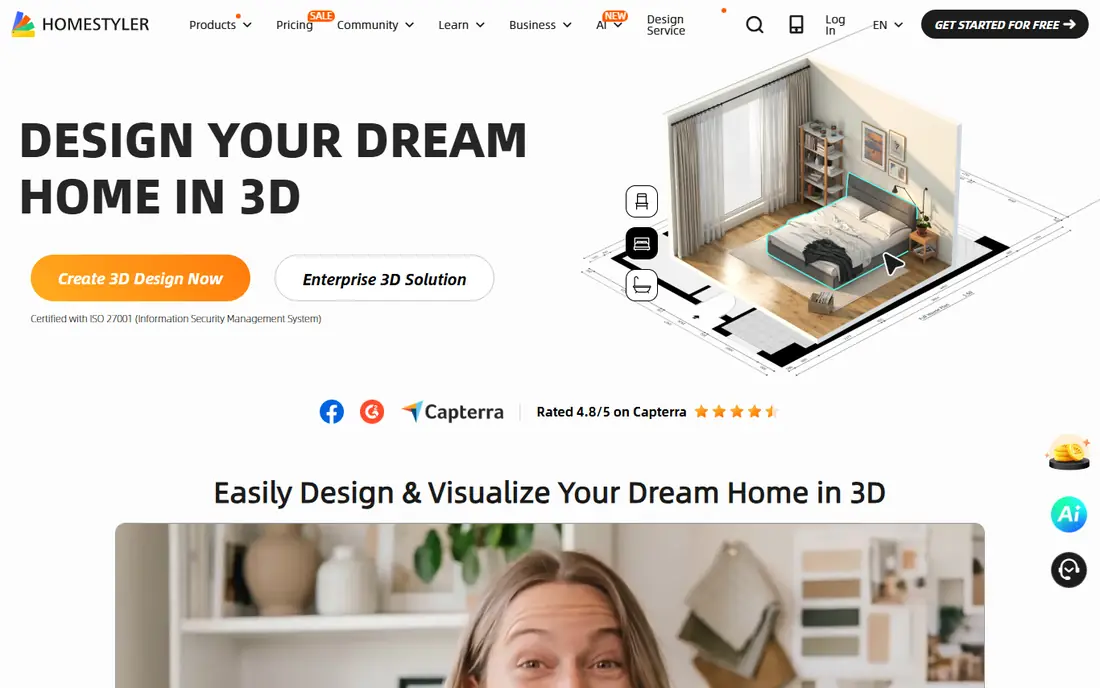
Homestyler stands out for people who want a lifelike picture of a finished room without paying first. Its free tier offers unlimited 1K renders, which is enough to compare wall colours, sofa sizes and layout options on screen. You can edit a 2D plan and view it in 3D, and its AI tools can suggest styles from a photo. Paid plans start from about $6.80 per month, with higher tiers for better renders and more AI credits. The free AI allowance is small, so do not plan a whole house around free AI images alone. Homestyler suits renters and homeowners who want to see a room clearly before buying paint or furniture.
- Free 1K renders
- Editable 2D and 3D layouts
- AI design tools
- Large product library
- Higher quality renders and extra AI credits need a paid plan
- Free AI credits are limited
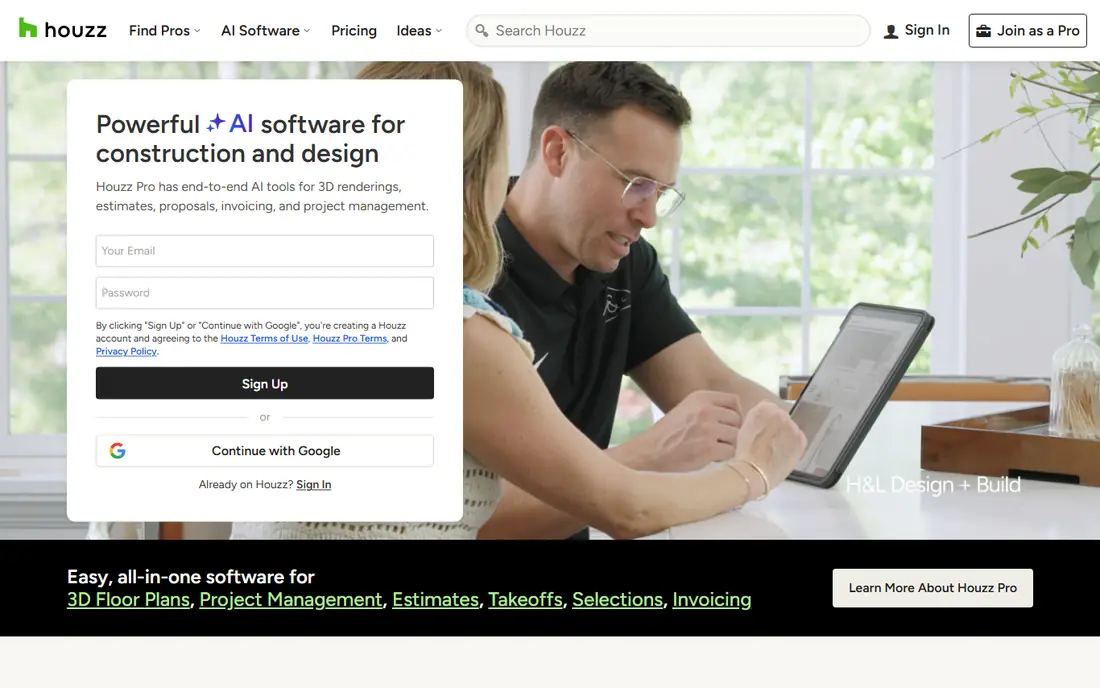
Houzz is less a precision planner and more a source of ideas, products and professionals. You can save photos to idea books, filter by room and style, preview some products in your room with AR, and contact local designers, contractors and stores from the same app. For a decorating project that starts with inspiration, that mix is hard to beat. The weakness is measurement. Houzz will not give you a scaled floor plan as cleanly as RoomSketcher or Planner 5D, so use it alongside a planner if you need exact sizes. It is free to browse and save ideas, and it works best when you already have a rough plan and need real products to fill it.
- Huge photo library
- Shoppable products
- AR preview for some items
- Pro directory
- Planning tools are lighter than Planner 5D
- Product prices and availability vary by seller
HomeByMe, from Dassault Systemes, lets you build a room in 2D and view it in 3D at once, using furniture and finishes from real brands. That link to real products helps when you move from a pretty plan to a shopping list, because sizes and finishes match items you can actually buy. The inspiration gallery also gives you a starting point if you stare at an empty room. The free Starter plan covers three projects and three realistic renderings, which is enough for one room but not for a whole house. Paid options include one time packs from about $19.47 and an Unlimited plan at about $29.40 per month in some listings, so check the price shown for your region before you commit to a large project.
- 3D planner with real branded products
- 360 degree views
- Curated inspiration gallery
- Free plan limits projects and renders
- Paid packs and subscriptions vary by region
magicplan is the pick for renovation work, because it scans a room with your phone camera and builds a measured floor plan from that scan. You can add doors, windows, furniture and notes, then export the plan in formats a builder can use. That measured starting point saves the guesswork that ruins many decorating plans. The free tier covers a small number of projects, and paid plans are priced by use case, so the site price is the one to check for your project. Scanning also takes practice, and bright light, clutter and odd room shapes can affect accuracy. Still, for a remodel where sizes matter, magicplan beats a freehand sketch.
- Scans rooms with a phone camera
- Measured floor plans
- Exports for builders and insurers
- Paid plans vary by use
- Best features need a subscription
- Learning the scan takes practice
IKEA Kreativ is the best free app for home decor shopping if you plan to buy from IKEA. You can scan a room on a supported phone, remove existing furniture from the view, and place IKEA items to scale in the space, then save the design and shop the items. Because the catalogue is real, the sofa you see is the sofa you can buy, with its real size and price. The limit is obvious. It only covers IKEA products, so it will not help you mix brands or plan a full renovation with other suppliers. It also is not a general floor plan tool. Use it after you have a layout, when you want to test whether a specific IKEA range fits your room and your budget.
- Completely free
- Previews real IKEA furniture in your room
- Room scanner on supported devices
- Links to IKEA shopping
- Limited to IKEA products
- Full 3D scan needs supported hardware
- Not a general floor planner
RoomSketcher suits people who want a tidy, accurate plan they can share with a partner, landlord or builder. You can draw from scratch, trace a sketch, use AI Convert or order a redraw of an existing plan, then view the result in 2D, 3D and 360 degrees. The free tier covers basic drawing and snapshots, which is enough to test the editor. Paid VIP costs $49 per year and adds 2D and 3D floor plans, 3D photos and 360 views, while Pro costs $99 per year and adds measurements, branding and blueprint drawing. If you only need one room and a simple view, the free tier may be enough, but a scaled plan for a builder will usually need VIP or Pro.
- Clean 2D and 3D floor plans
- 360 views
- Live 3D
- Plan redraw service
- Measurements and scaled printing need paid tiers
- Annual billing
- Some features suit pros more than casual users
Floorplanner is the quickest way to draw a room if you do not want to install an app. It runs in a browser, it lets you draw walls, add doors and windows, place furniture and switch to 3D, and you can share the plan with a link. That speed makes it a good choice for testing a few layouts in one evening. The free tier covers a limited number of projects, and extra projects and exports use credits, with credit packs starting from about $8.15 in some listings. The furniture catalogue is also smaller than Planner 5D, so it suits layout testing more than detailed decorating. Start free, and only buy credits if you need to keep several versions.
- Fast browser based planning
- No install needed
- 2D and 3D views
- Simple sharing
- Free projects are limited
- Credits needed for extra projects and exports
- Catalogue is smaller than Planner 5D
Havenly is the pick if you want a human designer to finish the job. You take a style quiz, share photos and measurements, and a designer builds a plan with a design board, a floor plan and a shoppable product list. The free Havenly AI tool can also suggest a design instantly, and you can hand that design to a designer without starting again. Online designer service costs $199 per room, and in person full service costs $699, with furniture bought separately. That per room price is fair for a room you want to get right, but it adds up across a whole house. Havenly suits one or two important rooms, or a renter who wants a clear plan to buy slowly over time.
- Free AI design tool
- Real designer plans from $199 per room
- Shoppable product lists
- Style quiz
- Designer service is per room, not a subscription
- Furniture costs are extra
- In person service costs $699
How we picked these
We compared official pricing pages, app store listings and published feature descriptions, and we kept only apps that are live in October 2026 and that truly help with decorating, not just photo filters. We favoured tools with a free way to start, a real product catalogue or a measured plan, and clear pricing, and we mixed planners, shopping tools and a designer service so different budgets and skill levels are covered. We did not claim hands on testing, and we did not treat a pretty render as proof of accurate sizing. We also checked the free tier limits closely, because many decorating apps look free until you try to save, export or render a plan. The notes above state those limits plainly, so you can test an app before paying and avoid buying credits for a tool you will only use once.
Decorating with an app, step by step
Measure before you design
Measure wall lengths, ceiling height, door widths and door swings, window positions and plug locations, and note anything that cannot move, such as radiators and built in cupboards. Enter those sizes in the planner before you add furniture, and check the plan against the real room with a tape measure. A sofa that looks right on screen but blocks a door in real life is a common and avoidable mistake.
Test layout first, then colour and style
Start with the big items, such as bed, sofa and table, and test two or three layouts before you choose paint or cushions. Leave clear paths through the room, keep seating within talking distance, and check that storage is near where you use it. Once the layout works, use renders or AR previews to compare colours and finishes in daylight and in evening light.
Turn the plan into a shopping list
Save the final plan, list each item with its size and price, and buy the largest items first. For a designer service, ask for the product list in writing and check delivery times before you order. For a planner, export the plan or take screenshots with measurements, so a store assistant can help you match sizes if a chosen item is out of stock.
Frequently asked questions
What is the best home decorating app for beginners?
Planner 5D is the easiest all round start, because it is simple to draw a room and view it in 3D. Homestyler is a strong free alternative if you mainly want lifelike renders, and IKEA Kreativ is best if you plan to shop at IKEA.
What is the best home decorating software for accurate floor plans?
RoomSketcher and magicplan are the strongest picks for accurate plans, because they support measurements, scaled exports and, in the case of magicplan, room scanning. Planner 5D and Floorplanner are easier for casual layout testing, but their free tiers limit scaled output.
What is the best app for home decor shopping?
Houzz and Havenly are the strongest shopping picks, because both link designs to real products you can buy. IKEA Kreativ is best for IKEA shopping, while HomeByMe also links plans to branded products.
Can I decorate a room for free with an app?
Yes, for one room. Planner 5D, Homestyler, Houzz, IKEA Kreativ and RoomSketcher all offer free tiers that cover basic planning and viewing. You will usually need to pay for full catalogues, high quality renders or scaled exports.
Do I need a designer, or is an app enough?
An app is enough for layout, colour and furniture testing in most rooms. A designer helps when you feel stuck on style, when a room has awkward proportions, or when you want a single plan that ties furniture, lighting and finishes together.
How do I make sure furniture will fit?
Measure the room and the furniture, check door widths for delivery, and leave space for door swings and walking paths. Use the planner at real scale, not just by eye, and remeasure the largest item before you order.
Sources
See where you really rank - block by block
ProMapRanker scans Google Maps across a grid of your service area. Simple monthly plans from $19, white-label on every plan.
Start freeKeep reading
 zscaler alternatives
Best Zscaler Alternatives in 2026
Looking for zscaler alternatives? We compare 9 SASE and zero trust platforms on architecture, data protection, pricing, and fit for your network and team.
Read → zapier alternatives free
Best Zapier Alternatives Free in 2026
Nine automation tools for zapier alternatives free in 2026, all with genuinely free tiers, plus free plan limits, starting prices and upgrade paths explained.
Read → which platform is best for online reputation
Which Platform Is Best for Online Reputation in 2026
Wondering which platform is best for online reputation? We compare 8 review, listing, and response tools for small and multi-location businesses and agencies.
Read →