 ProMapRanker
Best Home Automation Platform (2026)

Key takeaways
- Top of the list is Samsung SmartThings, which targets mixed-brand households.
- For multi-protocol homes without tinkering, Homey is worth a look.
- 5 of 6 tools offer a free plan: Samsung SmartThings, Aqara, Apple Home, Amazon Alexa, Home Assistant.
- Check the limits for Aqara before you commit: best experience stays inside the Aqara ecosystem.
Direct answer
Our first pick is Samsung SmartThings, best for mixed-brand households. Aqara is better for affordable Zigbee and Matter devices, and Apple Home is better for Apple households. The other 3 tools in the list cover narrower or pricier cases.
Quick comparison
| Pick | Great for | Pricing starts at | Free tier | |
|---|---|---|---|---|
 Samsung SmartThings | Mixed-brand households | Free | Yes | Visit |
 Aqara | Low-cost Zigbee and Matter devices | Free (app); hubs from $20 | Yes | Visit |
 Apple Home | Apple households | Free | Yes | Visit |
 Amazon Alexa | Voice-first control on a budget | Free | Yes | Visit |
 Home Assistant | Privacy-first DIY automation | Free (optional $6.50/month cloud) | Yes | Visit |
 Homey | Multi-protocol homes without tinkering | $399 one-time (Homey Pro) | No | Visit |
The 6 tools in detail
If you are comparing home automation platform, this page covers 6 tools in one place: what each is best for, what it costs to start, whether it has a free plan, and the main limit to know about.
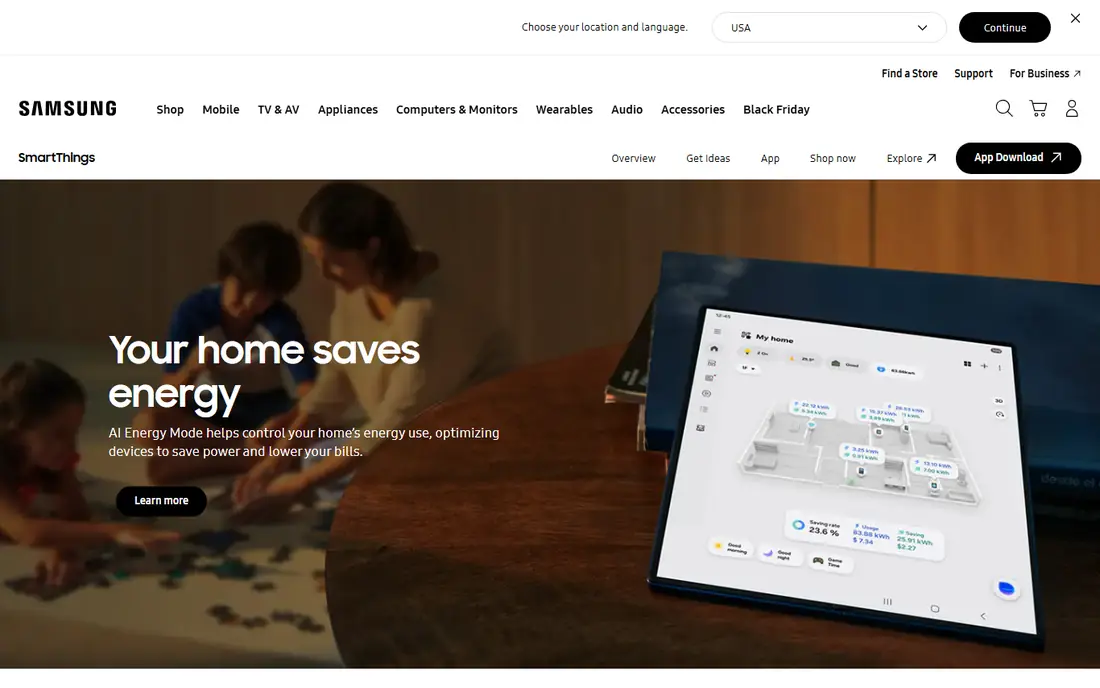
Where Samsung SmartThings fits: mixed-brand households. Samsung quietly built the largest smart home product in the world, and most owners never think about it until their TV asks to be a hub. SmartThings now counts over 470 million registered users and supports more than 430 Works With SmartThings brands, including Zigbee, Z-Wave, Wi-Fi, Matter, and Thread.
Also, for a family or small office with Samsung appliances, it is the path of least resistance. In daily use, routines handle everyday needs like arrival lighting and energy-saving modes, though complicated conditional logic still trails Home Assistant or Hubitat. From a buyer's view, the honest trade-off is cloud dependence: device pairing, numerous routines, and external access route through Samsung servers, and developers recently saw API access move to premium levels. Samsung SmartThings pricing: Free. You can start on Samsung SmartThings without paying.
Where it falls short: Cloud-dependent for numerous features.
- Matter 1.6 support
- 470M registered users and 430+ partner brands
- Samsung account required
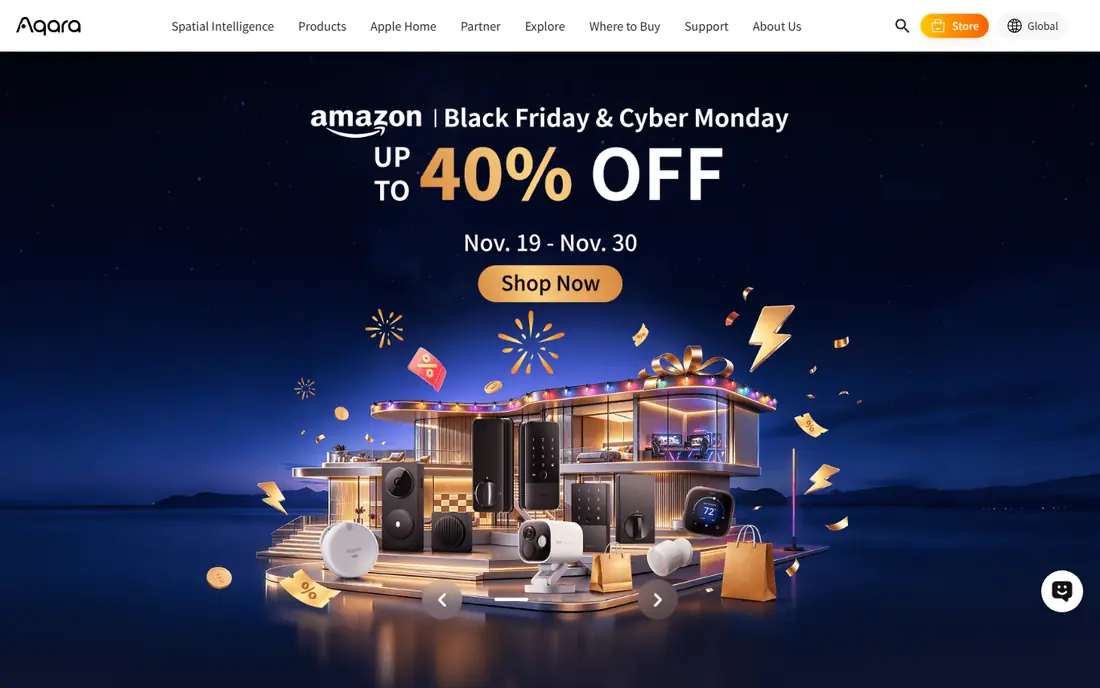
Aqara is a good fit for low-cost Zigbee and Matter devices. The Aqara Home app itself is free and takes care of scenes and automations well. The deepest features open up with an Aqara hub in the mix.
What to check first: Advanced automations need a hub.
From a buyer's view, Aqara wins on the math. Its sensors, switches, and cameras cost a fraction of big-brand equivalents. The entry-level Smart Hub M100 sells for around $20, with the flagship Hub M3 and newer Thermostat Hub W200 handling bigger setups. In practice, use it as the low-cost device layer inside a larger product, or go all-in if the catalog spans your needs. Aqara cost at the entry level: Free. Aqara offers a free plan.
- Works with Apple Home, Alexa, Google, SmartThings
- Capable Matter support
- Best experience stays inside the Aqara ecosystem
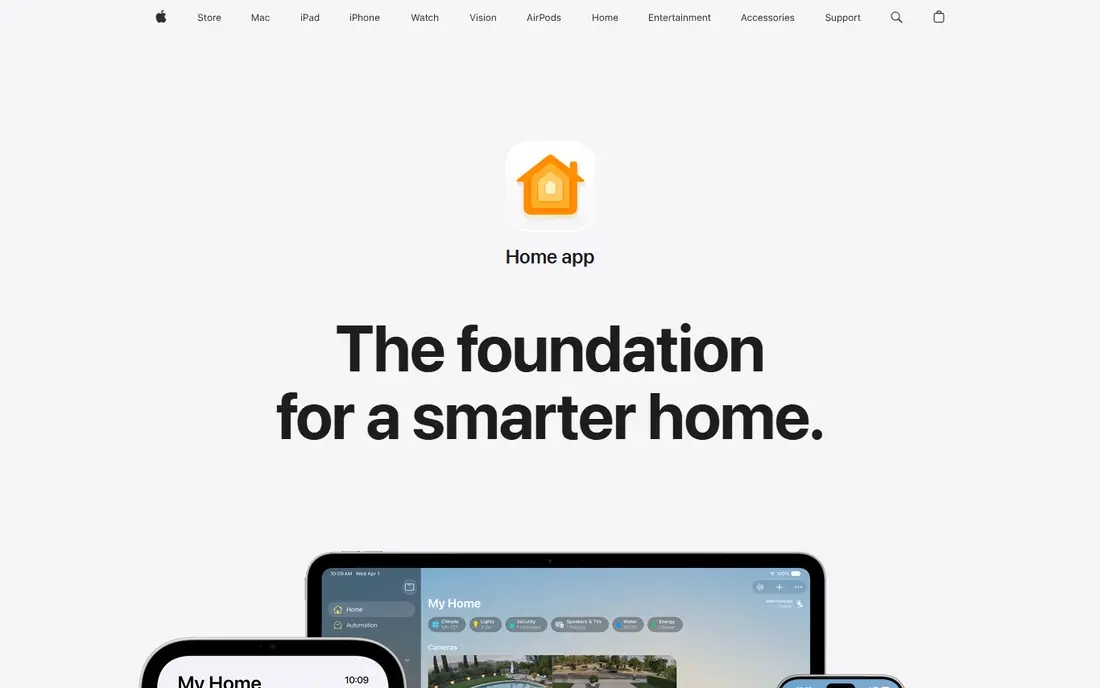
Apple Home serves Apple households. Home app data is stored so Apple itself cannot read it, communication with accessories is encrypted end to end, and HomeKit Secure Video processes camera footage on your home hub instead of in the cloud. Also, remote access, automations, and camera recording need a home hub, meaning a HomePod, HomePod mini, or Apple TV 4K left at home.
The main drawbacks: Needs an Apple home hub for remote access and automations.
The device catalog is smaller than Alexa or SmartThings. Matter support keeps widening it, and Apple has teased its own Apple Home Collection accessories. Also, the main limit is the admission ticket. Apple Home starts at: Free. Apple Home has a free plan.
- End-to-end encryption and solid privacy
- Matter support
- Smaller device selection
Amazon Alexa makes the most sense for voice-first control on a budget. Amazon's business model means your voice data feeds its advertising machine, and the platform has grown pushier about shopping suggestions and subscription upsells.
Points against: Cloud-dependent.
Nobody matches Alexa for sheer device compatibility. The starting price for Amazon Alexa: Free. You can start on Amazon Alexa without paying.
- Cheap Echo hardware
- Widest external device support
- Shopping features can feel pushy
Think of Home Assistant for privacy-first DIY automation. Home Assistant is open-source software you run on your own hardware, a Raspberry Pi, a mini PC, a NAS, or the purpose-built Home Assistant Green, and it talks to more than a thousand device brands. Everything processes locally, so automations keep working when your internet drops and no company mines your routines for ad data.
In practice, for a small business running a smart office or rental properties, the appeal is total ownership: no per-device fees, no vendor lock-in, and dashboards you can customize down to the pixel. Also, expect to spend a weekend on initial setup, learning the automation editor, and pairing devices through Zigbee or Z-Wave dongles. Home Assistant starts at: Free. Free access exists with Home Assistant.
Limits to weigh: Steep learning curve.
- No subscription required
- Completely local processing
- You supply the hardware
Homey serves multi-protocol homes without tinkering. Homey costs real money at the start and charges no subscription after. One spherical device speaks Wi-Fi, Zigbee, Z-Wave, Matter, Thread, Bluetooth, infrared, and 433 MHz.
Watch-outs: Premium price.
So it can absorb gadgets bought years apart from different brands, including old IR remotes and 433 MHz sockets that other products ignore. For design-conscious buyers who want one hub to rule a mixed collection of devices, it is worth the premium. The Flow editor makes automation visual and approachable, with Advanced Flow and HomeyScript available when straightforward triggers are not enough. Homey pricing: $399 one-time. There is no free plan with Homey. Main advantages: Software updates promised through 2031.
- Eight wireless technologies in one hub
- Polished Flow editor
- Advanced users may outgrow it
How we built this list
We compared the tools on published pricing, free plan or trial availability, feature coverage for home automation platform, and the limits each vendor documents. Where a price is missing, the vendor does not list one publicly or ties it to a quote. Always confirm before budgeting. Tools are placed by general fit for home automation platform, with price clarity and free access as tie-breakers. A different team can reasonably rank them differently.
What to confirm before you sign up
- Check the current price for Samsung SmartThings, Homey and the rest on each vendor page, since seats and billing terms change the total.
- Check what the free option really includes: Samsung SmartThings, Aqara, Apple Home and others offer a free plan, and usage caps differ.
- Read the limits listed for Samsung SmartThings first: cloud-dependent for numerous features.
- List the apps you already depend on and check that Homey supports each one on the plan you would buy.
- Check whether the features you need in Home Assistant sit on the entry plan or only on higher tiers.
Frequently asked questions
Which options for home automation platform have a free plan?
On this list, Samsung SmartThings, Aqara, Apple Home, Amazon Alexa and Home Assistant include a free plan. Caps on seats, usage or features are common, so test the free plan against your real workload.
Is Samsung SmartThings the right pick for everyone comparing home automation platform?
No single tool suits every team. Samsung SmartThings comes first because it fits mixed-brand households, while Aqara suits affordable Zigbee and Matter devices and Apple Home suits Apple households. Match the tool to your own size, budget and workflow before deciding.
Is Home Assistant really free?
You supply the hardware, like a Raspberry Pi or a Home Assistant Green. There is an optional $6.50 a month cloud subscription for simple remote access and voice integration. Plenty of users never pay a cent beyond the hardware.
Do these tools publish their prices?
Yes. Every tool from Samsung SmartThings to Homey shows a starting price, though seats, add-ons and billing terms still change the final cost.
Can I try these tools before paying?
Often, yes. Samsung SmartThings, Aqara, Apple Home and others have a free plan. Use your own data and a real task during the test, and check what the free tier or trial limits before you rely on it.
Sources
See where you really rank - block by block
ProMapRanker scans Google Maps across a grid of your service area. Simple monthly plans from $19, white-label on every plan.
Start freeKeep reading
 zscaler alternatives
Best Zscaler Alternatives in 2026
Looking for zscaler alternatives? We compare 9 SASE and zero trust platforms on architecture, data protection, pricing, and fit for your network and team.
Read → zapier alternatives free
Best Zapier Alternatives Free in 2026
Nine automation tools for zapier alternatives free in 2026, all with genuinely free tiers, plus free plan limits, starting prices and upgrade paths explained.
Read → which platform is best for online reputation
Which Platform Is Best for Online Reputation in 2026
Wondering which platform is best for online reputation? We compare 8 review, listing, and response tools for small and multi-location businesses and agencies.
Read →