 ProMapRanker
Best Hobby CNC Software in 2026

Key takeaways
- Free tools such as Carbide Create, Universal Gcode Sender and Mach4 trials cover many first projects, while paid CAM adds 3D and V-carving depth.
- The controller on your machine matters more than the design tool, so check GRBL, Mach or proprietary support before you pay.
- Easel and Carbide Create suit beginners best, while Fusion 360 and VCarve Desktop suit makers who want precise 3D work.
- LightBurn earns its place here for hobby CNC owners who also run a laser, since it handles design and laser control in one program.
- Always run an air cut or a test in scrap material first, and keep hands, loose clothing and dust away from a moving spindle.
Quick comparison
| Pick | Great for | Pricing starts at | Free tier | |
|---|---|---|---|---|
 Easel | Beginners on Inventables machines | $216 per year | Yes | Visit |
 Carbide Create | Free 2D design and CAM | Free | Yes | Visit |
 Fusion 360 | Precise 3D design and CAM | See website | Yes | Visit |
 VCarve Desktop | Signs, V-carving and 2D work | See website | Free trial | Visit |
 LightBurn | Laser work alongside CNC | $99 one-time | Free trial | Visit |
 Estlcam | Low-cost CAM for GRBL machines | See website | Free trial | Visit |
 MeshCAM | Simple 3D CAM from STL files | See website | Free trial | Visit |
 Universal Gcode Sender | Sending G-code to GRBL machines | Free | Yes | Visit |
 Mach4 | Hobby mills needing full machine control | See website | Free trial | Visit |
The best hobby cnc software
We compared design tools, CAM programs and machine controllers that hobby owners actually use in home workshops. The list below mixes free starting points with paid programs worth buying once your projects grow.
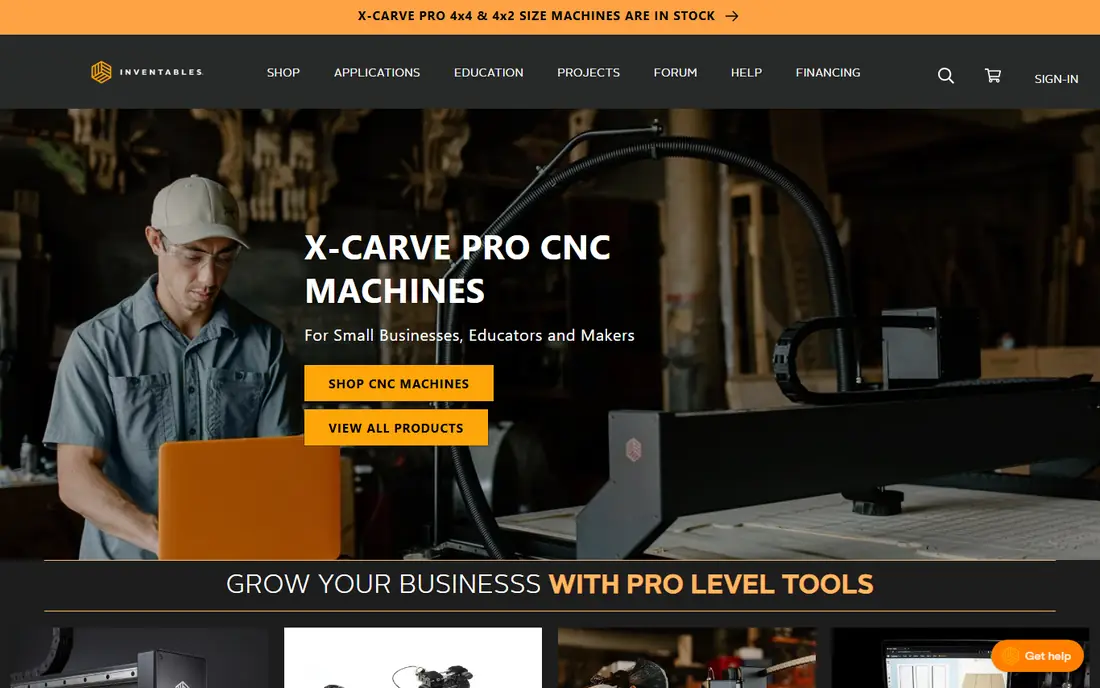
Easel is the easiest way for a new X-Carve owner to go from an idea to a first cut. You draw shapes, add text, pick a material and a bit, and the program builds the toolpaths for you. The browser format also means you can design on one computer and run the job from another in the workshop.
The free version covers basic design and cutting, while Easel Pro adds V-carving, raster carving, extra fonts and larger design libraries. That split is fair for beginners, but makers who outgrow simple signs may soon want a desktop CAM program. Check the current Pro price on the vendor site before you commit, since subscription terms can change.
- Runs in a browser with no install
- Simple design tools and material settings
- Built-in preview before cutting
- Pro features sit behind a subscription
- Less suited to complex 3D work
- Tied most closely to Inventables machines
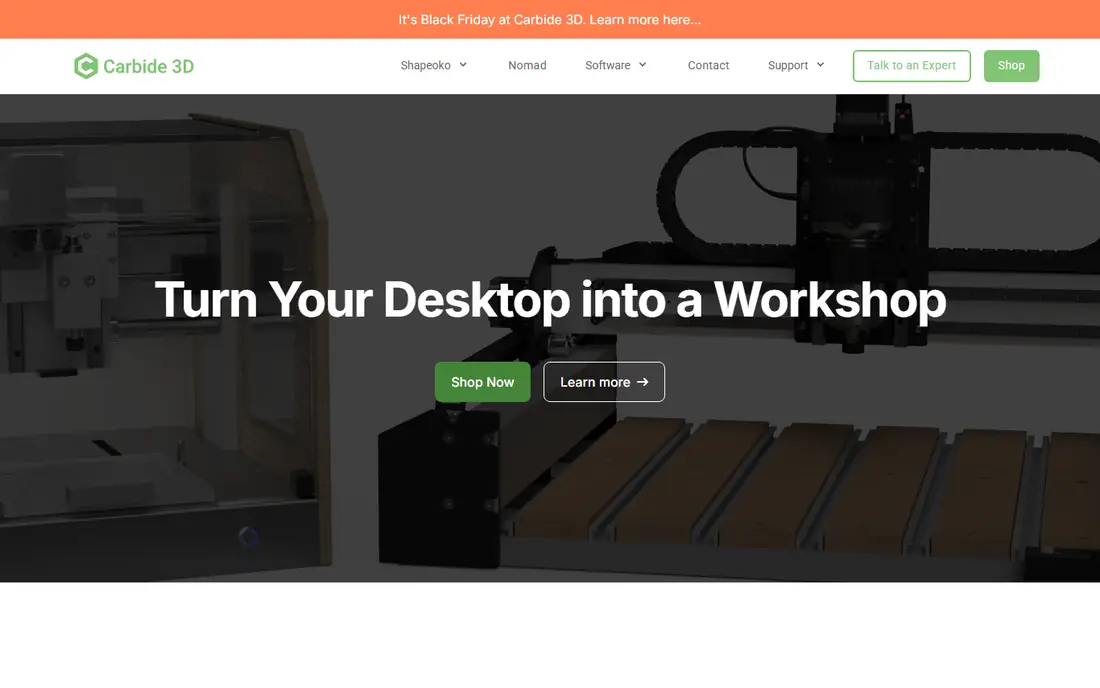
Carbide Create gives hobby owners a genuine free path into CNC design without a trial clock running. You can draw vectors, set pockets, contours and engraving paths, and export G-code for a compatible machine. The interface stays focused, which helps when you are still learning feeds, speeds and cut depth.
Carbide Create Pro adds 3D modelling, STL import, rest machining and tiling for projects larger than the work area. The Pro subscription is listed at $120 per year, with a perpetual licence option also shown on the vendor site. If you only cut signs, coasters and flat parts, the free version may serve you for a long time.
- Free for 2D work
- Clean layout that beginners can learn fast
- Works on Windows and macOS
- 3D features need the paid Pro version
- Best matched to Carbide 3D machines
- No browser version
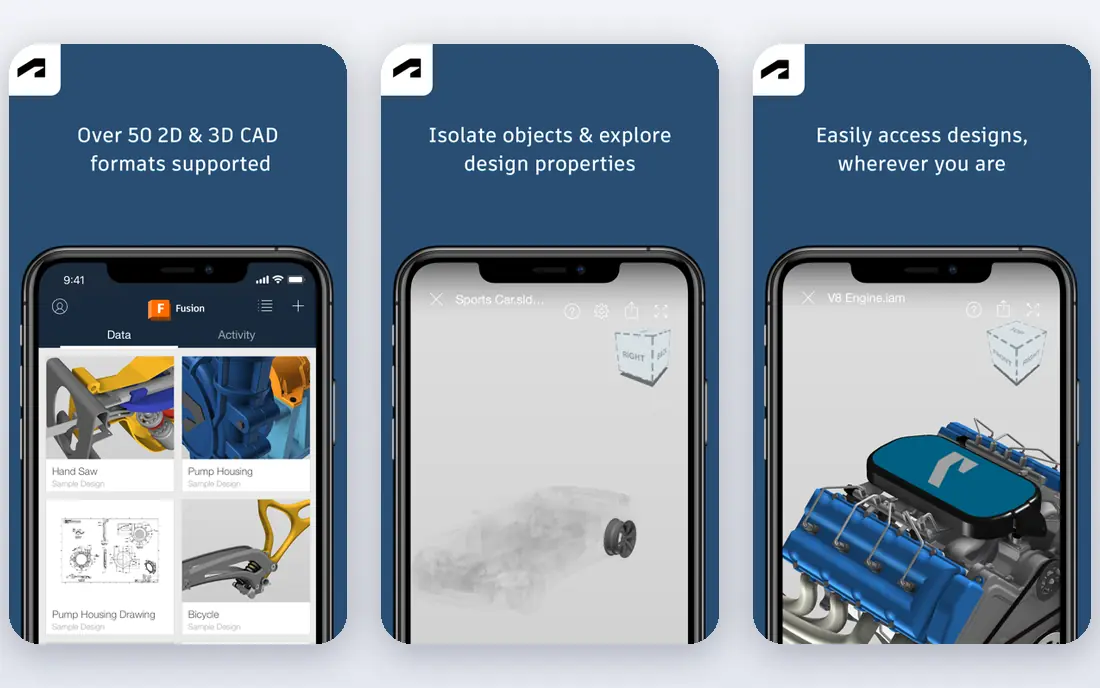
Fusion 360 is the pick for makers who want to design parts with exact dimensions rather than trace artwork. You model in 3D, set up toolpaths, simulate the cut and then send the program to your machine. That single workflow suits brackets, enclosures, jigs and parts that must fit together.
The trade-off is time. Fusion 360 asks you to learn sketching, constraints and CAM setup, and that effort only pays off if you make dimensional parts often. A personal-use option exists for hobbyists, but you should read its current limits on the vendor site before you build a business around it. For sign work alone, a simpler tool will get you cutting sooner.
- Full CAD and CAM in one program
- Strong for mechanical parts and 3D models
- Large learning community
- Steep learning curve for new users
- Personal-use terms have limits
- Needs a capable computer
VCarve Desktop has long been a favourite for sign makers, and the reasons still hold. Its V-carving tools produce crisp lettering, and its layout tools handle text, shapes and imported artwork with little fuss. The preview shows what the cut should look like, which catches depth and bit mistakes before you waste material.
The program runs on Windows, so Mac owners need a workaround or a different pick. A trial version is available, which we recommend using with your own machine files before you buy. Prices and upgrade paths vary by edition, so confirm the Desktop price on the Vectric site, since the higher Pro edition is priced separately.
- Strong V-carving and sign tools
- Clear toolpath preview
- Good import support for vector files
- Windows only
- Paid licence needed for full use
- 3D work is more limited than in Aspire
LightBurn belongs on this list because many hobby CNC owners also own a diode or CO2 laser. It lets you edit vectors, trace images, set power and speed layers, and drive the laser from the same window. That saves the step of exporting between a design program and a separate controller.
Pricing starts with Core at $99 one-time for GRBL machines, while Pro at $199 covers DSP and galvo controllers, based on current vendor and pricing guides. A 30-day trial lets you test it on your own laser. Do not buy LightBurn expecting it to run a CNC router spindle, since its strength is laser work, not router toolpaths.
- Design and laser control in one program
- Wide controller support
- Runs on Windows, macOS and Linux
- Core licence does not cover every controller type
- Paid updates after the first year
- Not a CNC router CAM tool
Estlcam is a practical pick when you want capable CAM without a large subscription. It handles 2D and 2.5D work, carving and engraving, and it can drive GRBL-based machines directly. Hobby mill owners often pair it with a simple design program and use Estlcam for the toolpath stage.
The interface is plain and Windows only, which may put off Mac users. Its documentation is thorough, though, and the trial lets you test the full workflow on your own machine. Confirm the current licence price on the vendor site, since Estlcam pricing has changed over time and is shown in euros.
- Low-cost CAM with carving, engraving and PCB options
- Direct GRBL control
- Good for hobby mills
- Windows only
- Interface looks dated
- Smaller community than the big names
MeshCAM solves one job well, which is turning a 3D model file into a cuttable toolpath. You load an STL, set the stock size, pick roughing and finishing strategies, and let the program work out the paths. That makes it useful for relief carvings, small sculptures and parts modelled elsewhere.
You will still need a separate program to design or edit the model, since MeshCAM is CAM rather than CAD. Experienced users may miss the fine control found in Fusion 360 or VCarve Pro, but beginners often prefer fewer choices. Use the trial on a real STL from your own projects before you pay, and check the current price on the vendor site.
- Turns STL files into toolpaths with few settings
- Good for reliefs and 3D shapes
- Clear preview
- Limited design tools of its own
- Less control than full CAM programs
- Paid licence needed after trial
Universal Gcode Sender, often called UGS, is the sender many GRBL owners use after they have a G-code file ready. You connect to the machine, jog the axes, set the work zero, and run the job while watching the toolpath visualiser. It also handles feed overrides and macros for repeat tasks.
UGS does not design parts or create toolpaths, so pair it with Carbide Create, Estlcam or another CAM tool. That split suits owners who like to pick each stage separately. Because it is free and open source, there is no licence cost, but you should download it from its official project pages and keep a backup of your machine settings.
- Free and open source
- Works with GRBL controllers
- Visualiser shows the toolpath
- Not a design or CAM program
- Setup can confuse first-time users
- Support comes from the community
Mach4 is the control software for hobbyists who build or retrofit a mill and want more than a basic sender. It manages motion, homing, probing and custom screens, and it works with a range of motion controllers through plugins. That flexibility makes it popular for converted manual mills and larger home-built routers.
The cost is setup time. Mach4 expects you to understand motor tuning, inputs and safety settings, and a wrong setting can damage a machine. A trial is available, but read the vendor documentation and confirm your controller is supported before you buy. For a ready-made GRBL router, UGS or the vendor software will be simpler.
- Full machine control for mills and routers
- Wide hardware support through plugins
- Suited to custom builds
- Needs careful setup
- Paid licence for full use
- Overkill for simple GRBL routers
How we picked these
We compared official feature pages, pricing pages and project documentation for programs that hobby CNC owners use in 2026, and we favoured tools that are still sold or maintained and that fit home routers, mills or lasers. We left out discontinued programs and tools aimed only at industrial machines. Prices noted here come from vendor pages or current pricing guides, and where we could not verify a price we wrote See website rather than guess.
What to check before you buy
Start with your controller, not the prettiest design screen. A GRBL router pairs well with Carbide Create, Estlcam or UGS, while a Mach-based mill points to Mach4. Next, match the program to the work: signs and V-carving favour VCarve Desktop, dimensional parts favour Fusion 360, and 3D reliefs favour MeshCAM or a Pro upgrade.
Budget and learning time
Free tools are enough to learn feeds, speeds, workholding and dust control. Pay when a limit blocks real work, such as 3D toolpaths, larger projects or laser control. Also budget for bits, clamps, hearing protection and dust extraction, since software alone does not make a safe workshop.
Test on your own machine
Use every trial on your own files and your own machine. Check that the post-processor matches your controller, that the preview matches the cut, and that you can set the work zero with confidence. Keep a first-cut checklist, save a known-good settings file, and never leave a running CNC machine unattended.
Frequently asked questions
Do I need separate design, CAM and sender software?
Not always. Some programs combine stages, while others cover only one stage. Easel and Fusion 360 combine design and CAM, while UGS only sends G-code. A common hobby setup pairs a design and CAM tool with a sender that matches the controller.
What is the best free hobby CNC software?
Carbide Create is a strong free start for 2D design and CAM, and Universal Gcode Sender is a strong free sender for GRBL machines. Fusion 360 also offers a personal-use option, but its limits and learning curve make it a second step rather than a first-day pick.
Can I use hobby CNC software on a Mac?
Yes, with care. Easel runs in a browser, Carbide Create and LightBurn run on macOS, and Fusion 360 also supports macOS. VCarve Desktop and Estlcam are Windows programs, so Mac owners should pick around that limit or use a Windows setup.
Is LightBurn a CNC router program?
No. LightBurn is a laser design and control program. It is useful here because many hobby workshops run both a router and a laser, but router toolpaths still need a CNC CAM program.
How much should a hobbyist spend on CNC software?
Many makers spend nothing at first, then pay for one CAM upgrade once they know their work type. A single paid licence, rather than several subscriptions, usually gives the best value for a home workshop.
Sources
See where you really rank - block by block
ProMapRanker scans Google Maps across a grid of your service area. Simple monthly plans from $19, white-label on every plan.
Start freeKeep reading
 worlds best local seo company
8 Worlds Best Local SEO Companies for Map Pack Growth in 2026
Compare the worlds best local seo company options for Google Business Profile work, citations, reviews, and multi-location rankings and reporting in 2026.
Read → world's best web hosting company
World's Best Web Hosting Company in 2026
Searching for the world's best web hosting company? We compared 10 hosts on price, renewal rates, speed, and support to help you choose well today in 2026.
Read → who's got the best nanny tax services
Who's Got the Best Nanny Tax Services in 2026
We answer who's got the best nanny tax services, comparing full filing, back taxes, software, and pricing so families can handle nanny taxes correctly.
Read →