 ProMapRanker
Best HMI SCADA Software in 2026

Key takeaways
- Ignition is our pick for most new SCADA projects, thanks to unlimited tags and clients per server and web-based deployment.
- AVEVA InTouch, Siemens WinCC, FactoryTalk View, and iFIX suit plants already invested in those vendor ecosystems and hardware.
- VTScada and AVEVA Edge cover smaller, integrated, or edge deployments, while FactoryTalk Optix targets modern web-based visualization.
- Most enterprise SCADA pricing is quoted by tags, clients, and modules, so budget for implementation, support, and cybersecurity, not just a license.
Quick comparison
| Pick | Great for | Pricing starts at | Free tier | |
|---|---|---|---|---|
 Ignition | Unlimited-tag web SCADA | See website | Free trial | Visit |
 AVEVA InTouch | Enterprise plant HMI | See website | Free trial | Visit |
 Siemens WinCC Unified | Siemens PLC plants | See website | Free trial | Visit |
 FactoryTalk View | Rockwell Automation plants | See website | Free trial | Visit |
 iFIX | Water, pharma, and batch HMI | See website | Free trial | Visit |
 VTScada | Integrated smaller SCADA | $3,295 one-time | Free trial | Visit |
 AVEVA Edge | Edge and OEM SCADA | See website | Free trial | Visit |
 FactoryTalk Optix | Modern web visualization | See website | Free trial | Visit |
The best hmi scada software
HMI software gives operators screens to monitor and control a process, while SCADA adds supervisory control, alarming, trending, and history across a plant or network. We compared official product pages and recent pricing guides, with a focus on licensing, deployment, protocols, and historian support. We did not claim hands-on testing, and industrial buyers should confirm protocol and safety requirements with their integrator.
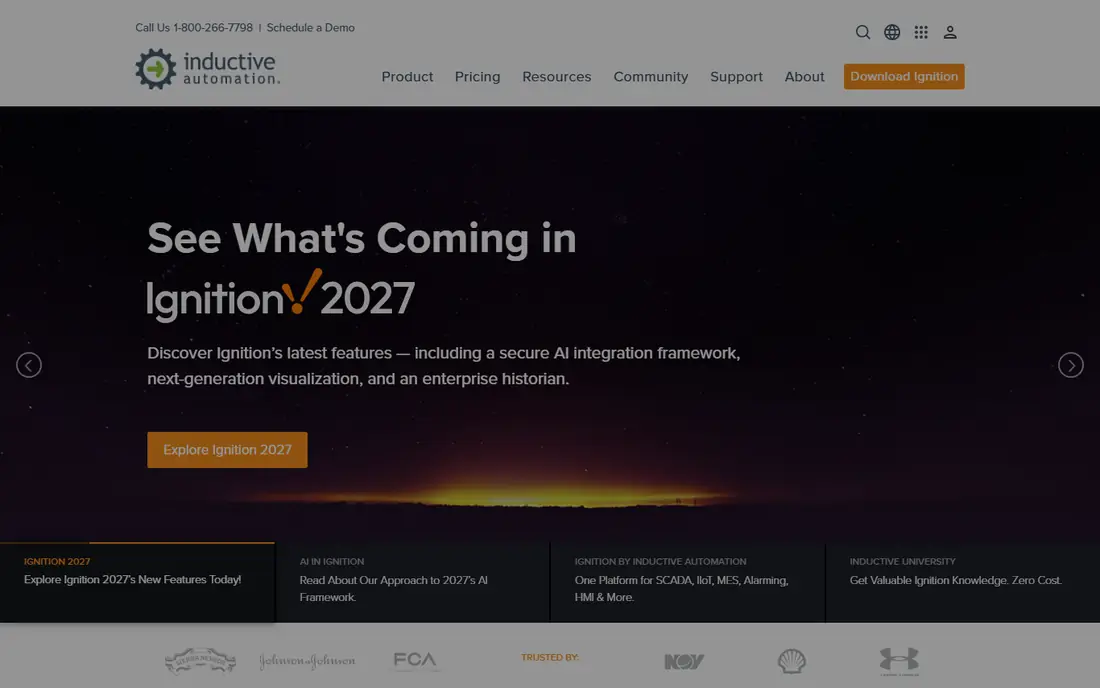
Ignition is the most flexible SCADA choice for a team that wants to scale without counting tags. Its per-server licensing covers unlimited tags and clients, and its web-based Perspective module deploys screens to desktops, panel PCs, and mobile devices without a separate client install for every station. Built-in OPC UA, MQTT, and SQL database support also help it connect to varied PLCs and plant systems without a closed stack.
The trade is that Ignition is a platform, not a finished application. Historian, alarming, reporting, and other functions arrive as modules, so total cost depends on the bundle you choose, and large systems need experienced configuration. For a new plant, a utility, or a multi-site rollout that values openness and scale, Ignition is our first pick.
- Unlimited tags and clients per server
- Web deployment to desktop and mobile
- Open OPC UA, MQTT, and SQL support
- Modules for historian, alarming, and reporting add cost
- Needs skilled configuration for large systems

AVEVA InTouch remains a workhorse for plant HMI, especially where AVEVA systems already run. It offers workstation and unlimited-tag options, with System Platform and its Operations Management Interface as the path for larger, multi-server deployments. Plants that value a familiar operator interface, strong alarming, and AVEVA Historian integration often stay with InTouch for good reason.
The caution is modernization. Newer web-first tools deploy faster to mobile and remote users, while InTouch projects may need a deliberate migration plan to reach the same web experience. For an existing AVEVA plant, or a large site that needs proven HMI depth, InTouch is still a credible enterprise choice.
- Long-established plant HMI
- System Platform path for larger sites
- Integrated historian options
- Pricing varies by workstation and unlimited tiers
- Legacy habits can slow a modern web rollout
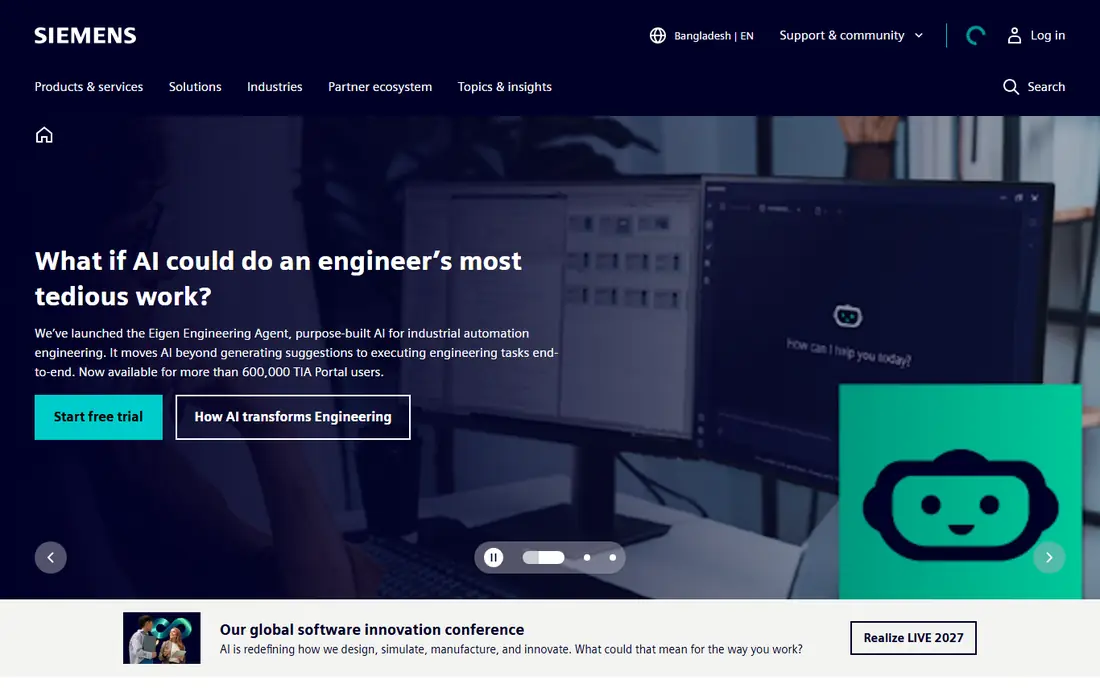
Siemens WinCC Unified is the natural HMI and SCADA route for a plant built on Siemens controllers. It integrates with TIA Portal engineering, scales from operator panels to PC-based SCADA, and offers web-based visualization for modern operator stations. That tight PLC integration reduces driver friction and keeps engineering, alarming, and trending in one vendor workflow.
Outside Siemens hardware, WinCC Unified loses some of its advantage, since other vendors may need extra drivers or middleware. Licensing also depends on tags, clients, and options, so a plant should size the system with Siemens or an integrator before budgeting. For a Siemens plant, it is the path of least resistance.
- Deep Siemens PLC integration
- Unified engineering in TIA Portal
- Scalable from panels to PC systems
- Strongest inside Siemens hardware
- Licensing by tags and clients needs careful sizing
FactoryTalk View is the established HMI choice for Rockwell Automation plants in North America and beyond. Machine Edition covers panel HMIs, while Site Edition supports distributed, multi-server SCADA for larger plants. Its native integration with Allen-Bradley controllers, alarming, trending, and security roles fits plants that already standardised on Rockwell hardware and engineering tools.
The limit mirrors WinCC: value is highest inside its home ecosystem. A plant with mixed PLC brands may need additional drivers or a more vendor-neutral platform such as Ignition. For a Rockwell plant, FactoryTalk View offers proven operator screens, familiar engineering, and a clear upgrade path within the Rockwell family.
- Native Rockwell controller integration
- Site Edition for distributed plants
- Machine Edition for panels
- Pricing varies by edition and tags
- Strongest inside Rockwell hardware
iFIX, part of the GE Vernova Proficy family, suits water, wastewater, pharmaceutical, and batch operations that need reliable HMI and SCADA with strong alarming and history. It offers web clients, centralized application management, and pairing with Proficy Historian for trending and analysis. Plants in regulated settings often value its long track record and structured engineering.
Pricing is quoted rather than published, so budgeting requires a vendor or integrator quote based on tags, clients, and historian needs. Implementation depth also matters, since the Proficy suite rewards experienced configuration. For a utility or regulated plant that already uses GE Vernova tools, iFIX is a strong, proven option.
- High-performance HMI for regulated and utility work
- Web clients with centralized management
- Strong alarming
- Pricing is not published
- Proficy suite depth needs integrator expertise
VTScada appeals to teams that want a complete SCADA package without assembling separate parts. Its core components, including historian, alarming, application version control, and dialers, are built in rather than added as separate modules, which simplifies smaller water, energy, and manufacturing projects. The one-time starting price of $3,295 in recent listings also makes budgeting clearer than quote-only enterprise tools.
The trade is ecosystem size. VTScada has a smaller partner and integrator network than Ignition, AVEVA, Siemens, or Rockwell, so a very large or highly specialized project should check local support first. For a small to mid-size plant that wants an integrated, approachable SCADA, VTScada is a strong value pick.
- Core SCADA parts built in, including historian and alarming
- Intuitive application building
- One-time license option
- Smaller vendor ecosystem than the largest platforms
- Large enterprise deployments need careful sizing
AVEVA Edge, formerly Wonderware InTouch Edge, targets OEMs, system integrators, and end users who need SCADA at the edge. Develop an application once, then deploy it to panel PCs, industrial computers, and Linux edge devices, with HTML5 web publishing for remote viewing. That portability helps machine builders and small sites that need the same application across varied hardware.
Edge is not a direct replacement for a full enterprise System Platform rollout. Large, multi-server plants with complex historian and enterprise needs should compare Edge with InTouch and System Platform first. For edge, OEM, and compact plant work, AVEVA Edge offers a flexible, vendor-supported route.
- HTML5 web publishing
- Windows and Linux runtimes
- Deploy once to panels, PCs, and edge devices
- Edge focus means less enterprise SCADA depth than System Platform
- Pricing is quoted
FactoryTalk Optix is Rockwell newer visualization platform for teams that want modern web HMI without a legacy client install. It supports collaborative design, built-in change tracking, and cloud-enabled workflows, so distributed teams can build and deploy screens from different locations. For a new Rockwell project, Optix offers a cleaner, more modern starting point than a traditional View application.
Because Optix is newer, teams with large existing View applications should plan migration and training, rather than assuming a direct transfer. Pricing is also quoted, so total cost depends on deployment and options. For a greenfield Rockwell visualization project, Optix is the forward-looking pick in this family.
- Modern web-based HMI design
- Cloud collaboration and version tracking
- Scalable deployment
- Newer platform, so legacy FactoryTalk View habits may not transfer directly
- Pricing is quoted
How we picked these
We compared official product pages and recent SCADA guides, and we favored tools with live HMI and SCADA deployments, clear protocol support, and historian and alarming options. We wrote See website for most enterprise tools, since SCADA pricing depends on tags, clients, modules, and support, and published estimates vary widely. We did not claim hands-on testing, and we did not list retired or single-vendor-only prototypes as live options.
What to check before you buy
Start with your controllers, protocols, and network, not with screen design. Confirm OPC UA, MQTT, or native driver support for every PLC and device you must connect, and test alarming, trending, and historian performance at your real tag count. A tool that looks fast on a demo with a few hundred tags may behave differently at plant scale.
Then budget the full project. License cost is only part of the total, with engineering, panel hardware, network security, training, and annual support often adding a large share. Finally, plan cybersecurity from the start, with network segmentation, role-based access, patching, and backups, since a SCADA system is critical infrastructure, not just another business app.
Frequently asked questions
What is the difference between HMI and SCADA?
HMI is the operator interface, with screens, buttons, trends, and alarms for one machine or process area. SCADA is the wider supervisory system, collecting data, managing alarms, storing history, and controlling processes across a plant or network. Most tools on this list cover both, with HMI as the visible layer and SCADA as the system behind it.
Which HMI SCADA software is best for a new plant?
Ignition is our pick for most new projects, thanks to unlimited tags and clients per server, web deployment, and open protocol support. Plants already invested in Siemens, Rockwell, AVEVA, or GE Vernova hardware should also shortlist the matching vendor tool, since native integration can save engineering time.
Why is SCADA pricing usually quoted?
SCADA cost depends on tag count, client count, historian size, redundancy, modules, and support, so vendors quote by project rather than publishing a single price. VTScada is an exception here, with a published one-time starting price, while most enterprise tools require a quote.
Do I need a historian with SCADA?
Most plants do, for trending, troubleshooting, compliance, and performance analysis. Some tools include a historian as a core part, while others sell it as a module, so confirm historian capacity, retention, and reporting before you buy.
Can SCADA run in the cloud?
Yes, in part. Ignition offers cloud deployment options, and modern web tools such as FactoryTalk Optix support cloud workflows, but control networks still need careful segmentation and security design. Work with your integrator and IT security team before exposing any control system beyond the plant network.
Sources
See where you really rank - block by block
ProMapRanker scans Google Maps across a grid of your service area. Simple monthly plans from $19, white-label on every plan.
Start freeKeep reading
 worlds best local seo company
8 Worlds Best Local SEO Companies for Map Pack Growth in 2026
Compare the worlds best local seo company options for Google Business Profile work, citations, reviews, and multi-location rankings and reporting in 2026.
Read → world's best web hosting company
World's Best Web Hosting Company in 2026
Searching for the world's best web hosting company? We compared 10 hosts on price, renewal rates, speed, and support to help you choose well today in 2026.
Read → who's got the best nanny tax services
Who's Got the Best Nanny Tax Services in 2026
We answer who's got the best nanny tax services, comparing full filing, back taxes, software, and pricing so families can handle nanny taxes correctly.
Read →