 ProMapRanker
Best HIPAA Compliant Text Messaging App in 2026


Large health systems and care teams · Pricing starts at: See website
Key takeaways
- The best HIPAA compliant text messaging app is not just an app with encryption: it needs access controls, audit logs, and a signed business associate agreement.
- A vendor claim of HIPAA compliance still requires a signed business associate agreement and correct configuration, plus staff training and sensible policies.
- TigerConnect suits large health systems, while OhMD, Klara, Spruce Health, and Curogram suit smaller clinics that need patient texting first.
- Patient texting and staff messaging are different jobs, so check whether an app covers both or only one well.
- Pricing is often quote-based for enterprise tools, so ask for the full per-user or per-location cost, including onboarding and integrations.
Quick comparison
| Pick | Great for | Pricing starts at | Free tier | |
|---|---|---|---|---|
| TigerConnect | Large health systems and care teams | See website | No | Visit |
 OhMD | Clinics that want patient texting plus telehealth | $250 per month | Free trial | Visit |
 QliqCHAT | Secure staff messaging for care teams | See website | No | Visit |
 Klara | Front-desk efficiency for medical practices | See website | No | Visit |
 Spruce Health | Small practices that want simple secure messaging | $24 per user per month | Free trial | Visit |
 Weave | Practices that want phones plus messaging | See website | No | Visit |
 Textline | Shared inbox texting for healthcare teams | See website | Free trial | Visit |
 Curogram | Full practice communication in one inbox | See website | Free trial | Visit |
The best HIPAA compliant text messaging app
We compared official product pages, compliance statements, and pricing disclosures, with a focus on secure messaging, audit controls, patient access, and integration with practice systems. This article is general information only, not legal or compliance advice, and your organization should confirm HIPAA duties with its own compliance counsel. A vendor claim alone does not make a workflow compliant.
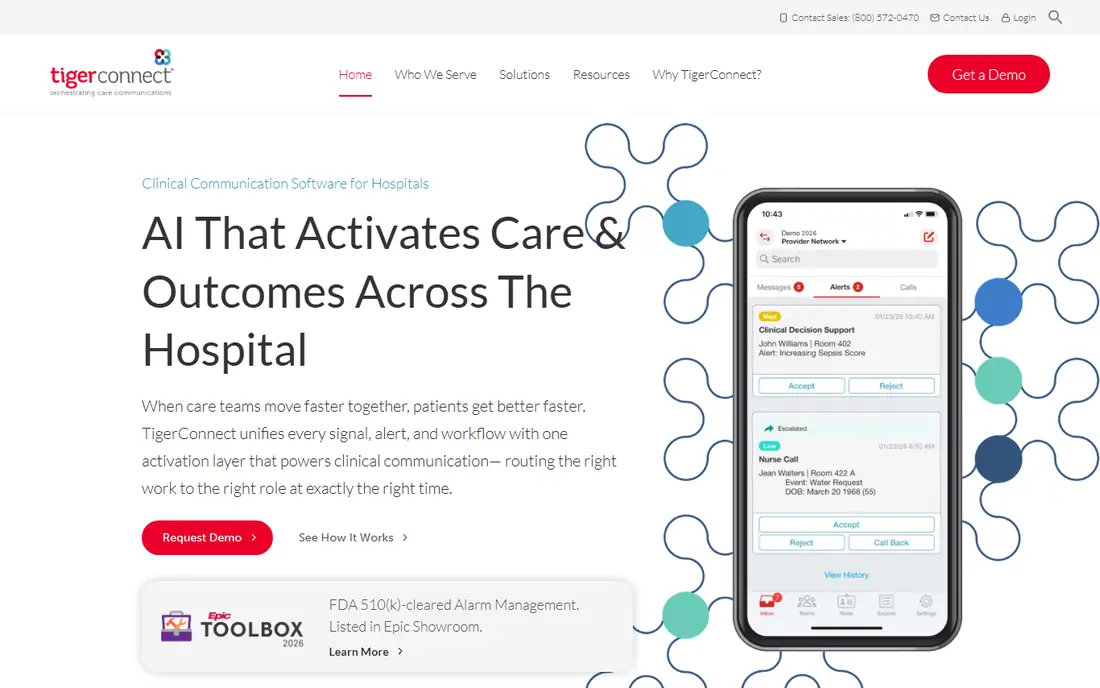
TigerConnect is built for hospitals and large health systems that need more than a secure chat box. Staff can message by role, such as the on-call surgeon, rather than hunting for a name, and alerts from monitors, nurse call systems, and schedules can route to the right team. Integrations with EHR and other clinical systems help keep communication tied to care workflows instead of sitting in a separate app.
That depth is also the drawback for a small practice. Pricing is quote-based, setup is an enterprise project, and a solo clinic may pay for clinical workflow tools it never uses. For a health system with complex routing, escalation, and audit needs, TigerConnect is the strongest option in this list. For a small clinic, start with a patient-first tool below.
- Role-based messaging for on-call staff
- Clinical alerts and scheduling links
- HITRUST certification stated
- Deep EHR and system integrations
- Quote-based enterprise pricing
- Can be complex for a small clinic that only needs patient texting
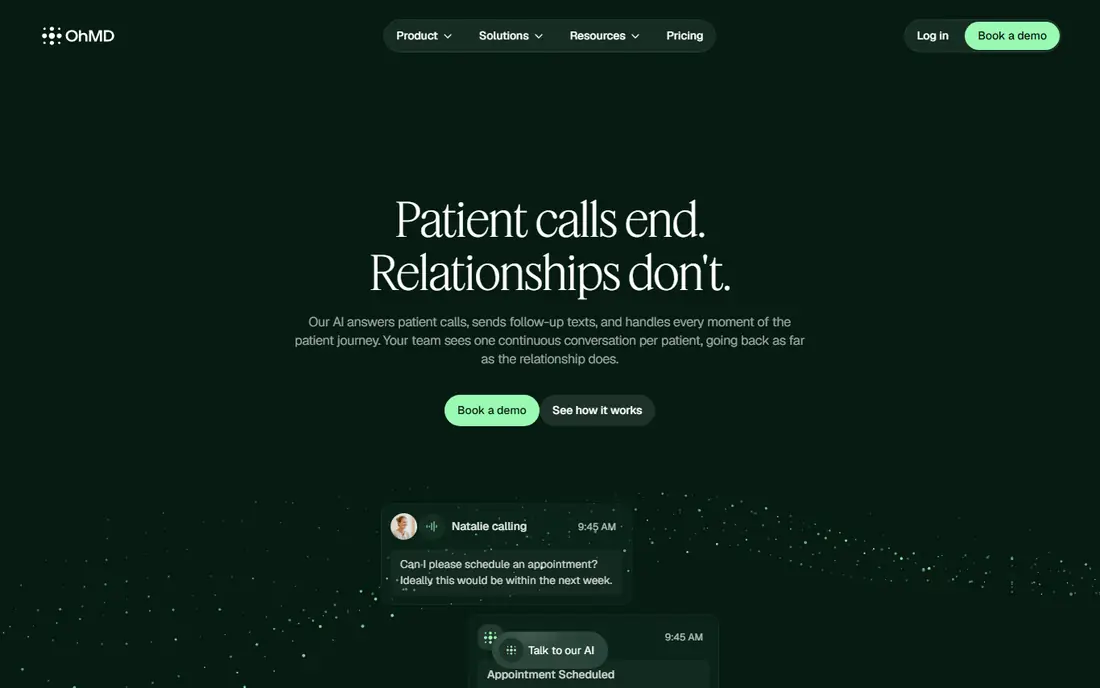
OhMD suits a clinic that wants patients to text the office from a normal phone, without installing a new app. Two-way texting, reminders, intake forms, and telehealth video visits run in one inbox, which helps a front desk handle follow-ups without switching tools. Automation for reminders and screeners can cut phone tag for routine visits.
The starting price near $250 per month in public listings puts it above the simplest secure texting tools, and larger or multi-provider clinics should confirm the full cost. Some users also note that saved replies and internal notes take extra steps. For a clinic that wants patient texting plus telehealth in one place, OhMD is a practical, patient-friendly pick.
- Two-way patient texting without a patient app download
- Automated reminders and forms
- Telehealth video visits in the same platform
- Price rises with providers and volume
- Some workflow features take clicks to reach
- Mobile app depth is lighter than desktop
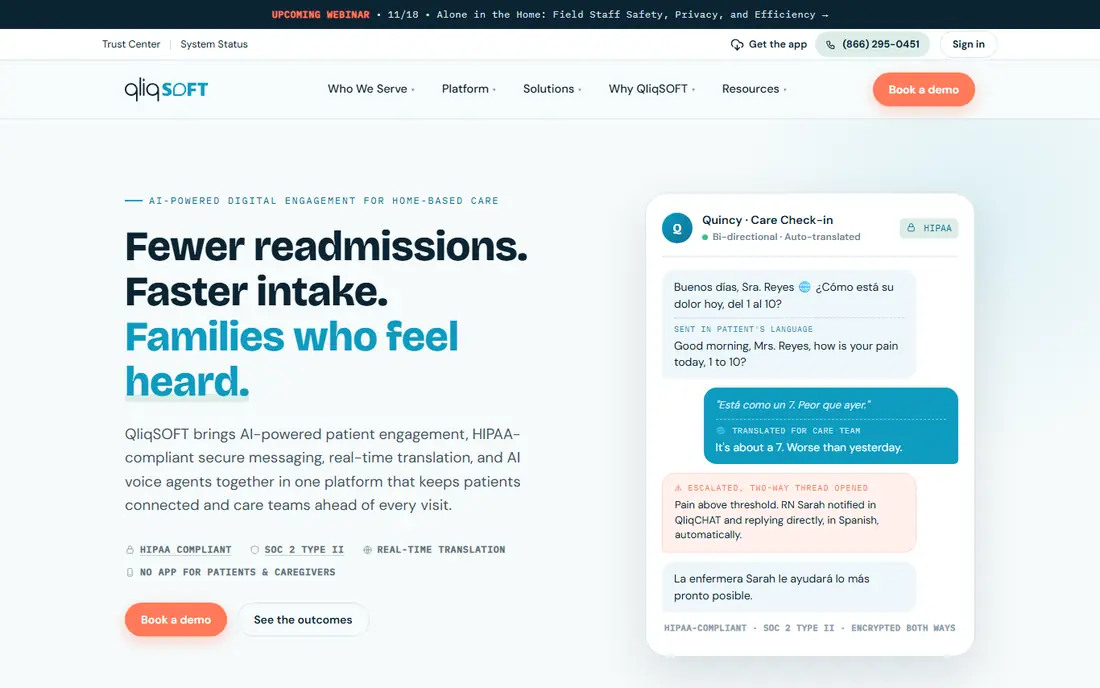
QliqCHAT, from QliqSOFT, focuses on secure communication between clinicians and care team members. Staff can share messages, images, and care updates inside a controlled app, with access controls and audit features suited to healthcare use. That focus helps a hospital or large clinic replace unsecured consumer chat for internal coordination.
Patient texting is less central here than in OhMD or Klara, so a clinic that mainly needs patient reminders should compare those first. Pricing is also quote-based, which makes a direct cost comparison harder. For a care team that needs secure internal messaging with healthcare controls, QliqCHAT is a solid enterprise option.
- Secure messaging built for clinical teams
- Group and role-based communication
- Audit and access controls for healthcare use
- Quote-based pricing
- Patient-facing tools are less central than staff messaging
Klara suits a medical practice that wants to cut phone tag at the front desk. Patients can text the office from a normal phone, staff can work the same thread together with internal notes, and secure attachments let families send photos or forms without an extra portal. Telehealth links in the same flow help a practice move from a text to a video visit quickly.
Automation and reporting are lighter than OhMD or larger platforms, so a clinic that needs deep reminder workflows or detailed analytics should check those features in a trial. Pricing is quote-based in current public listings, with older listings near $250 to $300 per month, so request a written quote for your provider count. For front-desk speed and simple patient texting, Klara is easy for staff and patients to adopt.
- Two-way patient texting from a normal phone
- Shared threads with internal notes
- Secure attachments and telehealth links
- Quote-based pricing in current listings
- Fewer automations than some rivals
- Reporting tools are lighter
Spruce Health is the most accessible option in this list for a small practice. The per-user starting price near $24 per month in public listings keeps costs predictable for a team of a few clinicians, and secure messaging sits beside calls and fax in the same app. That combination helps a small office replace several tools without an enterprise contract.
Enterprise clinical routing, alerts, and EHR depth are lighter than TigerConnect, so a large health system will likely need a bigger platform. A small practice that mainly needs secure patient and team messaging, with simple setup, will find Spruce Health a good balance of price and control. Confirm the BAA and retention settings during setup, as with every tool here.
- Low per-user starting price in public listings
- Secure messaging, calls, and fax in one app
- Simple setup for small teams
- Fewer enterprise clinical workflows than TigerConnect
- Larger groups may need higher tiers for advanced tools
Weave suits a practice that wants its phone system, texting, and patient communication in one bundle. The front desk can handle calls, texts, and reminders from a shared workspace, and review tools help a practice follow up after visits. That breadth helps a dental, eye care, or primary care office that already thinks of phones and texts as one job.
The bundle is also the limit. Pricing is quote-based, and a clinic that only needs secure texting may pay for phone and review tools it does not use. Check the BAA terms, message retention, and how patient data flows between phone and text features. For a practice ready to replace its phone and text setup together, Weave is worth a demo.
- Combines phones, texting, and review tools for practices
- Shared inbox for front-desk work
- Appointment reminder features
- Quote-based bundled pricing
- Broader than a pure secure texting app, so some features may go unused
Textline suits a healthcare team that wants a shared inbox for patient texts, with internal notes and routing that keep replies consistent. SMS and web chat arrive in the same workspace, and staff can hand a conversation to a colleague without losing context. HIPAA-ready messaging, encryption, and enterprise controls are stated on its product pages, subject to a signed BAA and correct setup.
Credit-based pricing needs care at scale, because message volume, not just seats, drives cost. Clinical routing and EHR depth are also lighter than TigerConnect. For a clinic or support team that mainly needs reliable, shared patient texting with healthcare controls, Textline is a flexible option, provided you model credit use for a full month.
- Shared inbox with internal notes
- SMS and web chat in one place
- HIPAA-ready messaging with enterprise controls stated
- Credit-based plans can be confusing at scale
- Healthcare-specific workflows are lighter than clinical platforms
Curogram suits a growing practice that wants patient messaging, reminders, digital intake, and payments in one inbox, rather than four separate tools. Patients text from any phone, staff work from a single synced inbox, and integrations with practice systems reduce manual copying. Per-location pricing in public listings helps a multi-site practice model cost by site.
A tiny solo office that only wants basic reminders may find the full set more than it needs, and pricing often requires a quote. For a practice that wants to consolidate communication and reduce front-desk calls, Curogram is a strong all-in-one candidate. Confirm BAA, retention, and integration scope before you migrate patient messaging.
- Two-way patient texting, reminders, intake, and payments in one inbox
- Broad practice system integrations
- Per-location pricing in public listings
- Pricing is quote-based for many practices
- Full feature set may be more than a tiny solo office needs
How we picked these
We compared official product and compliance pages, BAA availability statements, and pricing disclosures, and we favored tools live in October 2026 that state HIPAA-ready messaging, encryption, access controls, and audit features. We did not treat a marketing claim as proof of compliance, and we marked quote-based pricing as See website rather than repeating third-party estimates as vendor facts. Where public listings disagreed on a price, we chose the cautious wording.
What to check before you use any of these
Ask for a signed business associate agreement before you send any protected health information, and confirm that the BAA covers the exact products and features you will use. Check encryption in transit and at rest, access controls, multi-factor authentication, audit logs, message retention, and remote wipe for lost devices. Then configure those controls, train staff, and write a simple policy for what may and may not be sent by text.
Test patient access too. A secure link or portal step that patients skip will push them back to normal SMS, which defeats the purpose. Check how patients join, how consent is recorded, and what happens when a patient replies from a normal phone. Finally, confirm data export and exit terms, so you can move message history if you change vendors.
A short compliance checklist
Signed BAA, access controls, audit logs, retention settings, staff training, patient consent process, and an incident response contact. If any item is missing, do not send protected health information through the tool until it is fixed.
Frequently asked questions
What is the best HIPAA compliant texting app for a small clinic?
OhMD, Klara, Spruce Health, and Curogram are the strongest small-clinic options here, depending on whether you need telehealth, front-desk speed, low per-user cost, or full practice communication. Spruce Health is the lowest-cost starting point in public listings, while OhMD adds telehealth in the same inbox.
What is the best HIPAA compliant phone app for hospitals?
TigerConnect is the strongest hospital pick in this list, thanks to role-based messaging, clinical alerts, and system integrations. QliqCHAT is a solid second option for secure staff messaging, though its patient tools are less central.
Does a HIPAA compliant text messaging platform need a BAA?
Yes. A vendor claim of HIPAA compliance still requires a signed business associate agreement and correct configuration, plus staff training and policies. Without a signed BAA covering the features you use, you should not send protected health information through the tool.
Can patients text a clinic from a normal phone?
Yes, with several tools here. OhMD, Klara, and Curogram let patients reply from a normal phone while staff work in a secure inbox, often through secure links for sensitive content. Check how each tool handles patient replies, consent, and message retention before you turn it on.
Is normal SMS ever HIPAA compliant?
Normal SMS on its own lacks the encryption, access controls, and audit features that HIPAA-ready platforms provide, so it is generally not suitable for protected health information. Use a HIPAA-ready platform with a signed BAA for clinical messages, and keep normal SMS to non-sensitive reminders only where your compliance team allows it.
What is the best HIPAA compliant text messaging platform for reminders?
OhMD and Curogram are strong for reminders, thanks to automation, intake forms, and a single inbox for follow-ups. Textline also works well for shared-inbox reminder work, though its credit pricing needs a monthly volume check.
Sources
- https://tigerconnect.com
- https://www.ohmd.com
- https://www.qliqsoft.com
- https://www.klara.com
- https://www.sprucehealth.com
- https://www.getweave.com
- https://www.textline.com
- https://www.curogram.com
- https://orangesoft.co/blog/hipaa-compliant-text-messaging-apps
- https://hiverhq.com/blog/hipaa-compliant-messaging-apps
See where you really rank - block by block
ProMapRanker scans Google Maps across a grid of your service area. Simple monthly plans from $19, white-label on every plan.
Start freeKeep reading
 zoho inventory alternatives
6 Alternatives to Zoho Inventory, Compared on Price and Fit
Zoho Inventory alternatives: 6 tools compared on price, free plans and fit. Katana leads the list for manufacturers. Fit and flaws are laid out for each entry.
Read → zoho crm alternatives
Best Zoho CRM Alternatives (2026)
Need Zoho CRM alternatives? We compare 7 tools on cost, free access and who each suits. Every pick gets a straight assessment. Built for quick decisions.
Read → zelle alternatives
Best Zelle Alternatives in 2026
Compare the best Zelle alternatives for sending money to friends, paying sellers and moving funds abroad, with honest notes on fees, speed and safety in 2026.
Read →