 ProMapRanker
Best HIPAA Cloud Backup Services in 2026


Small practices, many devices · Pricing starts at: $99.50 per year
Key takeaways
- IDrive Business, Backblaze Business, Carbonite, and Acronis suit small practices that need device and server backup with a business associate agreement.
- Druva, Veeam, and AWS Backup suit larger organisations with SaaS, server, and multi-cloud backup needs.
- A signed business associate agreement matters, but software alone does not make a practice HIPAA compliant.
- Test restores before you rely on any backup, and confirm retention, encryption, and access controls in writing.
Quick comparison
| Pick | Great for | Pricing starts at | Free tier | |
|---|---|---|---|---|
| IDrive Business | Small practices, many devices | $99.50 per year | Free trial | Visit |
 Backblaze Business Backup | Simple computer backup | $99 per year per computer | Free trial | Visit |
 Carbonite Safe | Small business device backup | $287.99 per year | Free trial | Visit |
 Acronis Cyber Protect | Backup plus endpoint security | $85 per year | Free trial | Visit |
 CrashPlan | Endpoint backup for teams | $8 per user per month | Free trial | Visit |
 Druva Security Cloud | SaaS and endpoint backup | See website | Free trial | Visit |
 Veeam Data Platform | Server and virtual backup | See website | Free trial | Visit |
 Wasabi | Low-cost object storage | $6.99 per TB per month | Free trial | Visit |
 AWS Backup | Multi-service cloud backup | See website | Free trial | Visit |
The best hipaa cloud backup services
Software alone does not make a practice HIPAA compliant. Compliance also depends on policies, staff training, access controls, risk analysis, and how your whole organisation handles protected health information. This article is general information only, not legal or compliance advice, and you should confirm requirements with a qualified adviser. We compared backup tools that offer a business associate agreement for eligible plans, encryption, and practical restore options.
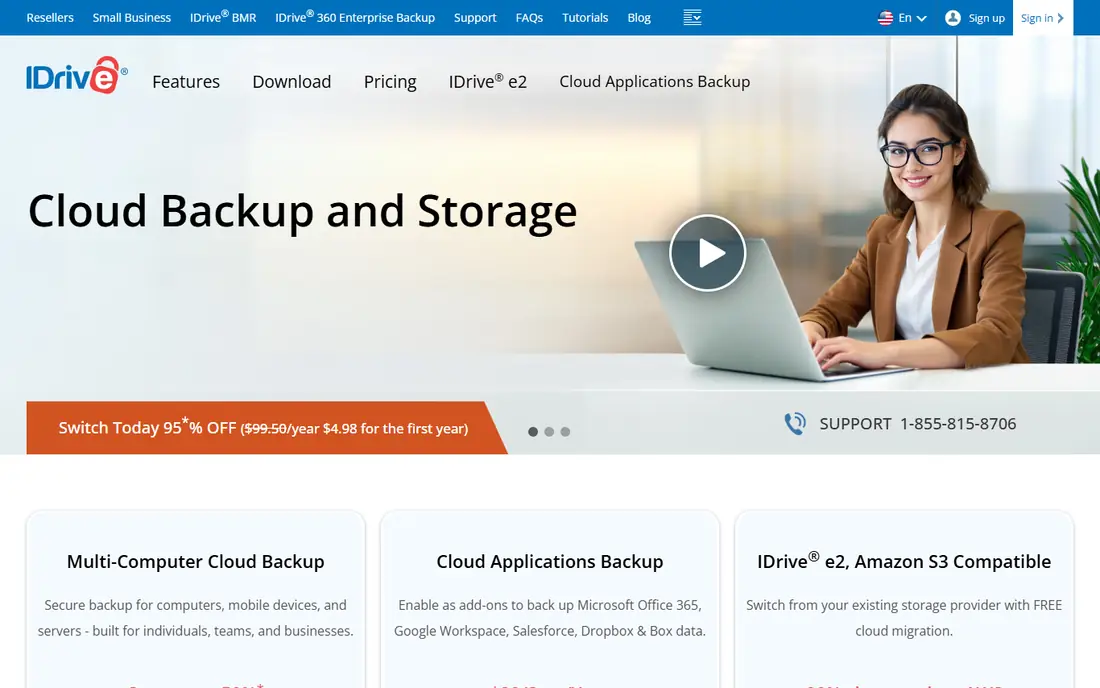
IDrive Business suits a small practice that needs to back up office computers, servers, and mobile devices without a per-device bill for every machine. Pooled storage and version history help when a file is changed by mistake or a device fails. A physical restore option can speed recovery for large data sets. Check that your plan includes a business associate agreement, confirm encryption settings, and test a restore of a typical patient record folder before rollout. For cost per device, IDrive is hard to beat.
- Covers many devices and servers on one plan
- Version history
- Physical restore option
- Interface favours backup over file sharing
- Business associate agreement terms need confirmation for your plan
Backblaze Business Backup keeps endpoint backup simple, which is exactly what many small offices need. Each computer gets unlimited storage, setup takes minutes, and restores work from a web browser or a mailed drive where offered. A business associate agreement is available for eligible business customers, so request it in writing and keep a copy. The limit is scope, since this product does not back up servers or SaaS apps like Microsoft 365. Pair it with a separate server or SaaS backup if your practice depends on those systems.
- Unlimited storage per computer
- Simple setup
- Business associate agreement on eligible plans
- No server or SaaS backup on this product
- Per-computer pricing adds up for large teams
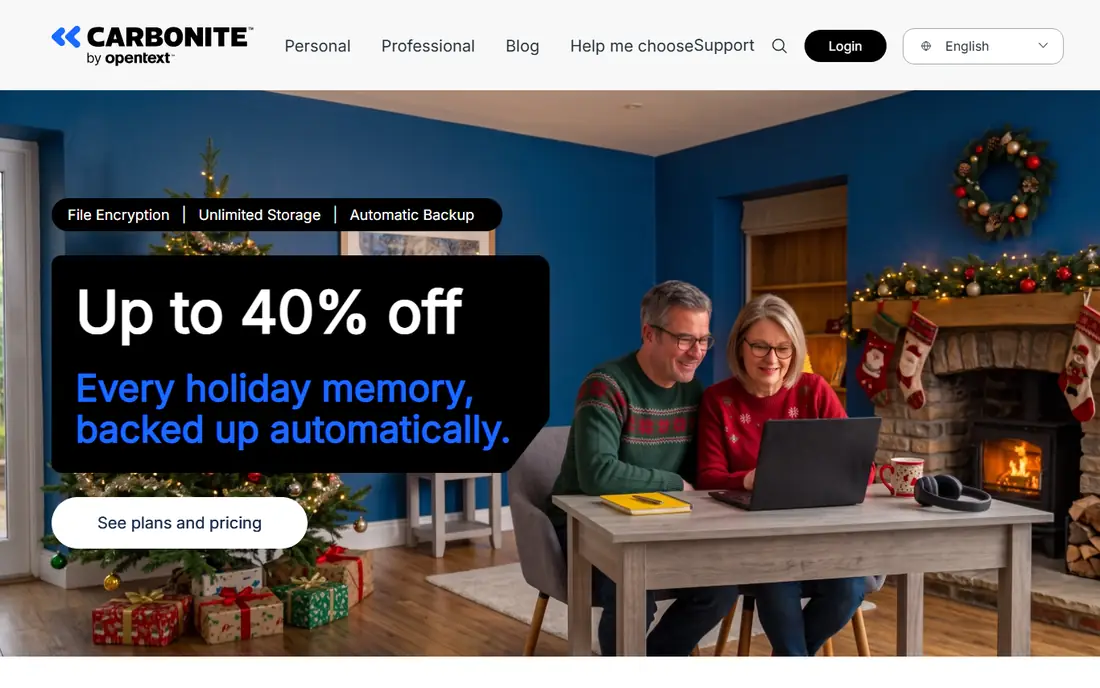
Carbonite Safe is a familiar choice for small offices that want automatic backup without managing backup jobs each day. Business tiers offer compliance support and a business associate agreement for eligible plans, plus automatic backup once devices are enrolled. Check computer and storage limits carefully, since higher tiers are needed for servers and larger fleets. For a clinic with a modest number of workstations, Carbonite gives a steady, low-admin option. Test restores and confirm retention before you treat it as your only copy.
- Business tiers with compliance support
- Flat pricing for a set of computers
- Automatic backup
- Server coverage needs higher tiers
- Storage and computer limits vary by plan
Acronis Cyber Protect combines backup with endpoint security, which suits practices that want fewer agents on each machine. Image backup helps recover a whole system, while file backup helps recover single records. A central console lets IT staff manage devices, check backup status, and spot failures. Cloud storage is often billed separately, so budget for storage as well as licences. The extra security features add value, but they also add settings to review, so assign someone to own the console.
- Backup plus anti-malware in one agent
- Image and file backup
- Central console
- Cloud storage billed separately in many cases
- More features than a backup-only buyer needs
CrashPlan focuses on endpoint backup for teams, with unlimited storage per user and straightforward admin controls. That model suits practices where staff work on laptops across sites, since each user account covers their devices. Confirm business associate agreement eligibility for your plan and keep the signed copy with your compliance records. Server and SaaS backup are not its main strength, so plan separately for those systems. For laptop-heavy teams, CrashPlan is a clean, predictable choice.
- Unlimited endpoint storage per user
- Simple admin controls
- Business associate agreement eligibility
- No server backup focus
- Restore speed depends on data size and connection
Druva Security Cloud suits larger practices and health organisations that need backup across endpoints, SaaS apps, and cloud workloads in one platform. Central governance, retention policies, and compliance documentation help IT teams prove what was backed up and when. Pricing is quote-only, and the platform is broader than a small clinic needs. For a multi-site group with Microsoft 365, Salesforce, or similar SaaS data, Druva gives a single place to manage protection and recovery.
- SaaS, endpoint, and cloud workload coverage
- Central governance
- Compliance documentation
- Quote-only pricing
- More platform than a single-office practice needs
Veeam Data Platform is a strong choice for practices running servers or virtual machines on site or in the cloud. It backs up virtual machines, servers, and workloads, then lets you restore to local or cloud storage, including immutable targets that resist tampering. Veeam is software, so the business associate agreement often sits with the storage target as well as with Veeam, and you must confirm both. It needs someone who understands backup jobs, retention, and restore testing. For server-heavy environments, it remains a reference option.
- Strong virtual and server backup
- Flexible storage targets
- Immutable backup options
- Needs a storage target and backup expertise
- Business associate agreement sits with the storage provider in many setups
Wasabi provides low-cost object storage that pairs with backup software such as Veeam or similar tools. Flat per-terabyte pricing and no separate egress fees advertised make costs easier to forecast than tiered cloud storage. Object lock supports immutable copies, and a business associate agreement is published for eligible use. Wasabi alone is not a backup application, so you still need software to schedule jobs, manage versions, and test restores. For teams that already run backup software, it is a cost-effective target.
- Flat pricing with no separate egress fees advertised
- Object lock for immutability
- Business associate agreement available
- Storage only, needs backup software
- Retention and lifecycle settings need care
AWS Backup gives cloud-based practices a central way to protect databases, file systems, and workloads running on AWS. Vault lock supports immutable copies, and AWS publishes a list of HIPAA-eligible services covered under its business associate agreement. Confirm that each service and region you use is in scope, since coverage is not automatic for every AWS service. Pricing is pay-as-you-go and varies by tier and region, so model storage and restore costs. For AWS-centred teams, it is a natural fit.
- Central backup across AWS services
- Vault lock for immutability
- HIPAA-eligible services list
- Pay-as-you-go pricing varies by service and region
- Needs cloud expertise
How we picked these
We compared official pricing, compliance, and feature pages for backup tools that offer a business associate agreement for eligible plans and that back up endpoints, servers, SaaS, or cloud storage. We kept only tools that exist and work in October 2026. Where pricing is quote-only or varies by workload, we wrote See website rather than guessing a figure.
What to check before you buy
Get the business associate agreement in writing before you store protected health information, and confirm which services, regions, and plan tiers it covers. Check encryption in transit and at rest, who holds the keys, and how access is controlled and logged. Set retention that matches your record rules, and test a full restore, not just a single file, on a schedule. Keep at least one copy separate from your main systems, and document who can restore data and how quickly. Review these items with your compliance adviser, since software settings alone do not cover policies, training, and risk analysis.
Frequently asked questions
Does buying HIPAA backup software make my practice compliant?
No. Software alone does not make a practice HIPAA compliant. You also need a signed business associate agreement, access controls, policies, staff training, and a risk analysis. This article is general information only, not legal or compliance advice.
What is a business associate agreement?
It is a contract in which a vendor agrees to protect health information as required by HIPAA rules. Ask for it in writing, confirm which services and plan tiers it covers, and keep a signed copy with your compliance records.
Should a small clinic use IDrive, Backblaze, or Carbonite?
IDrive suits many devices on one plan, Backblaze suits simple computer backup, and Carbonite suits small offices that want automatic device backup. Check business associate agreement terms, server coverage, and restore options for your setup.
How often should backups run and be tested?
Daily backups suit most practices, with more frequent copies for systems that change often. Test restores on a schedule, including a full system restore, so a failure is found during a test rather than during a real incident.
Is cloud backup enough on its own?
No. Keep an offline or immutable copy separate from your main systems, and document restore steps and owners. A single cloud copy can fail if credentials, billing, or access controls go wrong.
Sources
See where you really rank - block by block
ProMapRanker scans Google Maps across a grid of your service area. Simple monthly plans from $19, white-label on every plan.
Start freeKeep reading
 worlds best local seo company
8 Worlds Best Local SEO Companies for Map Pack Growth in 2026
Compare the worlds best local seo company options for Google Business Profile work, citations, reviews, and multi-location rankings and reporting in 2026.
Read → world's best web hosting company
World's Best Web Hosting Company in 2026
Searching for the world's best web hosting company? We compared 10 hosts on price, renewal rates, speed, and support to help you choose well today in 2026.
Read → who's got the best nanny tax services
Who's Got the Best Nanny Tax Services in 2026
We answer who's got the best nanny tax services, comparing full filing, back taxes, software, and pricing so families can handle nanny taxes correctly.
Read →