 ProMapRanker
Best Helpdesk Software in 2026


Most small and mid-size teams · Pricing starts at: $19 per agent per month
Key takeaways
- Per-agent pricing dominates this category, so your agent count and AI add-ons matter more than the headline entry price.
- Freshdesk and Zoho Desk offer the lowest entry cost for small teams, while Zendesk suits larger teams with complex routing and reporting needs.
- A free plan can be enough for a tiny team, but check agent limits, channels, and automation, since free tiers often cover email only.
- If your support is mainly email, Help Scout and Front may feel calmer than a full omnichannel suite, while Intercom suits in-app SaaS support.
- Self-service matters as much as tickets: a good help center and AI answers can cut repeat tickets before they reach an agent.
Quick comparison
| Pick | Great for | Pricing starts at | Free tier | |
|---|---|---|---|---|
| Freshdesk | Most small and mid-size teams | $19 per agent per month | Free trial | Visit |
 Zendesk | Large multi-channel operations | $19 per agent per month | Free trial | Visit |
 Zoho Desk | Budget teams and Zoho users | $7 per user per month | No | Visit |
 Help Scout | Email-first small teams | $25 per user per month | No | Visit |
 HubSpot Service Hub | Teams already on HubSpot CRM | Free | Yes | Visit |
 Intercom | SaaS and in-app support | $29 per seat per month | Free trial | Visit |
 Jira Service Management | Internal IT support | Free | Yes | Visit |
 Front | Shared inboxes for account teams | $25 per seat per month | Free trial | Visit |
The best helpdesk software
The tools below cover customer support, internal IT support, and shared inboxes. Start with your main channel, then check automation and reporting, since those decide daily workload more than a logo list.
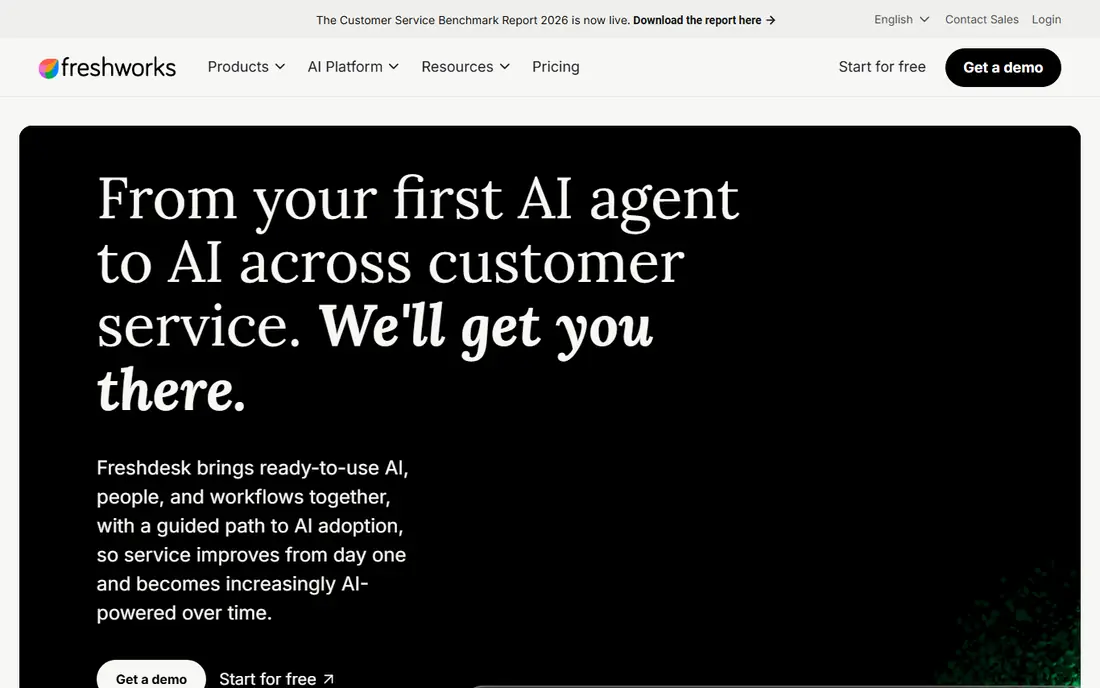
Freshdesk is a good default for teams that need email, chat, phone, and social tickets in one queue without enterprise complexity. The Growth plan at $19 per agent per month billed annually adds automation, service-level agreements, and reporting that small teams need as volume grows. Setup is quick, and the Freshworks ecosystem links to CRM and chat tools when you need them.
The change to note is pricing: older guides cite a free plan and lower prices, but current pricing lists Growth at $19, Pro at $55, and Enterprise at $89 per agent per month billed annually, with a trial instead of a permanent free tier. A limited free program for up to two agents for six months has been reported, but it ends, so do not budget around it long term. For most teams, Freshdesk still offers strong value at the entry tier.
- Broad channel coverage
- Strong automation at mid tiers
- Fast setup
- No permanent free plan in current pricing
- AI features sit on higher tiers
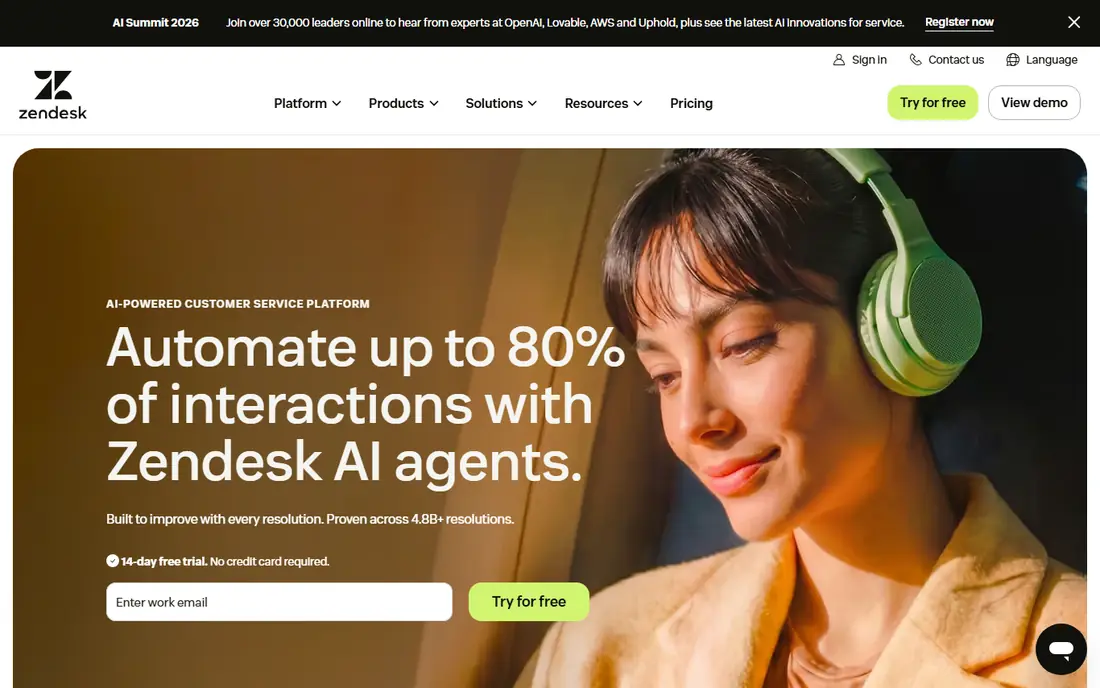
Zendesk suits teams with high ticket volume, many channels, and complex routing rules. The Support Team plan starts at $19 per agent per month billed annually, while Suite plans that bundle messaging, help center, and voice start higher, with Suite Team often listed at $55 per agent per month. The marketplace, automation, and Explore reporting give large teams control that simpler tools cannot match.
That power comes with setup time and cost. Small teams may pay for features they never use, and AI add-ons can raise the bill further. Zendesk also offers a startup program for qualifying young companies, but the standard product has no permanent free plan. Choose Zendesk when support is a core operation with dedicated admins, not when you need a simple inbox for three people.
- Deep automation and reporting
- Large integration marketplace
- Strong help center tools
- Setup can be complex
- AI and advanced features add cost
- No free plan
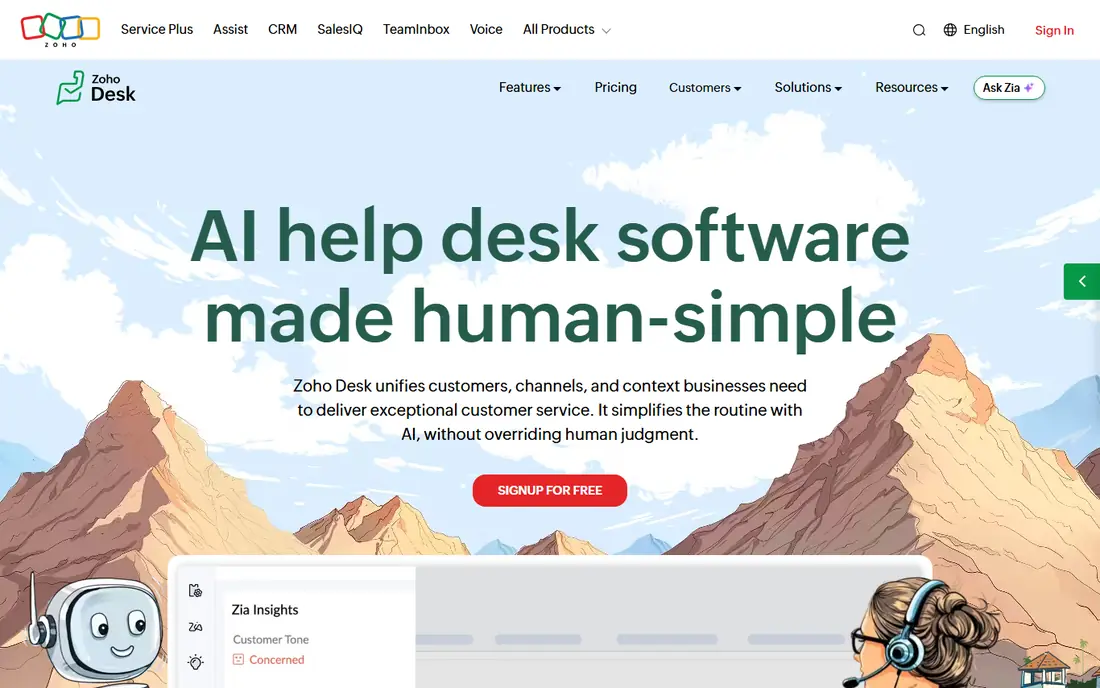
Zoho Desk is the value pick for teams that mainly handle email tickets and want a help center without a large per-agent bill. The Express plan starts at $7 per user per month billed annually, which is far below most rivals, and higher tiers add automation, multi-channel support, and AI assistance. If you already use Zoho CRM or Books, shared customer data saves duplicate entry.
The trade-off is polish and some advanced features, which arrive only on higher tiers. Recent guides note that Zoho Desk no longer offers a permanent free plan, offering a trial instead, so confirm current terms before you plan around free seats. For a budget team that needs reliable ticketing and a knowledge base, Zoho Desk is hard to beat on price.
- Lowest entry price in this list
- Solid ticketing and help center
- Zoho links
- No permanent free tier in current pricing
- Interface is functional, not flashy
Help Scout feels like email done right, with a shared inbox, collision detection, saved replies, and customer profiles that keep context in one place. The Standard plan starts at $25 per user per month, and it suits teams that answer most questions by email and want a help center alongside tickets. The interface is calm, which helps small teams stay fast without learning a complex suite.
The limit is channel depth. Teams with heavy phone, live chat, or social volume may need add-ons or another tool, and AI features can be billed per resolution depending on the plan. Help Scout also offers a free tier for a small number of users in some published summaries, but current pricing should be checked, since free terms have changed across this category. For email-led support, it remains a strong, focused choice.
- Clean shared inbox
- Good knowledge base
- Calm interface for small teams
- Less suited to heavy phone or social volume
- AI billed per resolution on some plans
HubSpot Service Hub makes sense if your sales and marketing data already live in HubSpot, since tickets, contacts, deals, and chat history share one record. The free tier covers a small number of users with ticketing and live chat basics, and the Starter plan starts around $20 per seat per month. That CRM link helps account teams see past purchases and conversations without switching tools.
The catch is cost as you scale. Professional and Enterprise tiers add automation, reporting, and service-level tools at much higher per-seat prices, and onboarding fees can apply on higher tiers. If you do not use HubSpot CRM, a standalone helpdesk will usually cost less for the same ticket features. Inside HubSpot, however, the shared data is a genuine advantage.
- Free tier for small teams
- Tickets tied to CRM records
- Good help center tools
- Paid tiers rise fast
- Best value only inside HubSpot
- Onboarding fees on higher tiers
Intercom is built for SaaS teams that support users inside the product, with messenger, help center, AI answers, and outbound messages in one system. The Essential plan starts at $29 per seat per month billed annually, and AI resolutions are billed separately, often around $0.99 per resolution in published summaries. That model suits teams with high chat volume and a need to deflect common questions automatically.
The billing model needs care. A team with many AI resolutions can see costs rise beyond the seat price, and the product is less focused on traditional email ticketing than Zendesk or Freshdesk. If your users live in your app and expect instant chat answers, Intercom is a natural fit. If most support arrives by email, a ticket-first tool may be simpler and cheaper.
- Strong in-app messaging
- AI answers and automation
- Good for product-led SaaS
- Per-seat plus per-resolution AI billing
- Can cost more than ticket-only tools
Jira Service Management is the pick for internal IT and service teams, with request types, approval workflows, incident management, and asset tracking built for IT service work. The free tier covers up to three agents with storage and automation limits, which suits a small IT team or a pilot. Links to Jira Software help engineering and IT share issues without duplicate tickets.
For external customer support, the interface and pricing model feel heavier than a customer helpdesk, and the free tier limits may force an upgrade as volume grows. Standard pricing is bucketed by agent count rather than a simple per-agent rate at low tiers, so read the current pricing table for your team size. Choose it for internal service, not for a public-facing support inbox.
- Free tier for up to three agents
- Strong ITSM workflows
- Atlassian links
- Less suited to external customer support
- Setup needs Atlassian knowledge
Front suits teams that live in email but need shared ownership, such as account management, success, and operations. The Starter plan starts at $25 per seat per month billed annually, with shared inboxes, assignments, internal comments, and rules to route messages. It feels closer to email than a ticket system, which helps teams that handle complex, ongoing conversations rather than one-off tickets.
The limit is helpdesk depth. Front does not match Zendesk or Freshdesk on service-level management, advanced automation, or large-scale reporting, and a trial is offered instead of a free plan. For a team that needs a shared inbox with clear ownership and light automation, Front is a good fit. For a high-volume support center, a dedicated helpdesk will serve you better.
- Email plus other channels in one inbox
- Assignments and internal comments
- Good for account work
- Less of a full helpdesk for high-volume support
- Reporting is lighter than Zendesk
How we picked these
We compared official pricing pages, product pages, and recent helpdesk guides, and we kept only tools that are live in October 2026 and handle real ticket or inbox work. We noted where free plans have changed, since several vendors have moved from permanent free tiers to trials in 2026. We also mixed customer support, internal IT, and shared inbox tools, because the best helpdesk depends on who you support and through which channel.
How to choose the right helpdesk
Start with volume and channel. Count tickets per week by email, chat, phone, and social, then pick a tool that covers your top two channels well on its entry tier. Next, list your must-have automations, such as routing by topic, service-level alerts, and canned replies, since those save agent hours every day. Finally, test the help center and AI answers with your ten most common questions, because deflection there cuts future ticket load.
Price the tool at your agent count in six months, including AI add-ons and any required higher tier for automation. Run a two-week pilot with real tickets, and check first response time, resolution time, and agent satisfaction, not only feature checklists. A tool your team enjoys using will beat a more powerful tool they avoid, especially when ticket volume spikes.
Frequently asked questions
What is the best helpdesk software?
For most small and mid-size teams, Freshdesk is a strong default for breadth and value. For large, complex operations, Zendesk leads on automation and reporting. For budget teams, Zoho Desk leads on price, and for email-first teams, Help Scout leads on simplicity. Match channel, volume, and budget before you pick a winner.
What is the best support ticket software?
Ticket software should route, prioritize, track service levels, and report on volume by topic. Freshdesk, Zendesk, and Zoho Desk all cover those basics, with Zendesk offering the deepest routing and reporting. HubSpot Service Hub adds CRM context, while Jira Service Management adds IT workflows. Choose by ticket complexity, not by brand size.
What is the best free helpdesk software?
Truly free options have narrowed in 2026, since several vendors moved to trials. HubSpot Service Hub and Jira Service Management still offer free tiers with user limits, which suit tiny teams. For a permanent free plan, check current terms on the vendor page, since free seat counts and channel limits change often and affect whether the plan is usable.
What is the best helpdesk software for small businesses?
Small businesses usually do best with Freshdesk, Zoho Desk, or Help Scout, depending on channel and budget. Freshdesk covers the most channels, Zoho Desk costs least, and Help Scout feels simplest for email. Start on a trial, test with real tickets, and only upgrade when automation or reporting limits start to slow your team.
What is the best software for helpdesks handling live chat?
Intercom leads for in-app chat and AI answers in SaaS products, while Freshdesk and Zendesk cover chat alongside tickets for general support. If chat is your main channel, test response speed, AI deflection, and mobile chat quality during a trial. A chat tool that slows agents down will hurt satisfaction even if it looks modern.
Do I need a helpdesk if I already use shared email?
Yes, once ticket volume, handoffs, or reporting matter. Shared email hides who owns a reply, loses service-level tracking, and makes it hard to spot repeat issues. A helpdesk adds ownership, internal notes, automation, and a help center, which together cut duplicate work and missed replies as your team grows.
Sources
See where you really rank - block by block
ProMapRanker scans Google Maps across a grid of your service area. Simple monthly plans from $19, white-label on every plan.
Start freeKeep reading
 vercel alternatives
Vercel Alternatives in 2026
Compare the best Vercel alternatives for static sites, full-stack apps and backends, with free tiers, current pricing and honest trade-offs for developers.
Read → best veterinary software
Best Veterinary Software in 2026
We compared the best veterinary software for clinics of every size, from cloud practice tools to desktop systems, with detailed pricing and trade-offs.
Read → best truck gps app
Best Truck GPS App in 2026: 8 Apps Compared
Best truck GPS app picks for truckers, with truck routing, low bridge warnings, parking and fuel tools, plus current prices and free options for US drivers.
Read →