 ProMapRanker
Best Heavy Equipment Management Platform in 2026


Mixed construction fleets with tools and materials · Pricing starts at: See website
Key takeaways
- Tenna is the most construction-specific pick for mixed fleets of heavy equipment, trucks, tools and materials.
- Samsara and Motive lead for fleets that also need truck telematics, dashcams and driver safety alongside equipment tracking.
- Fleetio is the only platform here with clearly published per-vehicle pricing, while most rivals price by quote.
- Trackunit suits mixed-OEM fleets that need machine data standardised across brands such as Caterpillar, John Deere and Komatsu.
Quick comparison
| Pick | Great for | Pricing starts at | Free tier | |
|---|---|---|---|---|
| Tenna | Mixed construction fleets with tools and materials | See website | No | Visit |
 Samsara | Mixed fleets with trucks, dashcams and equipment | See website | No | Visit |
 Fleetio | Maintenance-first fleets with published pricing | $4 per vehicle per month | Free trial | Visit |
 Trackunit | Mixed-OEM fleets needing standardised machine data | See website | No | Visit |
 EquipmentShare T3 | Contractors that rent and own equipment | See website | No | Visit |
 HCSS Equipment360 | Heavy civil contractors tying costs to jobs | See website | No | Visit |
 Geotab | Data-heavy fleets with an open platform | See website | No | Visit |
 Motive | Truck-heavy fleets adding heavy equipment | See website | No | Visit |
 Clue | Unifying fragmented telematics without new hardware | See website | No | Visit |
The best heavy equipment management platforms
These platforms track location, hours and utilisation, schedule maintenance, and tie equipment costs to jobs. They differ on hardware, OEM data and whether they suit rental, owned or mixed fleets.
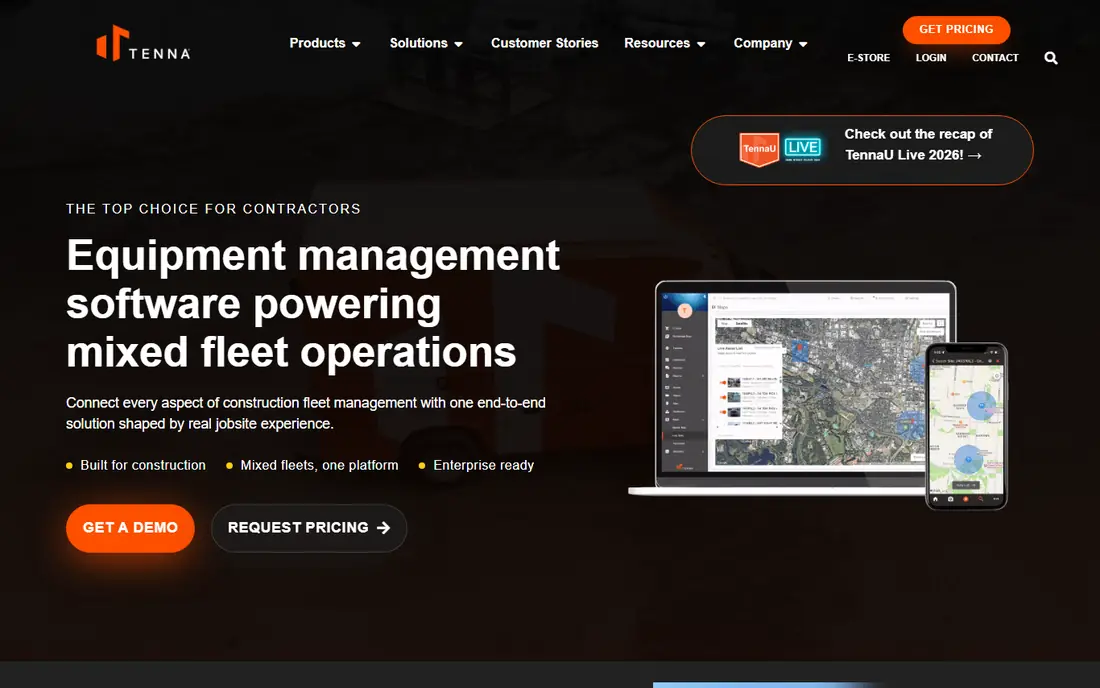
Tenna is our pick for contractors running mixed fleets of heavy equipment, trucks, tools and materials across jobsites, since it tracks assets and projects together, so utilisation and maintenance can be tied to job costs rather than viewed in isolation.
For a team weighing this option, the practical test is fit for mixed construction fleets with tools and materials in day-to-day use, not only the feature list. The strengths above matter most when they match a real workflow, such as onboarding, reporting or a recurring task that currently takes too long. A short trial or demo with your own data will reveal gaps faster than a sales presentation, especially around integrations, permissions and support response times.
The honest weakness to weigh is listed above, and it often decides whether this product stays useful after the first month. Check contract terms, renewal pricing and what happens to your data if you leave, and ask for a written quote for the same headcount and modules you will actually use. That comparison protects you from a low starting price that rises once essential add-ons are included.
- Construction-specific tracking
- Hour-based maintenance
- ERP integrations
- Pricing is quote-based
- Rollout can take weeks
- Hardware costs are extra
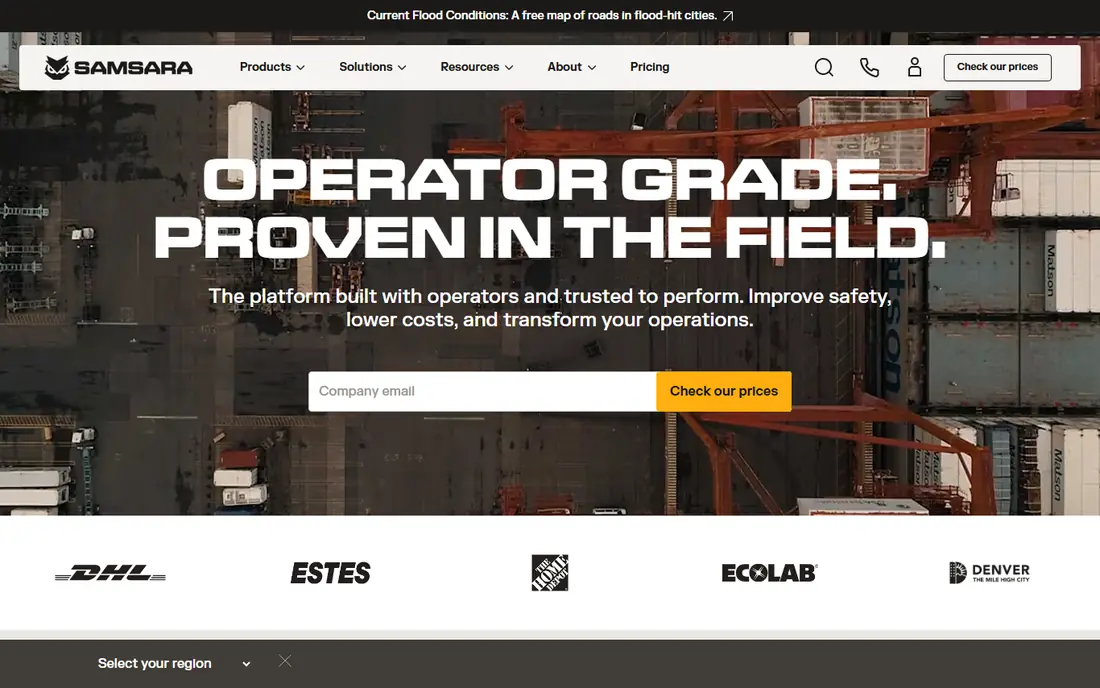
Samsara suits fleets that need trucks, equipment and safety in one platform, with telematics, dashcams and compliance tools, and its safety features and real-time visibility help operations teams manage both on-road and jobsite assets.
The honest weakness to weigh is listed above, and it often decides whether this product stays useful after the first month. Check contract terms, renewal pricing and what happens to your data if you leave, and ask for a written quote for the same headcount and modules you will actually use. That comparison protects you from a low starting price that rises once essential add-ons are included.
In practice, this product works best when one owner is responsible for rollout, training and ongoing administration. Without that owner, even a strong tool can drift into partial use, with some teams on the new system and others on spreadsheets. Plan training, set a go-live date, and review usage after thirty and ninety days before adding more modules or seats.
- Telematics and AI dashcams
- Safety and compliance tools
- Broad fleet coverage
- Pricing is quote-based
- Contracts are often multi-year
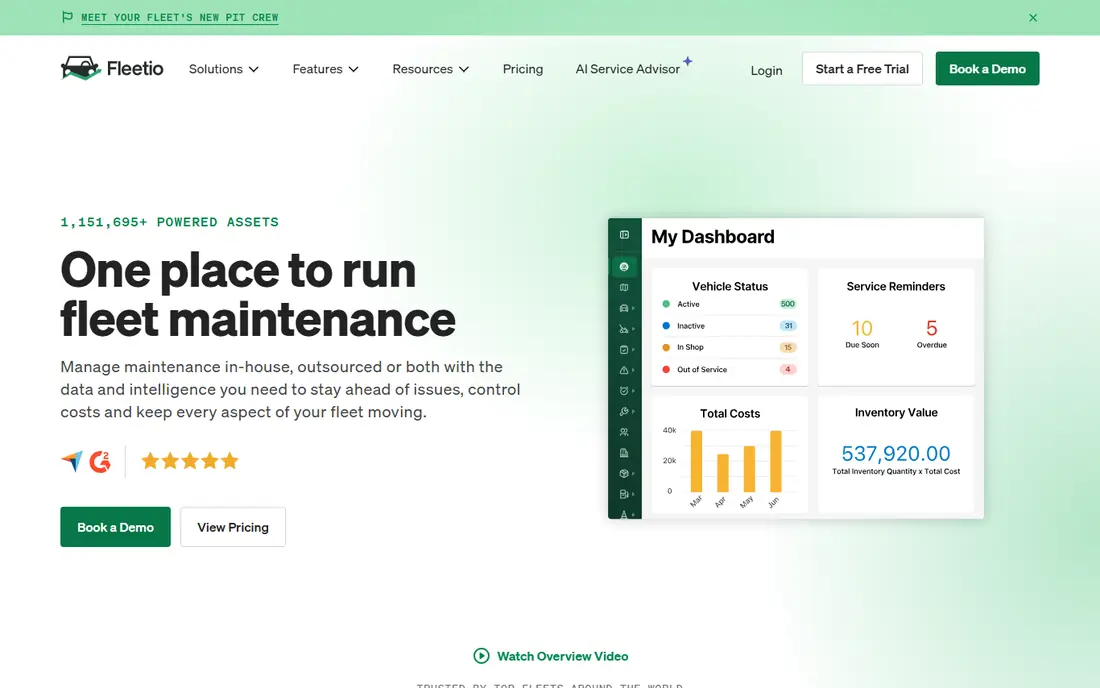
Fleetio is the clearest platform to price in this list, with a published starting tier per vehicle per month on annual billing, and it focuses on maintenance, inspections, fuel and asset records, which suits shops that want to reduce downtime first.
In practice, this product works best when one owner is responsible for rollout, training and ongoing administration. Without that owner, even a strong tool can drift into partial use, with some teams on the new system and others on spreadsheets. Plan training, set a go-live date, and review usage after thirty and ninety days before adding more modules or seats.
For a team weighing this option, the practical test is fit for maintenance-first fleets with published pricing in day-to-day use, not only the feature list. The strengths above matter most when they match a real workflow, such as onboarding, reporting or a recurring task that currently takes too long. A short trial or demo with your own data will reveal gaps faster than a sales presentation, especially around integrations, permissions and support response times.
- Published per-vehicle pricing
- Maintenance workflows
- No hardware lock-in for core use
- No hardware sales, so telematics needs a partner
- Equipment depth is less construction-specific
Trackunit is built for construction equipment, pulling engine and diagnostic data from multiple OEM brands into one view, which helps rental companies and large contractors manage mixed fleets without juggling separate OEM portals.
For a team weighing this option, the practical test is fit for mixed-oem fleets needing standardised machine data in day-to-day use, not only the feature list. The strengths above matter most when they match a real workflow, such as onboarding, reporting or a recurring task that currently takes too long. A short trial or demo with your own data will reveal gaps faster than a sales presentation, especially around integrations, permissions and support response times.
The honest weakness to weigh is listed above, and it often decides whether this product stays useful after the first month. Check contract terms, renewal pricing and what happens to your data if you leave, and ask for a written quote for the same headcount and modules you will actually use. That comparison protects you from a low starting price that rises once essential add-ons are included.
- OEM data standardisation
- Fault codes and machine health
- Rental and contractor focus
- Pricing is quote-based
- Contracts can be long
EquipmentShare T3 suits contractors that both rent and own equipment, since it connects rental, owned and jobsite data in one platform, and telematics, utilisation and maintenance views help teams see whether a machine should be rented, owned or returned.
The honest weakness to weigh is listed above, and it often decides whether this product stays useful after the first month. Check contract terms, renewal pricing and what happens to your data if you leave, and ask for a written quote for the same headcount and modules you will actually use. That comparison protects you from a low starting price that rises once essential add-ons are included.
In practice, this product works best when one owner is responsible for rollout, training and ongoing administration. Without that owner, even a strong tool can drift into partial use, with some teams on the new system and others on spreadsheets. Plan training, set a go-live date, and review usage after thirty and ninety days before adding more modules or seats.
- Connected jobsite platform
- Rental and owned fleet tracking
- Telematics integration
- Best value for EquipmentShare renters
- Pricing is quote-based
HCSS Equipment360 suits heavy civil contractors already using HCSS for estimating and project management, since equipment costs can flow into job profitability views, with telematics and maintenance data supporting hour-based costing.
In practice, this product works best when one owner is responsible for rollout, training and ongoing administration. Without that owner, even a strong tool can drift into partial use, with some teams on the new system and others on spreadsheets. Plan training, set a go-live date, and review usage after thirty and ninety days before adding more modules or seats.
For a team weighing this option, the practical test is fit for heavy civil contractors tying costs to jobs in day-to-day use, not only the feature list. The strengths above matter most when they match a real workflow, such as onboarding, reporting or a recurring task that currently takes too long. A short trial or demo with your own data will reveal gaps faster than a sales presentation, especially around integrations, permissions and support response times.
- Equipment costing tied to jobs
- HCSS project integration
- Telematics options
- Pricing is quote-based
- Best value inside the HCSS ecosystem
Geotab suits large mixed fleets that want deep engine diagnostics and a wide integration marketplace, and its open platform lets teams connect many third-party tools, from maintenance to safety and fuel systems.
For a team weighing this option, the practical test is fit for data-heavy fleets with an open platform in day-to-day use, not only the feature list. The strengths above matter most when they match a real workflow, such as onboarding, reporting or a recurring task that currently takes too long. A short trial or demo with your own data will reveal gaps faster than a sales presentation, especially around integrations, permissions and support response times.
The honest weakness to weigh is listed above, and it often decides whether this product stays useful after the first month. Check contract terms, renewal pricing and what happens to your data if you leave, and ask for a written quote for the same headcount and modules you will actually use. That comparison protects you from a low starting price that rises once essential add-ons are included.
- Deep diagnostics
- Large integration marketplace
- Open API
- Bought through resellers
- Learning curve
- Construction offering is newer
Motive, formerly KeepTruckin, suits truck-heavy fleets that also run heavy equipment, with ELD compliance, dashcams and fleet tracking, and its contract flexibility in published guides, including shorter terms than some rivals, is useful for growing fleets.
The honest weakness to weigh is listed above, and it often decides whether this product stays useful after the first month. Check contract terms, renewal pricing and what happens to your data if you leave, and ask for a written quote for the same headcount and modules you will actually use. That comparison protects you from a low starting price that rises once essential add-ons are included.
In practice, this product works best when one owner is responsible for rollout, training and ongoing administration. Without that owner, even a strong tool can drift into partial use, with some teams on the new system and others on spreadsheets. Plan training, set a go-live date, and review usage after thirty and ninety days before adding more modules or seats.
- ELD compliance
- AI dashcams
- Flexible contract terms in guides
- Primarily vehicle-focused
- Heavy equipment depth is less construction-specific
Clue suits companies with existing telematics hardware that want one utilisation view without replacing devices, since it aggregates OEM and GPS feeds, then ties working, idle and transit hours to jobs and cost codes.
In practice, this product works best when one owner is responsible for rollout, training and ongoing administration. Without that owner, even a strong tool can drift into partial use, with some teams on the new system and others on spreadsheets. Plan training, set a go-live date, and review usage after thirty and ninety days before adding more modules or seats.
For a team weighing this option, the practical test is fit for unifying fragmented telematics without new hardware in day-to-day use, not only the feature list. The strengths above matter most when they match a real workflow, such as onboarding, reporting or a recurring task that currently takes too long. A short trial or demo with your own data will reveal gaps faster than a sales presentation, especially around integrations, permissions and support response times.
- Aggregates OEM and GPS feeds
- Utilisation by job and cost code
- No new hardware in many cases
- Aggregator model depends on connected providers
- Pricing is quote-based
How we picked these
We compared official product pages and current construction telematics guides, checking tracking, maintenance, OEM integration, job costing and pricing transparency. We did not claim hands-on testing. We favoured platforms with construction-specific maintenance, hour-based service schedules and integrations for job costing, and we noted where pricing is quote-based and hardware costs sit on top of software fees.
How to choose a heavy equipment platform
Start with the assets you actually run
List your heavy machines, trucks, trailers, tools and rented items, and note which already send OEM telematics data. A platform that standardises OEM data can reduce extra trackers, while a QR-based tool may suit small tools better than GPS hardware. Match the platform to your asset mix, not only to its marketing focus.
Tie hours and location to jobs and costs
Location alone does not improve margins. The value comes from linking working, idle and transit hours to jobs, cost codes and maintenance schedules, so you can bill accurately and spot underused machines. Check how the platform handles job assignment, utilisation reports and maintenance alerts based on hours rather than only on calendar dates.
Budget for hardware, contracts and rollout
Most platforms here price software by quote, and hardware, installation and contract length add cost. Ask about device prices, contract terms, data ownership and what happens to historical data if you leave. Plan rollout by yard or jobsite, and train operators on inspections and check-in steps, since field adoption decides whether the data is useful.
Frequently asked questions
What is a heavy equipment management platform?
It tracks heavy machines and related assets, records location and engine hours, schedules maintenance, and links usage to jobs and costs. Some platforms also handle inspections, rentals and safety, depending on the product and hardware used.
Do I need GPS hardware for every machine?
Not always. Many heavy machines already send OEM telematics data that a platform can ingest, while older machines may need aftermarket trackers. Small tools often suit QR or barcode check-in instead of GPS, and a mixed approach is common.
Why are most heavy equipment platforms quote-based?
Pricing depends on asset count, hardware type, contract length and modules, so vendors quote after scoping your fleet. Fleetio is an exception with published per-vehicle pricing, but hardware and add-ons still affect total cost for most fleets.
Can these platforms track rented equipment as well as owned machines?
Yes, many platforms in this list handle owned, rented and subcontracted equipment, though rental workflows differ. EquipmentShare T3 is especially relevant for contractors that rent heavily, while Tenna and Clue handle mixed owned and rented fleets.
Sources
See where you really rank - block by block
ProMapRanker scans Google Maps across a grid of your service area. Simple monthly plans from $19, white-label on every plan.
Start freeKeep reading
 worlds best local seo company
8 Worlds Best Local SEO Companies for Map Pack Growth in 2026
Compare the worlds best local seo company options for Google Business Profile work, citations, reviews, and multi-location rankings and reporting in 2026.
Read → world's best web hosting company
World's Best Web Hosting Company in 2026
Searching for the world's best web hosting company? We compared 10 hosts on price, renewal rates, speed, and support to help you choose well today in 2026.
Read → who's got the best nanny tax services
Who's Got the Best Nanny Tax Services in 2026
We answer who's got the best nanny tax services, comparing full filing, back taxes, software, and pricing so families can handle nanny taxes correctly.
Read →