 ProMapRanker
Healthcare Scheduling Software Buyer's Guide

Direct answer
Start with symplr if you need health system workforce scheduling. If your case is different, Connecteam suits staff scheduling plus communication and QGenda suits enterprise physician scheduling. All 6 tools are compared below on price, free plan and limits.
Key takeaways
- This list starts with symplr, which is built for health system workforce scheduling.
- Just one of the 6 tools, Connecteam, has a free plan.
- Check the limits for Connecteam before you commit: not aimed at complex physician rotations.
- NurseGrid has the lowest monthly starting price in this list: $5 per user/month.
Quick comparison
| Pick | Great for | Pricing starts at | Free tier | |
|---|---|---|---|---|
 symplr | Health system workforce scheduling | See website | No | Visit |
 Connecteam | Staff scheduling plus communication | $29 a month | Yes | Visit |
 QGenda | Enterprise physician scheduling | See website | No | Visit |
 Shiftboard | Complicated shift-based staffing | See website | No | Visit |
 NurseGrid | Nurse shift swaps on mobile | $5 per user/month | Free trial | Visit |
 OnShift | Senior care staffing and labor costs | See website | No | Visit |
Healthcare Scheduling Software, one by one
This ProMapRanker guide covers 6 options for healthcare scheduling software. Each profile lists a starting price, free plan details, strengths and drawbacks, so you can drop poor fits quickly.
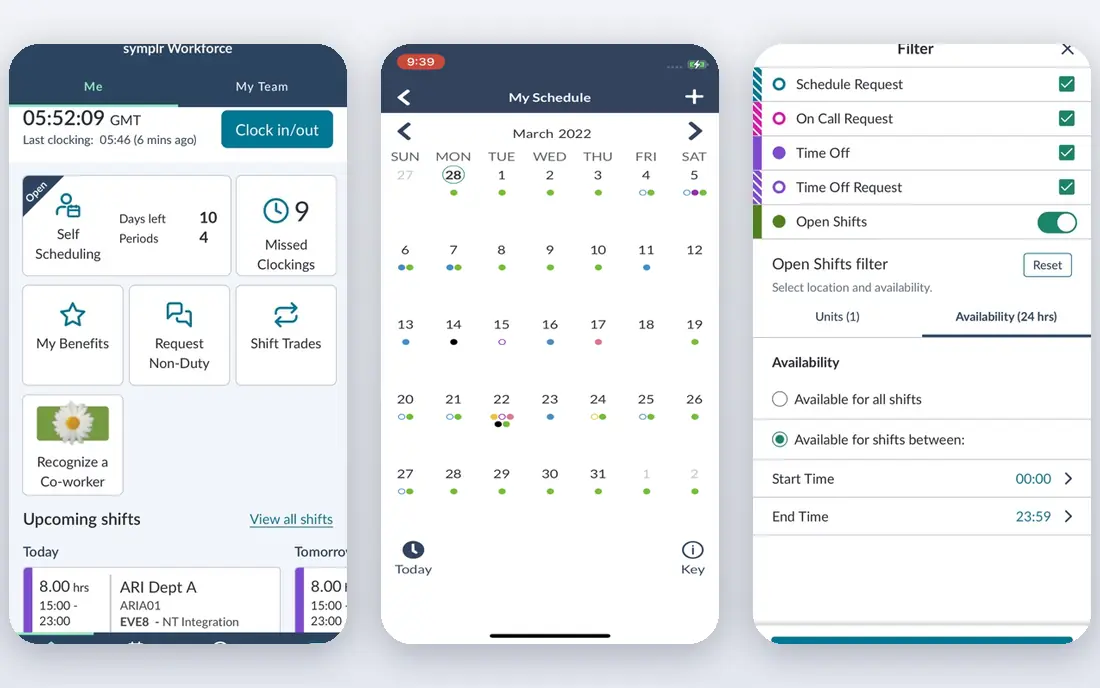
Choose symplr for health system workforce scheduling. Secure communication tools help staff coordinate without using personal messaging apps for work. In practice, the trade-off is scale and cost. symplr is an enterprise purchase with quoted pricing and a longer implementation, which puts it out of reach for small clinics.
It also needs dedicated administration to keep rules, pay codes, and integrations accurate. More specifically, choose symplr when a health system needs scheduling, time tracking, and labor control together, not when a single clinic only needs an appointment calendar. symplr shows no starting price here, so confirm the cost on the vendor site. No free plan comes with symplr.
Watch-outs: Enterprise pricing.
- Scheduling plus time and attendance
- Overtime control
- Implementation is a major project
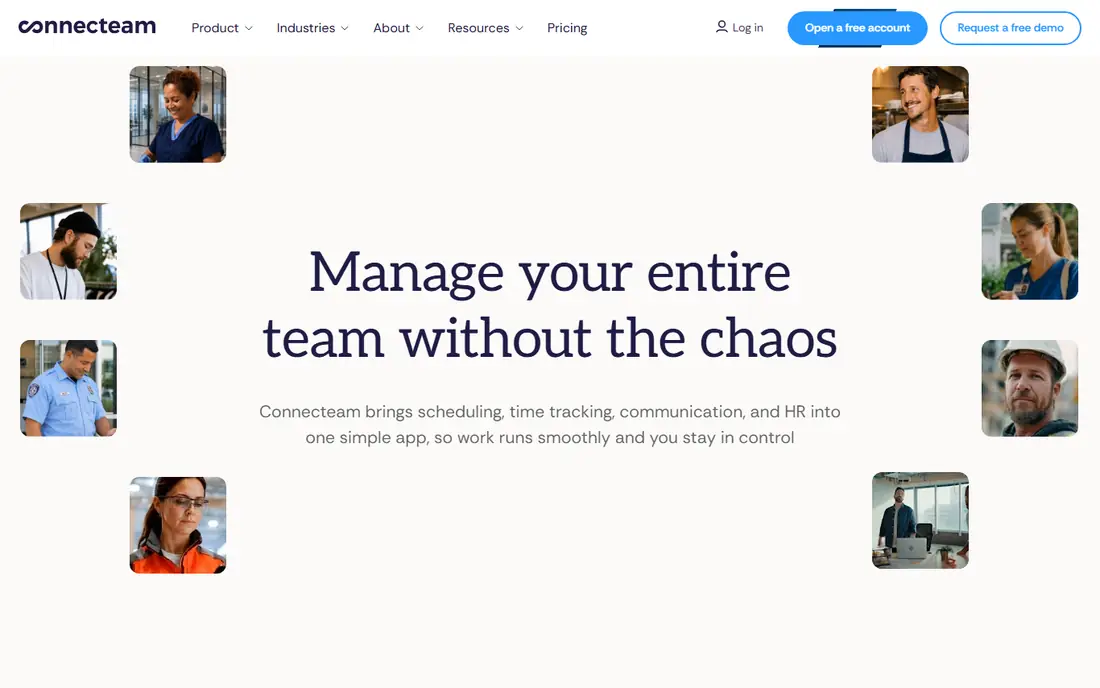
For staff scheduling plus communication, Connecteam is a natural candidate. The limit is clinical complexity. For everyday use, Connecteam does not manage physician credential rules, complicated rotations, or specialty-specific scheduling in the way QGenda or symplr do.
Watch-outs: Healthcare-specific rules are restricted.
It is a staff operations tool, not a physician scheduling engine. On top of that, Connecteam suits healthcare teams that require staff scheduling, communication, and time tracking in one low-cost tool. Also, the entry price for the first 30 users makes it accessible for clinics, home care agencies, and small care teams that cannot justify enterprise pricing. Managers can build shifts, let staff claim open shifts, send announcements, and track hours without separate apps. What you pay to start with Connecteam: $29 per month. Connecteam offers a free plan.
- Low entry price for up to 30 users
- Time tracking included
- Not made for complicated physician rotations
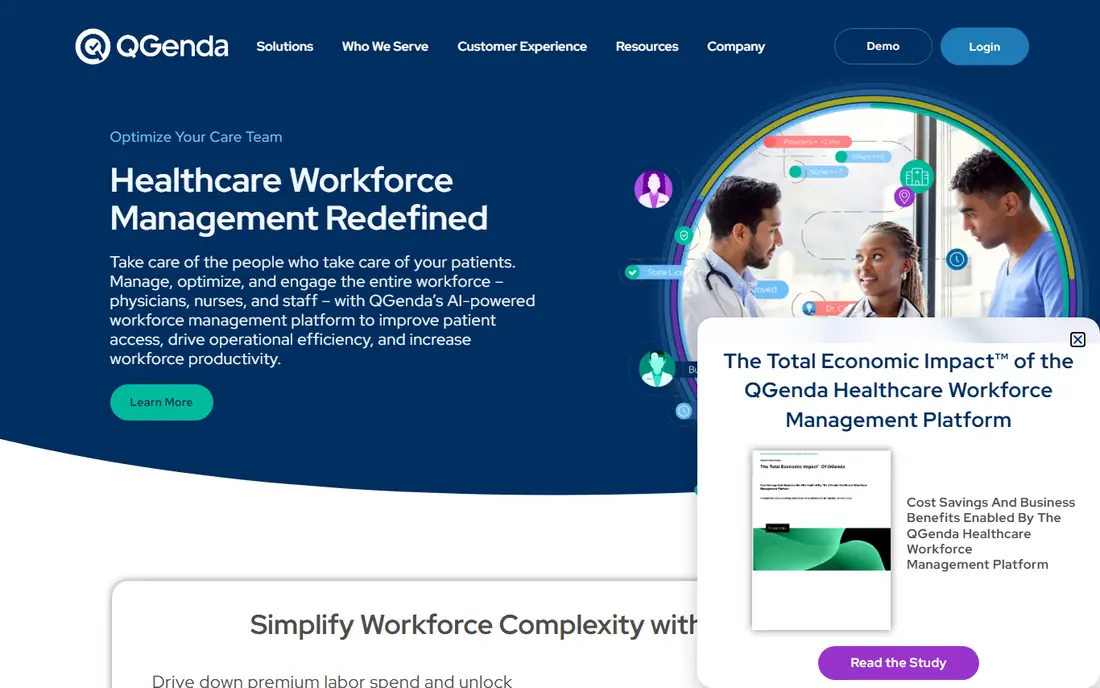
QGenda is aimed squarely at enterprise physician scheduling. For a large organization, that automation can save plenty of staff hours each month. Worth adding: integrations link schedules to payroll, credentialing, and clinical communication tools, which reduces manual work for schedulers who otherwise juggle spreadsheets.
Worth adding: QGenda suits organizations where scheduling errors build compliance risk or staffing gaps, and where a dedicated scheduling team already exists. Automatic generation respects provider preferences, credentials, and scheduling rules, whereas time-off requests and swaps flow through approval workflows. Pricing is quoted, implementation involves rule setup and data migration, and small groups will find the price hard to justify. Also, the cost and setup are enterprise-level. Check the vendor site for QGenda pricing; none is listed in this comparison. QGenda has no permanent free option.
Where it is weaker: Enterprise pricing.
- Automatic schedule generation
- Payroll and credentialing integrations
- Implementation takes time and staff effort
Shiftboard is built with complicated shift-based staffing in mind. Staff can view schedules, claim open shifts, and run swaps through the app. That rules-based approach helps large teams avoid gaps and overtime surprises.
Where it is weaker: Quote-only pricing.
For everyday use, Shiftboard suits hospitals, large clinics, and care organizations that require control over complicated shift patterns. Also, pricing is quoted, and implementation involves rule configuration and staff training, so small clinics may find it heavy. Pricing for Shiftboard is not stated here, so ask the vendor for current figures. There is no free plan with Shiftboard.
- Open shift coverage
- Solid for large shift workforces
- Setup and training take time
Choose NurseGrid for Nurse shift swaps on mobile. NurseGrid does not replace payroll, time and attendance, or enterprise credential tracking on its own. NurseGrid is built around how nurses actually run shifts: on a phone, with fast swaps and clear visibility of who is working.
Worth adding: nurses can view schedules, request swaps, and coordinate with colleagues without calling the staffing office for every change. That mobile focus drives adoption, which is frequently the hardest part of a scheduling rollout. NurseGrid starts at: $5 per user/month. Free plan details: Free trial.
Drawbacks to consider: Narrower scope than full workforce systems.
- Nurse coordination across units
- Simple swaps
- Restricted admin reporting for large systems
For senior care staffing and labor costs, OnShift is a natural candidate. OnShift is aimed at senior care providers, including skilled nursing, assisted living, and home care, where staffing and labor costs drive daily operations. Outside senior care, the fit is weaker.
Pricing is quoted, so buyers need a sales conversation for a real number. More specifically, a general clinic or hospital may find the senior care features irrelevant and the broader physician scheduling tools missing. This comparison lists no price for OnShift; ask the vendor. OnShift has no free tier.
Where it falls short: Narrower fit outside senior care.
- Solid senior care focus
- Labor cost controls
- Quote-only pricing
What went into this list
Selection started from tools commonly considered for healthcare scheduling software, then narrowed to 6 that have clear pricing information or a clear quote process. Where a price is missing, the vendor does not list one publicly or ties it to a quote. Always confirm before budgeting. The order reflects how well each tool fits the most common buying scenario for healthcare scheduling software, then price clarity, then free plan access. It is a starting point, not a verdict.
A buyer's checklist
- Confirm the entry price on the vendor page. For symplr, QGenda, Shiftboard and OnShift that means a quote rather than a fixed price.
- Test the free plan from Connecteam against your real workload before relying on it.
- Run a trial of NurseGrid with real work before paying for a year; your own workflow is the best test.
- Read the limits listed for symplr first: enterprise pricing.
- Involve the people who will use OnShift daily; a short pilot beats a long feature checklist.
- Work out what NurseGrid costs with your real seat count, add-ons and usage, not just the entry price.
Frequently asked questions
What is the difference between physician scheduling and patient scheduling?
Patient scheduling lets patients book appointments with a provider or clinic at available times. Some systems deal with both, but most specialize in one, so buyers should choose based on their central problem.
Is this software HIPAA compliant?
Ask for security documentation, access controls, audit logs, and the vendor agreement terms. Involve compliance and IT teams before signing, and do not depend on a marketing claim alone.
How long does implementation take?
Time relies on the number of providers, sites, and integrations. A pilot with one unit provides a more realistic timeline than a vendor estimate alone.
Is symplr the right pick for everyone comparing healthcare scheduling software?
No single tool suits every team. symplr comes first because it fits health system workforce scheduling, while Connecteam suits staff scheduling plus communication and QGenda suits enterprise physician scheduling. Match the tool to your own size, budget and workflow before deciding.
Which options for healthcare scheduling software have a free plan?
Connecteam is the only tool in this list with a free plan. Free plans usually cap users, projects or features, so check the limits on the vendor page. One other tool offers a trial instead.
How are the tools for healthcare scheduling software ordered?
The order follows typical fit for healthcare scheduling software, with symplr first and OnShift last, then price clarity and free access. It is editorial judgement, not a score, so another team could rank the tools differently.
Sources
See where you really rank - block by block
ProMapRanker scans Google Maps across a grid of your service area. Simple monthly plans from $19, white-label on every plan.
Start freeKeep reading
 zoho inventory alternatives
6 Alternatives to Zoho Inventory, Compared on Price and Fit
Zoho Inventory alternatives: 6 tools compared on price, free plans and fit. Katana leads the list for manufacturers. Fit and flaws are laid out for each entry.
Read → zoho crm alternatives
Best Zoho CRM Alternatives (2026)
Need Zoho CRM alternatives? We compare 7 tools on cost, free access and who each suits. Every pick gets a straight assessment. Built for quick decisions.
Read → zelle alternatives
Best Zelle Alternatives in 2026
Compare the best Zelle alternatives for sending money to friends, paying sellers and moving funds abroad, with honest notes on fees, speed and safety in 2026.
Read →