 ProMapRanker
Best Hard Drive Recovery Software in 2026

Key takeaways
- Disk Drill and EaseUS Data Recovery Wizard are the easiest starting points for most home users, with guided scans and previews.
- Recuva and PhotoRec are the best free options, but Recuva is Windows only and PhotoRec needs comfort with a plain interface.
- R-Studio and DiskGenius suit technicians and damaged drives, with partition and RAID tools that beginner tools lack.
- Stop using a failing drive at once, and recover to a different drive, since new writes can overwrite the files you want back.
Quick comparison
| Pick | Great for | Pricing starts at | Free tier | |
|---|---|---|---|---|
 Disk Drill | Beginners wanting a clean interface | $89 | Yes | Visit |
 EaseUS Data Recovery Wizard | Beginners wanting a large free tier | $69.95 per month | Yes | Visit |
 Recuva | Quick free recovery on Windows | $24.95 | Yes | Visit |
 Stellar Data Recovery | Photo and video recovery | $59.99 per year | Yes | Visit |
 R-Studio | Technicians and RAID recovery | $79.99 | Free trial | Visit |
 PhotoRec | Free recovery with no frills | Free | Yes | Visit |
 Wondershare Recoverit | Corrupted video recovery | See website | Free trial | Visit |
 DiskGenius | Partition loss plus disk tools | See website | Yes | Visit |
The best hard drive recovery software
Hard drive recovery software scans a drive for deleted or lost files that still exist on disk and restores them before new data overwrites them. We compared official pricing pages, free recovery limits, supported file systems and the tools each vendor lists for formatted drives, lost partitions and damaged media. We did not claim hands-on testing, and we based our view on vendor pages and public reviews.
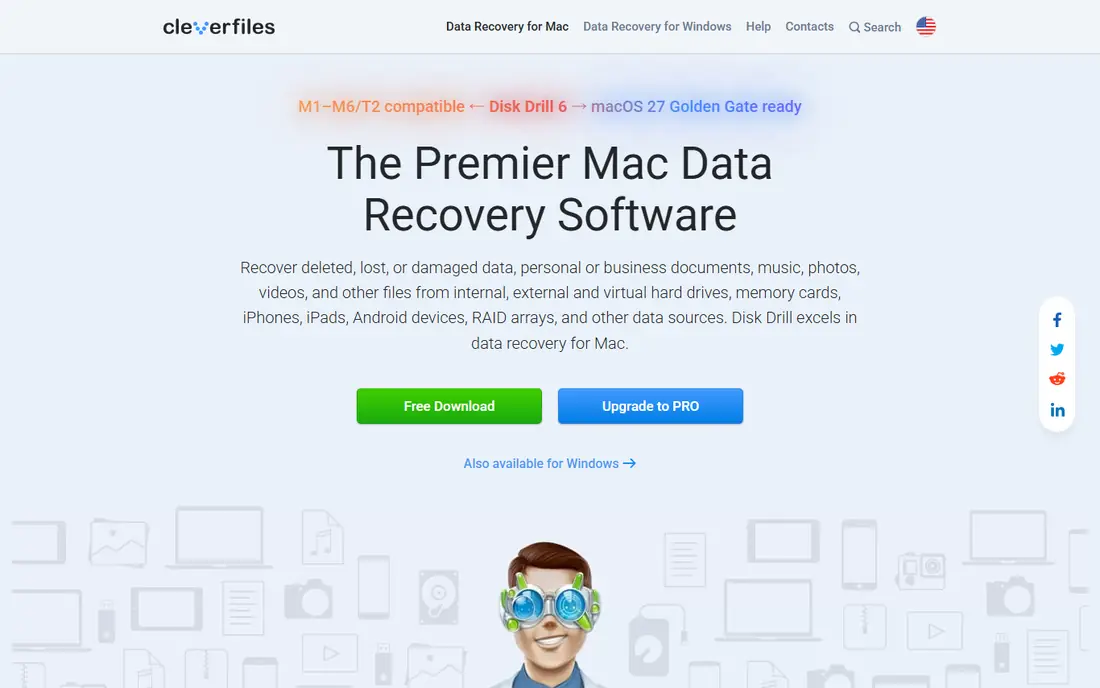
Disk Drill is the tool we would hand to someone who has never done data recovery before. You pick the drive, run a scan, preview the files it finds in a normal folder view, and recover only what you need. It also creates a byte to byte disk image of a failing drive, so you can scan the image instead of stressing the original, which is a safer way to work when a drive is making noises or dropping out. It covers hard drives, SSDs, USB drives and memory cards.
The honest catch is the free limit. Free recovery on Windows is limited, so a full folder of photos will usually need the paid version, priced from $89. Deep scans on large drives can also take hours, so start a scan and leave it running. For a stressed user who wants plain steps and a preview before paying, Disk Drill is a strong first choice.
- Clear guided recovery
- Preview before recovery
- Disk image creation for failing drives
- Free recovery limit is small on Windows
- Deep scans on large drives take time
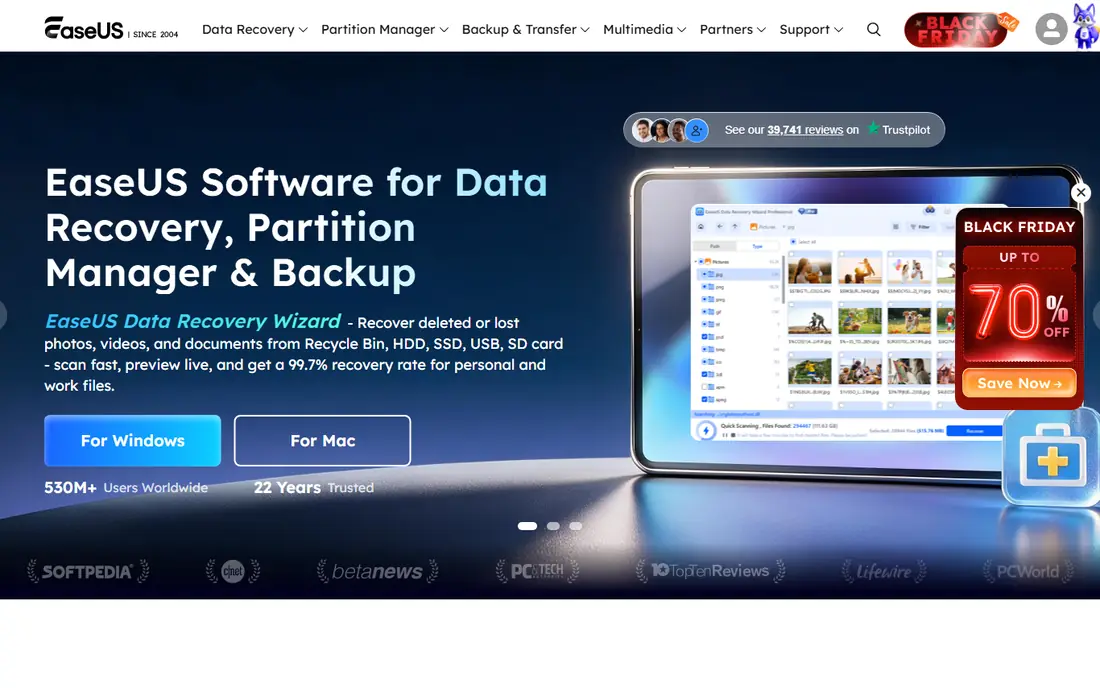
EaseUS Data Recovery Wizard follows a simple guided workflow: pick a location, scan, preview and recover. Its headline advantage is the free tier, with up to 2 GB of free recovery, which is often enough for a folder of documents or a batch of photos without paying. It handles deleted files, formatted drives, lost partitions and RAW drives, and it is available for Windows and Mac.
The catch is pricing for a single job. The monthly plan starts at $69.95 per month, so check the yearly price before buying if you only need it once, since that may offer better value for a longer recovery project. Some advanced features also sit in higher tiers. For a beginner who wants the largest practical free recovery amount, EaseUS is a good starting point.
- Guided three step recovery
- Up to 2 GB free recovery
- Handles formatted and RAW drives
- Monthly price is poor value for a one off job
- Advanced features need higher tiers
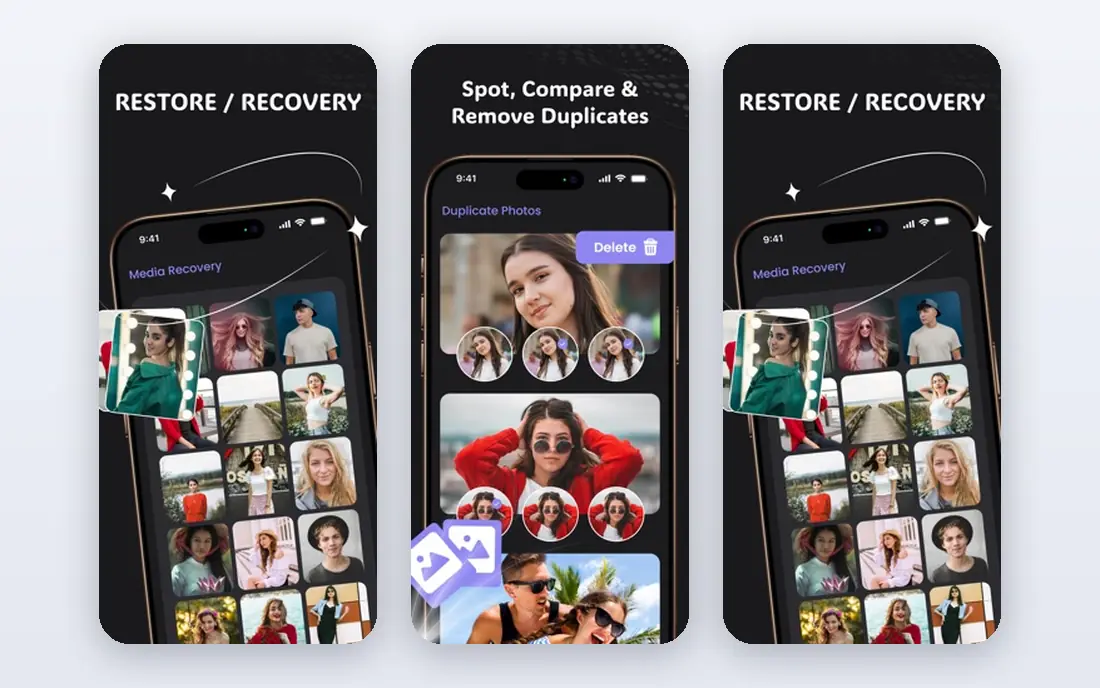
Recuva, from the makers of CCleaner, is a small Windows tool for quick recovery of deleted files. The free version recovers files without a size cap, and a wizard walks you through file type, location and scan depth. The Pro version, from $24.95, adds automatic updates, premium support and virtual hard drive support. For a single deleted folder on a healthy Windows drive, Recuva is often all you need.
The limit is scope. Recuva is Windows only, and it does not offer the same partition, RAID or disk image tools as R-Studio or DiskGenius. It also works best when the drive is still healthy and the files were recently deleted. For a quick, free, no fuss recovery on Windows, it is hard to beat.
- Free version recovers files with no cap
- Small and fast
- Simple wizard
- Windows only
- Fewer tools for damaged partitions than specialist tools
Stellar Data Recovery is a good pick when the lost files are mainly photos and videos. It recovers deleted, formatted and lost partition data, and higher tiers add photo and video repair for corrupted media, which matters when a file recovers but will not open. The Standard plan starts at $59.99 per year, and the free version allows up to 1 GB of recovery, which is enough to test whether your files are still there.
The catch is tiering. RAID recovery and the full repair tools need higher plans, so check which tier covers your case before buying. Scans on large drives also take time, as with other tools in this list. For photographers and families recovering a card or drive full of images, Stellar offers a useful mix of recovery and repair.
- Photo and video repair options
- 1 GB free recovery
- Windows and Mac versions
- Higher tiers needed for RAID and photo repair
- Scan times vary by drive size
R-Studio is the tool for technicians, IT staff and serious damage cases. It supports Windows, Mac and Linux, covers many file systems, and handles RAID arrays, network recovery and damaged partitions that beginner tools cannot. It also offers disk imaging, hex viewing and detailed scan controls, so a technician can work methodically on a failing drive rather than relying on a simple wizard.
The drawback is the learning curve. The interface assumes the user knows file systems and partitions, and the demo version only recovers files under a small size limit, so testing is limited. The full version starts at $79.99, depending on edition. For a home user with a simple deletion, R-Studio is more than needed. For a technician, it is one of the most capable tools in this list.
- RAID and network recovery
- Wide file system support
- Hex and disk tools
- Interface is technical
- Demo only recovers small files
PhotoRec, bundled with TestDisk, is a free, open source recovery tool that ignores the file system and scans for known file types directly. That makes it useful when a partition is lost or a file system is badly damaged, and it runs on Windows, Mac and Linux at no cost. It recovers photos, documents, videos and many other formats, with no recovery cap.
The trade-off is usability. PhotoRec uses a text based interface, it does not preview files in a normal folder view, and recovered files lose their original names, so sorting a large recovery takes time. For a technical user with no budget, or as a second attempt after a guided tool fails, PhotoRec is an excellent option. For a stressed beginner, start with Disk Drill or EaseUS first.
- Completely free and open source
- Works on Windows, Mac and Linux
- Recovers many file types
- Plain text interface
- No file preview in the usual sense
- File names are lost
Wondershare Recoverit covers hard drives, SSDs, USB drives, memory cards and cameras, with a guided scan and preview workflow similar to Disk Drill and EaseUS. Its video repair option is useful when a recovered video plays with glitches or will not open, which is common with corrupted camera media. A free trial lets you scan and preview before paying, so you can check whether your files are found.
The catch is pricing clarity. Recoverit pricing varies by plan, platform and region, so we list it as See website rather than quoting a figure that may not match a reader's location. The free version also limits actual recovery. For media heavy recoveries, especially video, Recoverit is worth including in a shortlist alongside Stellar.
- Guided recovery for many devices
- Video repair options
- Preview before recovery
- Pricing varies by plan and region
- Free version is limited
DiskGenius combines data recovery with partition management, disk cloning and file system tools, which suits users who lose a whole partition rather than a few files. It can recover lost partitions, rebuild partition tables and clone a failing drive, in addition to scanning for deleted files. A free edition covers basic recovery, with paid editions adding more features, so we list the starting price as See website to avoid quoting a tier that varies by edition.
The drawback is density. The interface packs many disk tools into one window, which can overwhelm a beginner, and it is mainly a Windows tool. For a user comfortable with disk management, or for a case where the partition itself is gone, DiskGenius offers tools that simpler recovery apps do not. For a simple deletion, a guided tool will be faster.
- Partition recovery plus disk management
- Free edition for basic recovery
- Windows focused
- Interface is dense
- Mac and Linux support is limited
How we picked these
We compared official pricing pages, free recovery limits and feature lists for data recovery tools available in October 2026. We included tools that recover from hard drives, not only memory cards, and we left out tools that only preview files without recovering them, and tools with no clear free trial or free edition path. We based our view on vendor pages and public reviews, and we did not claim hands-on testing. Where pricing varied by edition or region, we wrote See website rather than guessing.
What to check before you buy
Stop writing to the damaged drive at once. Do not install recovery software on the same drive you are trying to recover from, and do not save recovered files back to that drive, since new writes can overwrite the very files you want. Install the tool on a different drive, and recover to a different drive or an external disk. If the drive makes clicking noises, disappears repeatedly or smells of burning, stop and consider a professional lab, since home software cannot fix a physical failure.
Next, scan first and preview before paying. Most tools in this list offer a free scan, preview or limited free recovery, so use that to confirm your files are found before buying a licence. Check the file system, the drive size and whether you need partition or RAID tools, since those needs point to R-Studio or DiskGenius rather than a beginner tool. A careful first scan saves both money and files.
Frequently asked questions
What is the best data recovery software for a hard drive?
For most home users, Disk Drill or EaseUS Data Recovery Wizard are good starting points, because both offer guided scans and previews. Recuva is the best free option on Windows for simple deletions, while R-Studio suits technicians and RAID cases. The best tool depends on whether the drive is healthy, formatted or physically failing.
What is the best image recovery software for photos?
Stellar Data Recovery and Wondershare Recoverit are strong for photos, since higher tiers add photo and video repair for corrupted files. Disk Drill and EaseUS also recover photos well, with previews that help you pick the right files. PhotoRec is a free option for photos, but recovered files lose their original names.
Can I recover files from a formatted hard drive?
Often, yes, if no new data has overwritten the old files. Formatting usually removes the file system index, not the files themselves, so a deep scan can still find them. Stop using the drive at once, scan with a tool that supports formatted drives, and recover to a different drive. If the drive was fully wiped or overwritten, recovery is far less likely.
Is free data recovery software enough?
For a small, recent deletion, free tools such as Recuva or PhotoRec are often enough. For larger recoveries, formatted drives or damaged partitions, a paid tool with preview, disk imaging and support is usually worth it. Always scan and preview first, so you know whether the files are found before you pay.
What should I do if my hard drive is clicking?
Stop using it at once and do not run repeated scans, since a clicking drive often has a physical fault. Home software cannot fix a mechanical failure, and continued use can cause more damage. For irreplaceable data, contact a professional recovery lab and ask about its diagnostic fee and no data, no fee terms before sending the drive.
Sources
See where you really rank - block by block
ProMapRanker scans Google Maps across a grid of your service area. Simple monthly plans from $19, white-label on every plan.
Start freeKeep reading
 zoho inventory alternatives
6 Alternatives to Zoho Inventory, Compared on Price and Fit
Zoho Inventory alternatives: 6 tools compared on price, free plans and fit. Katana leads the list for manufacturers. Fit and flaws are laid out for each entry.
Read → zoho crm alternatives
Best Zoho CRM Alternatives (2026)
Need Zoho CRM alternatives? We compare 7 tools on cost, free access and who each suits. Every pick gets a straight assessment. Built for quick decisions.
Read → zelle alternatives
Best Zelle Alternatives in 2026
Compare the best Zelle alternatives for sending money to friends, paying sellers and moving funds abroad, with honest notes on fees, speed and safety in 2026.
Read →