 ProMapRanker
Hard Drive Encryption Software in 2026


SMBs wanting managed encryption · Pricing starts at: See website
Key takeaways
- Top of the list is ESET Full Disk Encryption, which targets SMBs wanting managed encryption.
- Expect to ask for a quote from ESET Full Disk Encryption, Symantec Endpoint Encryption and Check Point Full Disk Encryption; the other tools show a starting price.
- VeraCrypt, BitLocker, FileVault: these are the 3 tools out of 6 that offer a free plan.
- Before buying Check Point Full Disk Encryption, weigh this: significant deployment and configuration overhead.
Direct answer
If you need SMBs wanting managed encryption, ESET Full Disk Encryption is the first tool to look at here. Look at Symantec Endpoint Encryption for Broadcom customers needing endpoint encryption, and at VeraCrypt for free cross-platform encryption. The remaining 3 options are covered below with prices and limits.
Quick comparison
| Pick | Great for | Pricing starts at | Free tier | |
|---|---|---|---|---|
| ESET Full Disk Encryption | SMBs wanting managed encryption | See website | Free trial | Visit |
 Symantec Endpoint Encryption | Broadcom customers needing endpoint encryption | See website | No | Visit |
 VeraCrypt | Free cross-platform encryption | Free | Yes | Visit |
 Check Point Full Disk Encryption | Enterprises with mixed OS fleets | See website | No | Visit |
 BitLocker | Windows fleets, included with Windows Pro | Included with Windows Pro | Yes | Visit |
 FileVault | Mac fleets, included with macOS | Included with macOS | Yes | Visit |
The 6 tools in detail
ProMapRanker compared 6 tools for hard drive encryption software. The goal is a practical shortlist: published prices, free plan facts, best-fit use cases and honest limits for every entry.
In short, ESET Full Disk Encryption is for SMBs wanting managed encryption. On Macs it handles native FileVault instead of replacing it, which keeps things straightforward. ESET Full Disk Encryption is an add-on to ESET's business security product.
Downsides: Needs an existing ESET business license.
Its strength is integration: the same ESET PROTECT console that runs antivirus also deploys, activates, and runs encryption in one action. Also, for small and mid-sized businesses already standardized on ESET, this is the lowest-friction way to get managed encryption with compliance credentials. This comparison lists no price for ESET Full Disk Encryption; ask the vendor. As for free access: Free trial.
- Managed from the same ESET PROTECT console
- FIPS 140-2 validated AES-256
- Quote-based pricing
Symantec Endpoint Encryption
Great for: Broadcom customers needing endpoint encryption
For Broadcom customers needing endpoint encryption, Symantec Endpoint Encryption is a natural candidate. Symantec Endpoint Encryption, now part of Broadcom, bundles full-disk encryption with file-level and removable-media encryption under one centrally managed policy. This is enterprise software with an enterprise buying process: no public pricing, no trial.
Trade-offs to know: Heavyweight for small teams.
A product that assumes you are already invested in Broadcom's endpoint portfolio. As for the details, small businesses will find it heavyweight. But for large organizations standardizing on Broadcom, it closes the encryption gap without adding another vendor. Check the vendor site for Symantec Endpoint Encryption pricing; none is listed in this comparison. There is no free plan with Symantec Endpoint Encryption.
- Deep integration with the Broadcom security stack
- Full-disk, file
- Enterprise sales process with no public pricing
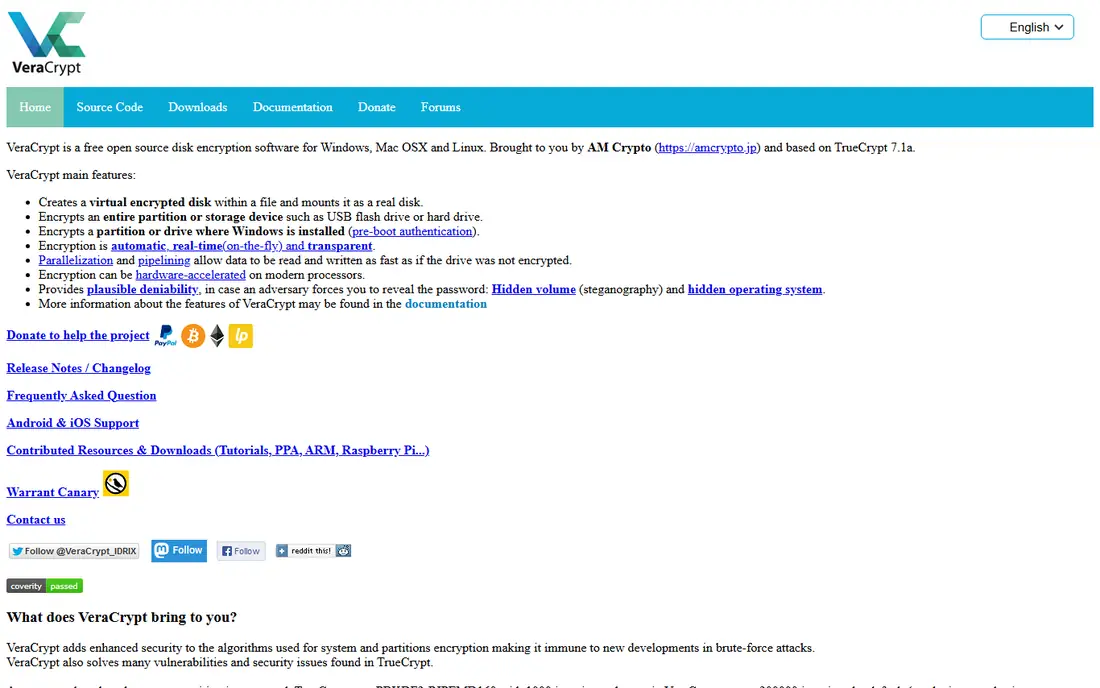
For free cross-platform encryption, VeraCrypt is a natural candidate. It encrypts whole partitions or produces encrypted file containers, supports hidden volumes for plausible deniability, and supplies cascaded ciphers like AES-Twofish-Serpent for the paranoid.
Trade-offs to know: No central management console.
Pre-boot authentication means users type a password before Windows loads, an additional step some will resent. VeraCrypt starts at: Free. You can start on VeraCrypt without paying.
- Free and open source
- Hidden volumes and cascading ciphers for advanced users
- Interface feels dated
Check Point Full Disk Encryption serves enterprises with mixed OS fleets. Check Point's Full Disk Encryption module is designed for enterprises running mixed fleets.
It makes the most sense inside the Harmony Endpoint suite where encryption rides along with threat prevention. Check the vendor site for Check Point Full Disk Encryption pricing; none is listed in this comparison. No free plan comes with Check Point Full Disk Encryption.
What works well: Deep compliance reporting.
Watch-outs: Best value only within the Harmony Endpoint suite.
- Linux from one policy
- Spans Windows, Mac
- Quote-based pricing
Pick BitLocker if this describes you: Windows fleets, included with Windows Pro. BitLocker is the encryption most Windows firms are already licensed for and just have not turned on.
Worth adding: recovery keys escrow automatically to Active Directory or Entra ID, which solves the biggest operational headache: locked-out users. On cost, BitLocker starts like this: Included with Windows Pro. A free plan is available with BitLocker.
Drawbacks to consider: Not available on Windows Home.
- TPM-backed encryption with AES-256
- Built into Windows Pro, Enterprise, Education
- Recovery key management needs planning
FileVault is aimed squarely at Mac fleets, included with macOS. IT teams can enforce it through MDM and escrow personal or institutional recovery keys so no machine becomes unrecoverable.
the main limit is familiar: encryption of an already-full drive takes time, so enable it at provisioning. Entry price for FileVault: Included with macOS. Free access exists with FileVault.
Where it is weaker: Mac only.
- Institutional recovery keys for IT-managed fleets
- XTS-AES-128 encryption with no setup fees
- Multi-user login behavior changes
Our selection method
Selection started from tools commonly considered for hard drive encryption software, then narrowed to 6 that have clear pricing information or a clear quote process. Prices and plan limits come from vendor pages and can change, so confirm them on the vendor site before you buy. Tools are placed by general fit for hard drive encryption software, with price clarity and free access as tie-breakers. A different team can reasonably rank them differently.
Things to verify first
- Confirm the entry price on the vendor page. For ESET Full Disk Encryption, Symantec Endpoint Encryption and Check Point Full Disk Encryption that means a quote rather than a fixed price.
- Check what the free option really includes: VeraCrypt, BitLocker and FileVault offer a free plan, and usage caps differ.
- Run a trial of ESET Full Disk Encryption with real work before paying for a year; your own workflow is the best test.
- Read the limits listed for ESET Full Disk Encryption first: needs an existing ESET business license.
- Check the support hours and onboarding help Check Point Full Disk Encryption offers; smaller vendors vary a lot here.
- Confirm minimum seats and billing terms with VeraCrypt before you commit to an annual plan.
Frequently asked questions
Can I try these options before paying?
Often, yes. VeraCrypt, BitLocker and FileVault have a free plan and ESET Full Disk Encryption offers a free trial. Use your own data and a real task during the test, and check what the free tier or trial limits before you rely on it.
Is BitLocker enough for a small business?
Typically yes, if managed properly. BitLocker supplies capable AES-256 encryption at no additional cost on Windows Pro and above. For everyday use, the missing piece is management: use Intune or Active Directory to enforce encryption and escrow recovery keys. So you can prove compliance and recover locked machines.
Does full-disk encryption slow down my computer?
On modern hardware with AES-NI instruction support, the performance impact is negligible for everyday work. Older machines without hardware AES acceleration may see slower disk-heavy operations.
Which options for hard drive encryption software have a free plan?
On this list, VeraCrypt, BitLocker and FileVault include a free plan. Caps on seats, usage or features are common, so test the free plan against your real workload. One other tool offers a trial instead.
How are the tools for hard drive encryption software ordered?
The order follows typical fit for hard drive encryption software, with ESET Full Disk Encryption first and FileVault last, then price clarity and free access. It is editorial judgement, not a score, so another team could rank the tools differently.
Is VeraCrypt safe for business use?
VeraCrypt is a legitimate open-source encryption tool with solid ciphers, and it is fine for individual or technical use. It lacks central management, key escrow, and compliance reporting, which most businesses need for a defensible encryption policy.
Sources
- https://www.eset.com/mm/localization/category-pages/identity-and-data-protection/
- https://www.broadcom.com/products/cybersecurity/endpoint/end-user
- https://www.veracrypt.fr
- https://www.checkpoint.com
- https://learn.microsoft.com/en-us/windows/security/operating-system-security/data-protection/bitlocker/
- https://support.apple.com/guide/mac-help/how-does-filevault-encryption-work-flvlt001/10.13/mac/10.13
See where you really rank - block by block
ProMapRanker scans Google Maps across a grid of your service area. Simple monthly plans from $19, white-label on every plan.
Start freeKeep reading
 zscaler alternatives
Best Zscaler Alternatives in 2026
Looking for zscaler alternatives? We compare 9 SASE and zero trust platforms on architecture, data protection, pricing, and fit for your network and team.
Read → zapier alternatives free
Best Zapier Alternatives Free in 2026
Nine automation tools for zapier alternatives free in 2026, all with genuinely free tiers, plus free plan limits, starting prices and upgrade paths explained.
Read → which platform is best for online reputation
Which Platform Is Best for Online Reputation in 2026
Wondering which platform is best for online reputation? We compare 8 review, listing, and response tools for small and multi-location businesses and agencies.
Read →