 ProMapRanker
Best Handyman Apps in 2026: 8 Apps Compared

Key takeaways
- TaskRabbit is best for small hourly jobs you can define clearly, while Thumbtack and Angi suit larger quoted projects.
- Handy focuses on booked home services, and Jobber, Housecall Pro, Workiz, and FieldPulse are software for handyman businesses, not hiring marketplaces.
- Homeowners usually pay the pro rate plus platform fees on TaskRabbit, while Thumbtack and Angi are free to post a job.
- Business software starts from about $29 per month billed annually for Jobber, with Housecall Pro from about $59 per month billed annually.
- Always check reviews, licences where required, and what the platform guarantee actually covers before work starts.
Quick comparison
| Pick | Great for | Pricing starts at | Free tier | |
|---|---|---|---|---|
 TaskRabbit | Small hourly jobs booked fast | See website | No | Visit |
 Thumbtack | Comparing quotes for larger jobs | Free to post | Yes | Visit |
 Angi | Verified reviews for trade projects | Free basic | No | Visit |
 Handy | Booked cleaning and handyman visits | See website | No | Visit |
 Jobber | Small handyman businesses | $29 per month billed annually | Free trial | Visit |
 Housecall Pro | Growing home service teams | $59 per month billed annually | Free trial | Visit |
 Workiz | Dispatch plus calls and messages | See website | Free trial | Visit |
 FieldPulse | Simple scheduling for trade teams | See website | Free trial | Visit |
The best handyman apps
This list covers two needs in one place. The first four apps help you hire a handyman, and the last four help a handyman run a business. That split matters, because a hiring app and a business app solve different problems.
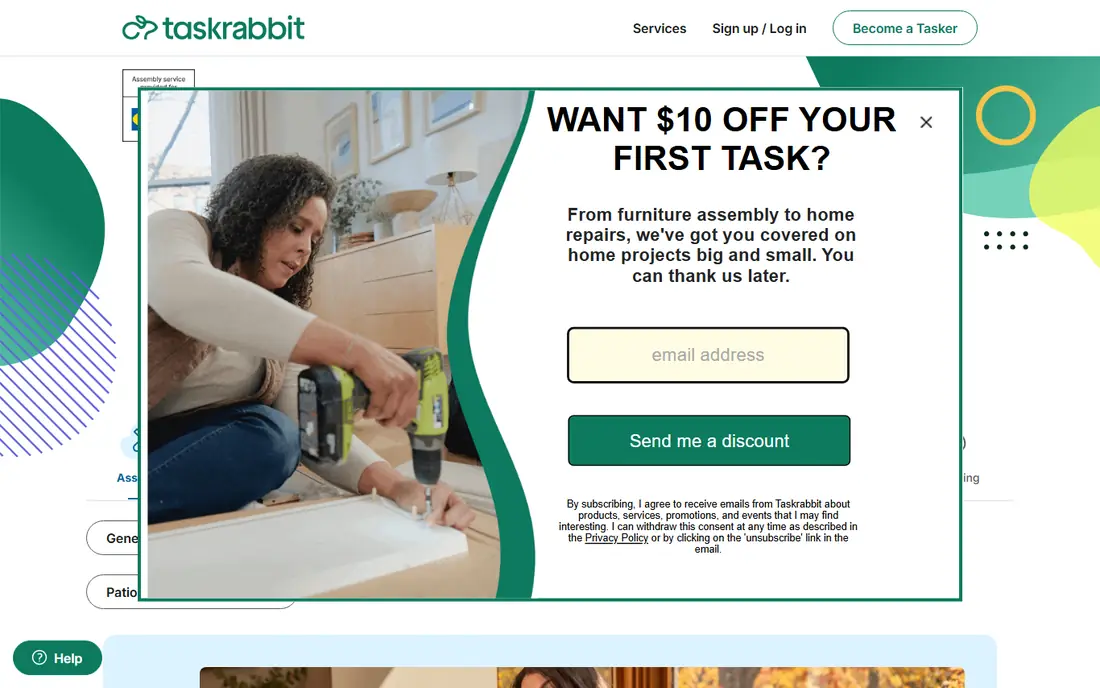
TaskRabbit works well when the job is small and easy to describe, such as mounting a TV, assembling furniture, or patching a small area of drywall. You browse Tasker profiles, see hourly rates and reviews, and book a time that suits you. That direct booking model removes the wait for quotes.
The price you see is not the full price. TaskRabbit adds a service fee and a trust and support fee on top of the hourly rate, so budget for that extra line. Taskers set their own rates, often in the $40 to $80 per hour range for handyman style work, though rates vary by city and task. For small jobs in a metro area, it remains the fastest route.
- Taskers set hourly rates you can see
- Same day booking in many cities
- Background checked Taskers
- Platform fees sit on top of the hourly rate
- Availability thins outside major metros
Thumbtack suits jobs that need a quote rather than an hourly booking, such as a bathroom repair, a fence job, or a multi room paint project. You describe the job once, then pros who want the work contact you with quotes. That comparison helps when the scope is unclear and price matters.
Homeowners do not pay to post, but pros pay for leads, and that cost can show up indirectly in quotes. Response speed and quality also vary by city and trade, so it pays to read profiles and recent reviews. For larger or less standard jobs, the quote model gives you more choice than a single hourly booking.
- Free for homeowners to post
- Multiple pros can respond
- Wide trade coverage
- Lead costs can affect pro pricing
- Response quality varies by market
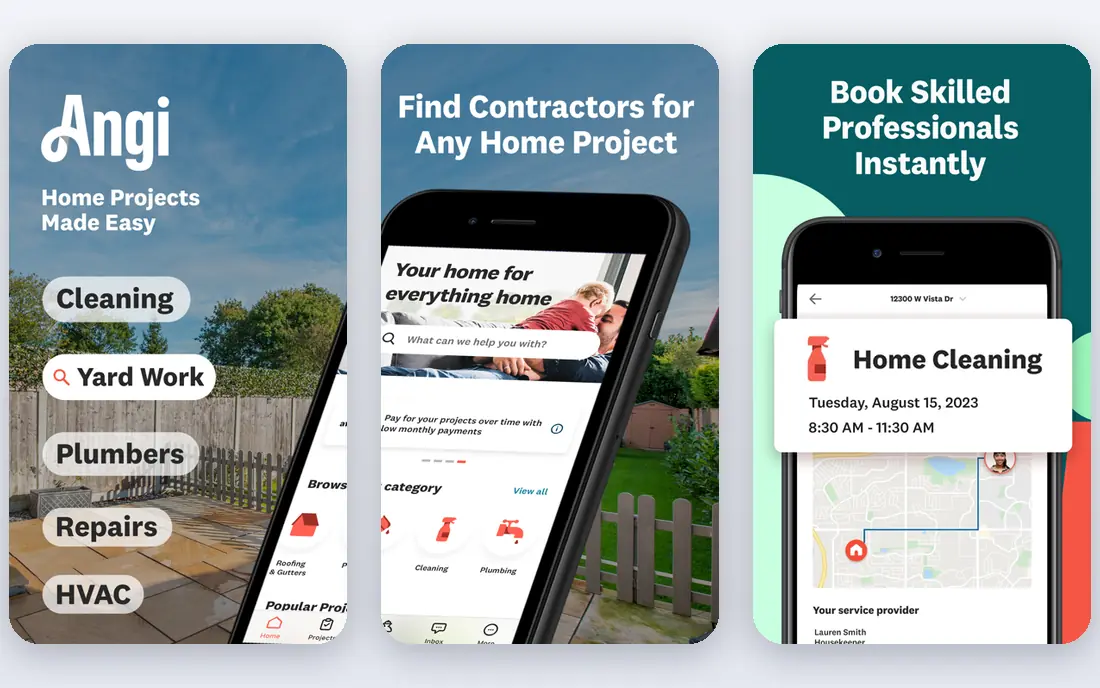
Angi, formerly Angie List, leans on reviews and verification to help homeowners pick a trade pro with more confidence. You can read detailed project reviews, see photos, and check licence verification in many major markets. That background matters for plumbing, electrical, and other licensed work.
Basic use is free, with a paid membership option for discounts from participating pros. The key limit is that protections usually apply only if you book and pay through Angi, not if you pay the pro directly later. For a single trade project where track record matters, it is a useful comparison tool.
- Verified reviews and project photos
- Licence checks in many markets
- Wide pro network
- Membership extras cost more
- Protections usually require booking through Angi
Handy focuses on booked home services rather than open quotes. You pick a service, choose a time, and get a pro for cleaning, handyman work, and related visits. That simplicity suits busy households that want a booking, not a bidding process.
The trade off is range. Handy does not cover every trade or every large project the way Thumbtack or Angi can, and pricing varies by city and service. Recurring bookings are a plus for regular cleaning or maintenance. If your job fits its service list, the booking experience is notably straightforward.
- Simple booking flow
- Vetted pros
- Recurring bookings available
- Service range is narrower than a full marketplace
- Pricing varies by city
Jobber is software for the handyman, not a place for homeowners to hire one. It handles quotes, scheduling, invoicing, and customer records in one place, which replaces spreadsheets and paper job cards. For a solo owner or a small crew, that single workflow saves time every week.
The entry Core plan is $29 per month billed annually, or $49 month to month, and covers one user. Larger teams need higher plans, so the headline price is not the team price. If you run a small handyman business and want a simple, clear system, Jobber is the most accessible starting point here.
- Clear entry price
- Quotes, scheduling, and invoicing in one app
- 14 day trial
- Single user on the entry plan
- Higher plans needed for larger teams
Housecall Pro targets growing home service businesses that need more than scheduling alone. It adds online booking, customer messaging, review requests, dispatch, and invoicing, so the office and field sides stay linked. That breadth helps teams that get jobs from the web and need to follow up fast.
Basic is $59 per month billed annually for one user, or $79 month to month, with higher plans for larger teams. Payment processing is separate, so check card rates in the total cost. For a team that wants marketing and follow up built in, it justifies the higher entry price.
- Booking and review tools beside field work
- Dispatch and invoicing
- 14 day trial
- Higher entry cost than Jobber
- Payment processing fees are separate
Workiz puts communication at the centre of field service work. Customer calls and messages sit beside dispatch, scheduling, and invoicing, so a missed call does not become a lost job. That focus suits handyman businesses where the phone is still the main booking channel.
Pricing is quote based, with Standard, Pro, and Ultimate plans listed without public dollar prices. Some phone and marketing features are also sold separately, so a quote needs a close read. If calls and lead handoffs are your bottleneck, Workiz is worth a demo despite the lack of public pricing.
- Calls and messages beside dispatch
- Unlimited jobs and invoices on core plans
- AI phone add ons
- No public dollar prices
- Key phone add ons are sold separately
FieldPulse suits trade teams that want scheduling without a heavy enterprise system. You can set custom job stages, move jobs through them, and trigger customer updates as work progresses. That clarity helps small teams keep customers informed without extra phone calls.
Pricing is seat based and quote based, so you need a sales conversation to get a firm number. Some accounting sync limits also mean the office may still need manual steps for certain data. For a team that values a fast, simple dispatch board, it is a practical option to compare against Jobber and Housecall Pro.
- Simple, fast scheduling
- Custom job stages
- Customer updates linked to stages
- Quote based pricing
- Accounting sync excludes some operational data
How we picked these
We compared official product pages, pricing pages, and public reviews, and we kept only apps that are still operating in October 2026. We split the list clearly between hiring marketplaces and business software, since mixing them without explanation would confuse readers. We favoured apps with broad US coverage, clear pricing where published, and a real free plan or trial for business tools. We did not run hands on tests, and we did not invent prices or coverage claims.
Choosing the right handyman app for your situation
If you are hiring
Start with the job size. Use TaskRabbit for small hourly tasks, Thumbtack or Angi for quoted trade projects, and Handy for a simple booked visit. Read recent reviews for the specific pro, not just the platform, and confirm licences, insurance, and what happens if the work needs a return visit.
If you run a handyman business
Start with Jobber if you are solo and price sensitive, Housecall Pro if you want booking and review tools, Workiz if calls drive your bookings, and FieldPulse if you want a simple dispatch board. Trial the scheduling and invoicing flow on real jobs before you migrate customer records, and check payment processing costs separately.
Check the guarantee in writing
Platform guarantees sound similar, but they often require booking and payment through the app, quick reporting, and approved pros. Read those terms before work starts, and keep messages and photos inside the app so you have a record if something goes wrong.
Frequently asked questions
What is the best handyman app to hire a handyman?
TaskRabbit is best for small hourly jobs, while Thumbtack and Angi are better for larger quoted projects. The right pick depends on job size, your city, and whether you want an hourly booking or competing quotes.
What is the best app for a handyman business?
Jobber is the most accessible starting point for solo owners, while Housecall Pro suits growing teams that want booking and review tools. Workiz and FieldPulse suit teams that prioritise calls or simple dispatch.
How much does a handyman app cost to hire through?
Homeowners usually post for free on Thumbtack and Angi, then pay the pro quote, while TaskRabbit adds platform fees on top of the Tasker hourly rate. Always check the final total in the app before confirming, since fees and rates vary by city.
Can I make money as a handyman on these apps?
Yes, TaskRabbit and Thumbtack let pros earn by taking jobs, though pros pay lead costs or registration fees in some cases and rates vary by market. Business software like Jobber does not find you jobs by itself, it helps you run jobs you already win.
Do handyman apps check backgrounds and licences?
TaskRabbit runs background checks on Taskers, and Angi checks licences in many markets, but checks vary by platform and location. Always confirm the individual pro licence and insurance for licensed trade work, rather than relying on a platform badge alone.
Sources
- https://www.taskrabbit.com
- https://www.thumbtack.com
- https://www.angi.com
- https://www.handy.com
- https://www.getjobber.com
- https://www.housecallpro.com
- https://www.workiz.com
- https://www.fieldpulse.com
- https://thededicatedhouse.com/thumbtack-vs-angi-vs-taskrabbit-vs-instaservice-which-home-service-app-actually-fits-your-household-in-2026/
- https://www.flozic.ai/blog/best-field-service-management-software
See where you really rank - block by block
ProMapRanker scans Google Maps across a grid of your service area. Simple monthly plans from $19, white-label on every plan.
Start freeKeep reading
 galaxy.ai alternatives with lifetime access
Best Galaxy.ai Alternatives With Lifetime Access in 2026
Looking for galaxy.ai alternatives with lifetime access? We compare 7 pay-once AI tools for chat, writing, images, video and SEO work in 2026, in detail.
Read → best workforce management software
Best Workforce Management Software in 2026
Compare the best workforce management software for scheduling, time tracking, and payroll, with prices, free plans, and picks by team size and industry.
Read → best wms software
Best WMS Software in 2026: 8 Systems Compared
Compare the best WMS software for warehouses of every size in 2026, from enterprise systems like SAP and Manhattan to mid-market options for growing brands.
Read →