 ProMapRanker
Best GTD Apps for Small Business in 2026

Key takeaways
- True GTD apps give you an inbox, next actions, waiting-for items, someday lists and a weekly review, not just a plain to-do list.
- Todoist and TickTick are the easiest starting points for a small team, because they run everywhere and keep pricing simple.
- Nirvana and FacileThings follow the GTD method most closely, which suits owners who want the system built in rather than improvised.
- OmniFocus and Things 3 are Apple-focused and powerful, but they are poor fits for mixed-device teams.
- Free plans exist on several tools here, and a small business should test the free tier with real projects before paying for seats.
Quick comparison
| Pick | Great for | Pricing starts at | Free tier | |
|---|---|---|---|---|
 Todoist | Teams that need fast capture everywhere | Free | Yes | Visit |
 TickTick | Tasks plus calendar in one place | Free | Yes | Visit |
 Nirvana | Strict GTD structure on a budget | Free | Yes | Visit |
 FacileThings | By-the-book GTD workflow | See website | No | Visit |
 OmniFocus | Apple power users | See website | Free trial | Visit |
 Things 3 | Clean Apple-only task management | See website | No | Visit |
 Everdo | Offline and privacy-focused GTD | Free | Yes | Visit |
 Microsoft To Do | Free tasks for Microsoft 365 users | Free | Yes | Visit |
 Toodledo | Flexible GTD lists and saved searches | See website | Free trial | Visit |
The best gtd apps for small business
Getting Things Done, or GTD, is a method, not just an app. It asks you to capture every task in an inbox, clarify the next action, sort waiting items and someday items, and review the whole system weekly. A good GTD app makes those lists easy to maintain, while a generic to-do app forces you to improvise them with labels and folders. The apps below range from strict GTD tools to flexible task managers that small businesses can shape into a GTD system.
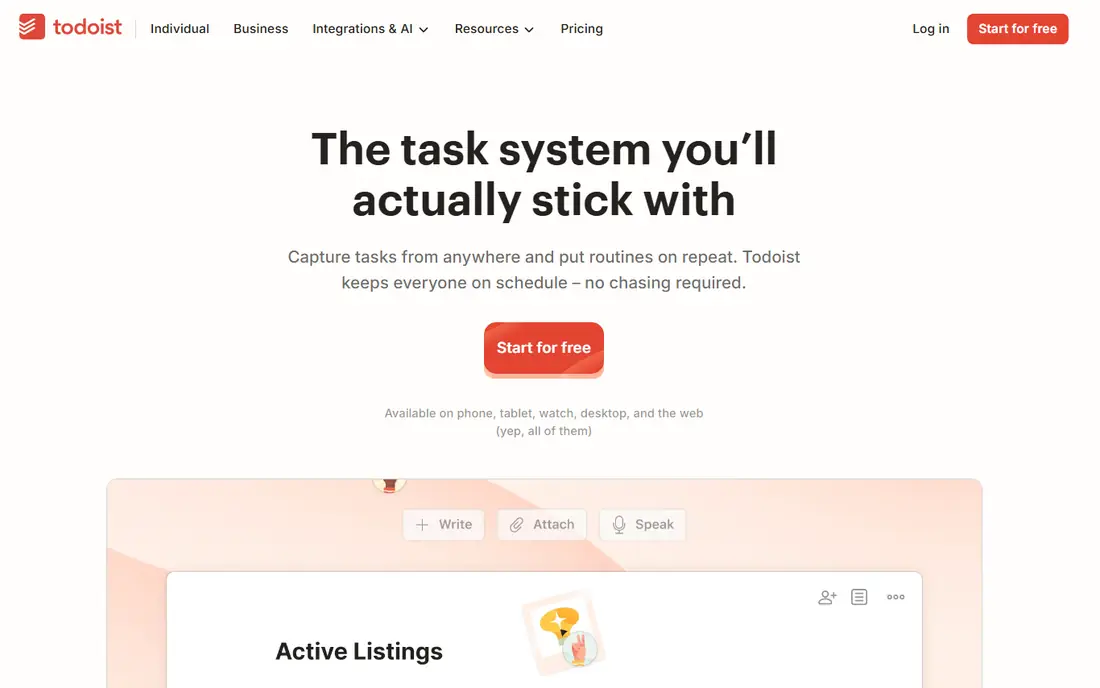
Todoist is our pick for most small businesses because capture is so fast. Type a task in plain language with a date and a project, and it lands in the right place without opening menus. That speed matters for GTD, because an inbox only works if adding to it feels effortless. Shared projects, comments and assignments make it usable for a small team as well as for one owner.
The GTD fit is good but not strict. Todoist has no built-in waiting-for or someday list, so you build those with labels and filters. That is workable, and many teams do it, but purists may prefer Nirvana or FacileThings. If your team uses mixed devices and wants a tool everyone will actually open daily, Todoist is hard to beat.
- Fast natural-language capture
- Runs on web, desktop and mobile
- Team projects and shared tasks on paid plans
- GTD lists need labels and filters rather than built-in lists
- Free plan caps active projects
- No built-in waiting-for or someday views
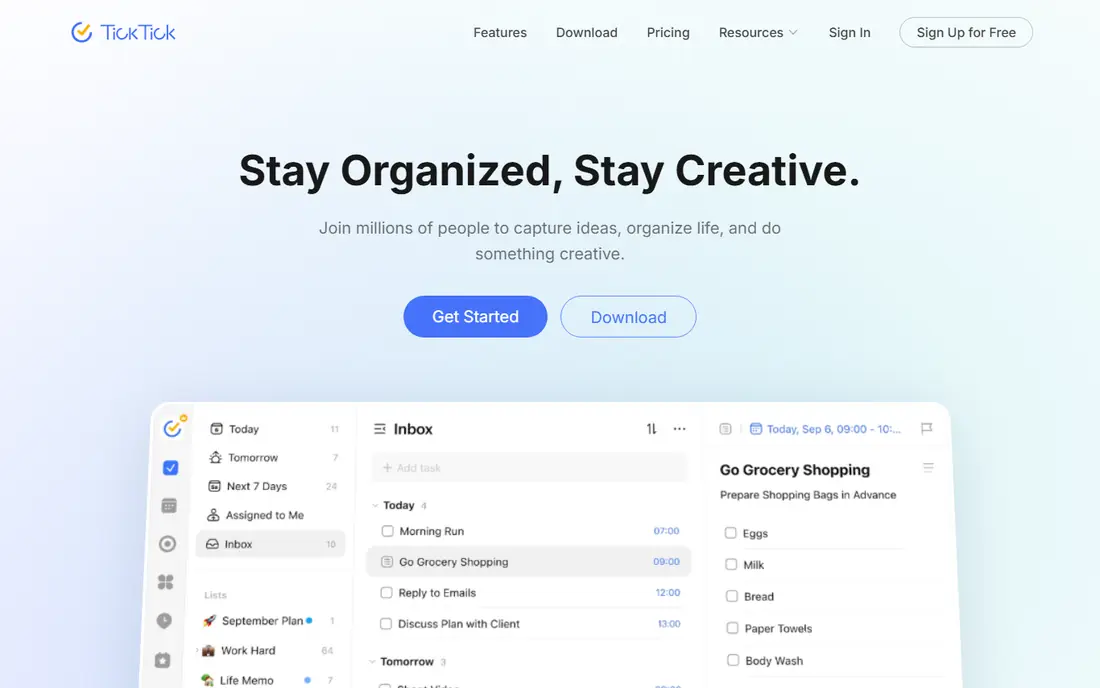
TickTick suits small business owners who think in a calendar as well as in lists. Tasks sit next to calendar events, habits and a Pomodoro timer, so a day can be planned in one view. That combination helps owners who juggle client work, admin and personal tasks in the same app, and the free plan covers a solid set of lists and tasks.
For strict GTD, TickTick is a shaping exercise, like Todoist. You create lists for inbox, next actions, waiting and someday, and you use tags for contexts such as calls or errands. It works, and the calendar view is a real advantage, but teams that need assignment and reporting should compare Todoist's business plan before choosing.
- Calendar view, habits and focus timer in one app
- Fast capture
- Generous free plan for individuals
- GTD structure still needs lists and tags
- Team features are thinner than Todoist
- Interface can feel busy

Nirvana is built for GTD from the ground up, and that shows in its lists. Next actions, waiting-for items, scheduled tasks, someday items and reference material each have a proper home, so you do not need to invent the system with labels. For a small business owner who follows the GTD book closely, that structure saves setup time and keeps the weekly review honest.
The trade is team scale. Nirvana is best as a personal GTD system for an owner or a small team of individuals, rather than as a shared project platform with reporting. If your business needs assignment, dashboards and deep integrations, Todoist or Toodledo may fit better. If you need a clean GTD system for yourself, Nirvana is one of the best values here.
- Built-in GTD lists including next, waiting, scheduled and someday
- Clean and focused design
- Low-cost paid plan
- Smaller team features than Todoist
- Fewer integrations
- Mobile apps are simpler than the web app
FacileThings takes the GTD method literally. It guides you through capturing items, clarifying them one at a time, organising them into GTD lists, and running a weekly review. That guidance helps owners who have read about GTD but struggle to keep the habit going, because the app itself prompts the next step in the method.
There is no free plan, so you will need a paid subscription to test it properly, and the ecosystem is smaller than Todoist's. For a small business that wants GTD done by the book, though, that focus is the point. Try the trial with a real week of tasks, including the weekly review, before deciding.
- Guided GTD workflow from capture to review
- Built-in inbox processing
- Weekly review support
- No free plan
- Smaller ecosystem than Todoist
- Web-first, with mobile apps as companions
OmniFocus is the power tool for Apple-based owners. Perspectives let you build custom views for next actions, waiting items, contexts and reviews, and defer dates act as a tickler system for tasks that should appear later. Sequential projects, where only the next step shows, match GTD thinking closely. For an owner who lives on Mac, iPhone and iPad, it is a deep and reliable system.
The limits are platform and price. There is no native Windows or Android app, so a mixed-device team cannot standardise on it. Paid licences and subscriptions also cost more than the budget tools here. If your business is Apple-only and you want the most flexible GTD views, OmniFocus earns its price. Otherwise, pick a cross-platform tool.
- Perspectives for custom GTD views
- Defer dates and sequential projects
- Strong Apple platform support
- Apple only for native apps
- Paid licence or subscription
- Overkill for simple lists
Things 3 is the calmest app on this list. Its design is clean, its areas and projects map well to GTD areas of focus, and its someday list gives maybes a home. For a solo owner on Apple devices who wants a task app that feels good to open, Things 3 is a pleasure to use, and the one-time purchase model avoids a subscription.
It is not a team tool. There is no shared workspace, and contexts are handled with tags rather than a dedicated GTD structure. If your small business needs shared tasks, look elsewhere. If you run the business yourself on Apple devices and want a GTD-shaped personal system, Things 3 is a strong and simple pick.
- Beautiful and calm design
- One-time purchase per platform
- Areas, projects and someday lists
- Apple only
- No team sharing
- GTD contexts need tags rather than built-in fields
Everdo suits owners who care about offline work and privacy. It runs on Windows, Mac, Linux, Android and iOS, it works without a connection, and its GTD lists cover next actions, waiting items, scheduled tasks and someday items. The free tier caps projects and areas, while Pro removes those caps for a one-time fee, with an optional paid sync service for online use.
The ecosystem is smaller than Todoist's, and team sharing is not its strength. For a solo owner or a very small team that wants a private, offline GTD system without a monthly fee for the core app, Everdo is a distinctive and honest option. Check the sync pricing if you need your lists on several devices.
- Offline-first with encrypted sync options
- GTD lists including next, waiting and scheduled
- One-time Pro licence
- Smaller feature set than Todoist
- Sync service adds a subscription for online use
- Team features are limited
Microsoft To Do is the sensible free choice for businesses already on Microsoft 365. It is free, it syncs with Outlook tasks, and shared lists cover basic team delegation. For a small business that only needs simple lists and reminders, and already pays for Microsoft 365, there is no reason to buy another tool for that job.
For GTD, it is a basic building block. You will need lists and naming discipline to stand in for inbox, next, waiting and someday, and the filtering is thinner than Todoist or Toodledo. If your team lives in Outlook and Teams, To Do keeps tasks close to email and calendar. If GTD structure matters more, a dedicated tool above will serve you better.
- Free with a Microsoft account
- Simple lists and shared lists
- Integrates with Outlook and Microsoft 365
- No built-in GTD lists
- Limited filtering and views
- Best inside the Microsoft ecosystem
Toodledo is an older tool that still fits GTD unusually well. Its status field can mark tasks as next, waiting, someday and more, and saved searches can turn those statuses into the GTD views you check daily and weekly. Folders, contexts, goals and notes add depth for owners who like a detailed system.
The interface looks dated next to Todoist and Things 3, and building saved searches takes some learning. For a small business that wants GTD lists with team features and is willing to spend an afternoon setting up views, Toodledo offers flexibility that newer, simpler apps do not. Test it with your real projects before committing a team to it.
- Native status field for next, waiting and someday
- Saved searches for GTD views
- Folders, contexts and goals
- Interface looks dated
- Learning curve for saved searches
- Team pricing is per business plan
How we picked these
We compared official product pages, pricing pages and documentation for task apps that support GTD lists or can be shaped into a GTD system, and that are live in October 2026. We favoured apps with a clear inbox, next-action handling, waiting and someday support, and a weekly review path, and we included both strict GTD tools and flexible managers that small businesses actually use. We did not claim hands-on testing, and we treated vendor feature claims as claims to check on the product page.
What to decide before you pick
Start with your devices. If your team mixes Windows, Android, Mac and iPhone, a cross-platform tool such as Todoist, TickTick or Everdo is the only sensible standard. Apple-only tools such as OmniFocus and Things 3 are excellent for solo owners, but they will split a mixed team into two systems, and two systems is how tasks get lost.
Next, decide how strict your GTD needs to be. Strict tools such as Nirvana and FacileThings give you the lists ready made, while flexible tools such as Todoist and TickTick ask you to build those lists with labels and filters. Strictness helps if you are new to GTD, while flexibility helps if your team already has its own workflow and just needs a good list app.
Finally, run the weekly review in the tool before you pay. A GTD system lives or dies on that review, so test it with a full week of real tasks, including waiting items and someday items. If the review feels like a chore in the app, you will skip it, and the system will drift. Pick the tool whose review you will actually do.
Frequently asked questions
What is the best free GTD app for small business?
Todoist and TickTick both offer free plans that work for small teams and individuals, and Microsoft To Do is free for Microsoft account holders. Nirvana and Everdo also offer free tiers with GTD lists built in. The best free pick depends on your devices and on how strict you want the GTD structure to be.
Can Todoist be used for GTD?
Yes, with setup. Todoist does not have built-in waiting-for or someday lists, so you create those with labels and filters, and you use projects for areas of focus. Many small businesses run GTD in Todoist successfully, but owners who want the lists ready made should look at Nirvana or FacileThings.
What is the best GTD app for a small business team?
Todoist is the safest team pick, because it runs on every platform, supports shared projects and assignments, and keeps pricing simple. TickTick suits teams that also want calendar and habit views, while Toodledo suits teams that want detailed saved searches. Apple-only teams can also consider OmniFocus for power users.
Is there a GTD app that works offline?
Everdo is built offline-first, and OmniFocus and Things 3 also work well offline on Apple devices. Todoist and TickTick offer offline access on mobile, but full sync still needs a connection at some point. If offline work is essential, test the app without a connection before you commit.
How does the GTD weekly review work in these apps?
A weekly review means checking your inbox, updating next actions, reviewing waiting items and someday items, and clearing completed work. Strict GTD apps such as FacileThings and Nirvana give you those lists ready to review, while flexible apps ask you to open your filters or saved searches in turn. The method matters more than the app, but the app should make the review easy to start.
Sources
See where you really rank - block by block
ProMapRanker scans Google Maps across a grid of your service area. Simple monthly plans from $19, white-label on every plan.
Start freeKeep reading
 zscaler alternatives
Best Zscaler Alternatives in 2026
Looking for zscaler alternatives? We compare 9 SASE and zero trust platforms on architecture, data protection, pricing, and fit for your network and team.
Read → zapier alternatives free
Best Zapier Alternatives Free in 2026
Nine automation tools for zapier alternatives free in 2026, all with genuinely free tiers, plus free plan limits, starting prices and upgrade paths explained.
Read → which platform is best for online reputation
Which Platform Is Best for Online Reputation in 2026
Wondering which platform is best for online reputation? We compare 8 review, listing, and response tools for small and multi-location businesses and agencies.
Read →