 ProMapRanker
Best Group Scheduling App in 2026

Key takeaways
- Doodle is still the classic group scheduling tool, because participants vote on times without needing an account.
- When2meet and Rallly are the best free poll tools for simple group votes.
- Calendly, Cal.com and SavvyCal suit groups that prefer a booking link over a poll.
- Acuity Scheduling, Microsoft Bookings and YouCanBookMe suit service teams that also need payments and client booking.
- Pick poll tools for finding a shared time, and booking tools for letting people book you.
Quick comparison
| Pick | Great for | Pricing starts at | Free tier | |
|---|---|---|---|---|
 Doodle | Group polls for many people | $11 per month | Yes | Visit |
 Calendly | Booking links for teams | $10 per seat per month | Yes | Visit |
 When2meet | Free availability grids | Free | Yes | Visit |
 Rallly | Free open polls | Free | Yes | Visit |
 Cal.com | Open booking links | Free | Yes | Visit |
 SavvyCal | Booking with calendar overlay | $12 per user per month | Free trial | Visit |
 Acuity Scheduling | Client booking and payments | See website | Free trial | Visit |
 Microsoft Bookings | Microsoft 365 teams | See website | No | Visit |
 YouCanBookMe | Simple team booking pages | See website | Free trial | Visit |
The best group scheduling apps
Group scheduling has two shapes. A poll asks everyone when they are free and finds the overlap. A booking link publishes your availability and lets people pick a slot. This list includes both, with a clear note on which shape each tool does best.

Doodle remains the most familiar group scheduling tool for a reason. You propose several times, share a link, and participants mark when they are free. The best slot stands out at a glance, and you can confirm it without a long email thread. Booking pages and sign-up sheets add one-to-one and event sign-up options in the same account.
The free plan covers one group poll, one booking page and basic sign-up sheets, which is enough for occasional use. Pro at about $11 per month removes ads and limits, while Team plans add shared branding and admin tools. For a board meeting, class, club or family event with many voters, Doodle is still our first pick.
- Participants vote without an account
- Group polls, booking pages and sign-up sheets
- Calendar integration
- Free plan limits polls and shows ads
- Paid price is high for poll-only use
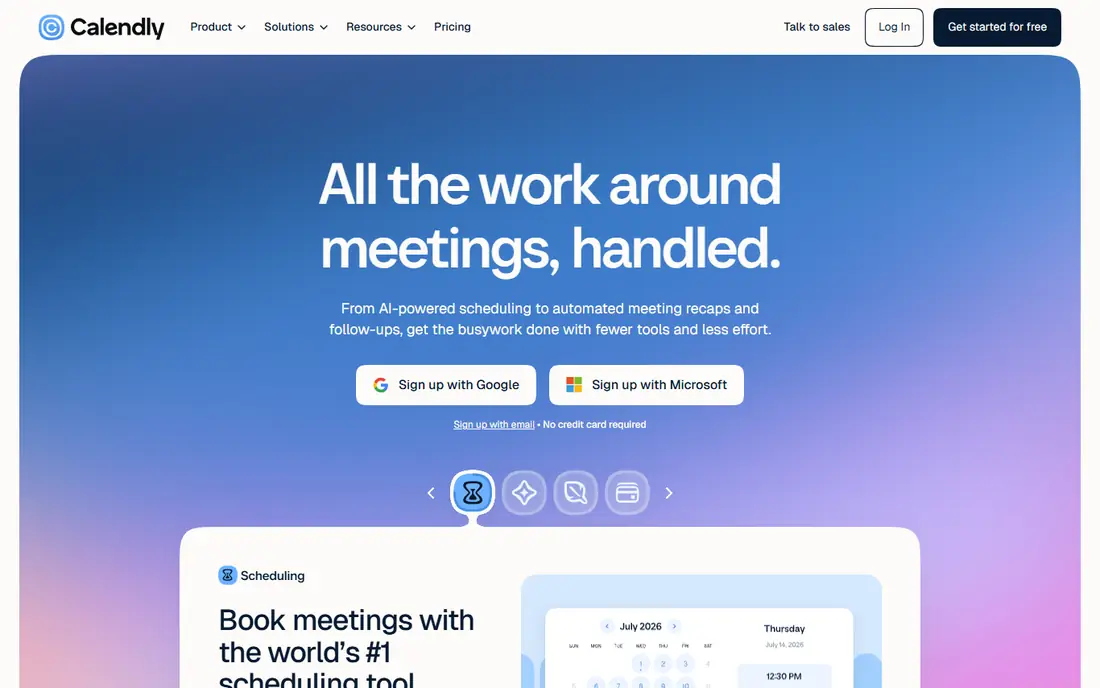
Calendly solves group scheduling from the host side. Instead of polling everyone, you publish a collective event or a round-robin link, and the group books the slot that works for the hosts. That model suits sales teams, hiring panels and client meetings, where the hosts set the options and guests just pick a time.
The free plan covers one event type and one connected calendar, which is enough for a solo user. Standard at $10 per seat per month adds more event types and integrations, while Teams adds round-robin and admin controls. Calendly is not the best pure poll tool, but for group booking it is the most polished option here.
- Clean booking links
- Group, round-robin and collective events
- Strong calendar integration
- Poll features are weaker than Doodle
- Team pricing adds up per seat

When2meet is the simplest tool on this list, and that simplicity is its strength. You create an event, share a link, and participants mark their availability on a grid. The darkest cells show the best times, and everyone can see the result without signing up. For a student group, a sports team or a one-off meetup, it is often all you need.
The limits are real. When2meet does not sync with calendars, send smart reminders or handle time zones as smoothly as paid tools, and the design is basic. For a free, fast group vote, those limits rarely matter. For recurring business scheduling, Doodle or Calendly will save more time.
- Completely free
- No account needed to vote
- Visual grid shows overlap clearly
- No calendar sync or reminders
- Basic design and limited features
Rallly is the best free Doodle alternative for polls. It offers a clean poll interface, lets participants vote without an account, and covers the core group scheduling job without ads or a forced upgrade. The open source nature also appeals to privacy-conscious teams that prefer a simpler data model.
Rallly does not try to be a booking platform, so it lacks booking pages, payments and deep calendar integrations. That focus is a strength for pure polls, and a limit for teams that also need client booking. For a free group poll with a modern design, Rallly is our pick.
- Free and open source
- No account needed to vote
- Clean poll design
- No booking links
- Fewer integrations than paid tools
Cal.com is an open source booking platform that covers group scheduling through collective and team events. Multiple hosts can share availability, guests can book a slot that works for everyone, and the free individual plan covers unlimited event types. That value is hard to match in a paid booking tool.
The trade is polish and polls. Cal.com is more technical to set up than Calendly, and its poll features are not as mature as Doodle or Rallly. For a team that wants booking links, team events and control over hosting, Cal.com is a strong and affordable choice. For pure polls, pair it with Rallly or When2meet.
- Free unlimited event types for individuals
- Team and collective events
- Self-hosting option
- Poll feature is limited
- Setup is more technical than Calendly
SavvyCal improves the booking link by showing the recipient their own calendar next to yours. That overlay reduces back and forth, since guests can see a slot that fits without switching apps. It supports single and multi-person events, team scheduling and a clean, professional booking page.
The limit is price and polls. SavvyCal starts at $12 per user per month, with a free trial but no permanent free plan, and it is not a poll tool. For client-facing booking where a smooth experience matters, the overlay is worth the cost. For a simple group vote, a free poll tool will be faster and cheaper.
- Recipients see availability over their own calendar
- Clean booking pages
- Good for group and team booking
- No permanent free plan
- Poll features are limited
Acuity Scheduling, now part of Squarespace Scheduling, suits service businesses that book groups and clients. You can offer group classes, appointments and packages, collect payments at booking, and send intake forms before the session. That mix makes it a good fit for coaches, clinics, studios and consultants who schedule groups for paid sessions.
The downside is fit for casual polls. Acuity is built for client booking, not for finding a free time among friends, so it is heavier than Doodle for a simple vote. Pricing varies by plan, so we list it as See website. For a business that needs booking plus payments, Acuity is one of the strongest options here.
- Booking pages with intake forms
- Payment collection
- Appointment packages and subscriptions
- Group polls are not the focus
- Pricing varies by plan
Microsoft Bookings is the practical choice for teams already on Microsoft 365. Staff get booking pages, customers can book services, and appointments sync with Outlook and Teams. Because it is included with many business plans, the incremental cost is often zero, which makes it hard to beat on value for a Microsoft shop.
The limits are flexibility and polls. Bookings is designed for service booking, not for group polls, and its pages are less customizable than Calendly or SavvyCal. For internal team scheduling, Microsoft also offers scheduling tools inside Outlook and Teams. For a Microsoft 365 team that needs client booking, Bookings is the natural first choice.
- Included with many Microsoft 365 plans
- Staff booking pages
- Teams integration
- No standalone free plan
- Less flexible than dedicated booking tools
YouCanBookMe offers a straightforward route to team booking pages. You connect a calendar, set availability and booking rules, and share a link for one-to-one or group bookings. It is easy to set up, it handles time zones, and it suits small teams that want a reliable booking page without a large platform.
The honest catch is design. YouCanBookMe works well, but its pages feel less modern than Calendly or SavvyCal, which matters for client-facing booking. Pricing varies by plan, so we list it as See website. For a small team that wants simple, dependable group booking, it is a solid and affordable option.
- Simple booking pages
- Calendar sync
- Team and group booking options
- Interface is less modern than rivals
- Pricing varies by plan
How we picked these
We compared official pricing pages, feature pages and app listings for group scheduling tools that are live in October 2026, and we kept only tools that support group polls, collective booking or team scheduling. We favored a mix of free poll tools and paid booking platforms, and we noted where a tool is best for polls versus booking links. Where pricing varied by plan or promotion, we wrote See website rather than guessing.
What to check before you choose
Start with the question you are actually asking. If the question is when can eight people meet, use a poll tool such as Doodle, Rallly or When2meet. If the question is when can a client book you, use a booking tool such as Calendly, Cal.com or SavvyCal. Mixing the two shapes is the most common source of frustration in group scheduling.
Time zones and reminders
Check time zone handling before a meeting with people in different regions, and check reminders and calendar invites. A tool that sends a clear invite with the right time zone will save more time than a tool with a longer feature list. Test with two accounts in different zones before a large event.
Keep voting simple
For polls, limit the options to a realistic set of times and set a clear deadline. Too many options splits the vote and delays a decision. For booking, limit event types to the meetings you actually offer, and keep the booking page short so guests can book in under a minute.
Frequently asked questions
What is the best group scheduling app?
Doodle is our pick for group polls, since participants can vote without an account. Calendly is our pick for group booking links, and When2meet and Rallly are the best free poll tools. The right choice depends on if you need a poll or a booking link.
What is the best free group scheduling app?
When2meet and Rallly are the best free options for polls, with no account needed to vote. Cal.com offers a strong free plan for booking links, and Doodle and Calendly offer useful free plans with limits. For a one-off group vote, start with When2meet or Rallly.
Is Doodle or Calendly better for groups?
Doodle is better when you need to find a time that works for many people, since it polls everyone and shows the overlap. Calendly is better when hosts set the times and guests book a slot, such as for sales calls or hiring panels. Many teams use both: Doodle for internal polls and Calendly for external booking.
Can group scheduling tools handle time zones?
Yes, most paid tools handle time zones well, and Calendly, SavvyCal and YouCanBookMe show times in the guest local zone. Free poll tools handle time zones less smoothly, so confirm the zone in the poll title and in the final invite for large groups.
Do participants need an account to vote?
Not on Doodle, When2meet or Rallly, which allow voting without an account. Booking tools usually require the host to have an account, but guests can book without one. That low friction is why poll tools work well for large, casual groups.
What is the best group scheduling tool for a business?
Calendly is the best all-around business choice, with team booking, round-robin and integrations. Microsoft Bookings is best for Microsoft 365 teams, and Acuity Scheduling is best for service businesses that need payments. For internal polls, Doodle remains the simplest business option.
Sources
See where you really rank - block by block
ProMapRanker scans Google Maps across a grid of your service area. Simple monthly plans from $19, white-label on every plan.
Start freeKeep reading
 zscaler alternatives
Best Zscaler Alternatives in 2026
Looking for zscaler alternatives? We compare 9 SASE and zero trust platforms on architecture, data protection, pricing, and fit for your network and team.
Read → zapier alternatives free
Best Zapier Alternatives Free in 2026
Nine automation tools for zapier alternatives free in 2026, all with genuinely free tiers, plus free plan limits, starting prices and upgrade paths explained.
Read → which platform is best for online reputation
Which Platform Is Best for Online Reputation in 2026
Wondering which platform is best for online reputation? We compare 8 review, listing, and response tools for small and multi-location businesses and agencies.
Read →